Badges update automatically and link to the resource pack page on MineUniverse.

OsoCraft is a Fan update of the popular OzoCraft 1.10 texture pack and the Fan update of OzoCraft (1.14.4)
(PROOF OF PERMISSION)
OzoCraft (Now OsoCraft) is my personal revival of the beloved Ozocraft texture pack that last saw an update way back in 1.14. As a long
time mega fan of this texture pack, I've decided to use my artistic skills to bring OzoCraft back to life!
I will NEVER take credit for the pack, I am merely an observer with too much time and love for this texture pack.
OPTIFINE REQUIRED
- Go to Video Settings, Details, and turn Alternate Blocks ON
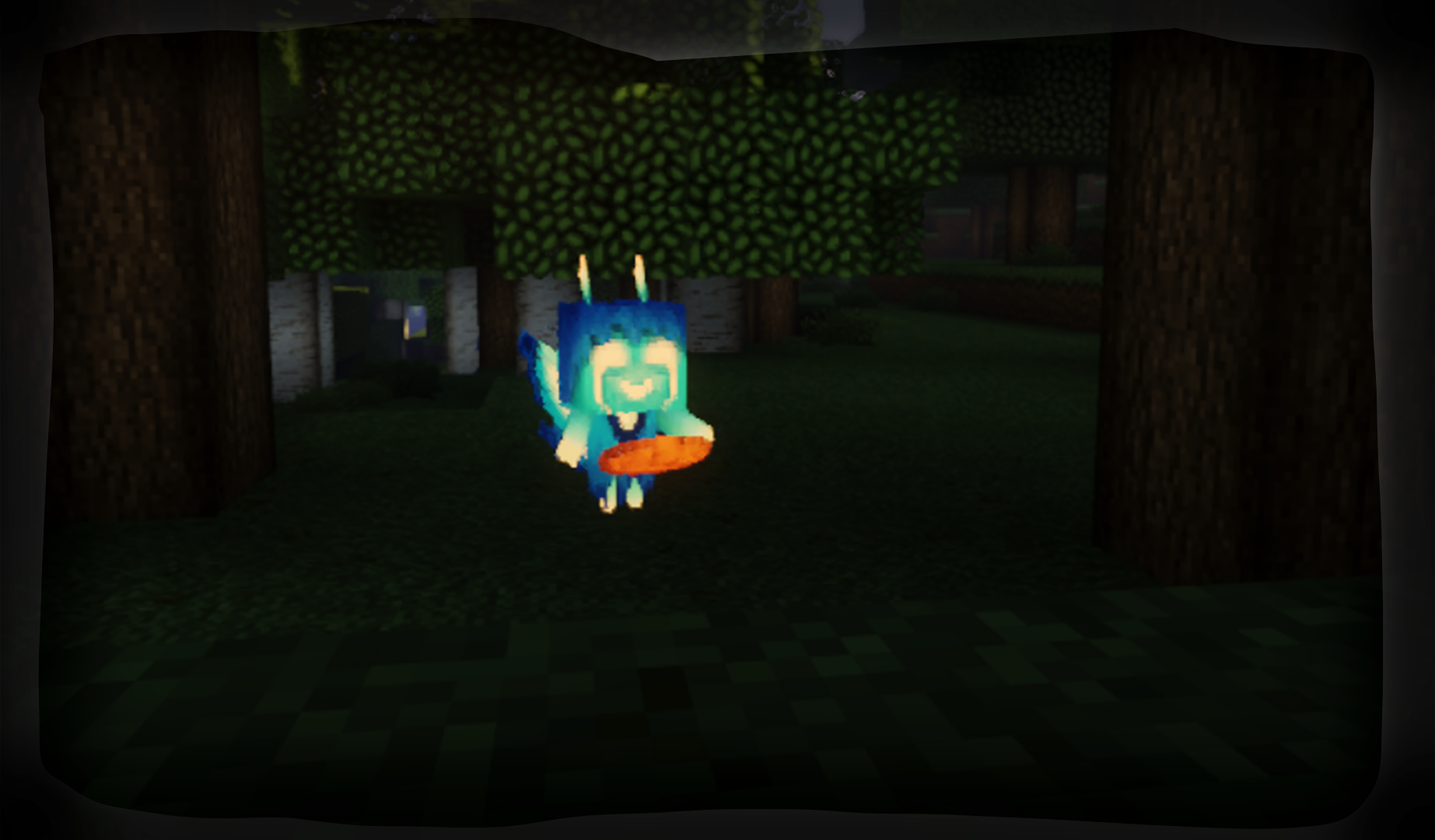
A few of the textures I made also come with models I've made and edited! Unfortunately, there is no "non customized mob" version of this pack, sorry!
Optifine Note: I am working on an Optifine free version of the pack but that is definitely a backburner project!

The Story:
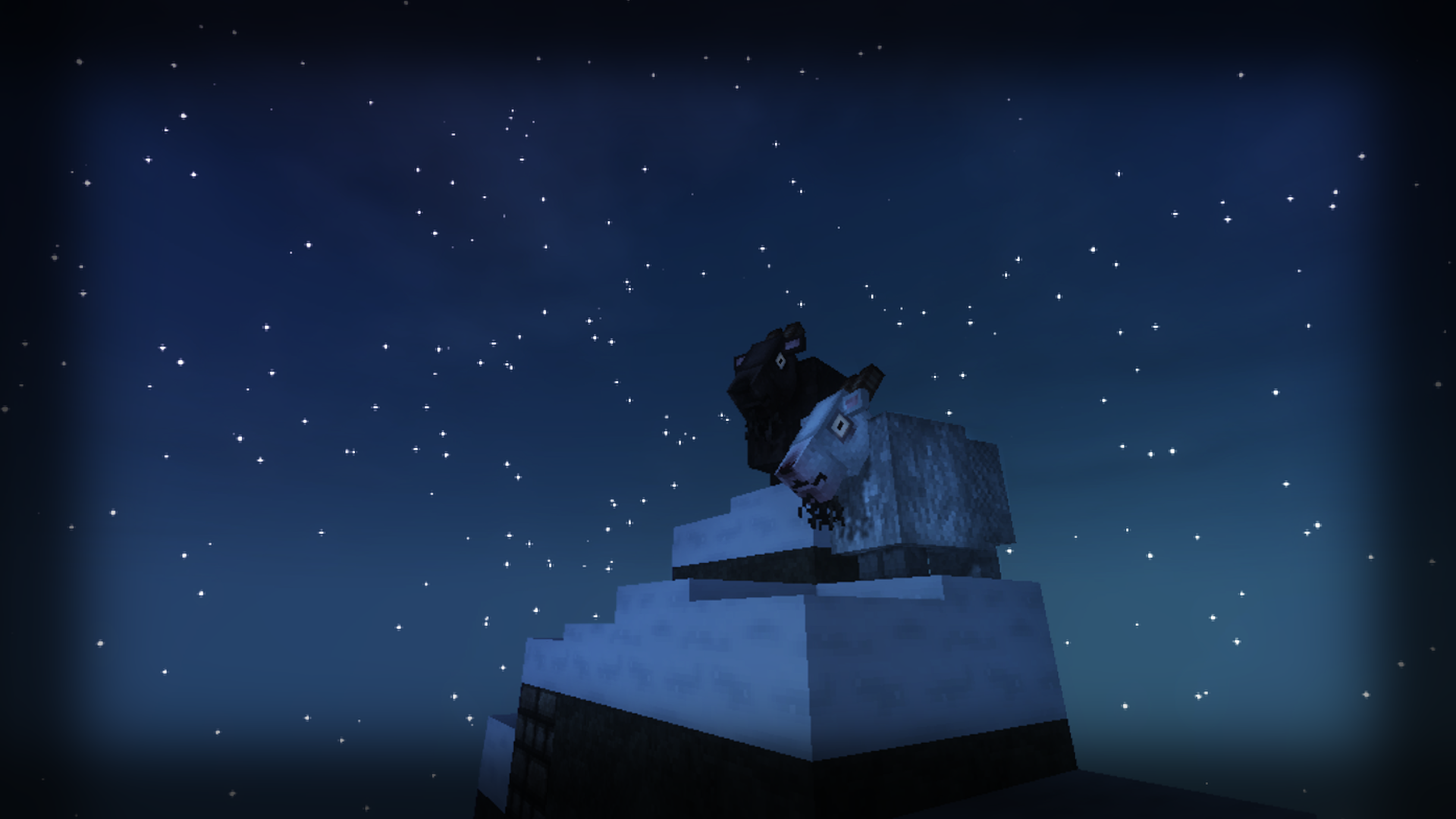
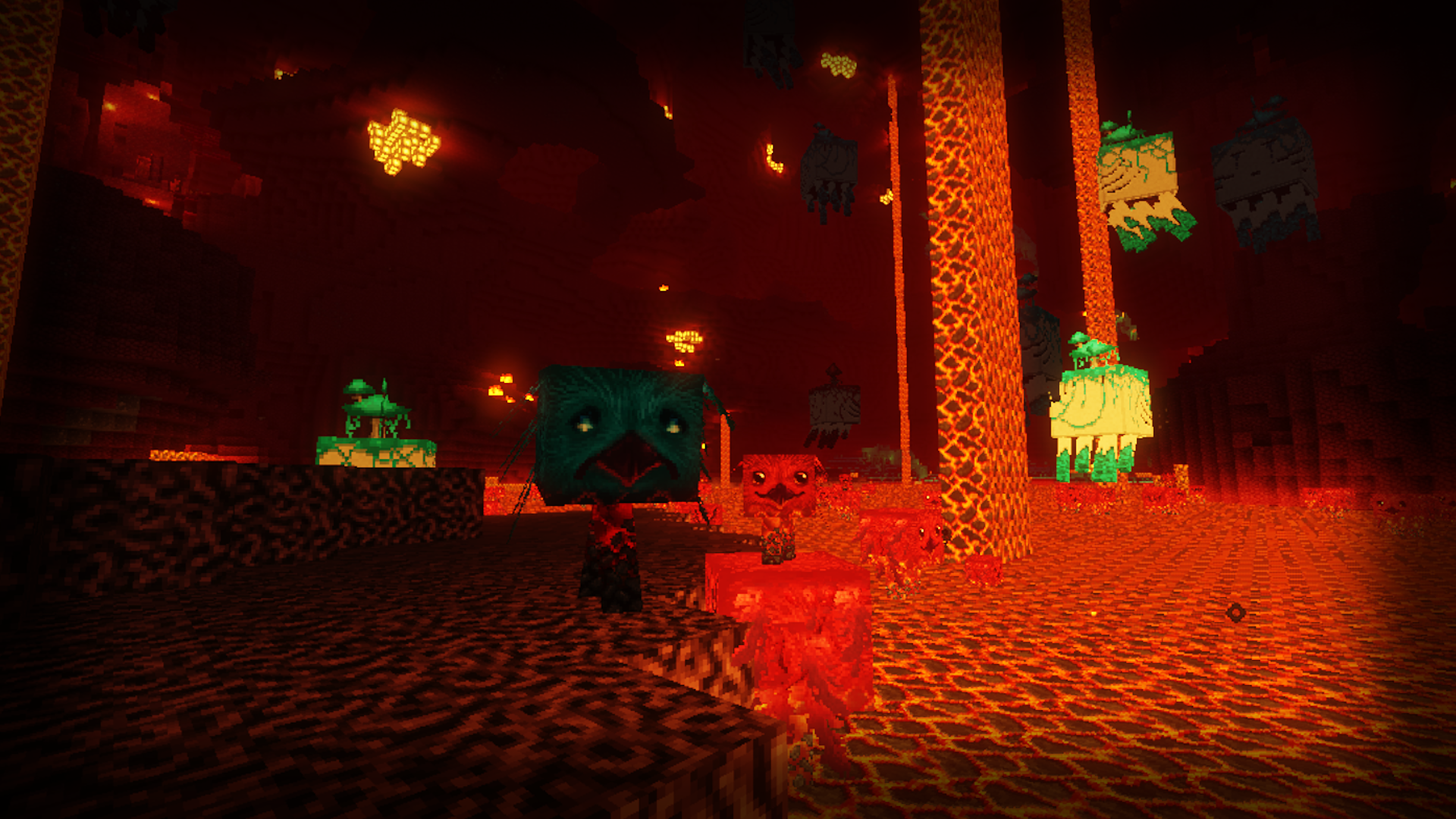
Back in 2020, I opened up Minecraft again after a few years of dormancy; the sudden urge to create a new world and see what's new struck, and I had to get back into it. All seemed well until I remembered that Ozocraft existed. I knew something was off with my experience; to get to the point, it was that I ALWAYS played with Ozocraft on, so the game looked strange without it. Come to find out, the pack had stopped being updated and was instead picked up by a fan who also wished to see it live on. I finally decided that I wanted to bring this pack back from the dead... what would an Axolotl look like with this pack? How about the new Pigmen and the Nether update?? What about goats and the Netherite weapon set?! Although I have little to no experience working in pixel art (I work in 2D and mostly 3D these days) I decided to dedicate a year into updating this pack, and I've done just that. Rather than keep this update of a beloved pack to myself, I want to share it with all fellow Ozocraft fans!
Credits to the original creator Ozo who will not be returning to Minecraft, and to Dawn_TM for keeping it alive until 1.14!
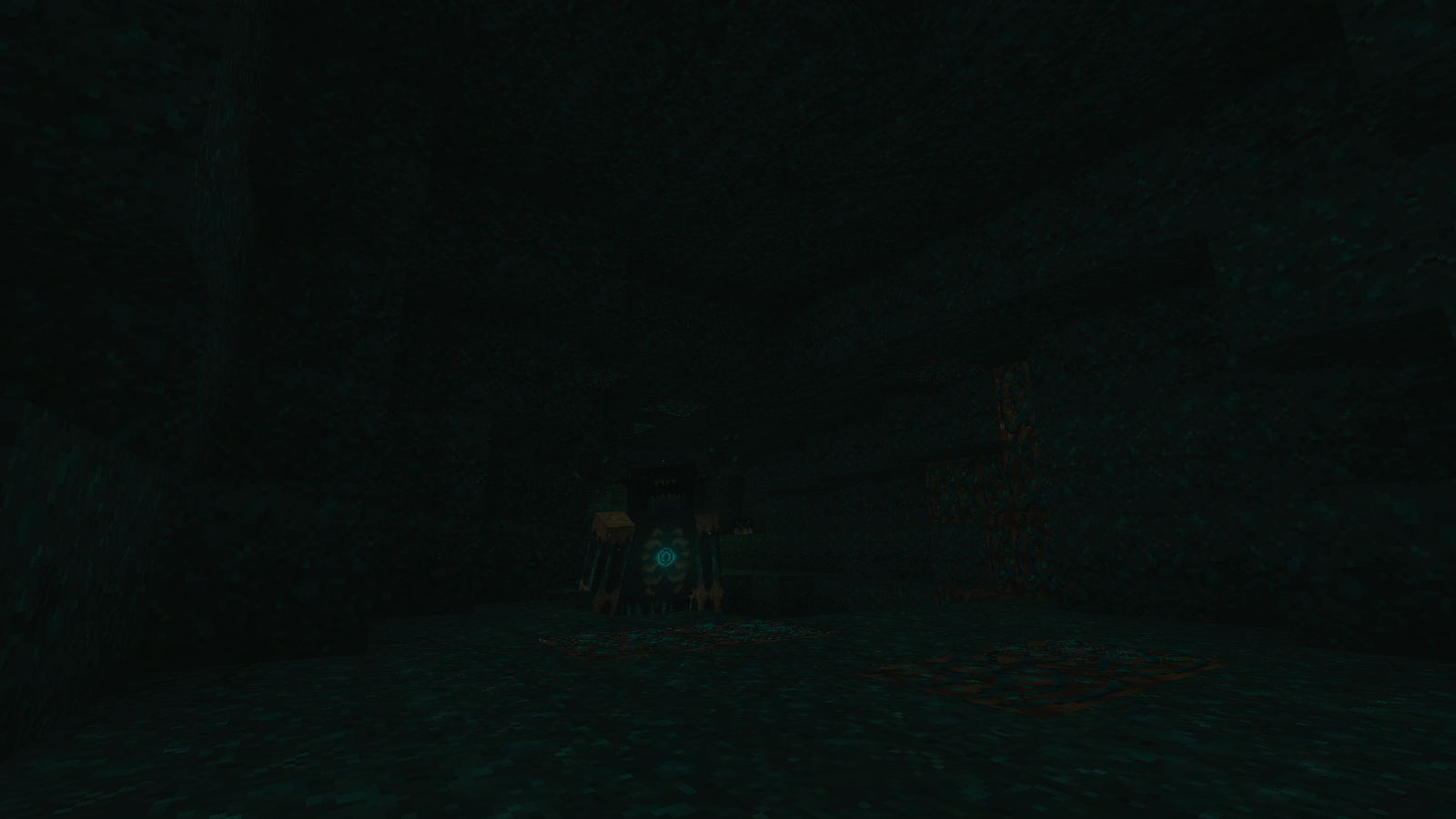
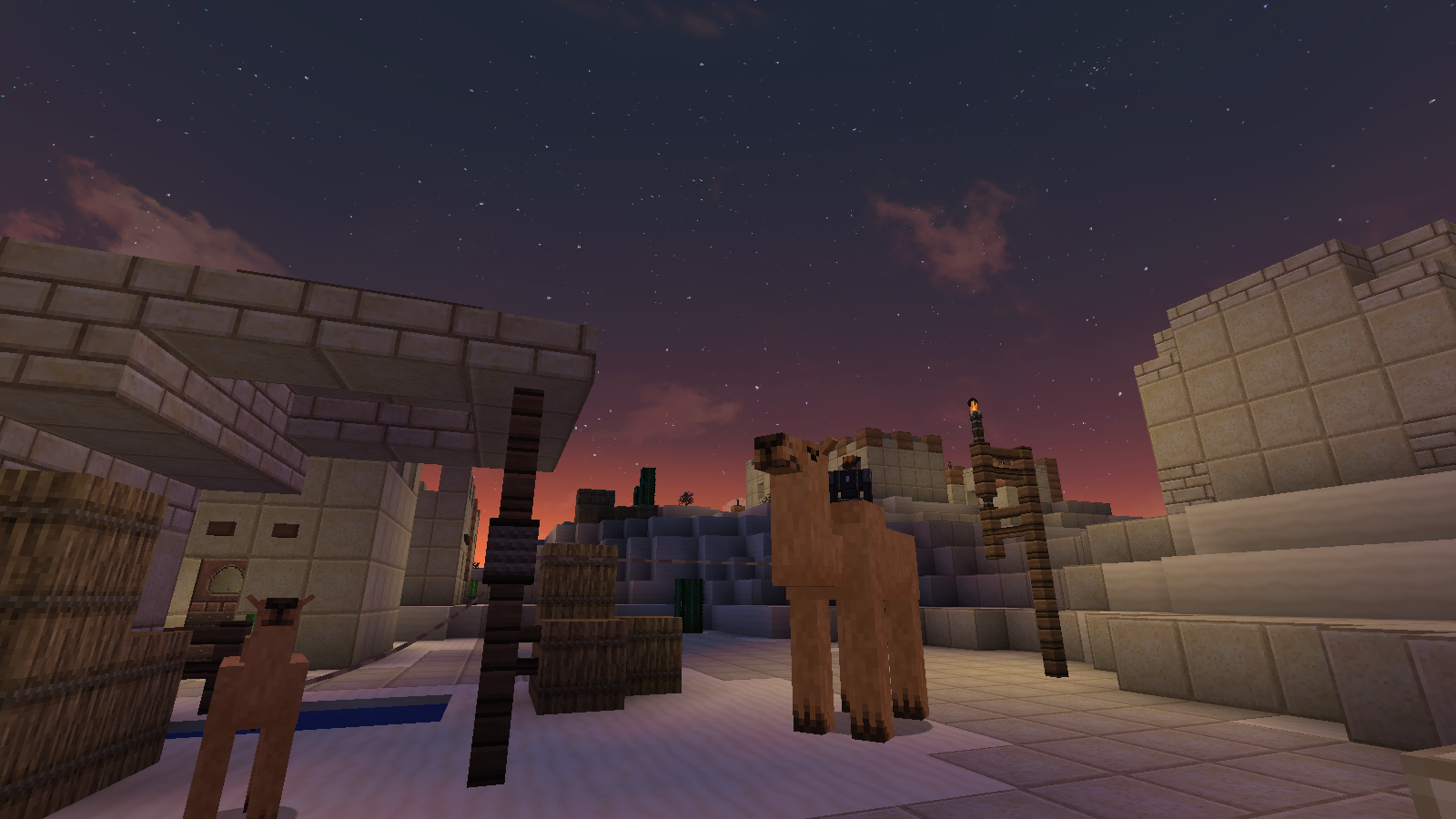
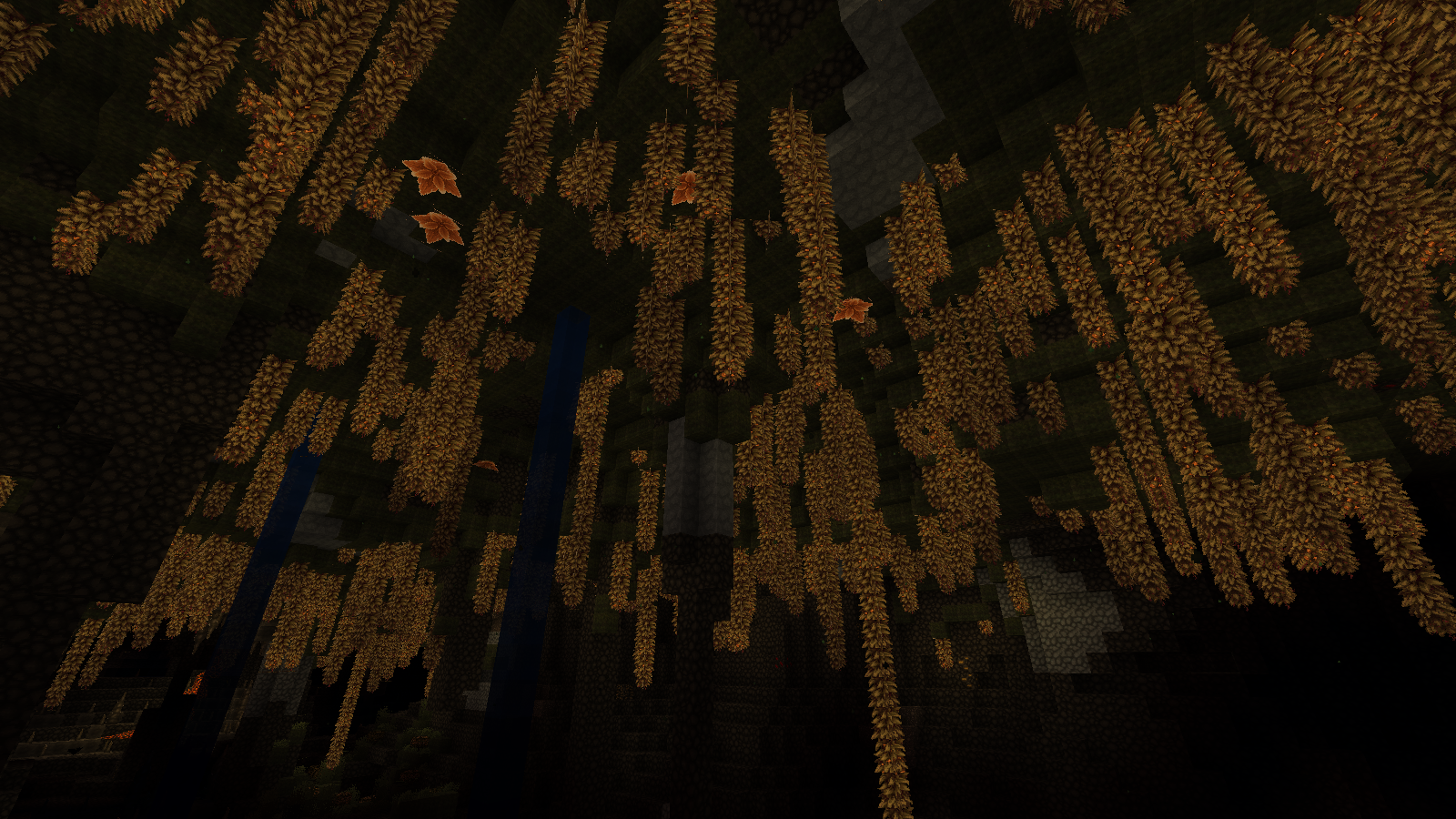
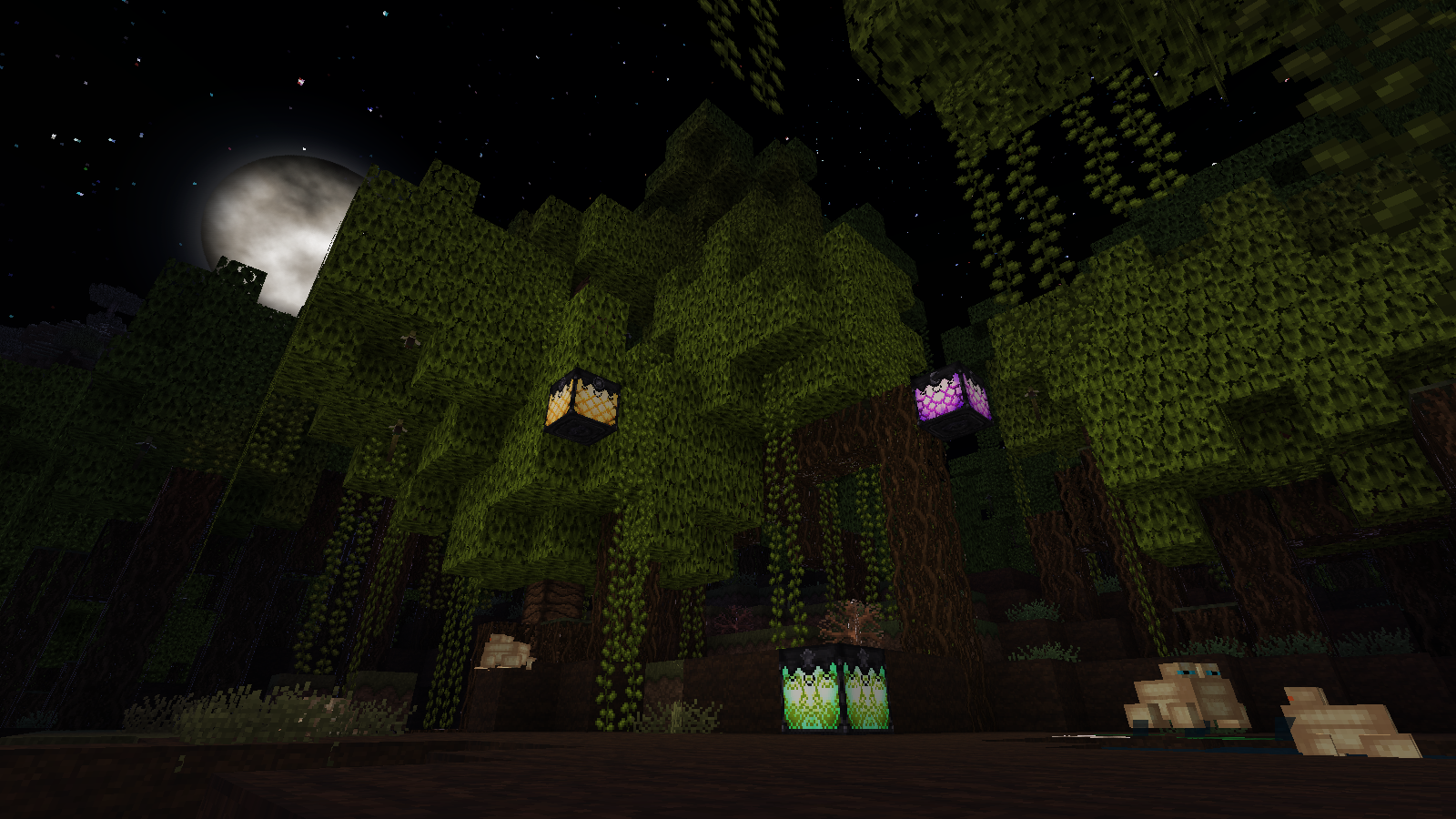
Changes made to the packs original versions include redone parrot textures, changed door sound, and 12 ALL NEW "cave sound" audios to match the updated skulk lore (and because the originals were ridiculously scary) along with many alternate textures of blocks and even custom 3D models of some items like candles and the spyglass!
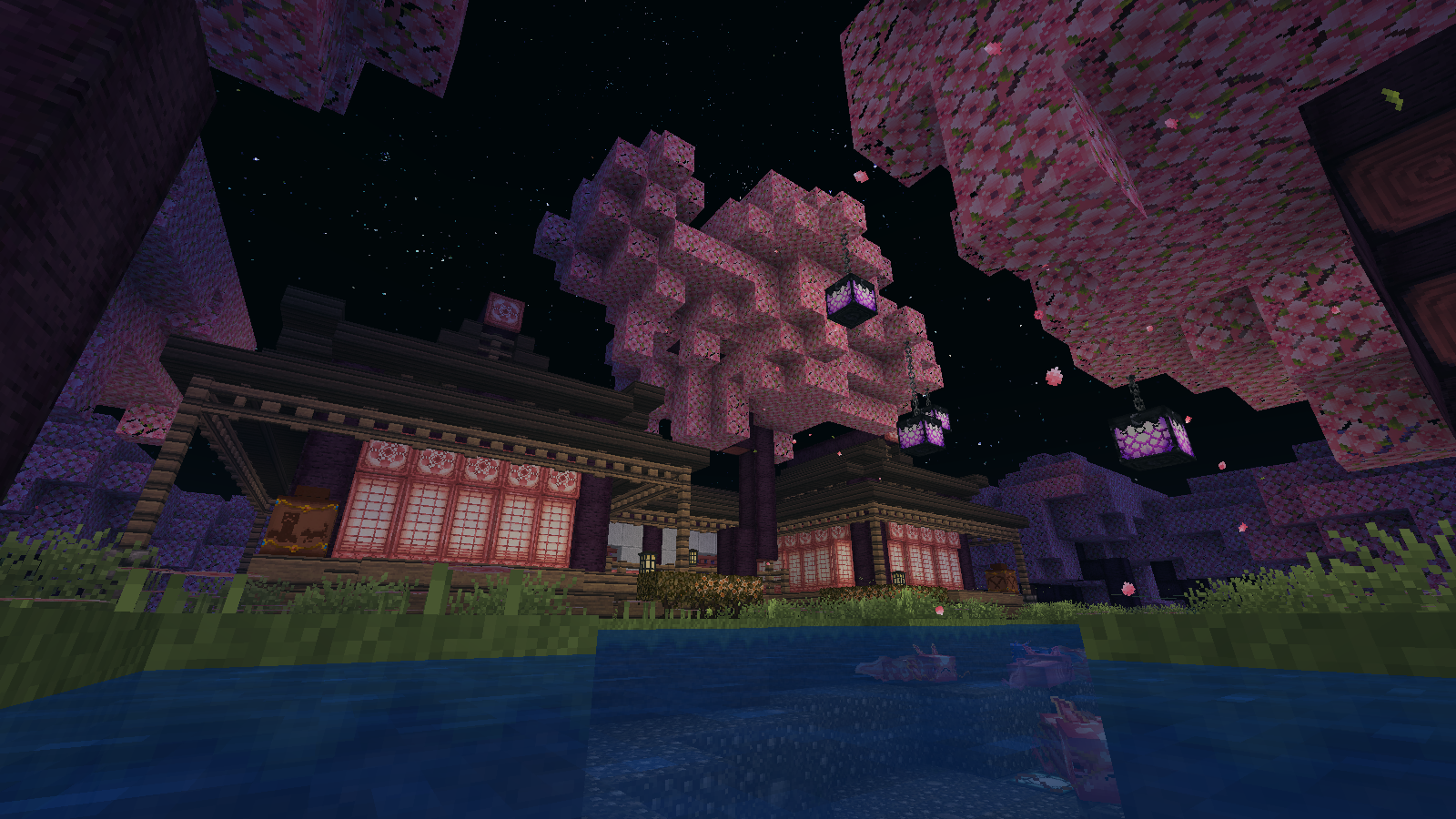
1.20 Note: I'm going to leave the armor trims incomplete for now as they are taking up a lot of time to make; I should also note that I updated some blocks, mainly the Azalea's to be gold instead of pink since I feel there's enough pink with the new cherry blocks.
 Note that my take on the pack is darker then I'm sure was originally intended. My intention is for the textures to get scarier and more detailed the 'deeper' you go through the game; while pigs and sheep are cutesy, the nether is a whole lot uglier, and the deep dark- forget about it!
If you love Ozocraft but don't like my take on it or want some options, check out Aeonix_Aeon's version of Ozocraft!