Mineuniverse
Resource Packs
osmium armour

osmium armour

RESOURCE PACK
The custom armour pack for the osmium Minecraft server
by springles1234
Download Claim this project
864 downloads
0 likes
Updated Oct 14, 2026
0 hypes
16x Miscellaneous
Advertisement Remove ads with Premium →

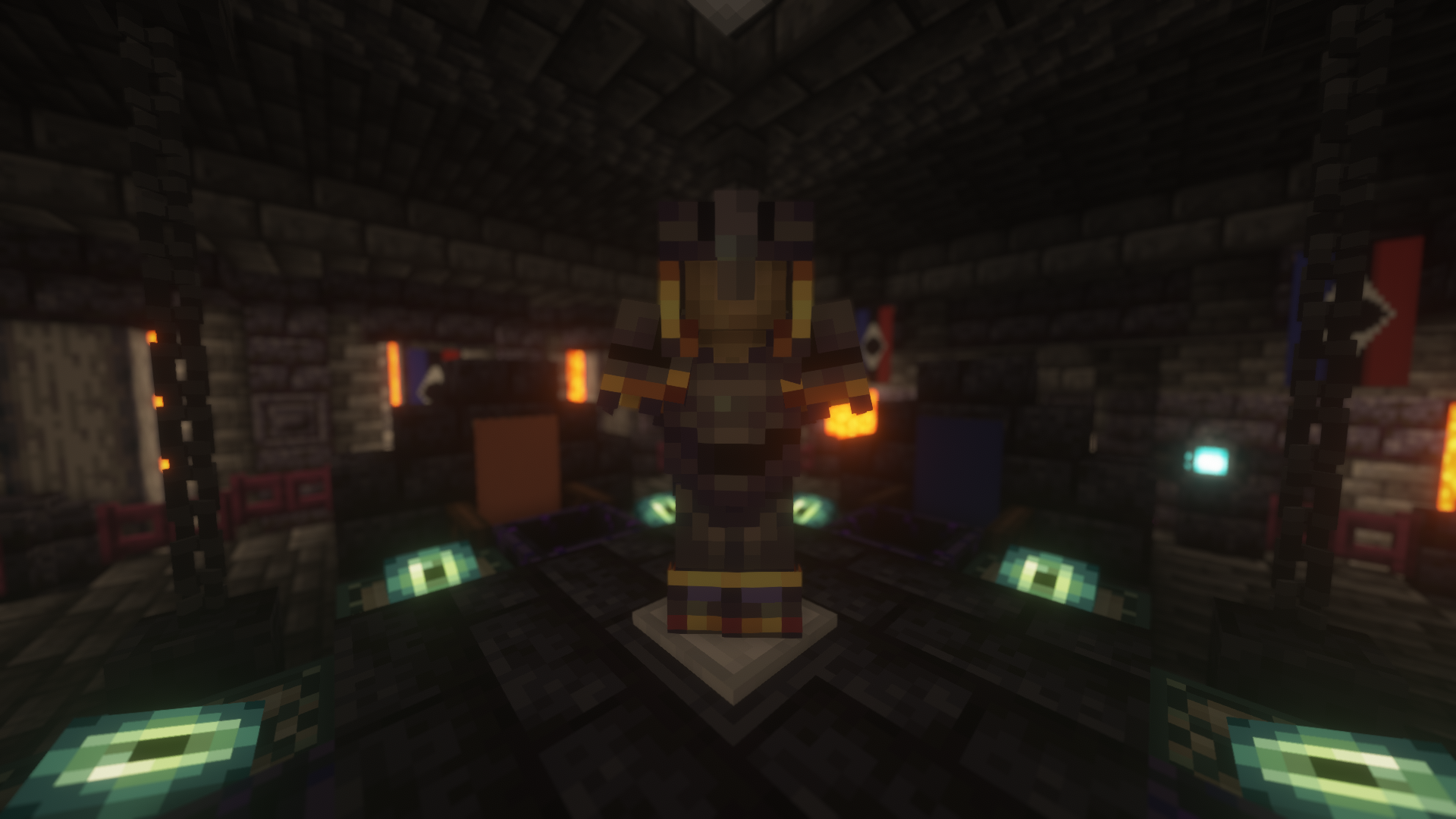
A small resource pack I made to represent the factions of the Osmium craft server to change armour designs based on the name of the item in an anvil.

IMPORTANT: This resource pack REQUIRES OPTIFINE. If you use this on VANILLA or some other rendering mod, IT WILL NOT WORK.

If you are using Optifine and this resource pack doesn't work, navigate to Options > Video Settings > Quality and turn on Custom Items

This resource pack should be functional for all versions between 1.16 to the current version

Current items changed:

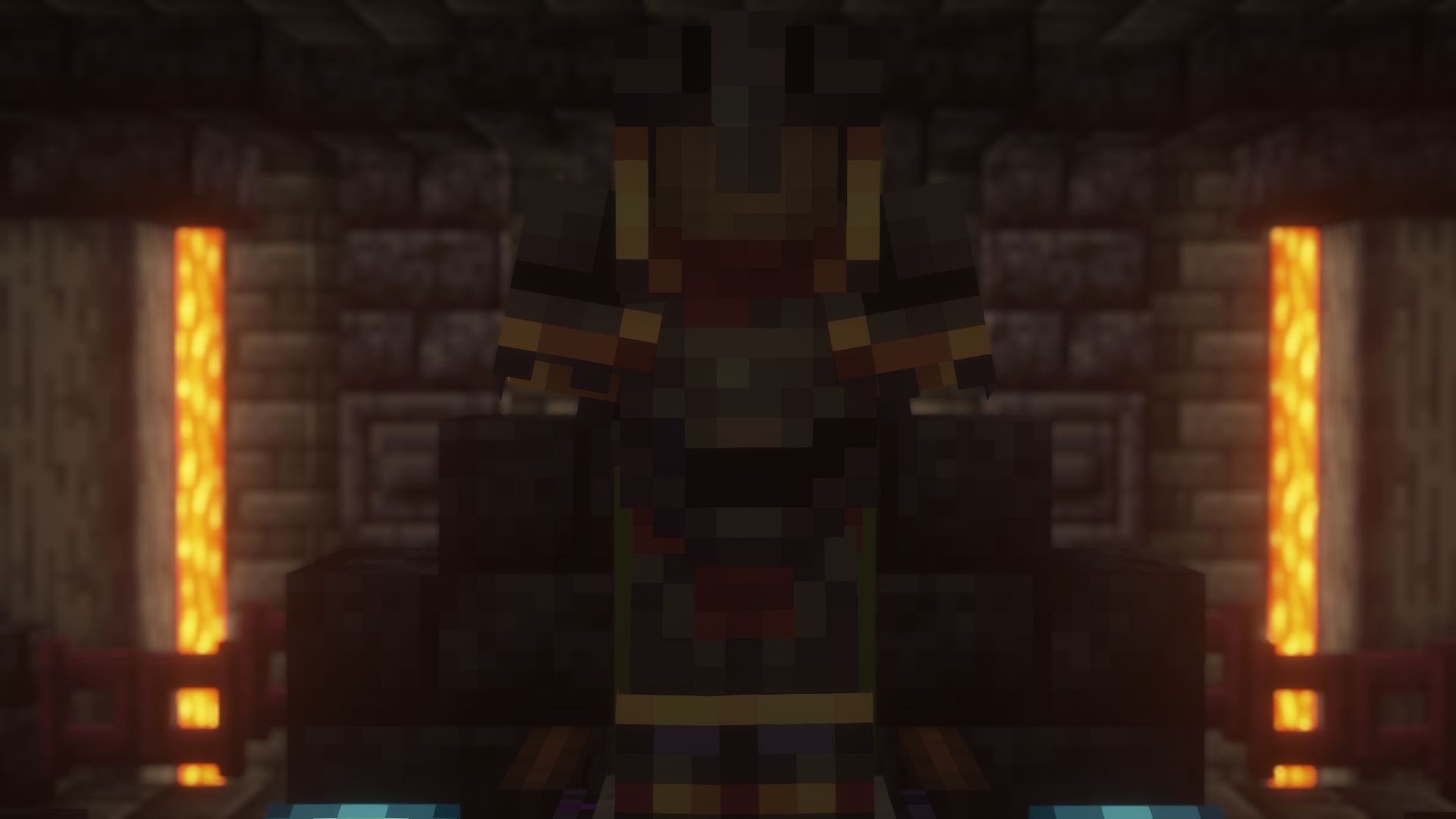
  • Netherite Armour with names including "obscurum" will have gold engravements and obsidian accents
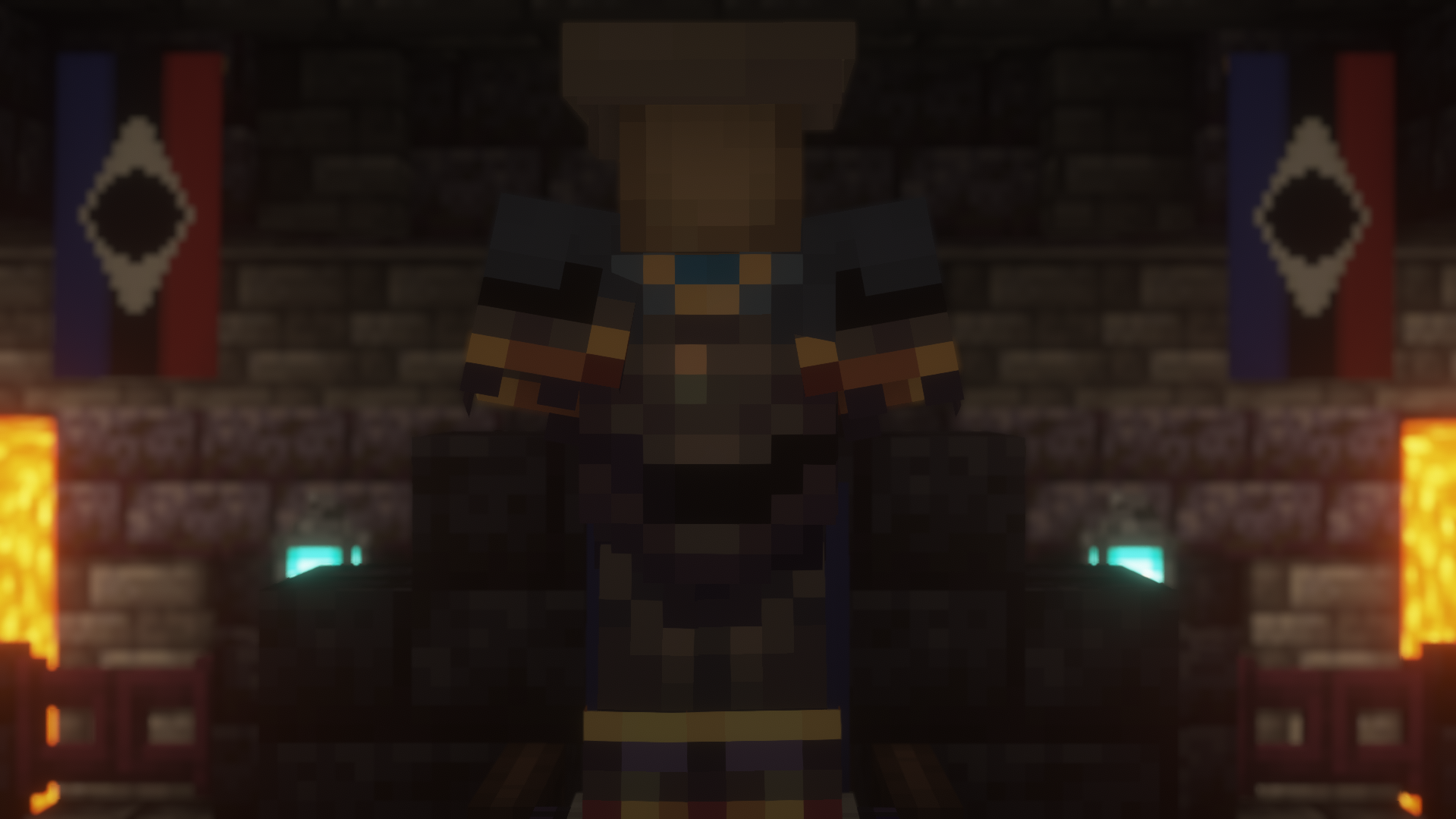
  • Netherite Armour with names including "cool" will include a blue cloth around the neck and shoulders along with blue coat tails and a vive la france from tf2
  • Netherite Armour with names including "bone" will include a white collar and class emblems on the shoulders along with blue accents and a police motorcycle styled helmet
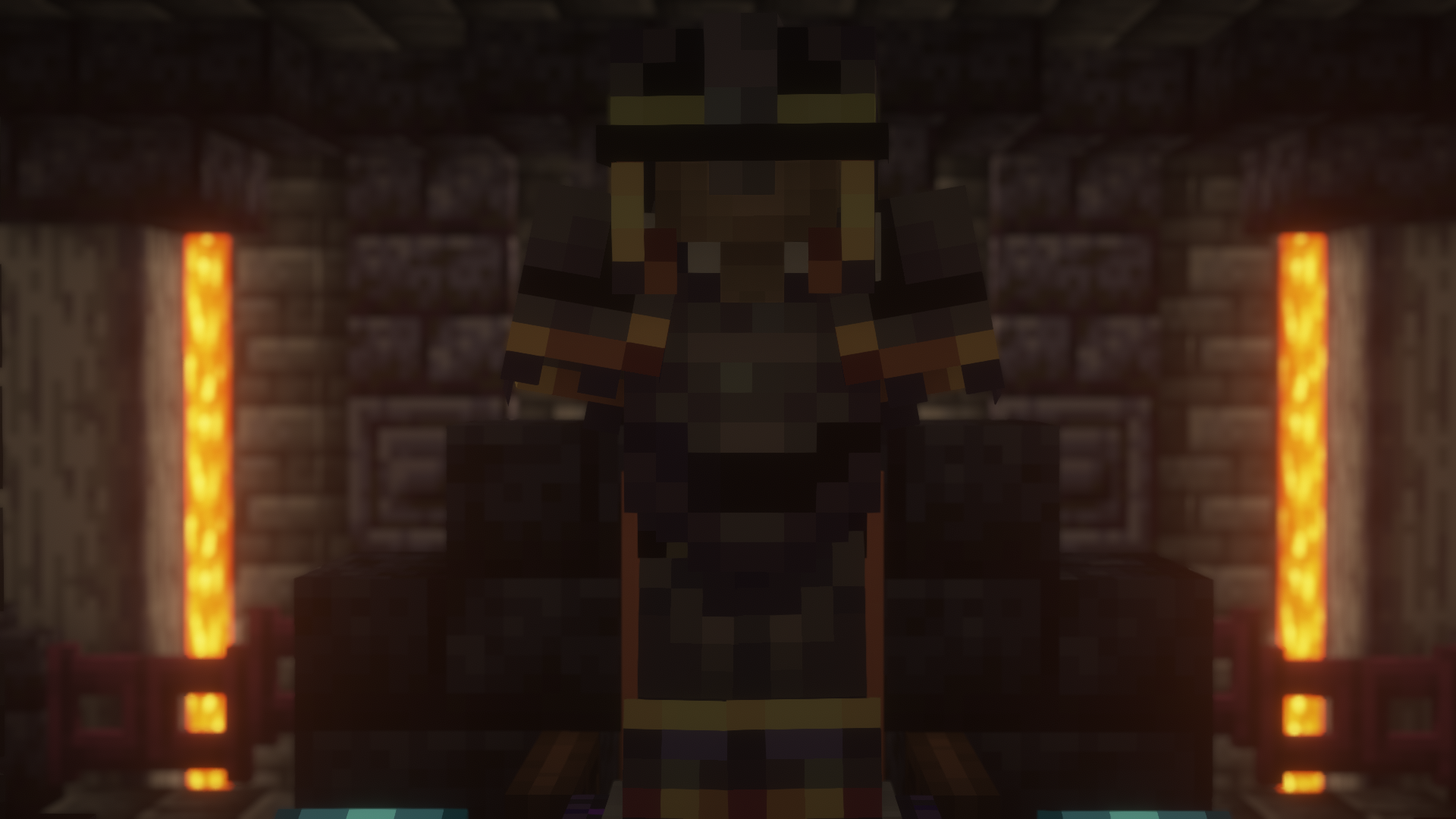
  • Netherite Armour with names including "beheaded" will include a scarf around the neck and waist of the armour
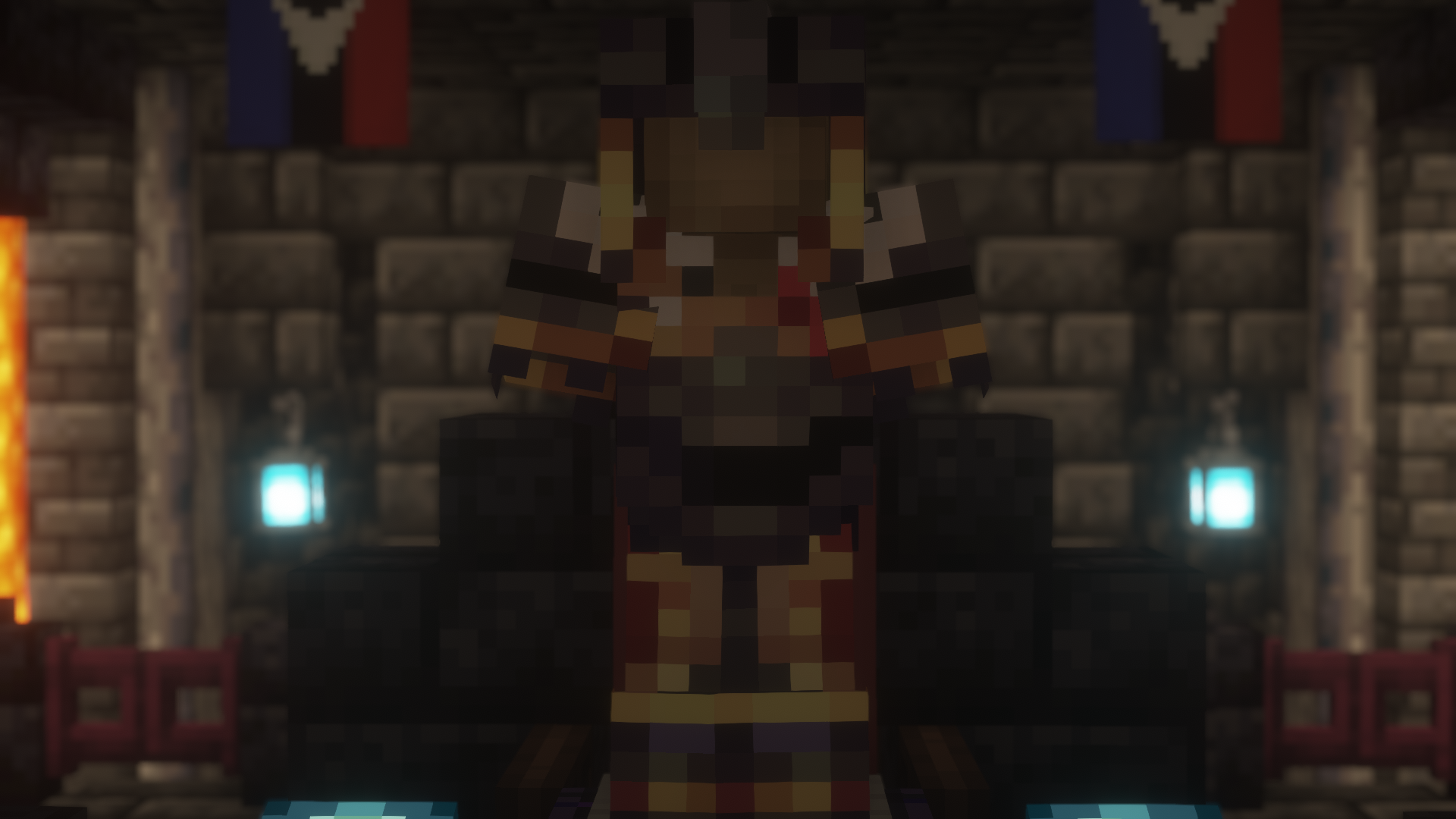
  • Netherite Armour with the names "kings" helmet, "monarch" chestplate, "prince" leggings and "sovereign" boots will include a reduced nose guard along with a cape accent on the chestplate and cape extending down the leggings


If you want to join the server or have an armour/item added to the texture pack you can contact me through my planet Minecraft account

osmium armour pack.zip
MC 1.17.1, 1.16.3, 1.16.1, 1.18.1, 1.17, 1.16, 1.19-Snapshot, 1.16.5, 1.18.2, 1.19.2, 1.19.1, 1.17-Snapshot, 1.18, 1.16.4, 1.18-Snapshot, 1.16.2, 1.19
Release 2022-08-15 Get

Requirements & install

How to use this resource pack in Minecraft
Resolution
16x
Minecraft
1.18-Snapshot – 1.19.2
Install folder
.minecraft/resourcepacks

How to install resource packs

  1. Download the resource pack .zip file (do not extract it).
  2. In Minecraft open Options → Resource Packs → Open Pack Folder.
  3. Drop the .zip into the resourcepacks folder (.minecraft/resourcepacks).
  4. Move the pack to the Selected column and click Done.
Browse more: 16x resource packs 32x resource packs 64x resource packs 128x resource packs 256x resource packs 512x+ resource packs Resource Packs for 1.19.2 All resource packs
Advertisement Remove ads with Premium →

You Might Also Like