Mineuniverse
Resource Packs
Oshi no ko pack

Oshi no ko pack

RESOURCE PACK
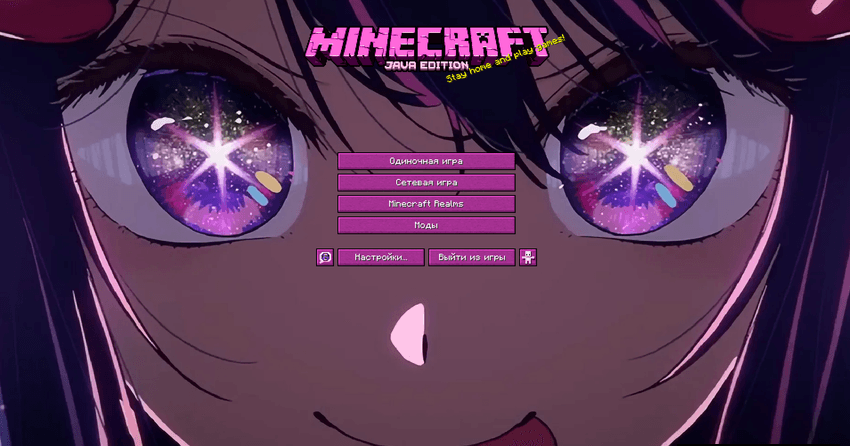
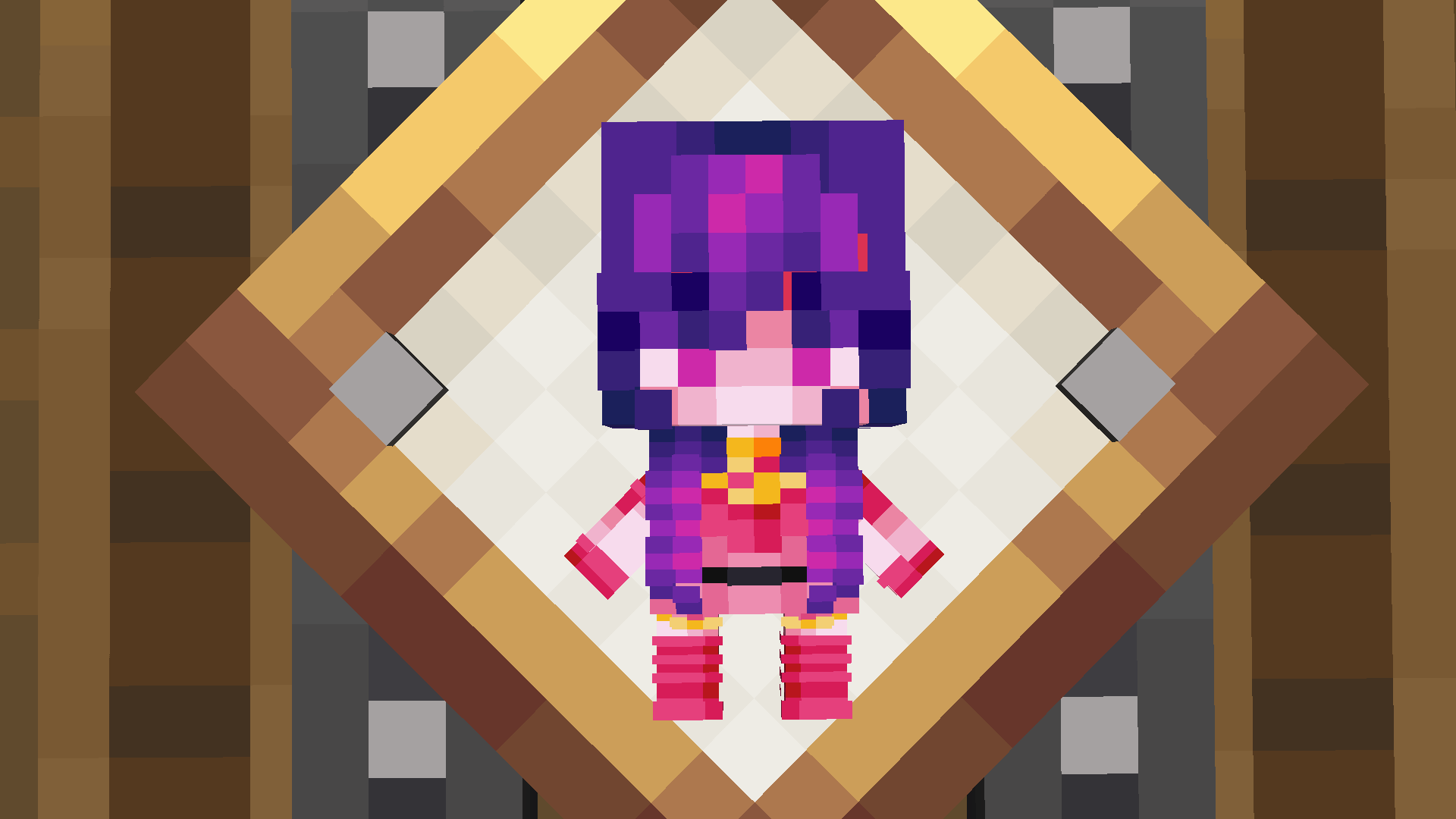
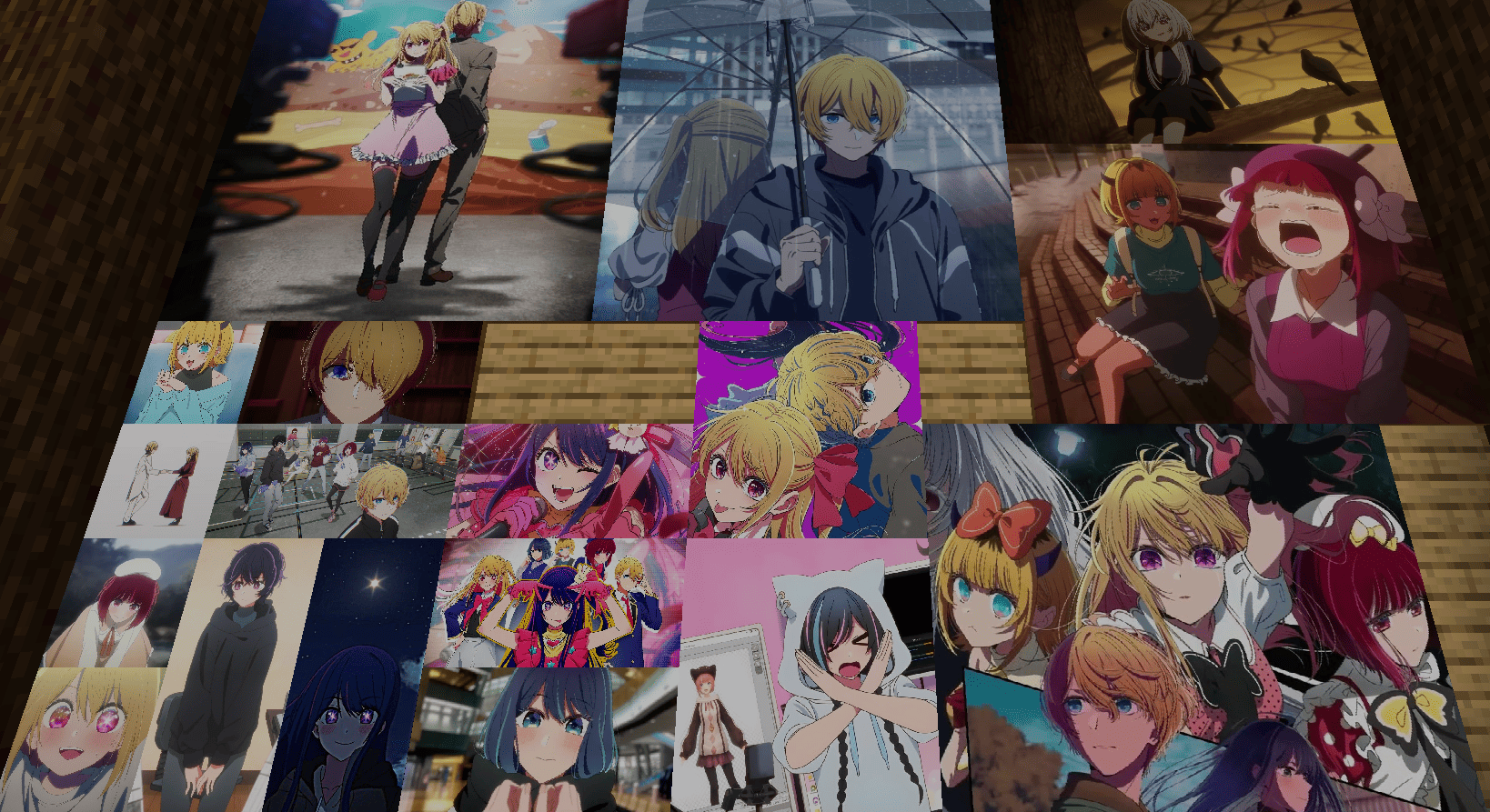
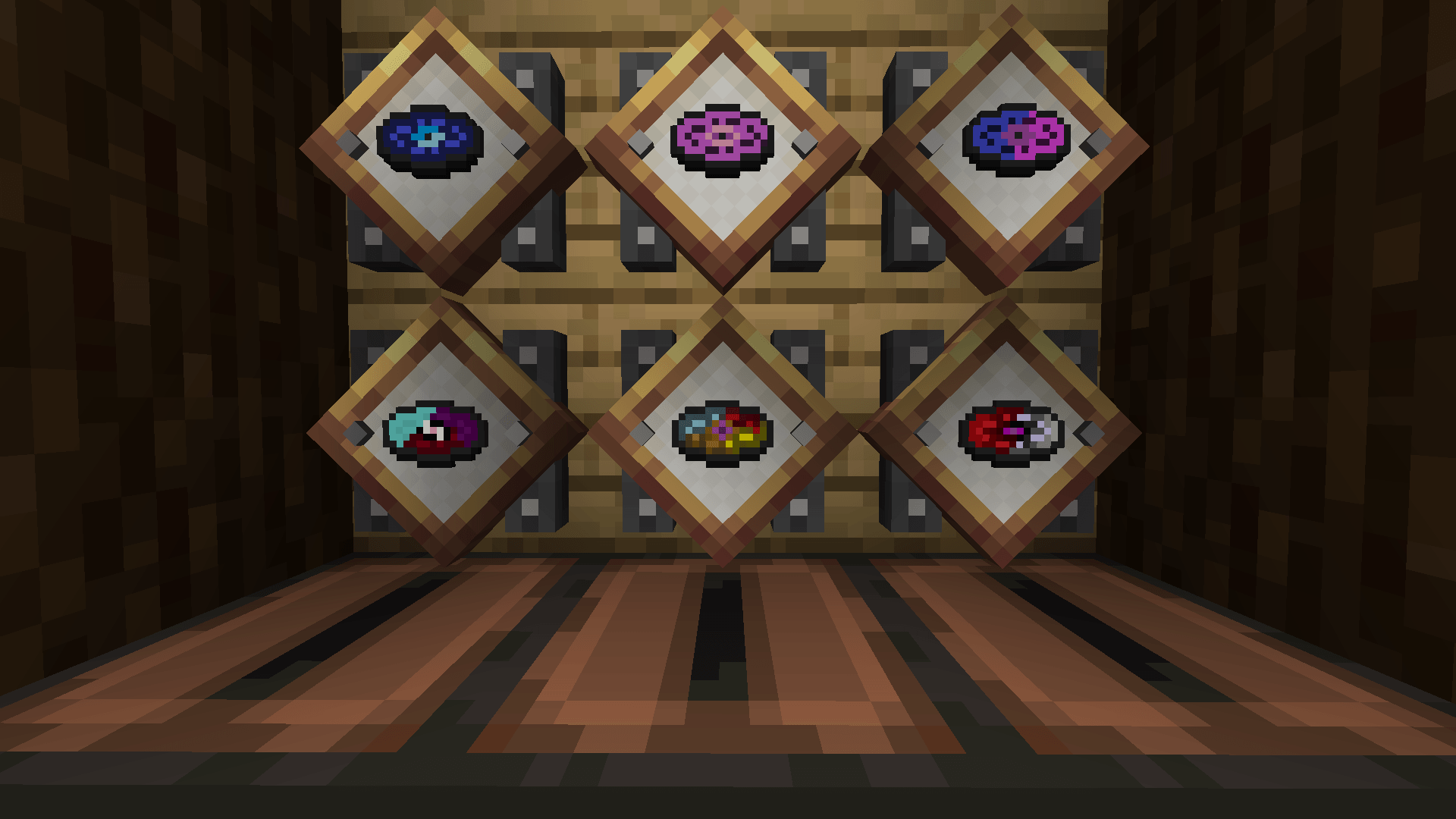
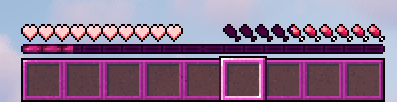
an exclusive 3D immortality totem with a themed model and unique sound, twelve paintings of your favorite characters, three music albums with original anime soundtracks, and a stylish interface design
by Xleba_ed
Download Claim this project
3,826 downloads
0 likes
Updated Oct 14, 2026
0 hypes
16x Miscellaneous
Advertisement Remove ads with Premium →

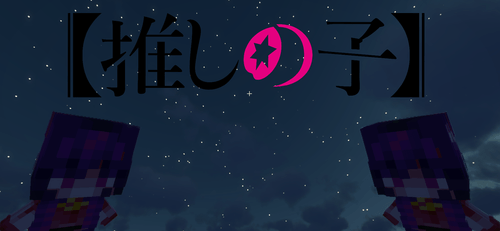
Oshi no Ko Texture Pack — Anime-Inspired Atmosphere

This texture pack is created for fans of the anime "Oshi no Ko" who want to bring its vibrant colors, music, and unique aesthetic into the game.

Features
- Redesigned interface in the signature "Oshi no Ko" color palette
- Custom models and sound effects
- Atmospheric visuals inspired by the anime

ncluded Content
Exclusive 3D immortality totem** with a themed model and unique sound
- 18 paintings** featuring popular characters
- 6 music albums** with original anime soundtracks
- Stylish UI** inspired by the visual identity of "Oshi no Ko"


 Atmosphere
Every element is crafted to reflect the mood and energy of the anime, from the bright color scheme to the immersive soundtrack.

HosinoAITotem V3 1.7.10-1.21.1.zip
MC 1.17.1, 1.21, 1.18.1, 1.16.5, 1.10.2, 1.9.4, 1.14.4, 1.20.1, 1.21.1, 1.7.10, 1.15.2, 1.19.2, 1.11.2, 1.8.9, 1.13.2, 1.12.2, 1.21.10
Release 2026-03-20 Get
Oshi no ko pack 2.0
MC 1.16.3, 1.13.1, 1.9.3, 1.8.7, 1.16-Snapshot, 1.17.1, 1.9.1, 1.15-Snapshot, 1.16.1, 1.18.1, 1.14.3, 1.15, 1.16, 1.13, 1.19-Snapshot, 1.7.3, 1.16.5, 1.10.2, 1.19.3, 1.19.4, 1.8.8
Release 2025-10-12 Get
HosinoAITot.1.7.10-1.20.1.zip
MC 1.16-Snapshot, 1.17.1, 1.9.1, 1.16.3, 1.13.1, 1.9.3, 1.8.7, 1.21.2-Snapshot, 1.21, 1.21.6-snapshot, 1.15-Snapshot, 1.16.1, 1.18.1, 1.19.4-Snapshot, 1.20.5, 1.21.5, 1.10-Snapshot
Release 2025-10-09 Get

Requirements & install

How to use this resource pack in Minecraft
Resolution
16x
Minecraft
1.20.1 – 1.21.10
Install folder
.minecraft/resourcepacks

How to install resource packs

  1. Download the resource pack .zip file (do not extract it).
  2. In Minecraft open Options → Resource Packs → Open Pack Folder.
  3. Drop the .zip into the resourcepacks folder (.minecraft/resourcepacks).
  4. Move the pack to the Selected column and click Done.
Browse more: 16x resource packs 32x resource packs 64x resource packs 128x resource packs 256x resource packs 512x+ resource packs Resource Packs for 1.21.10 All resource packs
Advertisement Remove ads with Premium →

You Might Also Like