Mineuniverse
Resource Packs
Original Craggy Patterns 32x

Original Craggy Patterns 32x

RESOURCE PACK
32x retexture overhaul
by SlimyCat
Download Claim this project
27 downloads
0 likes
0 followers
Updated Oct 14, 2026
0 hypes
Follow0
32x Miscellaneous Traditional
Advertisement Remove ads with Premium →

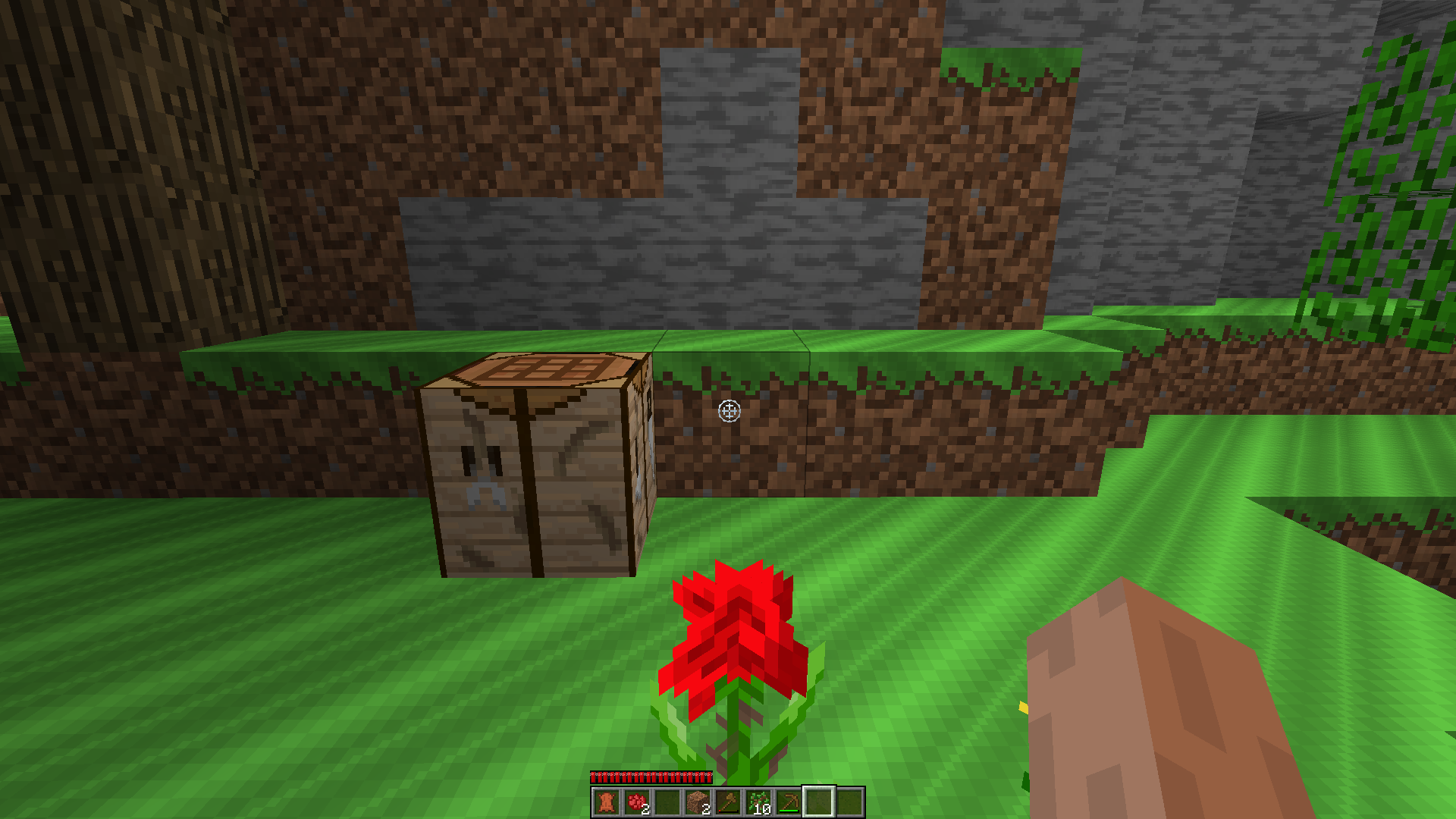
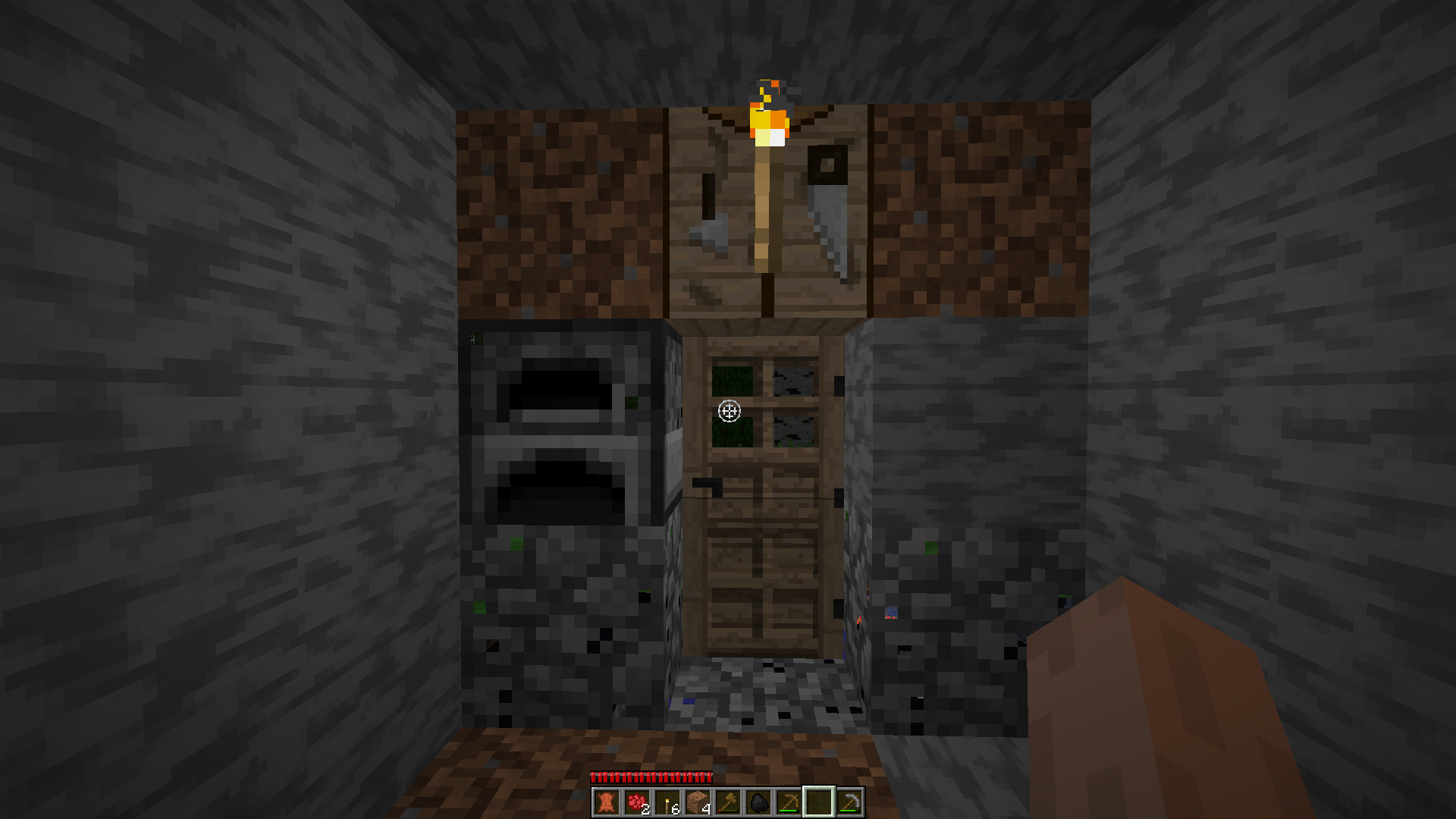
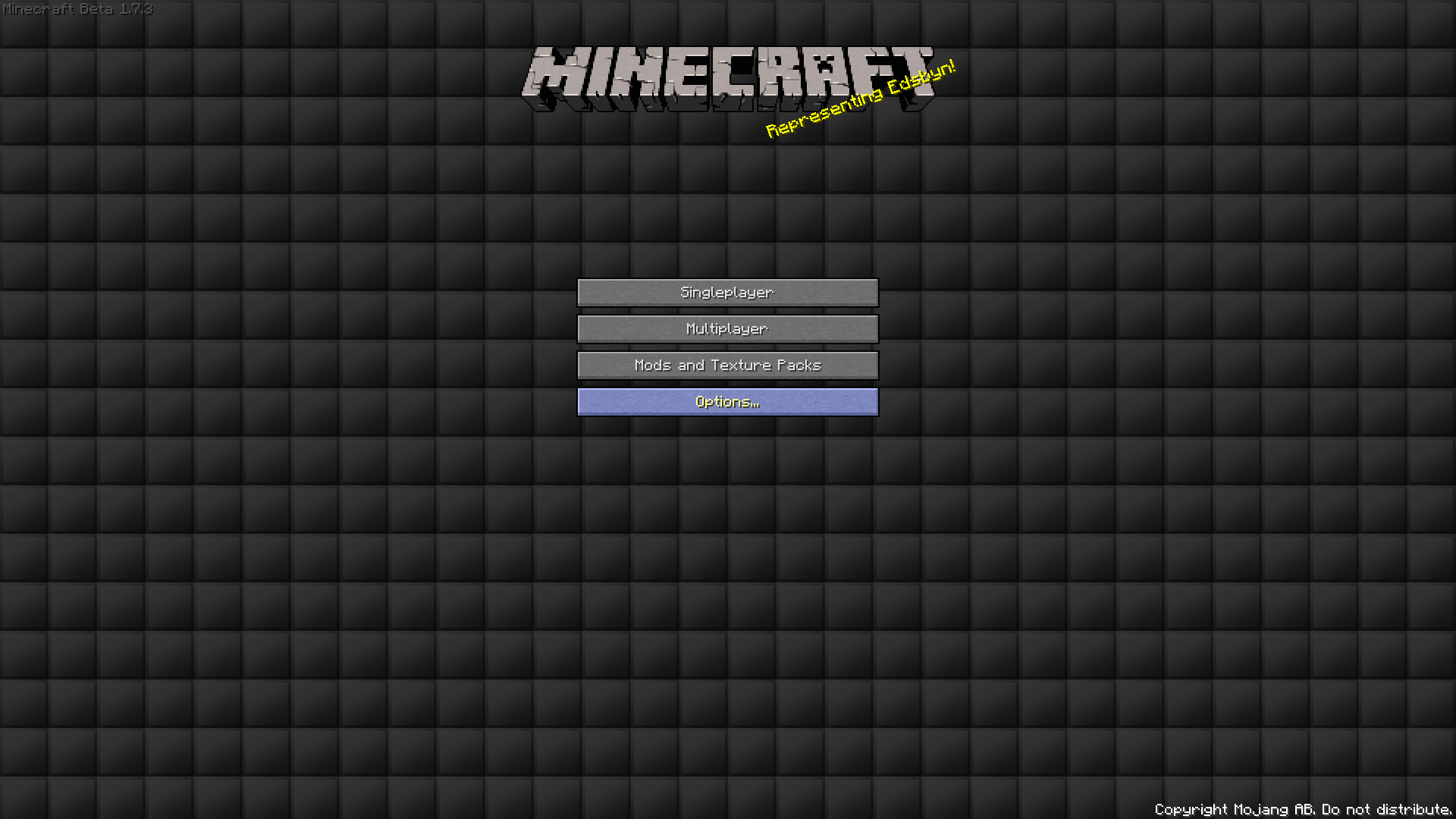
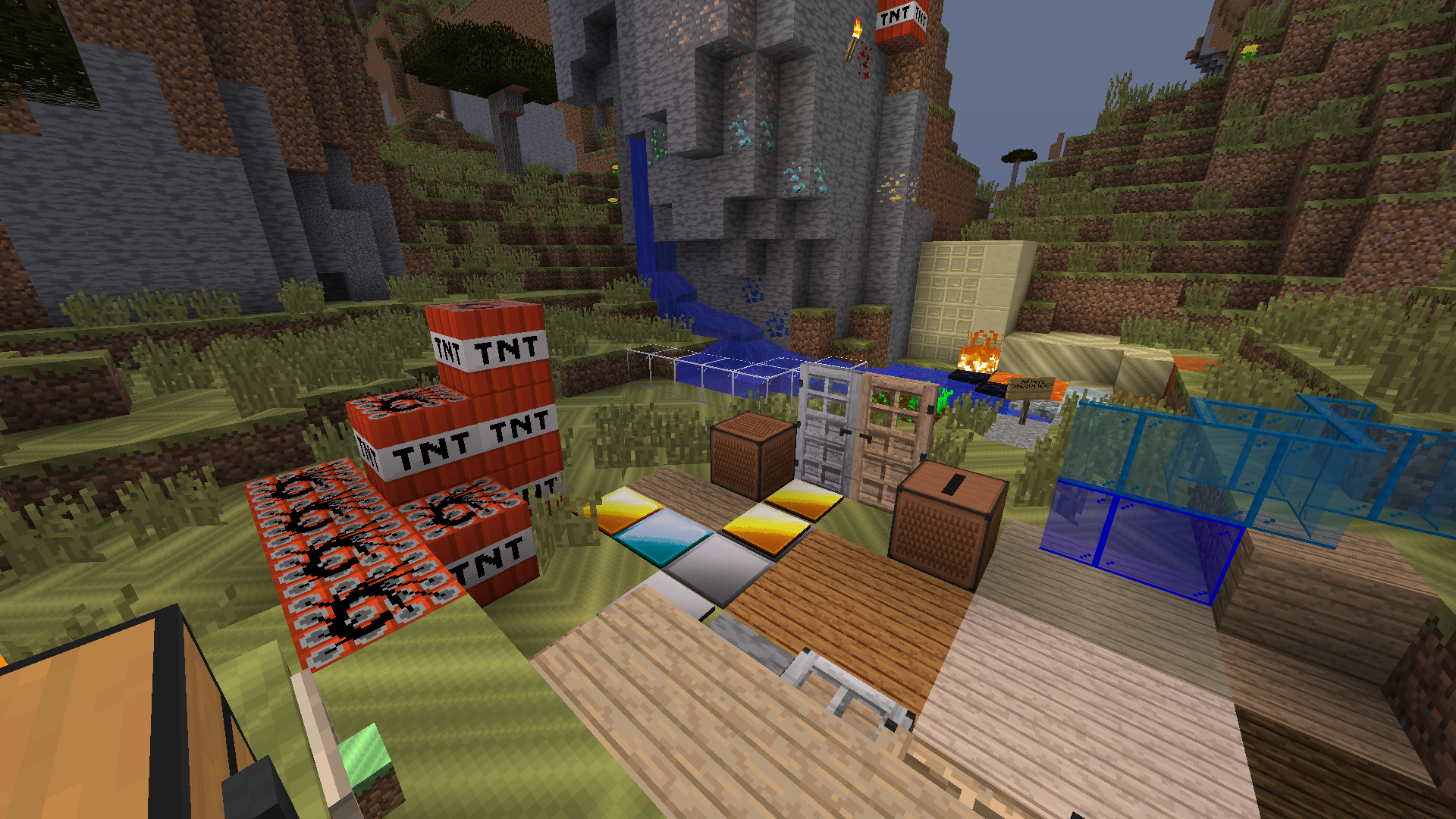
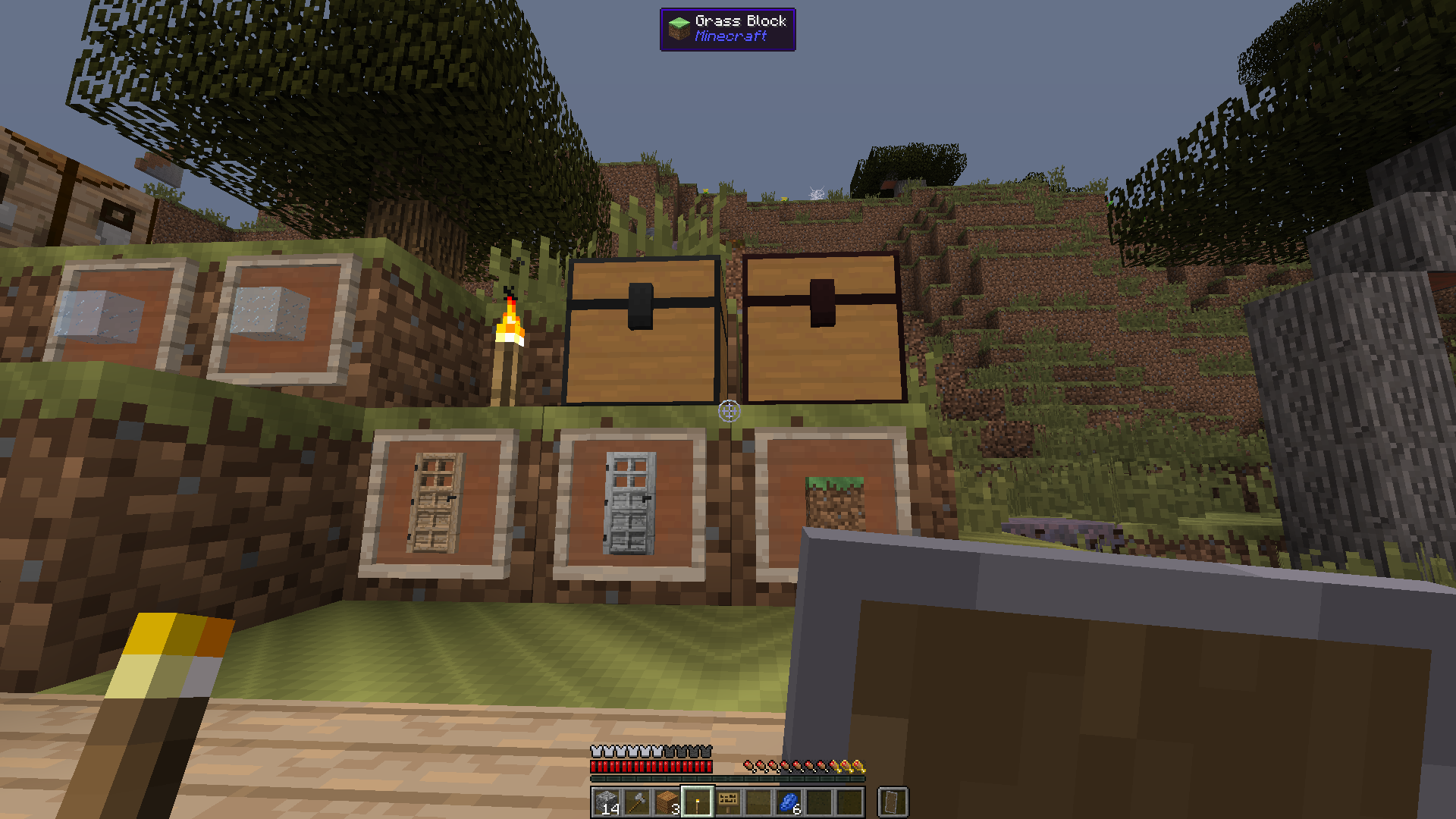
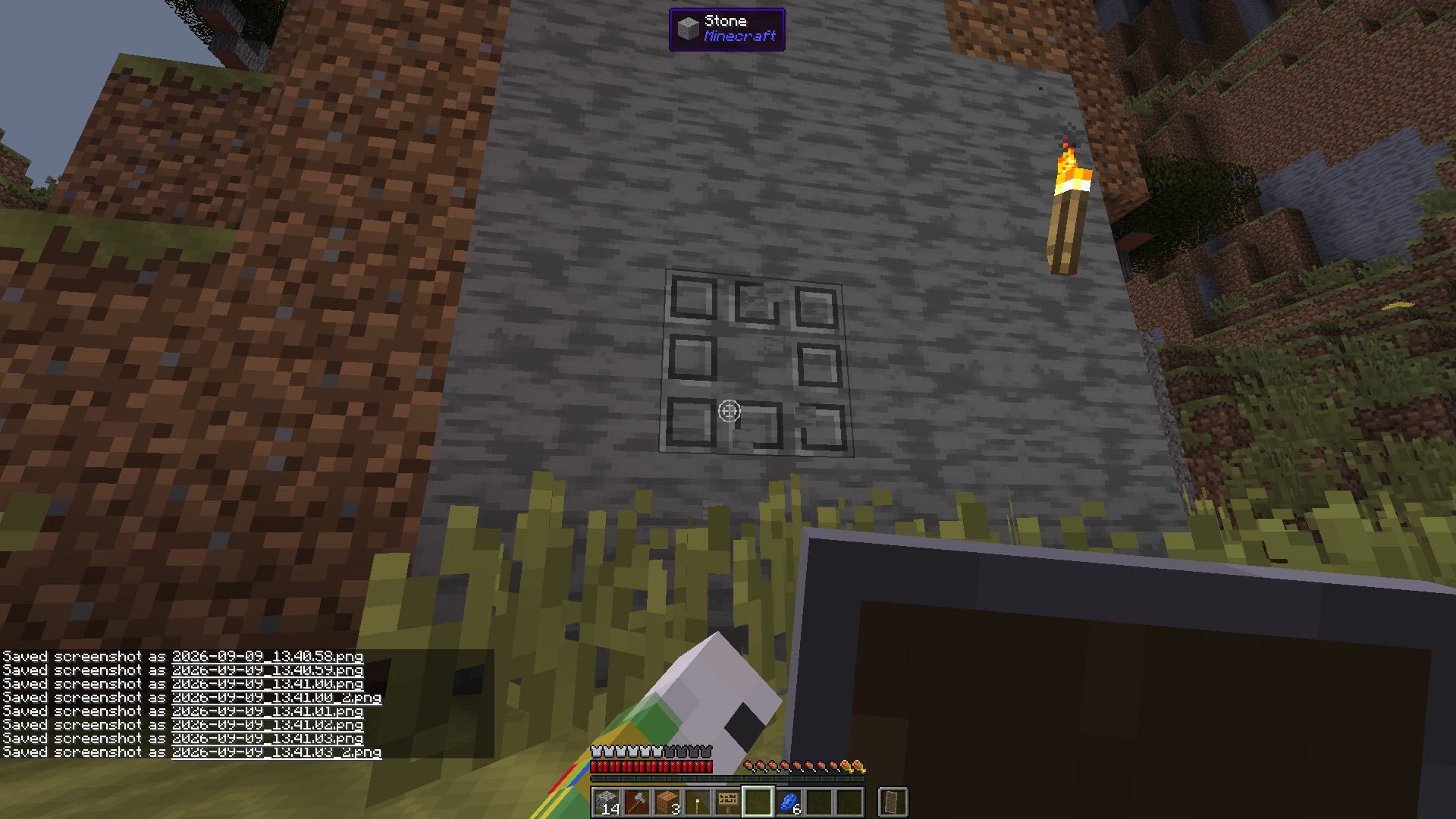
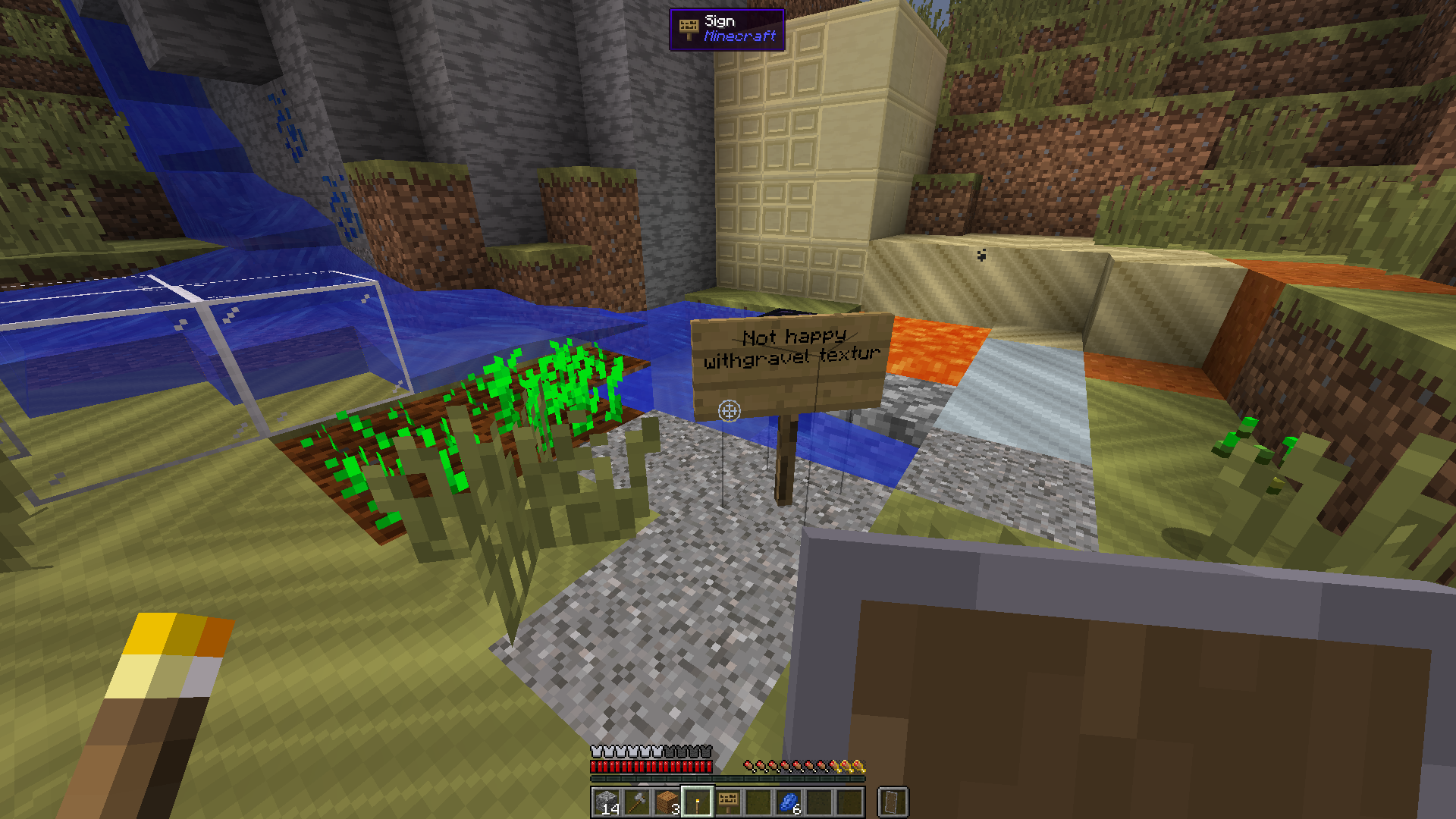
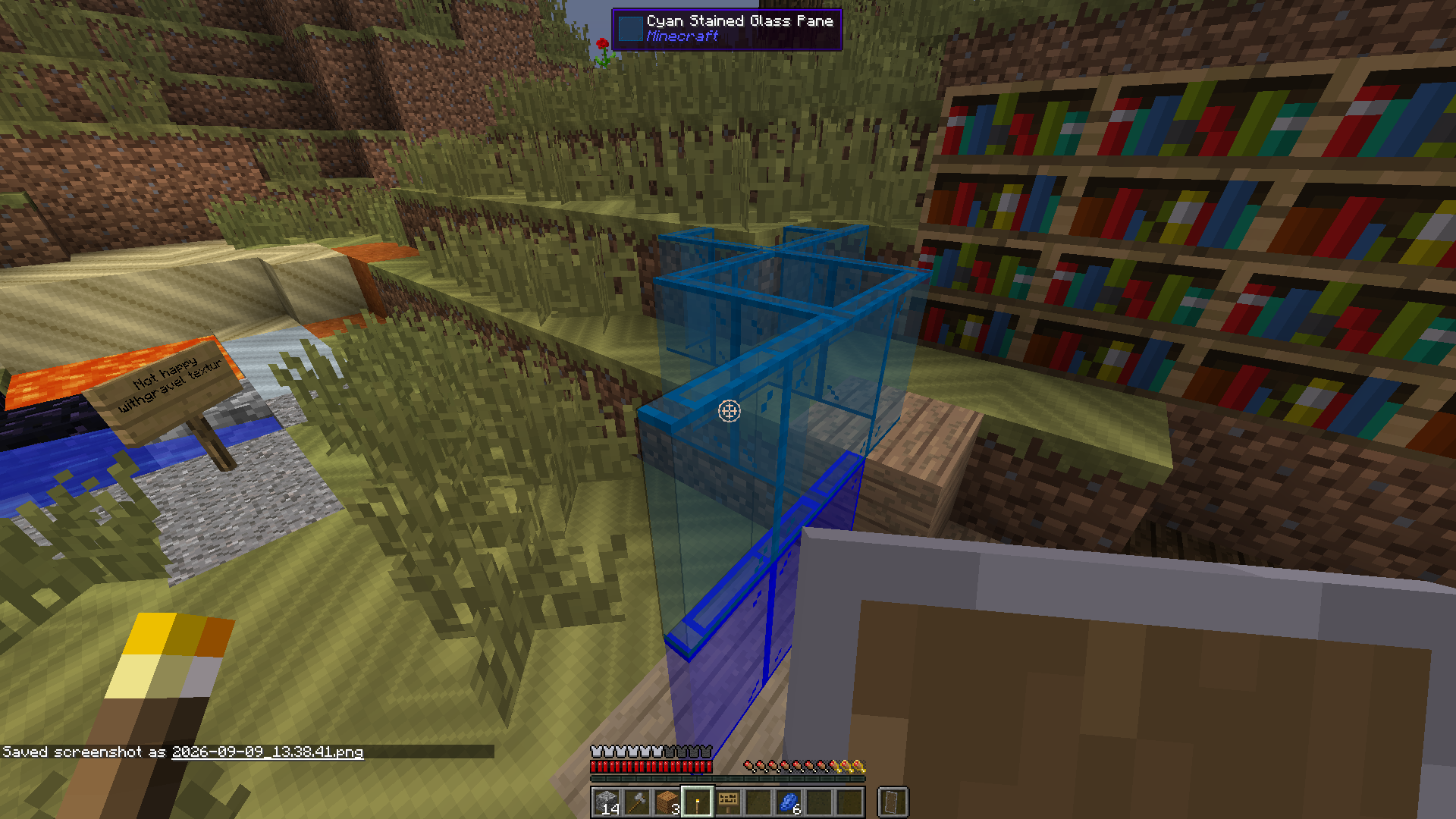
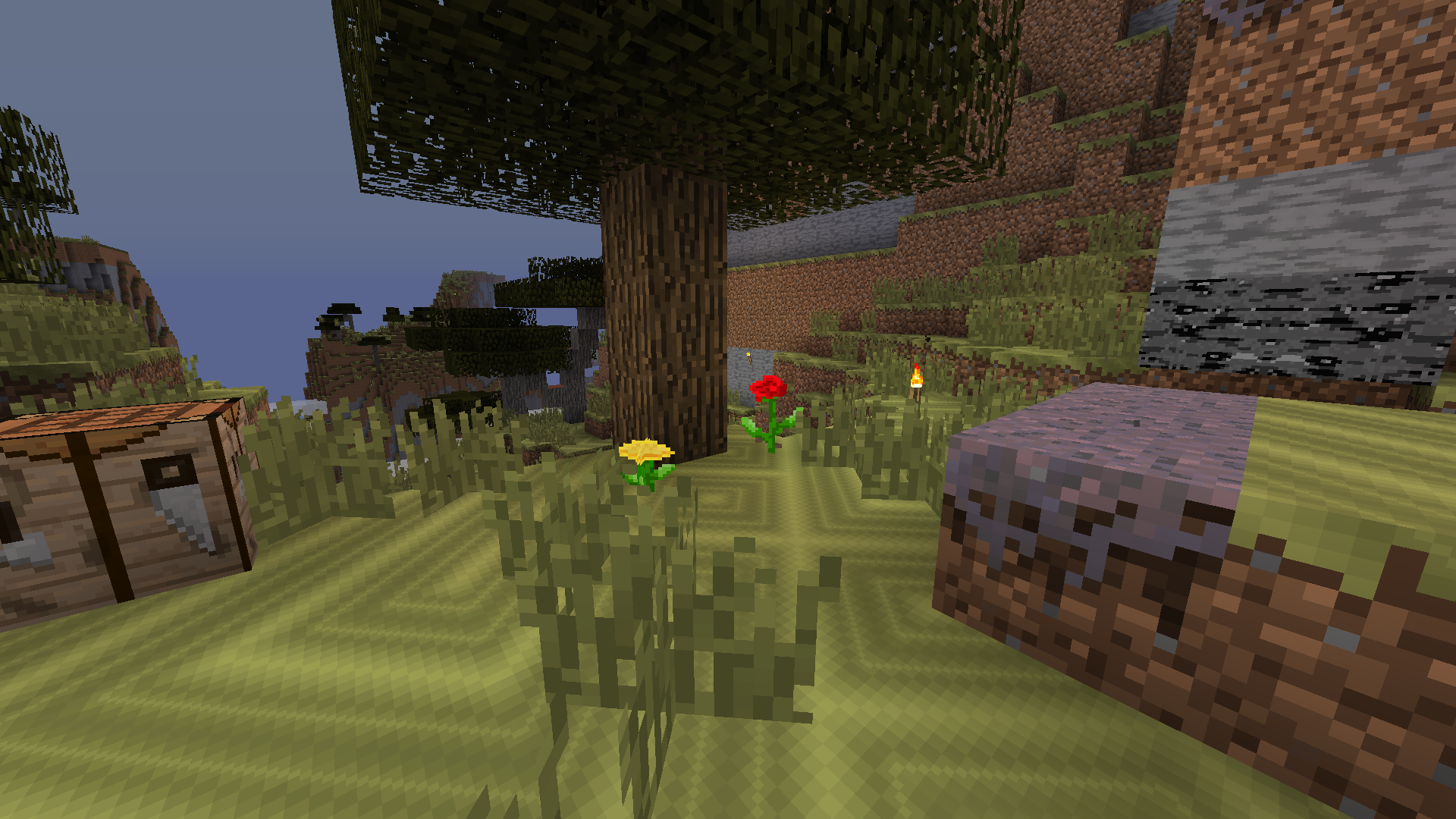
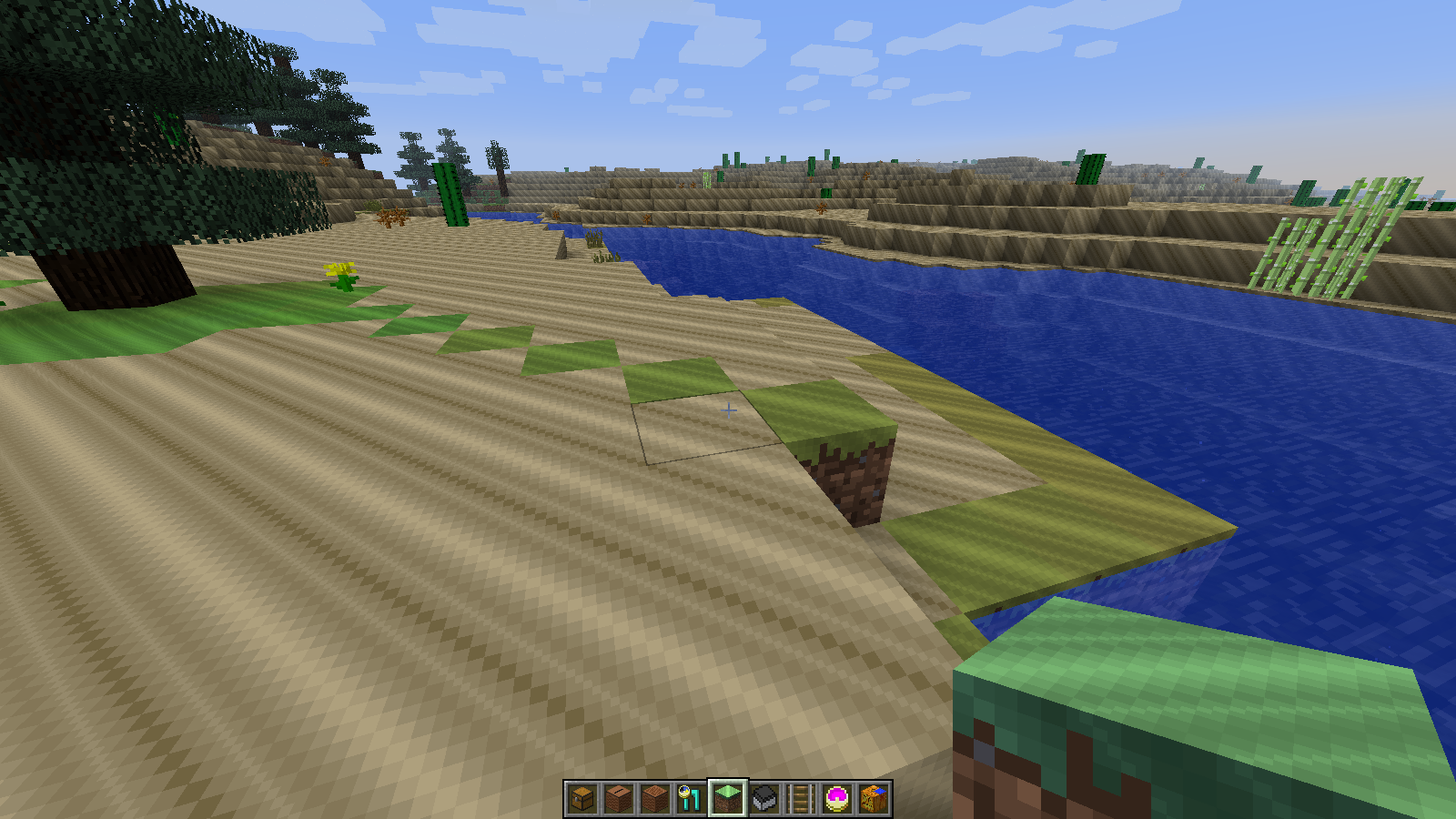
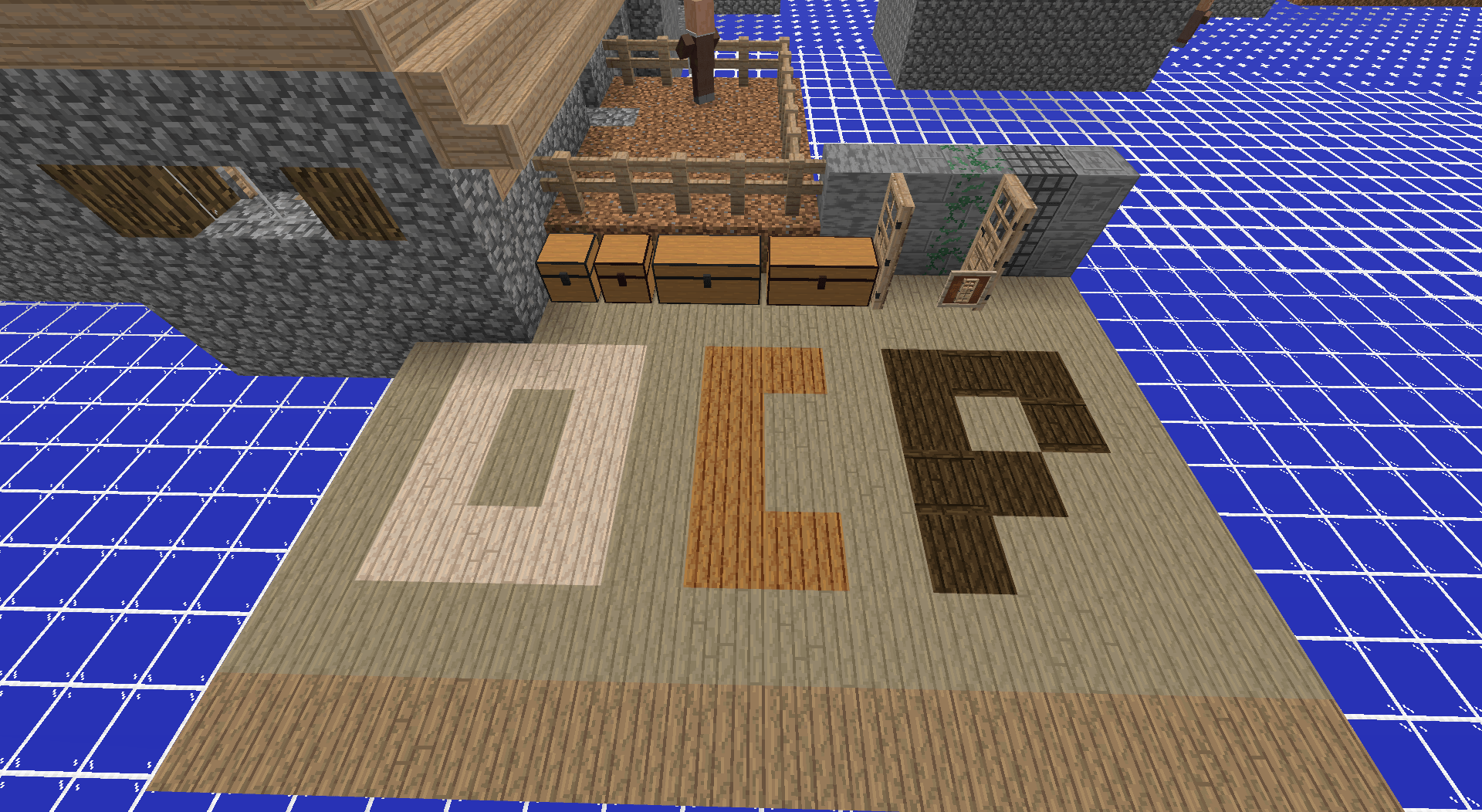
Changes the patterns and style of Minecraft's resources, while keeping to the original "texture history".
"But there were mistaes in the original texture history" (e.g. different dirt texture parts spread around.)
This does not aim to recreate the full history and will not follow it perfectly either. It is mainly referring to the reuse of textures to be modified to make a new one. (e.g. This video)


Heavily in progress. This was posted from adjusting a backup. (I keep losing the files for this pack)

I plan on making the complete b1.7.3-1.2.5 & 1.11-1.12 versions first, then fill in, then port forwards and add textures.

I plan to put the pack on curseforge and modrinth.


16x also WIP
The block model rotation is actually supposed to be removed, but as I said the textures were restored, not other files (e.g. optifine .properties files, models, etc.)


Recommended to Use With This Pack (Optional)


https://www.planetminecraft.com/texture-pack/default-sega-colormap/
Cursefore version + update coming soon


OCP v0.3.1 32x f1.11-1.12.2
MC 1.12.1, 1.12, 1.11, 1.11.1, 1.11.2, 1.12-Snapshot, 1.11-Snapshot, 1.12.2
Beta 2026-09-09 Get
OCP v0.3.1 32x f b1.7.3-1.2.5.zip
MC 1.0, 1.0.0, 1.2.4, 1.1, 1.2.1, Beta 1.7.3, 1.2.3, 1.2.2, Beta 1.8.1, 1.2.5
Beta 2026-09-09 Get
OCP 32x v0.3.0 f1.11-1.12.2.zip
MC 1.12.1, 1.12, 1.11, 1.11.1, 1.11.2, 1.12-Snapshot, 1.11-Snapshot, 1.12.2
Beta 2025-11-13 Get

Requirements & install

How to use this resource pack in Minecraft
Resolution
32x
Minecraft
1.11-Snapshot – 1.12.2
Install folder
.minecraft/resourcepacks

How to install resource packs

  1. Download the resource pack .zip file (do not extract it).
  2. In Minecraft open Options → Resource Packs → Open Pack Folder.
  3. Drop the .zip into the resourcepacks folder (.minecraft/resourcepacks).
  4. Move the pack to the Selected column and click Done.
Browse more: 16x resource packs 32x resource packs 64x resource packs 128x resource packs 256x resource packs 512x+ resource packs Resource Packs for 1.12.2 All resource packs

More from SlimyCat

Advertisement Remove ads with Premium →

You Might Also Like