Mineuniverse
Resource Packs
Ore Variants

Ore Variants

RESOURCE PACK
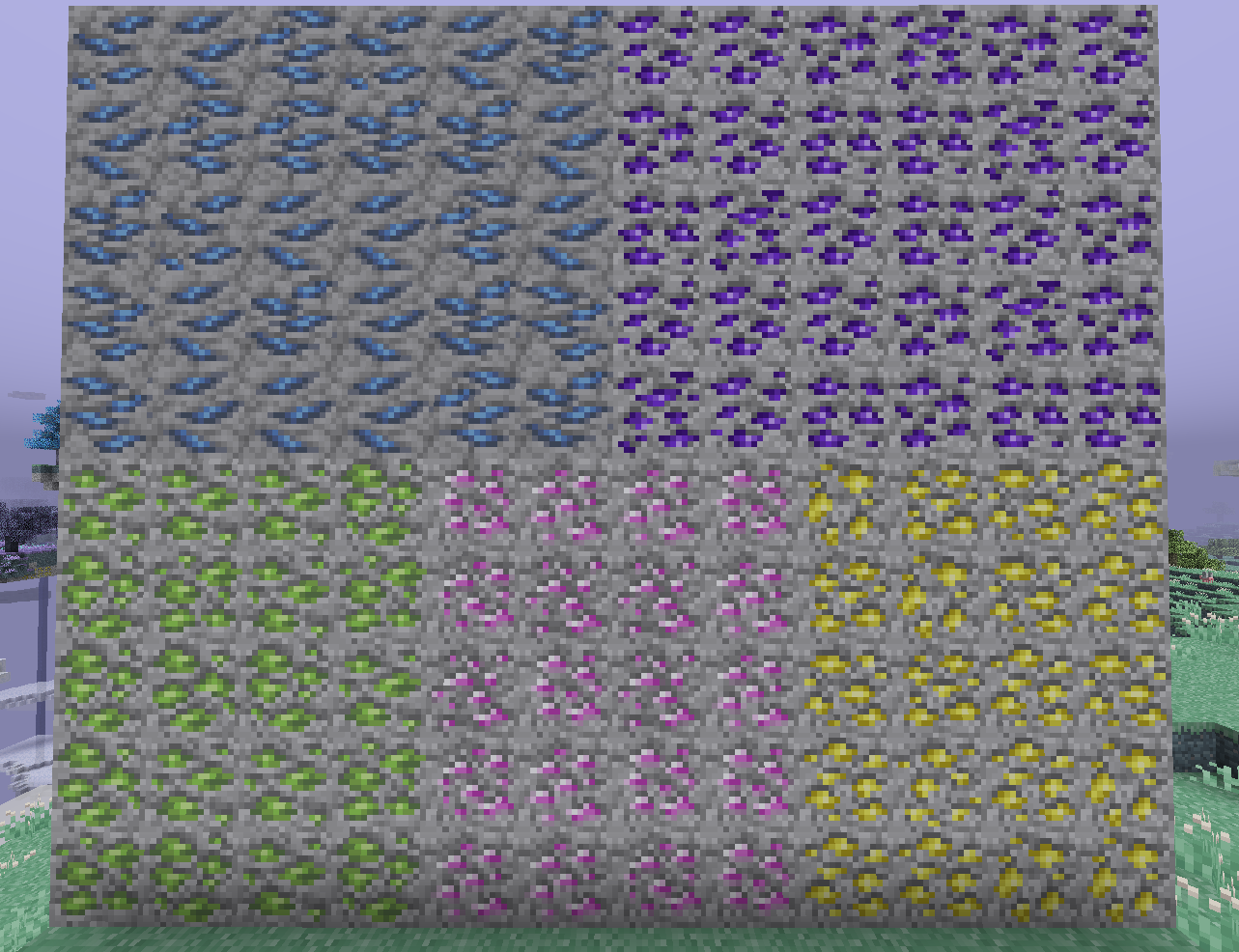
Adds some variation into ores!
by IcyCaeli
Download Claim this project
Add a badge to your pageLink to Ore Variants from a README, website or forum post.
Preview: Badge

Badges update automatically and link to the resource pack page on MineUniverse.

2,116,383 downloads
0 likes
0 followers
Updated Oct 14, 2026
0 hypes
Follow0
16x Mod Support Traditional
Advertisement Remove ads with Premium →


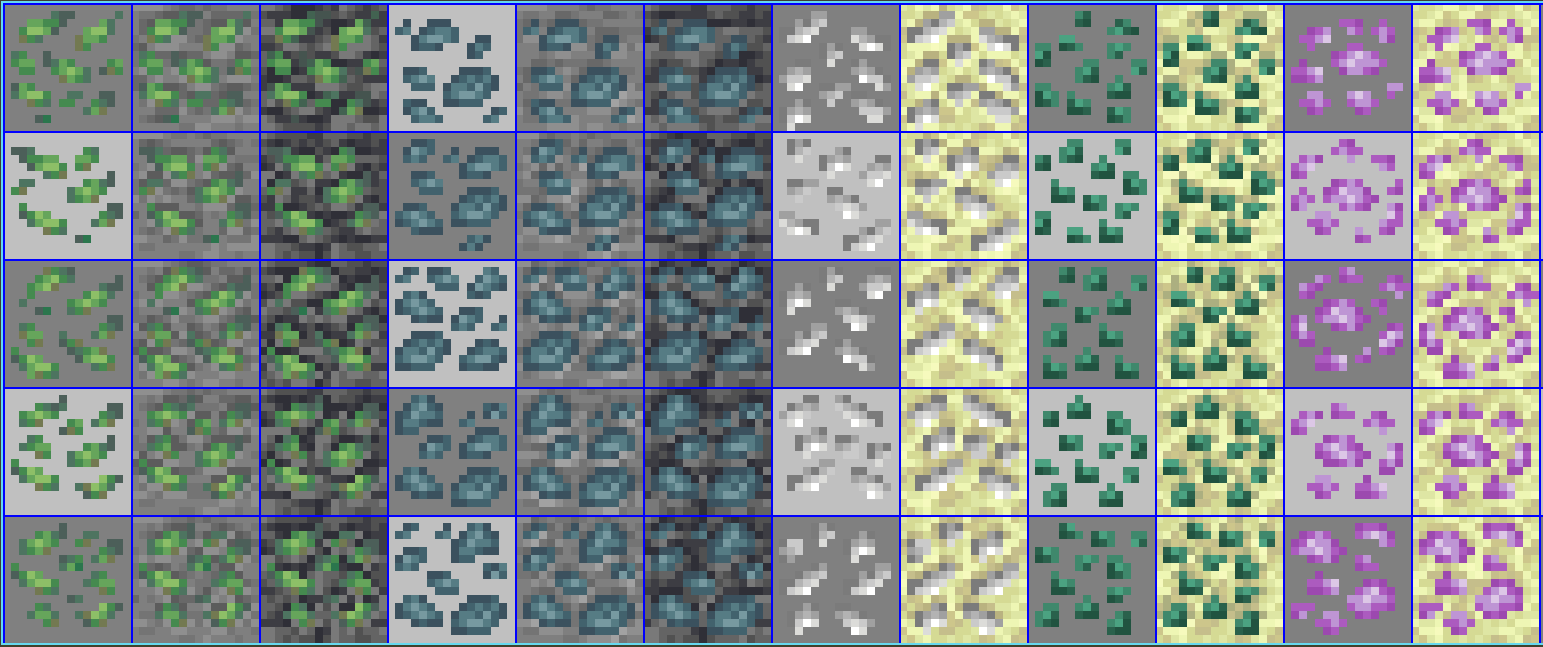
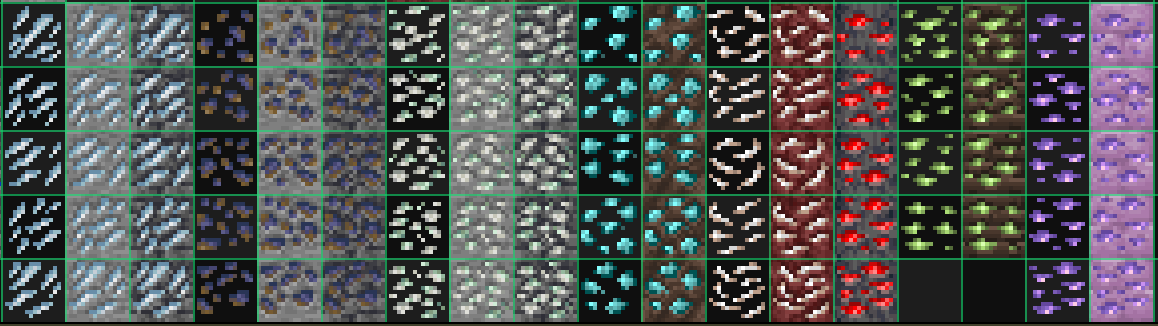
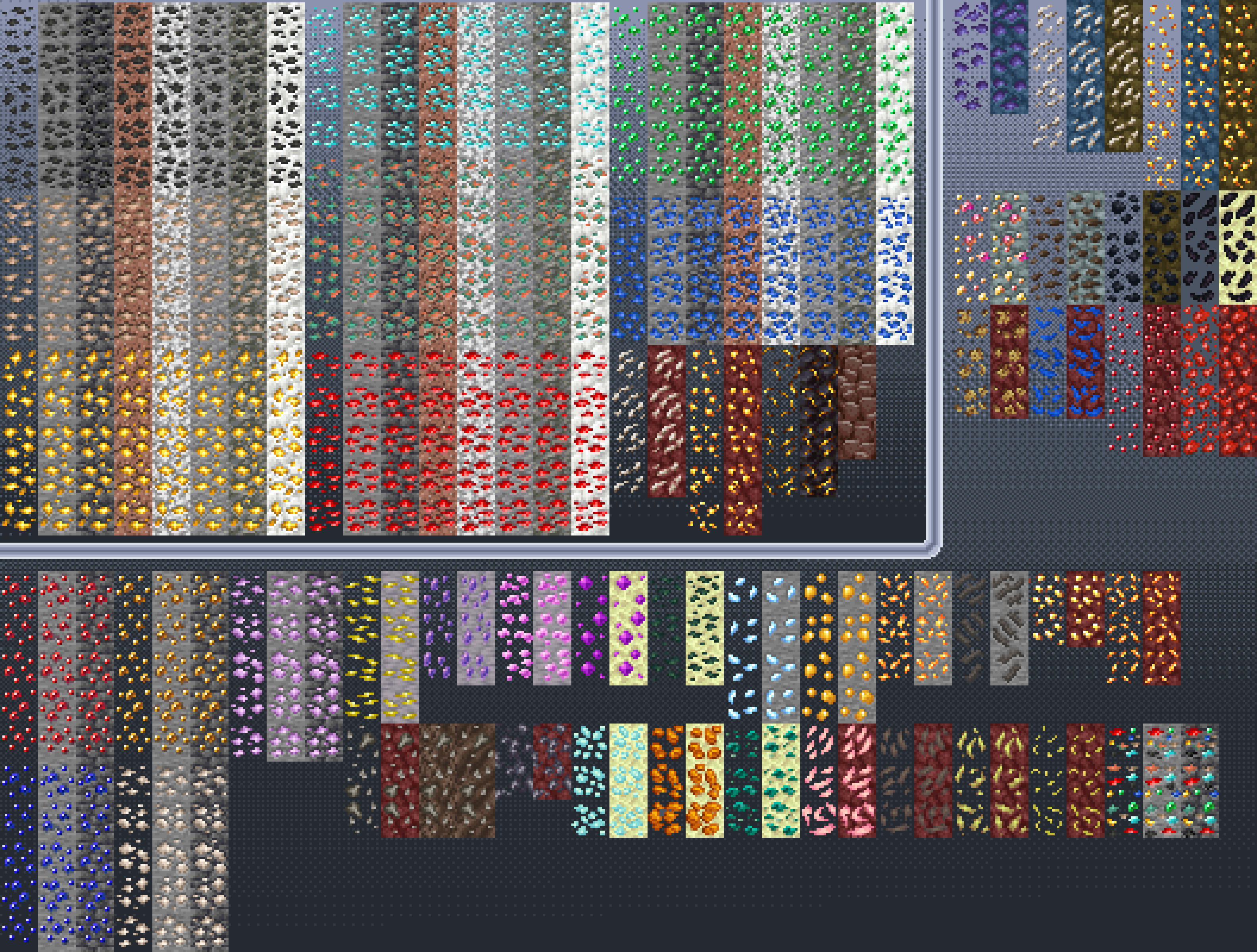
This resource packs adds some more variation into ores
I always thought that every single ore having the same texture for every single block being quite boring, so i decided to do something about it.
But why? I had nothing better to do.


No more plans on supporting mods that aren't on 1.19.2+, update ya game fellas.


Oh The Biomes You'll Go (Fabric/Forge)
BetterNether (Fabric)
BetterEnd (Fabric/Forge)
Cinderscapes (Fabric)
Universal Ores (Fabric)
Quark (Forge)
Enderscape (Fabric)
Paradise Lost (Fabric)
Randomite Classic (Forge)
Shret Nether (Forge)
Druidcraft (Forge)
Caves and Cliffs Backport (Forge)
Gems and Crystals (Fabric & Forge)
More Ore Stones (Fabric/Forge)

Create (Forge)
Oreganized (Forge)
Stalwart Dungeons (Forge)

Galosphere (Forge)
Sully's Mod (Froge)
LieOnLion's Enderite (Forge)
The Aether (Forge)
Deeper Nether Biomes (Forge)
Infernal Expansion (Forge)
Deeper and Darker (Both)
Sulfur and Potassium - More Gunpowder (Forge)
Deep Aether (Forge)
The Aether: Redux (Forge)
Ancient Aether (Forge)
Alex's Caves (Forge)


Not related to any particular category but if you want Ore Variants but cooler then check out Spryzeen's Ore Glint pack!


Anyways... uh, enjoy!

Ore Variants v2.9
MC 1.19.3, 1.20.2, 1.19.4, 1.18.2, 1.19.2, 1.20.3, 1.20.1, 1.20, 1.19.1, 1.20.4, 1.19
Release 2023-11-05 Get
Ore Variants v2.8
MC 1.17.1, 1.19.3, 1.18.1, 1.17, 1.19.4, 1.16.5, 1.18.2, 1.19.2, 1.20.1, 1.20, 1.19.1, 1.18, 1.19
Release 2023-07-07 Get
Ore Variants v2.7
MC 1.19.3, 1.18.1, 1.19.4, 1.18.2, 1.19.2, 1.19.1, 1.18, 1.19
Release 2023-04-28 Get
Ore Variants v2.6
MC 1.17.1, 1.19.3, 1.18.1, 1.17, 1.16.5, 1.18.2, 1.19.2, 1.19.1, 1.18, 1.19
Release 2022-12-30 Get
Ore Variants v2.5
MC 1.17.1, 1.16.3, 1.19.3, 1.16.1, 1.18.1, 1.17, 1.16, 1.16.5, 1.18.2, 1.19.2, 1.19.1, 1.18, 1.16.4, 1.16.2, 1.19
Release 2022-11-24 Get
Ore Variants v2.4
MC 1.16-Snapshot, 1.17.1, 1.16.3, 1.16.1, 1.18.1, 1.17, 1.16, 1.19-Snapshot, 1.16.5, 1.18.2, 1.19.1, 1.17-Snapshot, 1.18, 1.16.4, 1.18-Snapshot, 1.16.2, 1.19
Release 2022-06-29 Get
Ore Variants v2.3
MC 1.16-Snapshot, 1.17.1, 1.16.3, 1.16.1, 1.18.1, 1.17, 1.16, 1.19-Snapshot, 1.16.5, 1.18.2, 1.17-Snapshot, 1.18, 1.16.4, 1.18-Snapshot, 1.16.2, 1.19
Release 2022-04-28 Get
Ore Variants v2.2
MC 1.16-Snapshot, 1.17.1, 1.16.3, 1.16.1, 1.18.1, 1.17, 1.16, 1.16.5, 1.18.2, 1.17-Snapshot, 1.18, 1.16.4, 1.18-Snapshot, 1.16.2
Release 2022-02-23 Get
Ore Variants v2.1
MC 1.16-Snapshot, 1.17.1, 1.16.3, 1.16.1, 1.18.1, 1.17, 1.16, 1.16.5, 1.17-Snapshot, 1.18, 1.16.4, 1.18-Snapshot, 1.16.2
Release 2022-01-19 Get
Ore Variants v2.0.1
MC 1.16-Snapshot, 1.17.1, 1.16.3, 1.16.1, 1.18.1, 1.17, 1.16, 1.16.5, 1.17-Snapshot, 1.18, 1.16.4, 1.18-Snapshot, 1.16.2
Release 2022-01-06 Get
Ore Variants v2.0
MC 1.16-Snapshot, 1.17.1, 1.16.3, 1.16.1, 1.18.1, 1.17, 1.16, 1.16.5, 1.17-Snapshot, 1.18, 1.16.4, 1.18-Snapshot, 1.16.2
Release 2021-12-31 Get
Ore Variants v1.8
MC 1.16-Snapshot, 1.17.1, 1.16.3, 1.16.1, 1.17, 1.16, 1.16.5, 1.17-Snapshot, 1.18, 1.16.4, 1.18-Snapshot, 1.16.2
Release 2021-12-01 Get
Ore Variants v1.75
MC 1.17.1, 1.17, 1.16.5
Release 2021-10-06 Get
Ore Variants v1.6
MC 1.17.1, 1.17
Release 2021-06-08 Get
Ore Variants v1.5
MC 1.16.5
Release 2021-05-25 Get
Ore Variants v1.4
MC 1.16.5
Beta 2021-05-15 Get
Ore Variants v1.3
MC 1.16.5
Beta 2021-05-06 Get
Ore Variants v1.2
MC 1.16.5
Beta 2021-05-03 Get
Ore Variants v1.1
MC 1.16.5
Beta 2021-05-02 Get
Ore Variants v1 Initial Release
MC 1.16.5
Release 2021-04-28 Get

Requirements & install

How to use this resource pack in Minecraft
Resolution
16x
Minecraft
1.19.2 – 1.20.4
Install folder
.minecraft/resourcepacks

How to install resource packs

  1. Download the resource pack .zip file (do not extract it).
  2. In Minecraft open Options → Resource Packs → Open Pack Folder.
  3. Drop the .zip into the resourcepacks folder (.minecraft/resourcepacks).
  4. Move the pack to the Selected column and click Done.
Browse more: 16x resource packs 32x resource packs 64x resource packs 128x resource packs 256x resource packs 512x+ resource packs Resource Packs for 1.20.4 All resource packs

More from IcyCaeli

Advertisement Remove ads with Premium →

You Might Also Like