Mineuniverse
Resource Packs
ore outline, EA Sports

ore outline, EA Sports

RESOURCE PACK
outlines ores with color
by Urgo_Hermit
Download Claim this project
Add a badge to your pageLink to ore outline, EA Sports from a README, website or forum post.
Preview: Badge

Badges update automatically and link to the resource pack page on MineUniverse.

521 downloads
0 likes
0 followers
Updated Oct 14, 2026
0 hypes
Follow0
16x
Advertisement Remove ads with Premium →

Was made for me and my friend's pack we play together.

only overworld ores, doesn't change any nether ores.

includes the following textures, minecraft, create, Marbled's core.

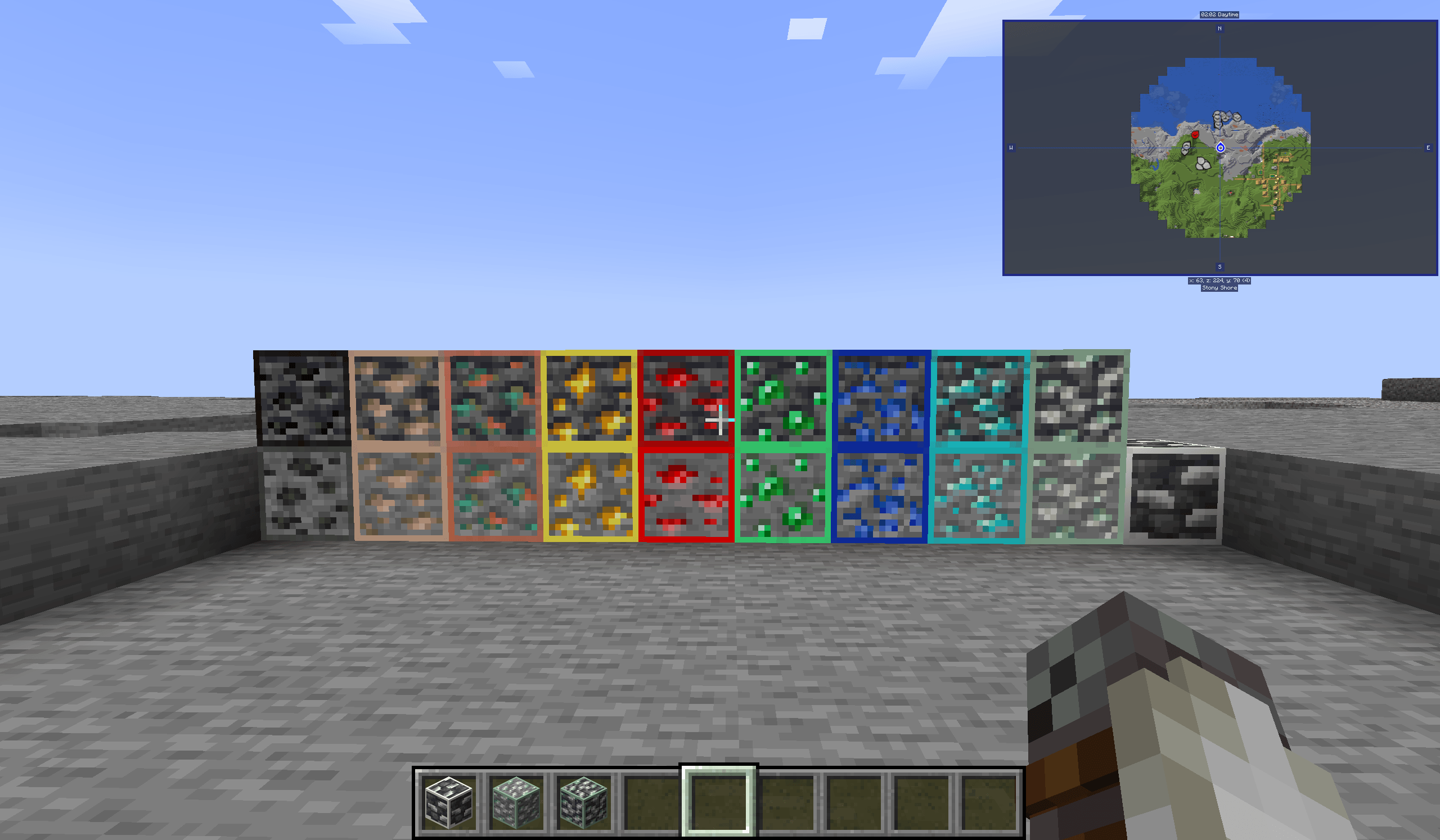
Adds a colored outline to ores to make them more easily identified in the dark and easier to spot from far away.

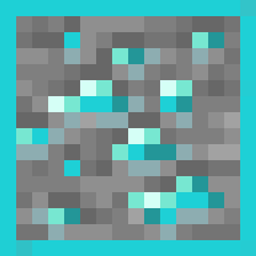
black for coal, light blue for diamond, dark blue for lapis, red for redstone, yellow for coal, orange for copper, tan for iron, green for emerald. for create, zinc has a light green outline and for Marbled's core, titanium has a white outline.
Credit to MarbledNull for making the Marbled's core mod that the titanium ore is from
made for 1.20.1

Ore_Outline.zip
MC 1.20.1
Release 2025-05-16 Get

Requirements & install

How to use this resource pack in Minecraft
Resolution
16x
Minecraft
1.20.1
Install folder
.minecraft/resourcepacks

How to install resource packs

  1. Download the resource pack .zip file (do not extract it).
  2. In Minecraft open Options → Resource Packs → Open Pack Folder.
  3. Drop the .zip into the resourcepacks folder (.minecraft/resourcepacks).
  4. Move the pack to the Selected column and click Done.
Browse more: 16x resource packs 32x resource packs 64x resource packs 128x resource packs 256x resource packs 512x+ resource packs Resource Packs for 1.20.1 All resource packs
Advertisement Remove ads with Premium →

You Might Also Like