Mineuniverse
Resource Packs
Orantica's Default+ PvP

Orantica's Default+ PvP

RESOURCE PACK
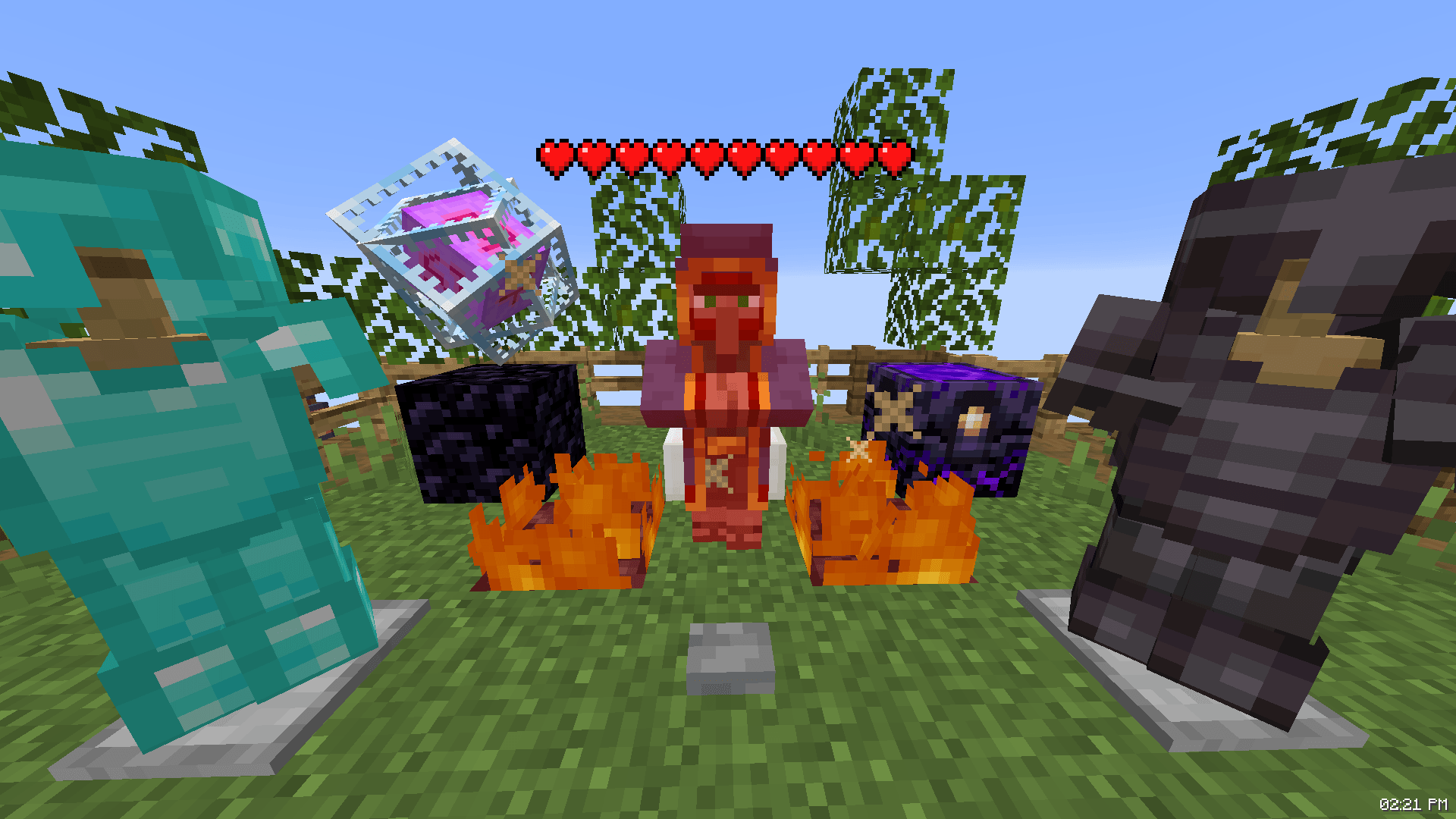
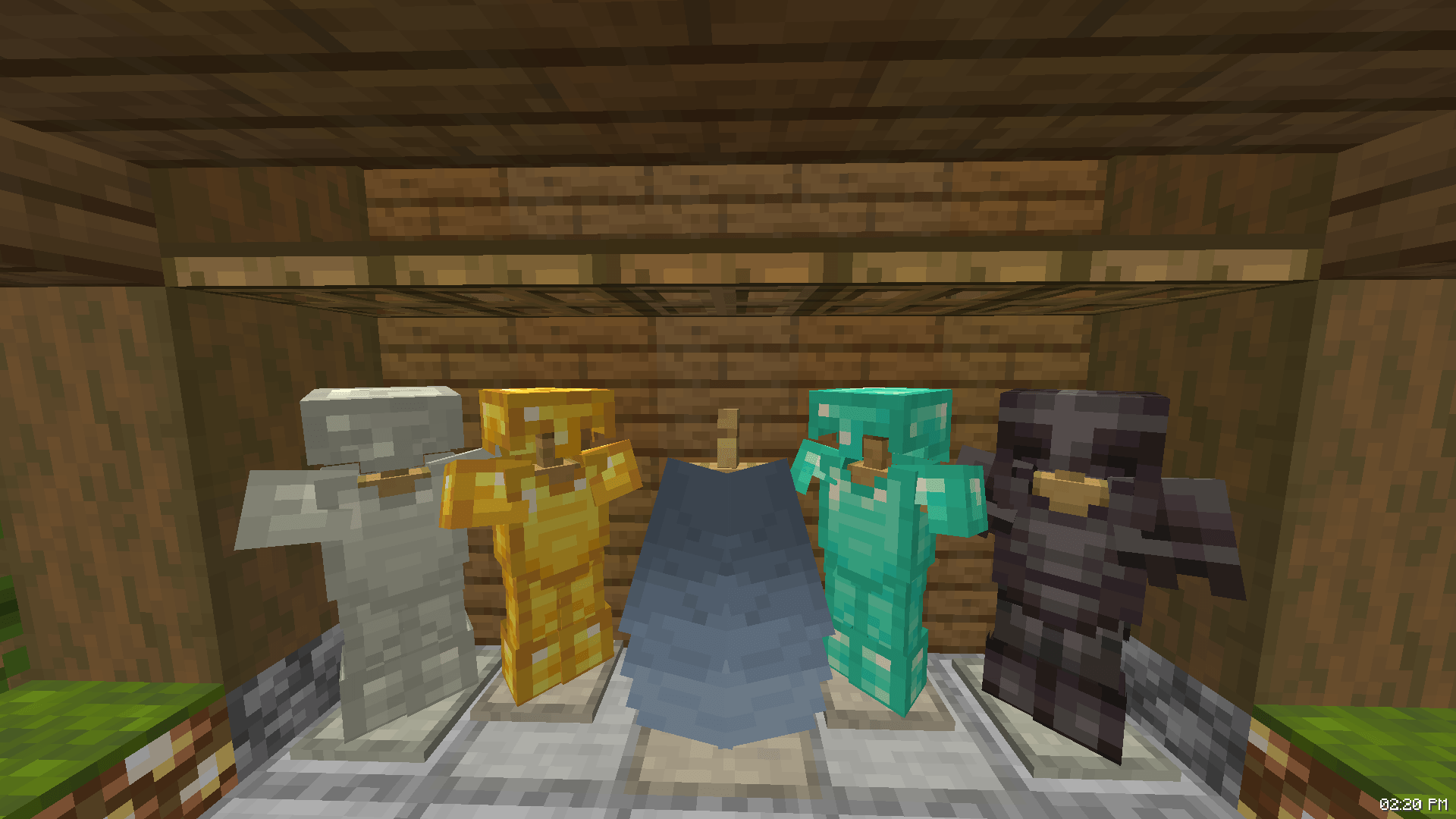
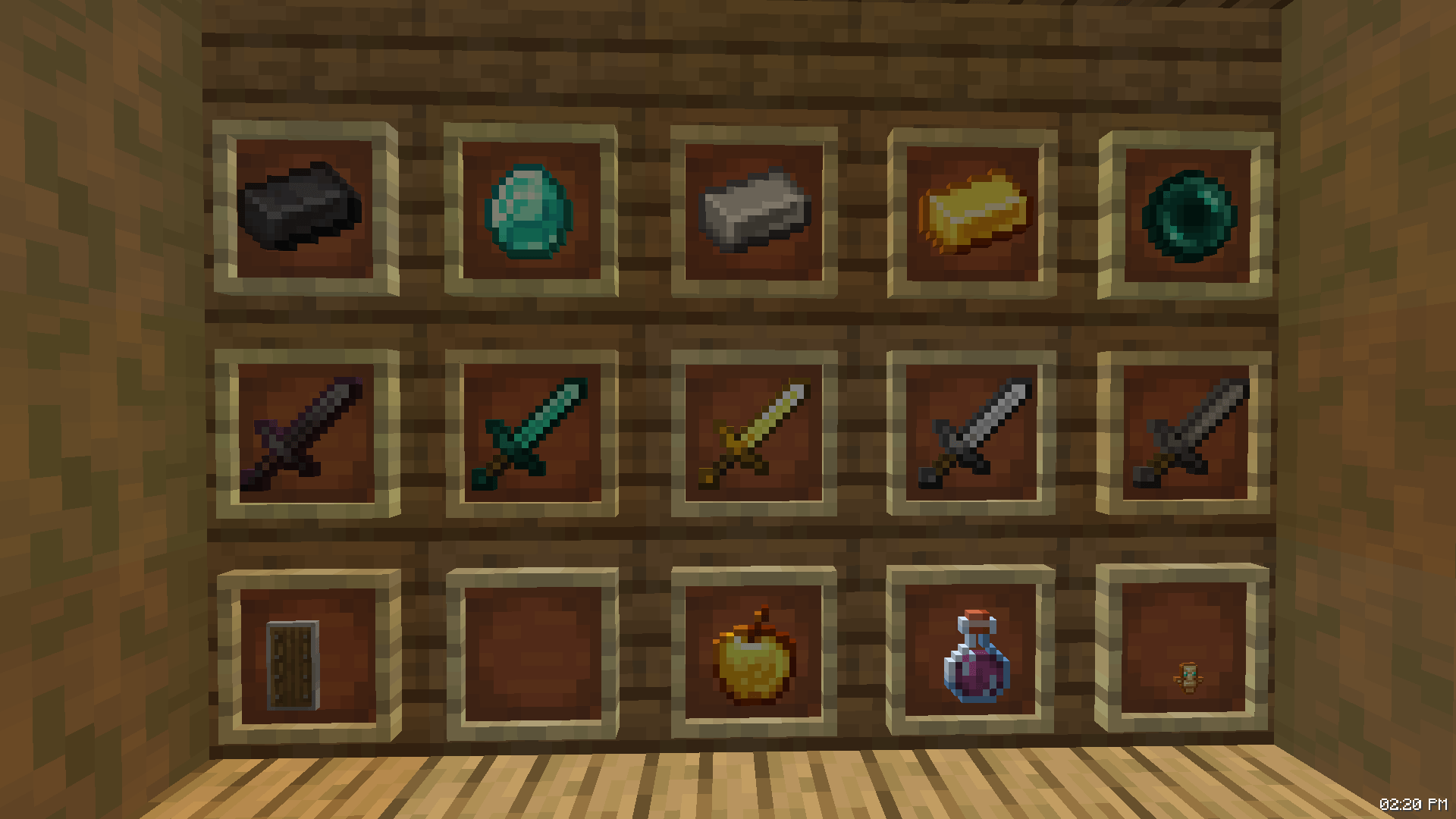
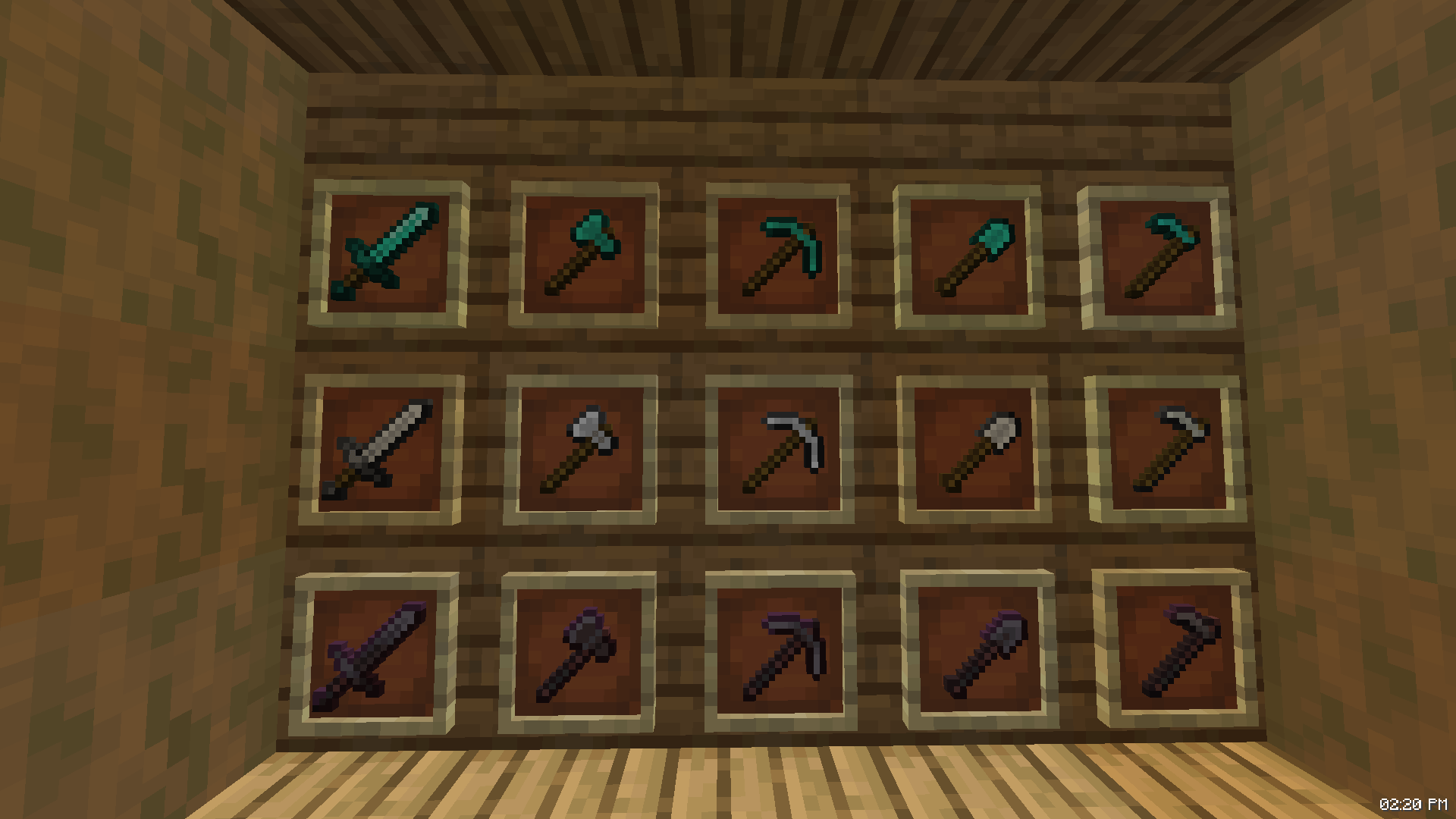
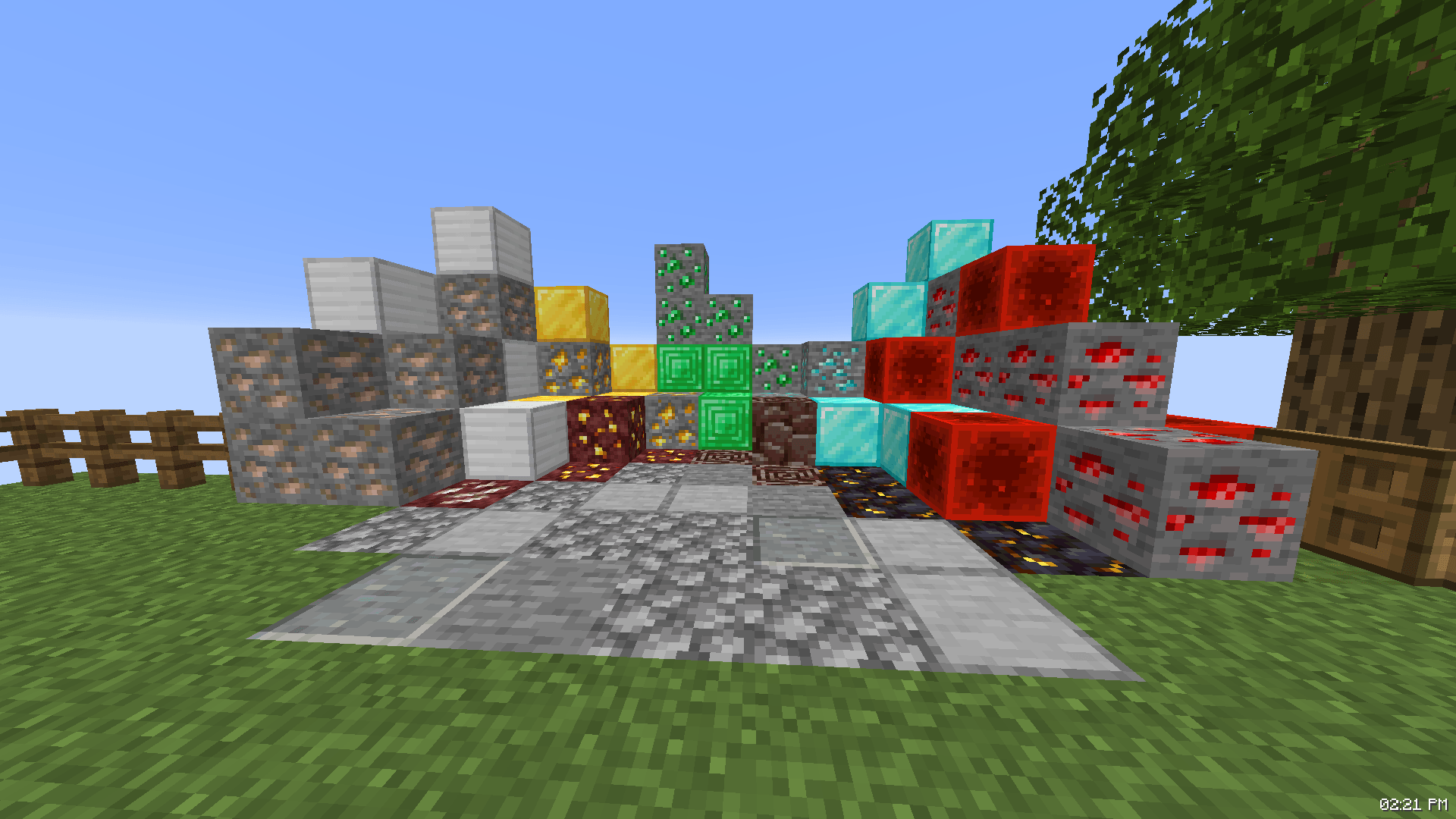
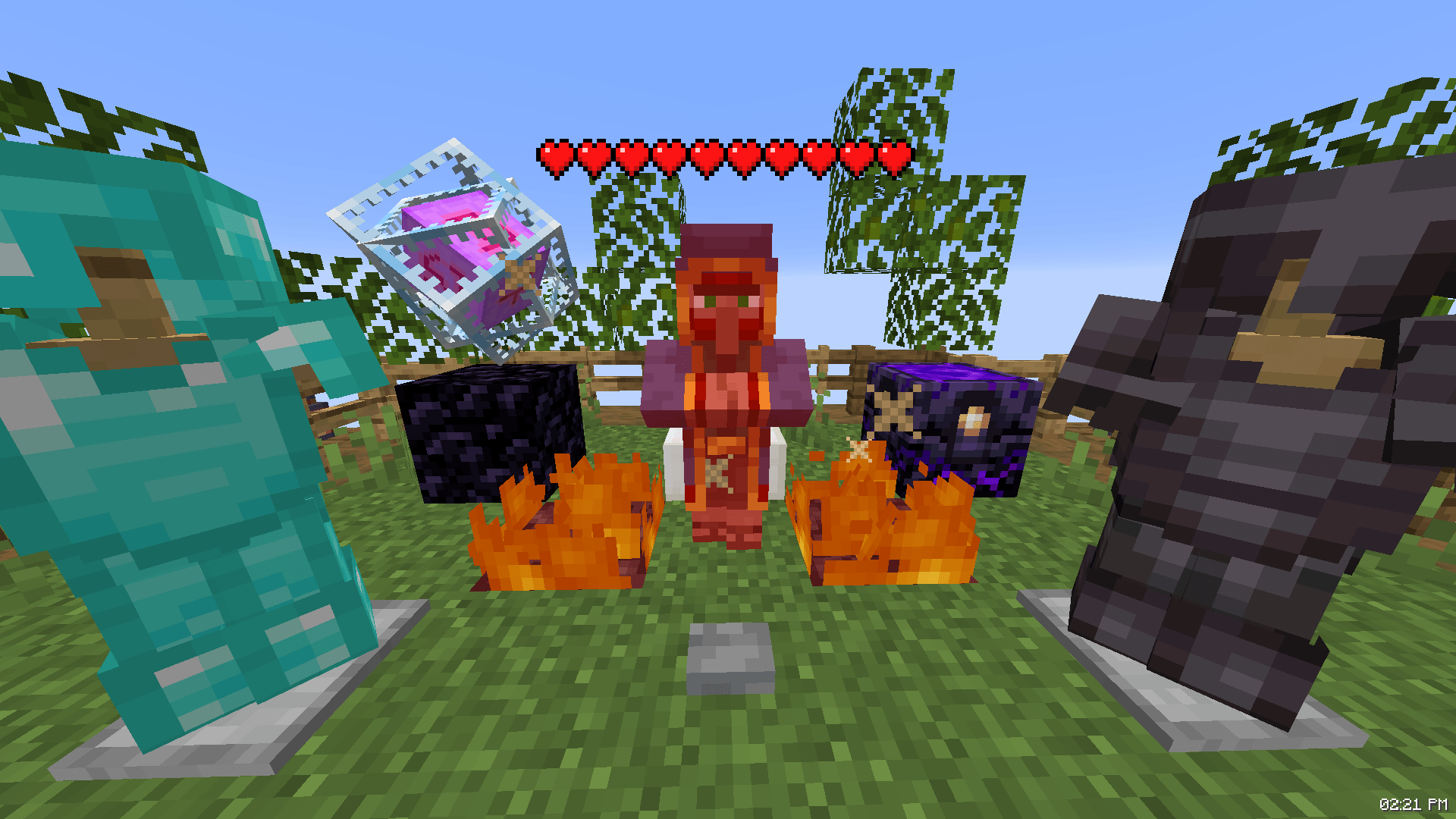
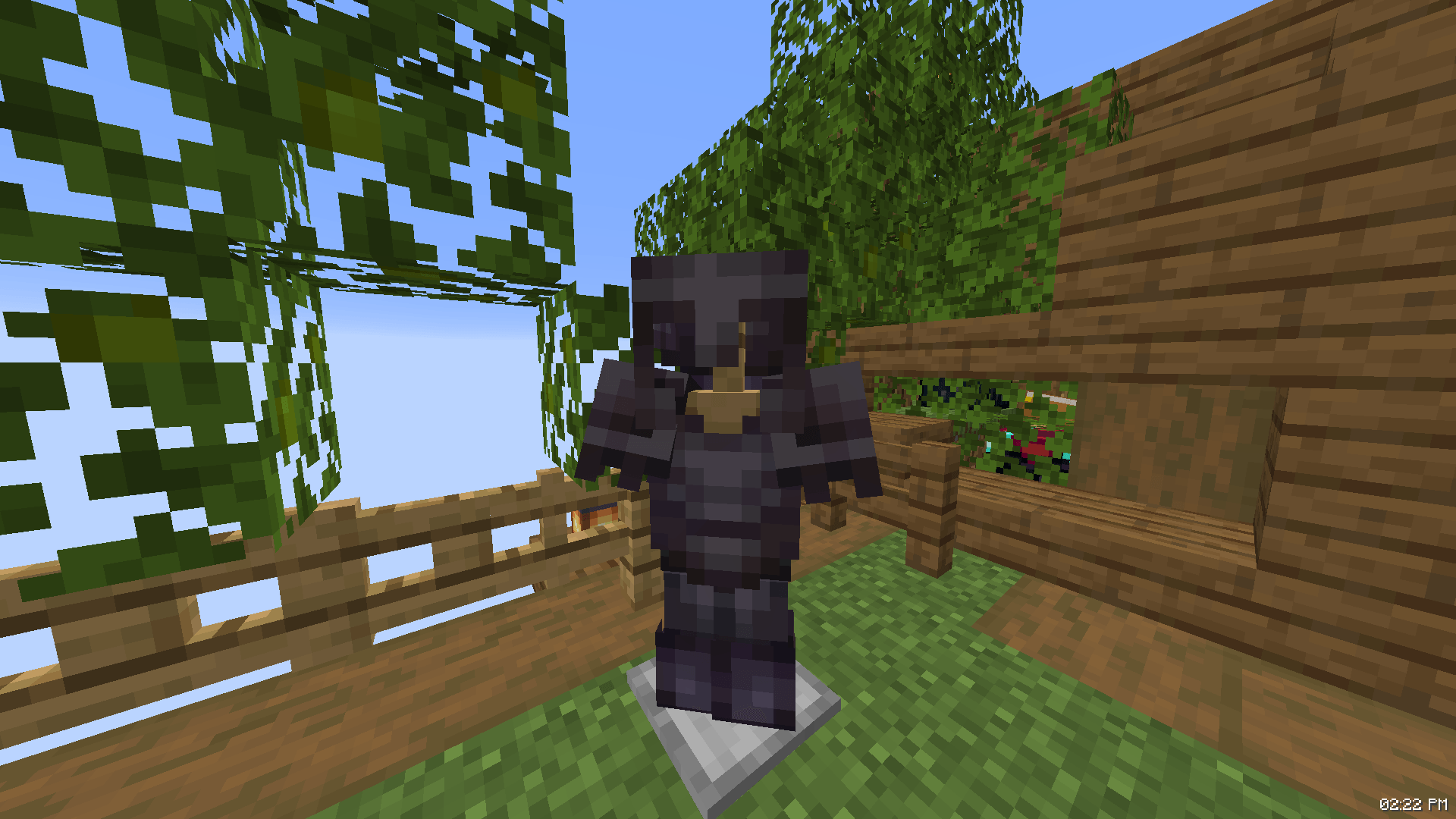
Orantica’s Default+ PvP is a clean, lightweight Minecraft texture pack designed to enhance combat visibility and keep fast-paced fights distraction-free while preserving the classic vanilla aesthetic across competitive PvP and casual gameplay.
by Orantixa
Download Claim this project
119 downloads
0 likes
0 followers
Updated Oct 14, 2026
0 hypes
Follow0
16x Miscellaneous Traditional
Advertisement Remove ads with Premium →

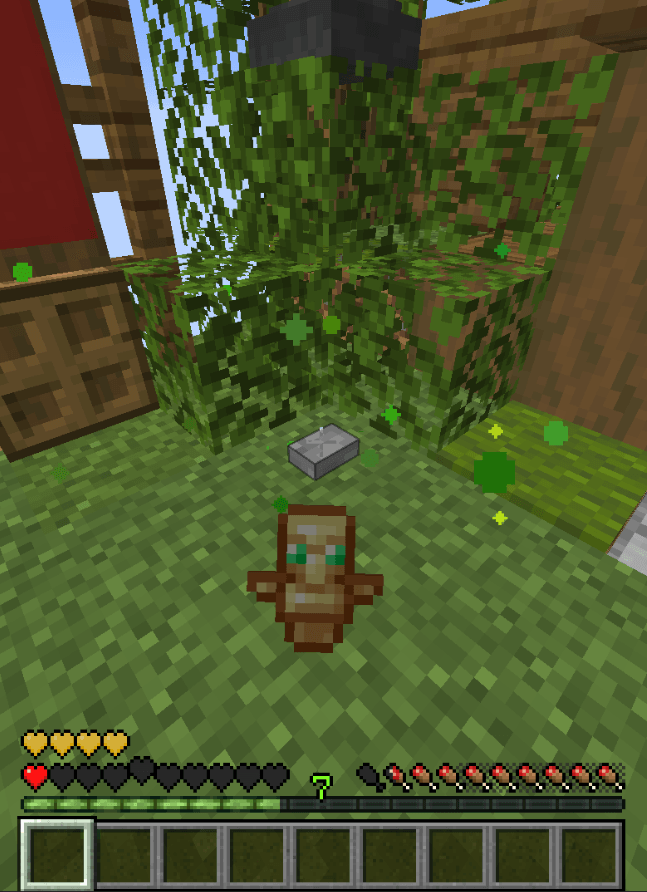
A Clean PvP Texture/Resource Pack inspired by the style and atmosphere of the Unstable SMP, made for players who want to keep the original Minecraft look while making PvP feel smoother and less distracting. The pack focuses on keeping the vanilla style while adding small features that improve visibility and make combat more comfortable.

Some of the Features include:
• Clean and simple PvP-focused textures
• Vanilla-style visuals
• Improved visibility during fights
• Inspired by Classic Competitive PvP and the Unstable SMP
• Lightweight and easy to use
• Keeps the original Minecraft atmosphere
• Made for players who prefer a simple, uncluttered look

These are only some of the features included in the pack. The goal of Orantica’s Default+ PvP is to keep Minecraft looking familiar while giving it a cleaner PvP experience inspired by the Unstable SMP. Whether you're playing SMP, practicing PvP, or just playing normal Minecraft, this pack is made to give you a simple and comfortable experience without completely changing the vanilla style.


 
 
Orantica's Default PvP+ Pack
MC 1.21.11, 26.1, 26.1.1, 26.1.2, 26.2
Release 2026-08-15 Get

Requirements & install

How to use this resource pack in Minecraft
Resolution
16x
Minecraft
1.21.11 – 26.2
Install folder
.minecraft/resourcepacks

How to install resource packs

  1. Download the resource pack .zip file (do not extract it).
  2. In Minecraft open Options → Resource Packs → Open Pack Folder.
  3. Drop the .zip into the resourcepacks folder (.minecraft/resourcepacks).
  4. Move the pack to the Selected column and click Done.
Browse more: 16x resource packs 32x resource packs 64x resource packs 128x resource packs 256x resource packs 512x+ resource packs Resource Packs for 26.2 All resource packs

More from Orantixa

Advertisement Remove ads with Premium →

You Might Also Like