This pack utilizes functions only found in Optifine as of latest!
Using this pack with ANY fabric alternative may not have intended results, such as missing effects!
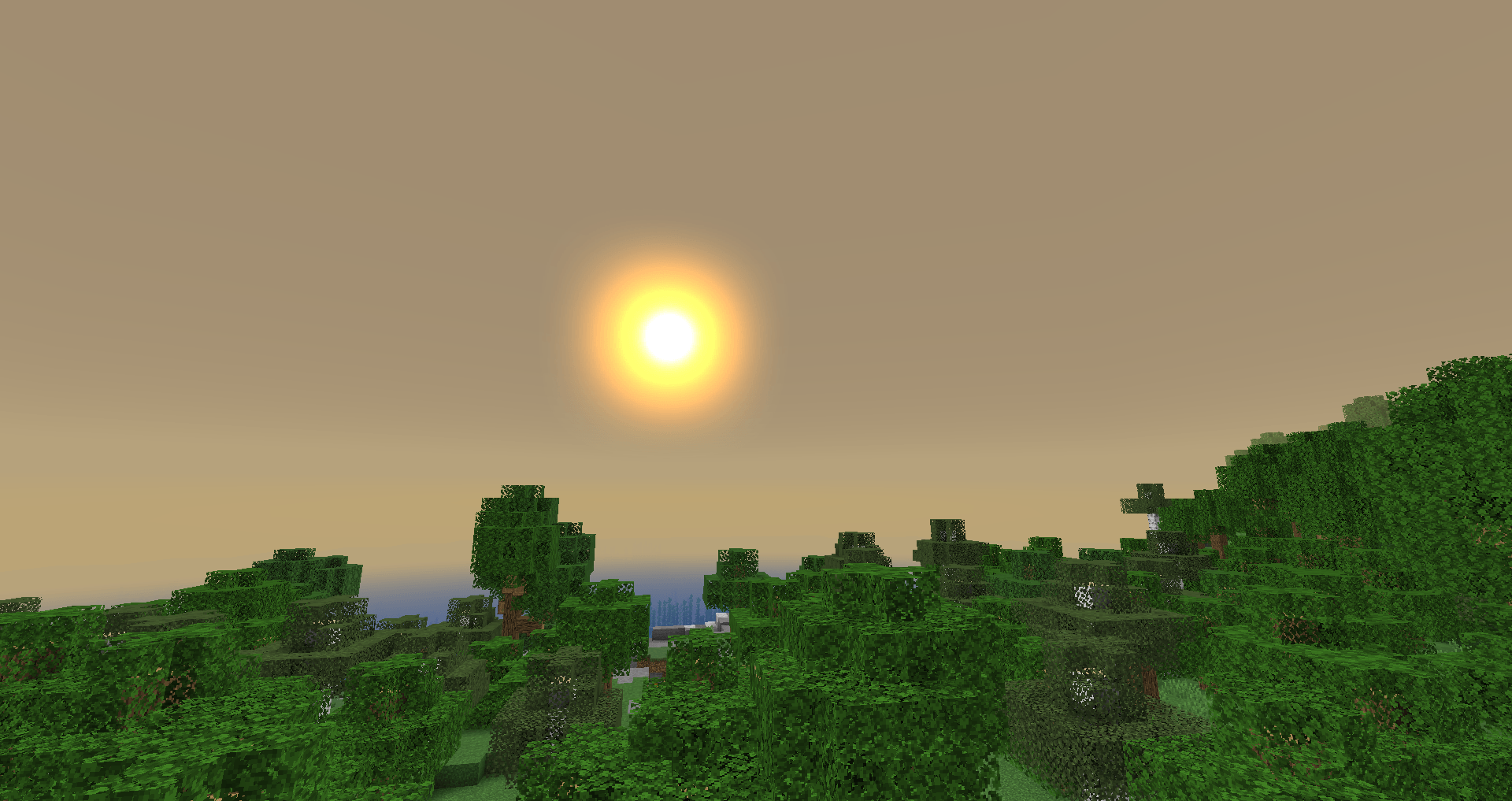
This simplistic resource pack brings mostly ambience to your world. When paired with Optifine, you will gain additional visual effects that are currently not possible with any other mod, such as a custom sky color.
The effects in this resource pack are quite subtle, rather than standing out significantly, giving a more clean and easy way to bring a small
You CAN run this pack without Optifine, but you will not be able to use the custom sky color due to Minecraft not utilizing custom sky color pallets by default, which is where Optifine comes in.
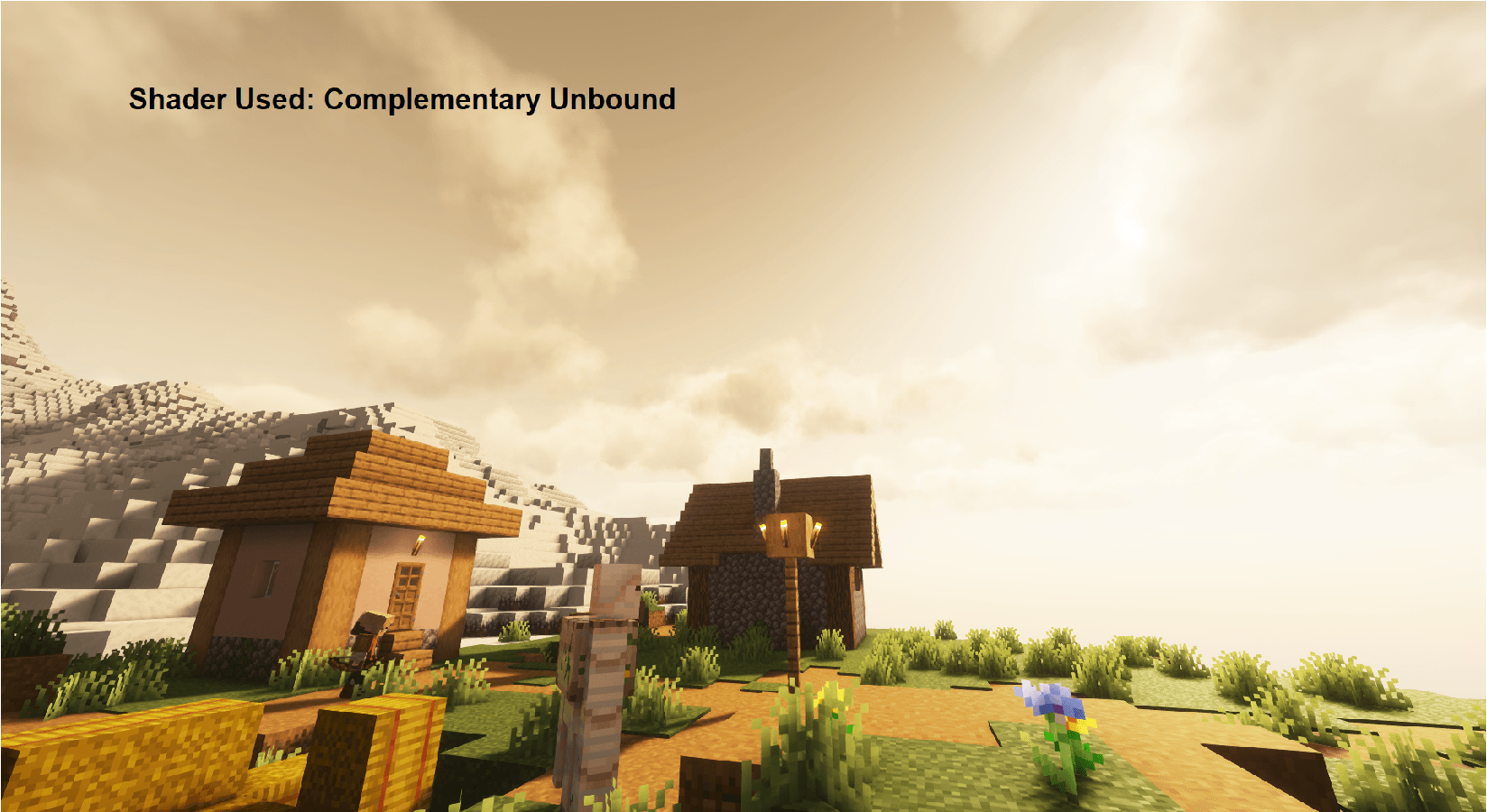
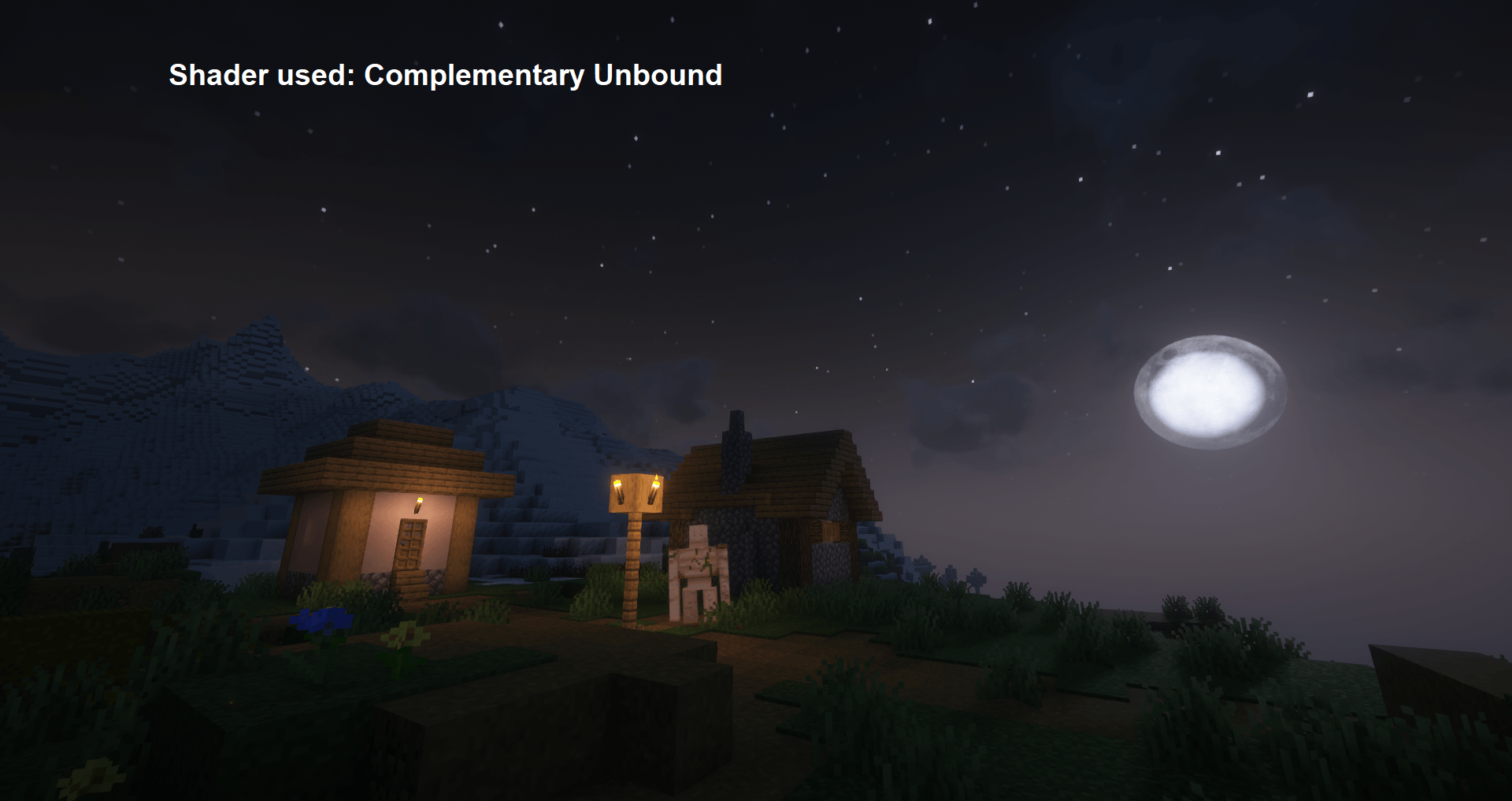
Partially Shader Compatible! Suggestion: Complementary Unbound
Will NOT work with ALL shaders, please do not make shader compatibility requests!
This pack MIGHT work on unlisted versions, but I can not guarantee that it will. You can try if you want to.
No block textures are replaced. The only textures that ARE replaced are what follows.
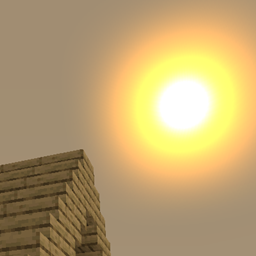
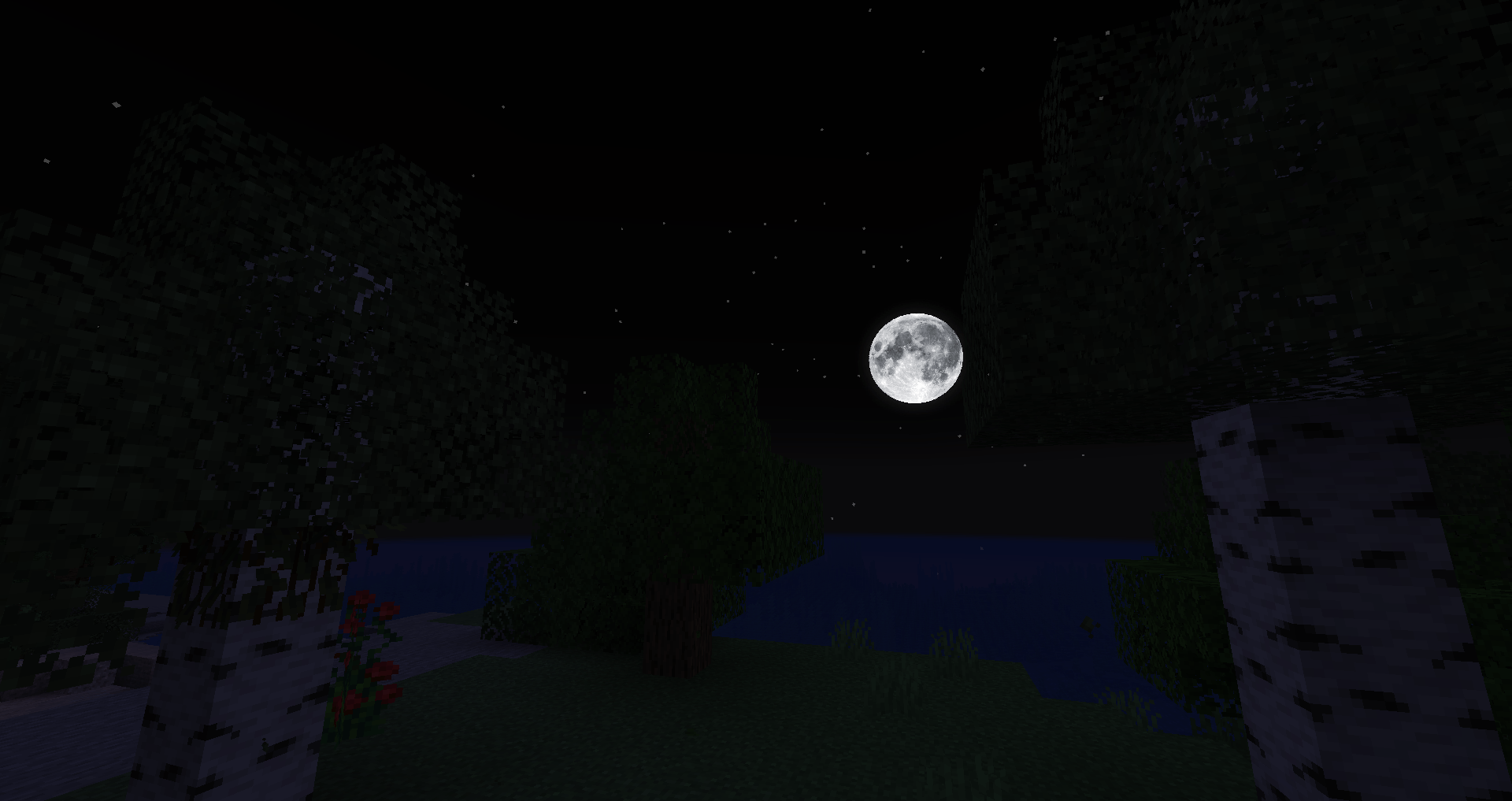
Sun/Moon Textures; Large, rounded, high quality sun/moon textures present.
Sky Color; The sky is no longer a bright blue. (REQUIRES OPTIFINE)
This Pack also replaces some sounds, which includes the following.
Fire; More crisp and realistic sounds. Ignition sound also replaced.
Weather; Multiple thunder sounds to replace the original ones. Rain sounds have also been given a slight improvement.
I may include more sounds/textures someday, but it's not my priority right now.
I can not, and will not, make a fabric version.