Mineuniverse
Resource Packs
Oops! All Missing Blocks!

Oops! All Missing Blocks!

RESOURCE PACK
All block textures seem to have vanished. Is it still possible to play the game?
by ShadyInktail
Download Claim this project
1,030 downloads
0 likes
Updated Oct 14, 2026
0 hypes
16x Miscellaneous
Advertisement Remove ads with Premium →

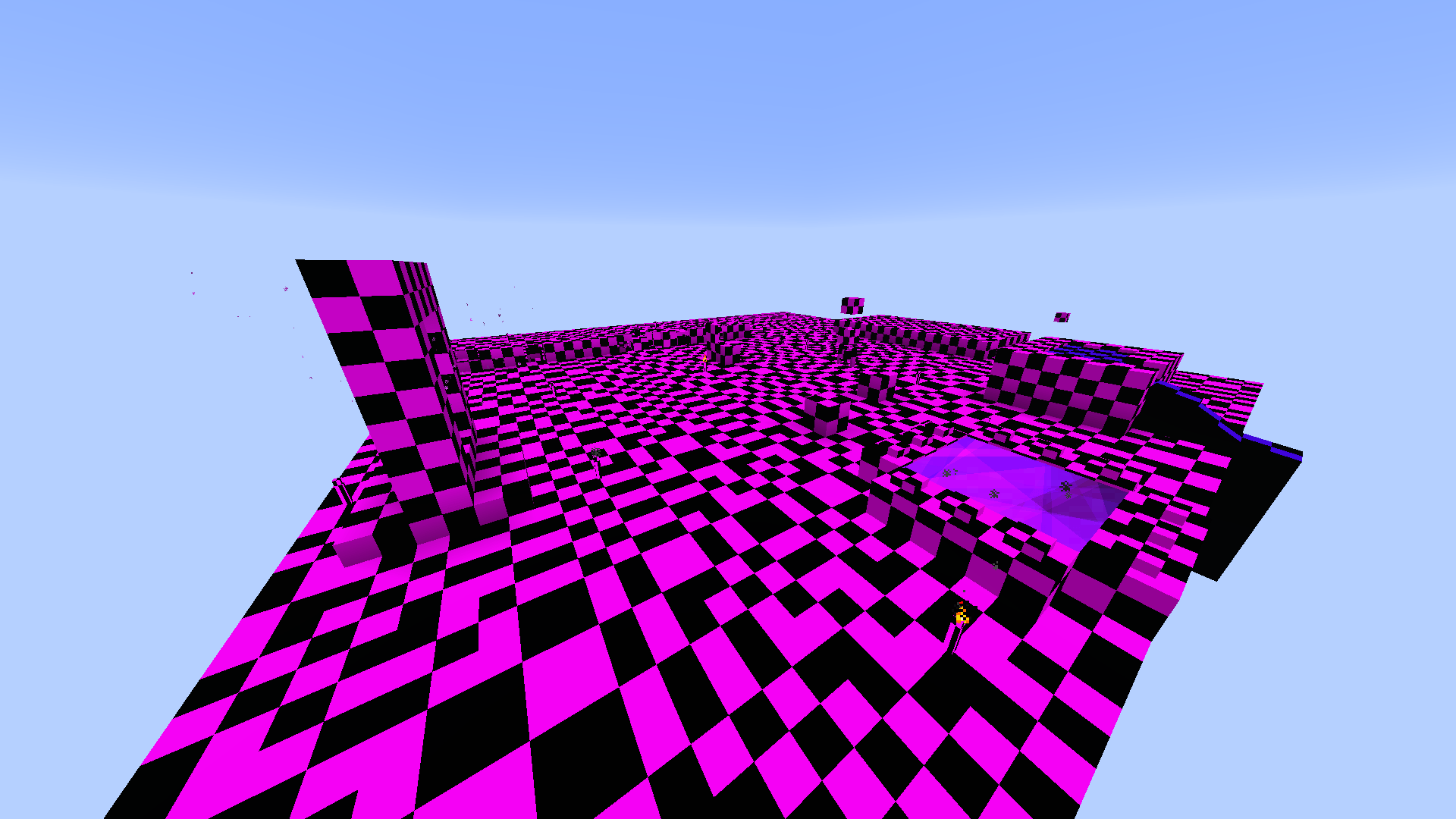
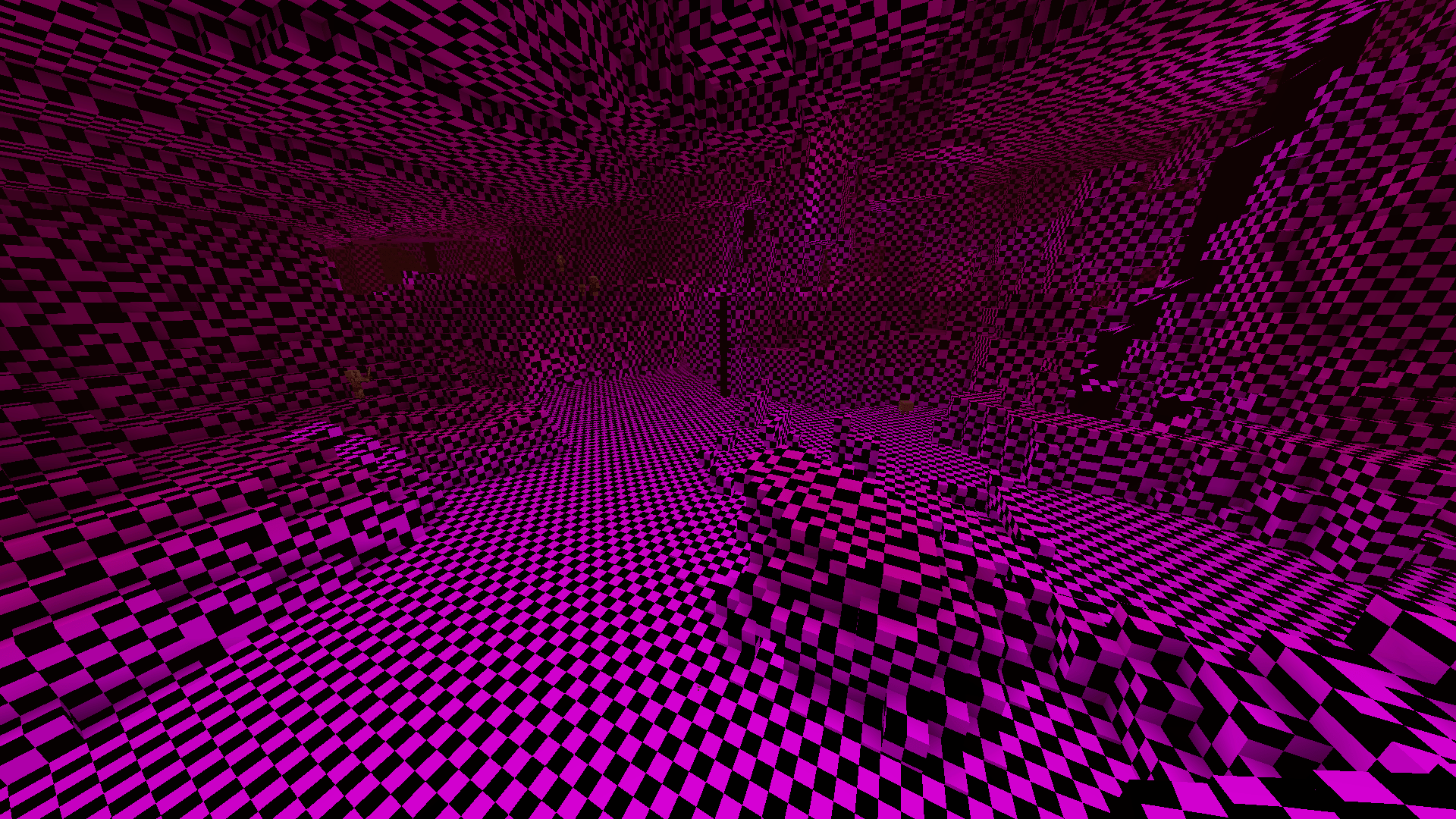
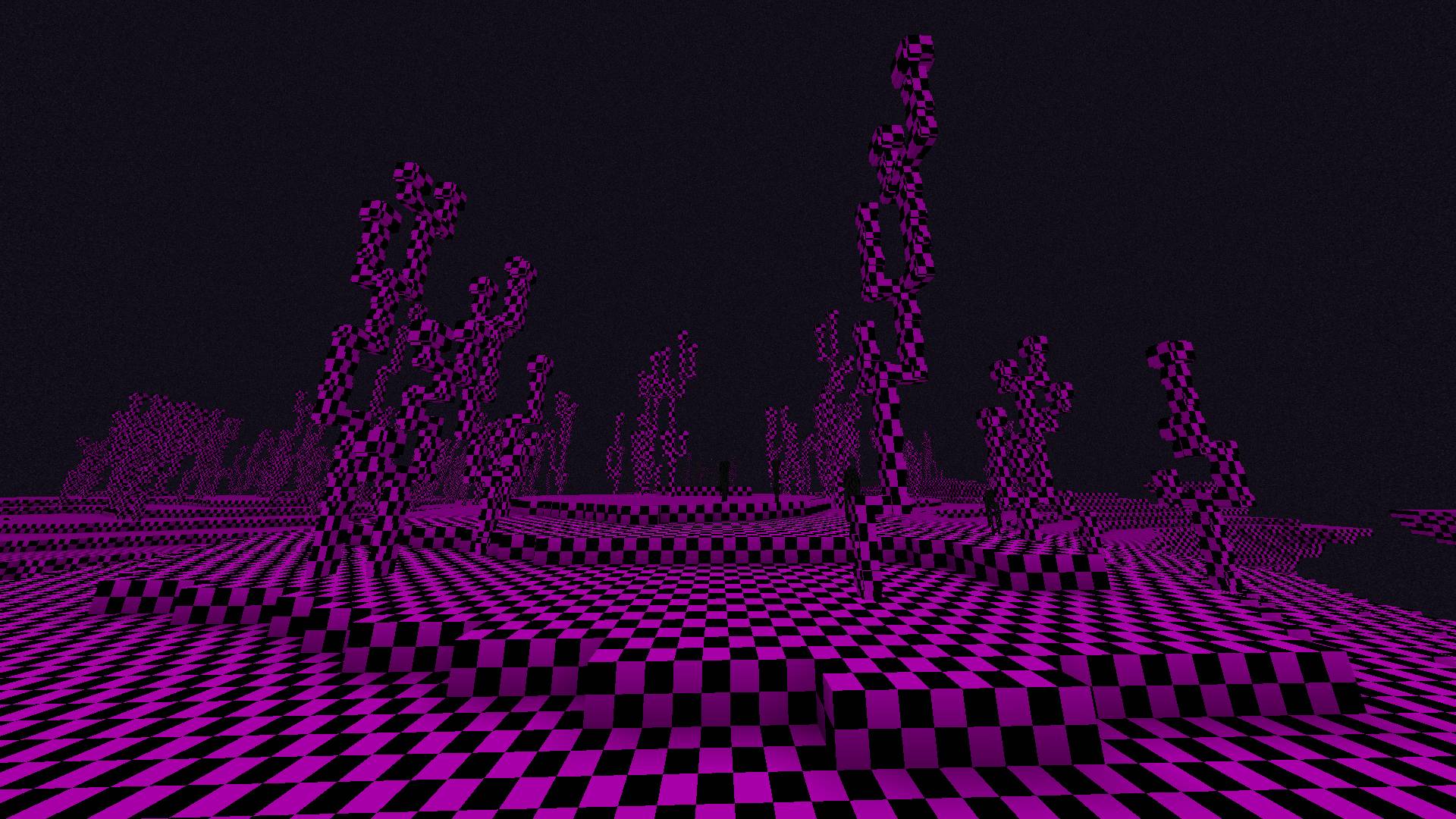
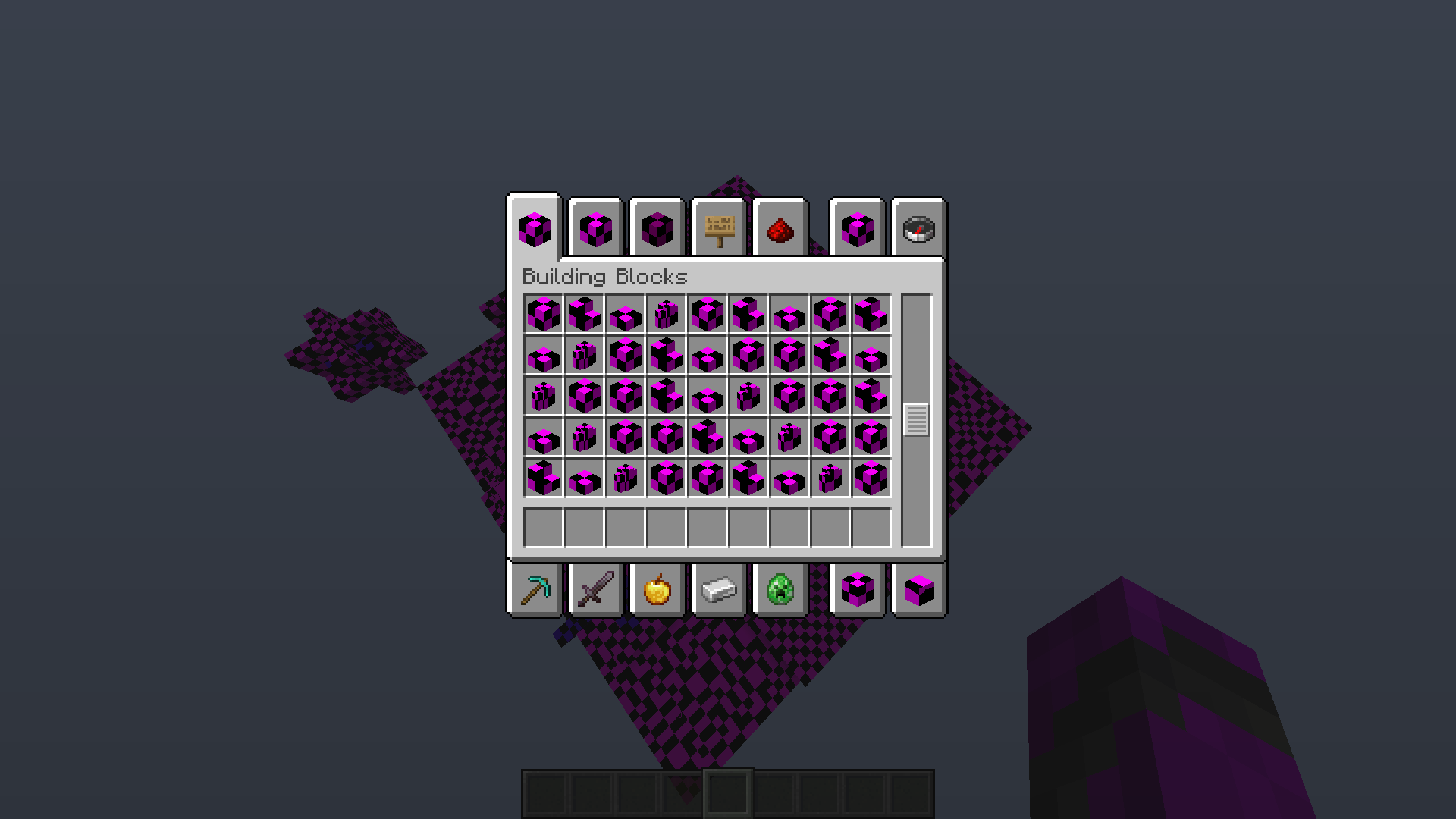
Inspired by other packs that replace block textures to something less... visually distinct, this one changes every single placeable block texture with the fallback pink and black checkerboard pattern. Does not affect GUI, item sprites, or mobs. Supports all versions post-The Flattening (1.13+).

Was this fun to make? Hell no.

Does this serve any purpose? More like a "why not".

Is the game still playable? From a technical definition, yes. :)

Oops! All Missing Blocks! 1.1.3
MC 1.16.3, 1.13.1, 1.17.1, 1.21, 1.16.1, 1.18.1, 1.14.3, 1.15, 1.16, 1.13, 1.16.5, 1.19.3, 1.20.2, 1.19.4, 1.21.8, 1.14.4, 1.14.1, 1.17, 1.20.5, 1.21.5, 1.18, 1.21.4, 1.20.1
Release 2026-06-19 Get
(v1.1.2) 26.1 support
MC 1.16.3, 1.13.1, 1.17.1, 1.21, 1.16.1, 1.18.1, 1.14.3, 1.15, 1.16, 1.13, 1.16.5, 1.19.3, 1.20.2, 1.19.4, 1.21.8, 1.14.4, 1.14.1, 1.17, 1.20.5, 1.21.5, 1.18, 1.21.4, 1.20.1
Release 2026-04-24 Get
(v1.1.1) 26.1 Snapshot 2
MC 1.16.3, 1.13.1, 1.17.1, 1.21, 1.16.1, 1.18.1, 1.14.3, 1.15, 1.16, 1.13, 1.16.5, 1.19.3, 1.20.2, 1.19.4, 1.21.8, 1.14.4, 1.14.1, 1.17, 1.20.5, 1.21.5, 1.18, 1.21.4, 1.20.1
Release 2026-01-09 Get
(v1.1.0) 1.21.9 Compatibility
MC 1.17.1, 1.16.3, 1.13.1, 1.19.3, 1.20.2, 1.21, 1.16.1, 1.18.1, 1.20.5, 1.21.5, 1.14.4, 1.14.1, 1.17, 1.14.3, 1.15, 1.16, 1.13, 1.19.4, 1.21.8, 1.21.9, 1.21.10, 1.16.5, 1.21.4
Release 2025-10-01 Get
(v1.0.0) Release
MC 1.17.1, 1.16.3, 1.13.1, 1.19.3, 1.20.2, 1.21, 1.16.1, 1.18.1, 1.20.5, 1.21.5, 1.14.4, 1.14.1, 1.17, 1.14.3, 1.15, 1.16, 1.13, 1.19.4, 1.21.8, 1.16.5, 1.21.4, 1.18.2, 1.19.2
Release 2025-09-13 Get

Requirements & install

How to use this resource pack in Minecraft
Resolution
16x
Minecraft
1.20.2 – 1.21.10
Install folder
.minecraft/resourcepacks

How to install resource packs

  1. Download the resource pack .zip file (do not extract it).
  2. In Minecraft open Options → Resource Packs → Open Pack Folder.
  3. Drop the .zip into the resourcepacks folder (.minecraft/resourcepacks).
  4. Move the pack to the Selected column and click Done.
Browse more: 16x resource packs 32x resource packs 64x resource packs 128x resource packs 256x resource packs 512x+ resource packs Resource Packs for 1.21.10 All resource packs

More from ShadyInktail

Advertisement Remove ads with Premium →

You Might Also Like