Mineuniverse
Resource Packs
OOPS! All cockatiels(Now with sound!)

OOPS! All cockatiels(Now with sound!)

RESOURCE PACK
same pack,new sounds
by SkyleeneMinecraft
Download Claim this project
Add a badge to your pageLink to OOPS! All cockatiels(Now with sound!) from a README, website or forum post.
Preview: Badge

Badges update automatically and link to the resource pack page on MineUniverse.

638 downloads
0 likes
0 followers
Updated Oct 14, 2026
0 hypes
Follow0
16x Miscellaneous
Advertisement Remove ads with Premium →

Have you ever wandered through the jungles,wondering why Mojang made all but one of the parrot textures some type of macaw?  Have you ever wanted a parrot that was a bit more like it's real life counterpart in terms of size? Have you ever wanted a more diverse 'tiel flock? Have you ever wanted to hear your cockatiel make real cockatiel noises?

No? Just me? Oh okay then.

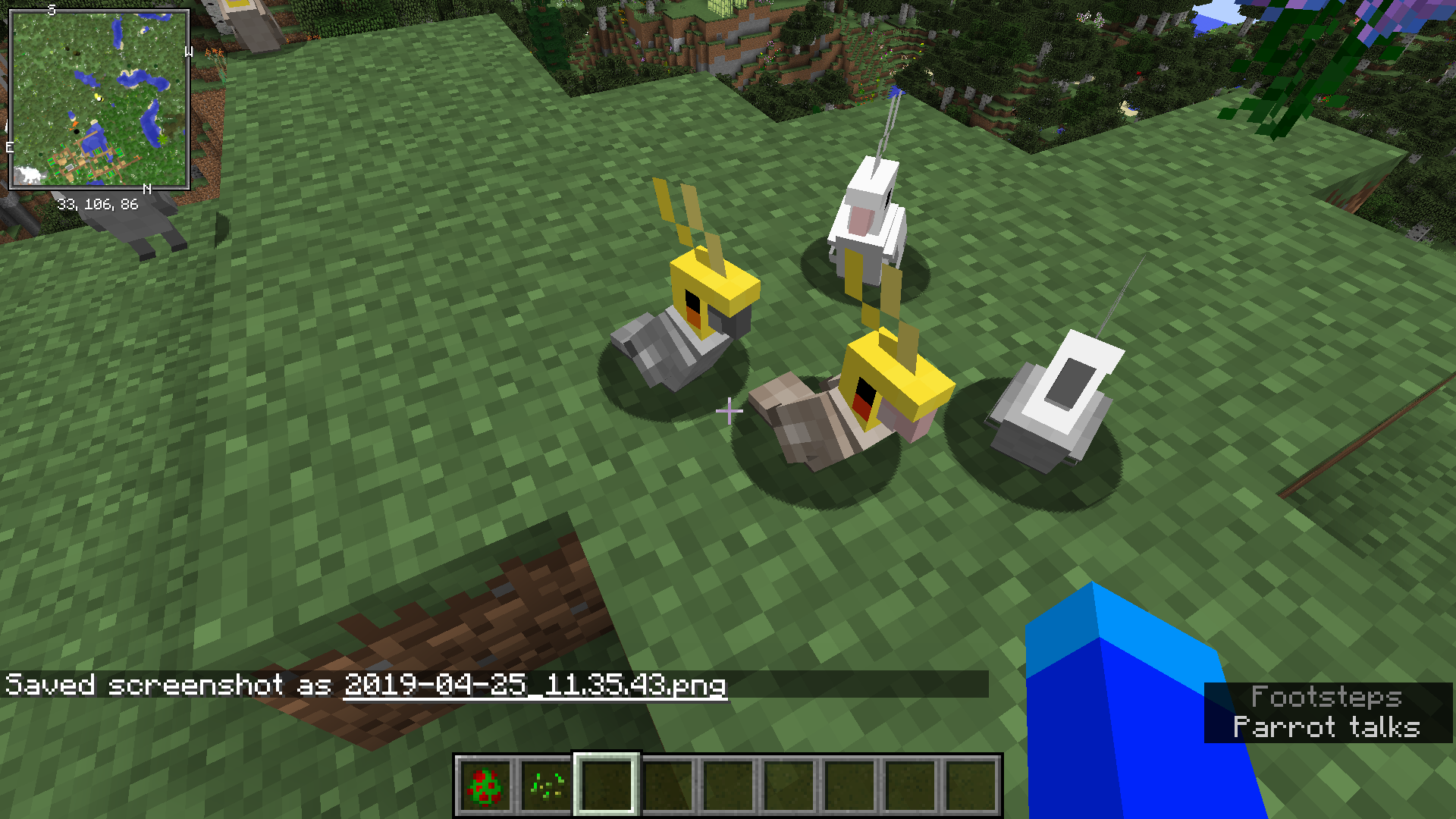
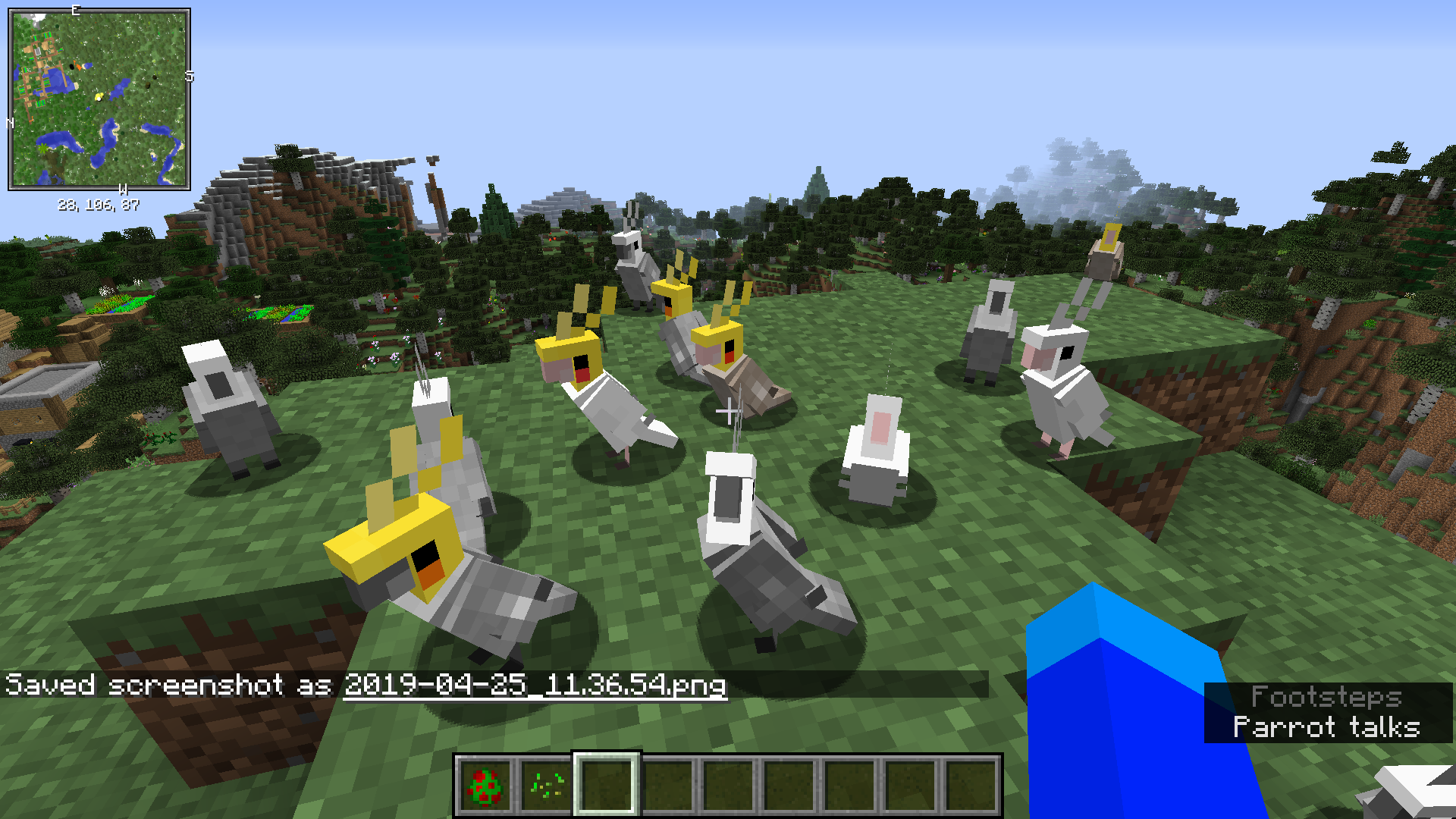
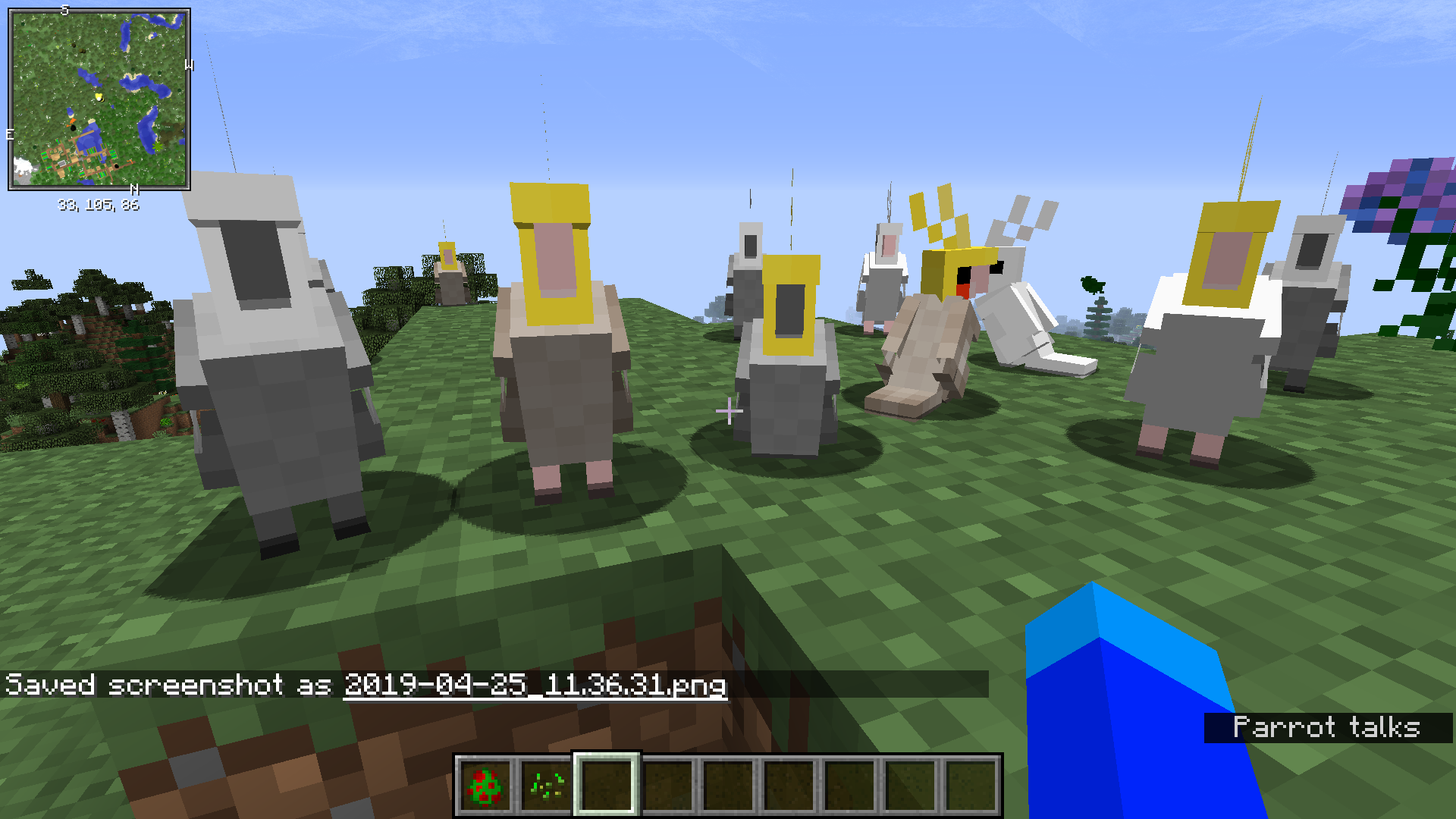
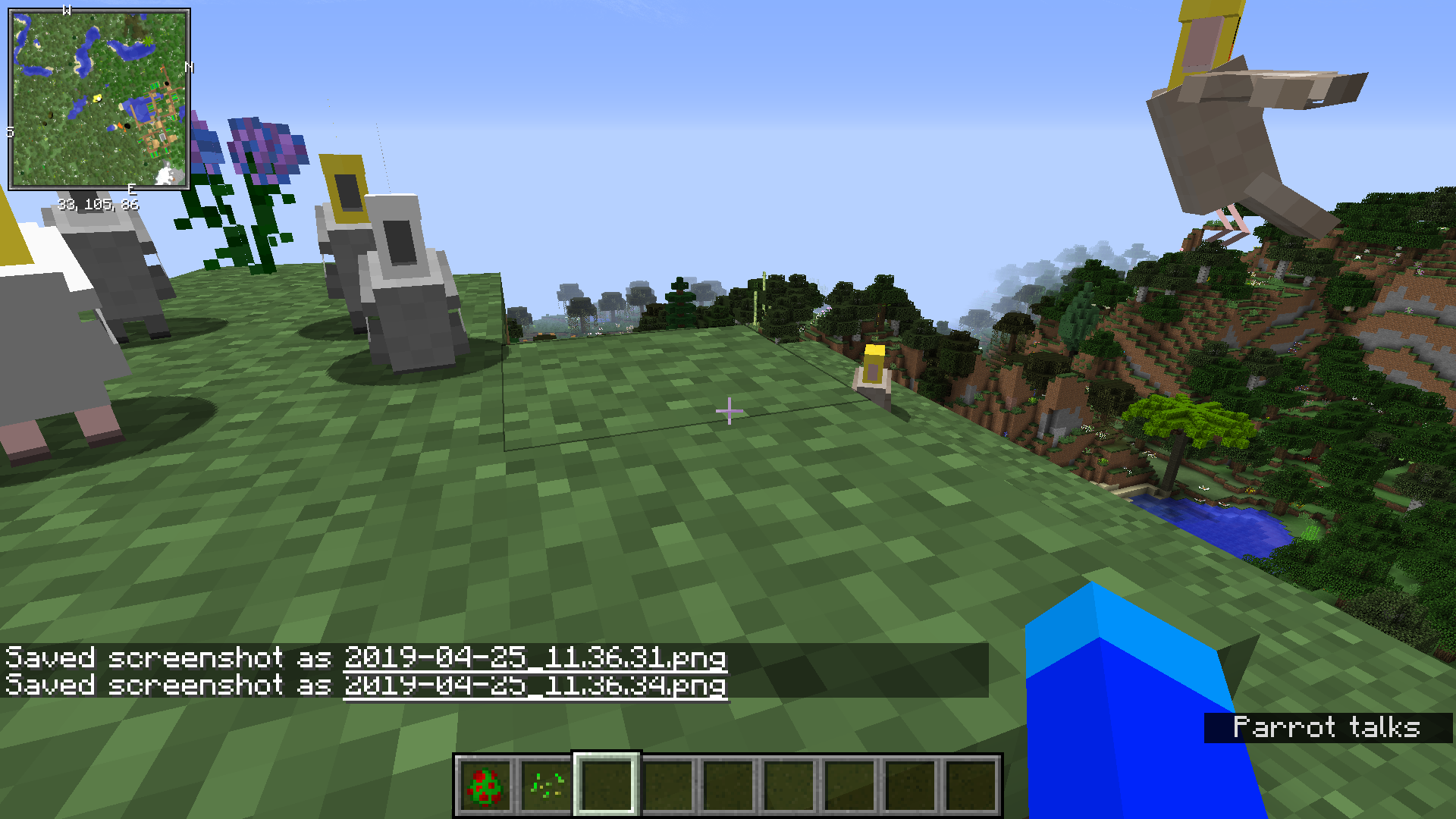
Welcome to OOPS! all cockatiels(Now with sound!). This texture pack replaces the parrot texture with a cockatiel one. 

The pack includes the following color mutations:

  • Normal gray
  • Lutino
  • Cinnamon
  • Whiteface
  • Albino

Sounds include:

  • cockatiel chirps
  • cockatiel  screams
  • cockatiel hisses(only when hit)
  • And so much more!

Featuring the vocal talents of  Alex the honking cockatiel and his son Dominic

Version with default sounds:https://minecraft.curseforge.com/projects/oops-all-cockatiels-and-no-other-parrot


Oops! all cockatiels-now with sound!(featuring Alex the honking cockatiel and son).zip
MC 1.12.1, 1.12, 1.12.2, 1.12-Snapshot
Release 2019-04-25 Get
Oops! all cockatiels-now with sound!(featuring Alex the honking cockatiel and son) 1.13.zip
MC 1.13.1, 1.13, 1.13-Snapshot, 1.13.2
Release 2019-04-25 Get

Requirements & install

How to use this resource pack in Minecraft
Resolution
16x
Minecraft
1.12-Snapshot – 1.13.2
Install folder
.minecraft/resourcepacks

How to install resource packs

  1. Download the resource pack .zip file (do not extract it).
  2. In Minecraft open Options → Resource Packs → Open Pack Folder.
  3. Drop the .zip into the resourcepacks folder (.minecraft/resourcepacks).
  4. Move the pack to the Selected column and click Done.
Browse more: 16x resource packs 32x resource packs 64x resource packs 128x resource packs 256x resource packs 512x+ resource packs Resource Packs for 1.13.2 All resource packs
Advertisement Remove ads with Premium →

You Might Also Like