Mineuniverse
Resource Packs
Ongaku - Music Pack

Ongaku - Music Pack

RESOURCE PACK
Resource Pack with incredible Japanese music
by Pepuss
Download Claim this project
Add a badge to your pageLink to Ongaku - Music Pack from a README, website or forum post.
Preview: Badge

Badges update automatically and link to the resource pack page on MineUniverse.

828 downloads
0 likes
0 followers
Updated Oct 14, 2026
0 hypes
Follow0
16x Miscellaneous Traditional
Advertisement Remove ads with Premium →

This pack replaces ALL background music and recordings predominantly with different Japanese music (including City Pop, J-Pop, Classical music, Kawaii Future Bass, Lo-fi, etc.)

I used my most favorite music, so I would be glad if you enjoy playing with this resource pack as I do :)

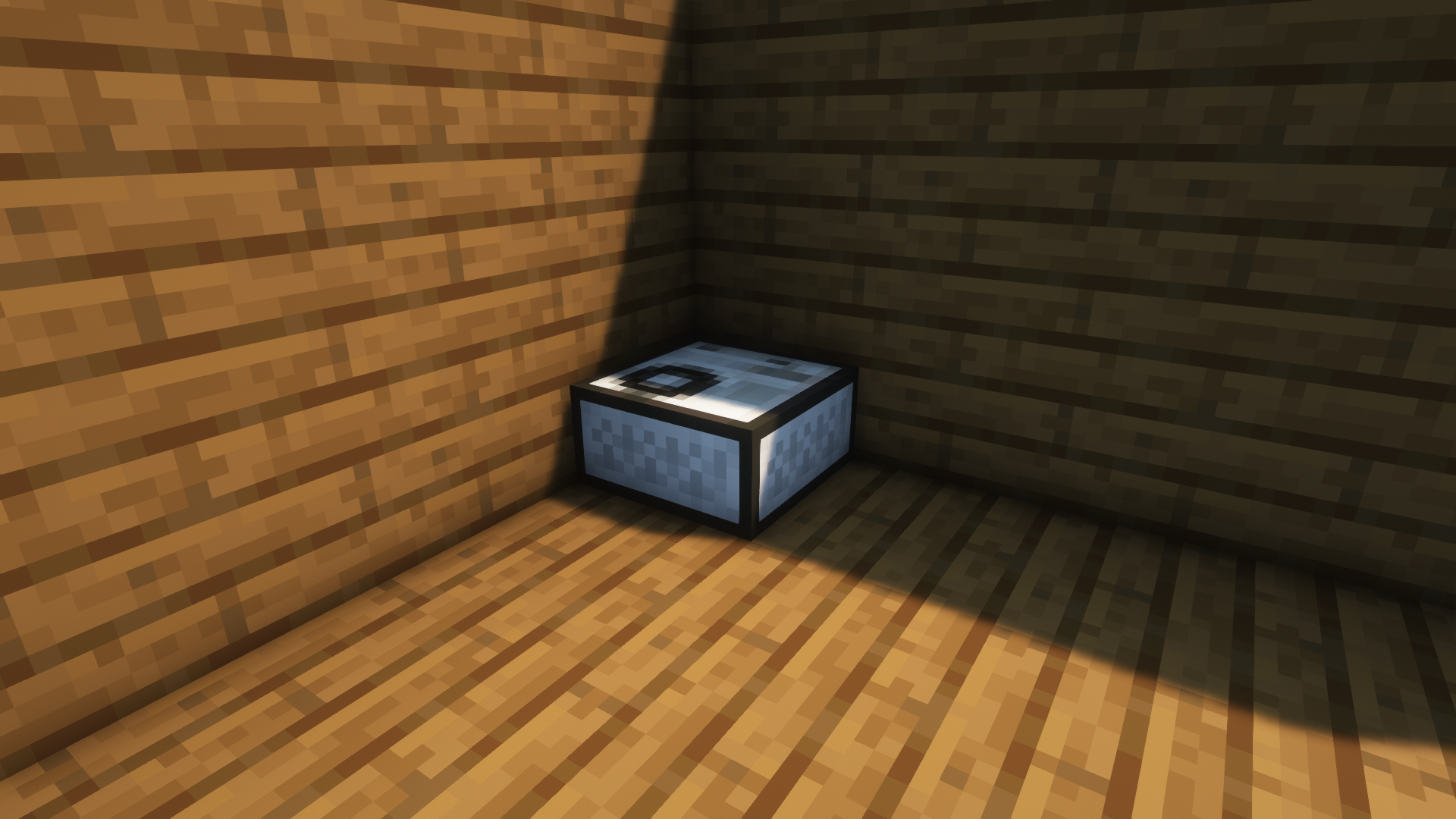
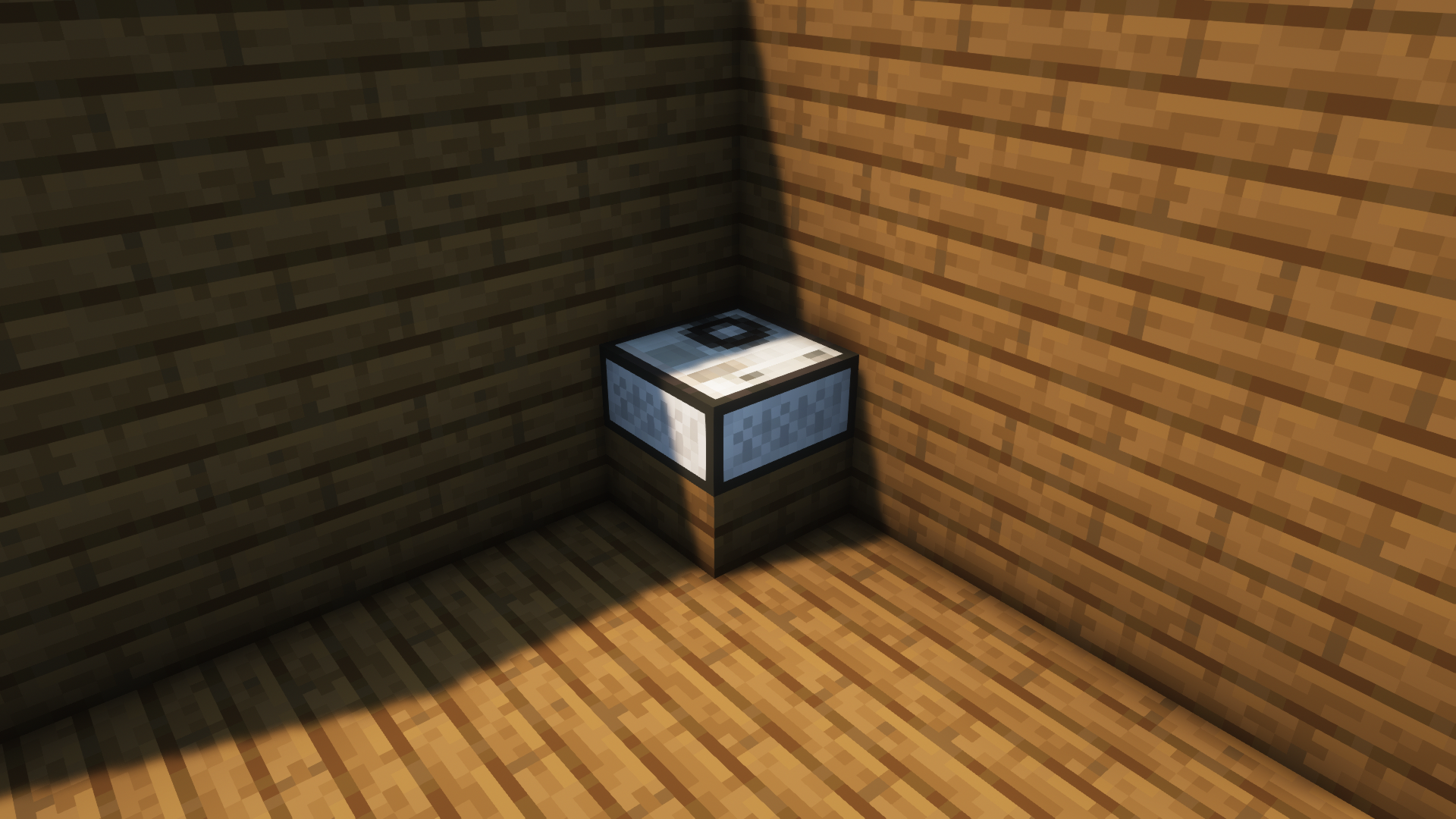
Also the pack replaces splashes with the names of all artists, as well as changes the texture of the jukebox.


Here is the list of the recordings:

11: RADWIMPS - かたわれ時

13: キタにタツヤ - 天国の改札

mellohi: Koichi Yamadera - Baka Mitai
chirp: フランシュシュ - 佐賀事変
blocks: Koichi Yamadera - Asia no Kaizoku
wait: Takako Mamiya - Chinese Restaurant
otherside: Sonoko Inoue - Say My Name
mall: Miki Matsubara - ニートな午後3時 (Night Tempo Showa Groove Mix)
far: SHISHAMO - 夏の恋人
strad: sumika - 春夏秋冬
stal: Mariya Takeuchi - Plastic Love
ward: sumika - Jasmine
cat: Junko Ohashi - Simple Love

pigstep: Taeko Onuki - YAMAZAKURA


Follow me on Instagram

@roman_laydan

Join my Discord Server

Doyobi

Support

PayPal

Ongaku v1.2
MC 1.18.1, 1.18, 1.18-Snapshot
Release 2022-02-12 Get
Ongaku v1.0
MC 1.18.1, 1.18, 1.18-Snapshot
Release 2022-02-06 Get
Ongaku v1.1
MC 1.18.1, 1.18, 1.18-Snapshot
Release 2022-02-06 Get

Requirements & install

How to use this resource pack in Minecraft
Resolution
16x
Minecraft
1.18-Snapshot – 1.18.1
Install folder
.minecraft/resourcepacks

How to install resource packs

  1. Download the resource pack .zip file (do not extract it).
  2. In Minecraft open Options → Resource Packs → Open Pack Folder.
  3. Drop the .zip into the resourcepacks folder (.minecraft/resourcepacks).
  4. Move the pack to the Selected column and click Done.
Browse more: 16x resource packs 32x resource packs 64x resource packs 128x resource packs 256x resource packs 512x+ resource packs Resource Packs for 1.18.1 All resource packs
Advertisement Remove ads with Premium →

You Might Also Like