Mineuniverse
Resource Packs
One Point Seven Texture Pack

One Point Seven Texture Pack

RESOURCE PACK
A nostalgic texture pack that adds unused music and changes some textures a little
by Alviun
Download Claim this project
Add a badge to your pageLink to One Point Seven Texture Pack from a README, website or forum post.
Preview: Badge

Badges update automatically and link to the resource pack page on MineUniverse.

1,170 downloads
0 likes
0 followers
Updated Oct 14, 2026
0 hypes
Follow0
16x Traditional
Advertisement Remove ads with Premium →

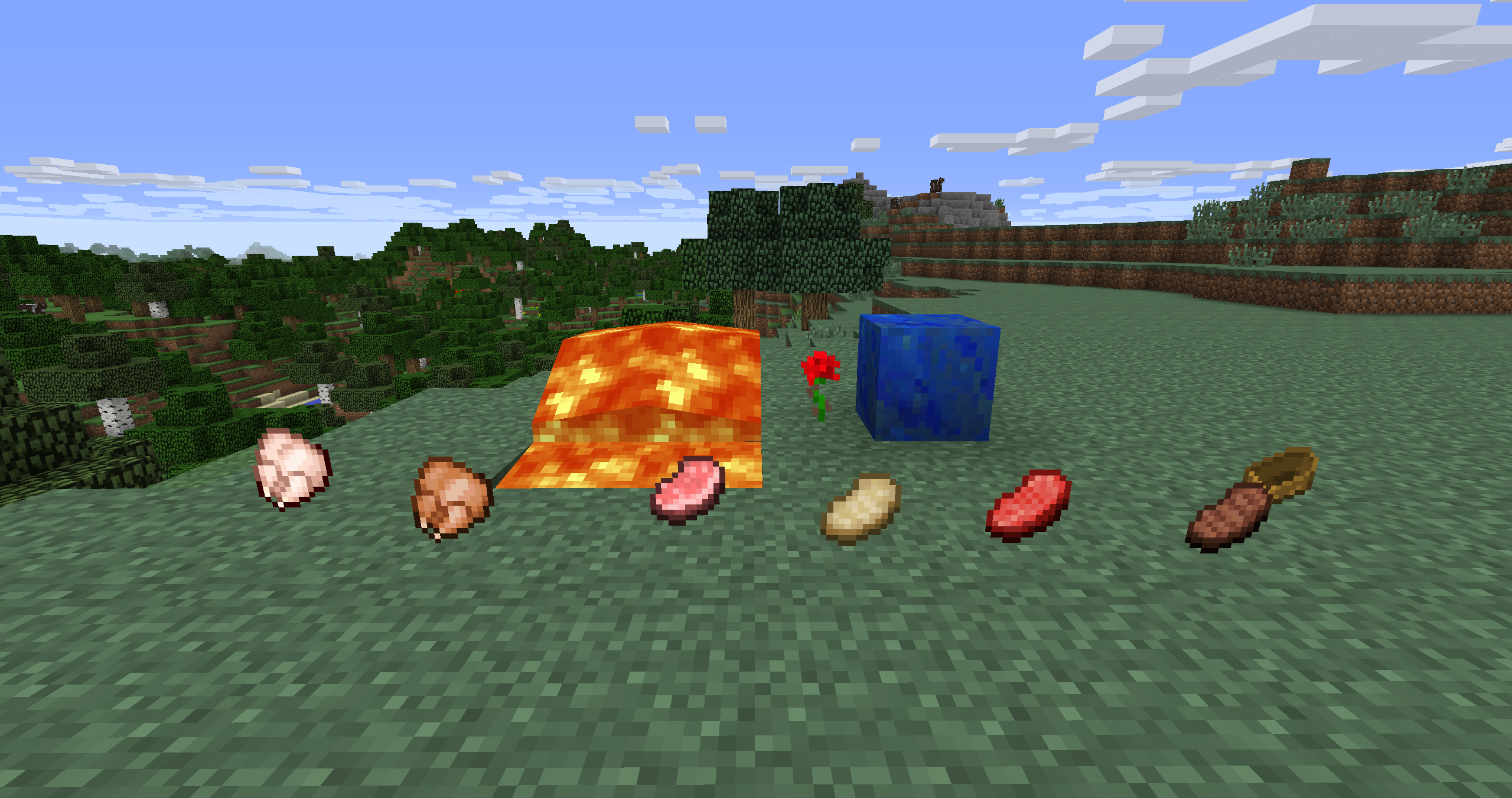
Hello! This is my resource pack! It is a small but charming resource pack designed to bring back the classic feel of Minecraft versions around 1.4–1.6 but primarily a resource pack for the One Point Seven Server! It changes textures and sounds, adds new paintings and more!


This resourcepack also makes so these songs plays along with the normal background music. All songs made by C418 ofcorse!: 


Door

Èquinoxe
Chris

Droopy Likes Ricochet

Ki

Flage

Kyoto
Moog City

Excuse (Nether only)


OnePointSevenTexturePack3.0
MC 1.7.10
Release 2026-10-03 Get
One Point Seven Texture Pack 2.0
MC 1.7.10
Release 2026-06-19 Get
One Point Seven Texture Pack 1.9
MC 1.7.10
Release 2026-03-11 Get
One Point Seven Texture Pack 1.8
MC 1.7.10
Release 2026-01-30 Get
One Point Seven Texture Pack 1.7
MC 1.7.10
Release 2026-01-07 Get
One Point Seven Texture Pack 1.6
MC 1.7.10
Release 2025-11-28 Get
One Point Seven Texture Pack 1.5
MC 1.7.10
Release 2025-09-05 Get
One Point Seven Texture Pack 1.4
MC 1.7.10
Release 2025-08-30 Get
Alviuns 1.7.10 Texturepack 1.3
MC 1.7.10
Release 2025-07-28 Get
Alviuns 1.7.10 Texturepack 1.2
MC 1.7.10
Release 2025-05-20 Get
Alviun's Texture Pack.zip
MC 1.7.10
Release 2025-04-15 Get
Alviun's Texture Pack.zip
MC 1.7.6, 1.7.4, 1.7.7, 1.7.5, 1.7.9, 1.7.3, 1.7.8, 1.7.10
Release 2025-04-12 Get

Requirements & install

How to use this resource pack in Minecraft
Resolution
16x
Minecraft
1.7.3 – 1.7.10
Install folder
.minecraft/resourcepacks

How to install resource packs

  1. Download the resource pack .zip file (do not extract it).
  2. In Minecraft open Options → Resource Packs → Open Pack Folder.
  3. Drop the .zip into the resourcepacks folder (.minecraft/resourcepacks).
  4. Move the pack to the Selected column and click Done.
Browse more: 16x resource packs 32x resource packs 64x resource packs 128x resource packs 256x resource packs 512x+ resource packs Resource Packs for 1.7.10 All resource packs

More from Alviun

Advertisement Remove ads with Premium →

You Might Also Like