Mineuniverse
Resource Packs
Olive's Garden

Olive's Garden

RESOURCE PACK
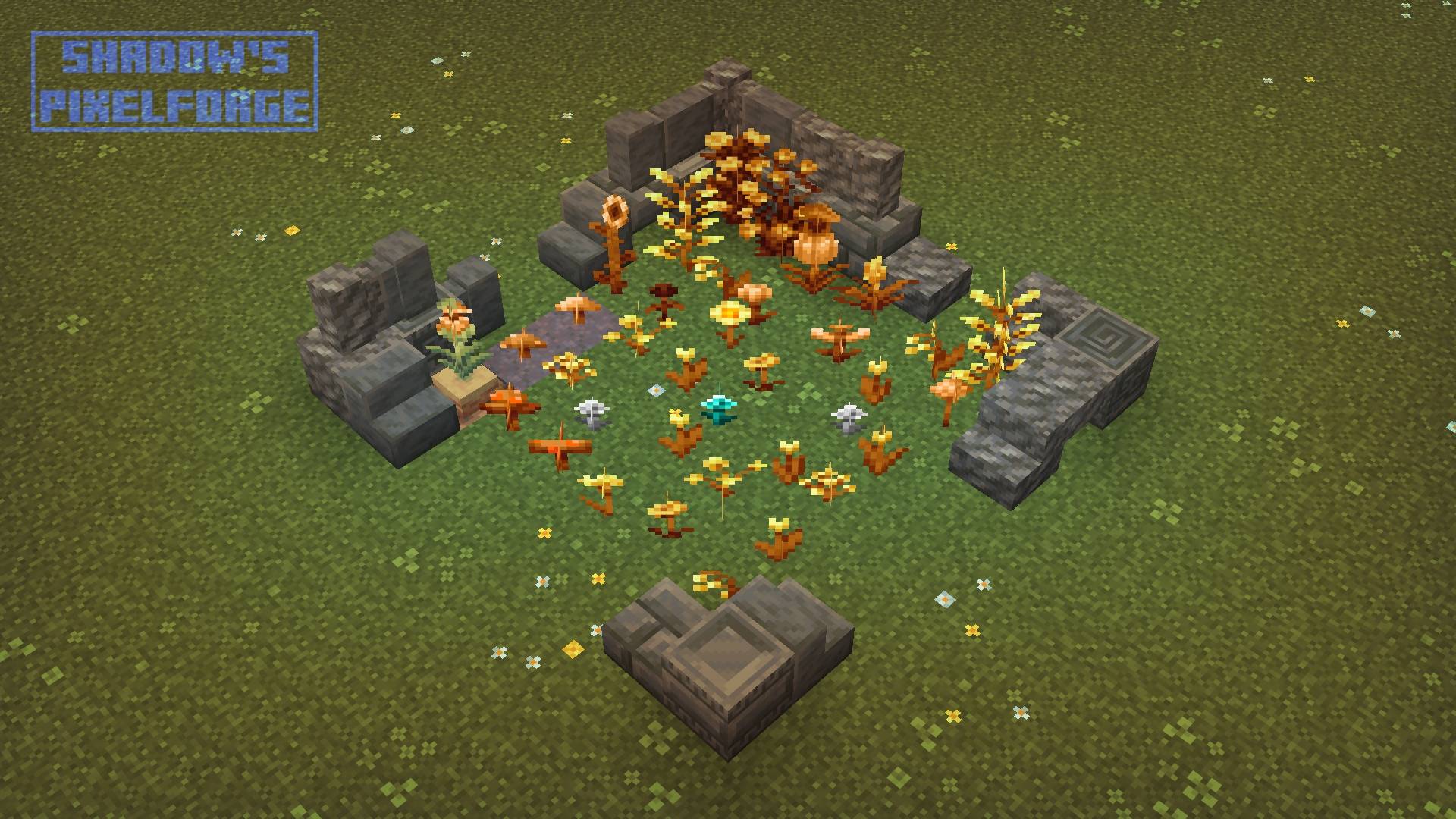
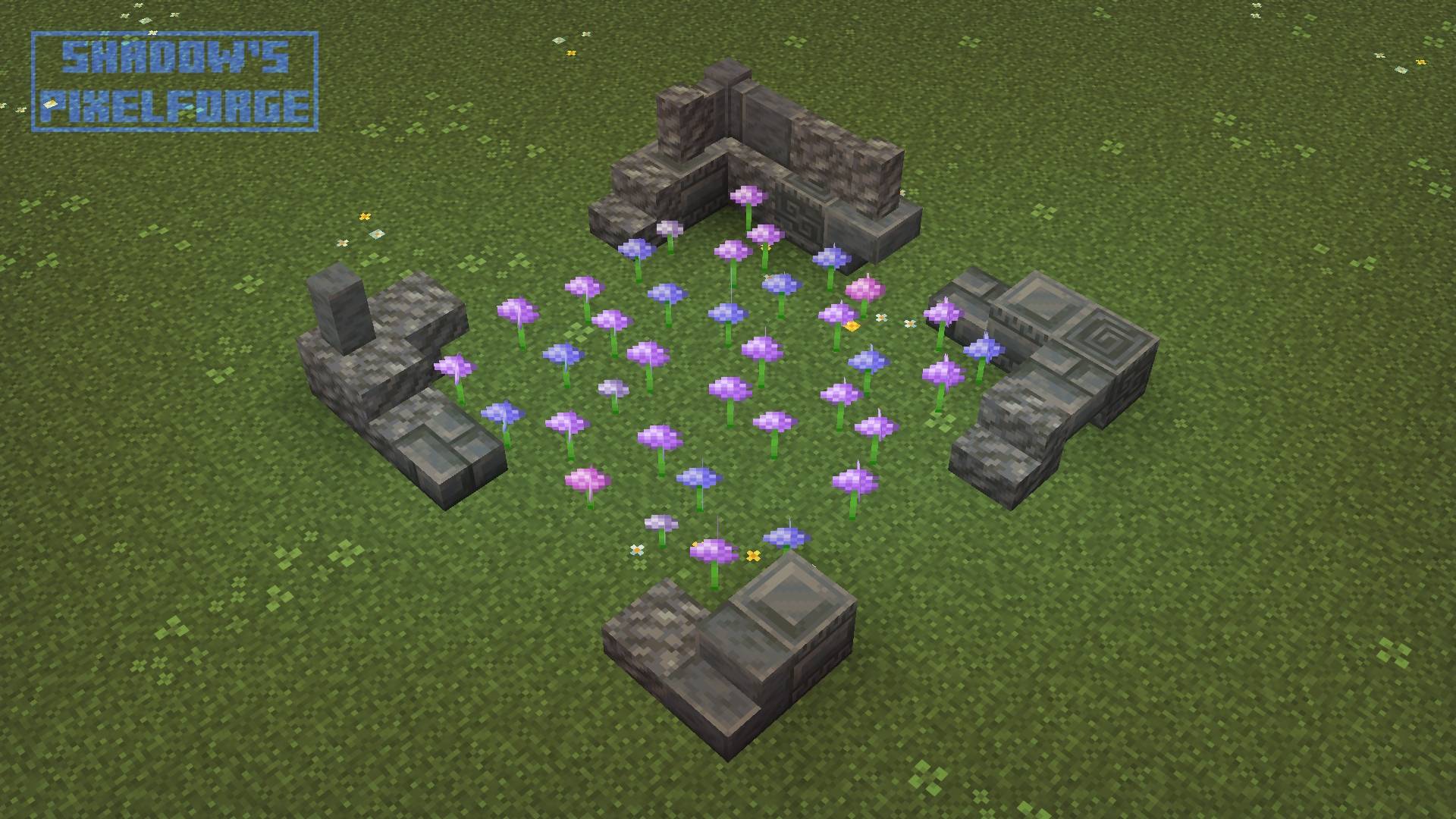
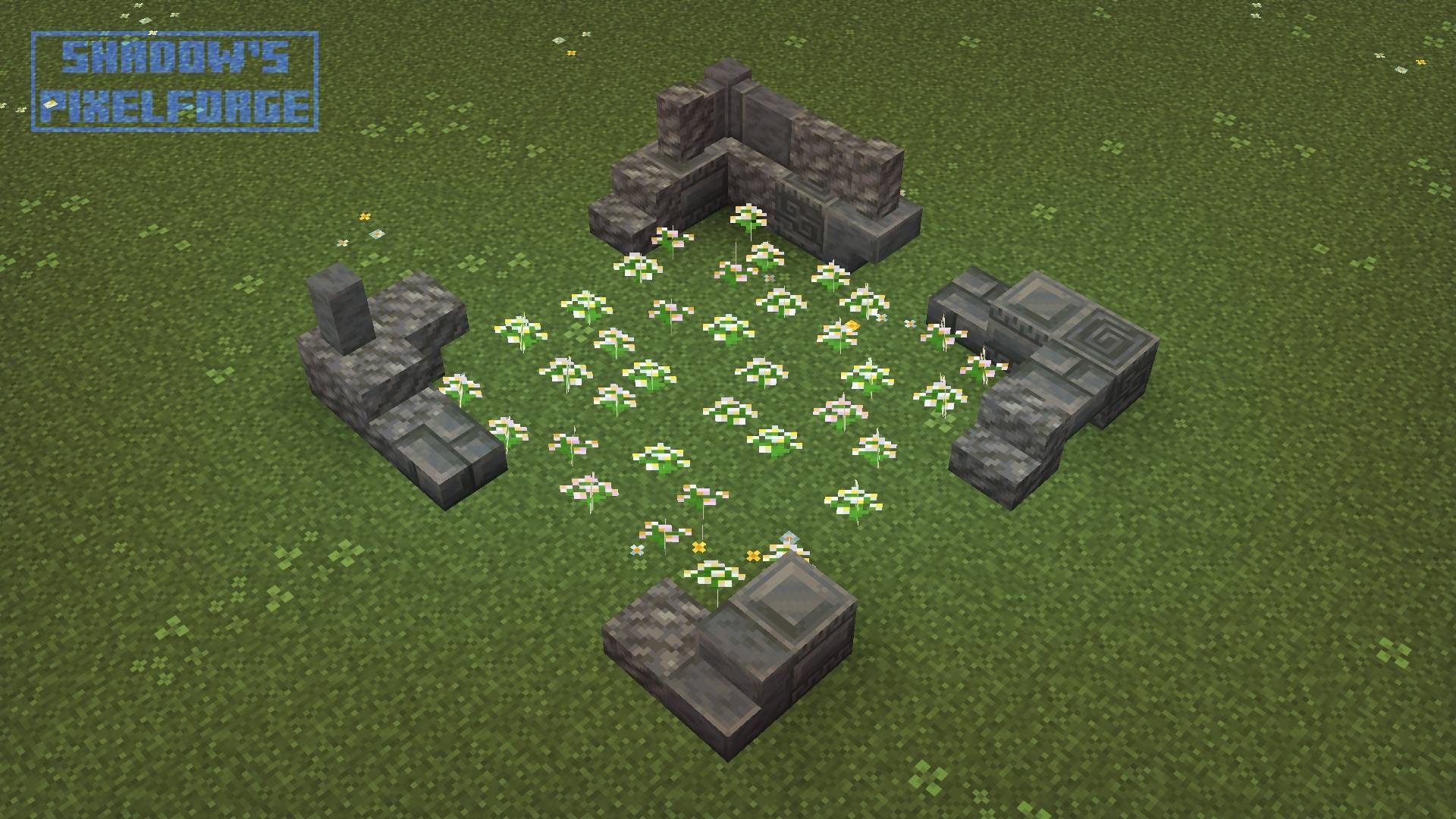
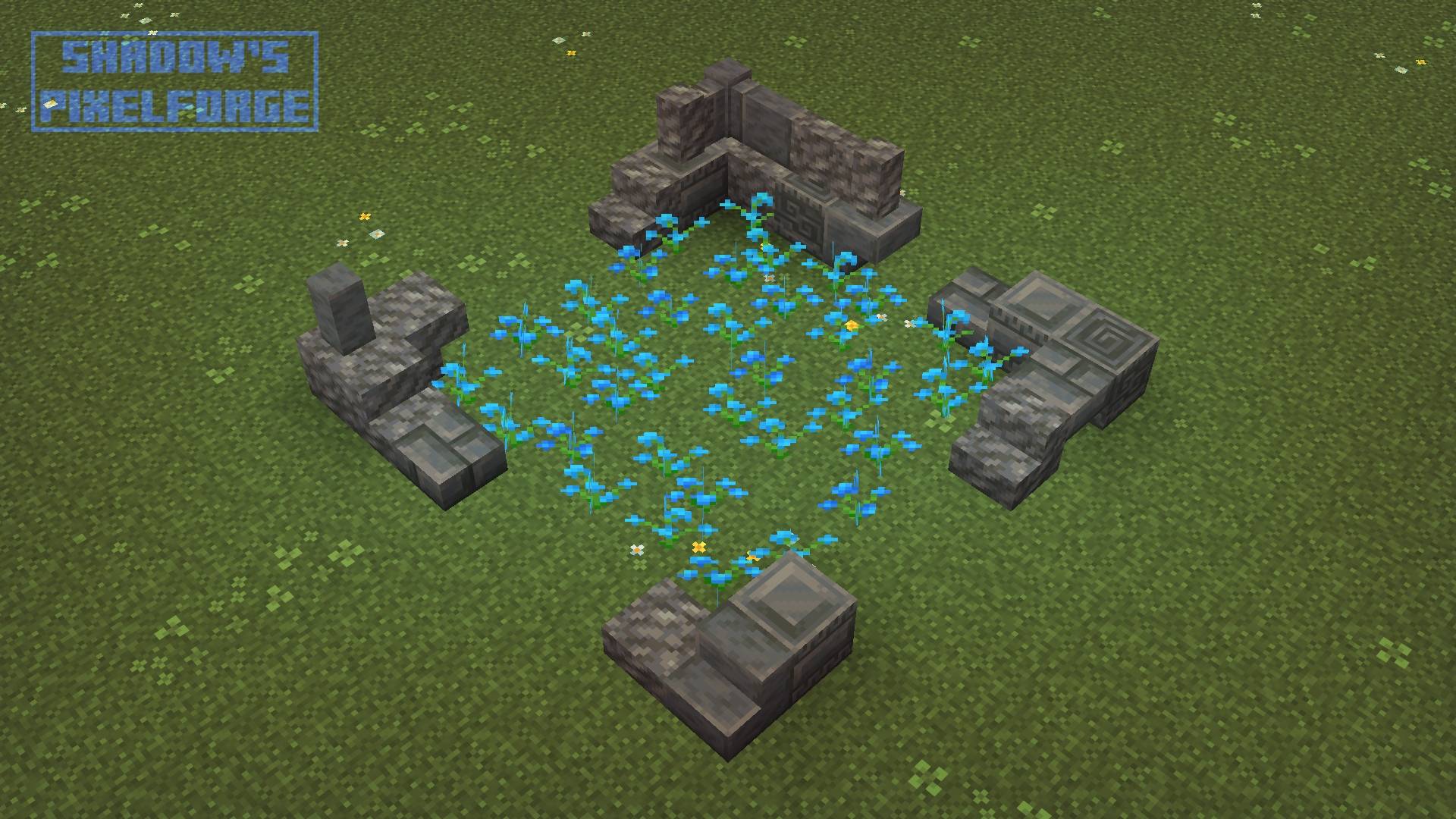
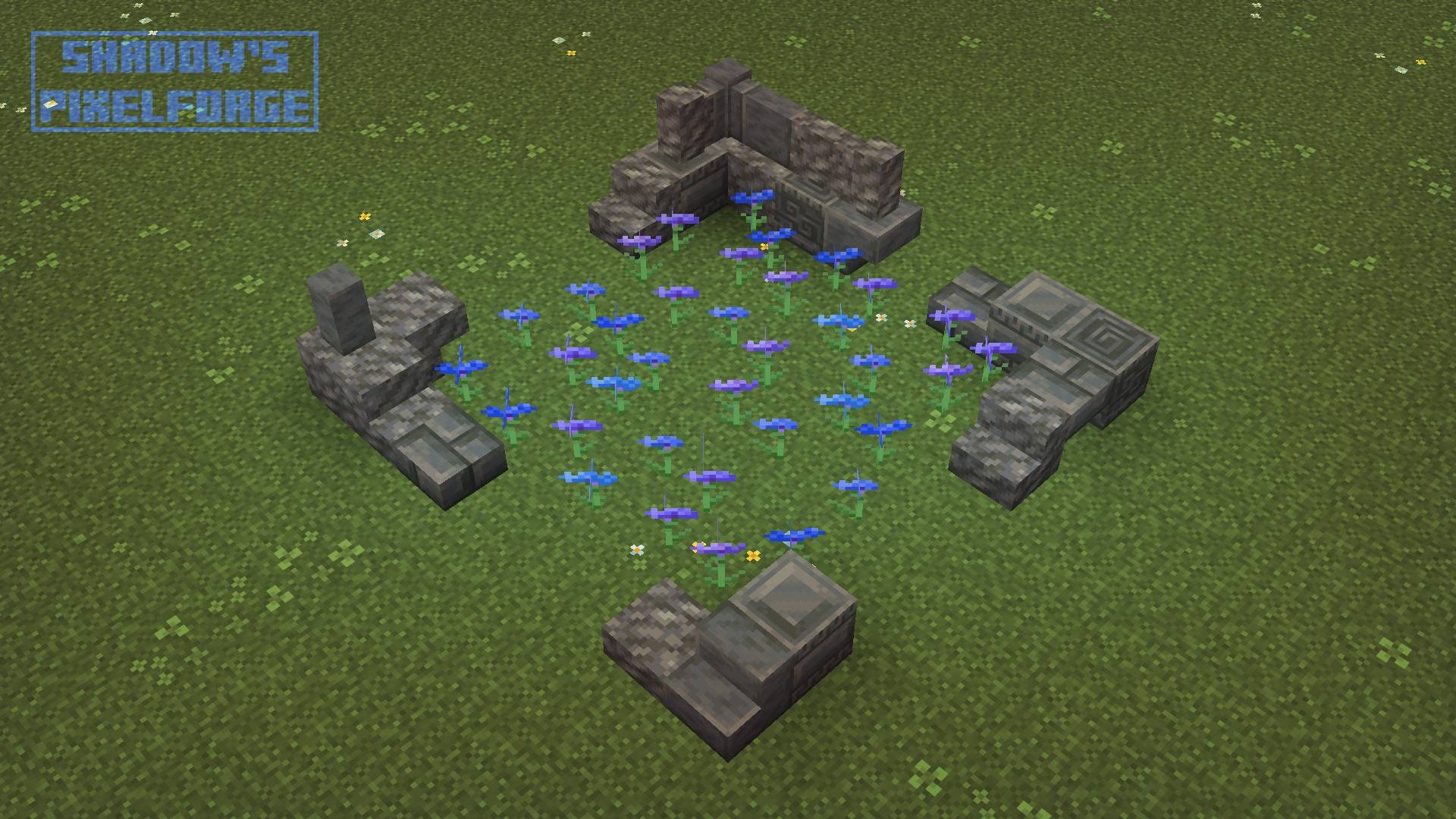
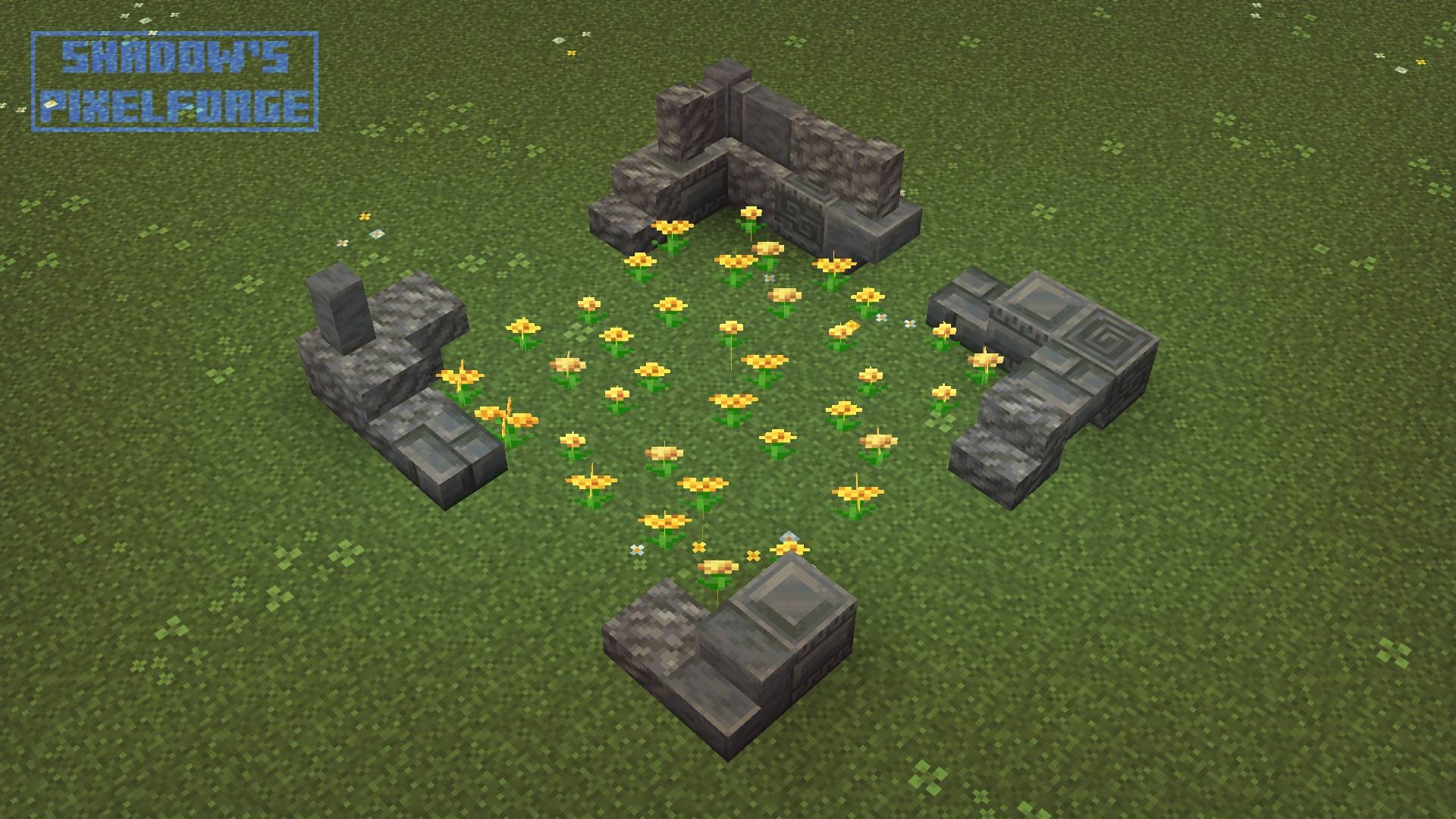
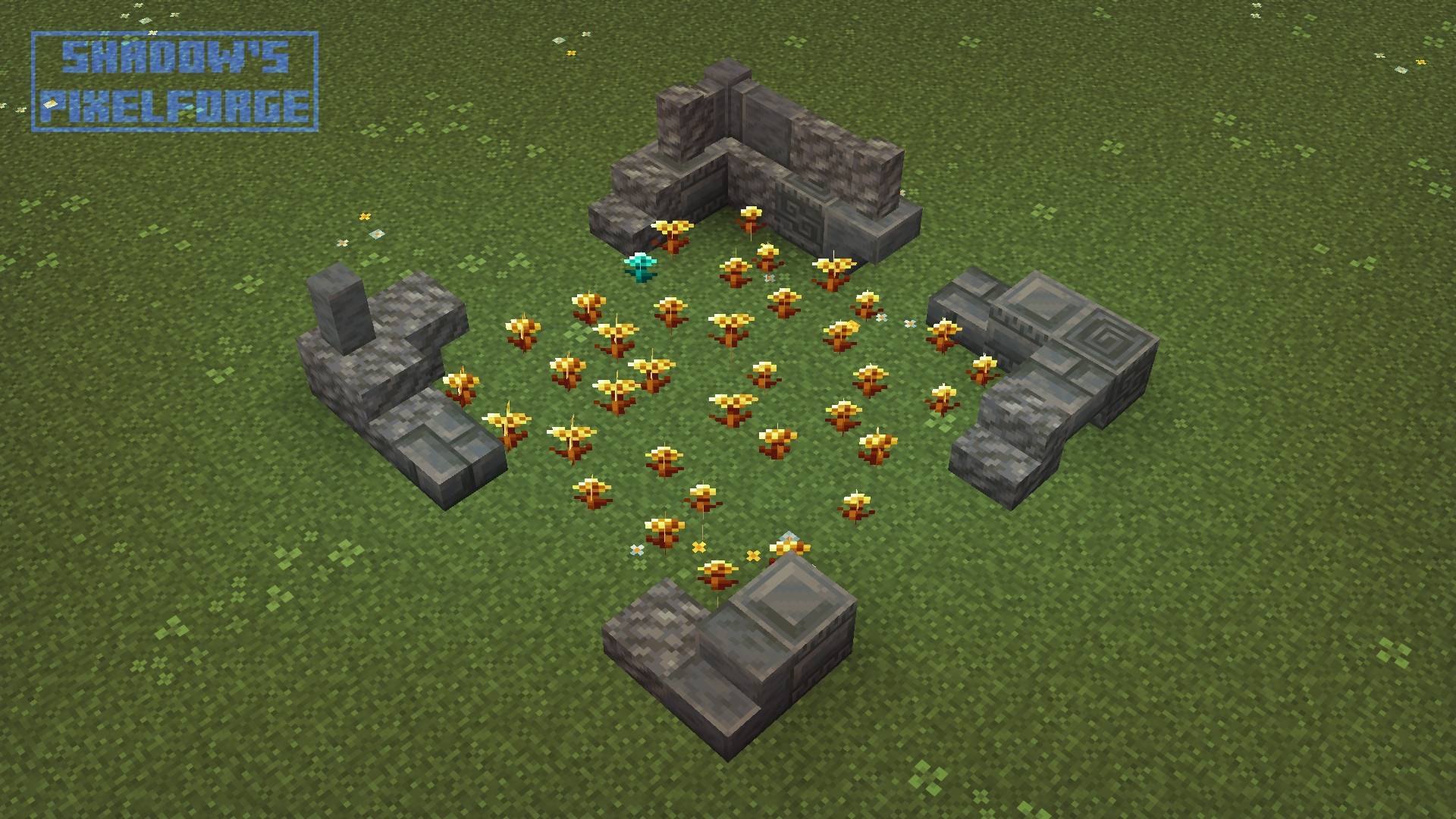
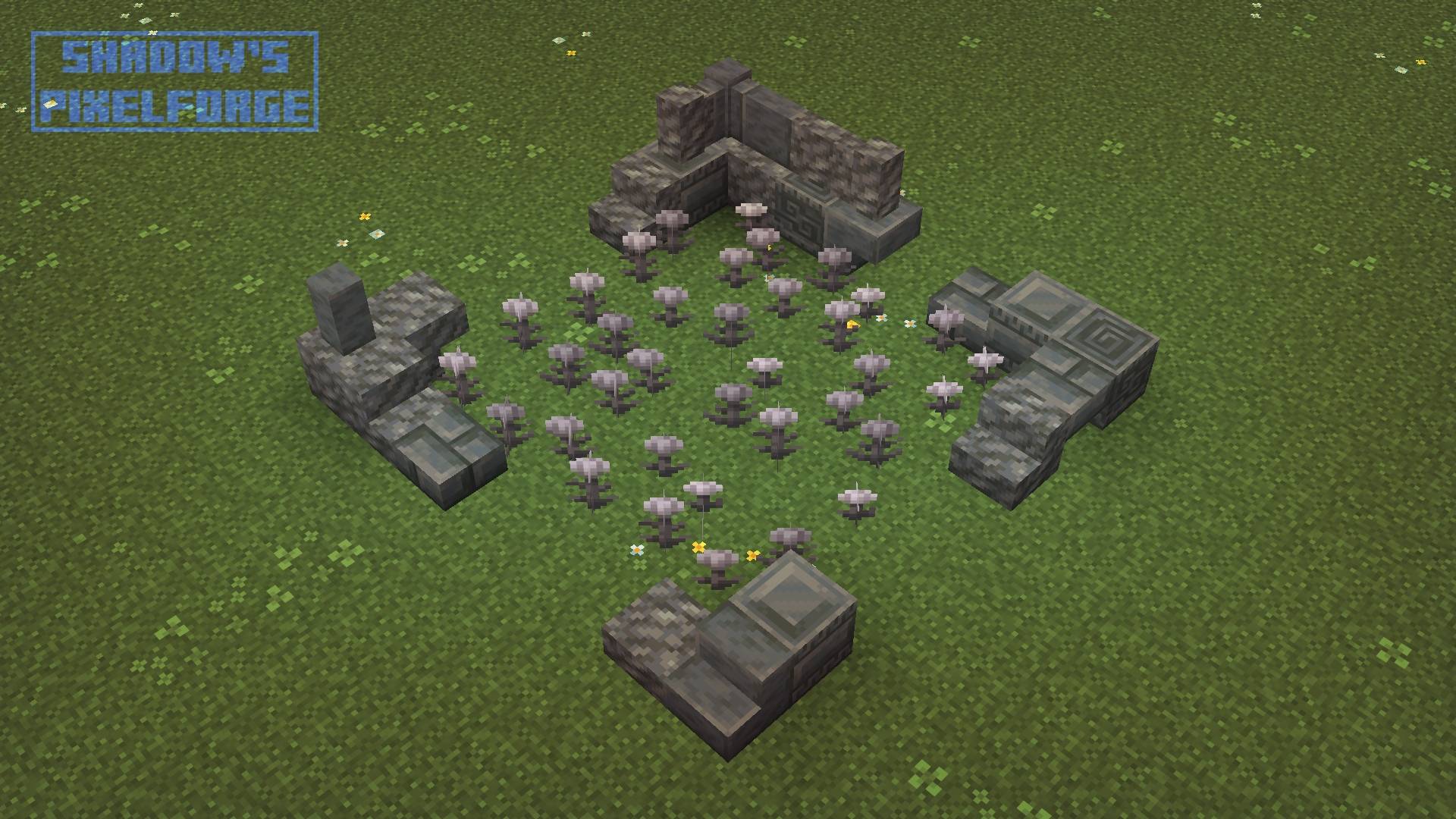
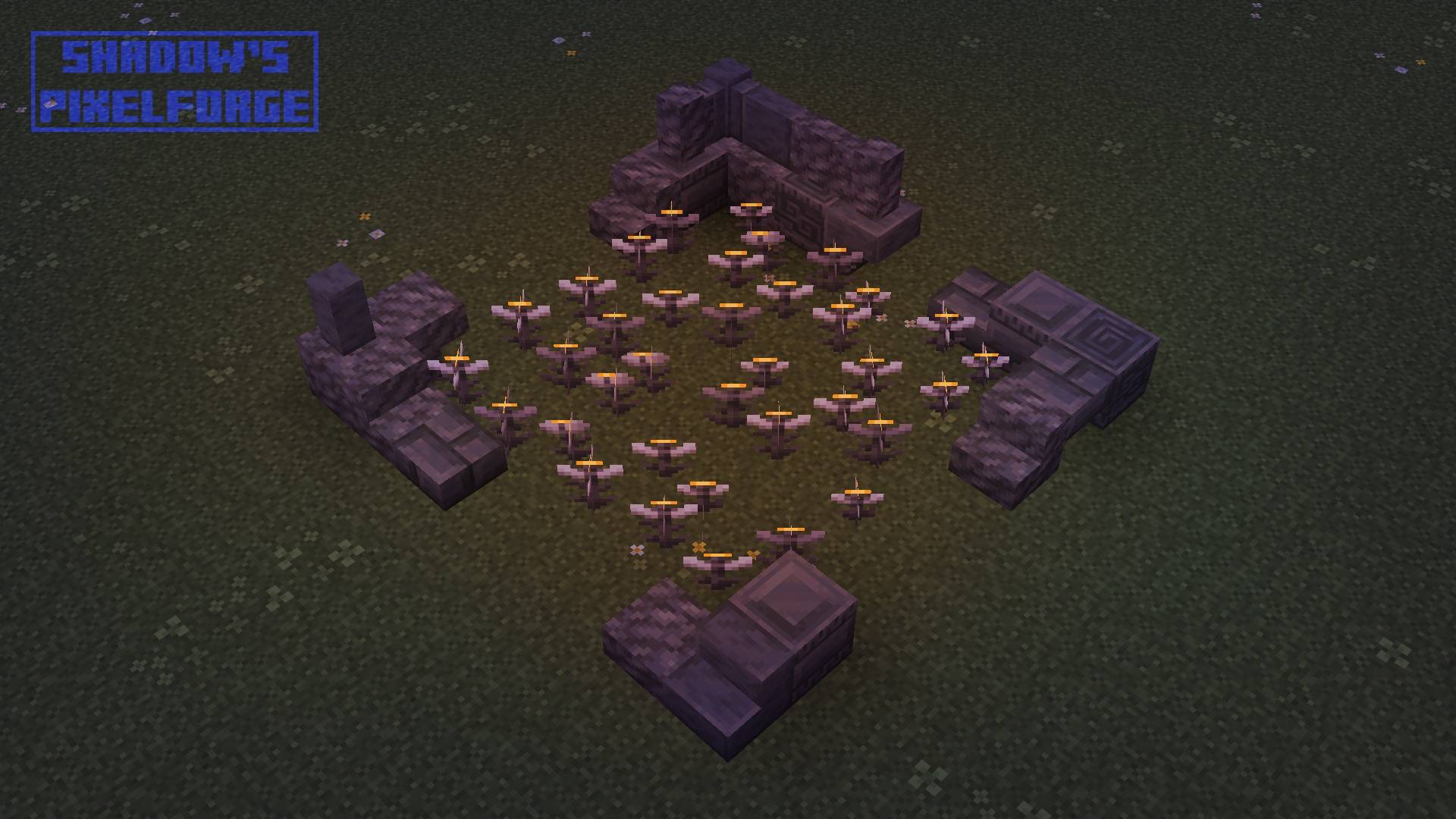
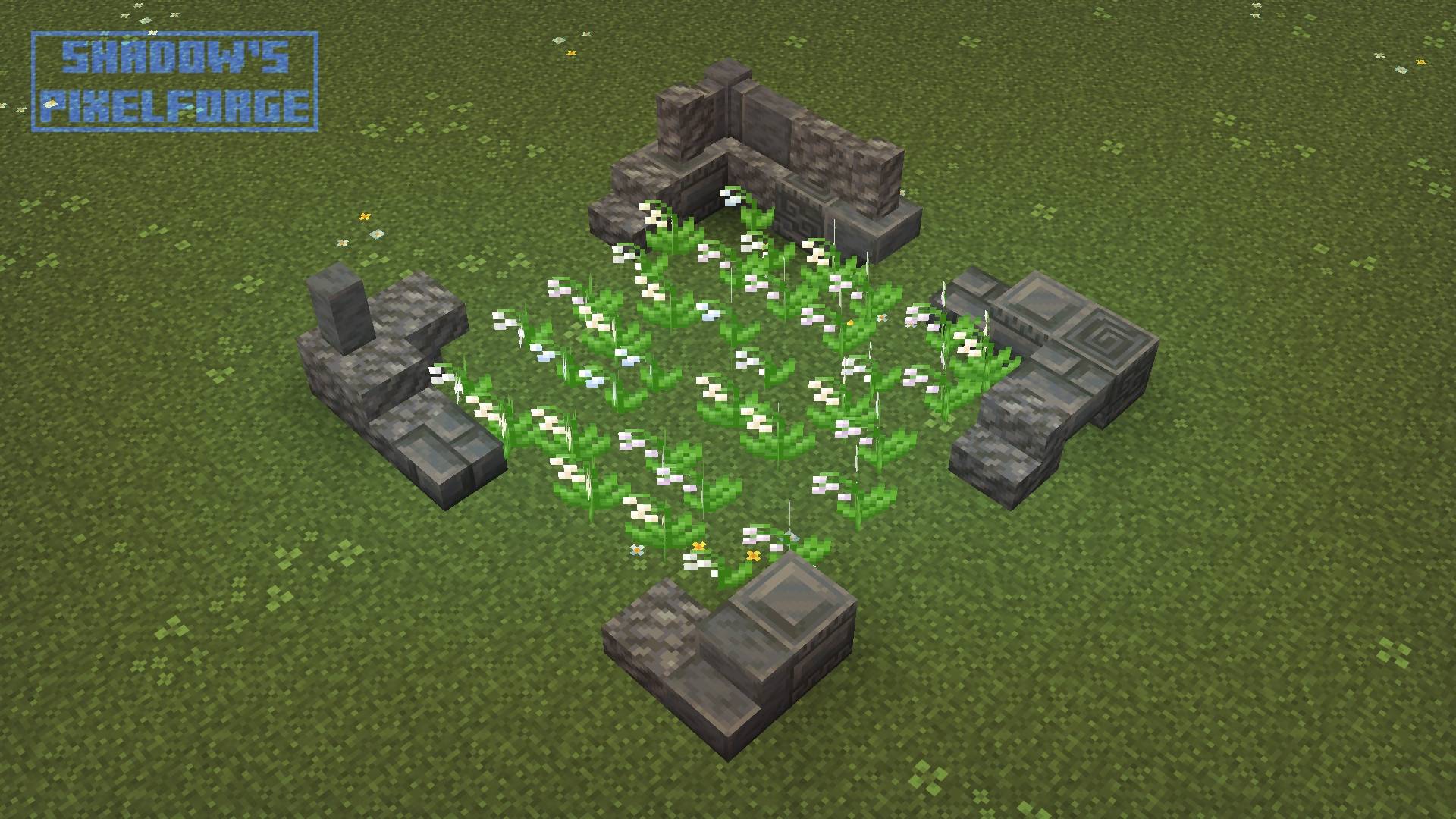
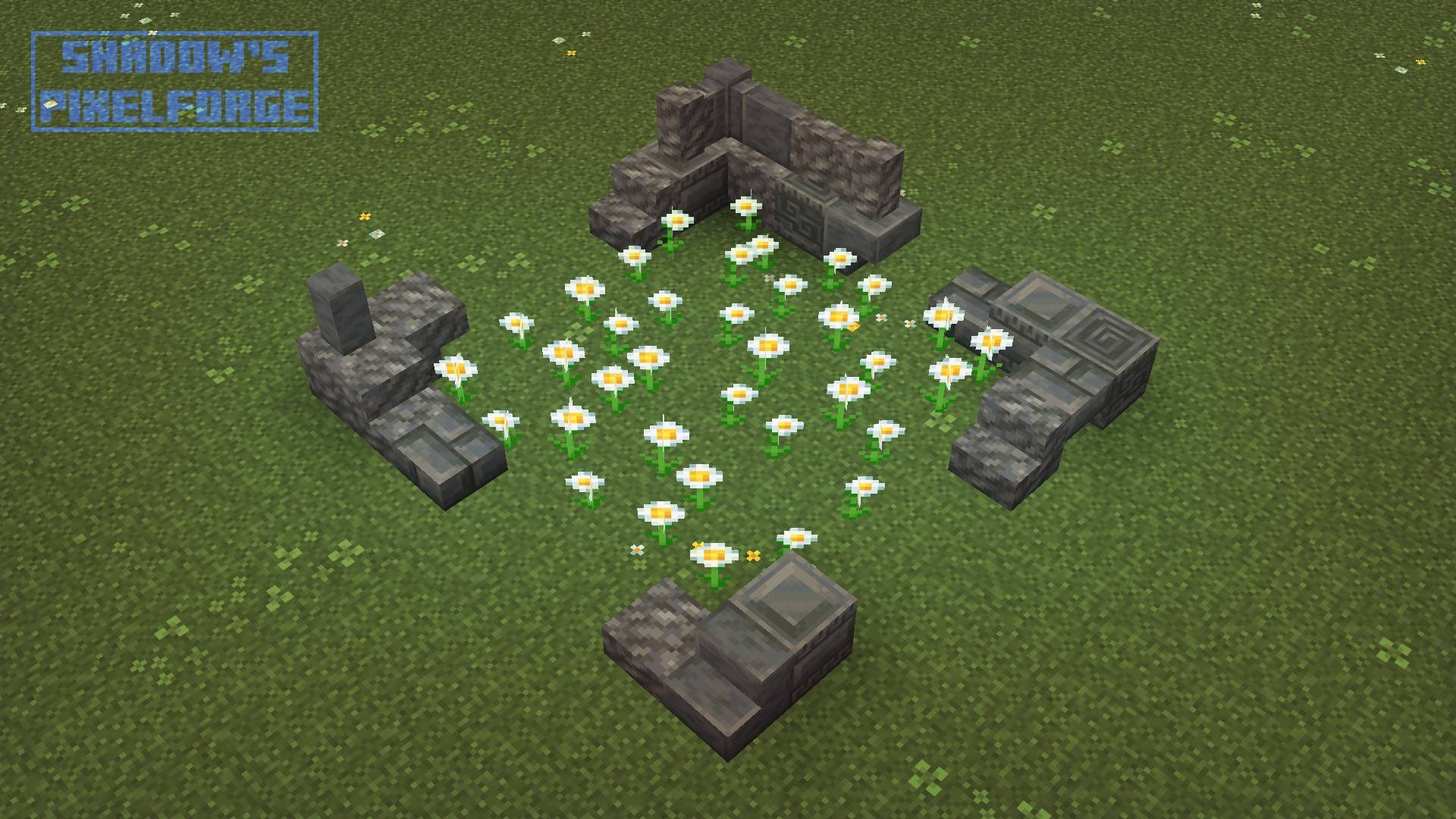
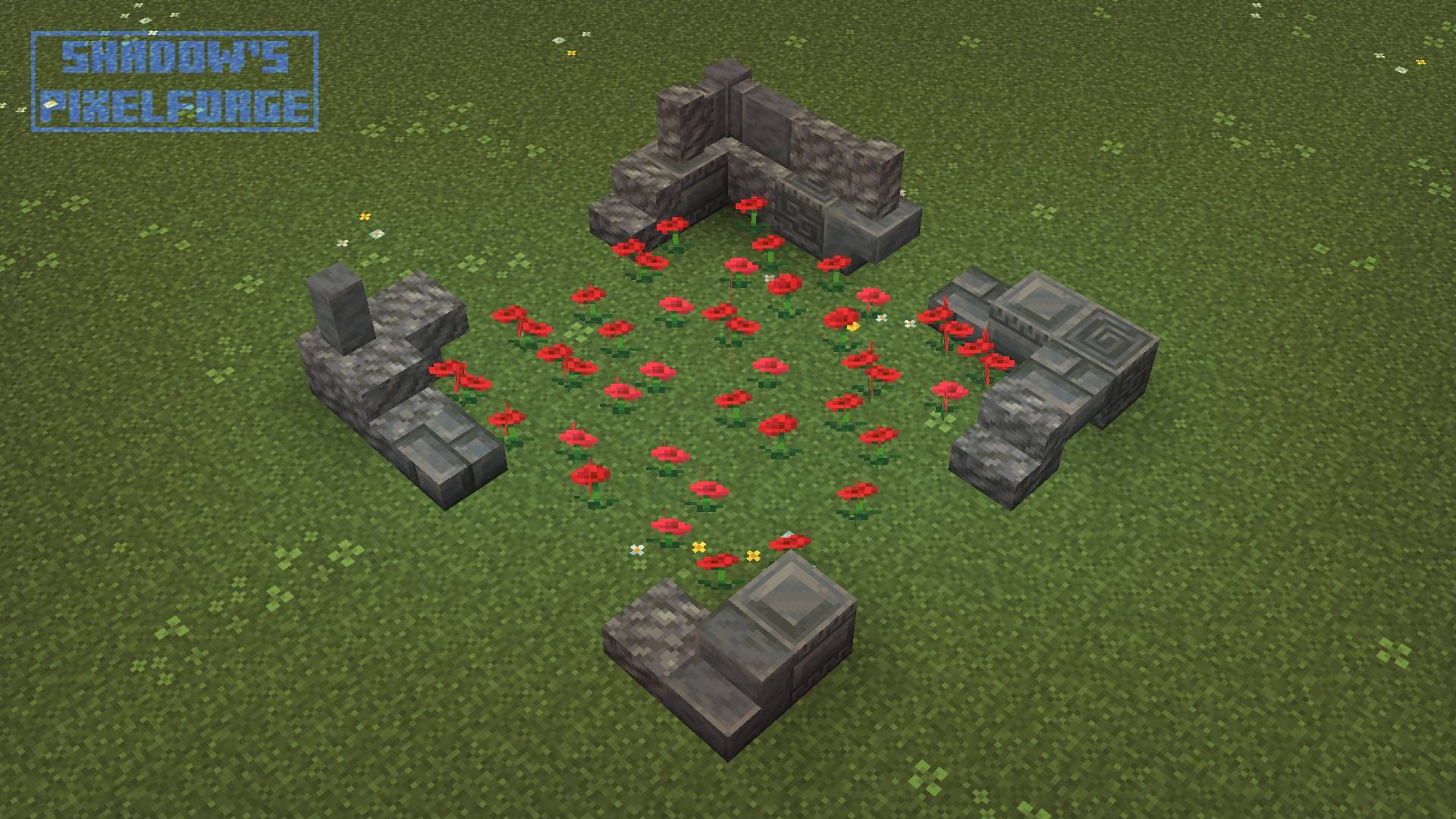
An awesome, fresh and colorful resource pack which brings to life the Overworld thanks to variant textures!
by shadowspixelforge
Download Claim this project
Add a badge to your pageLink to Olive's Garden from a README, website or forum post.
Preview: Badge

Badges update automatically and link to the resource pack page on MineUniverse.

1,649 downloads
0 likes
0 followers
Updated Oct 14, 2026
0 hypes
Follow0
16x Medieval Miscellaneous Traditional
Advertisement Remove ads with Premium →

Welcome to Olive's Garden!
Transform the entire Overworld like never before. Grass blocks, mycelium, flowers, and
plants have all been completely revamped and expanded with tons of vibrant new variants.
Every biome feels richer, fuller, way more natural and olive alive.


Modrinth Ko-fi Discord Twitch Instagram Patreon Curseforge Youtube X

hr1

NO DEPENDENCIES REQUIRED

This data pack works perfectly with Vanilla Minecraft - NO EXTRA MODS REQUIRED.

hr2

MORE INTERESTING PROJECTS

The Night of the <br> Living Pumpkins icon Pixels Reforged Icon Potion Recipes: Dark Mode Edition Icon
hr3

YOUR SUPPORT MAKES THE DIFFERENCE

If you like the content I make, don’t hesitate to join my Patreon or Ko-fi to enjoy all the exclusive members-only content, you'll get access to a lot of bonus content like WIPs, making ofs, dev. blogs and much more!


join ko-fi join patreon

hr4

FAQs


Here I leave some answers to a few possible questions you may have, I hope it can help you.

Q: Is Olive's Garden a Mod / Modpack / Data Pack / Plugin...?

- A: No, this is just a resource pack!


Q: Can you / Will you make a Bedrock port?

- A: To make a version that would work on Bedrock, I would need to learn how Bedrock works. So that's not something I plan to do any time soon for now, but it will come eventually.


Q: Do you / Will you make a Mod?

- A: We are currently working on a mod, follow us on ko-fi or patreon to stay up to date.


Q: Can I put your resource pack in my Modpack?

- A: Yes, you can do it as long as you give me credit.


R26.3_Olives_Garden_V01.00.zip
MC 26.3
Release 2026-09-15 Get
R26.2_Olives_Garden_V01.00.zip
MC 26.2
Release 2026-06-17 Get
R1.21_Olives_Garden_V01.00.zip
MC 1.21, 1.21-Snapshot
Release 2026-04-28 Get
R1.21.1_Olives_Garden_V01.00.zip
MC 1.21.1-Snapshot, 1.21.1
Release 2026-04-28 Get
R1.21.2_Olives_Garden_V01.00.zip
MC 1.21.2-Snapshot, 1.21.2
Release 2026-04-28 Get
R1.21.3_Olives_Garden_V01.00.zip
MC 1.21.3
Release 2026-04-28 Get
R1.21.4_Olives_Garden_V01.00.zip
MC 1.21.4, 1.21.4-Snapshot
Release 2026-04-28 Get
R1.21.5_Olives_Garden_V01.00.zip
MC 1.21.5, 1.21.5-Snapshot
Release 2026-04-28 Get
R1.21.6_Olives_Garden_V01.00.zip
MC 1.21.6-snapshot, 1.21.6
Release 2026-04-28 Get
R1.21.7_Olives_Garden_V01.00.zip
MC 1.21.7
Release 2026-04-28 Get
R1.21.8_Olives_Garden_V01.00.zip
MC 1.21.8
Release 2026-04-28 Get
R1.21.9_Olives_Garden_V01.00.zip
MC 1.21.9-snapshot, 1.21.9
Release 2026-04-28 Get
R1.21.10_Olives_Garden_V01.00.zip
MC 1.21.10
Release 2026-04-28 Get
R1.21.11_Olives_Garden_V01.00.zip
MC 1.21.11-snapshot, 1.21.11
Release 2026-04-28 Get
R26.1_Olives_Garden_V01.00.zip
MC 26.1, 26.1.1, 26.1.2
Release 2026-04-28 Get

Requirements & install

How to use this resource pack in Minecraft
Resolution
16x
Minecraft
1.21.10 – 26.3
Install folder
.minecraft/resourcepacks

How to install resource packs

  1. Download the resource pack .zip file (do not extract it).
  2. In Minecraft open Options → Resource Packs → Open Pack Folder.
  3. Drop the .zip into the resourcepacks folder (.minecraft/resourcepacks).
  4. Move the pack to the Selected column and click Done.
Browse more: 16x resource packs 32x resource packs 64x resource packs 128x resource packs 256x resource packs 512x+ resource packs Resource Packs for 26.3 All resource packs

More from shadowspixelforge

Advertisement Remove ads with Premium →

You Might Also Like