Mineuniverse
Resource Packs
Older Style Textures

Older Style Textures

RESOURCE PACK
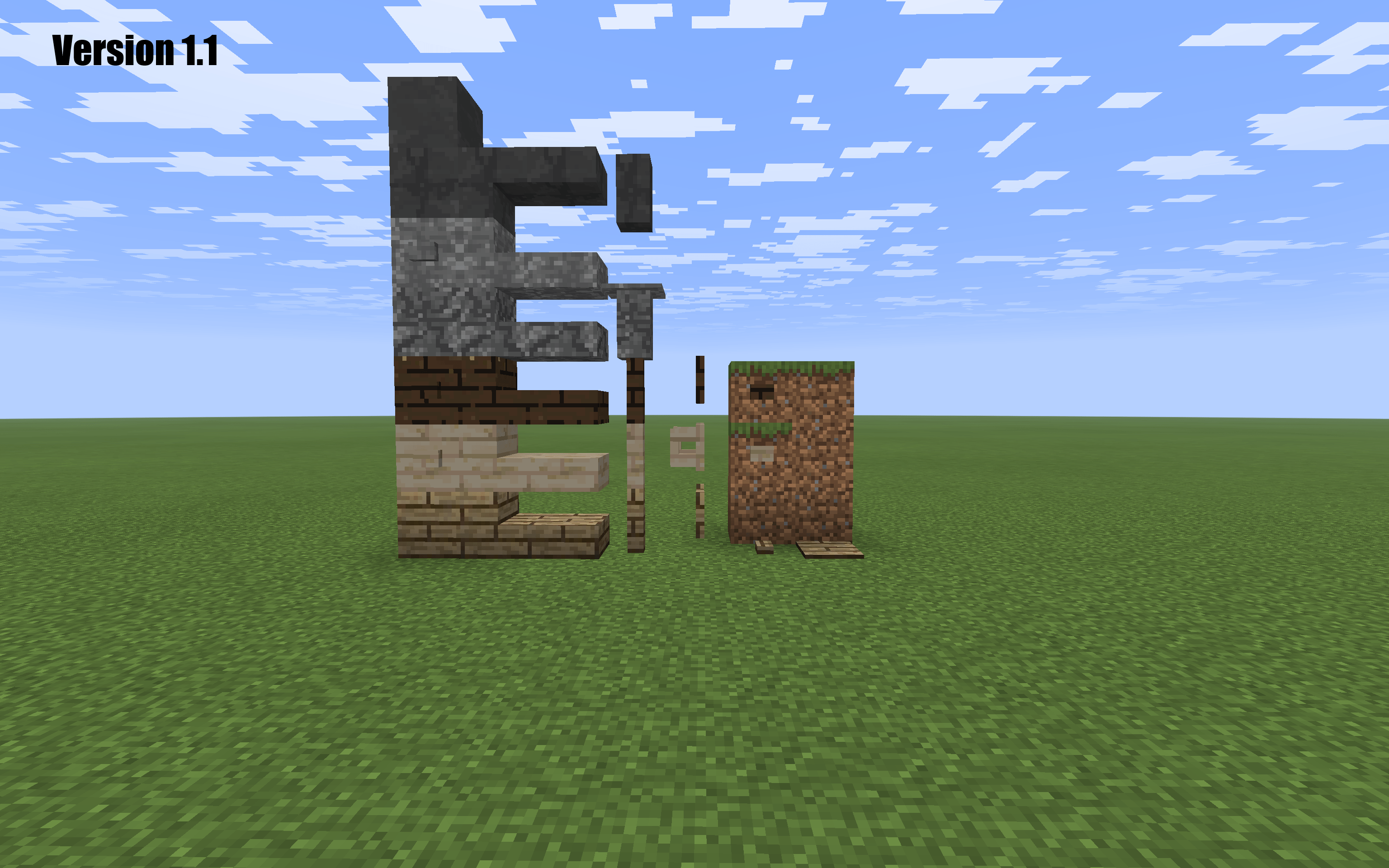
Changes textures to what they would be like if they added during the early beta era.
by kijnreyyca
Download Claim this project
106 downloads
0 likes
Updated Oct 14, 2026
0 hypes
16x Miscellaneous
Advertisement Remove ads with Premium →


Why try it?

Ever wondered what newer Minecraft textures might have looked like if they were added during Minecraft's early Beta era?

Older Minecraft Style Textures gives newer Minecraft content an old-school look while keeping the simplicity and charm of classic Minecraft.

  • 🟫 Simple, nostalgic textures

  • ⚔️ Redesigned weapons and tools

  • 🛡️ Older-style armor and equipment (not yet released)

  • 🧱 Newer blocks redesigned to fit the classic aesthetic

  • 🔨 Still actively being developed

v1.2 is currently in Alpha, so more textures and improvements are still on the way!

If you like old Minecraft's style but still want newer Minecraft content, give it a try! Check back weekly or bi-weekly for new updates and textures.

v1.2a1.75
MC 26.1, 26.1.1, 26.1.2, 26.2, 26.3
Release 2026-10-08 Get
v1.2a1.34.hotfix2
MC 26.1, 26.1.1, 26.1.2, 26.2, 26.3
Alpha 2026-09-28 Get

Requirements & install

How to use this resource pack in Minecraft
Resolution
16x
Minecraft
26.1 – 26.3
Install folder
.minecraft/resourcepacks

How to install resource packs

  1. Download the resource pack .zip file (do not extract it).
  2. In Minecraft open Options → Resource Packs → Open Pack Folder.
  3. Drop the .zip into the resourcepacks folder (.minecraft/resourcepacks).
  4. Move the pack to the Selected column and click Done.
Browse more: 16x resource packs 32x resource packs 64x resource packs 128x resource packs 256x resource packs 512x+ resource packs Resource Packs for 26.3 All resource packs
Advertisement Remove ads with Premium →

You Might Also Like