Mineuniverse
Resource Packs
Old Ores Textures (With Copper)

Old Ores Textures (With Copper)

RESOURCE PACK
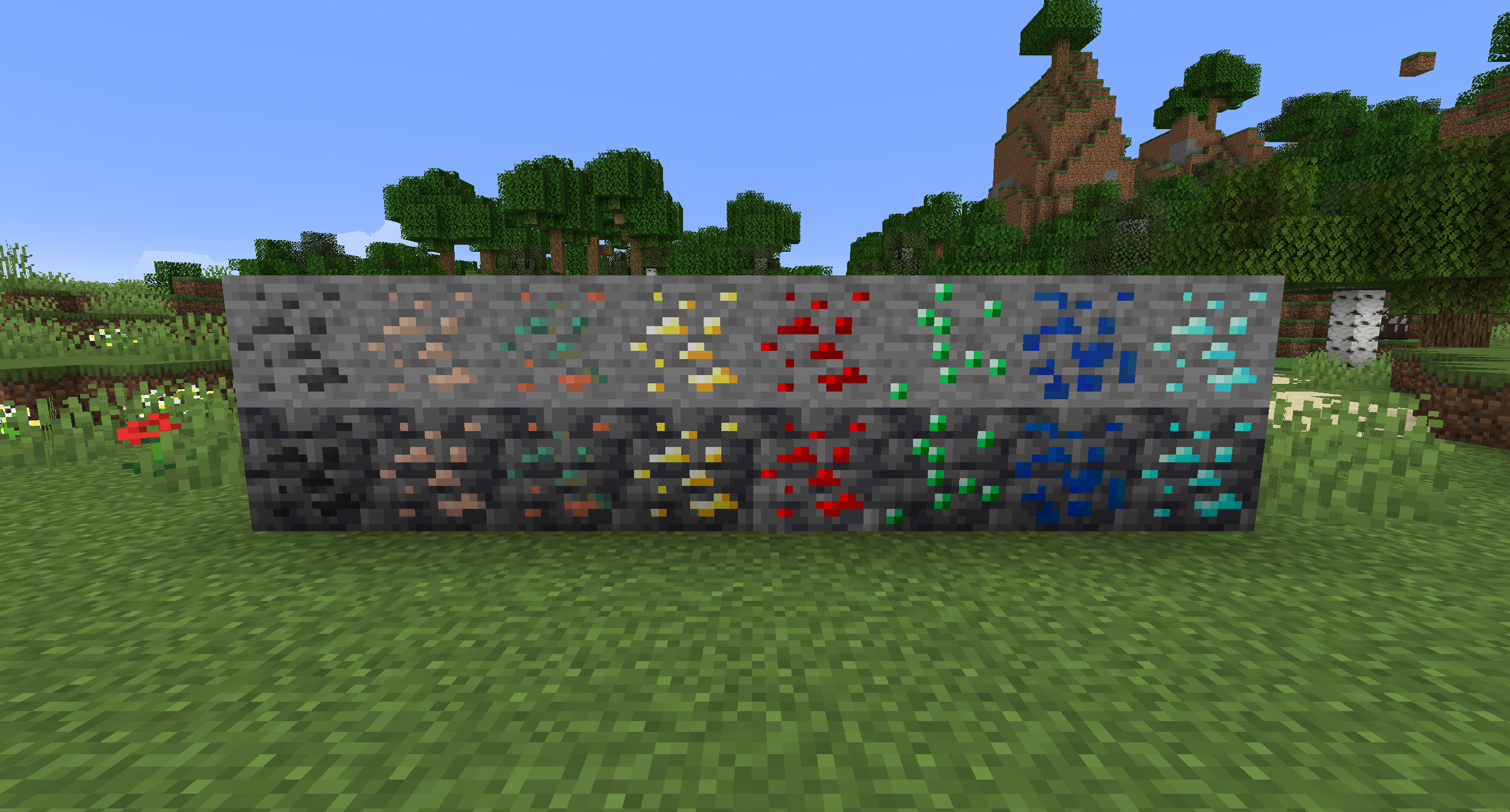
Changes the ore textures from 1.17 to the old textures from before the update. Includes Copper and Deepslate variants.
by G2_Games
Download Claim this project
231,300 downloads
0 likes
0 followers
Updated Oct 14, 2026
0 hypes
Follow0
16x Miscellaneous Traditional
Advertisement Remove ads with Premium →

I disliked the new ore textures, so I made a pack that changes them back to how they were pre-1.17.

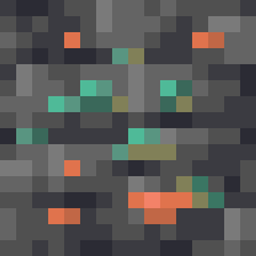
I also included my own imagining of what copper may have looked like if it used the old texture, since I had not seen anyone make a pack with it yet.


Bedrock version available for download here. There are no differences between the versions.


Changes:

  • Reverts all ore textures to pre-1.17
  • Reverts deepslate variants
  • Changes copper to a custom texture that I think fits with the old ores


Feedback is welcome!

Old Ores 3.0.0
MC 1.17.1, 1.21.2-Snapshot, 1.21, 1.21.6-snapshot, 1.18.1, 1.20.2-Snapshot, 1.20.5-Snapshot, 1.19-Snapshot, 1.21.1-Snapshot, 1.19.3, 1.20.2, 1.19.4, 1.21.8, 1.17, 1.19.4-Snapshot
Release 2026-01-14 Get
Old Ores 2.1.4
MC 1.21.3, 1.21.2
Release 2024-11-10 Get
Old Ores 2.1.3
MC 1.21, 1.21.1-Snapshot, 1.21-Snapshot, 1.21.1
Release 2024-10-05 Get
Old Ores 2.1.2
MC 1.20.2, 1.20.1, 1.20
Release 2023-10-23 Get
Old Ores 2.1.1
MC 1.19.3, 1.19-Snapshot, 1.19.2, 1.19.1, 1.19
Release 2022-06-22 Get
Old Ores 2.1
MC 1.17.1, 1.18.1, 1.17, 1.19-Snapshot, 1.18.2, 1.17-Snapshot, 1.18, 1.18-Snapshot
Release 2021-12-11 Get
Old Ores 2.0.1
MC 1.18, 1.18-Snapshot
Release 2021-12-08 Get
Old Ores 2.0
MC 1.17.1, 1.17, 1.17-Snapshot
Release 2021-07-23 Get
Old Ores 1.0
MC 1.17, 1.17-Snapshot
Release 2021-07-20 Get

Requirements & install

How to use this resource pack in Minecraft
Resolution
16x
Minecraft
1.21 – 1.21.8
Install folder
.minecraft/resourcepacks

How to install resource packs

  1. Download the resource pack .zip file (do not extract it).
  2. In Minecraft open Options → Resource Packs → Open Pack Folder.
  3. Drop the .zip into the resourcepacks folder (.minecraft/resourcepacks).
  4. Move the pack to the Selected column and click Done.
Browse more: 16x resource packs 32x resource packs 64x resource packs 128x resource packs 256x resource packs 512x+ resource packs Resource Packs for 1.21.8 All resource packs
Advertisement Remove ads with Premium →

You Might Also Like