Mineuniverse
Resource Packs
Old Lighting & Water

Old Lighting & Water

RESOURCE PACK
The original feel of Minecraft
by Sencie
Download Claim this project
857,402 downloads
0 likes
0 followers
Updated Oct 14, 2026
0 hypes
Follow0
16x Miscellaneous Mod Support Traditional
Advertisement Remove ads with Premium →

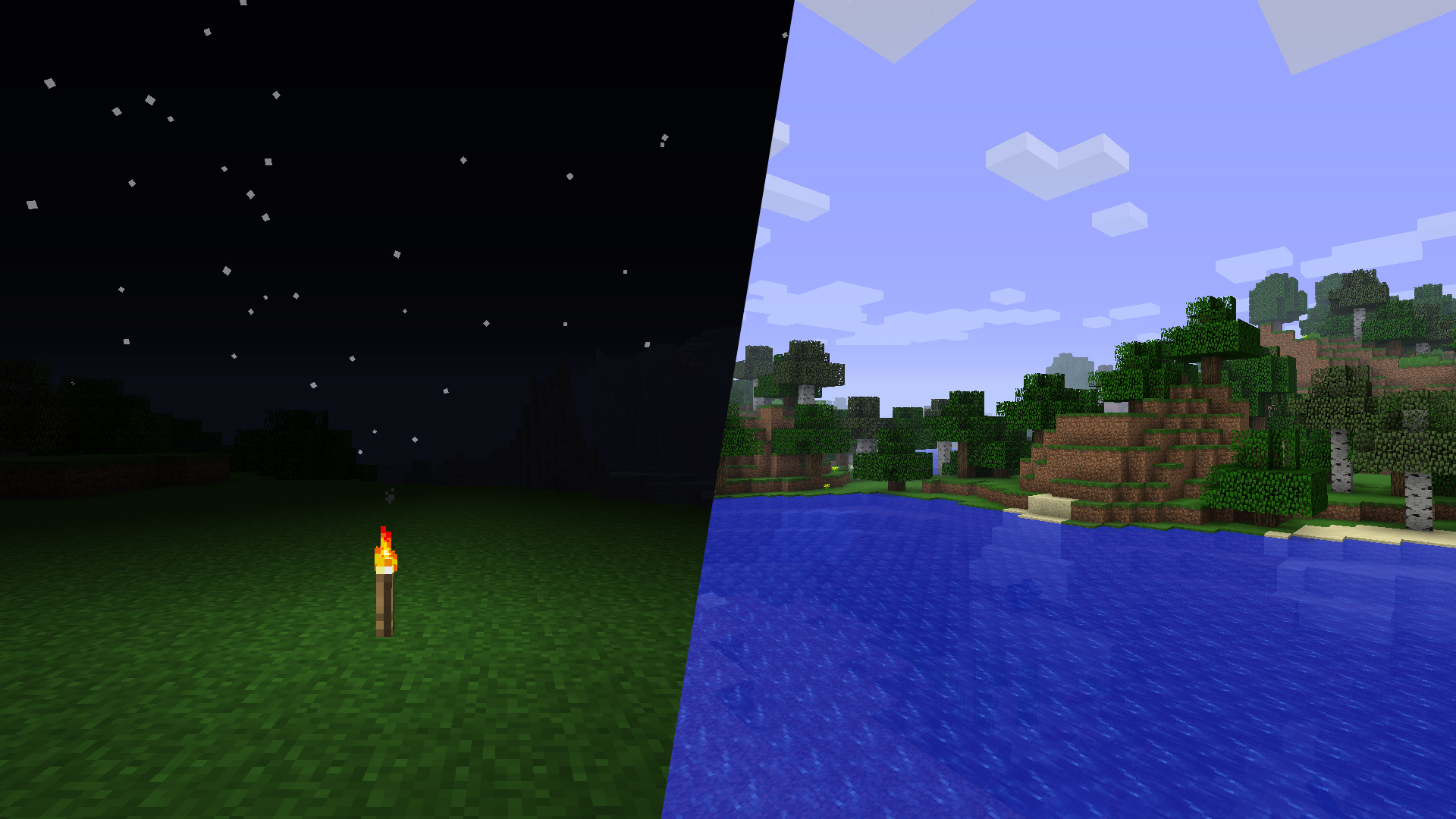
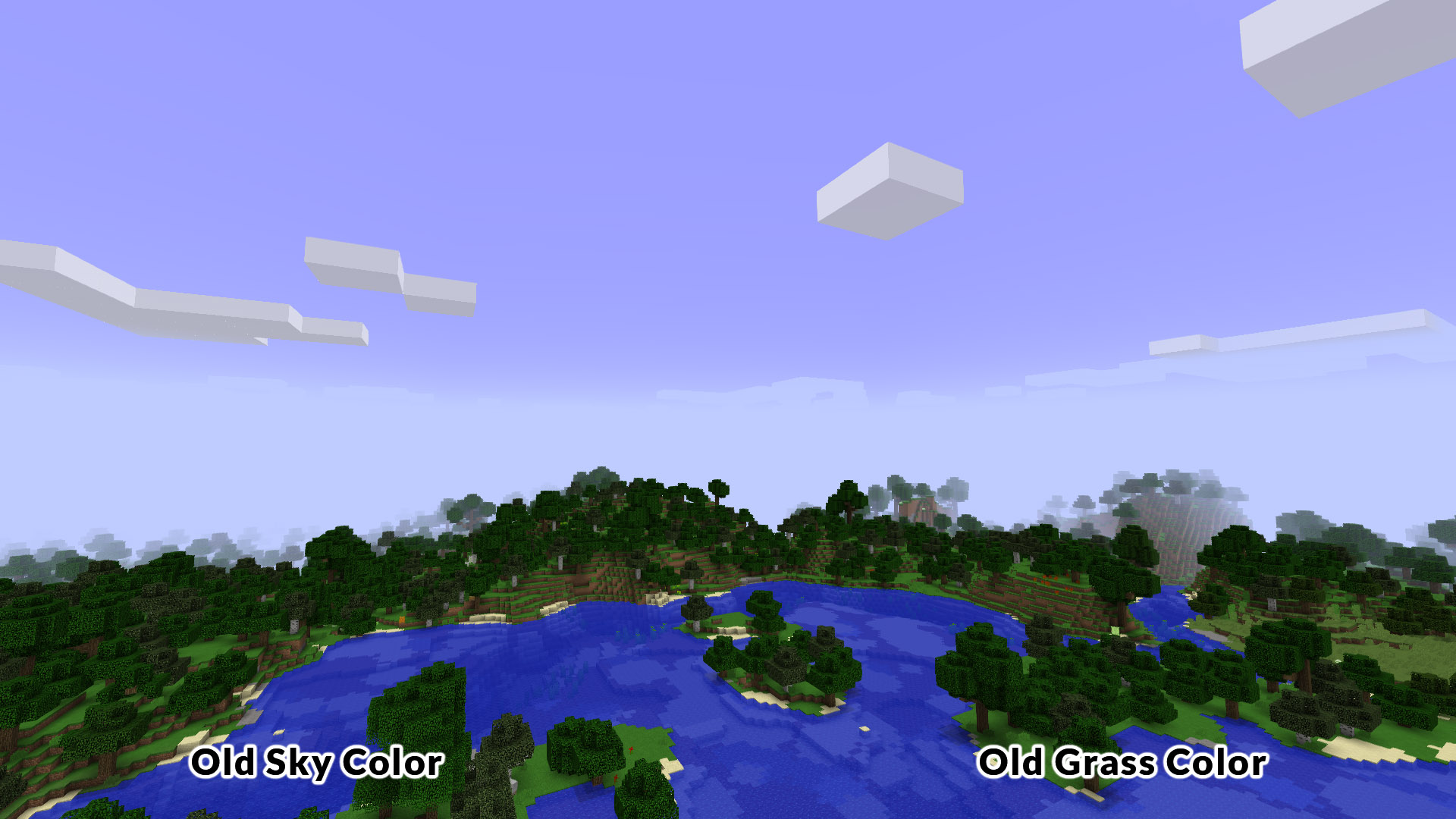
I was missing the old atmosphere of Minecraft so I created this pack.

The pack brings back:
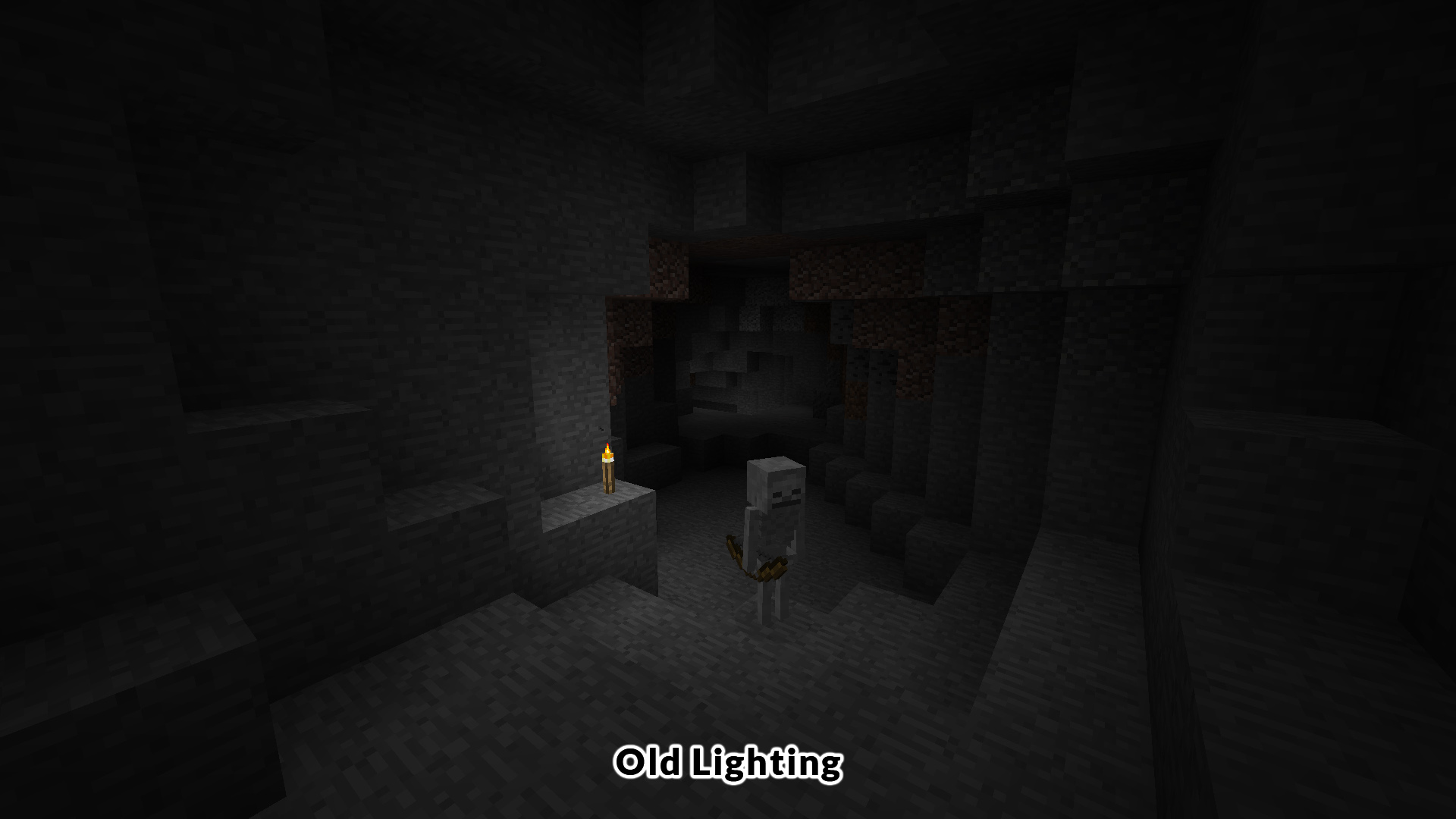
Old Lighting (pre-Beta 1.8)
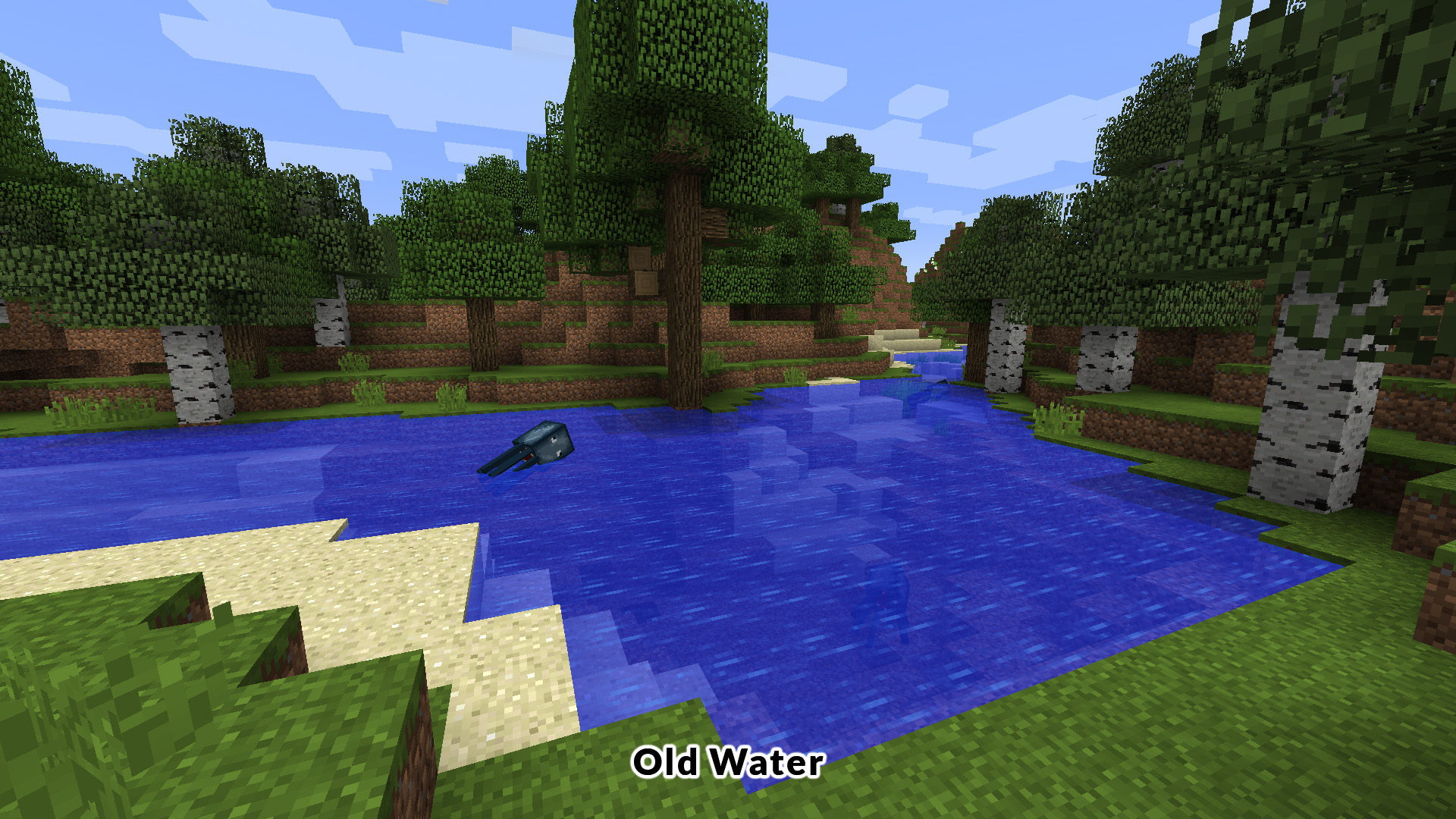
Old Water (pre-Beta 1.8)
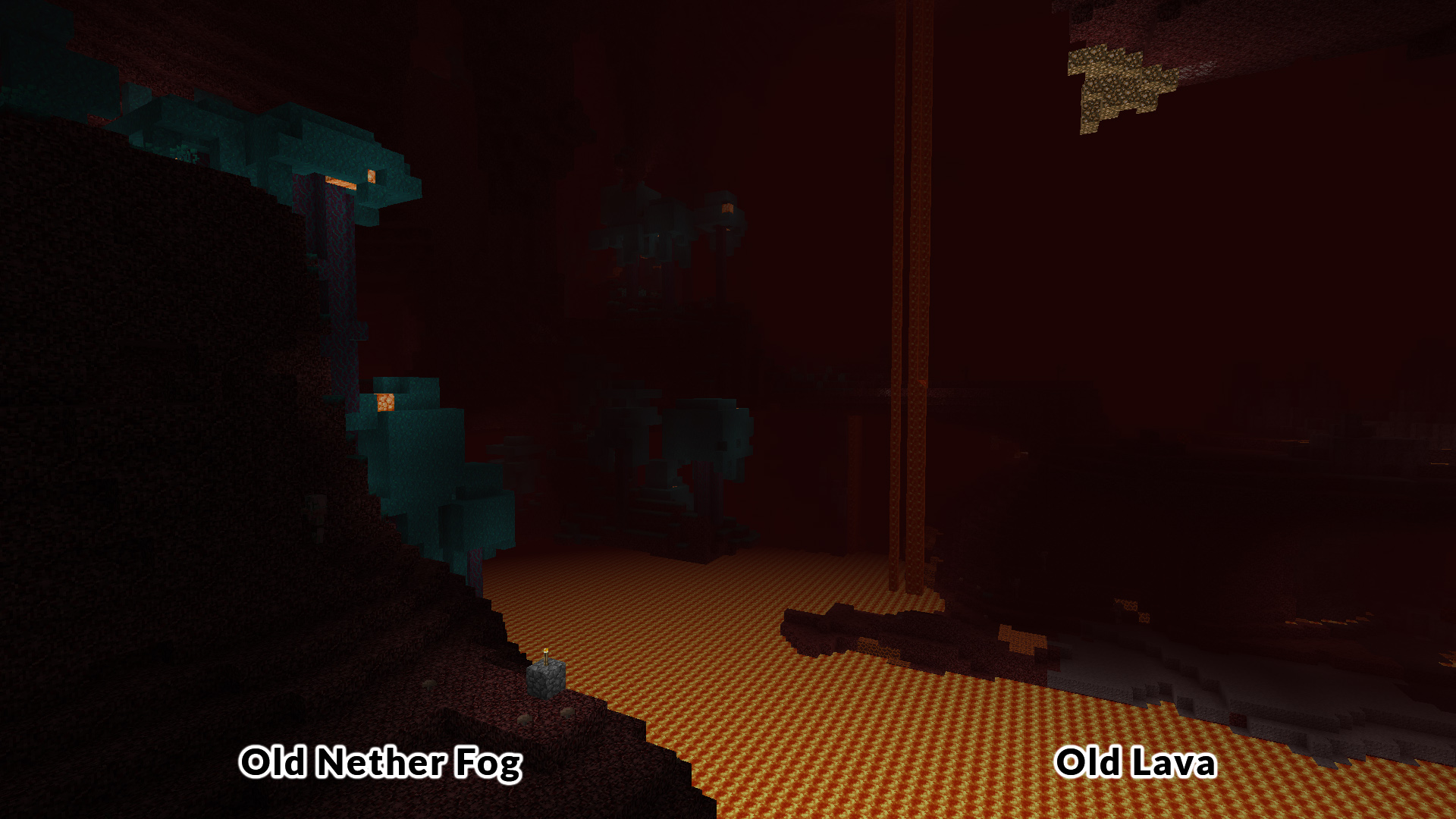
Old Lava (pre-1.5)
Old Day Sky (pre-Beta 1.8)
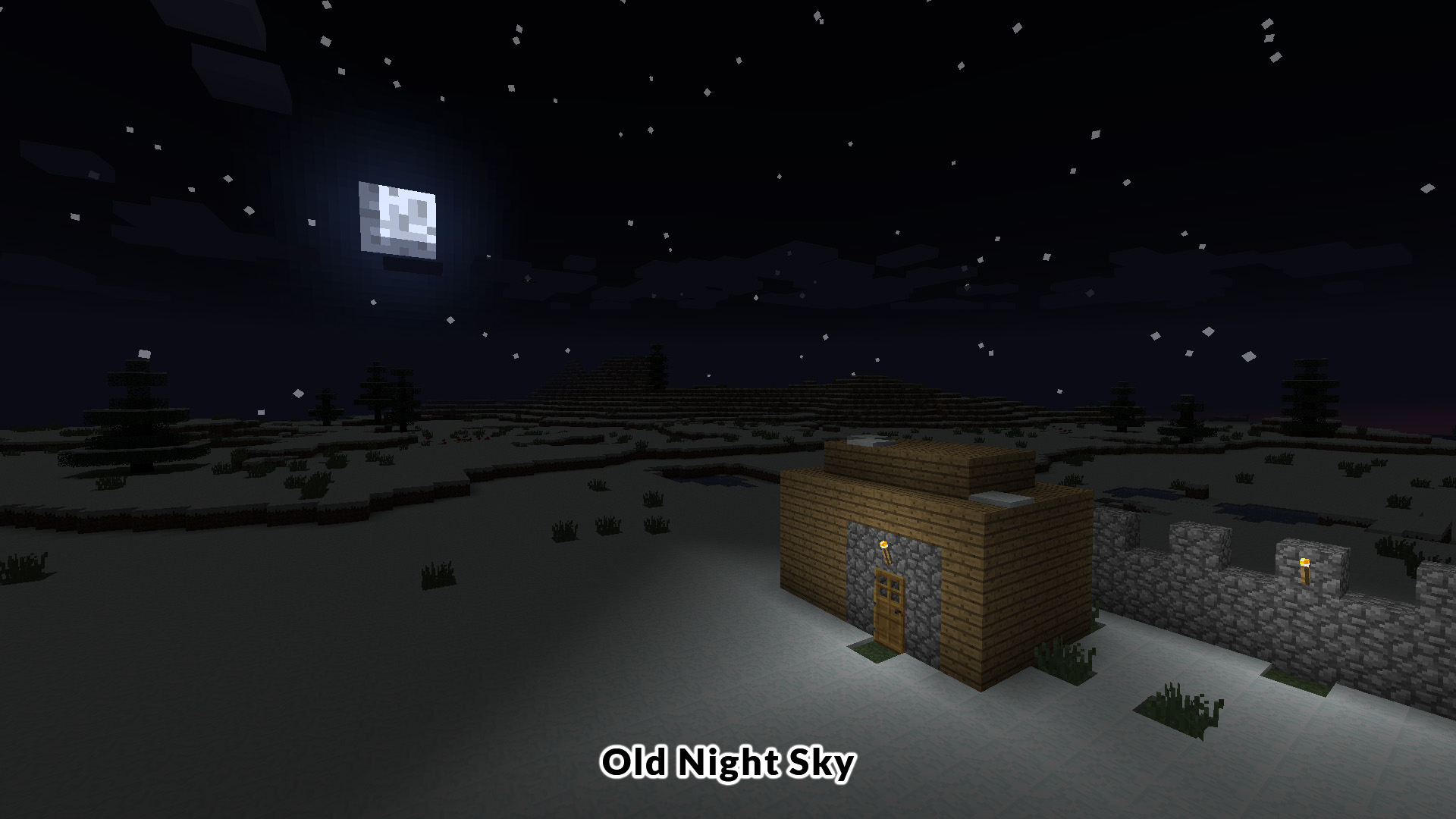
Old Night Sky (pre-Beta 1.5)
Old Nether Fog (pre-1.13.1)
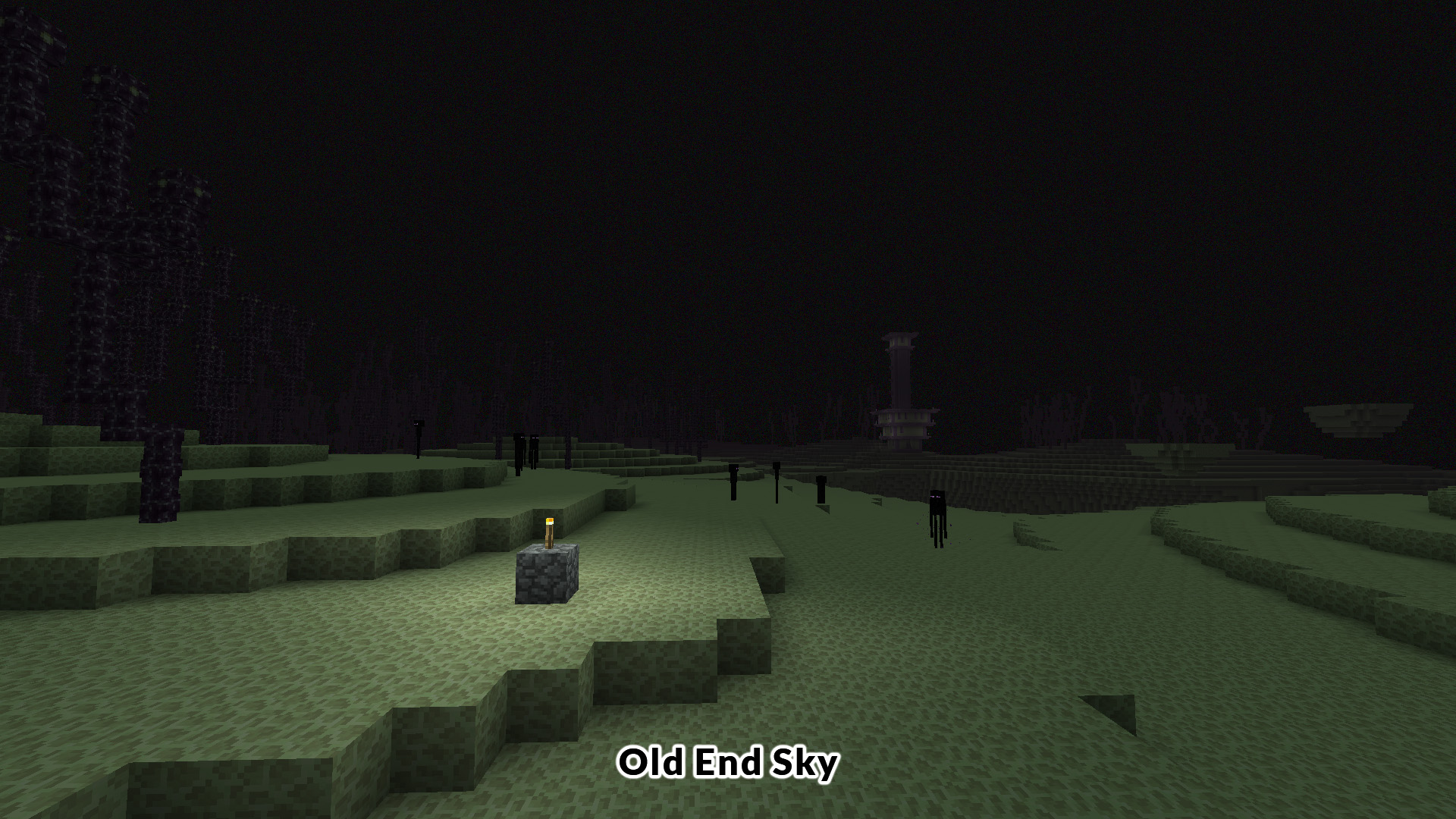
Old End Sky (pre-1.3.1)
Old Grass & Foliage (between Alpha 1.2 and Beta 1.7.3)

OPTIFINE REQUIRED!
Make sure that Custom Color, Custom Sky and Emissive Textures are ON.
You can also set Smooth Lighting OFF if you want the pre-Beta 1.3 visuals.


FAQ:

How to install?
Launch Minecraft (Java Edition) with OptiFine. Open the Resource Packs folder (accessible from the options menu) and place the pack there. Select the pack then play.

How did you make this pack?
I worked with side-by-side screenshot comparisons using previous versions of Minecraft to get the best results.

Which texture pack do you recommend for a classic experience?
You can combine my pack with the Programmer Art pack or another retro texture pack:
Beta Continuum
Golden Days
For a complete retro experience, I also recommend my other pack: Old Sounds & Music.

I just want the water (between Beta 1.8 and 1.12.2). How can I get it?
Just delete the files you don't need (including underwater.json) in the .zip file.

How can I get the Old Night Sky (between Beta 1.5 and 1.2.5)? I prefer when stars are less bright.
It is included in the pack. Just delete night.png, and rename greystars.png as night.png to use it.

How can I get the sides of the grass block to not be affected by the biome temperature (pre-Beta 1.5)?
It is included in the pack. Just delete grass_block.json, and rename grass_block_graphics_fast.json as grass_block.json to have this.

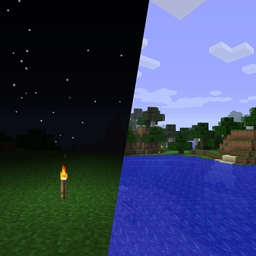


Old Lighting & Old Water
MC 1.21, 1.21.3, 1.21.1, 1.21.2
Release 2024-08-27 Get
Old Lighting & Old Water
MC 1.20.1, 1.20
Release 2023-06-19 Get
Old Lighting & Old Water
MC 1.19.3, 1.19.4
Release 2023-01-28 Get
Old Lighting & Old Water
MC 1.19.2, 1.19.1, 1.19
Release 2022-06-29 Get
Old Lighting & Old Water
MC 1.18.1, 1.18.2, 1.18
Release 2021-12-07 Get
Old Lighting & Old Water
MC 1.8.9
Release 2021-07-14 Get
Old Lighting & Old Water
MC 1.9.4
Release 2021-07-14 Get
Old Lighting & Old Water
MC 1.11, 1.11.1, 1.11.2
Release 2021-07-14 Get
Old Lighting & Old Water
MC 1.14.3, 1.14.4, 1.14.1, 1.14, 1.13.2, 1.14.2
Release 2021-07-14 Get
Old Lighting & Old Water
MC 1.17.1, 1.17
Release 2021-07-14 Get
Old Lighting & Old Water
MC 1.16.1, 1.16, 1.15.2
Release 2021-06-13 Get
Old Lighting & Old Water
MC 1.16.3, 1.16.5, 1.16.4, 1.16.2
Release 2021-06-13 Get

Requirements & install

How to use this resource pack in Minecraft
Resolution
16x
Minecraft
1.19.3 – 1.21.3
Install folder
.minecraft/resourcepacks

How to install resource packs

  1. Download the resource pack .zip file (do not extract it).
  2. In Minecraft open Options → Resource Packs → Open Pack Folder.
  3. Drop the .zip into the resourcepacks folder (.minecraft/resourcepacks).
  4. Move the pack to the Selected column and click Done.
Browse more: 16x resource packs 32x resource packs 64x resource packs 128x resource packs 256x resource packs 512x+ resource packs Resource Packs for 1.21.3 All resource packs

More from Sencie

Advertisement Remove ads with Premium →

You Might Also Like