Mineuniverse
Resource Packs
[OLD] Enchantment Enhancements

[OLD] Enchantment Enhancements

RESOURCE PACK
Different Enchantment Enhancements
by m1neland
Download Claim this project
Add a badge to your pageLink to [OLD] Enchantment Enhancements from a README, website or forum post.
Preview: Badge

Badges update automatically and link to the resource pack page on MineUniverse.

955 downloads
0 likes
0 followers
Updated Oct 14, 2026
0 hypes
Follow0
16x Miscellaneous
Advertisement Remove ads with Premium →


This pack is now deprecated. I made a new better version of the colors pack that works in 1.19. 


Original description:


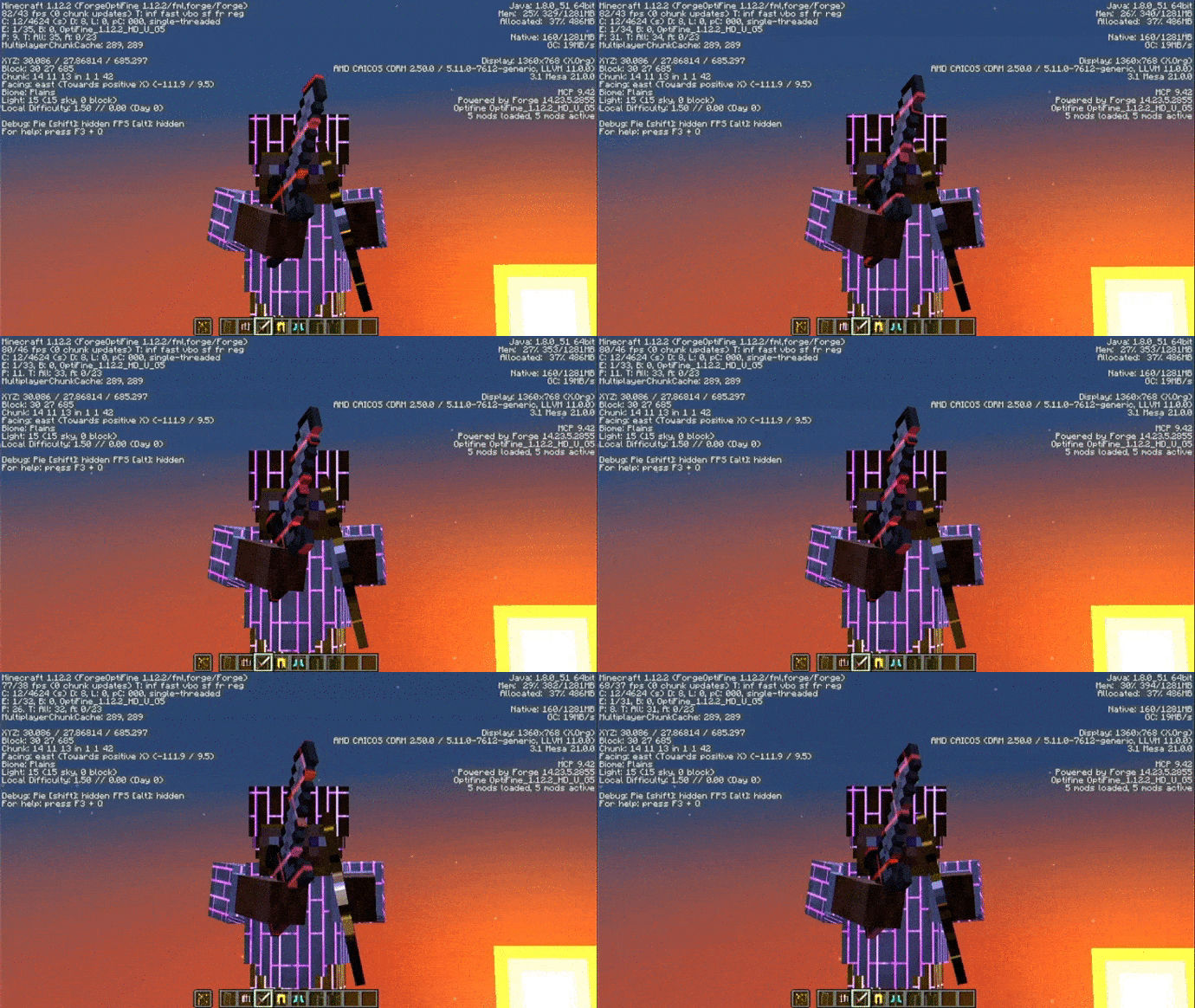
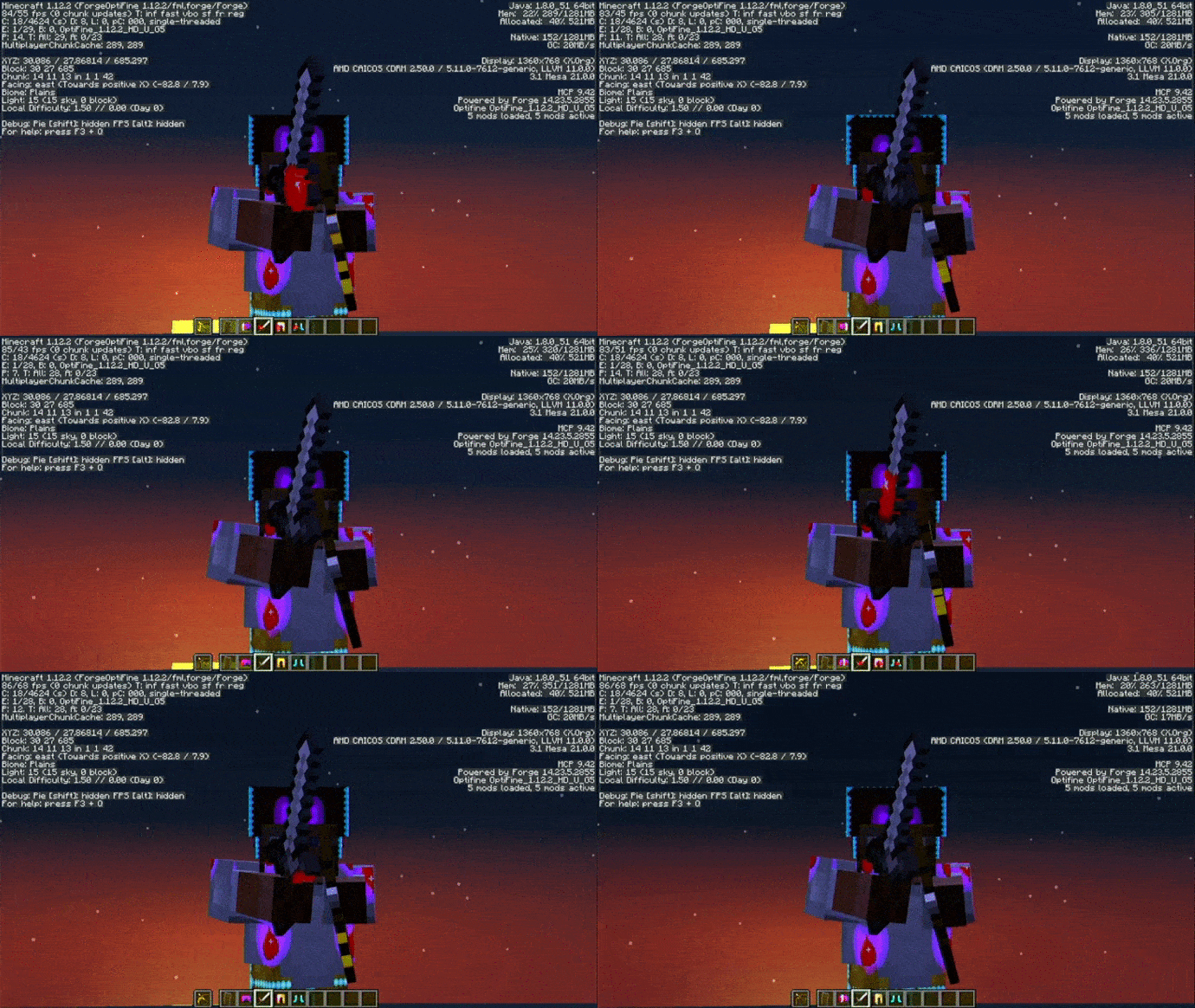
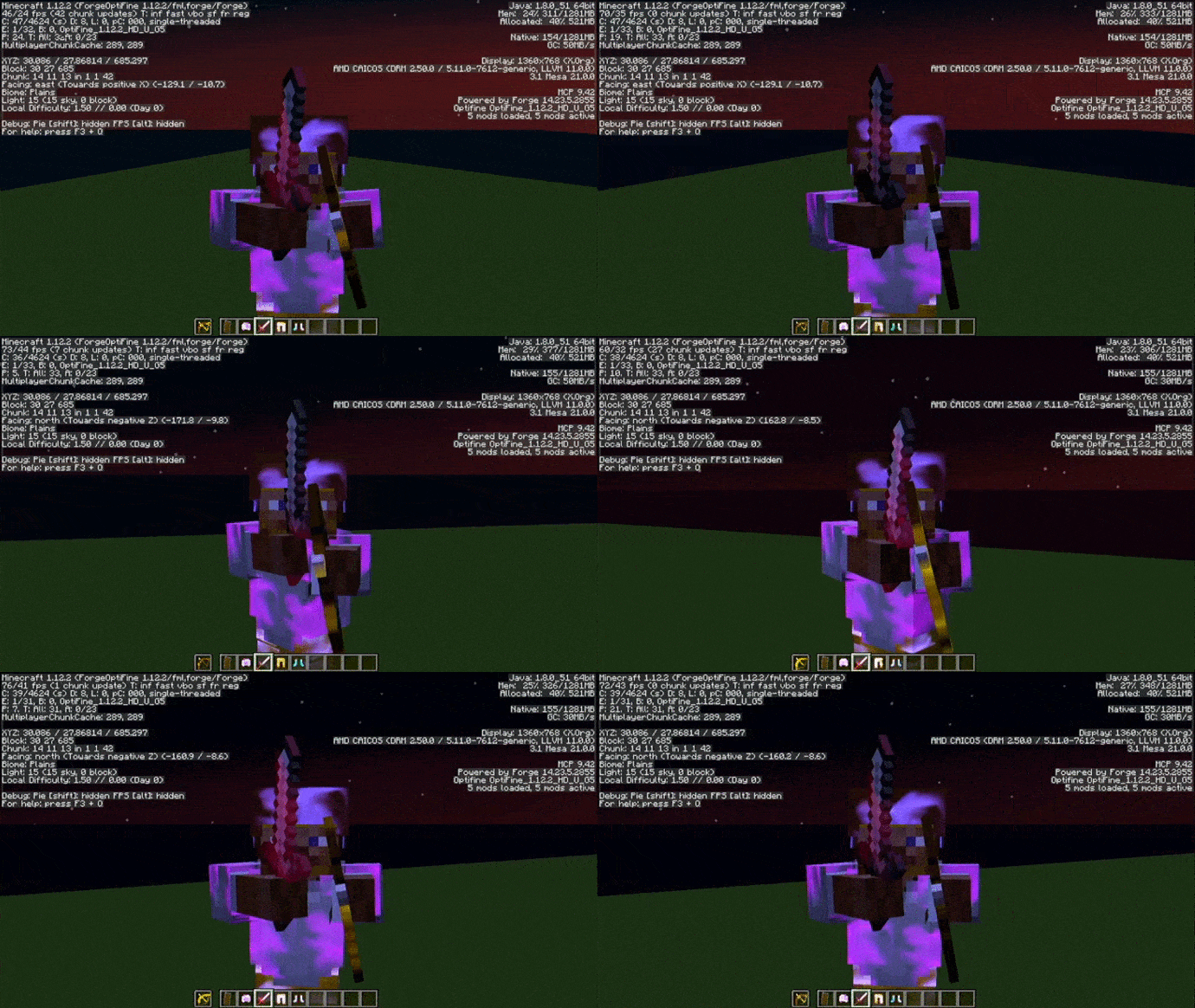
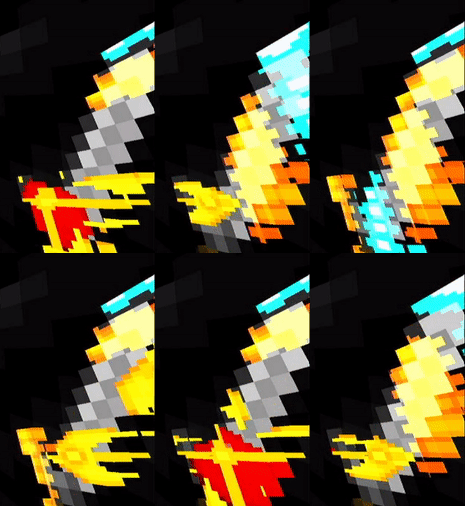
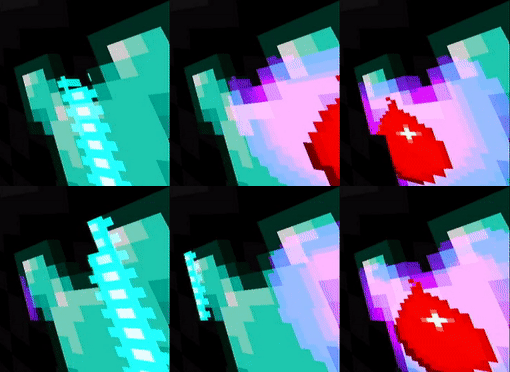
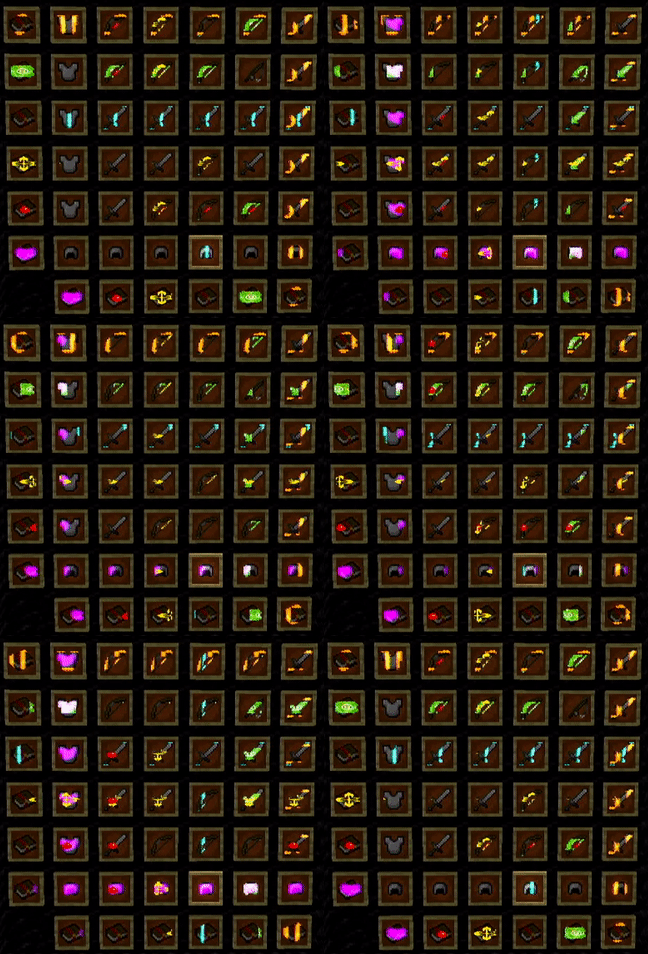
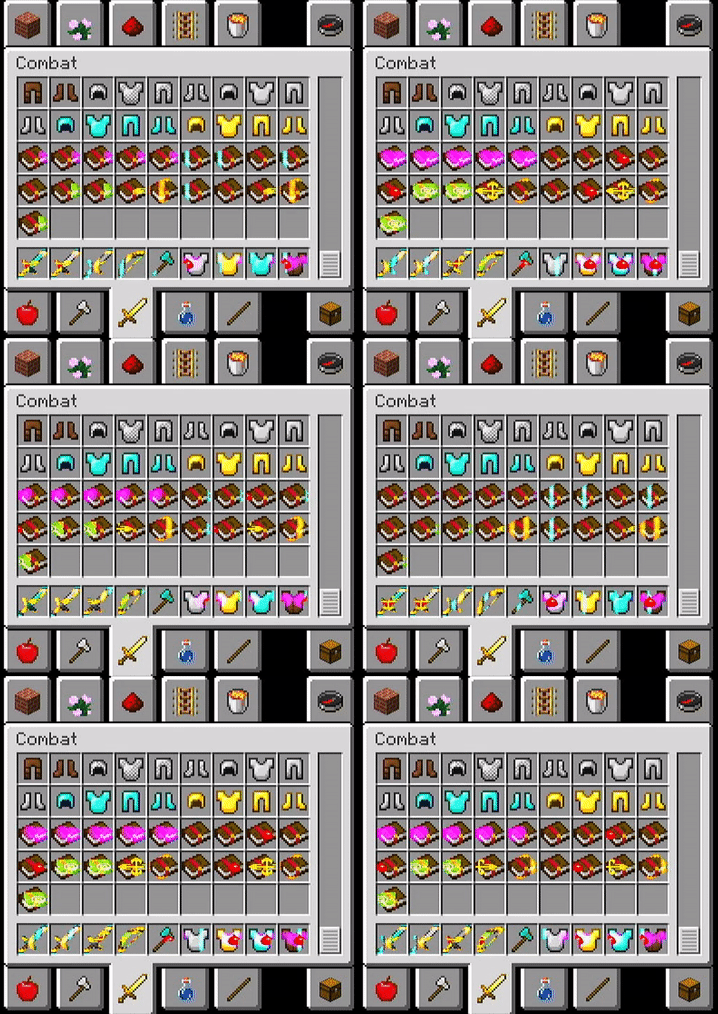
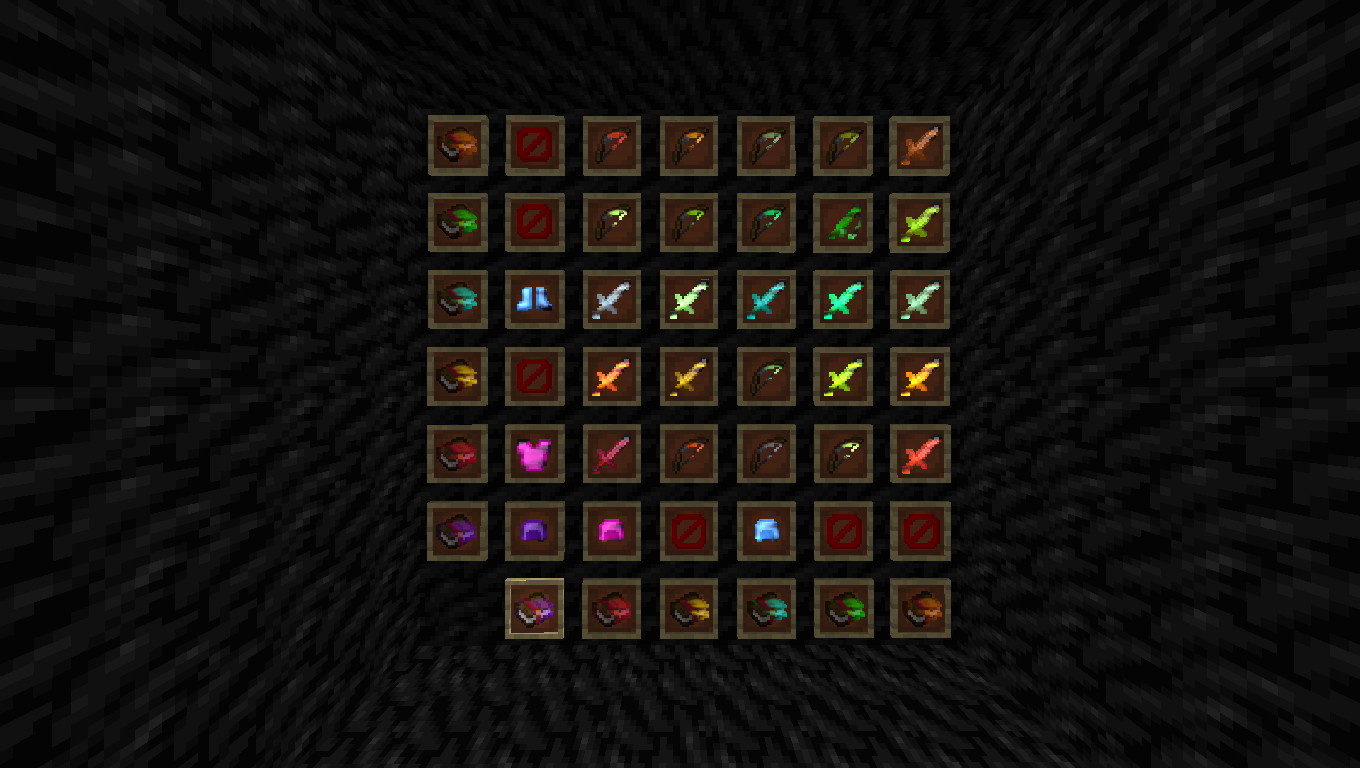
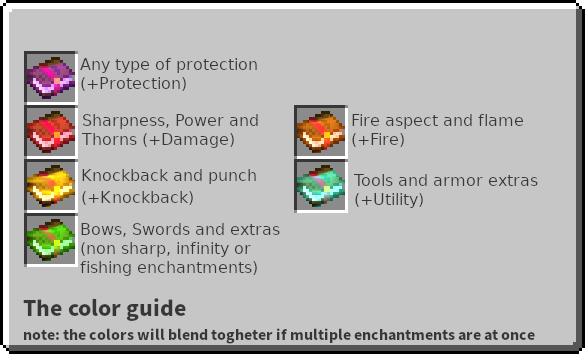
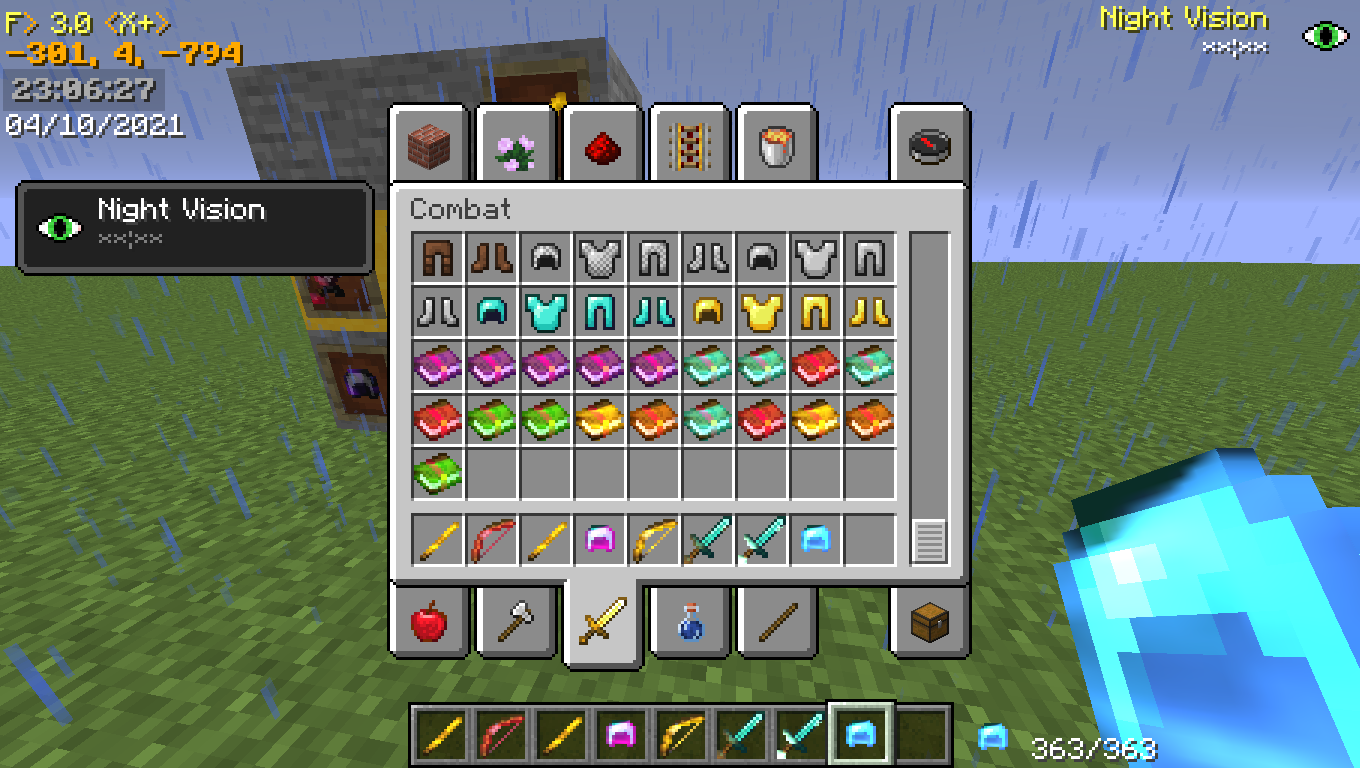
some resourcepacks i made for displaying the different enchantments an item could have in different forms


NOTE: This pack was designed to be compatible with optifine and 1.8

Yeah for some reason optifine decided to not load the glints on newer versions of the game, so yeah, that sucks, but the main 1.12 and 1.8 optifine work, nice.

 Working versions: 1.8 - 1.12


This pack was inspired by the Visual Enchantments resource pack that made enchantments have different visuals, but i wanted something more simple that only changeed the colors of the glints instead of the whole texture and that worked in 1.8 for pvp reasons, since i found nobody did something similar i decided to make this and publish it out to see if anyone was intrested in it..

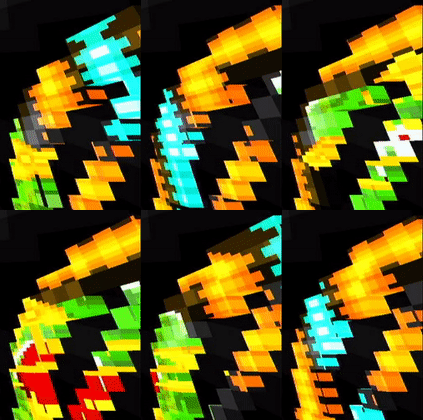
 After that i decided to change some of the textures for each enchantments to be different per enchant, and so the color and form changes now probably making distinguishing each type of enchantment more easy. Both simple color change and shape change packs are in the downloads

Any feedback would be appreciated since im learning on how to make texturepacks resource packs and im having fun messing around with them



Enchantment stripes
MC 1.9.1, 1.9.3, 1.8.7, 1.9.4, 1.9.2, 1.8.4, 1.12.1, 1.12, 1.8.8, 1.10.2, 1.8.3, 1.11, 1.8.6, 1.10, 1.10.1, 1.8, 1.8.2, 1.11.1, 1.11.2, 1.9, 1.8.5, 1.12.2, 1.8.9, 1.8.1
Alpha 2021-04-18 Get
Enchantment Symbols
MC 1.9.1, 1.9.3, 1.8.7, 1.9.4, 1.9.2, 1.8.4, 1.12.1, 1.12, 1.8.8, 1.10.2, 1.8.3, 1.11, 1.8.6, 1.10, 1.10.1, 1.8, 1.8.2, 1.11.1, 1.11.2, 1.9, 1.8.5, 1.12.2, 1.8.9, 1.8.1
Beta 2021-04-18 Get
Enchantment Colors.zip
MC 1.9.1, 1.9.3, 1.8.7, 1.9.4, 1.9.2, 1.8.4, 1.12.1, 1.12, 1.8.8, 1.10.2, 1.8.3, 1.11, 1.8.6, 1.10, 1.10.1, 1.8, 1.8.2, 1.11.1, 1.11.2, 1.9, 1.8.5, 1.12.2, 1.8.9, 1.8.1
Release 2021-04-11 Get

Requirements & install

How to use this resource pack in Minecraft
Resolution
16x
Minecraft
1.10.1 – 1.12.2
Install folder
.minecraft/resourcepacks

How to install resource packs

  1. Download the resource pack .zip file (do not extract it).
  2. In Minecraft open Options → Resource Packs → Open Pack Folder.
  3. Drop the .zip into the resourcepacks folder (.minecraft/resourcepacks).
  4. Move the pack to the Selected column and click Done.
Browse more: 16x resource packs 32x resource packs 64x resource packs 128x resource packs 256x resource packs 512x+ resource packs Resource Packs for 1.12.2 All resource packs

More from m1neland

Advertisement Remove ads with Premium →

You Might Also Like