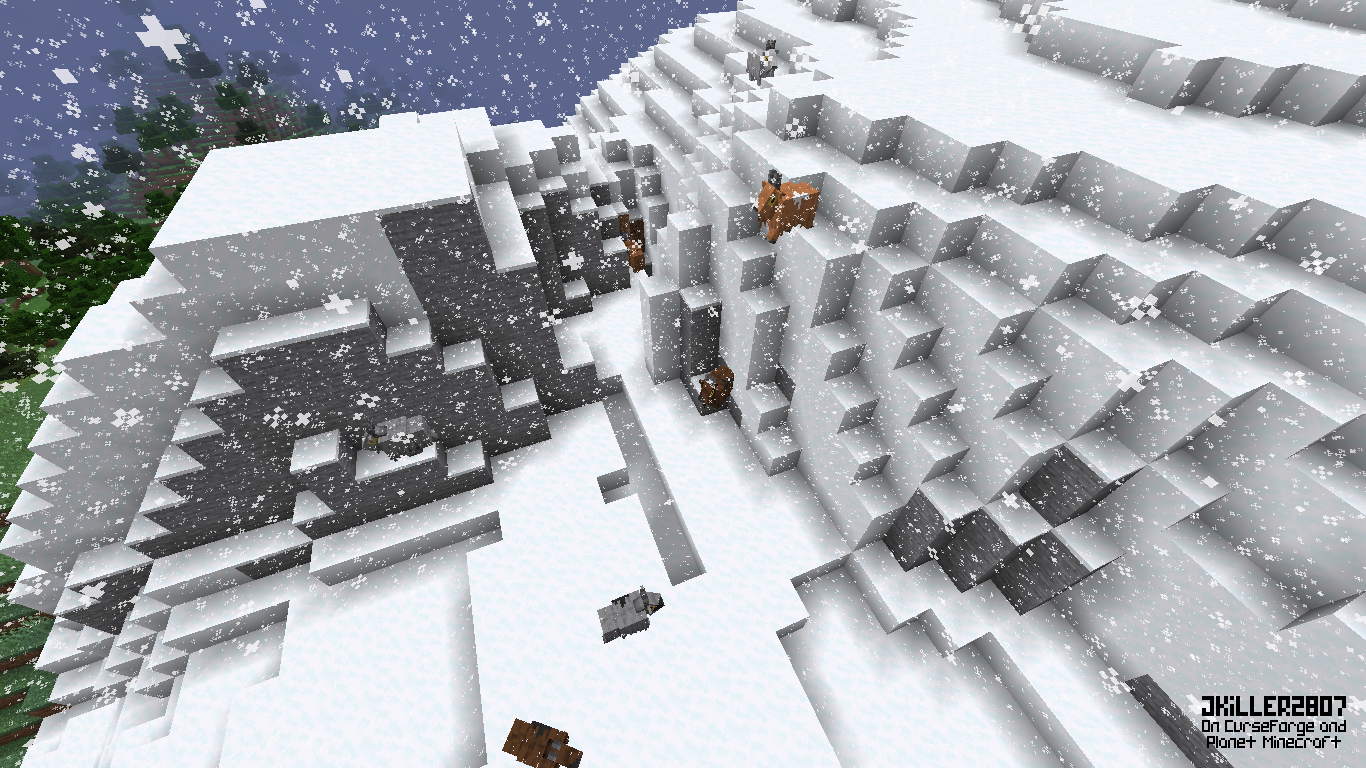
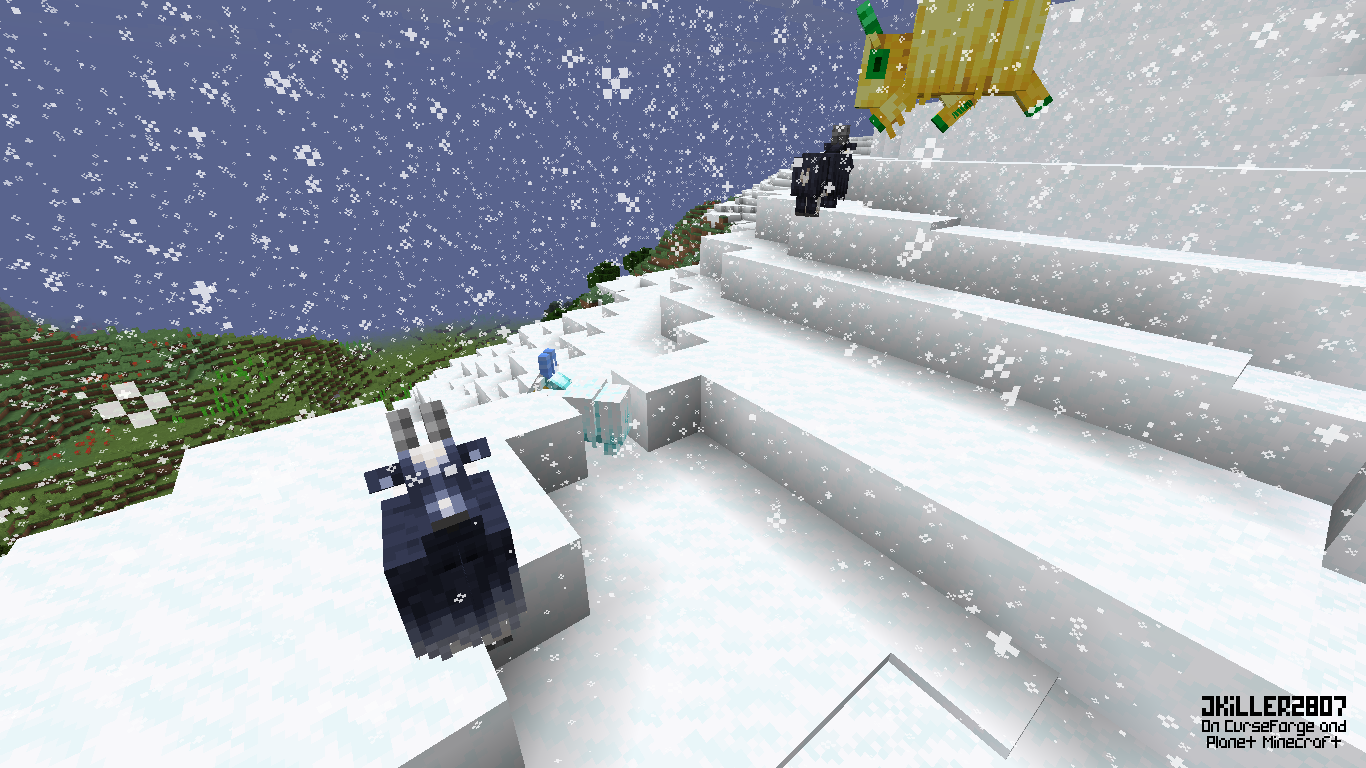
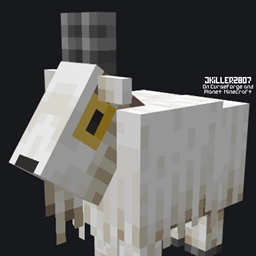
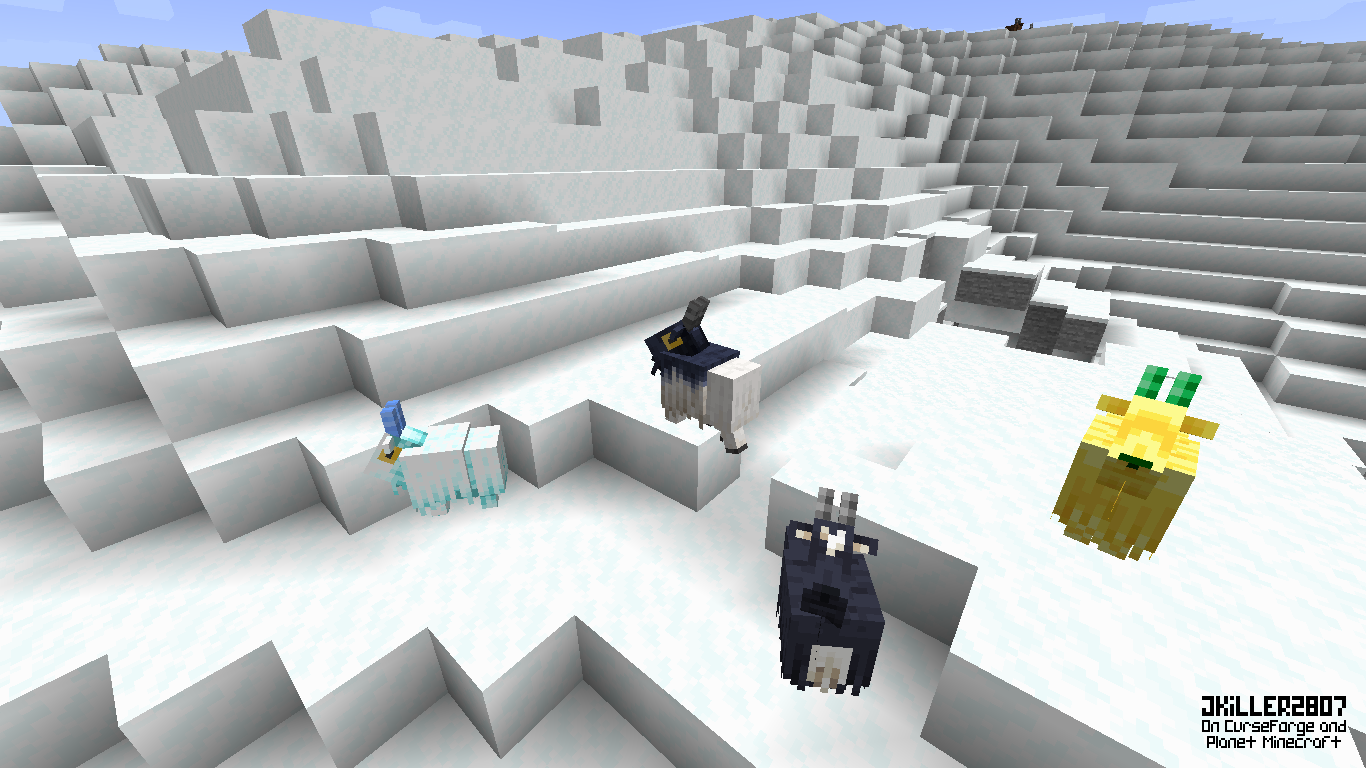
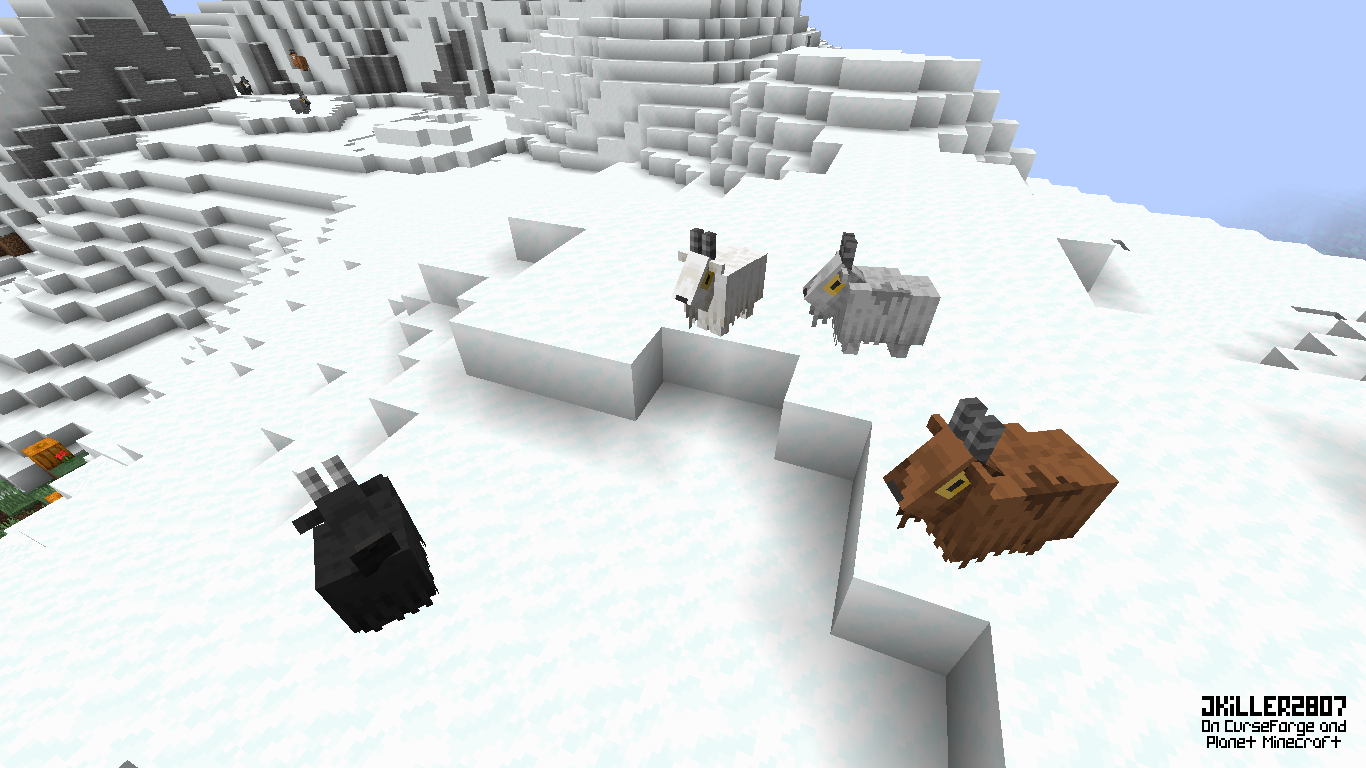
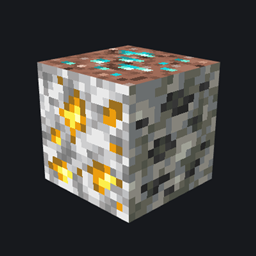
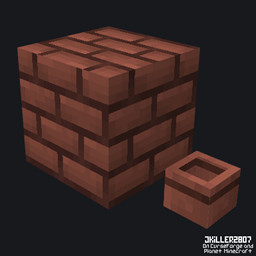
Oh my Goats is a vanilla-friendly resource pack that adds 68 new goat variants (for now)... There are so many variants that some are rarer than others. This pack makes the goats, and even the mountains, feel more alive and less monotonous as there are colored goats, spotted goats, goats with designs from other mojang games or even special goats (with very low chances of appearing), which makes each goat unique. You can do many things like look at them or even collect them as trophies.
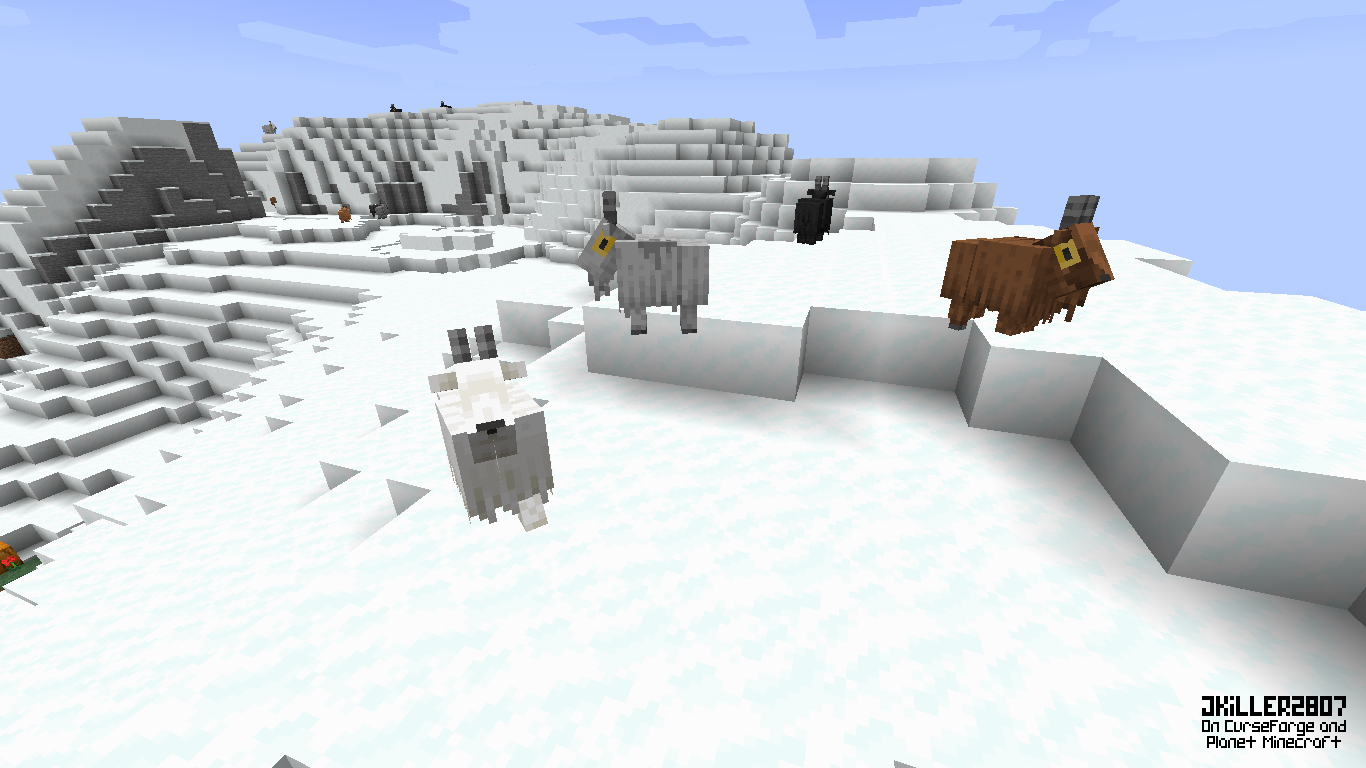
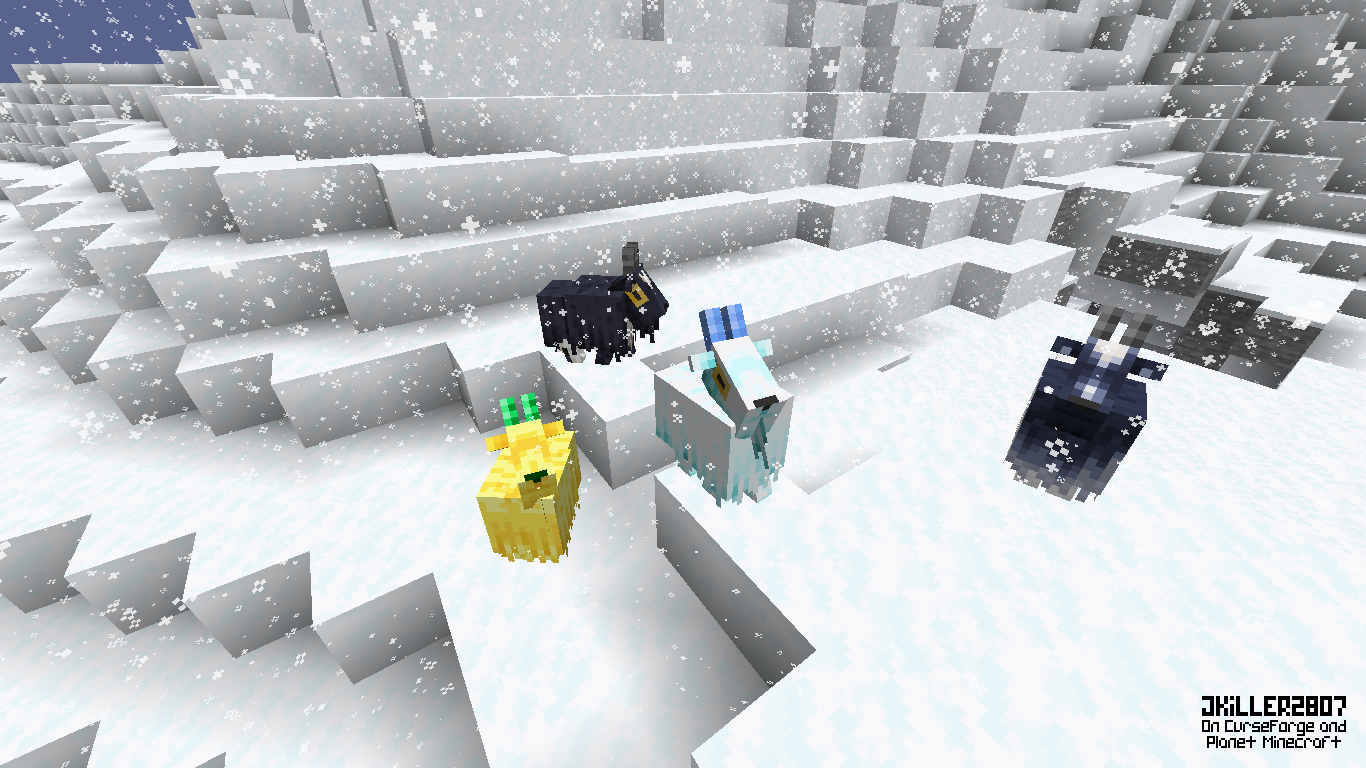

This pack uses an OptiFine’s feature called “Random” to add the new variants.

Feature List:
- Colored (25%):
- Black Goat (2.7%)
- Dark Gray Goat (2.7%)
- Gary Goat (2.7%)
- Light Gray Goat (2.7%)
- White Goat (2.7%)
- Dark Brown Goat (2.7%)
- Brown Goat (2.7%)
- Light Brown Goat (2.7%)
- Orange Goat (2.7%)
- Spotted (67%):
- Black Spotted Goat (1.2%)
- Black Spotted Goat (1.2%)
- Black Spotted Goat (1.2%)
- Black Spotted Goat (1.2%)
- Black Spotted Goat (1.2%)
- Black Spotted Goat (1.2%)
- Black Spotted Goat (1.2%)
- Black Spotted Goat (1.2%)
- Drak Gray Spotted Goat (1.2%)
- Drak Gray Spotted Goat (1.2%)
- Drak Gray Spotted Goat (1.2%)
- Drak Gray Spotted Goat (1.2%)
- Drak Gray Spotted Goat (1.2%)
- Gray Spotted Goat (1.2%)
- Gray Spotted Goat (1.2%)
- Gray Spotted Goat (1.2%)
- Gray Spotted Goat (1.2%)
- Gray Spotted Goat (1.2%)
- Light Gray Spotted Goat (1.2%)
- Light Gray Spotted Goat (1.2%)
- Light Gray Spotted Goat (1.2%)
- Light Gray Spotted Goat (1.2%)
- Light Gray Spotted Goat (1.2%)
- White Spotted Goat (1.2%)
- White Spotted Goat (1.2%)
- White Spotted Goat (1.2%)
- White Spotted Goat (1.2%)
- White Spotted Goat (1.2%)
- White Spotted Goat (1.2%)
- White Spotted Goat (1.2%)
- White Spotted Goat (1.2%)
- Dark Brown Spotted Goat (1.2%)
- Dark Brown Spotted Goat (1.2%)
- Dark Brown Spotted Goat (1.2%)
- Dark Brown Spotted Goat (1.2%)
- Dark Brown Spotted Goat (1.2%)
- Dark Brown Spotted Goat (1.2%)
- Brown Spotted Goat (1.2%)
- Brown Spotted Goat (1.2%)
- Brown Spotted Goat (1.2%)
- Brown Spotted Goat (1.2%)
- Brown Spotted Goat (1.2%)
- Brown Spotted Goat (1.2%)
- Light Brown Spotted Goat (1.2%)
- Light Brown Spotted Goat (1.2%)
- Light Brown Spotted Goat (1.2%)
- Light Brown Spotted Goat (1.2%)
- Light Brown Spotted Goat (1.2%)
- Light Brown Spotted Goat (1.2%)
- Orange Spotted Goat (1.2%)
- Orange Spotted Goat (1.2%)
- Orange Spotted Goat (1.2%)
- Orange Spotted Goat (1.2%)
- Orange Spotted Goat (1.2%)
- Special (3%):
- Black Headed Goat (1%)
- Dark Goat - Minecraft Dungeons(1%)
- Gold Goat (0.5%)
- Ice Goat (0.5%)
PS: I'm all ears to suggestions and opinions. I hope you like it and if that is the case, I would appreciate it if you share it with your friends.


- Feel free to include this resource pack in your mod pack or server.
- If you wish to use this pack in any form of content, please credit with a link to the original CurseForge or Planet Minecraft page.
- I don't accept any type of reposts of any of my resource packs on any website.
In-Game Screenshots (more in “Images”)