Badges update automatically and link to the resource pack page on MineUniverse.
Please disable fog in Optifine settings since it may ruin the experience (unfortunately there's nothing to do with it as there's no option to change to fog's color during daycycle).
Looking for a dark custom sky for Minecraft Java Edition?
Tired of all these fancy-pants-ultra-4k-real skypacks?
Want to have a simple nice-looking dark sky that fits vanilla Minecraft style?
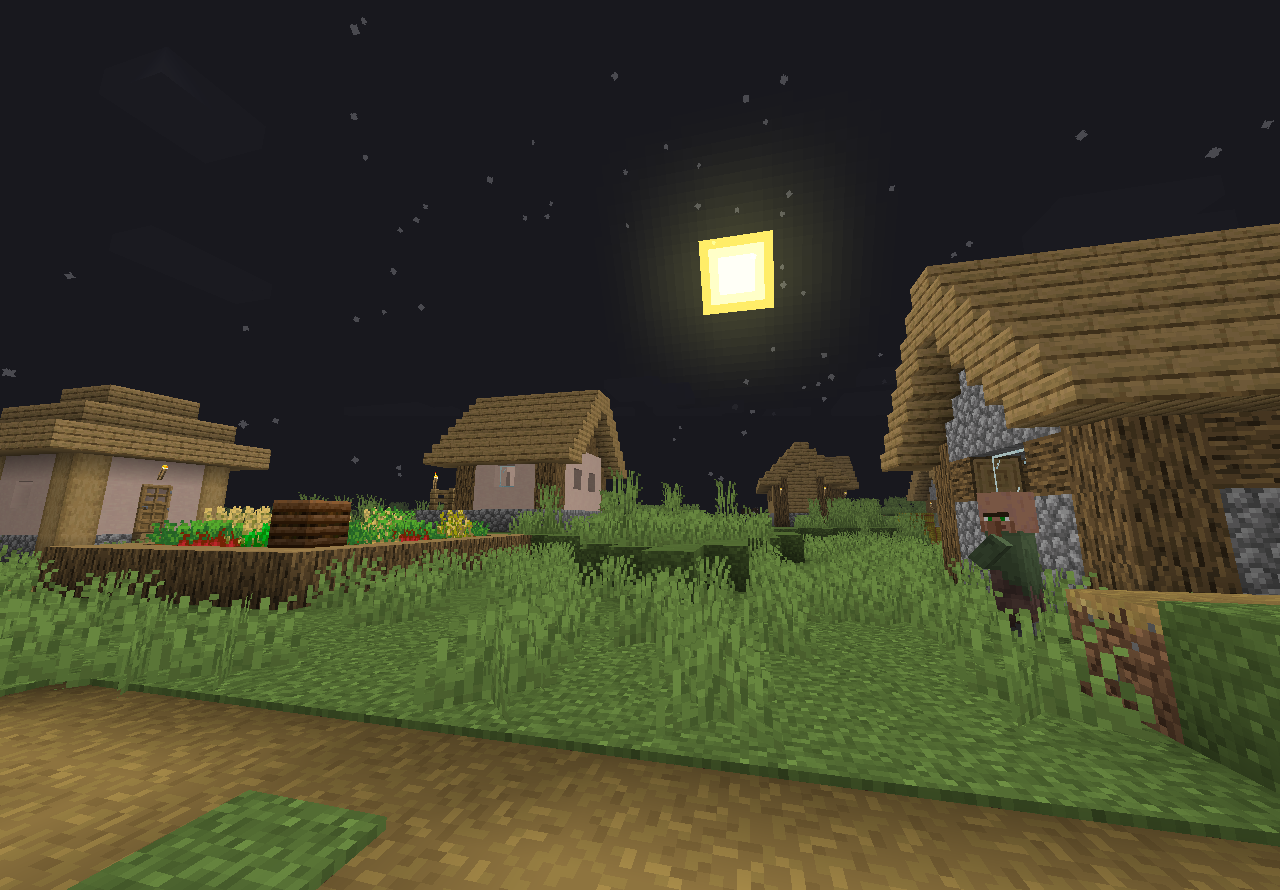
Everlasting Night is a pack for you! This pack changes the day sky to look like it's always night (even though the sun is still there).
It also shows stars all the time so this is really the night that never ends. By the way, they become a little bigger like in old Minecraft versions (in fact, the stars were taken from Beta 1.8 sky footage), and some stars move faster than others!
There's 3 different Everlasting Night styles available:
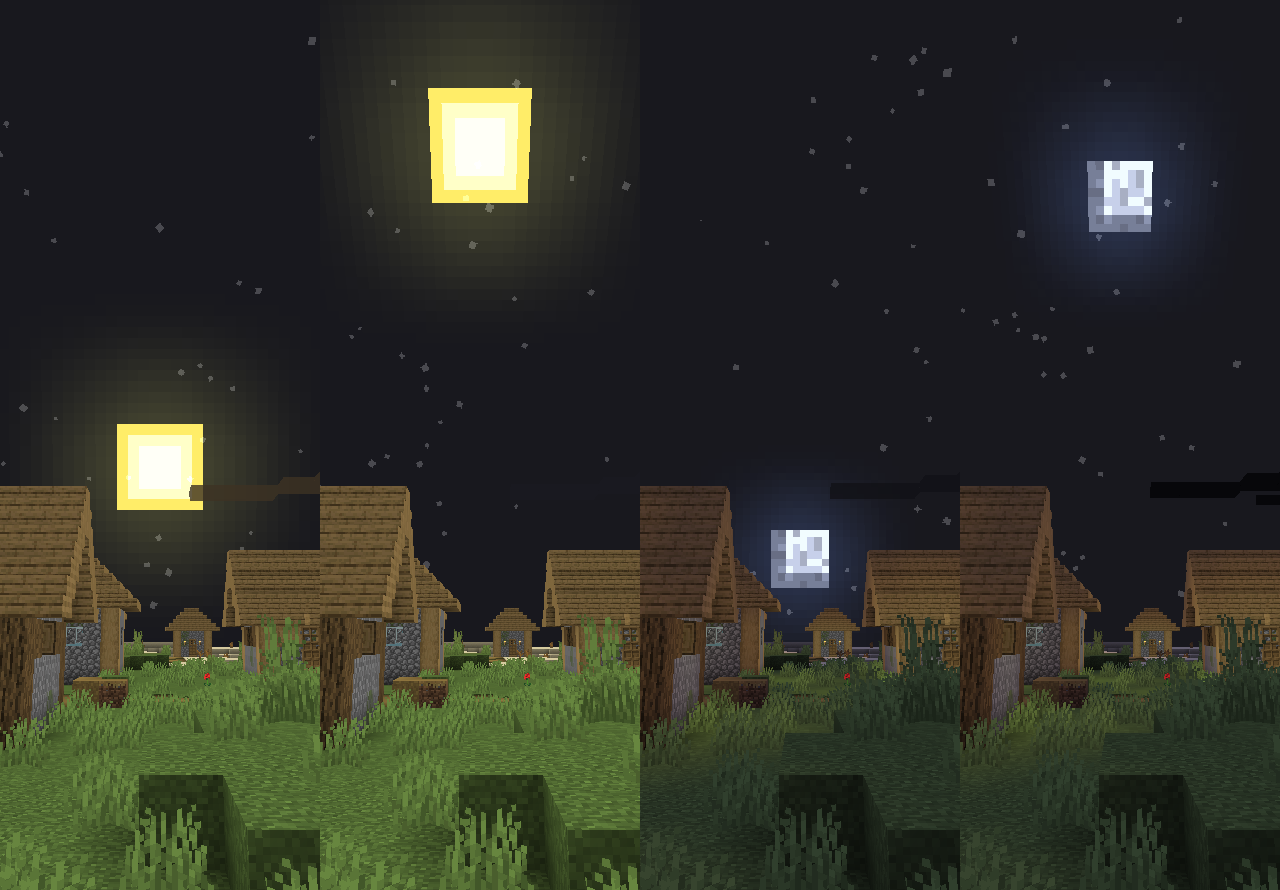
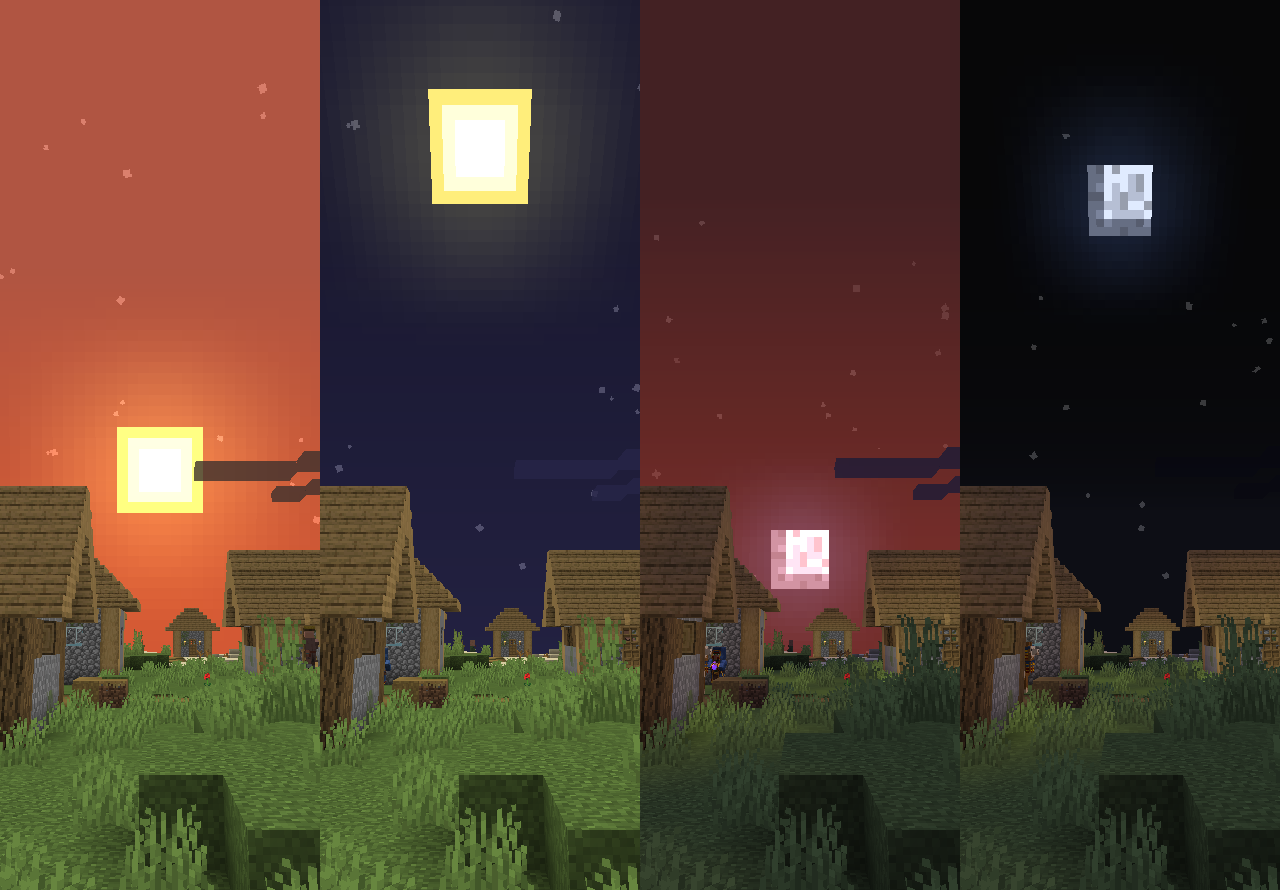
* [C] (Classic) ― represents classic Minecraft daylight cycle with day sky colored dark-blue. Nothing special, but you'll like it if you want to get as much Vanilla as possible.
Click here to go to the file (or press "Download")
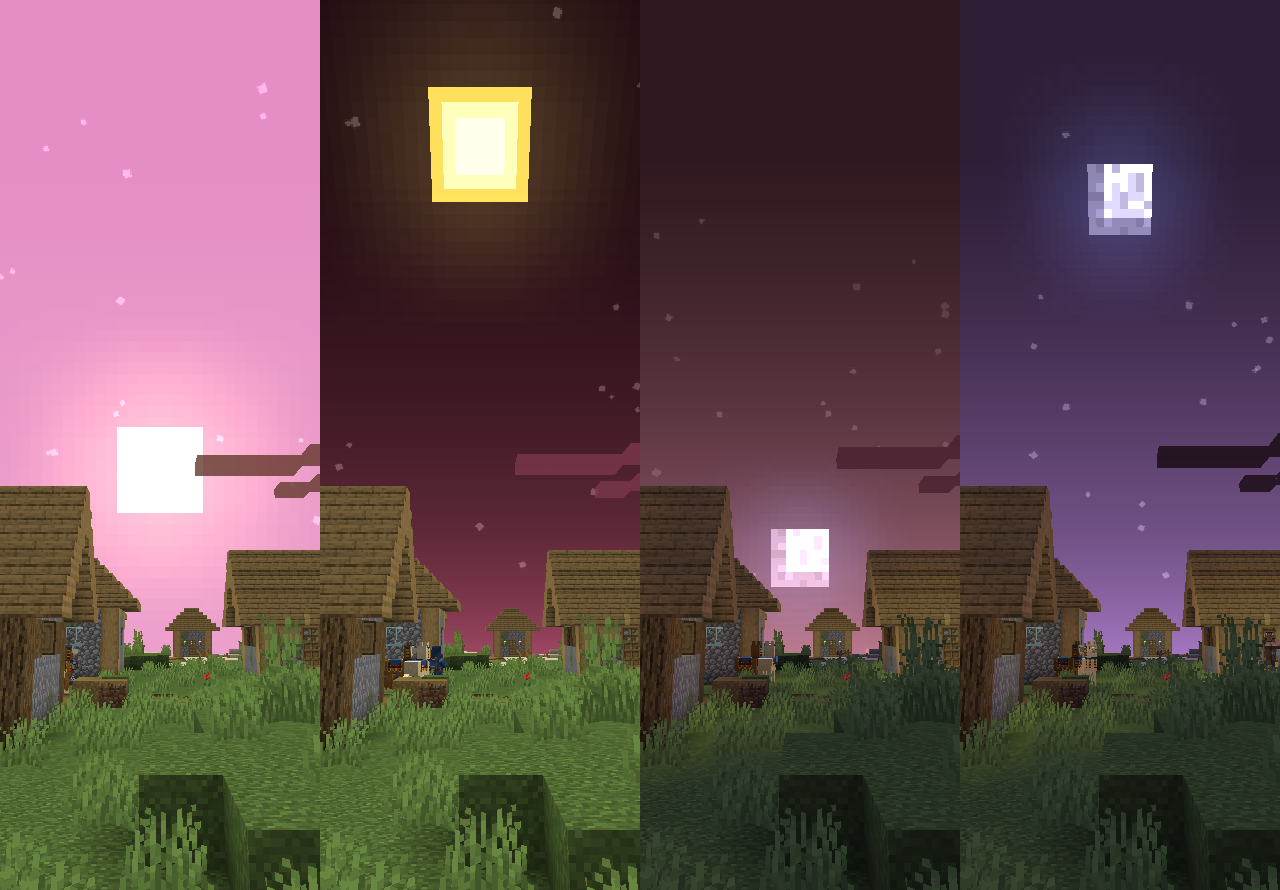
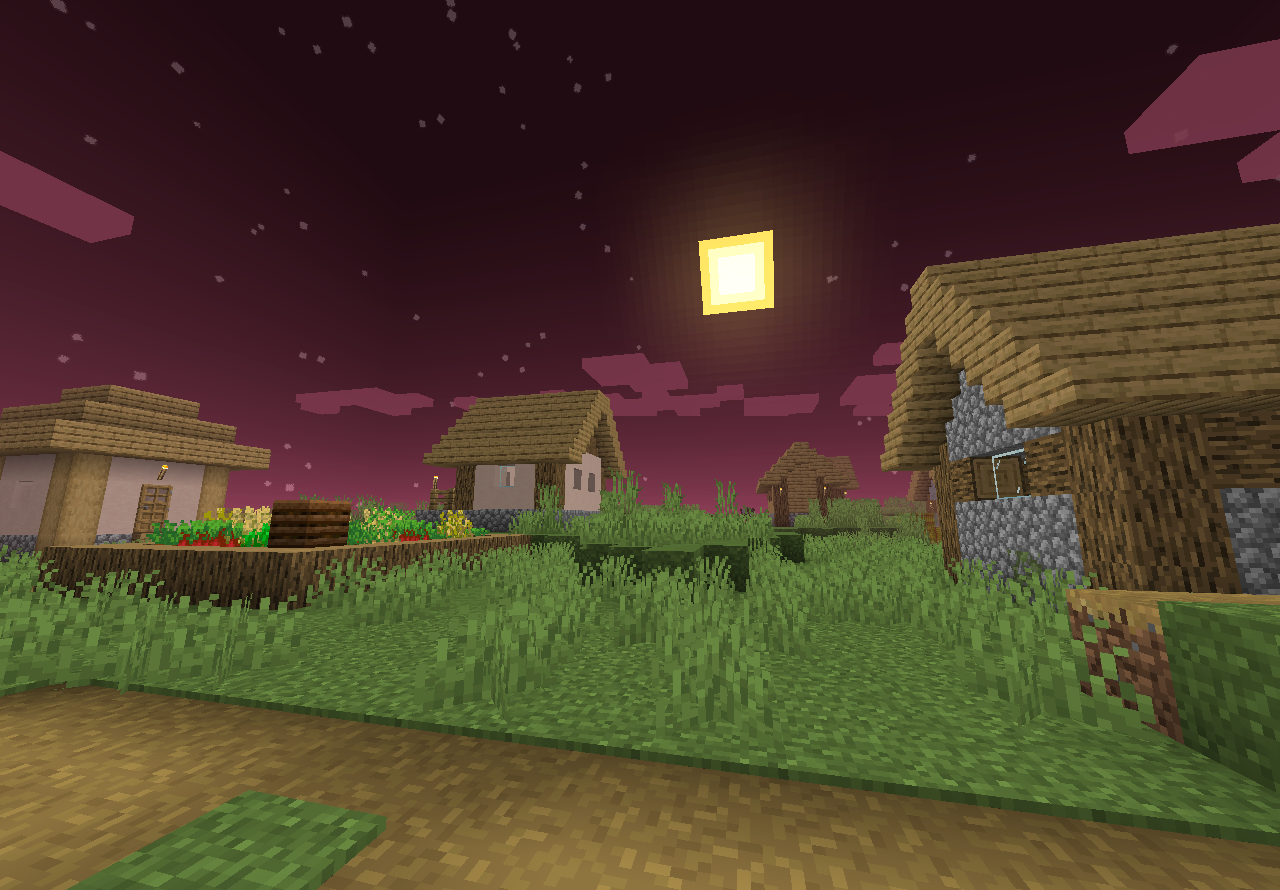
* [P] (Plasma) ― synthwave-ish sky inspired by how night vision potions worked before 1.12. This is a sort of experimental style, so it might work bad for games like BedWars or SkyWars.
Click here to go to the file
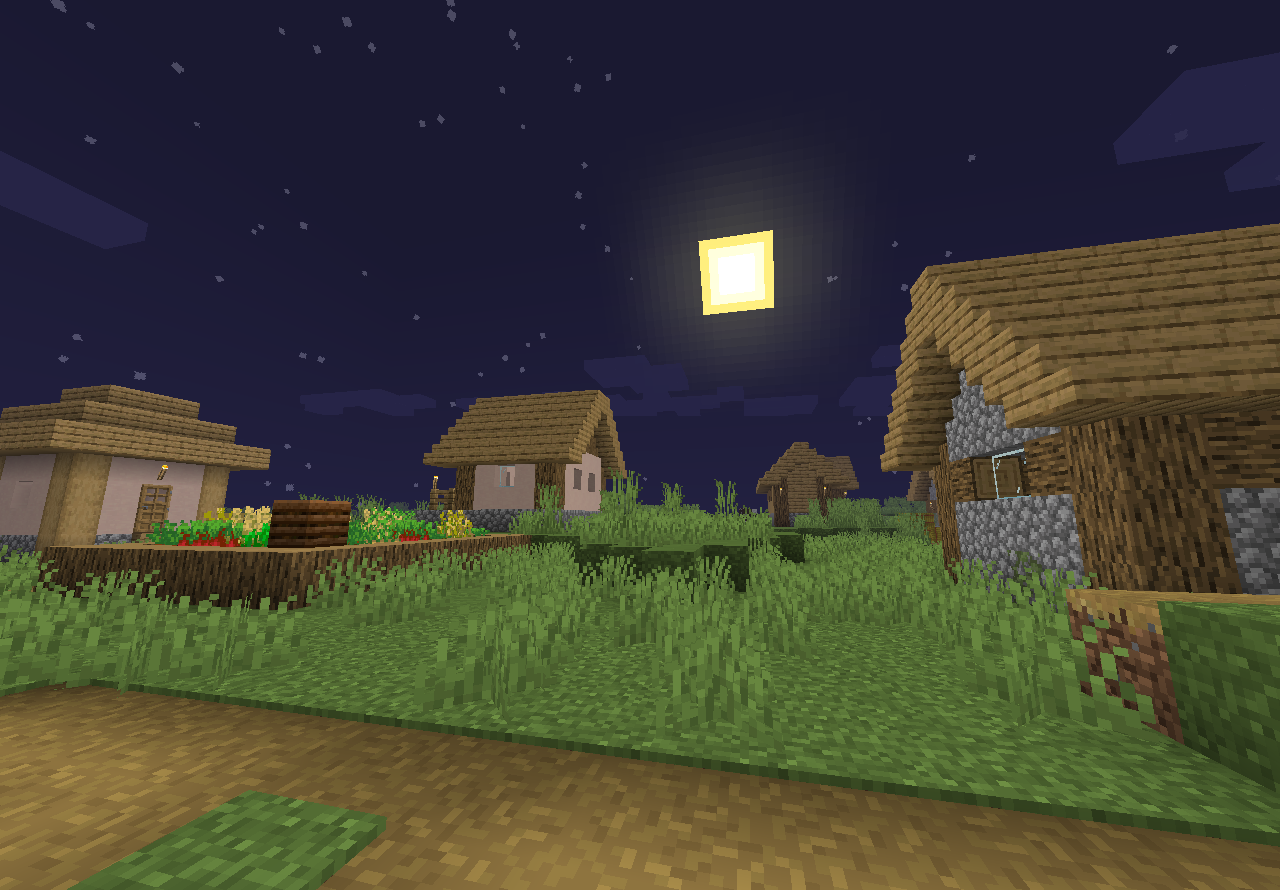
* [U] (Ultimate) ― special for players that want to get a 100% nightly night. It changes the sky to a solid dark-gray color with stars on it. Unlike in other styles, the sky color doesn't change at all, and stars move a little faster than usual.
Click here to go to the file
Everlasting Night is fully compatible with packs that change sun/moon/cloud textures but might conflict with packs that change the skybox.
Do NOT use with shaders, it most cases they won't work together!!
If you wish to see this pack's page on PlanetMinecraft, click here.