Mineuniverse
Resource Packs
OctoberPack For Java

OctoberPack For Java

RESOURCE PACK
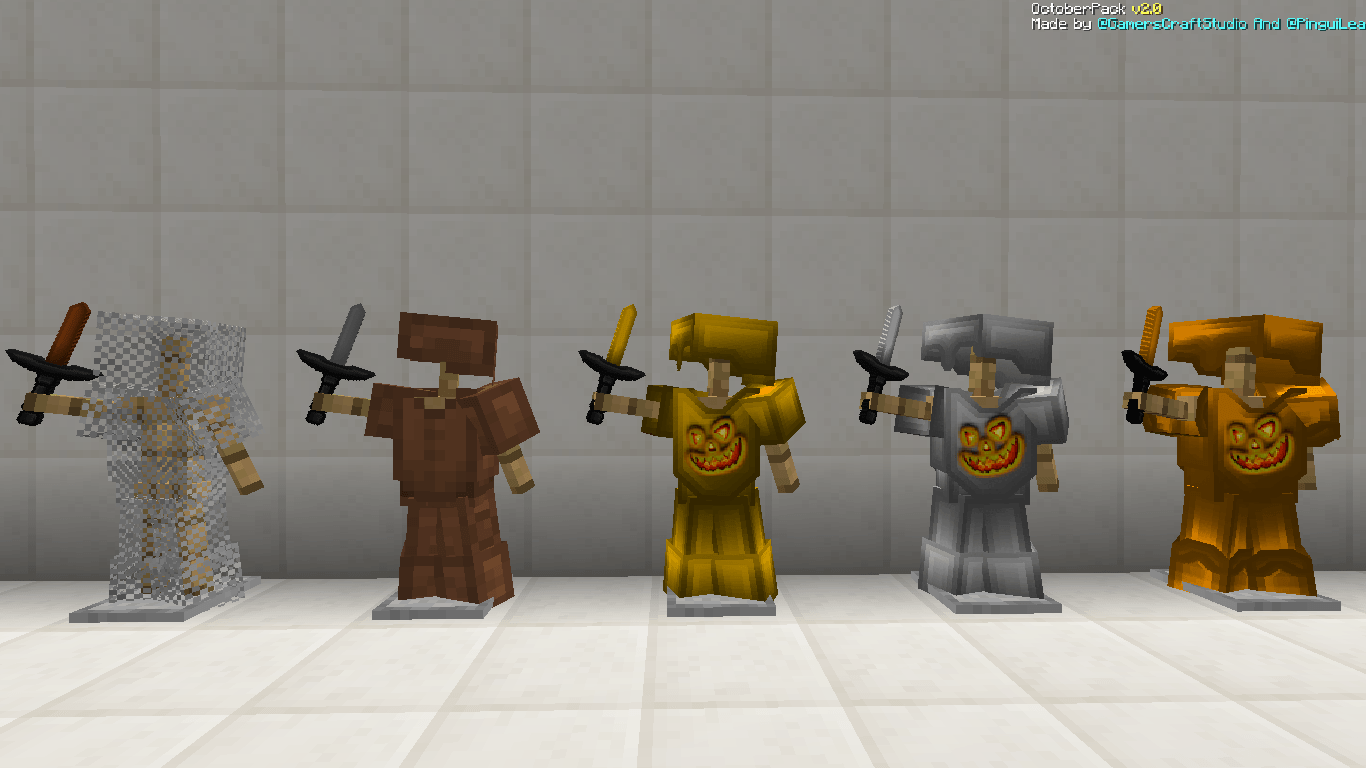
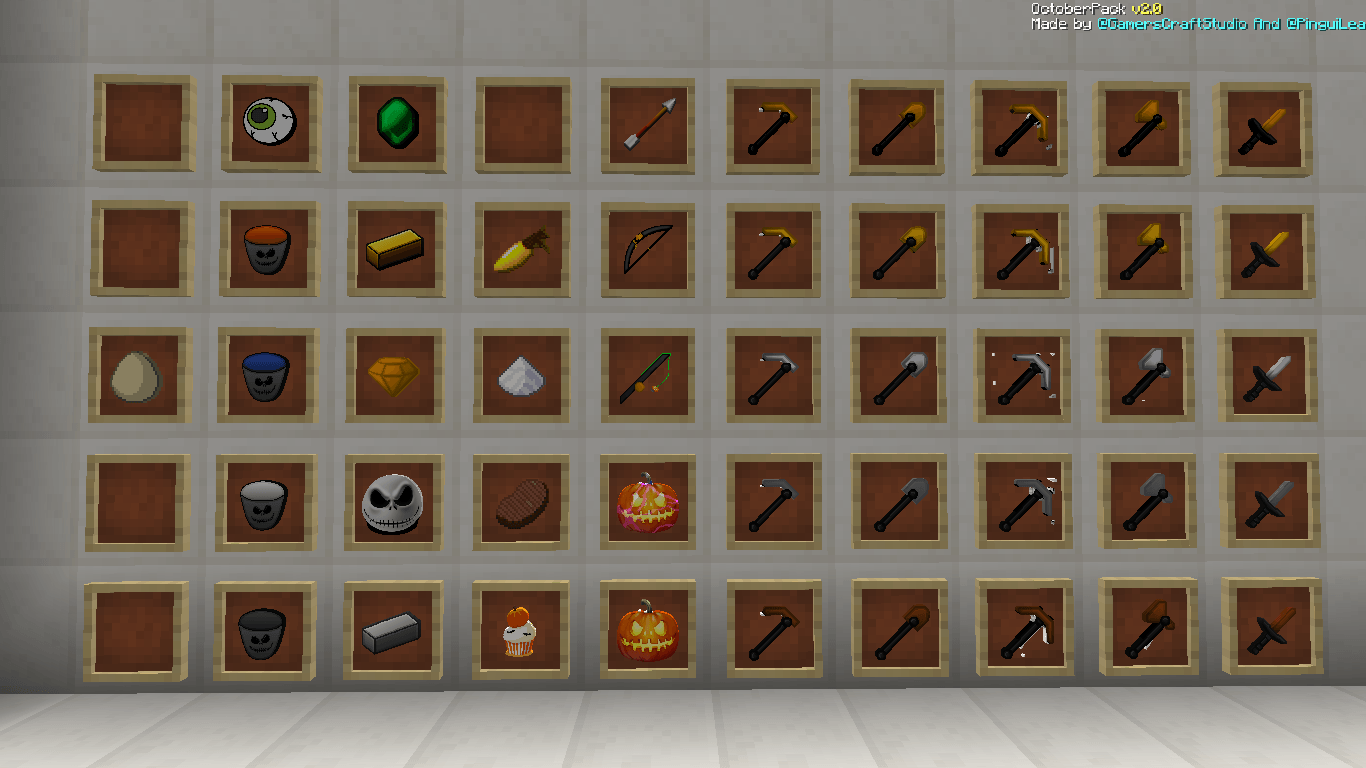
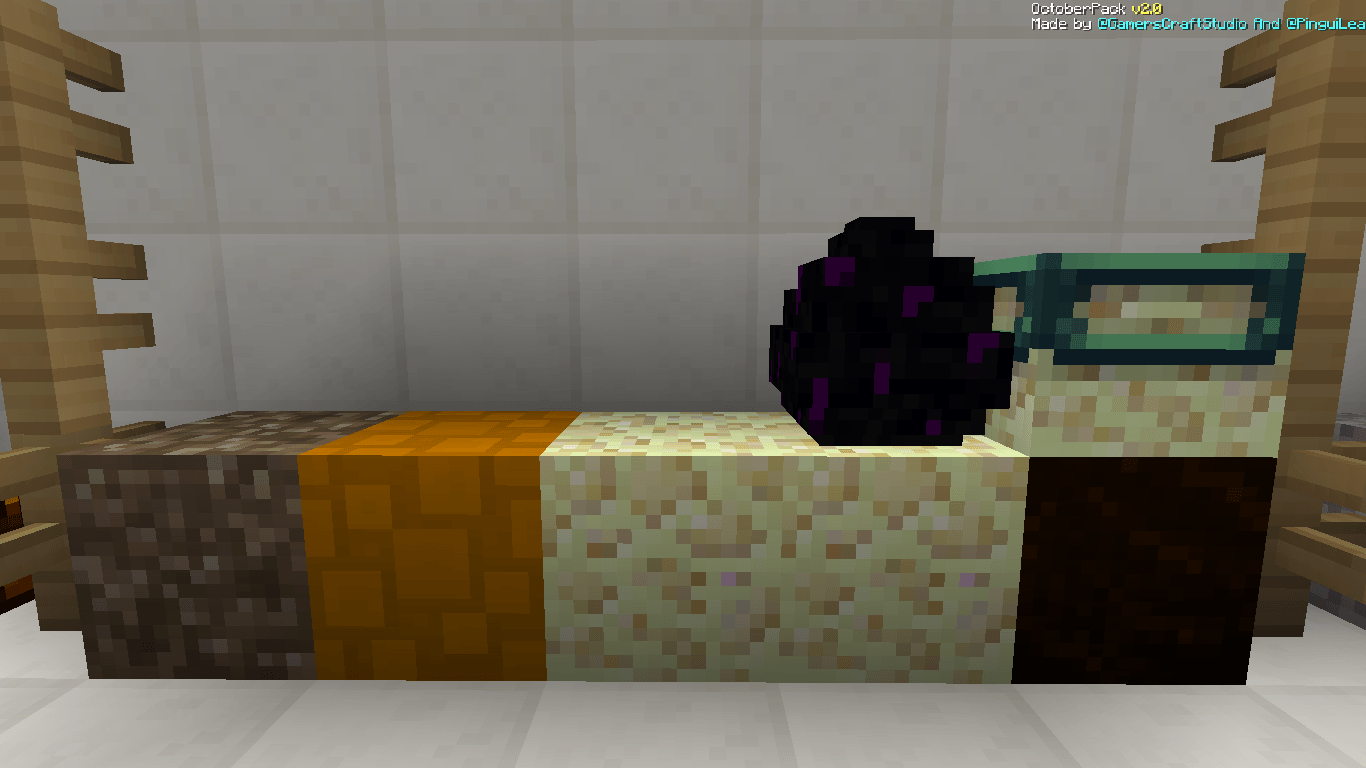
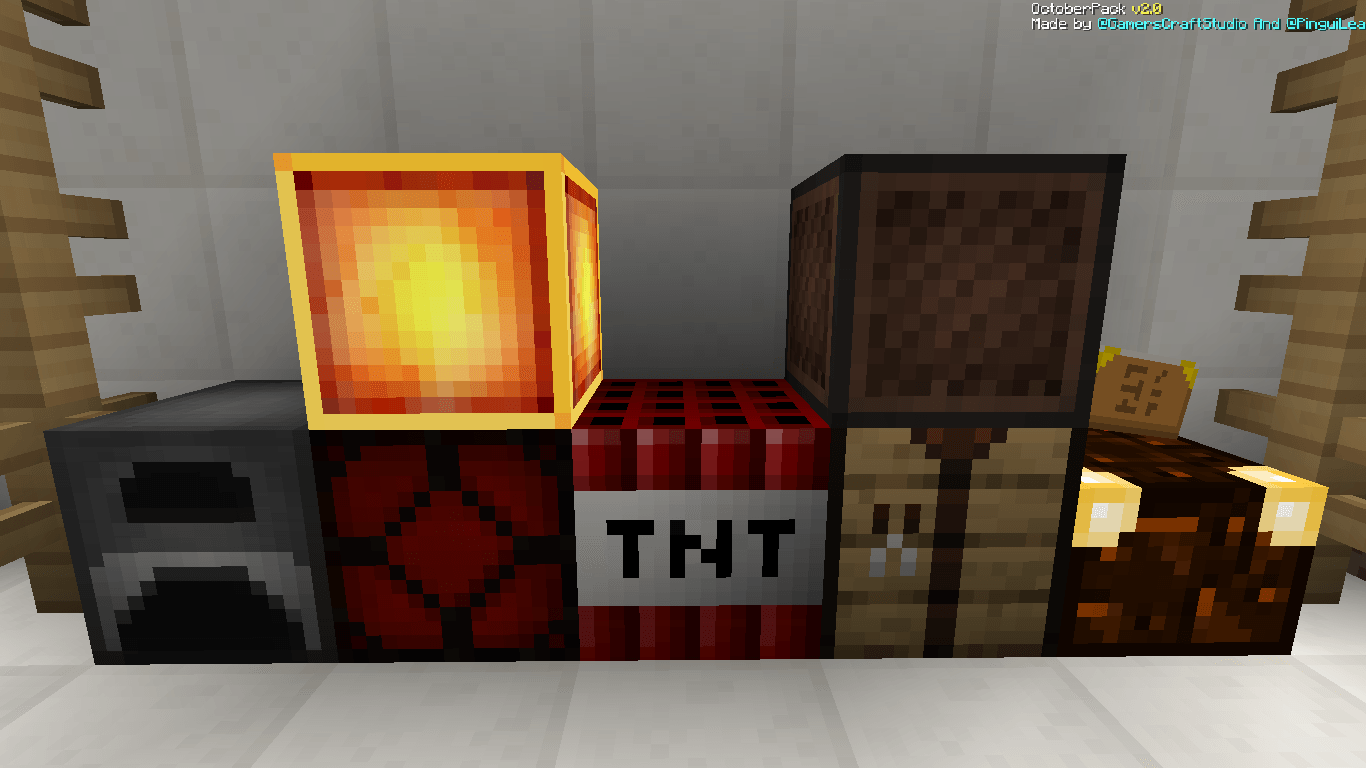
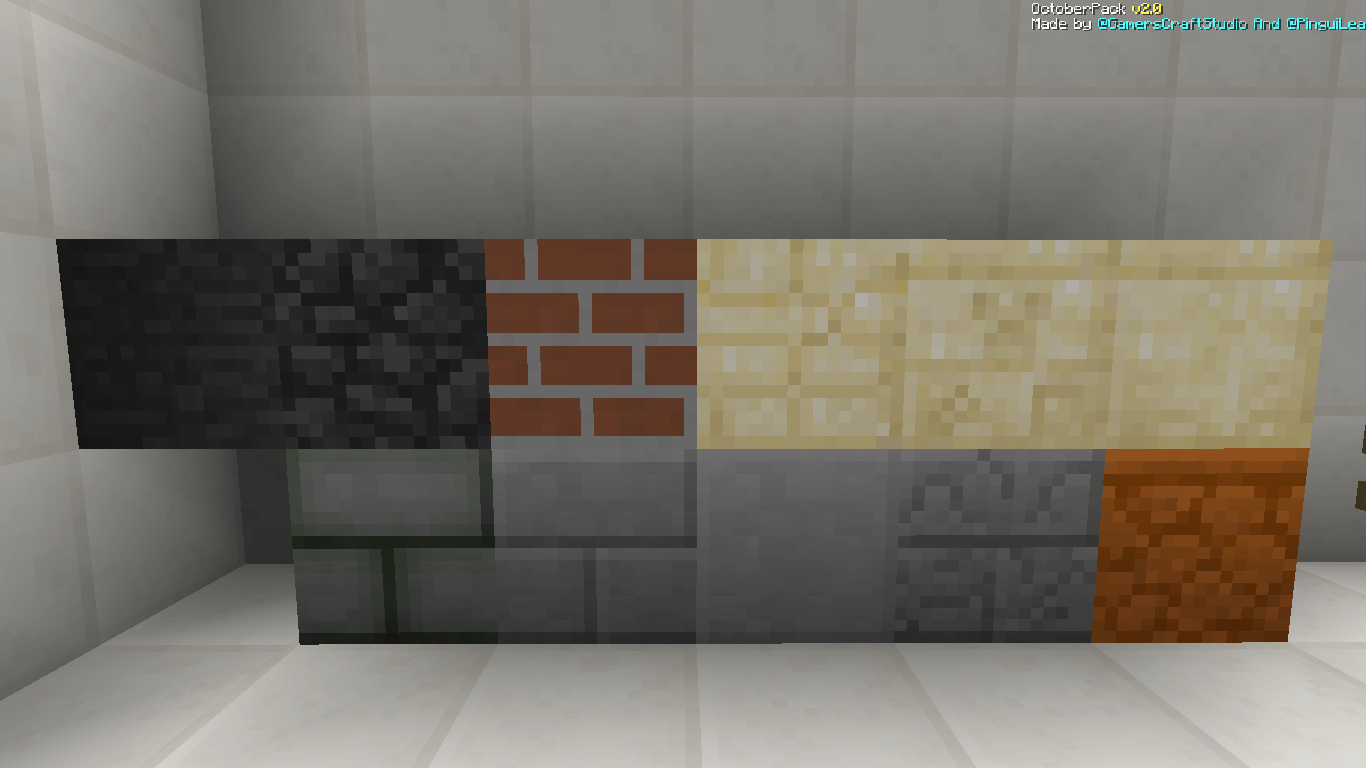
Today we present to you a new texture pack for Minecraft Java and Bedrock called OctoberPack.
by PlasmaSpaceStudios
Download Claim this project
Add a badge to your pageLink to OctoberPack For Java from a README, website or forum post.
Preview: Badge

Badges update automatically and link to the resource pack page on MineUniverse.

177 downloads
0 likes
0 followers
Updated Oct 14, 2026
0 hypes
Follow0
128x
Advertisement Remove ads with Premium →

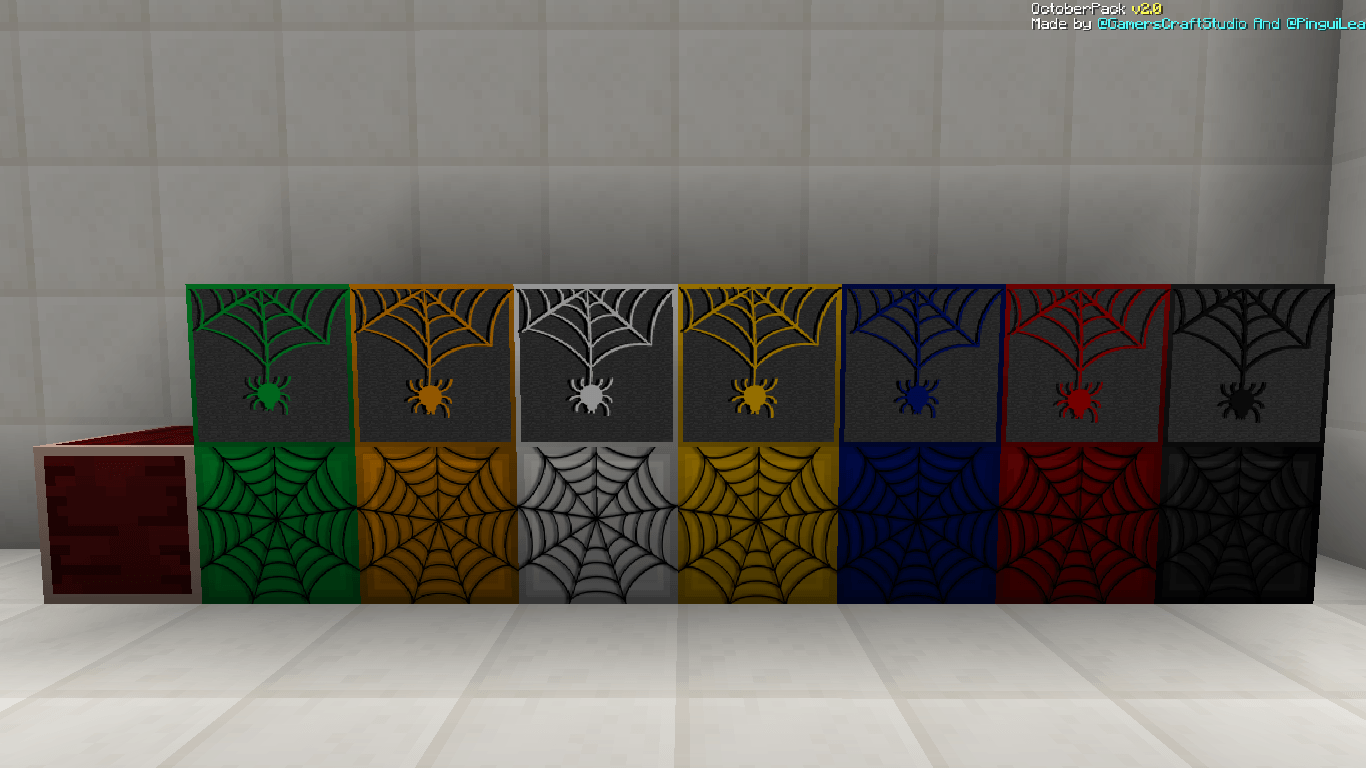
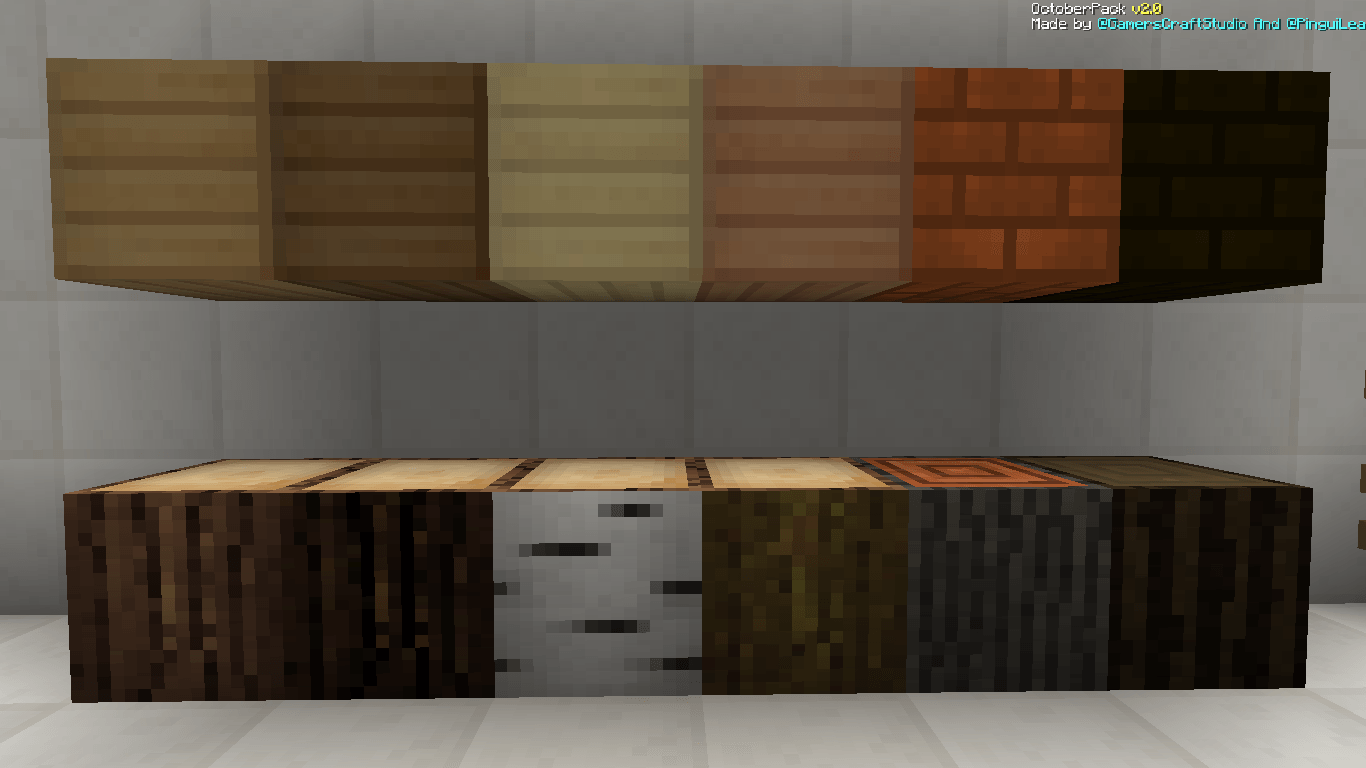
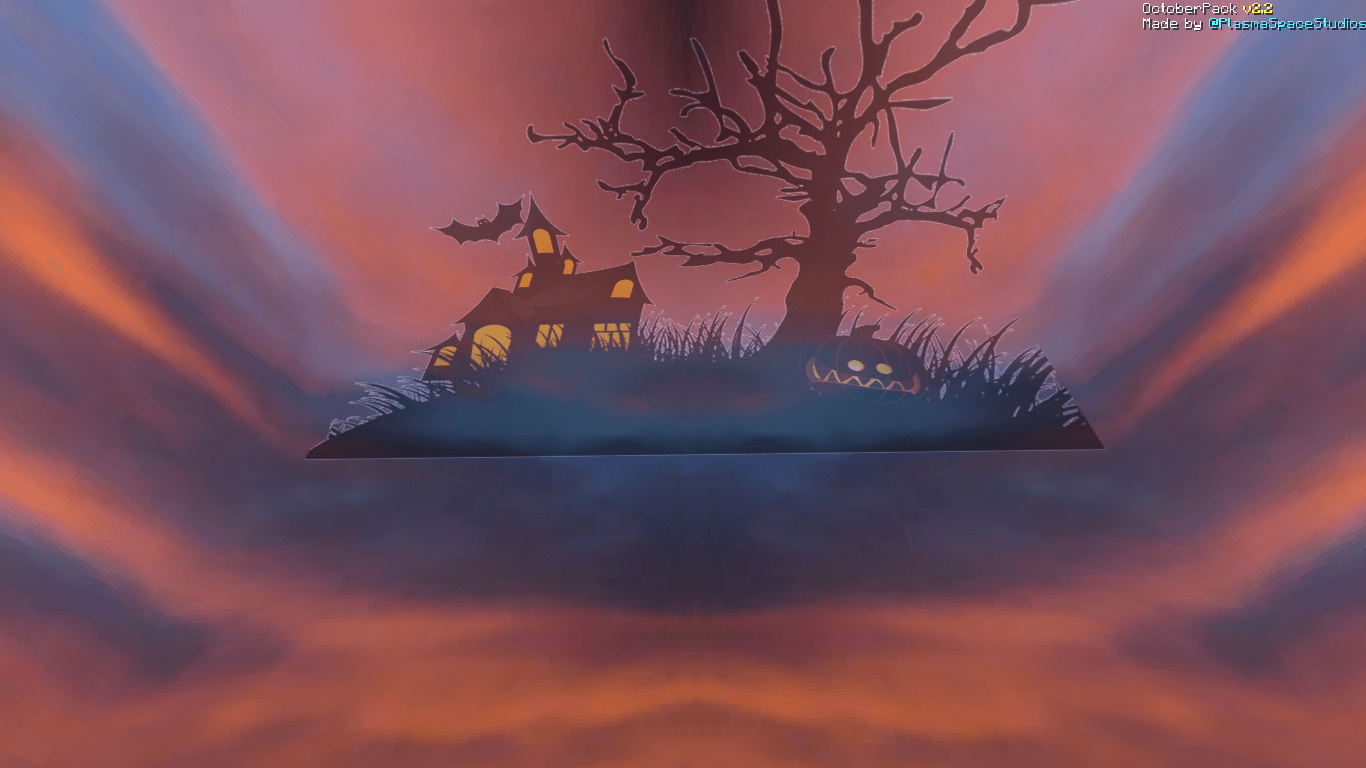
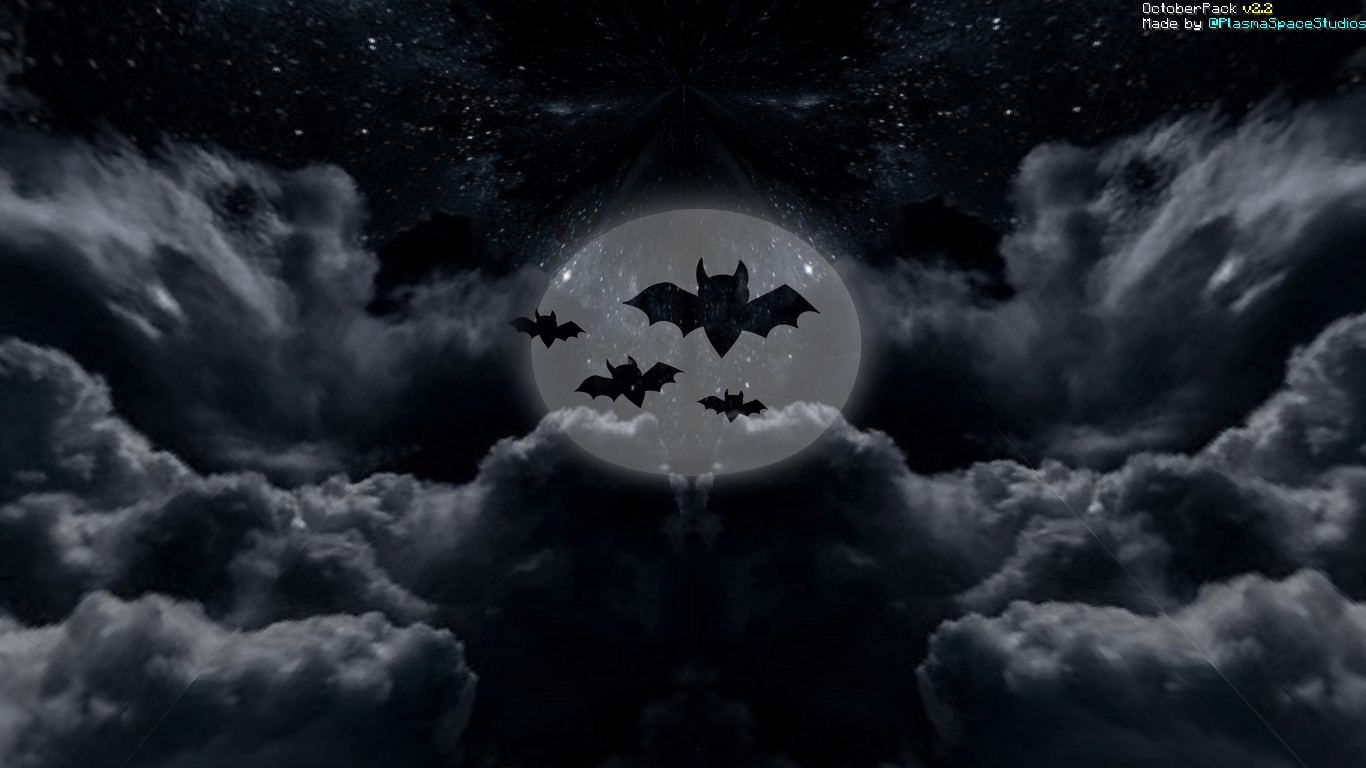
Today we present to you a new texture pack for Minecraft Java and Bedrock called OctoberPack. The theme of the Texture Pack is Halloween, that's why it has the name OctoberPack, the Texture Pack changes the following: Armor, Items, blocks, sky, Mobs, etc. The Texture Pack has a resolution of 128x128 and higher.

The TexturePack in Minecraft Bedrock is compatible from version 1.16 to the most recent, while in Minecraft Java it is only compatible with versions x1.8, x1.20, x1.21, x26.1


Credits:


AD

Looking for good hosting to create your Minecraft or Hytale server?

If so, check out XeroHost. They offer high-quality hosting at affordable prices. Use our code to get 20% off your first purchase.



"OctoberPack" by PlasmaSpace Entertainment is offered under the "Creative Use Non-Commercial (PS-UCNC)" license.


The logos and trade names of PlasmaSpace Productions, PlasmaSpace Entertainment, and PlasmaSpace Records are owned by PlasmaSpace Studios Inc. PlasmaSpace Studios Inc. is a company without legal personality. Costa Rica and Mexico.

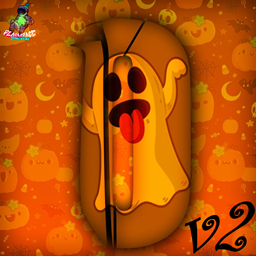
 

§6Octuber§2Pack §cv2 §fFor x26.1.zip
MC 26.1.2, 26.2
Release 2026-09-28 Get
§6Octuber§2Pack §cv2 §fFor x1.21.zip
MC 1.21.5, 1.21.4
Release 2025-10-06 Get
§6Octuber§2Pack §cv2 §fFor x1.8.zip
MC 1.8.7, 1.8.4, 1.8.8, 1.8.3, 1.8.6, 1.8, 1.8.2, 1.8.5, 1.8.9, 1.8.1
Release 2024-10-15 Get
§6Octuber§2Pack §cv2 §fFor x1-20 & x1.21.zip
MC 1.20.2, 1.21, 1.20.5, 1.20.3, 1.20.1, 1.20, 1.20.6, 1.20.4, 1.21.1
Release 2024-10-15 Get

Requirements & install

How to use this resource pack in Minecraft
Resolution
128x
Minecraft
1.20.5 – 26.2
Install folder
.minecraft/resourcepacks

How to install resource packs

  1. Download the resource pack .zip file (do not extract it).
  2. In Minecraft open Options → Resource Packs → Open Pack Folder.
  3. Drop the .zip into the resourcepacks folder (.minecraft/resourcepacks).
  4. Move the pack to the Selected column and click Done.

Packs from 128x upwards need more video memory: install a performance mod such as Sodium for smooth frame rates.

Browse more: 16x resource packs 32x resource packs 64x resource packs 128x resource packs 256x resource packs 512x+ resource packs Resource Packs for 26.2 All resource packs

More from PlasmaSpaceStudios

Advertisement Remove ads with Premium →

You Might Also Like