Mineuniverse
Resource Packs
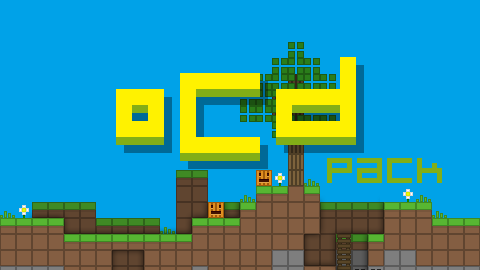
oCd Pack

oCd Pack

RESOURCE PACK
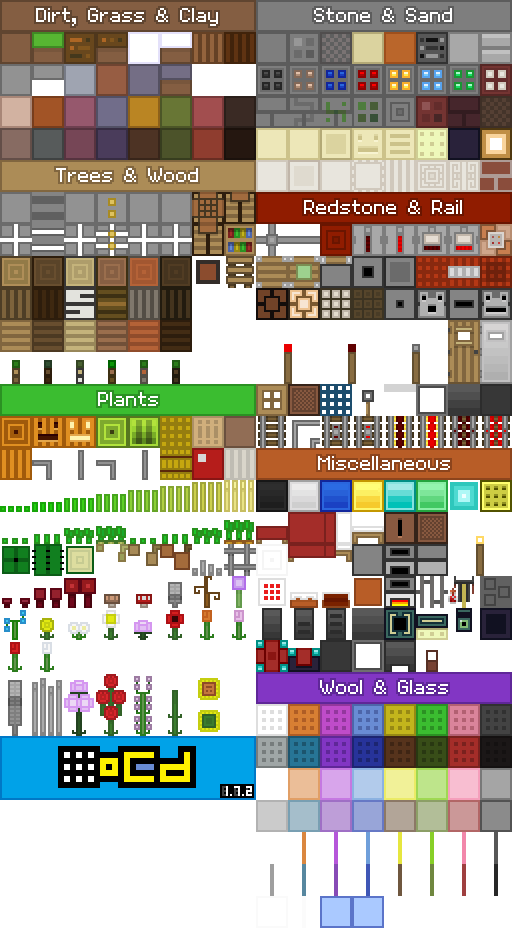
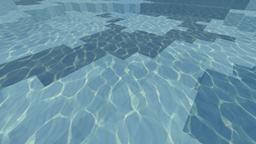
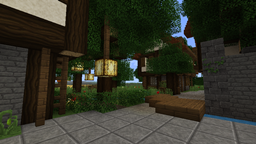
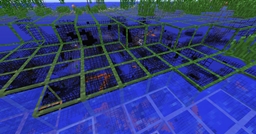
Stylized, Smooth and Minamalistic by FVDisco
by _ForgeUser7293071
Download Claim this project
158,119 downloads
0 likes
Updated Oct 14, 2026
0 hypes
Miscellaneous
Advertisement Remove ads with Premium →

1.7.x ready!

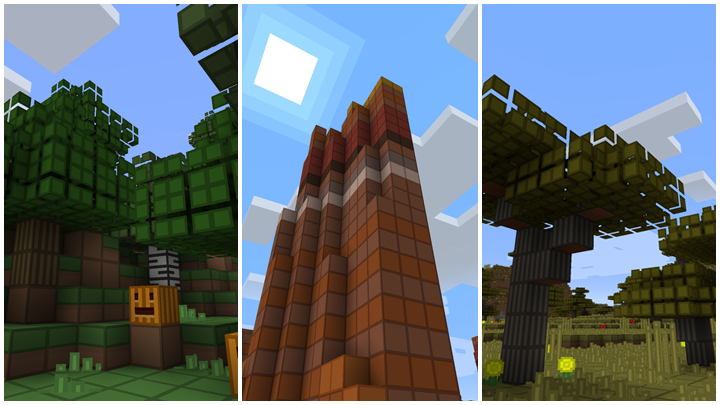
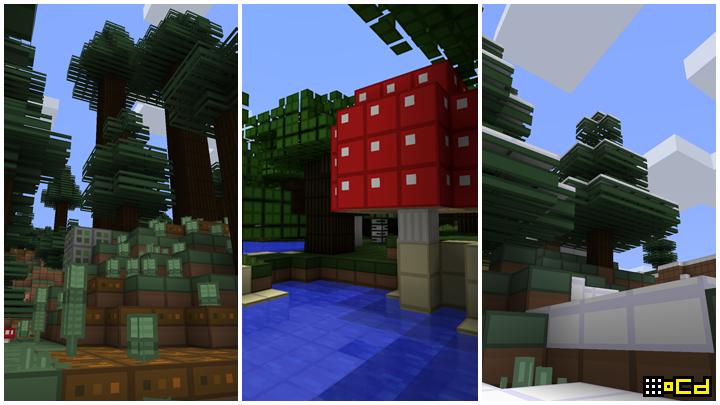
Disco-fied
Highly simplified
Slightly stylized

Obsessive, Compulsive; and not the least bit Disordered.
(80% complete XD)

2,000,000+ DOWNLOADS!
thanks everyone for your support!

Was a personal texture pack, but after uploading my redstone creation videos on youtube a lot of people wanted the pack.

The theme is basically:

Default pack inspired.
No noise.
No harsh colors.
Symmetrical
All angles @ 90 degrees. (even the rails/grass etc XD)
All spacing even... OCD even

Official Page: http://www.ocddisco.com/ocdpack/

Website: http://www.ocddisco.com/

Twitter: http://twitter.com/ocddisco

Facebook: http://facebook.com/fvdisco

Twitch: http://twitch.tv/fvdisco

OCD_pack_1.7.2.zip
MC 1.7.2
Release 2013-11-02 Get
oCd_pack_1.6_by_disco.zip
MC 1.6.2
Release 2013-07-09 Get
oCd_pack_1.5_by_disco.zip
MC 1.5.1
Release 2013-03-22 Get
oCd_pack_1.2.5_by_disco.zip
MC 1.2.5
Release 2012-06-09 Get

Requirements & install

How to use this resource pack in Minecraft
Resolution
Not specified
Minecraft
1.2.5 – 1.7.2
Install folder
.minecraft/resourcepacks

How to install resource packs

  1. Download the resource pack .zip file (do not extract it).
  2. In Minecraft open Options → Resource Packs → Open Pack Folder.
  3. Drop the .zip into the resourcepacks folder (.minecraft/resourcepacks).
  4. Move the pack to the Selected column and click Done.
Browse more: 16x resource packs 32x resource packs 64x resource packs 128x resource packs 256x resource packs 512x+ resource packs Resource Packs for 1.7.2 All resource packs
Advertisement Remove ads with Premium →

You Might Also Like