Mineuniverse
Resource Packs
O-06-20 (Nothing there)

O-06-20 (Nothing there)

RESOURCE PACK
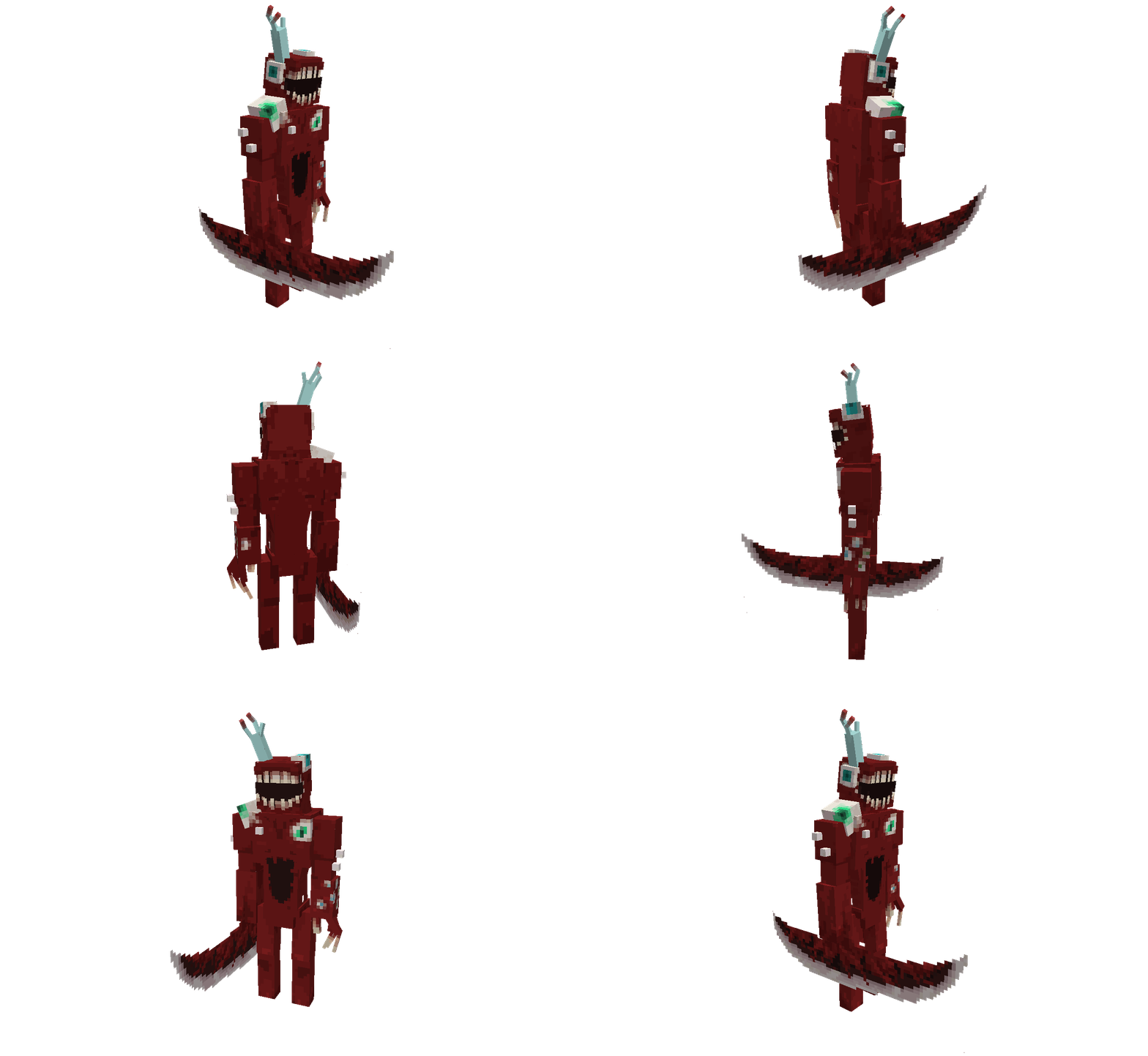
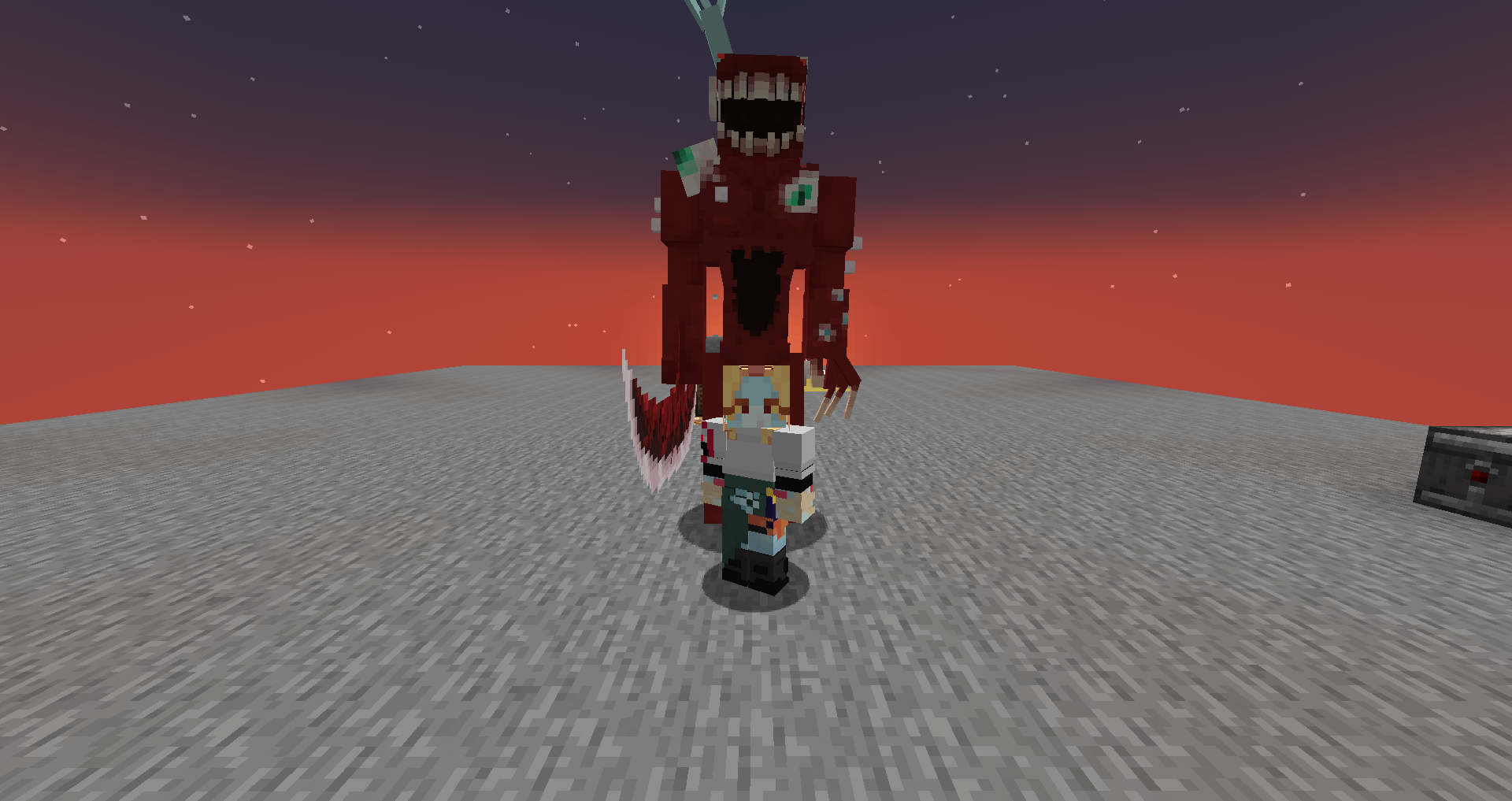
A resource pack that replaces Warden with the anomaly Nothing there (O-06-20) from Lobotomy Corporation
by TridenOpMoth
Download Claim this project
1,247 downloads
0 likes
0 followers
Updated Oct 14, 2026
0 hypes
Follow0
128x Miscellaneous Modern
Advertisement Remove ads with Premium →

A resource pack replacing Warden with the anomaly of Nothing there (O-06-20) from Lobotomy Corporation.


REQUIRES OPTIFINE OR [EMF] AND [ETF] (if fabric)


I actually made this resource pack for myself, but I wanted to share it with my friends.

And I didn't find any other way to send it.


I don't know what else to write about this, I made the model and textures
The rights to "Nothing There" (both the sounds and the anomaly itself) belong to Project Moon

Nothing there.zip
MC 1.19.3, 1.20.2, 1.19.4-Snapshot, 1.20.5, 1.20.2-Snapshot, 1.20.5-Snapshot, 1.19.4, 1.19-Snapshot, 1.19.2, 1.20.3-Snapshot, 1.20.3, 1.20.1, 1.20, 1.20.6, 1.19.1, 1.20.4
Release 2024-05-21 Get

Requirements & install

How to use this resource pack in Minecraft
Resolution
128x
Minecraft
1.20.2-Snapshot – 1.20.6
Install folder
.minecraft/resourcepacks

How to install resource packs

  1. Download the resource pack .zip file (do not extract it).
  2. In Minecraft open Options → Resource Packs → Open Pack Folder.
  3. Drop the .zip into the resourcepacks folder (.minecraft/resourcepacks).
  4. Move the pack to the Selected column and click Done.

Packs from 128x upwards need more video memory: install a performance mod such as Sodium for smooth frame rates.

Browse more: 16x resource packs 32x resource packs 64x resource packs 128x resource packs 256x resource packs 512x+ resource packs Resource Packs for 1.20.6 All resource packs
Advertisement Remove ads with Premium →

You Might Also Like