Mineuniverse
Resource Packs
Numeral Hotbar

Numeral Hotbar

RESOURCE PACK
Numeral Hotbar – Minecraft UI Texture
by HeyCronus
Download Claim this project
482 downloads
0 likes
Updated Oct 14, 2026
0 hypes
16x Miscellaneous Modern Traditional
Advertisement Remove ads with Premium →

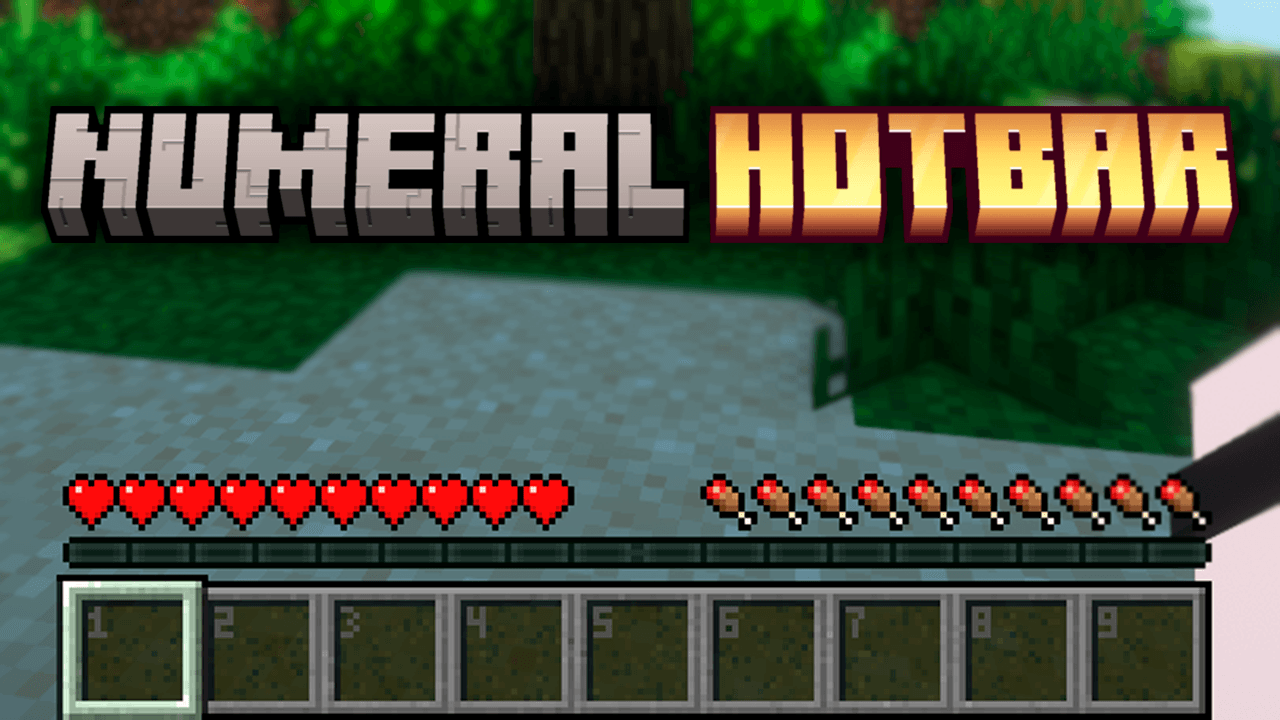
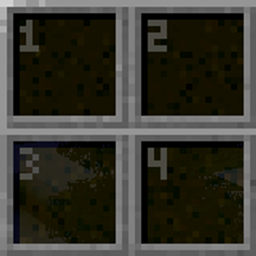
Give your HUD a clean and stylish upgrade with Numeral Hotbar! This texture pack enhances the Minecraft hotbar with a modern yet classic-inspired design.

✨ Features:

  • Clear numbers on each hotbar slot for better organization
  • Minimalist design with smooth, balanced colors
  • Refined hearts and hunger bar with improved detail
  • Cleaner interface without losing the vanilla feel
  • Perfect for players who value both aesthetics and clarity

🎮 Ideal for anyone looking to improve visibility while keeping a polished and immersive Minecraft experience.

Numeral Hotbar
MC 1.16.3, 1.13.1, 1.9.3, 1.8.7, 1.16-Snapshot, 1.17.1, 1.9.1, 1.21.2-Snapshot, 1.21, 1.21.6-snapshot, 1.15-Snapshot, 1.16.1, 1.18.1, 1.20.2-Snapshot, 1.20.5-Snapshot, 1.14.3, 1.15
Release 2026-09-25 Get
Numeral Hotbar
MC 1.16.3, 1.13.1, 1.9.3, 1.8.7, 1.16-Snapshot, 1.17.1, 1.9.1, 1.21.2-Snapshot, 1.21, 1.21.6-snapshot, 1.15-Snapshot, 1.16.1, 1.18.1, 1.20.2-Snapshot, 1.20.5-Snapshot, 1.14.3, 1.15
Release 2026-08-06 Get

Requirements & install

How to use this resource pack in Minecraft
Resolution
16x
Minecraft
1.16.3 – 1.21.6-snapshot
Install folder
.minecraft/resourcepacks

How to install resource packs

  1. Download the resource pack .zip file (do not extract it).
  2. In Minecraft open Options → Resource Packs → Open Pack Folder.
  3. Drop the .zip into the resourcepacks folder (.minecraft/resourcepacks).
  4. Move the pack to the Selected column and click Done.
Browse more: 16x resource packs 32x resource packs 64x resource packs 128x resource packs 256x resource packs 512x+ resource packs Resource Packs for 1.21.6-snapshot All resource packs

More from HeyCronus

Advertisement Remove ads with Premium →

You Might Also Like