Mineuniverse
Resource Packs
Nuka Cola Potions (Fallout)

Nuka Cola Potions (Fallout)

RESOURCE PACK
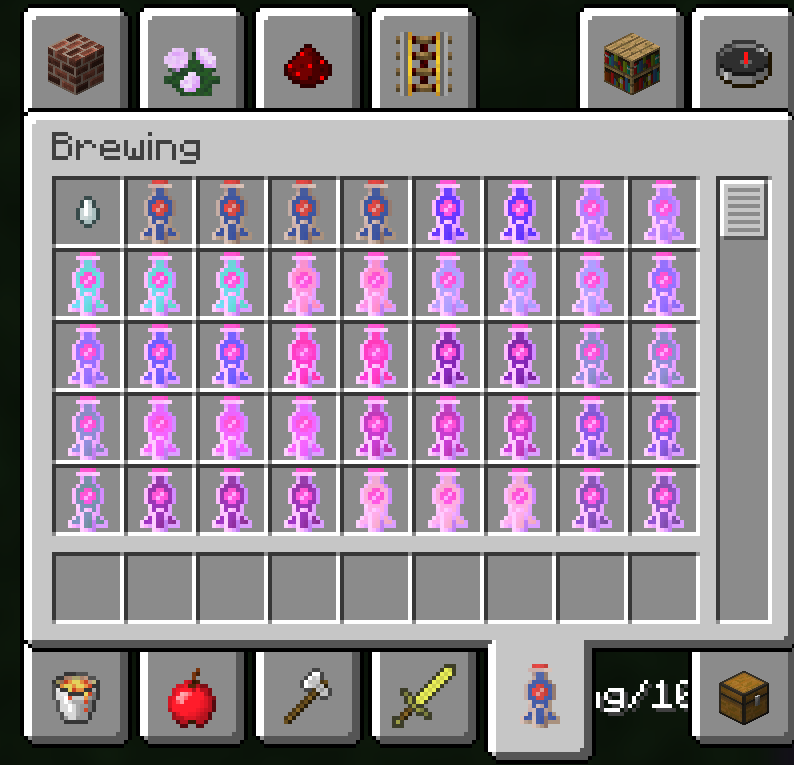
Retextured potions to look like Nuka Cola from Fallout
by cybermonkey1243
Download Claim this project
7,668 downloads
0 likes
0 followers
Updated Oct 14, 2026
0 hypes
Follow0
16x Miscellaneous
Advertisement Remove ads with Premium →

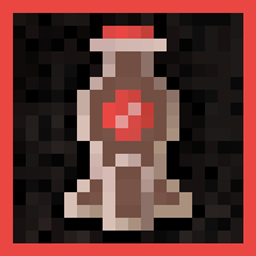
I retextured potions to look like Nuka Cola from Fallout.


Features:

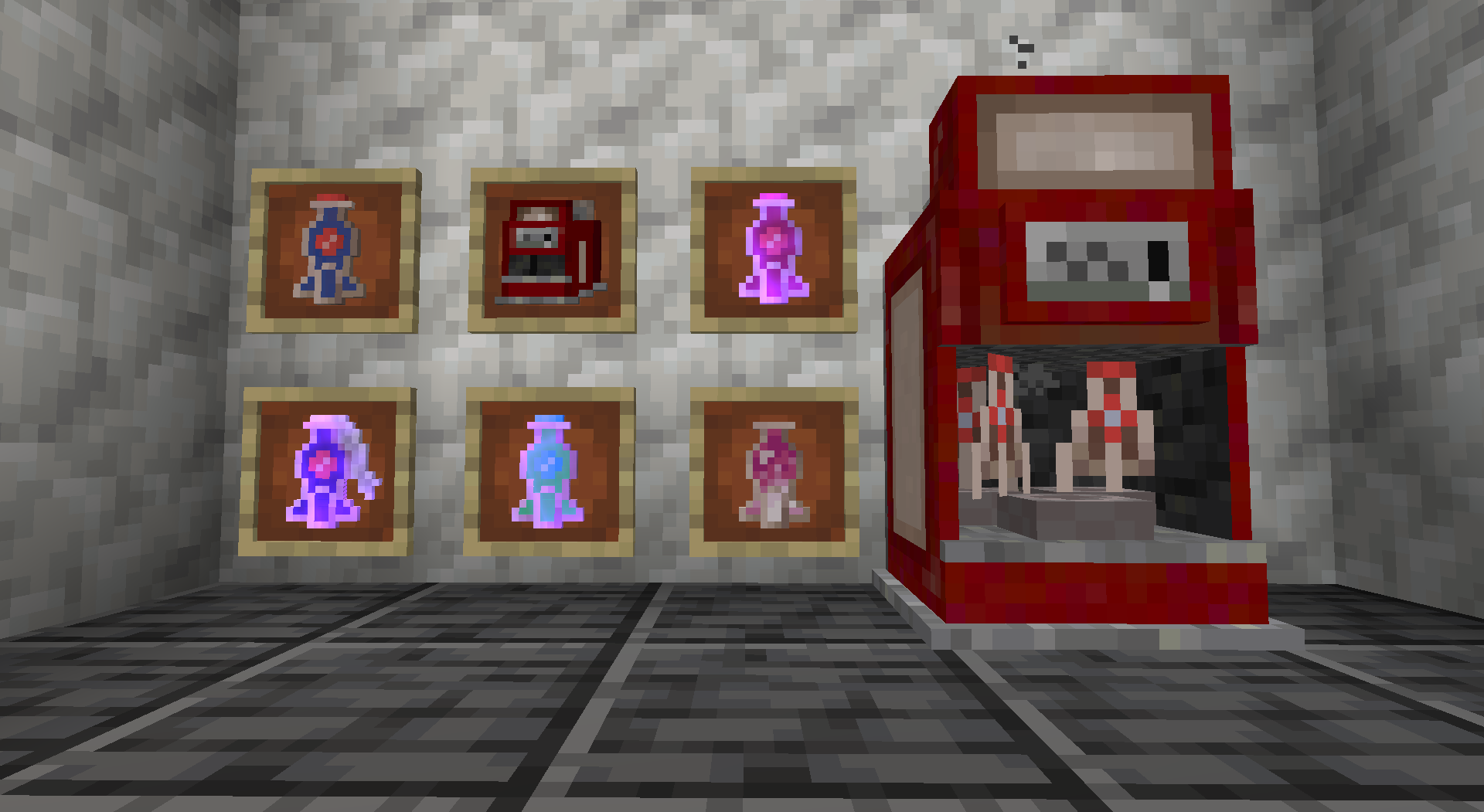
-Bottles, Potions, Splash potions, and Lingering potions have all been retextured to look like Nuka Cola.


-Splash potions have been turned into Molotov cocktails.


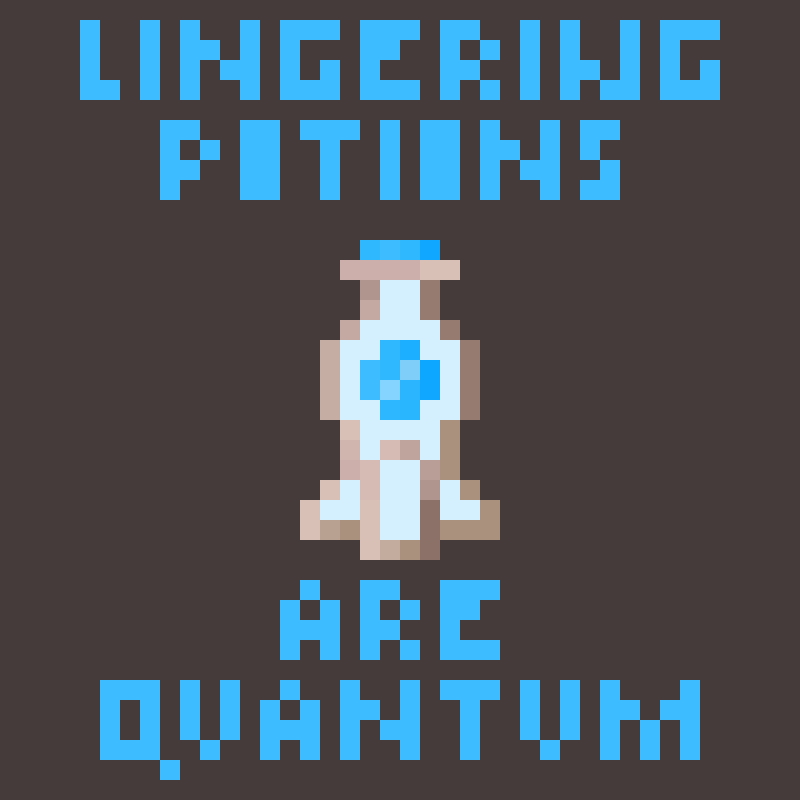
-Lingering potions have been turned into Nuka Cola Quantum.


V2:


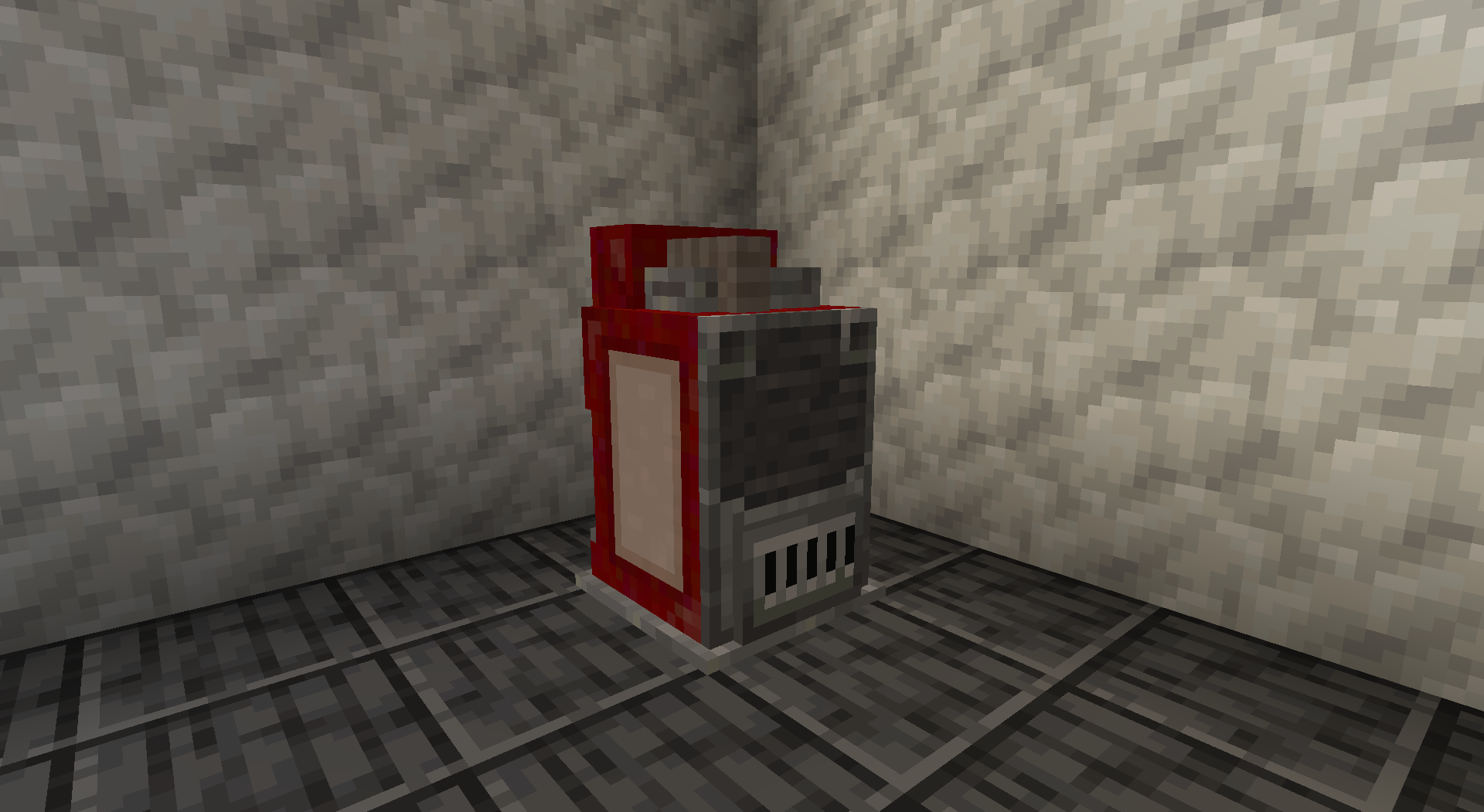
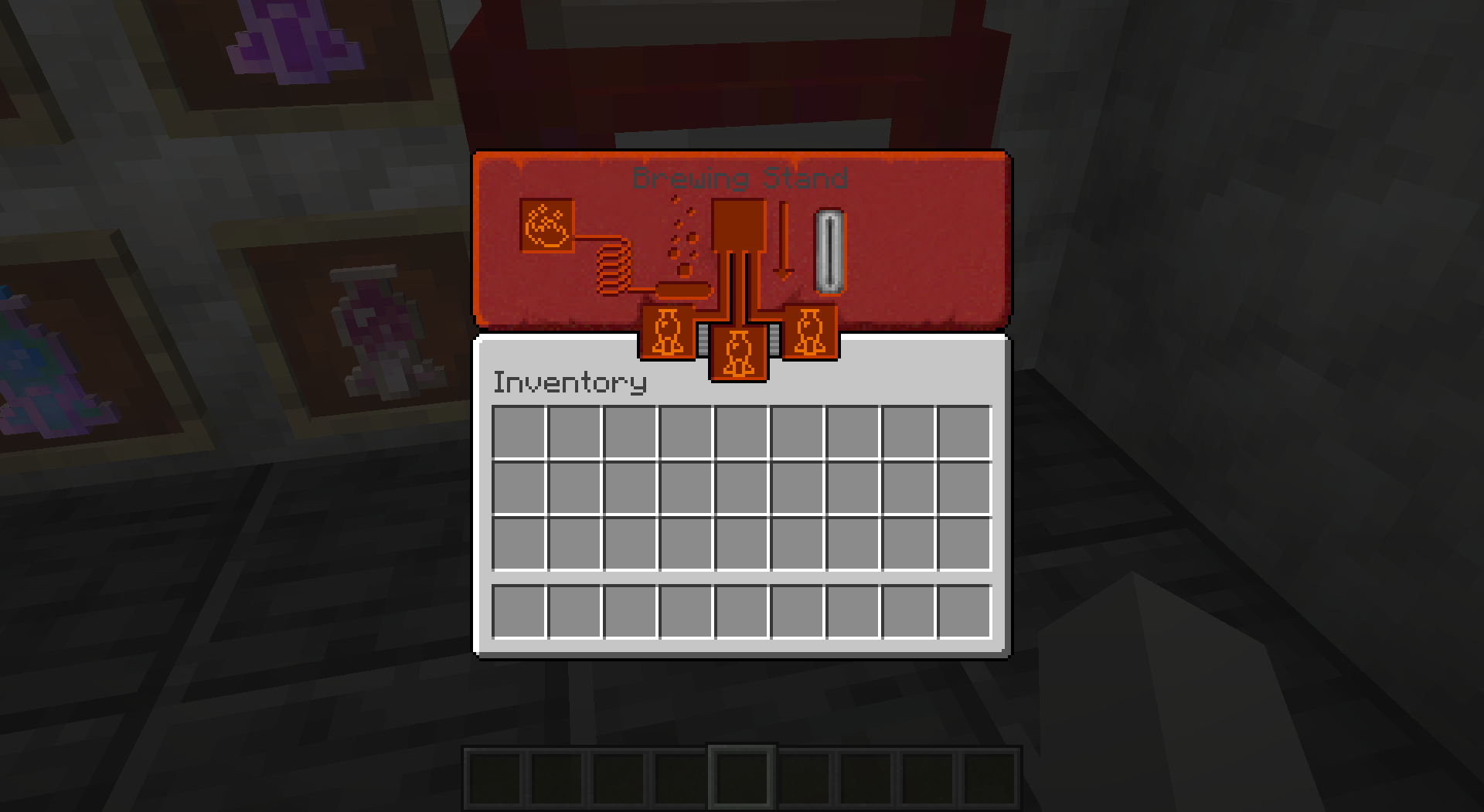
-Retextured Brewing stand


-Retextured Dragon's breath


V3:


-Updated to 1.21


-Retextured Honey Bottle


-Rextured Experience Bottle


-Retextured Ominous Bottle


-Renamed all potions to Nuka Cola


Future:


-Mod Support (comment what you'd like to see)


-More texture variations


Feel free to use this in your modpacks - just give me credit!

----------------------------------------------------------------------------------------------------------

Follow me at: https://twitter.com/CyberMonkey1243

Nuka Cola Potions V3
MC 1.16-Snapshot, 1.17.1, 1.16.3, 1.13.1, 1.19.3, 1.20.2, 1.21.2-Snapshot, 1.21, 1.21.6-snapshot, 1.15-Snapshot, 1.16.1, 1.18.1, 1.19.4-Snapshot, 1.20.5, 1.21.5, 1.14.4, 1.14.1, 1.17
Release 2025-10-30 Get
Nuka Cola Potions V2
MC 1.16-Snapshot, 1.17.1, 1.16.3, 1.13.1, 1.15-Snapshot, 1.16.1, 1.18.1, 1.14.4, 1.14.1, 1.17, 1.14.3, 1.15, 1.16, 1.13, 1.19-Snapshot, 1.16.5, 1.18.2, 1.15.2, 1.14, 1.19.1
Release 2022-07-21 Get
NukaColaPotions.zip
MC 1.16-Snapshot, 1.17.1, 1.16.3, 1.13.1, 1.15-Snapshot, 1.16.1, 1.18.1, 1.14.4, 1.14.1, 1.12.1, 1.17, 1.12, 1.14.3, 1.15, 1.16, 1.13, 1.19-Snapshot, 1.16.5, 1.18.2, 1.15.2, 1.14
Release 2022-04-03 Get

Requirements & install

How to use this resource pack in Minecraft
Resolution
16x
Minecraft
1.19.3 – 1.21.6-snapshot
Install folder
.minecraft/resourcepacks

How to install resource packs

  1. Download the resource pack .zip file (do not extract it).
  2. In Minecraft open Options → Resource Packs → Open Pack Folder.
  3. Drop the .zip into the resourcepacks folder (.minecraft/resourcepacks).
  4. Move the pack to the Selected column and click Done.
Browse more: 16x resource packs 32x resource packs 64x resource packs 128x resource packs 256x resource packs 512x+ resource packs Resource Packs for 1.21.6-snapshot All resource packs

More from cybermonkey1243

Advertisement Remove ads with Premium →

You Might Also Like