Mineuniverse
Resource Packs
NS FAULT - FULL JE

NS FAULT - FULL JE

RESOURCE PACK
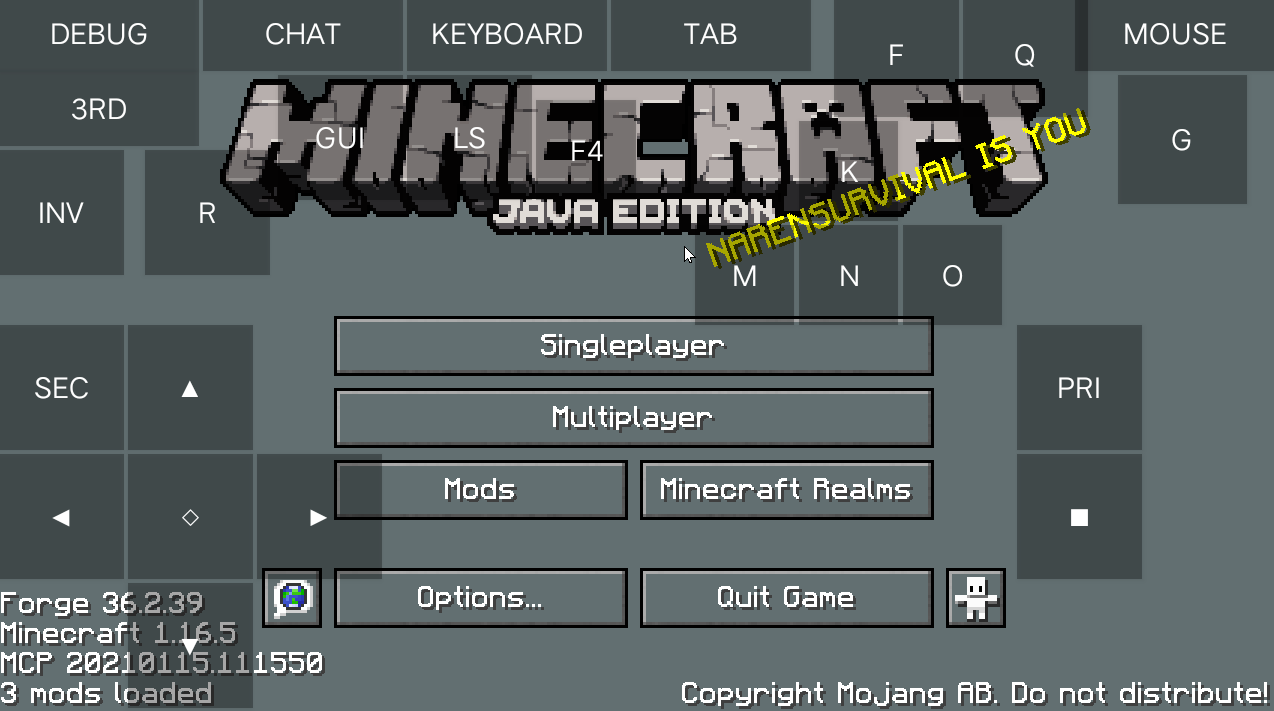
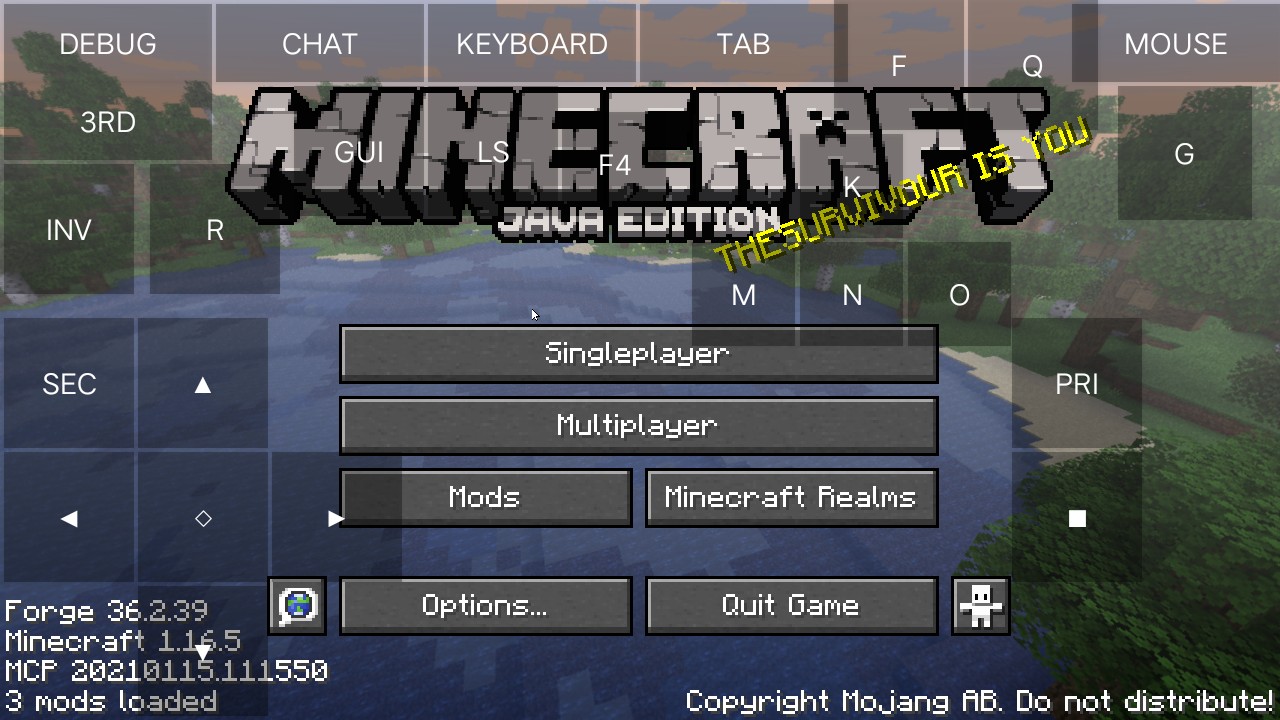
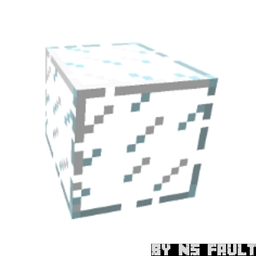
Hey, do you know, what is NS FAULT? NS FAULT is a resource pack for Minecraft. It is for Java edition. It has many features like variated blocks, connected blocks. Download NS FAULT, it's free and every Minecraft player can use this one!!
by NarenSurvivalYouTube
Download Claim this project
Add a badge to your pageLink to NS FAULT - FULL JE from a README, website or forum post.
Preview: Badge

Badges update automatically and link to the resource pack page on MineUniverse.

1,988 downloads
0 likes
0 followers
Updated Oct 14, 2026
0 hypes
Follow0
16x Font Packs Mod Support Modern Photo Realistic
Advertisement Remove ads with Premium →

Hey,we were the creators of NS CHAT+ .It is a top first 🥇 app we made. It is also not a app it is also a startup community to the people of the world.


Download NS FAULT. It s free and every Minecraft player can use this one. You are also the one using this. ( Waring : it is a developing pack it may not has older vision. Older visions will be lately uploaded. This bracket message will be removed when older vision for this pack will be uploaded ). You can also download our resource pack using this link also Our official website!


It has variated blocks texture which allow the game to run smoothly. It is also has a fun texture called illmango - which is the funny 🤣 texture of golden Apple or enchanted golden Apple. 

     This texture pack has some help on redstone. Such as - Full Bright, Virtual waxed copper, virtual infested, hunger preview, sticky piston sides, etc.


Copyright © Naren Survival LLC - All Rights Are Reserved. | You Can Also Watch Our Updates About Our Pack On YouTube (Channel Name : Naren Survival Technology). | Please Check In Files Pages to See All The Files Of NS FAULT |


NS FAULT - 4.2.1
MC 1.20.2, 1.20.1, 1.20
Release 2023-11-12 Get
NS FAULT - 4.2.2
MC 1.20.2, 1.20.1, 1.20
Release 2023-11-12 Get
NS FAULT - 4.2.3
MC 1.20.2, 1.20.1, 1.20
Release 2023-11-12 Get
NS FAULT - 4.2.4
MC 1.20.2, 1.20.1, 1.20
Release 2023-11-12 Get
NS FAULT - 4.2.5
MC 1.20.2, 1.20.1, 1.20
Release 2023-11-12 Get
NS FAULT - 4.2.6
MC 1.20.2, 1.20.1, 1.20
Release 2023-11-12 Get
NS FAULT - 4.1.1 - (part 1)
MC 1.19-Snapshot
Beta 2023-03-30 Get
NS FAULT 4.0.1
MC 1.11, 1.11.1, 1.11.2
Release 2023-03-29 Get
NS FAULT 4.0.2
MC 1.11, 1.11.1, 1.11.2
Release 2023-03-29 Get
NS FAULT 4.0.3
MC 1.11, 1.11.1, 1.11.2
Release 2023-03-29 Get
NS FAULT 4.0.4
MC 1.11, 1.11.1, 1.11.2
Release 2023-03-29 Get
NS FAULT - 3.2.2
MC 1.12.1, 1.12, 1.12.2
Release 2023-03-28 Get
NS FAULT - 3.1.1
MC 1.13.1, 1.13, 1.13.2
Release 2023-03-27 Get
NS FAULT - 3.1.2
MC 1.13.1, 1.13, 1.13.2
Release 2023-03-27 Get
NS FAULT - 3.1.3
MC 1.13.1, 1.13, 1.13.2
Release 2023-03-27 Get
NS FAULT - 3.1.4
MC 1.13.1, 1.13, 1.13.2
Release 2023-03-27 Get
NS FAULT - 3.1.5
MC 1.13.1, 1.13, 1.13.2
Release 2023-03-27 Get
NS FAULT - 3.1.6
MC 1.13.1, 1.13, 1.13.2
Release 2023-03-27 Get
NS FAULT - 3.1.7
MC 1.13.1, 1.13, 1.13.2
Release 2023-03-27 Get
NS FAULT - 3.2.1
MC 1.12.1, 1.12, 1.12.2
Release 2023-03-27 Get
NS FAULT 2.0.1
MC 1.17.1, 1.17
Release 2023-03-06 Get
NS FAULT 2.1.1
MC 1.16.3, 1.16.1, 1.16, 1.16.5, 1.16.4, 1.16.2
Release 2023-03-06 Get
NS FAULT 2.2.1
MC 1.15, 1.15.2, 1.15.1
Release 2023-03-06 Get
NS FAULT 2.2.2
MC 1.15, 1.15.2, 1.15.1
Release 2023-03-06 Get
NS FAULT 2.2.3
MC 1.15, 1.15.2, 1.15.1
Release 2023-03-06 Get
NS FAULT 2.2.4
MC 1.15, 1.15.2, 1.15.1
Release 2023-03-06 Get
NS FAULT 2.2.5
MC 1.15, 1.15.2, 1.15.1
Release 2023-03-06 Get
NS FAULT 3.0.1
MC 1.14.4, 1.14.1, 1.14.3, 1.14, 1.14.2
Release 2023-03-06 Get
NS FAULT 3.0.2
MC 1.14.4, 1.14.1, 1.14.3, 1.14, 1.14.2
Release 2023-03-06 Get
NS FAULT 1.0.1
MC 1.19.3, 1.19.2, 1.19.1, 1.19
Release 2023-03-05 Get
NS FAULT 1.0.2
MC 1.19.3, 1.19.2, 1.19.1, 1.19
Release 2023-03-05 Get
NS FAULT 1.1.1
MC 1.18.1, 1.18.2, 1.18
Release 2023-03-05 Get
NS FAULT 1.1.2
MC 1.18.1, 1.18.2, 1.18
Release 2023-03-05 Get
NS FAULT 1.1.3
MC 1.18.1, 1.18.2, 1.18
Release 2023-03-05 Get
NS FAULT 1.1.4
MC 1.18.1, 1.18.2, 1.18
Release 2023-03-05 Get
NS FAULT 1.1.5
MC 1.18.1, 1.18.2, 1.18
Release 2023-03-05 Get

Requirements & install

How to use this resource pack in Minecraft
Resolution
16x
Minecraft
1.19-Snapshot – 1.20.2
Install folder
.minecraft/resourcepacks

How to install resource packs

  1. Download the resource pack .zip file (do not extract it).
  2. In Minecraft open Options → Resource Packs → Open Pack Folder.
  3. Drop the .zip into the resourcepacks folder (.minecraft/resourcepacks).
  4. Move the pack to the Selected column and click Done.
Browse more: 16x resource packs 32x resource packs 64x resource packs 128x resource packs 256x resource packs 512x+ resource packs Resource Packs for 1.20.2 All resource packs

More from NarenSurvivalYouTube

Advertisement Remove ads with Premium →

You Might Also Like