Mineuniverse
Resource Packs
Novik Pack

Novik Pack

RESOURCE PACK
Texture Tweaks for the building community of Minecraft
by Max_Novik
Download Claim this project
114,638 downloads
0 likes
Updated Oct 14, 2026
0 hypes
16x Medieval Miscellaneous Traditional
Advertisement Remove ads with Premium →

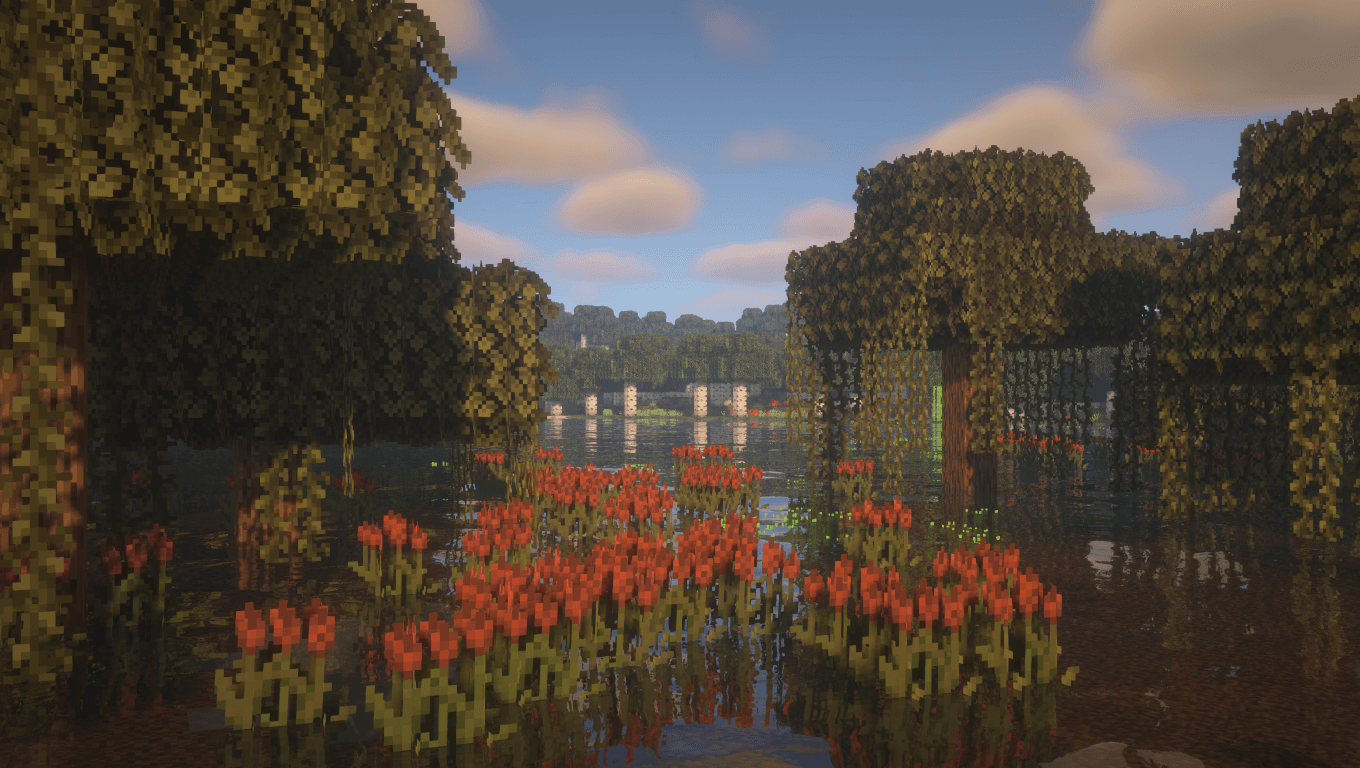
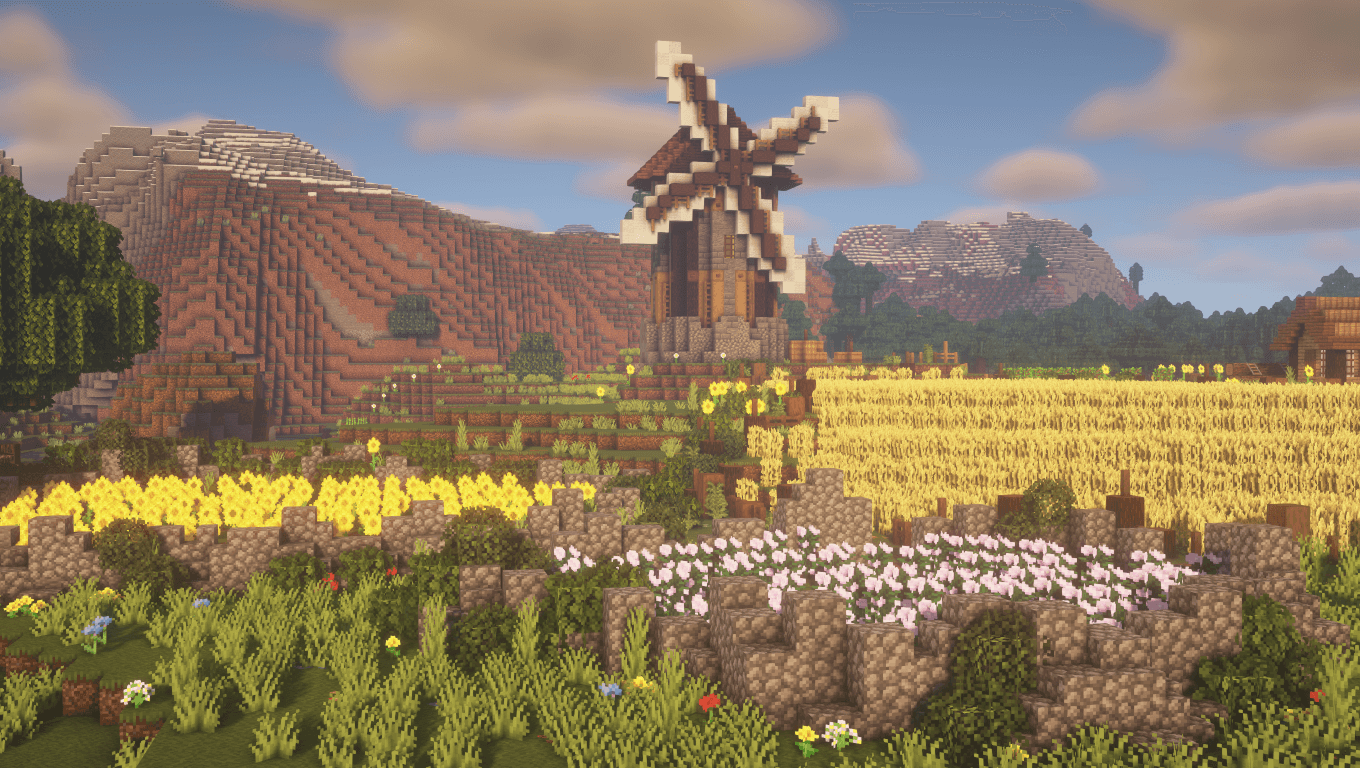
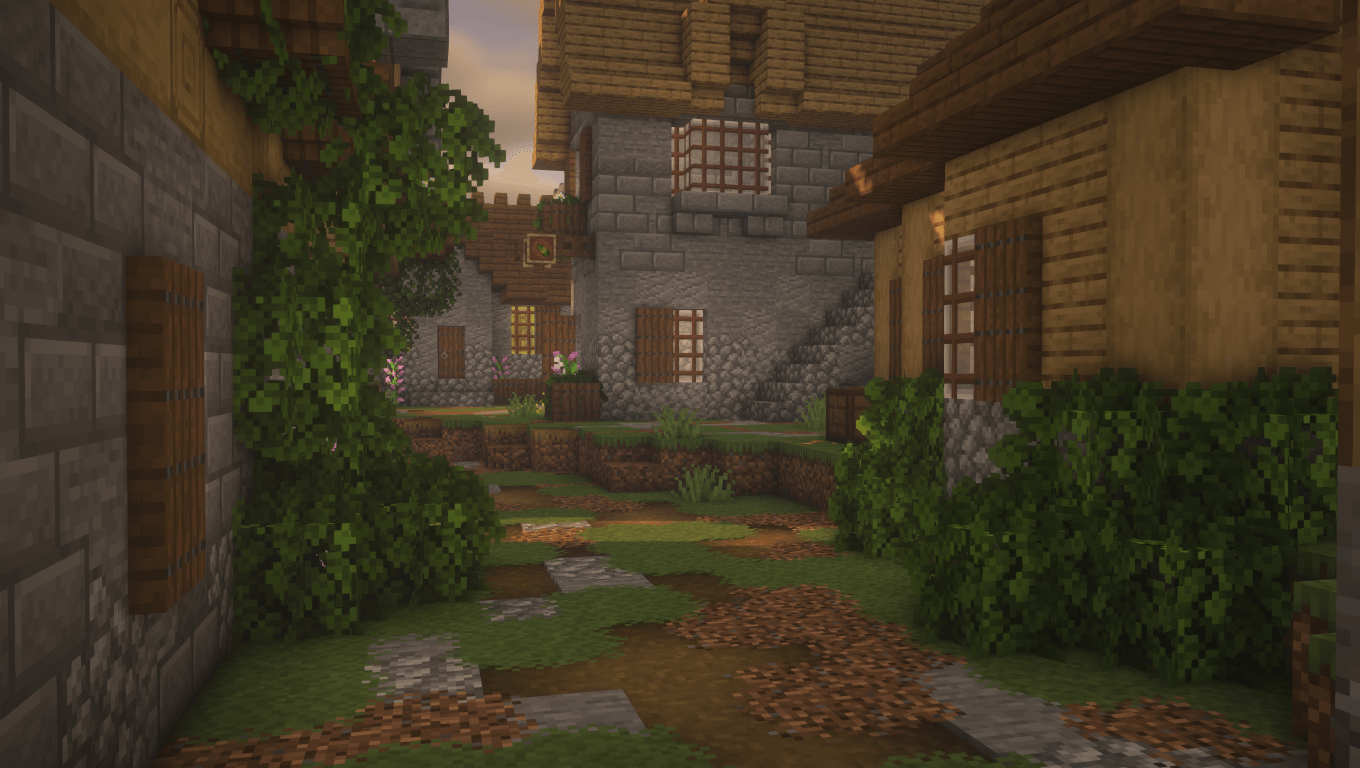
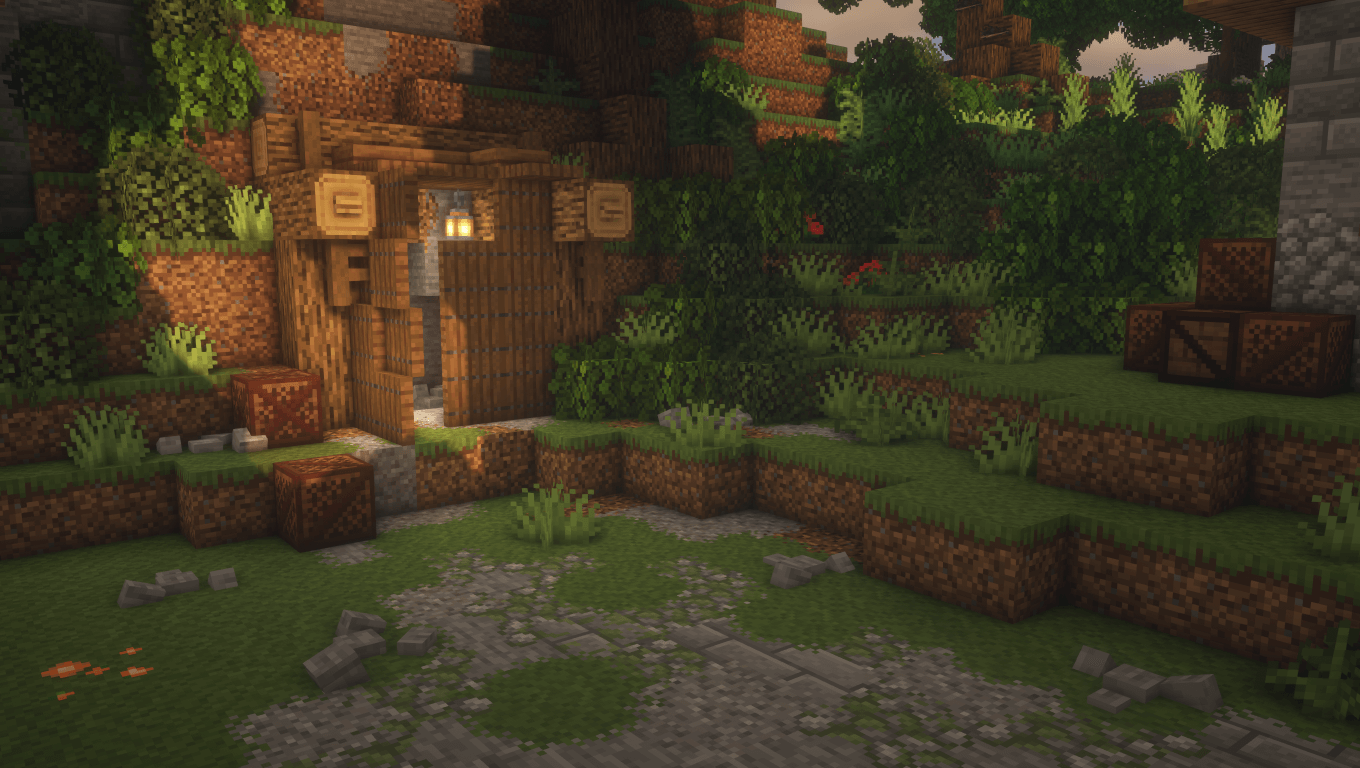
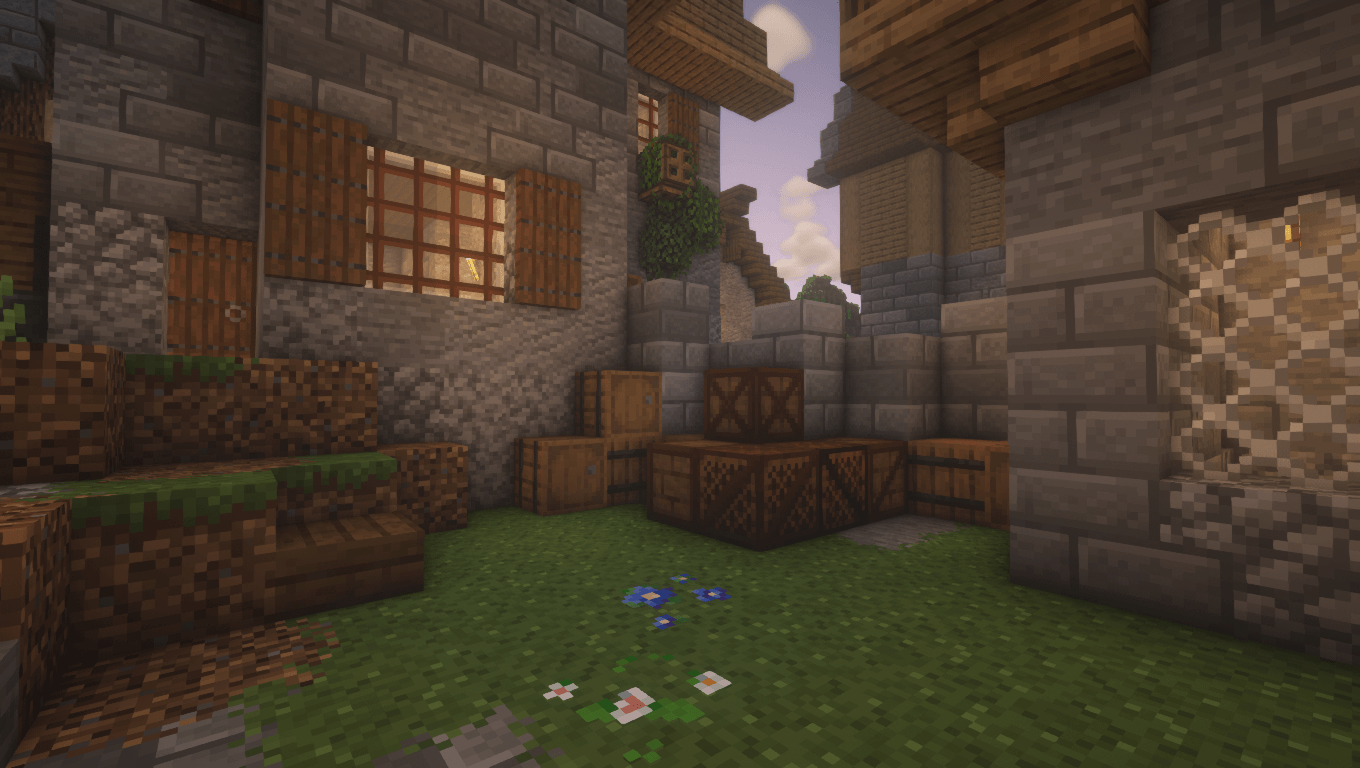
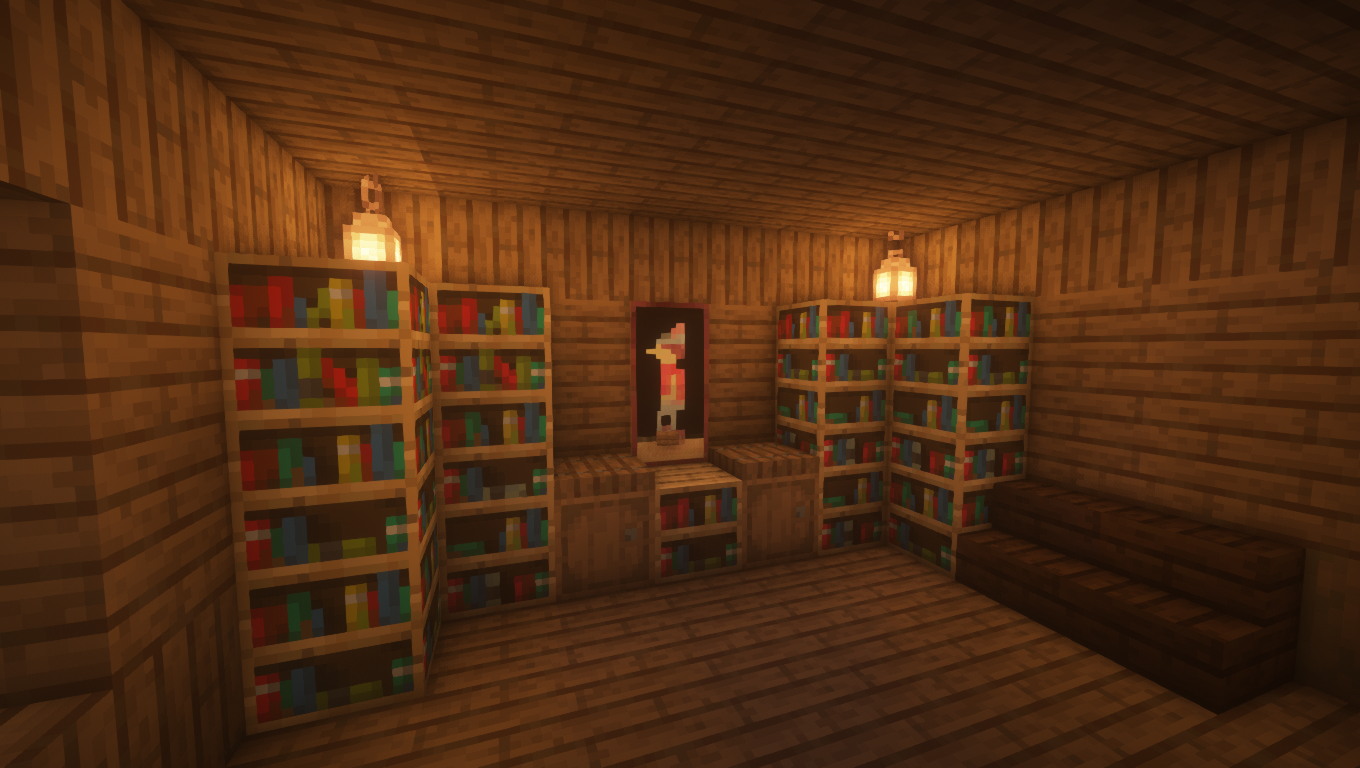
Novik Pack contains various model and texture tweaks for medieval/fantasy builders of Minecraft without majorly obstructing the feeling of the vanilla experience.

This Resource Pack is compatible with Minecraft 26.1.2

At this time, Novik Pack features:
-Grass tweaks, taller wheat crops, bushier leaves and many biome-dependant changes to the environment

-Special textures for Noteblocks with different instrument data (i.e. placed on specific blocks)
-Different look for Diorite and Polished Diorite that blends better with other stone types

-New textures for several types of Glass

-Various connected and overlay textures for blocks (Optifine Only)
-Unique custom item textures (Optifine Only)
And More!

Novik Pack 26.1.2
MC 1.21.8, 1.21.9-snapshot, 1.21.9, 1.21.10, 1.21.11-snapshot, 1.21.11, 26.1, 26.1.1, 26.1.2
Release 2026-06-08 Get
Novik_Pack0.1.8.zip
MC 1.16-Snapshot, 1.17.1, 1.16.3, 1.15-Snapshot, 1.16.1, 1.18.1, 1.17, 1.15, 1.16, 1.19-Snapshot, 1.16.5, 1.18.2, 1.15.2, 1.19.1, 1.17-Snapshot, 1.18, 1.16.4, 1.18-Snapshot, 1.16.2
Release 2022-08-05 Get
Novik_Pack0.1.7.zip
MC 1.16-Snapshot, 1.16.3, 1.15-Snapshot, 1.16.1, 1.17, 1.15, 1.16, 1.16.5, 1.15.2, 1.17-Snapshot, 1.16.4, 1.16.2, 1.15.1
Release 2021-06-07 Get
Novik_Pack0.1.6.zip
MC 1.16-Snapshot, 1.16.3, 1.15-Snapshot, 1.16.1, 1.17, 1.15, 1.16, 1.15.2, 1.16.4, 1.16.2, 1.15.1
Release 2020-12-24 Get
Novik_Pack0.1.5.zip
MC 1.16-Snapshot, 1.16.3, 1.15-Snapshot, 1.16.1, 1.15, 1.16, 1.15.2, 1.16.4, 1.16.2, 1.15.1
Release 2020-11-07 Get
Novik_Pack0.1.4.zip
MC 1.16-Snapshot, 1.13.1, 1.15-Snapshot, 1.16.1, 1.14.4, 1.14.1, 1.14.3, 1.15, 1.16, 1.13, 1.15.2, 1.14, 1.14.2, 1.16.2, 1.13-Snapshot, 1.14-Snapshot, 1.13.2, 1.15.1
Release 2020-09-06 Get
Novik_Pack0.1.3.zip
MC 1.16-Snapshot, 1.13.1, 1.15-Snapshot, 1.16.1, 1.14.4, 1.14.1, 1.14.3, 1.15, 1.16, 1.13, 1.15.2, 1.14, 1.14.2, 1.13-Snapshot, 1.14-Snapshot, 1.13.2, 1.15.1
Release 2020-07-19 Get
Novik_Pack0.1.2-B
MC 1.16-Snapshot, 1.13.1, 1.15-Snapshot, 1.14.4, 1.14.1, 1.14.3, 1.15, 1.16, 1.13, 1.15.2, 1.14, 1.14.2, 1.13-Snapshot, 1.14-Snapshot, 1.13.2, 1.15.1
Release 2020-06-23 Get
Novik_Pack0.1.1.zip
MC 1.16-Snapshot, 1.13.1, 1.15-Snapshot, 1.14.4, 1.14.1, 1.14.3, 1.15, 1.13, 1.15.2, 1.14, 1.14.2, 1.13-Snapshot, 1.14-Snapshot, 1.13.2, 1.15.1
Release 2020-04-06 Get
Novik_Pack0.1.0.zip
MC 1.13.1, 1.15-Snapshot, 1.14.4, 1.14.1, 1.14.3, 1.15, 1.13, 1.15.2, 1.14, 1.14.2, 1.13-Snapshot, 1.14-Snapshot, 1.13.2, 1.15.1
Release 2020-03-14 Get
Novik_Pack0.0.9.zip
MC 1.13.1, 1.15-Snapshot, 1.14.4, 1.14.1, 1.14.3, 1.15, 1.13, 1.15.2, 1.14, 1.14.2, 1.14-Snapshot, 1.13.2, 1.15.1
Release 2020-02-17 Get
Novik_Pack0.0.8.zip
MC 1.13.1, 1.15-Snapshot, 1.14.4, 1.14.1, 1.14.3, 1.15, 1.13, 1.15.2, 1.14, 1.14.2, 1.13-Snapshot, 1.14-Snapshot, 1.13.2, 1.15.1
Release 2020-02-07 Get
Novik_Pack0.0.7.zip
MC 1.13.1, 1.15-Snapshot, 1.14.4, 1.14.1, 1.14.3, 1.15, 1.13, 1.15.2, 1.14, 1.14.2, 1.13-Snapshot, 1.14-Snapshot, 1.13.2, 1.15.1
Release 2020-01-27 Get
Novik_Pack0.0.6.zip
MC 1.13.1, 1.15-Snapshot, 1.14.4, 1.14.1, 1.14.3, 1.15, 1.13, 1.14, 1.14.2, 1.13-Snapshot, 1.14-Snapshot, 1.13.2, 1.15.1
Release 2019-12-21 Get
Novik_Pack0.0.5.zip
MC 1.13.1, 1.15-Snapshot, 1.14.4, 1.14.1, 1.14.3, 1.15, 1.13, 1.14, 1.14.2, 1.13-Snapshot, 1.14-Snapshot, 1.13.2, 1.15.1
Release 2019-12-18 Get
Novik_Pack0.0.3.zip
MC 1.14.4, 1.14.1, 1.14.3, 1.14, 1.14.2, 1.14-Snapshot
Release 2019-12-05 Get
Novik_Pack0.0.2.zip
MC 1.14.4, 1.14.1, 1.14.3, 1.14, 1.14.2, 1.14-Snapshot
Release 2019-12-04 Get
Novik_Pack0.0.1.zip
MC 1.14.4, 1.14.1, 1.14.3, 1.14, 1.14.2, 1.14-Snapshot
Release 2019-11-29 Get

Requirements & install

How to use this resource pack in Minecraft
Resolution
16x
Minecraft
1.21.9-snapshot – 26.1.2
Install folder
.minecraft/resourcepacks

How to install resource packs

  1. Download the resource pack .zip file (do not extract it).
  2. In Minecraft open Options → Resource Packs → Open Pack Folder.
  3. Drop the .zip into the resourcepacks folder (.minecraft/resourcepacks).
  4. Move the pack to the Selected column and click Done.
Browse more: 16x resource packs 32x resource packs 64x resource packs 128x resource packs 256x resource packs 512x+ resource packs Resource Packs for 26.1.2 All resource packs

More from Max_Novik

Advertisement Remove ads with Premium →

You Might Also Like