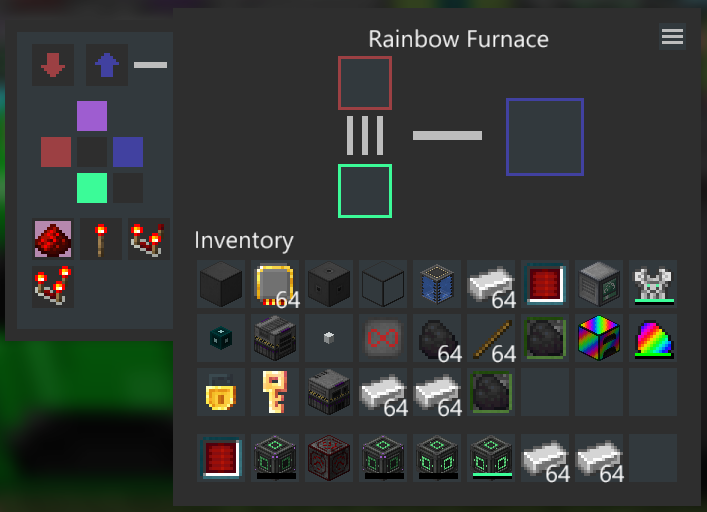
NovaUI for Minecraft 1.18.2
Clean and minimal dark UI for Minecraft with the aim of extensive mod support.
Inspired by my desperate search to find a dark mode resource pack and discovering they all have spotty mod support. The goal is to unify various GUI elements across vanilla and modded Minecraft for a simple and easy on the eyes solution for my fellow night owls.
Submit feedback to the Github page
NOTE: This resource pack is intended to be used with Modern UI for the font rendering and blur effect, however it works fine without it if you don't like the effects.
Currently Supported
- Advanced Peripherals
- Advanced Generators
- AE2 Additions
- AE2 Things
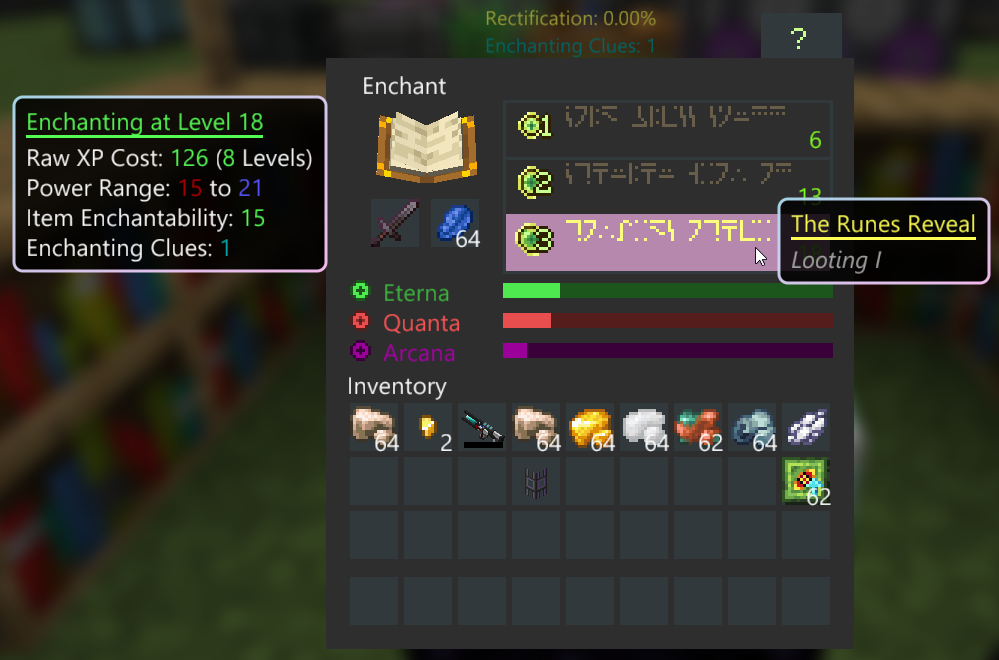
- Apotheosis
- Apple Skin (Saturation overlay)
- Applied Energistics 2
- Baubly Heart Canisters
- Bigger Reactors
- Blood Magic
- Blue Skies
- Bonsai Trees 3
- Botania
- Builders Delight
- Building Gadgets
- Cable Tiers
- CC: Tweaked
- Charging Gadgets
- Chipped
- Chisels & Bits
- Cooking for Blockheads
- Cosmetic Armor Reworked
- Crafting Tweaks
- Create (WIP)
- Curios
- DimStorage
- Easy Piglins
- Easy Villagers
- Ender Chests
- Extra Storage
- Ender Tanks
- Evil Craft
- Extreme Sound Muffler
- Farmer's Delight
- Forbidden Arcanus
- FTB: Industrial Contraptions
- Functional Storage
- Hostile Neural Networks
- Industrial Foregoing
- Integrated Crafting
- Integrated Dynamics
- Inventory Profiles Next
- Iron Chests: Restocked
- Iron Furnaces
- Iron Jetpacks
- Just Enough Items
- Just Enough Resources
- LaserIO
- LazierAE2
- Mahou Tsukai
- Mantle (heart overlay)
- Mekanism
- Mining Gadgets
- Modular Routers
- Occultism
- Open Computers II
- Pipez
- Pneumatic Craft: Repressurized
- Pocket Storage
- Polymorph
- Powah! Rearchitected
- Psi (In beta for 1.18.2, the files are here for when it releases)
- Quark + Quark: Oddities
- Reborn Storage
- Rechiseled
- Refined Storage
- RFTools (as much as a resource pack can change)
- Scannable
- Silent Gear
- Solar Flux: Reborn
- Sophisticated Backpacks
- Sophisticated Storage
- Thermal Series
- Tinkers Construct
- Trash Cans
- Trashslot
- Twilight Forest
- Waystones
- XNet (as much as a resource pack can change)
Credits
- Mojang for vanilla textures
- All the mod authors for their textures
- BloCamLimb for Modern UI
- teqspace for Darkmode, where I borrowed lang files from to figure out how font coloring works.