Mineuniverse
Resource Packs
NovaPixel

NovaPixel

RESOURCE PACK
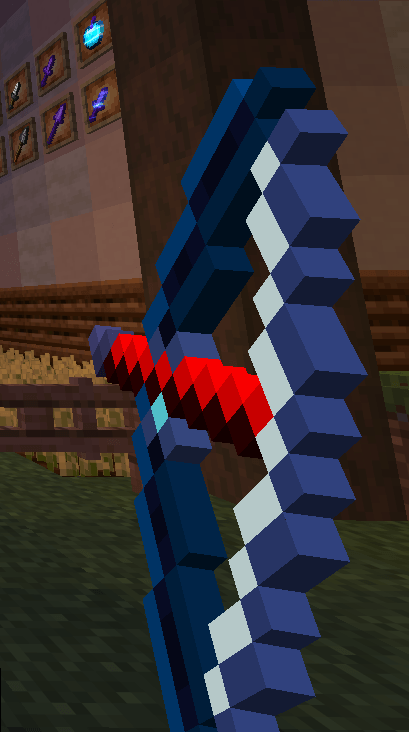
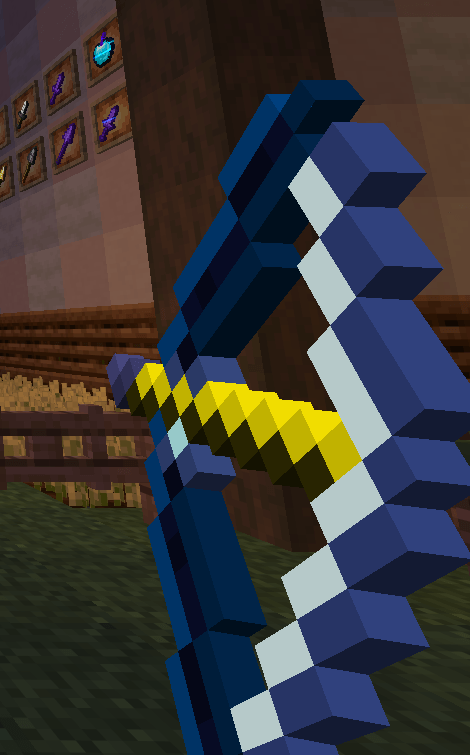
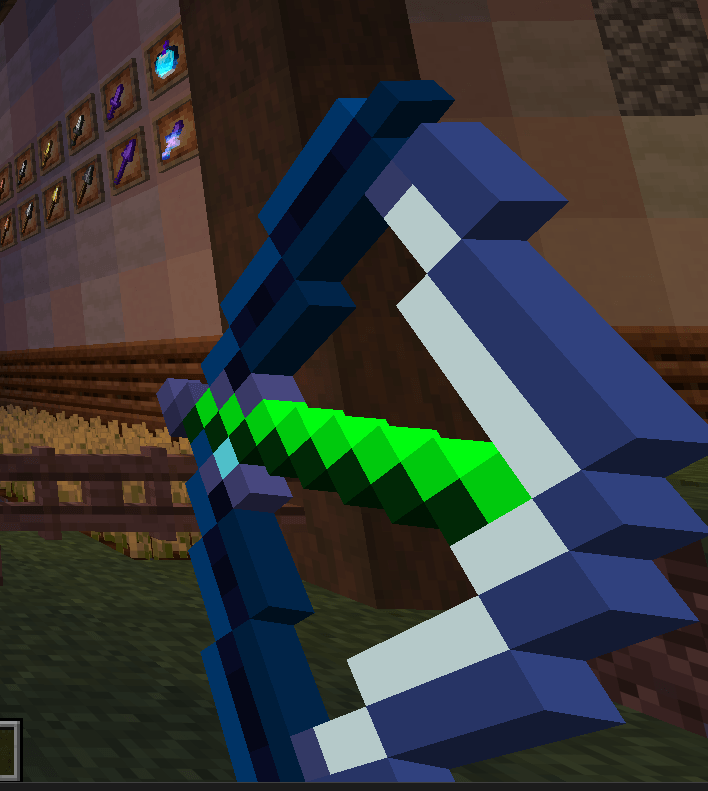
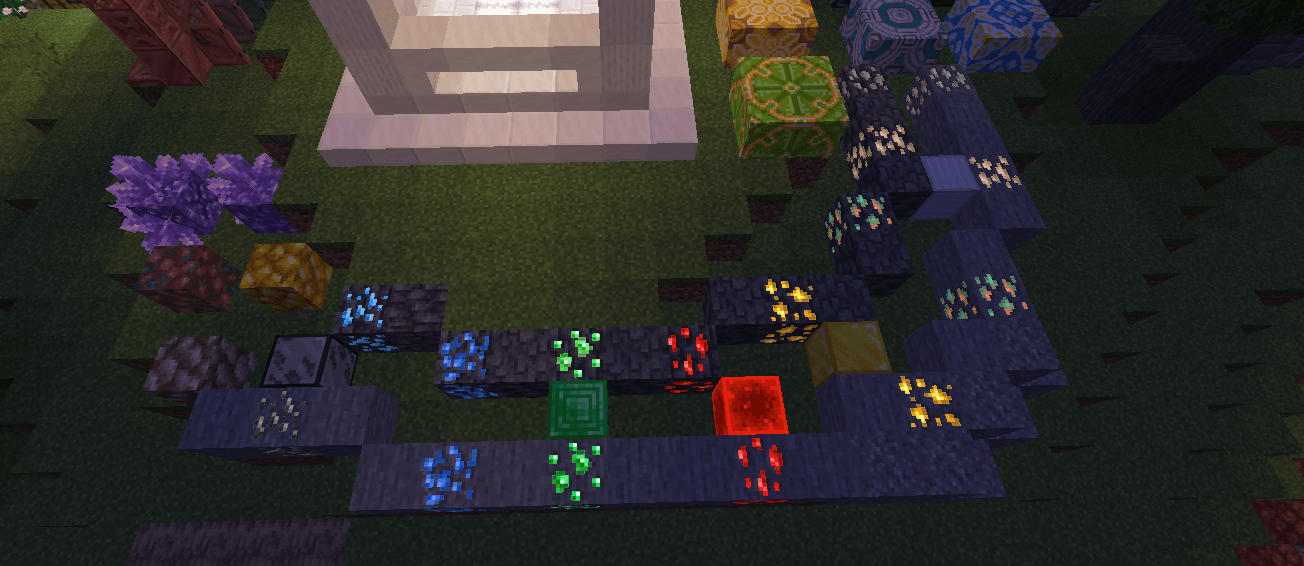
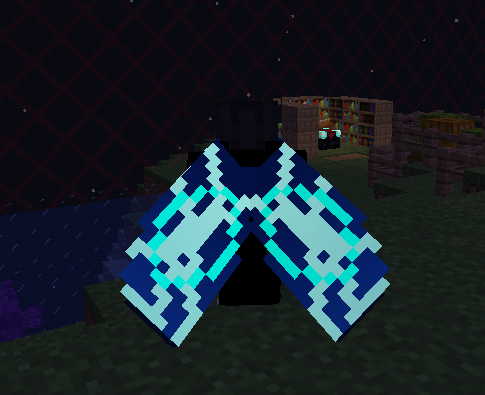
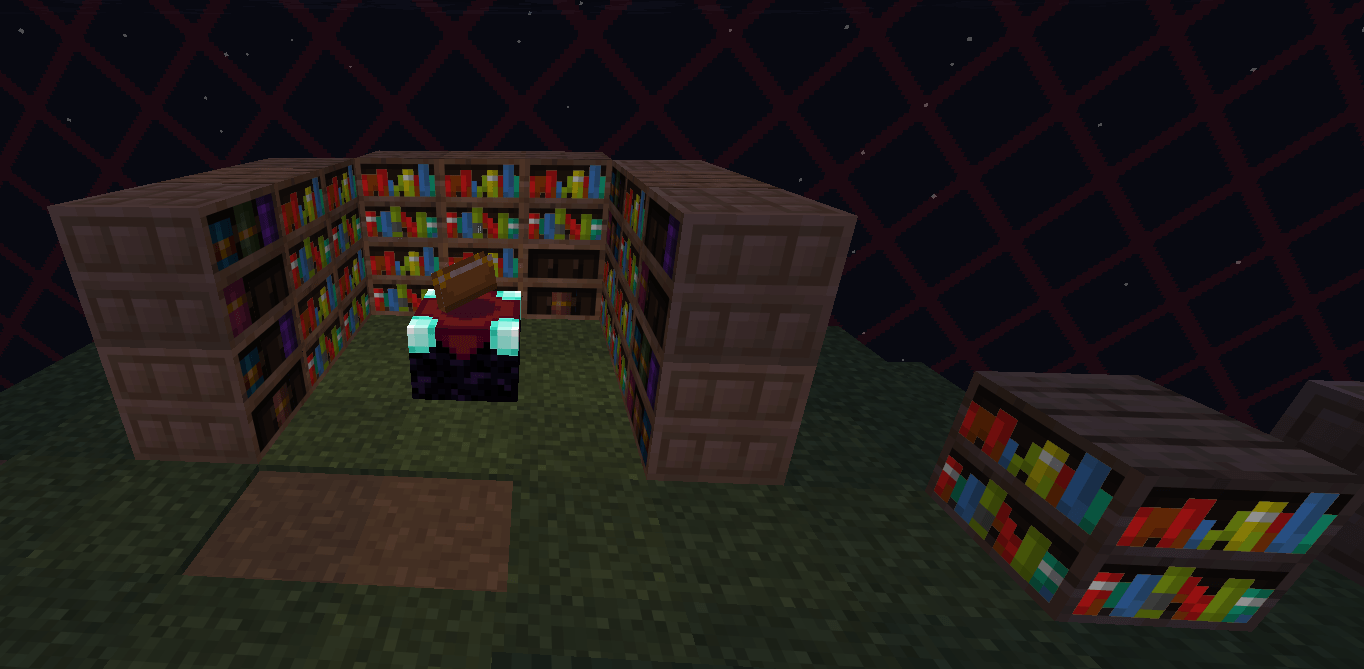
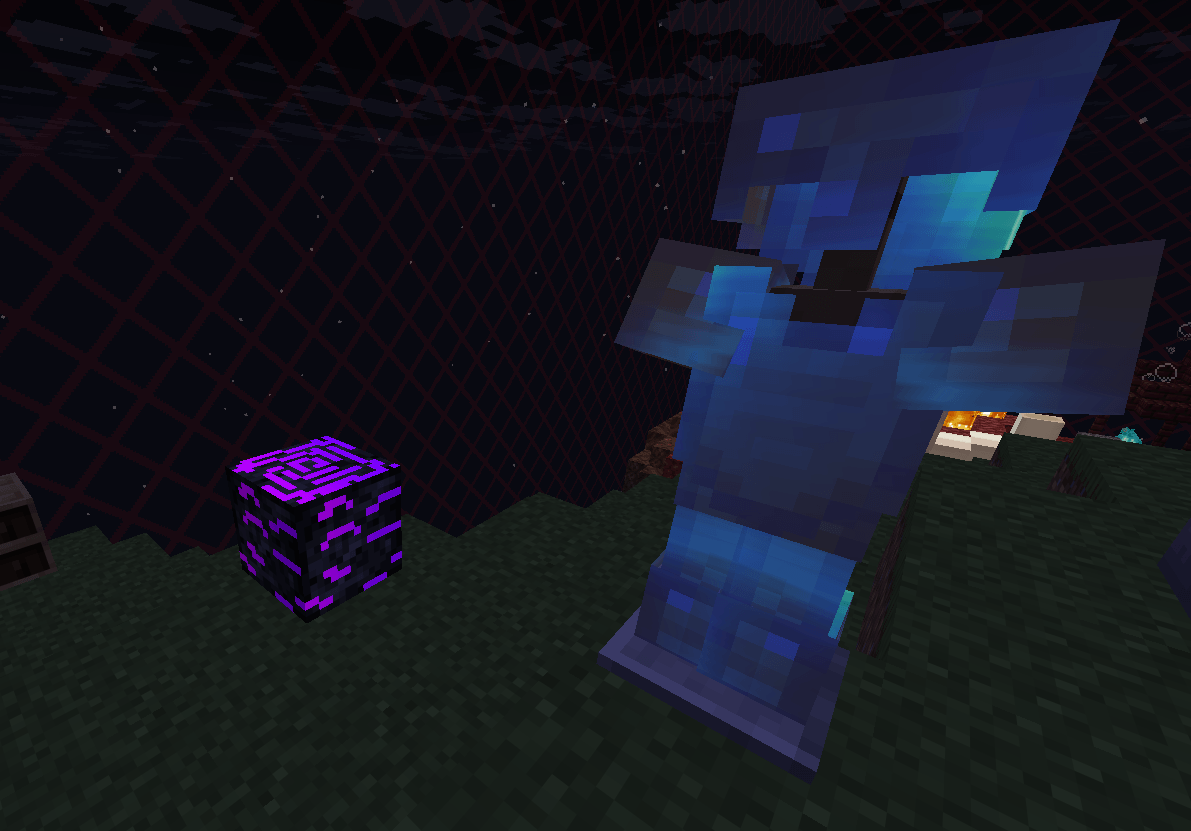
NovaPixel is a clean, high-contrast PvP resource pack designed to improve visibility and gameplay. Featuring electric blue and neon purple accents, it delivers sharp textures and a smooth experience for both PvP and casual play.
by PluggLab
Download Claim this project
1,064 downloads
0 likes
Updated Oct 14, 2026
0 hypes
16x
Advertisement Remove ads with Premium →

🌌 NovaPixel

Modern PvP Resource Pack designed for clarity, speed, and style.

NovaPixel is a PvP-focused resource pack built to make combat cleaner, sharper, and more responsive.
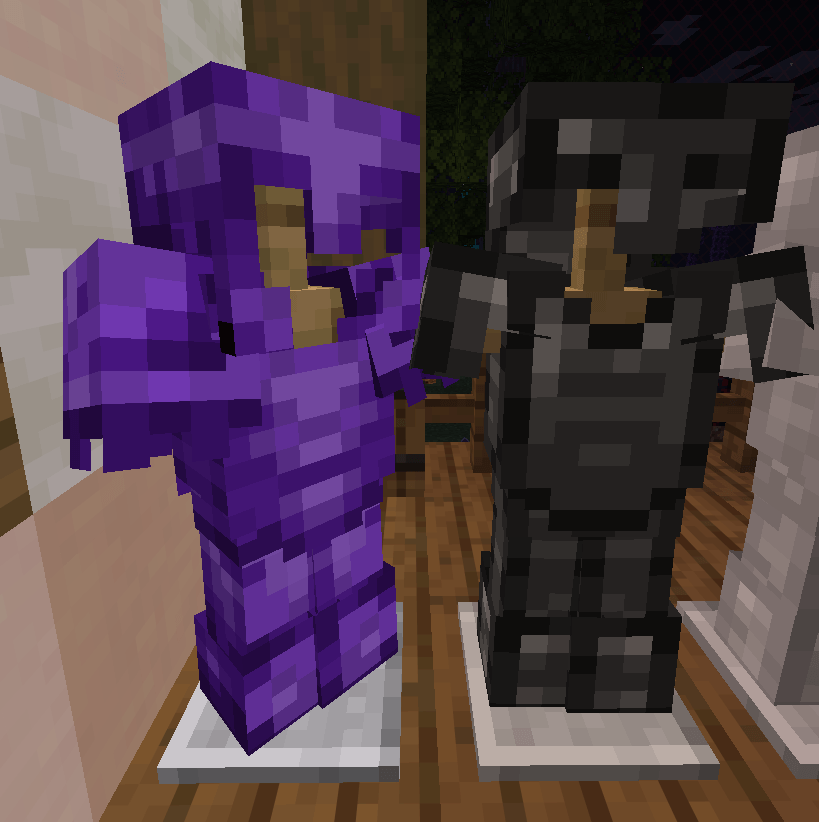
It features a high-contrast visual style with electric blue and neon purple accents, helping you instantly spot important items during intense fights.

All textures are crafted to be minimal, lightweight, and consistent with the classic Minecraft look — but with a modern competitive edge. No clutter, no distractions — just pure visibility and smooth gameplay.


🎯 Perfect for:

  • ⚔️ PvP
  • 🌍 Survival
  • 🌐 Multiplayer servers
  • 🎮 Everyday gameplay

⚔️ Features:

  • 🔹 High-contrast textures for maximum visibility
  • ⚡ Electric blue & neon purple theme
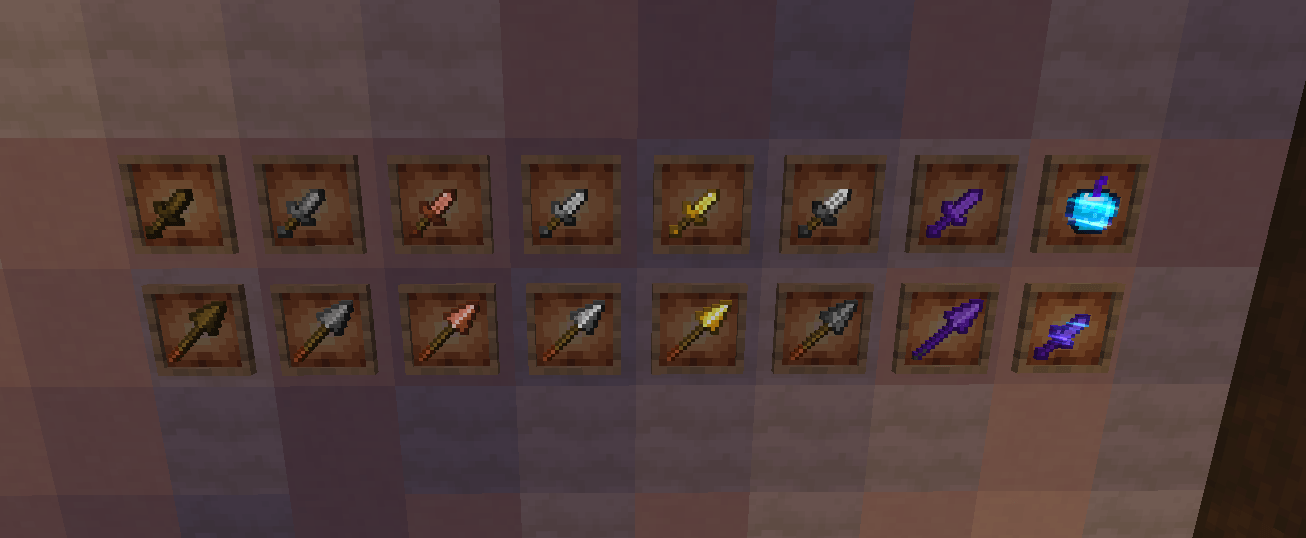
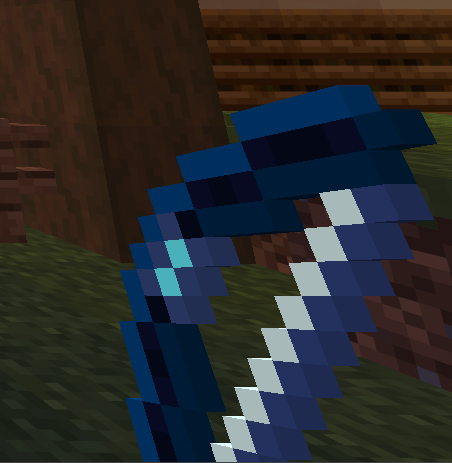
  • 🗡️ PvP-optimized weapons and items
  • 🧼 Clean & minimal design
  • 🚀 Lightweight and performance-friendly
  • 🎯 Balanced for both competitive and casual play

⚙️ Requirements:

  • 🧩 OptiFine is required for full functionality and best visual experience

📦 Installation:

  1. Download the resource pack
  2. Open Minecraft
  3. Go to Options → Resource Packs
  4. Click Open Pack Folder
  5. Move NovaPixel.zip into the folder
  6. Enable the pack in-game

✨ Experience Minecraft with clarity. Fight with precision. Win with style.

NovaPixel 0.3
MC 1.21.11
Release 2026-03-27 Get
NovaPixel 0.2
MC 1.21.11
Release 2026-03-22 Get
NovaPixel 0.1
MC 1.21.11
Release 2026-03-11 Get

Requirements & install

How to use this resource pack in Minecraft
Resolution
16x
Minecraft
1.21.11
Install folder
.minecraft/resourcepacks

How to install resource packs

  1. Download the resource pack .zip file (do not extract it).
  2. In Minecraft open Options → Resource Packs → Open Pack Folder.
  3. Drop the .zip into the resourcepacks folder (.minecraft/resourcepacks).
  4. Move the pack to the Selected column and click Done.
Browse more: 16x resource packs 32x resource packs 64x resource packs 128x resource packs 256x resource packs 512x+ resource packs Resource Packs for 1.21.11 All resource packs

More from PluggLab

Advertisement Remove ads with Premium →

You Might Also Like