Mineuniverse
Resource Packs
Not Plastic

Not Plastic

RESOURCE PACK
Started out as a mining utility pack but now is basically plastic but for 1.16
by Devin
Download Claim this project
32,256 downloads
0 likes
Updated Oct 14, 2026
0 hypes
16x Miscellaneous
Advertisement Remove ads with Premium →

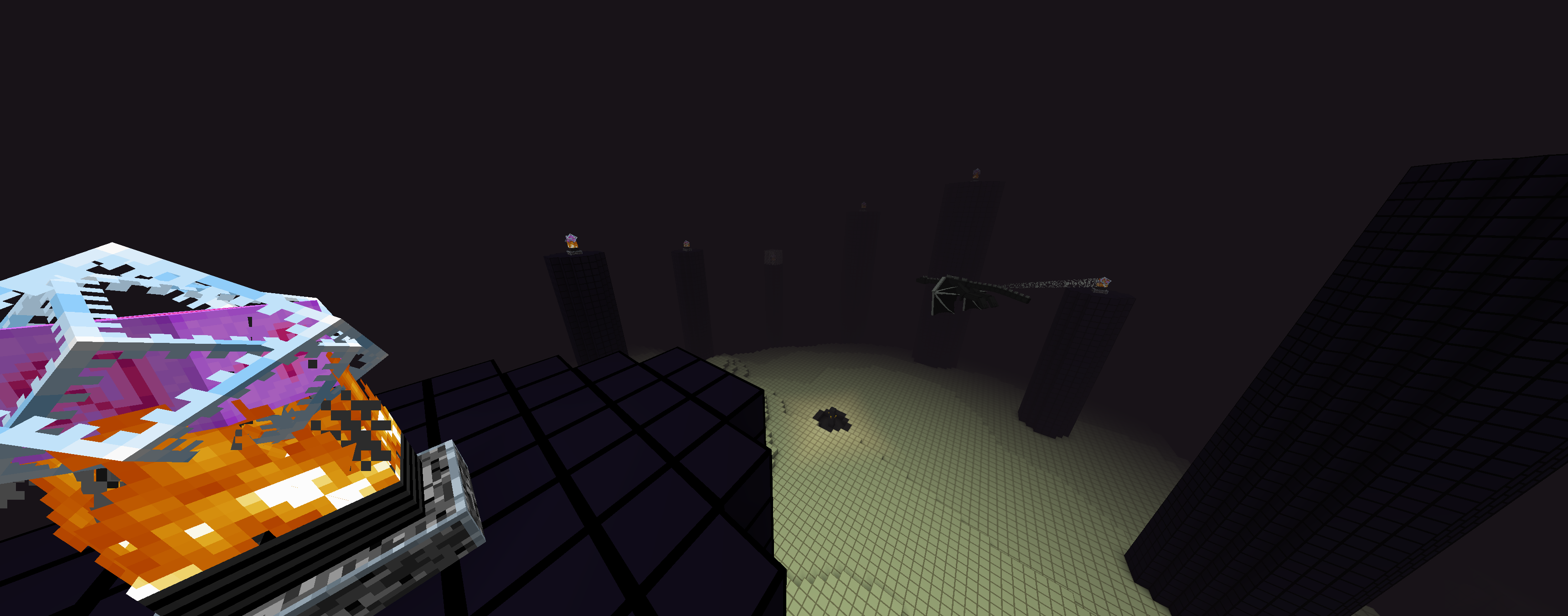
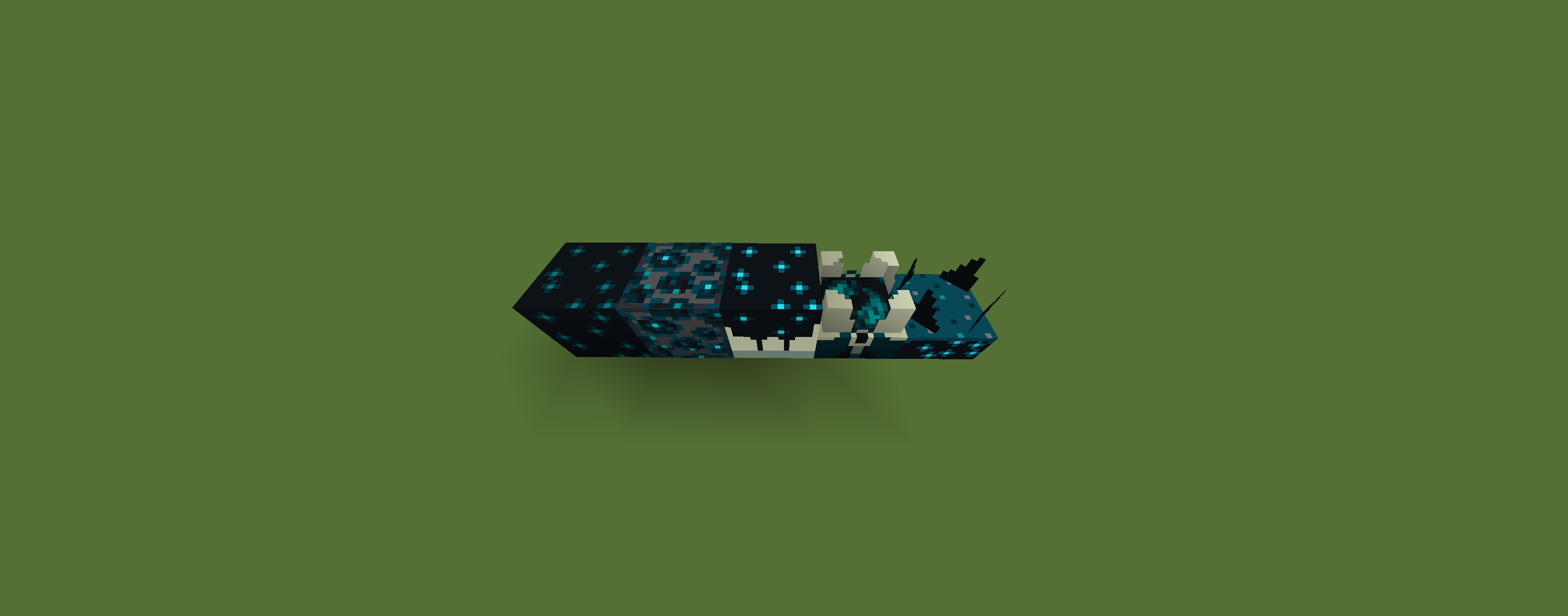
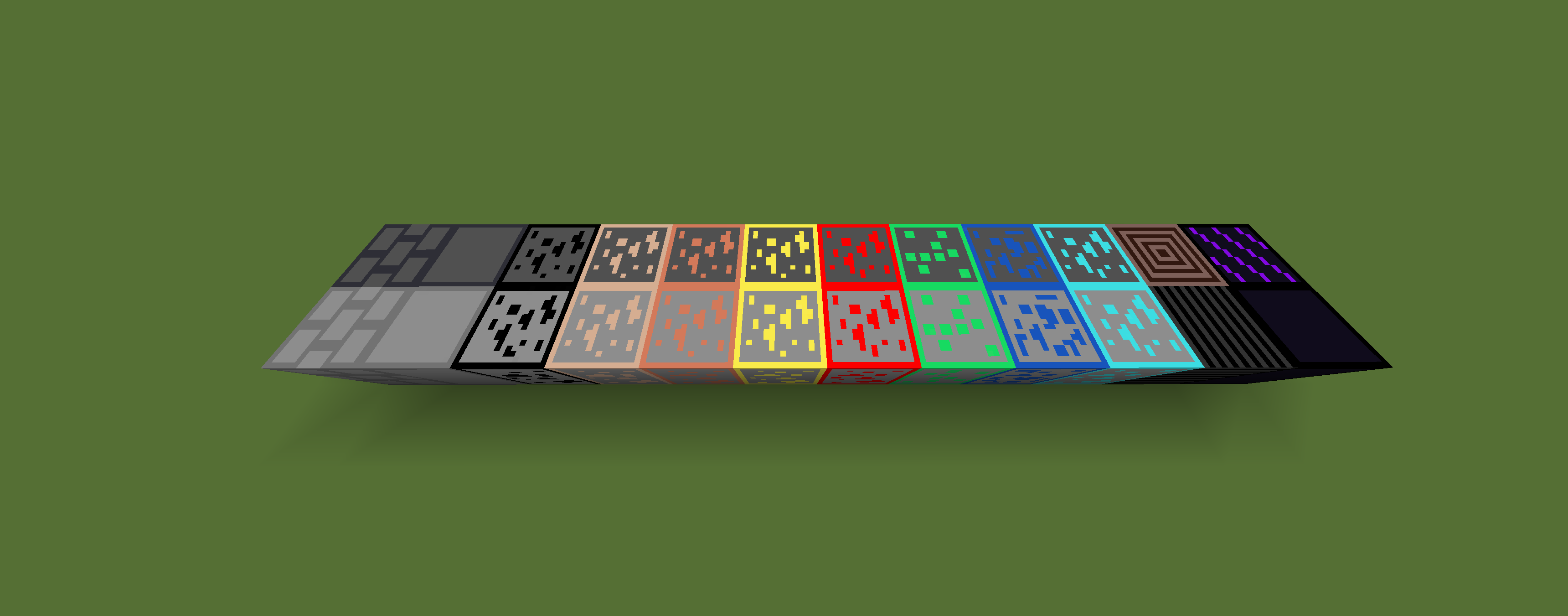
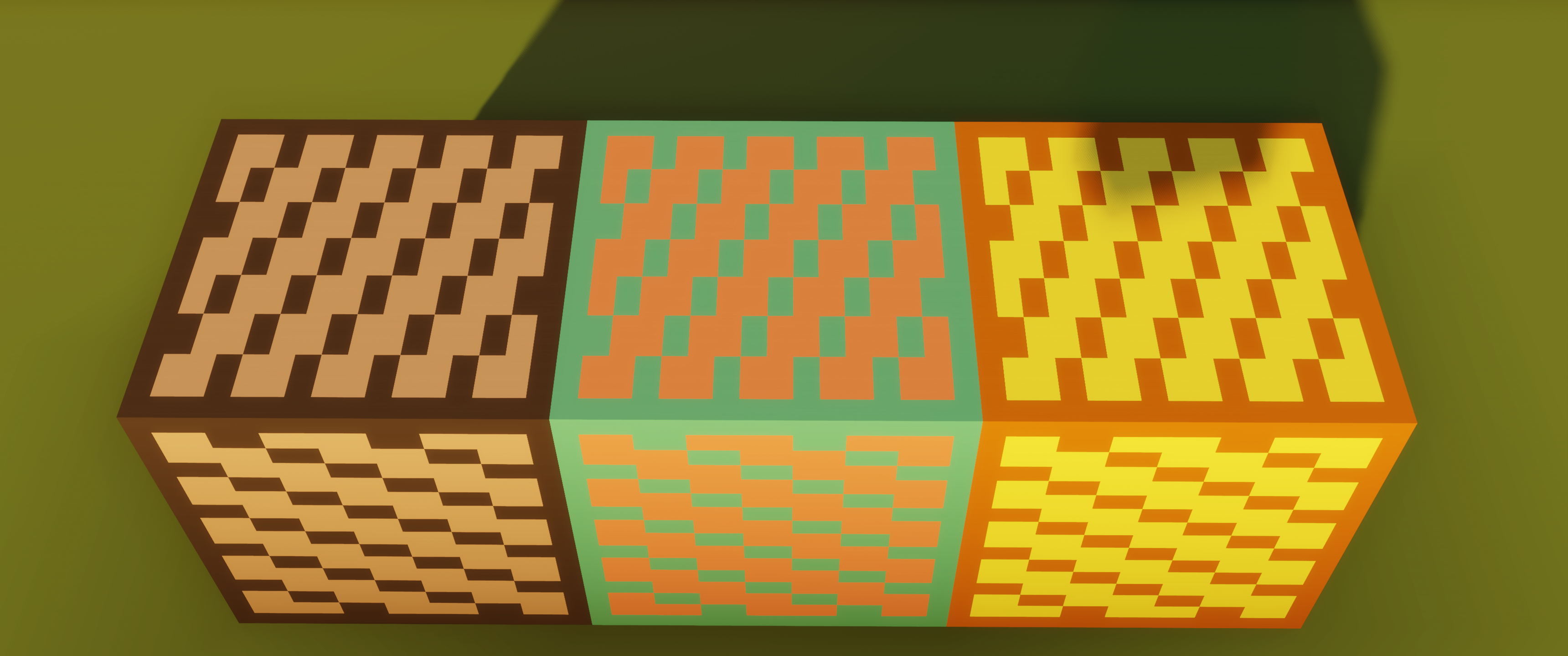
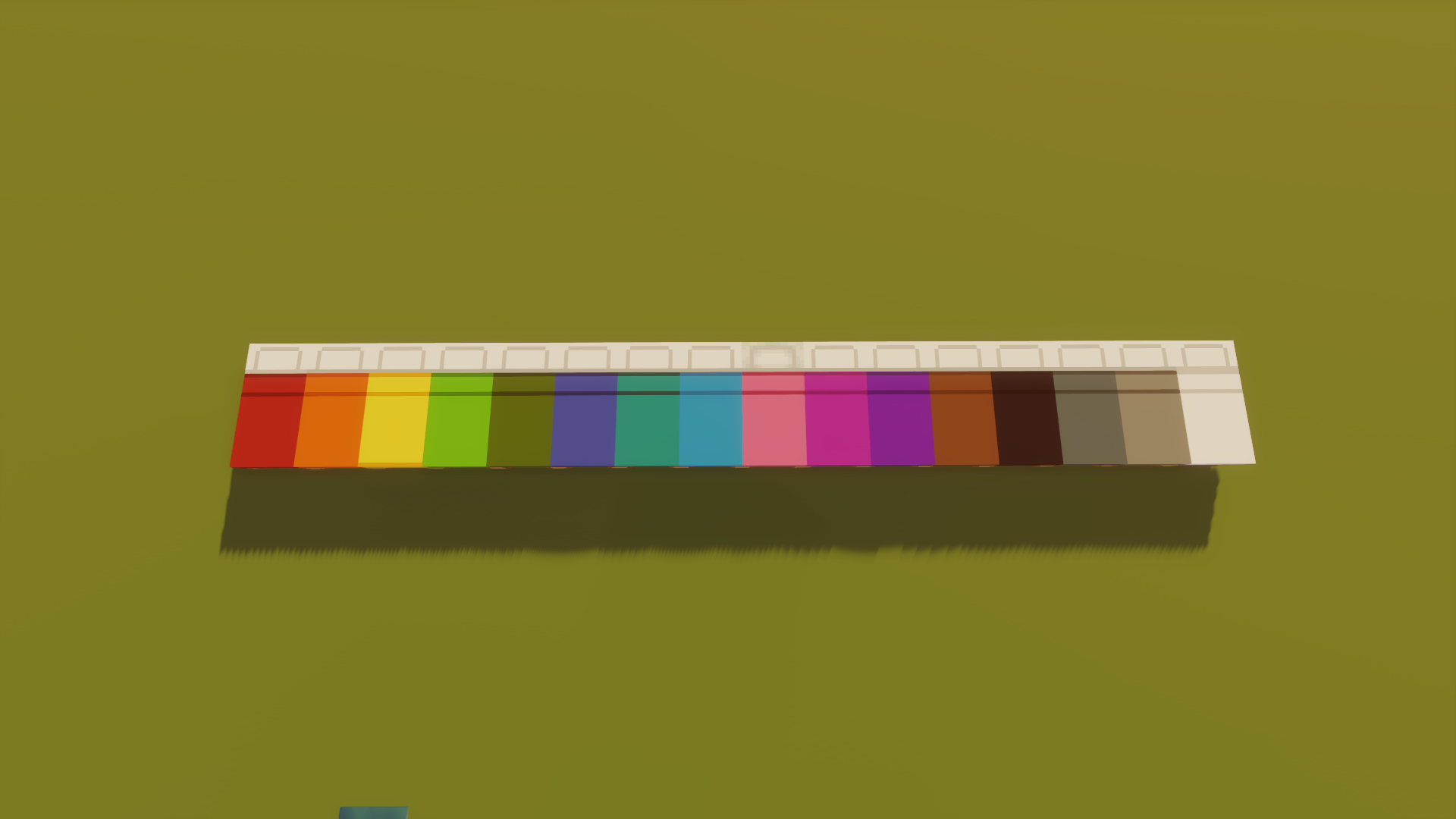
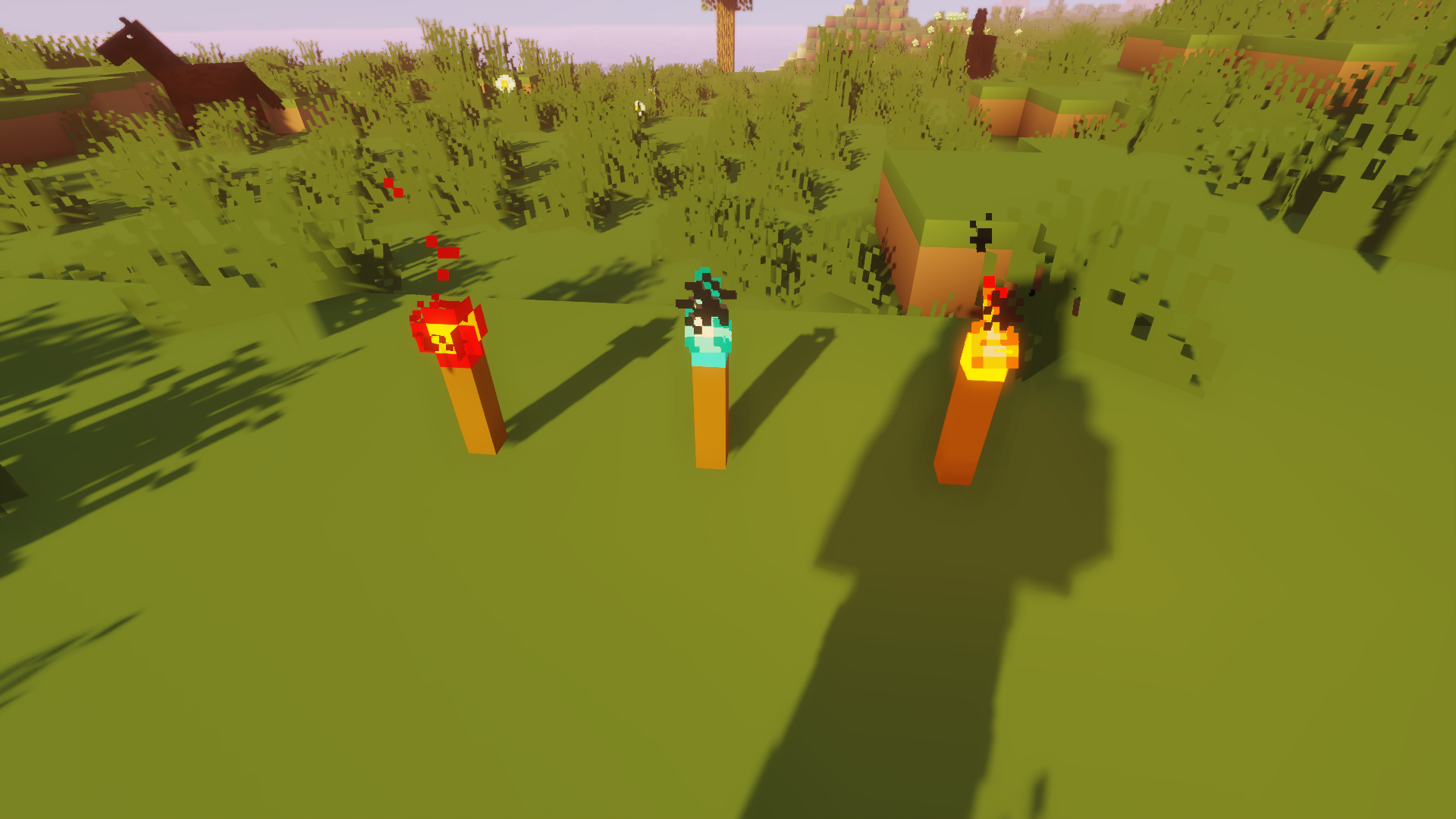
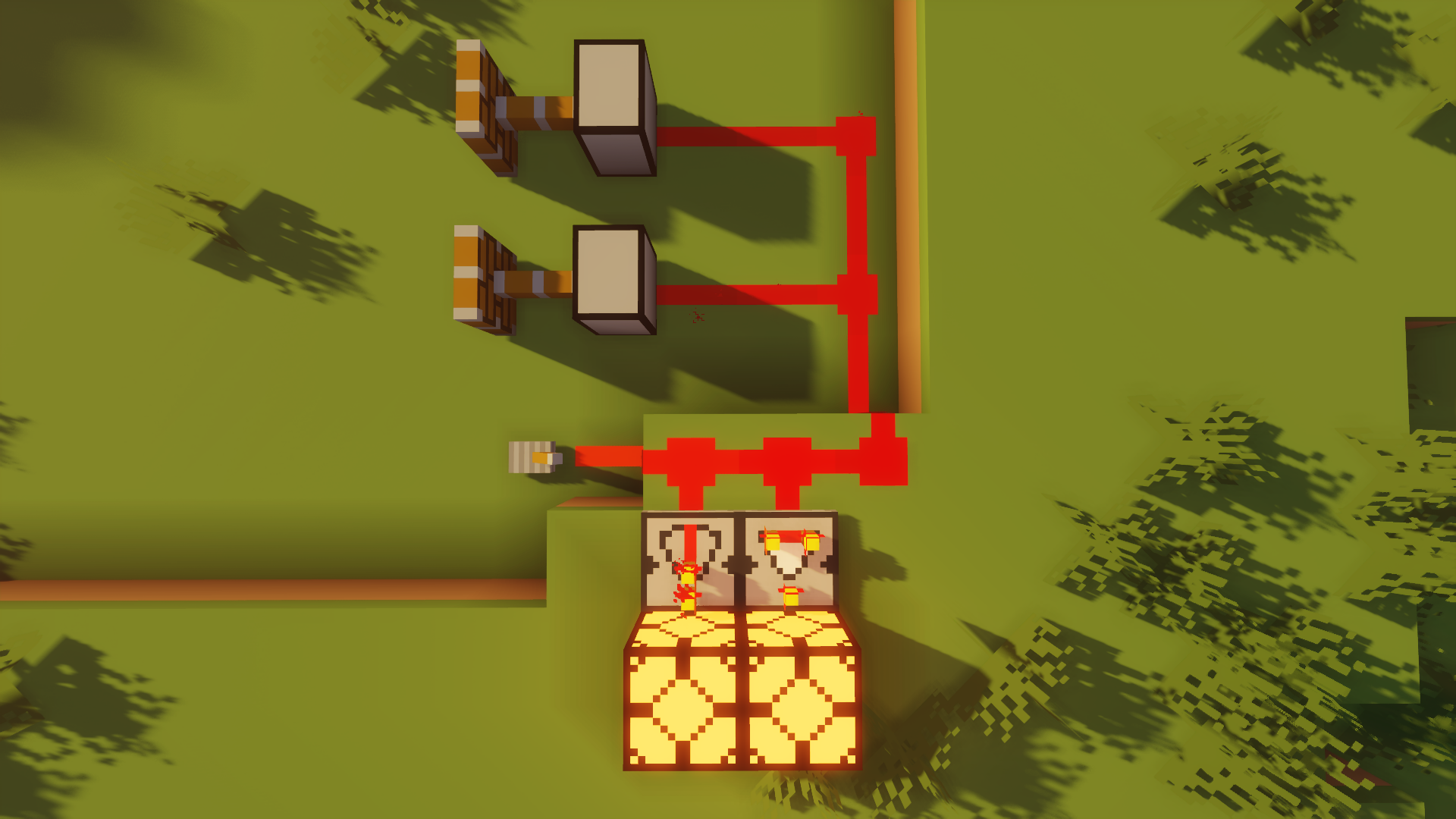
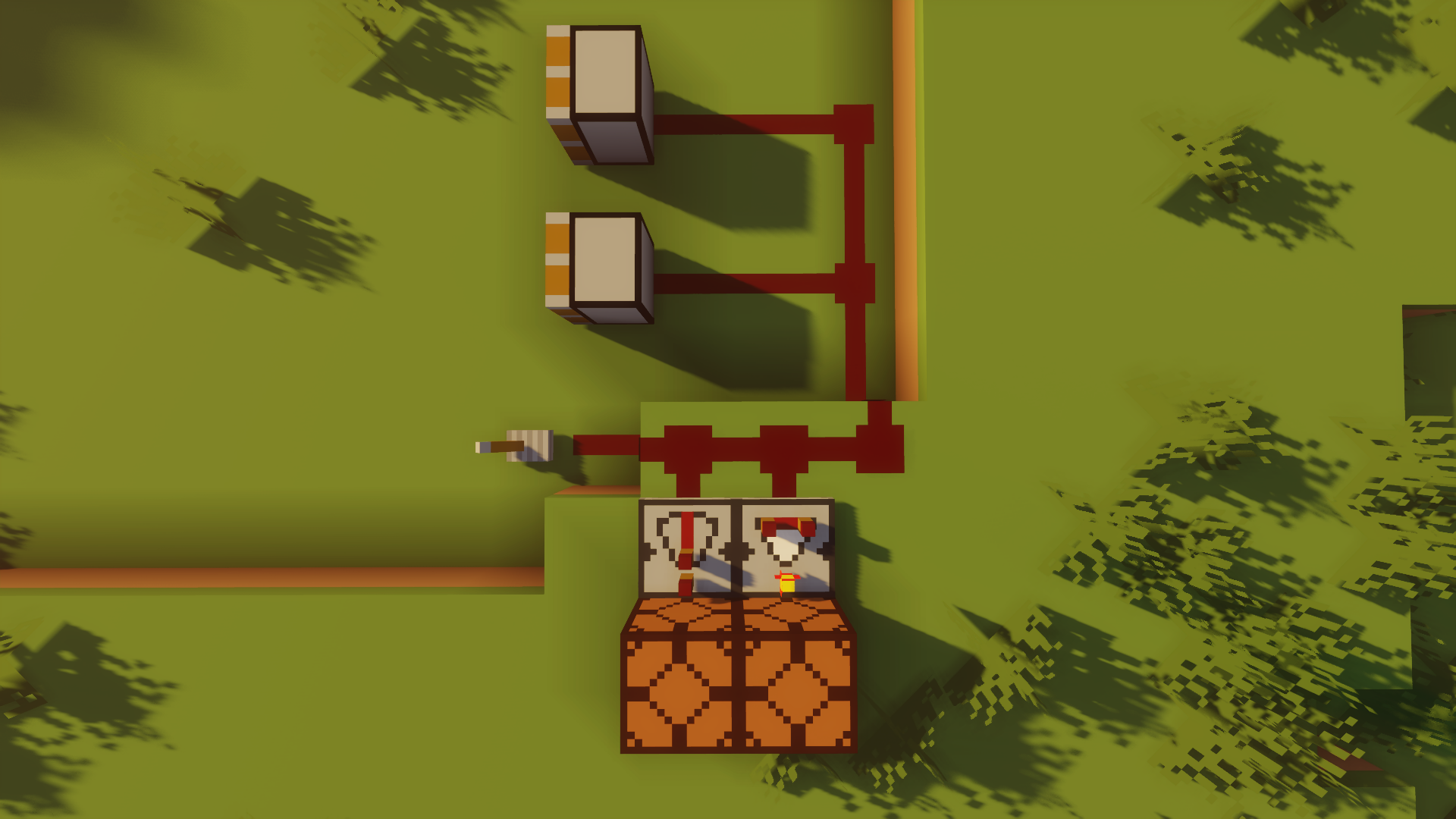
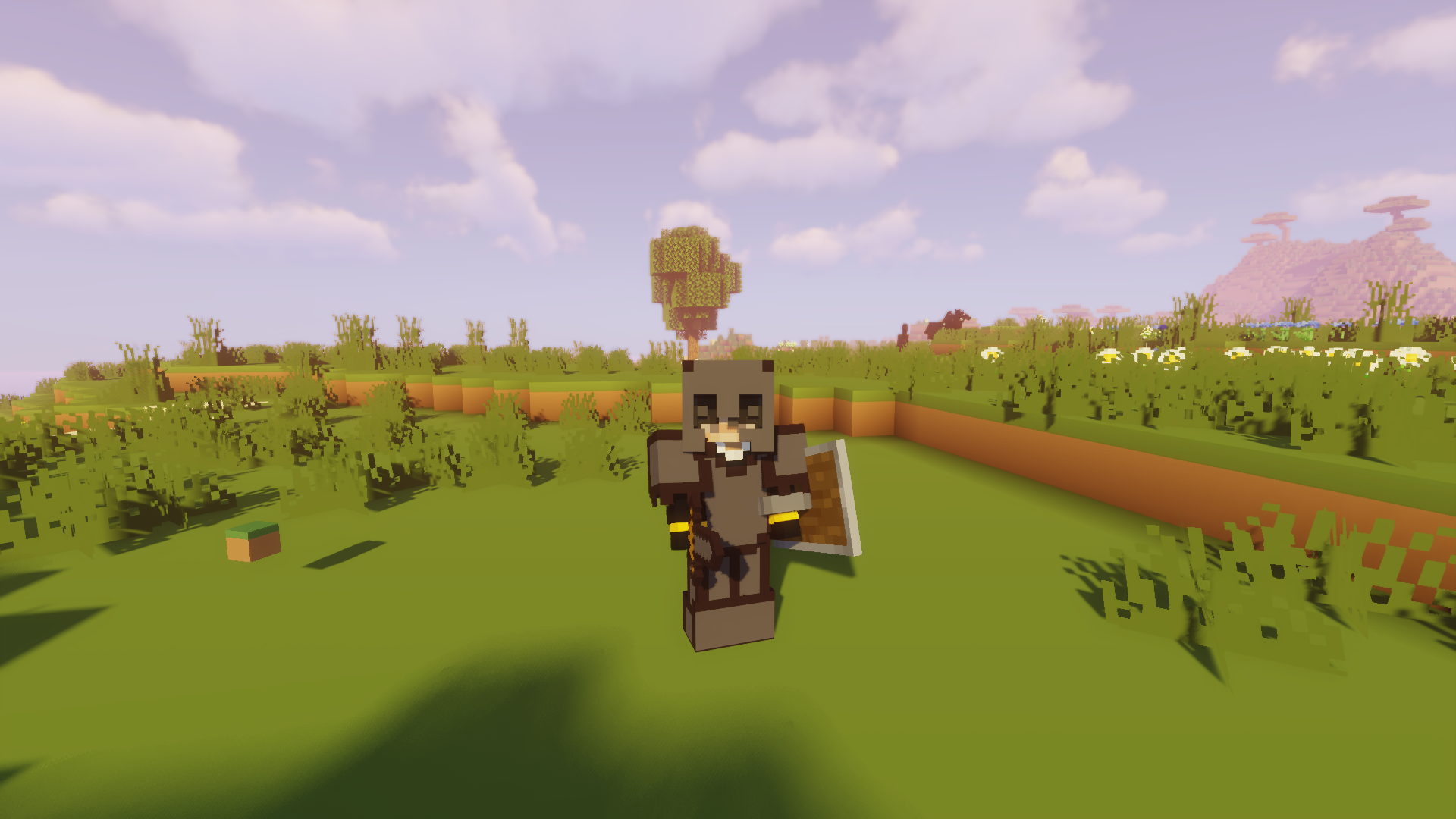
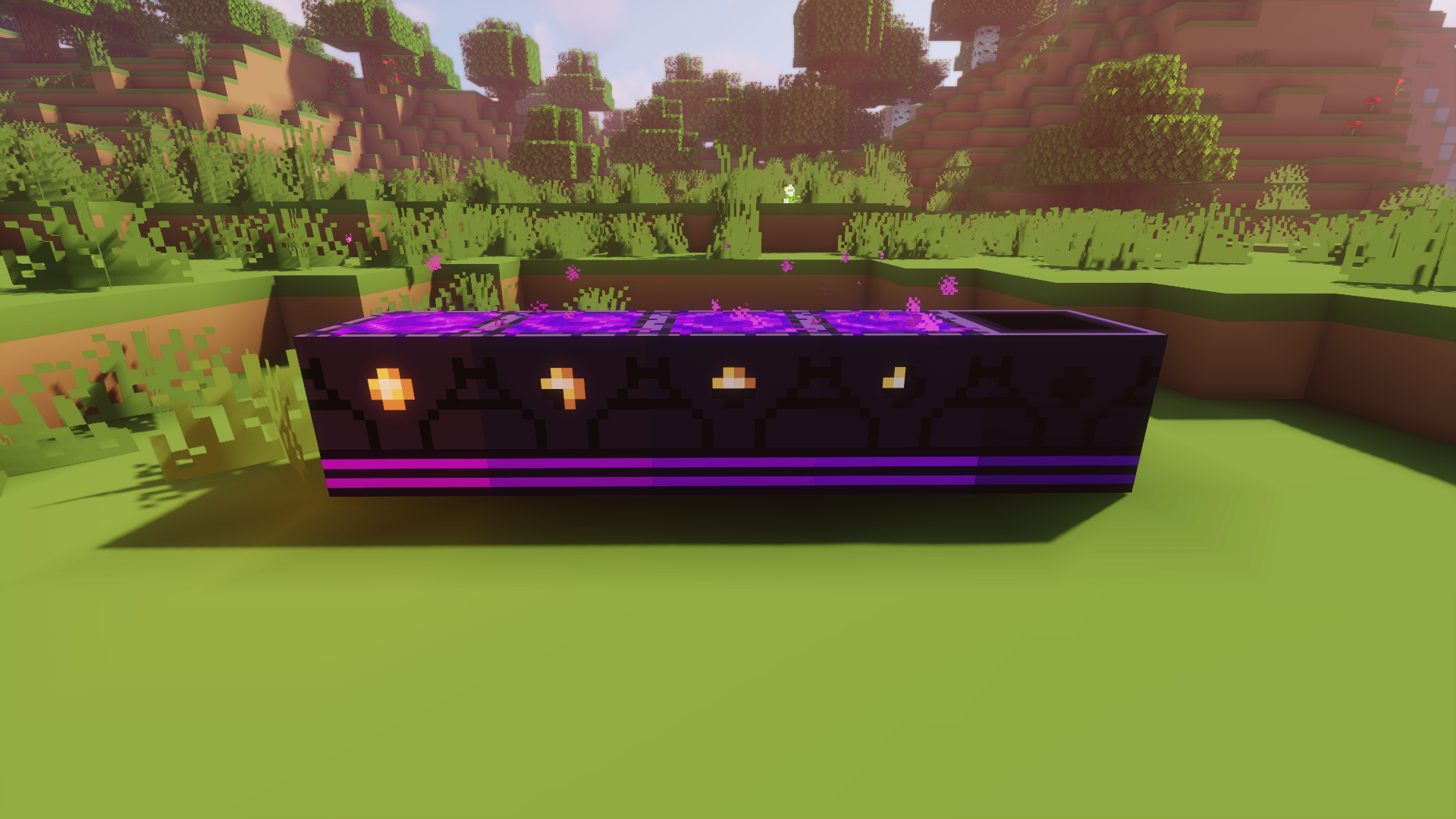
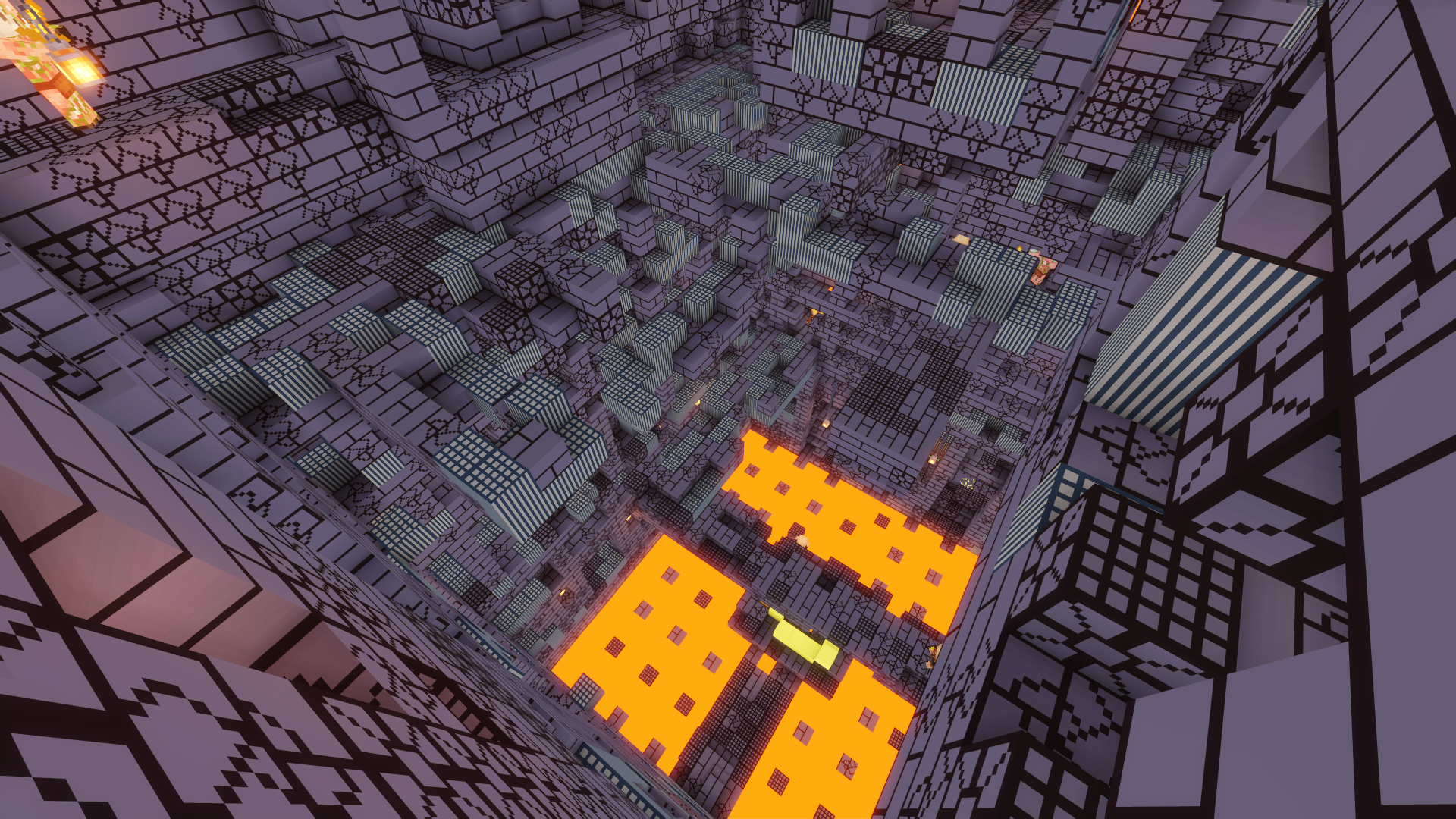
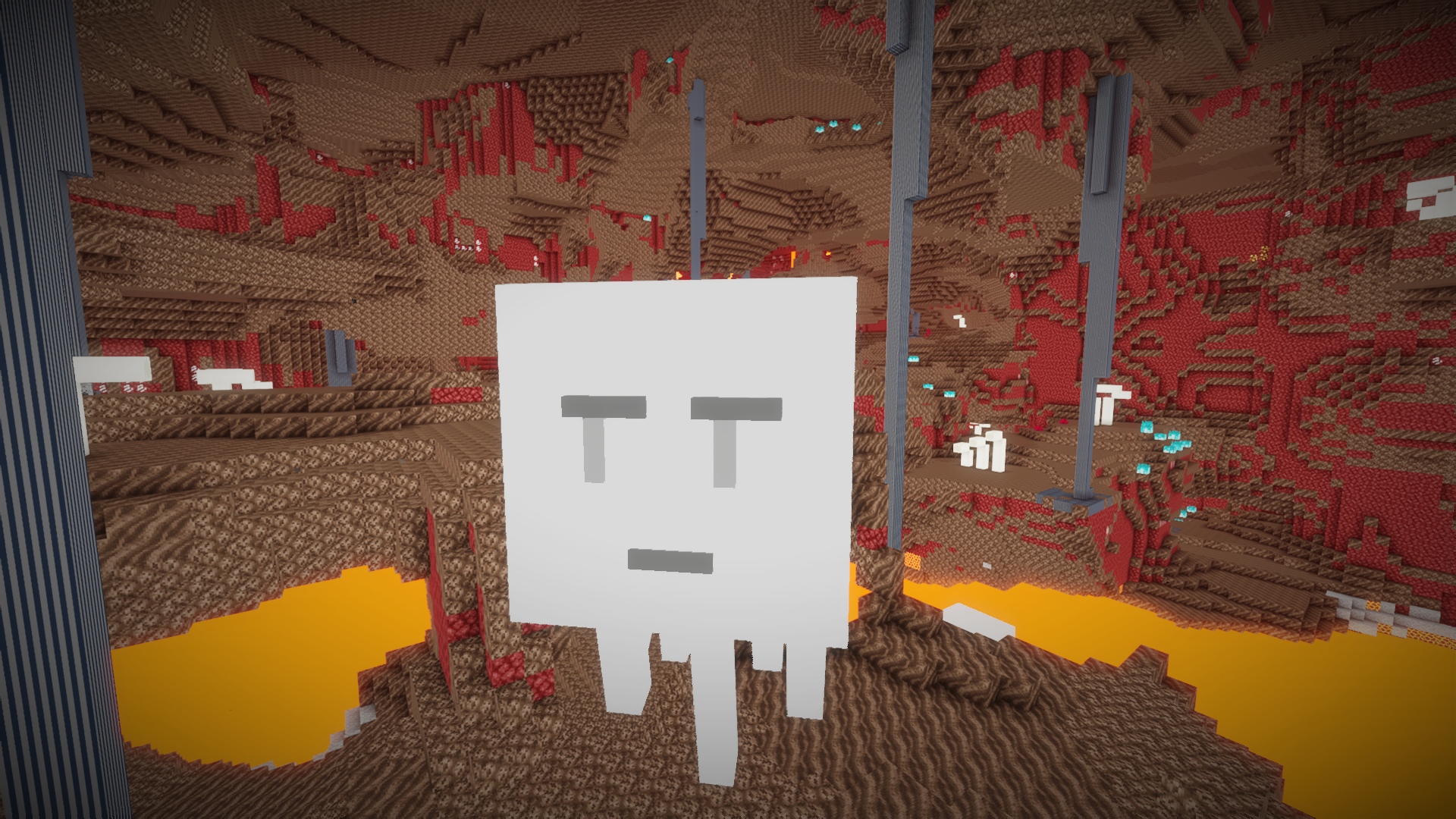
I made this texture pack initially because I wanted to make something around mining utility, and then it turned into one of the biggest projects I've ever done. From netherite armor to crying obsidian to flowers, this has got textures for a lot more than I could have ever imagined. Granted, it's also missing a lot of stuff, but I'm working slowly and steadily to make it all-encompassing. Minecraft's a big game, and I've got a life to worry about, so this takes time.


I was inspired by the "Plastic" texture pack of the past. Solid colors and simple shapes. However, I like to think Not Plastic has its own unique style to it. I do need to find a better name, though.

Hope you like it :)

Not Plastic 1.19.4 WIP.zip
MC 1.19.3, 1.19.4
Release 2023-04-05 Get
Not Plastic Pre-1.19.3 WIP.zip
MC 1.7.6, 1.16-Snapshot, 1.17.1, 1.9.1, 1.5.3, 1.16.3, 1.13.1, 1.9.3, 1.8.7, 1.7.4, 1.7.7, 1.15-Snapshot, 1.7.5, 1.4.6, 1.6.1, 1.0, 1.16.1, 1.18.1, 1.10-Snapshot, 1.9.4, 1.9.2
Beta 2023-04-05 Get
Not Plastic 1.19 Revision 1
MC 1.19.1, 1.19
Release 2022-07-07 Get

Requirements & install

How to use this resource pack in Minecraft
Resolution
16x
Minecraft
1.16.1 – 1.19.4
Install folder
.minecraft/resourcepacks

How to install resource packs

  1. Download the resource pack .zip file (do not extract it).
  2. In Minecraft open Options → Resource Packs → Open Pack Folder.
  3. Drop the .zip into the resourcepacks folder (.minecraft/resourcepacks).
  4. Move the pack to the Selected column and click Done.
Browse more: 16x resource packs 32x resource packs 64x resource packs 128x resource packs 256x resource packs 512x+ resource packs Resource Packs for 1.19.4 All resource packs
Advertisement Remove ads with Premium →

You Might Also Like