Mineuniverse
Resource Packs
Nostalgia Galore

Nostalgia Galore

RESOURCE PACK
A resource pack that expands programmer art for the newer versions
by TheManUpStairs
Download Claim this project
4,466 downloads
0 likes
Updated Oct 14, 2026
0 hypes
16x Miscellaneous Traditional
Advertisement Remove ads with Premium →

Nostalgia Galore
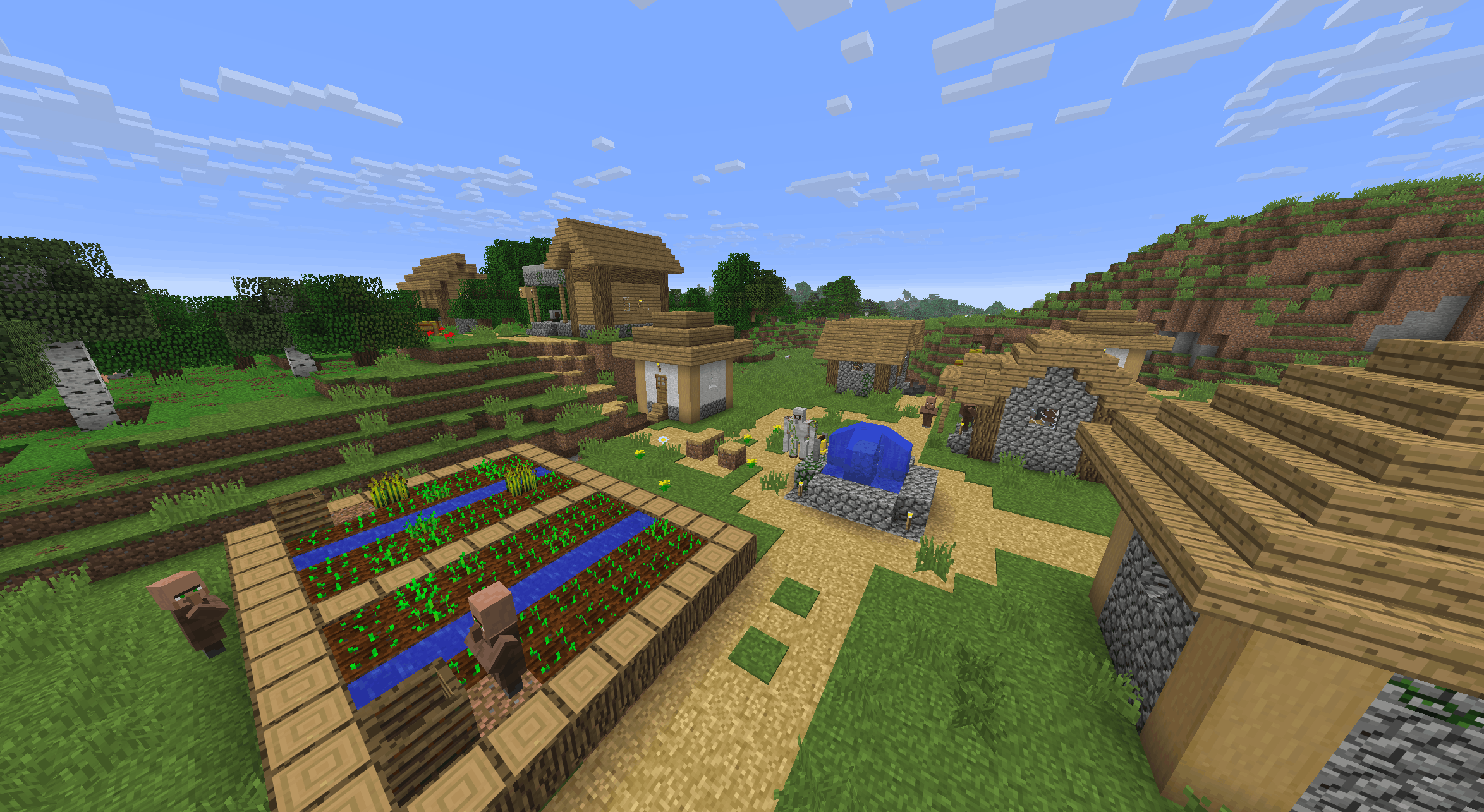
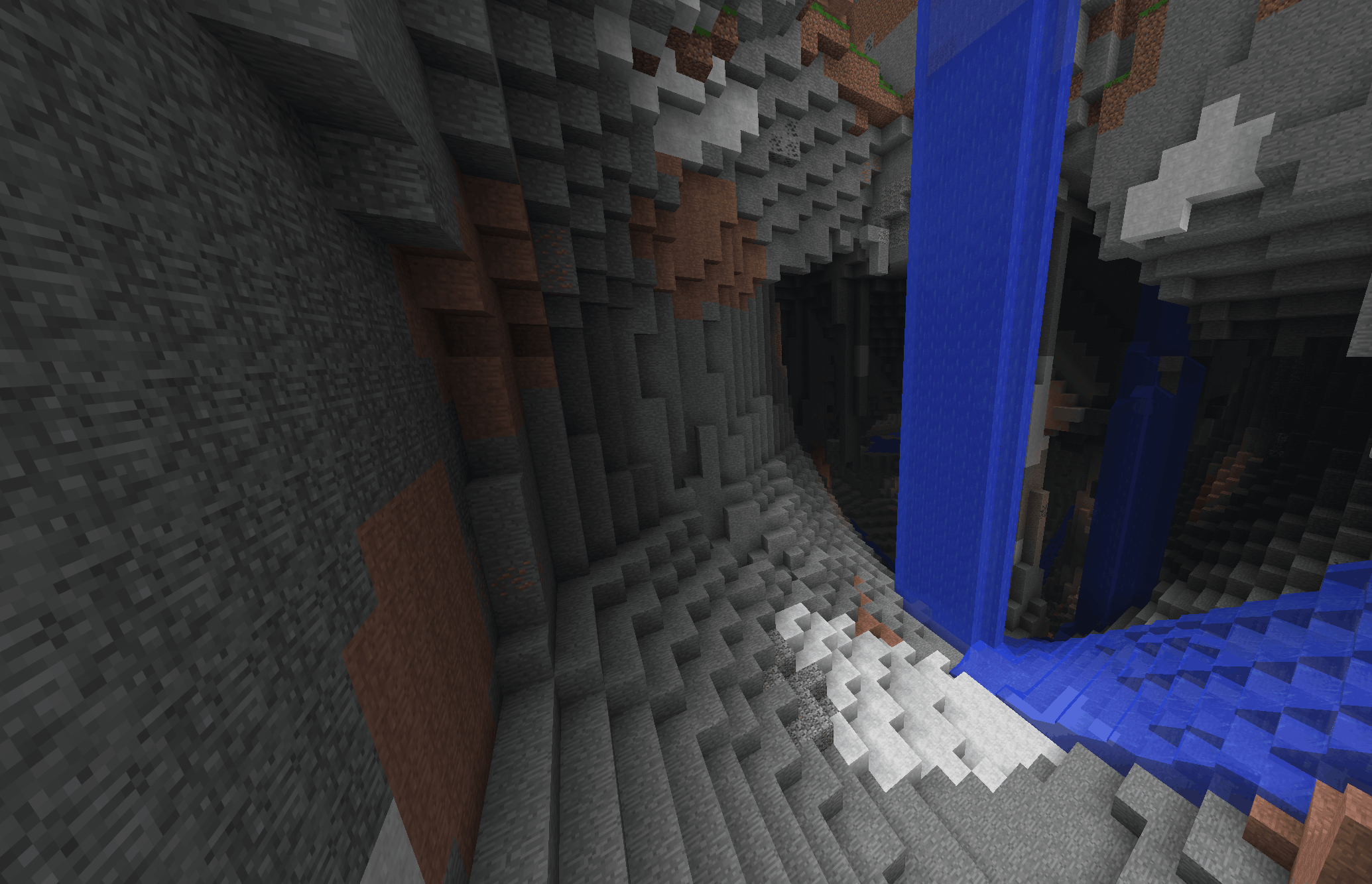
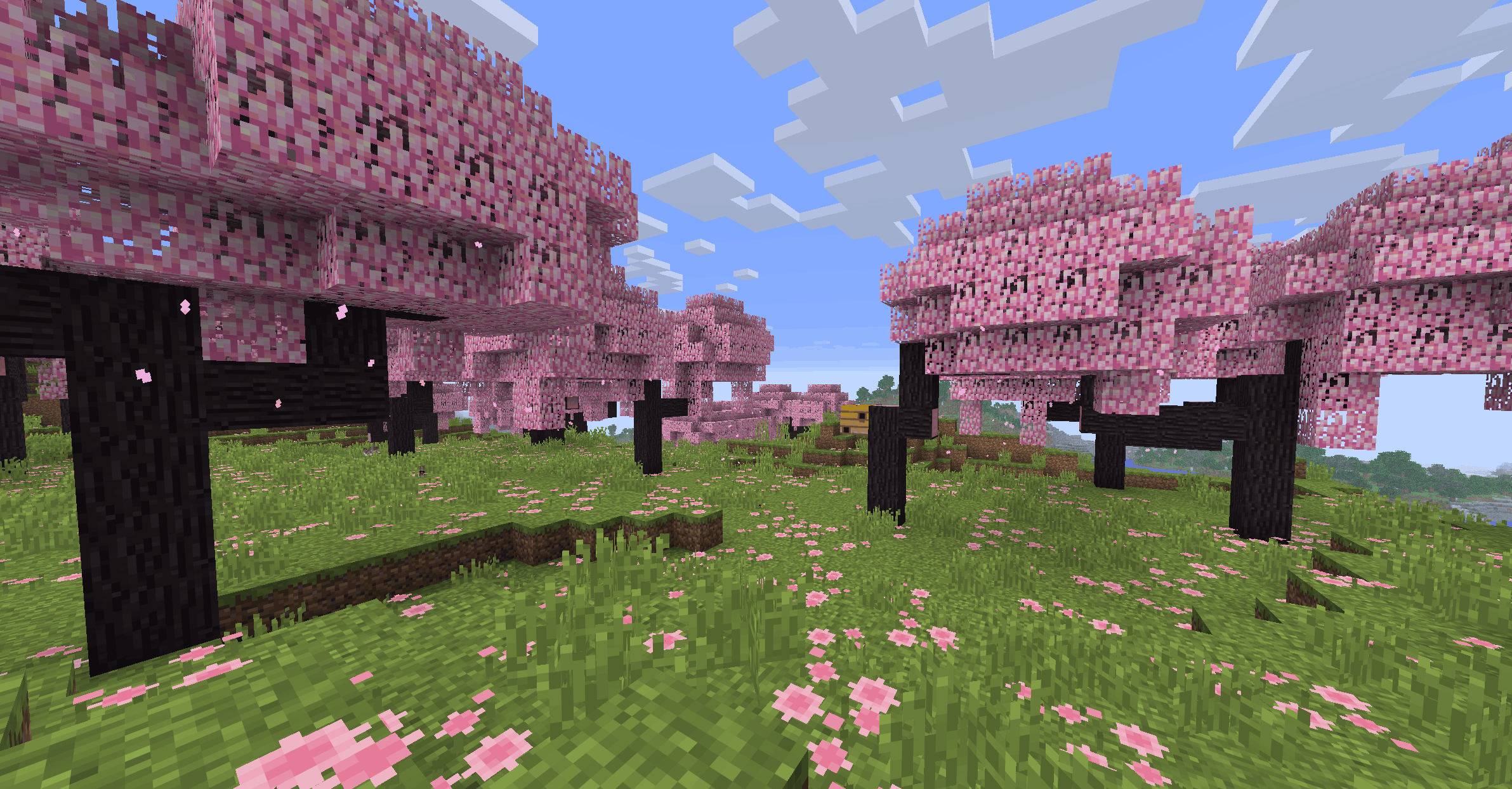
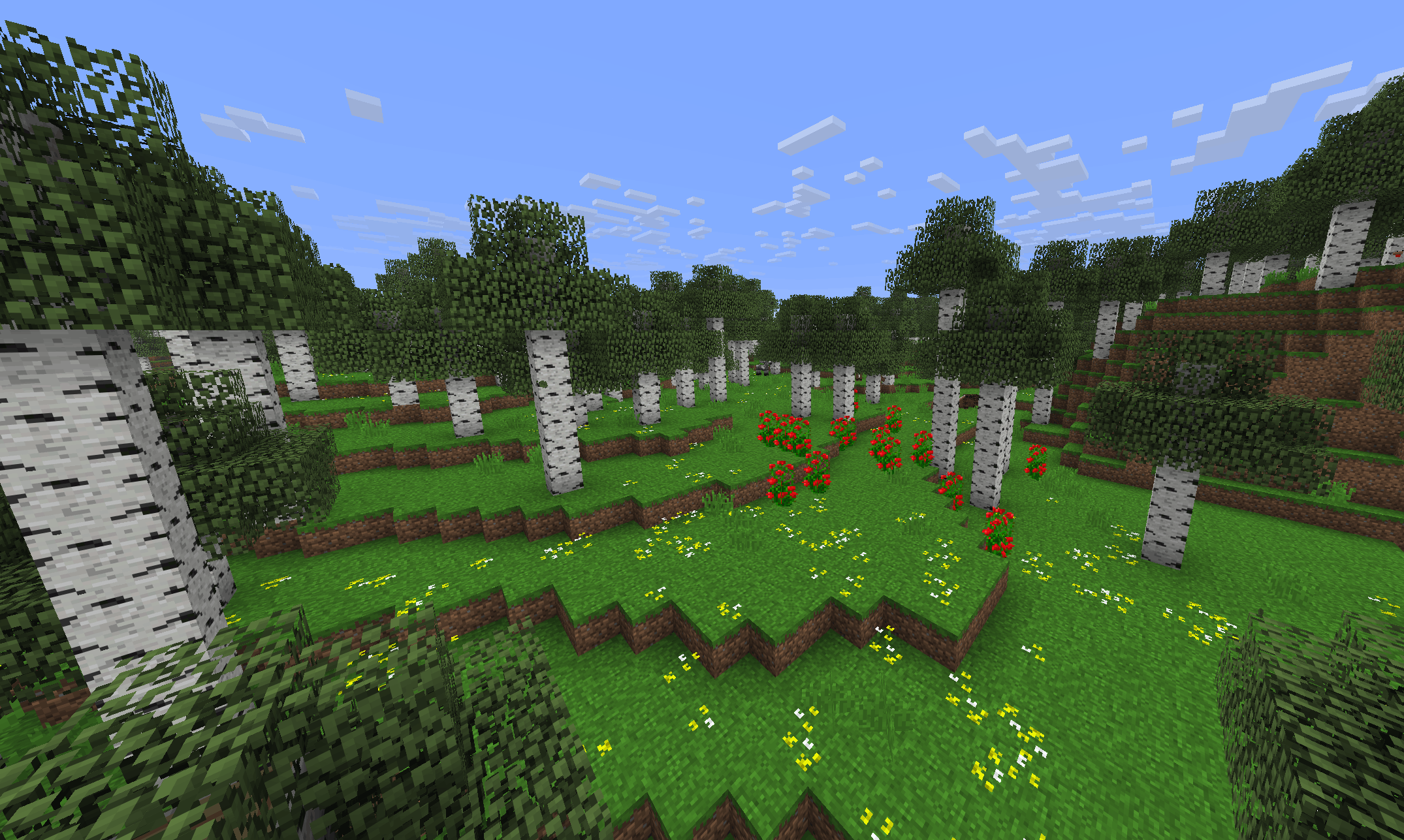
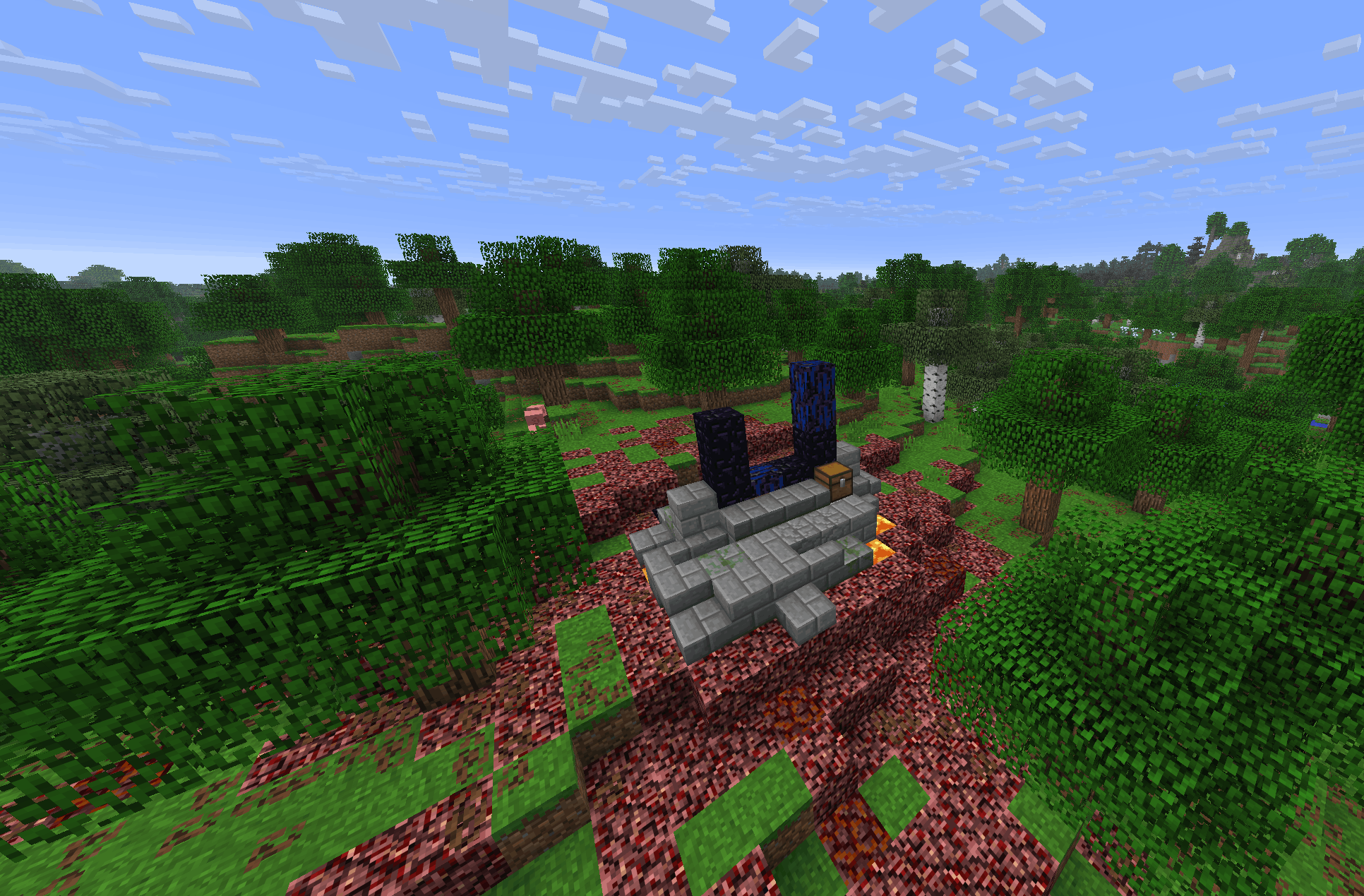
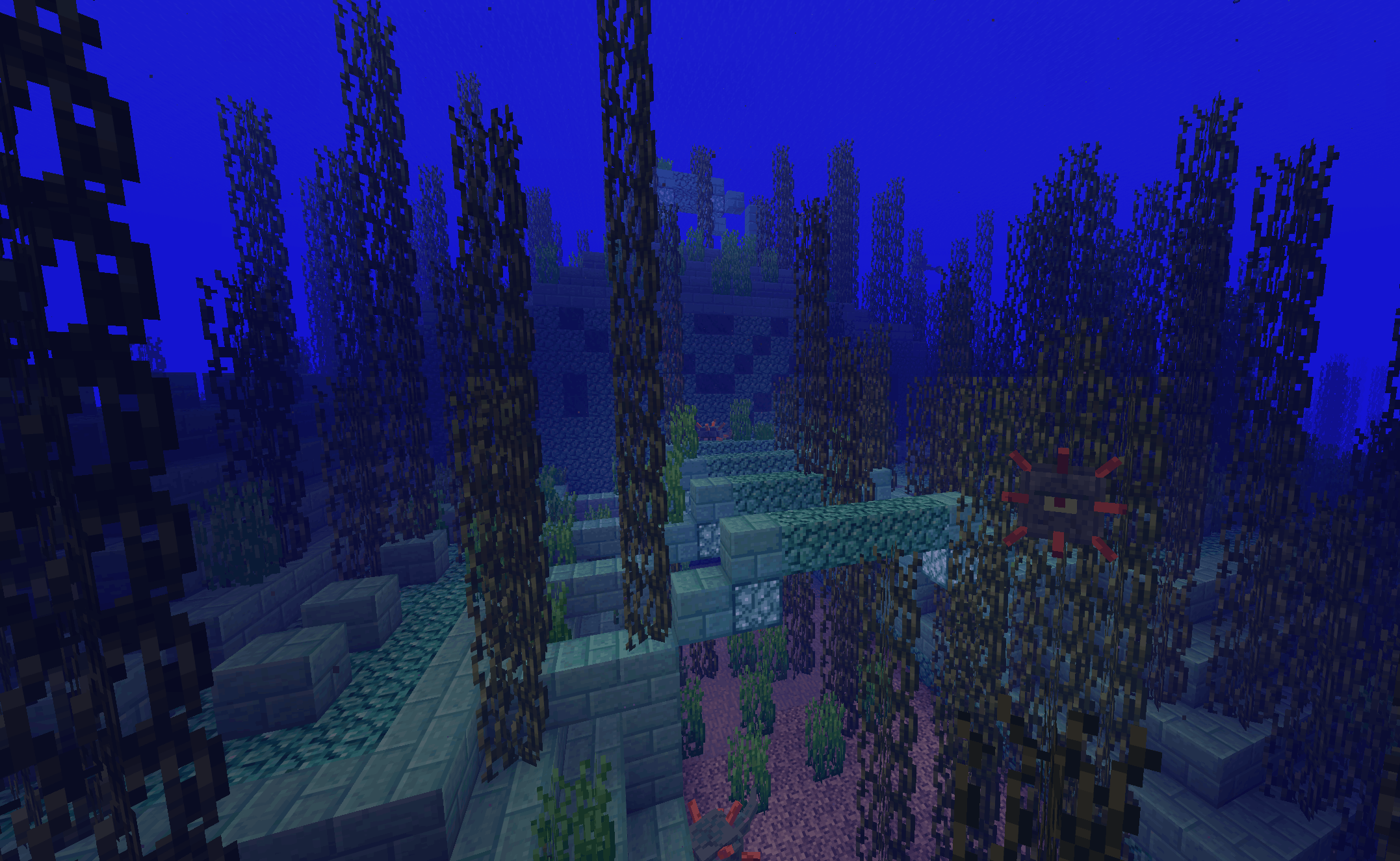
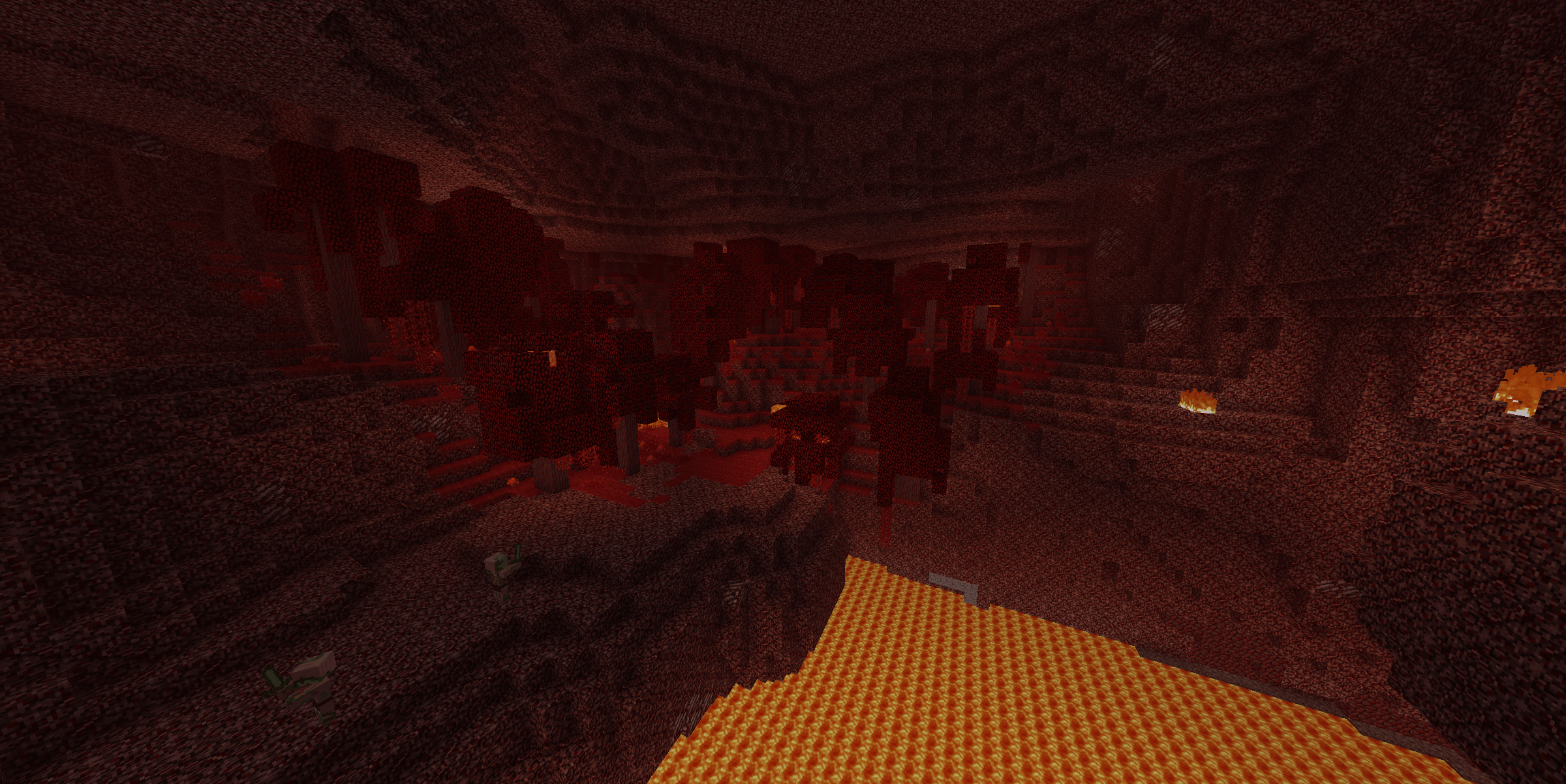
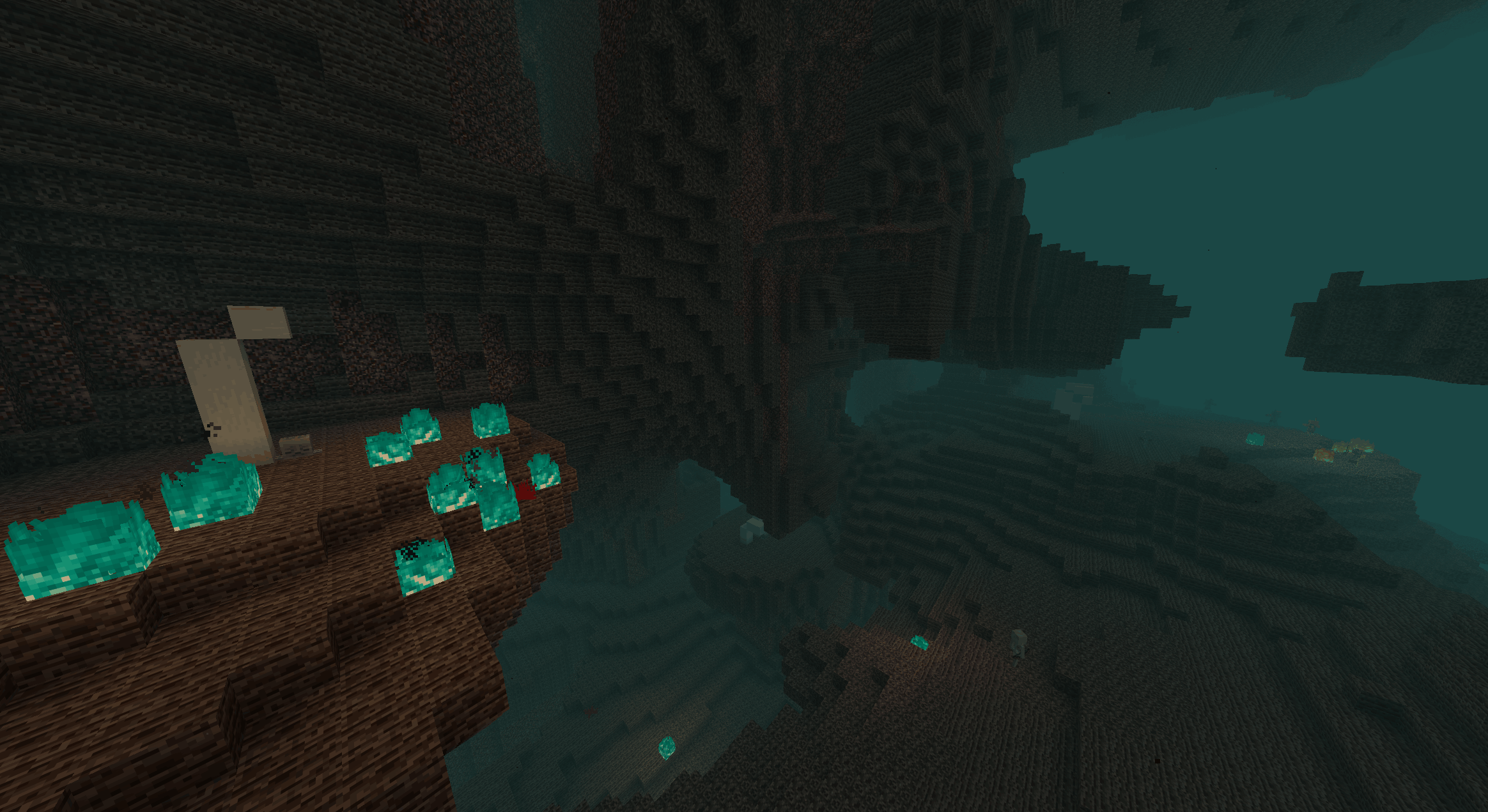
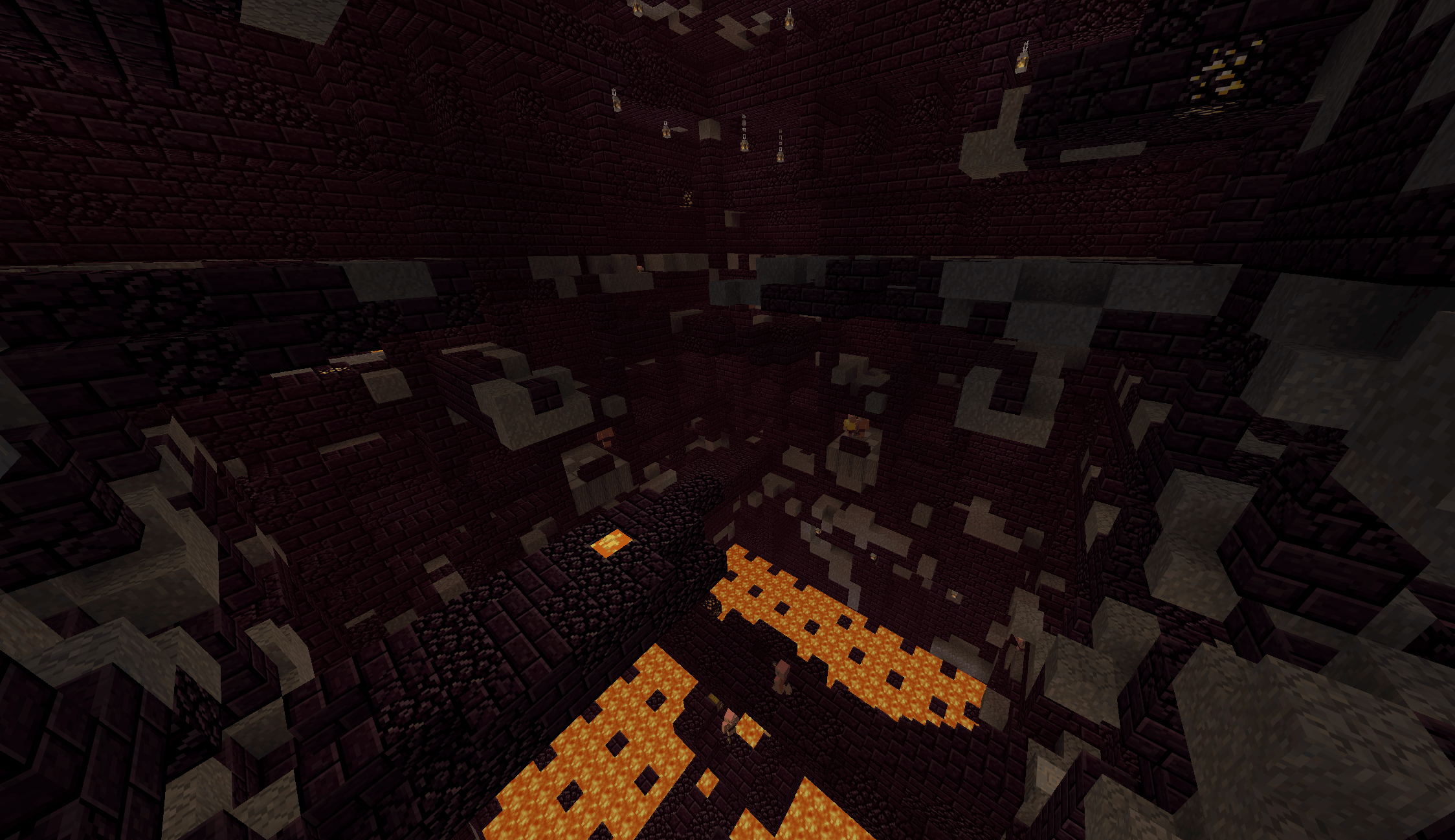
-The texture pack that makes the new the old. Heavily inspired by Golden Days by PoeticRainbow and Old Minecraft such as Beta. This texture pack changes blocks, mobs, items, GUI, sounds, and much more to look like older versions of Minecraft.

New 1.2.1 is out

-Chests are now a full block

-Complete copper chest overhaul

-Dried ghast block overhaul

Helpful Info
-It's recommended to use Optifine or Entity Model Features and Entity Texture Features for the mobs changed to work properly .
-Enable programmer art first it is needed for more authentic experience.
-This texture pack was first made privately for me to try to enjoy modern Minecraft more but I decided to tweak it and publish it

Disclaimer
-This texture pack is still unfinished as there are some newer mobs that still need to be changed
-There may be some items and blocks I missed
-Feedback is greatly appreciated since I am new at texture packing and I am willing to update this pack and in the future work on other projects.

Nostalgia Galore Accuracy Update 1.20.1
MC 1.20.1
Release 2026-06-19 Get
v1.2.1 Nostalgia Galore 1.20.1
MC 1.20.1
Release 2026-04-03 Get
v1.2.1 Nostalgia Galore 1.21.11
MC 1.21.11
Release 2026-04-03 Get
(v1.2) Nostalgia Galore 1.20.1.zip
MC 1.20.1
Release 2026-02-09 Get
(v1.2) Nostalgia Galore 1.21.1.zip
MC 1.21.1
Release 2026-02-09 Get
(v1.2) Nostalgia Galore 1.21.11.zip
MC 1.21.11
Release 2026-02-09 Get
Nostalgia Galore 1.21.11
MC 1.21.10, 1.21.11
Release 2026-02-01 Get
Nostalgia Galore 1.21.1
MC 1.21.1
Release 2026-02-01 Get
Nostalgia Galore 1.20.1
MC 1.20.1
Release 2026-02-01 Get
Nostalgia Galore 1.20-1.21.11.zip
MC 1.21.10, 1.21.11
Release 2026-01-31 Get

Requirements & install

How to use this resource pack in Minecraft
Resolution
16x
Minecraft
1.20.1 – 1.21.11
Install folder
.minecraft/resourcepacks

How to install resource packs

  1. Download the resource pack .zip file (do not extract it).
  2. In Minecraft open Options → Resource Packs → Open Pack Folder.
  3. Drop the .zip into the resourcepacks folder (.minecraft/resourcepacks).
  4. Move the pack to the Selected column and click Done.
Browse more: 16x resource packs 32x resource packs 64x resource packs 128x resource packs 256x resource packs 512x+ resource packs Resource Packs for 1.21.11 All resource packs
Advertisement Remove ads with Premium →

You Might Also Like