Mineuniverse
Resource Packs
NoSapling

NoSapling

RESOURCE PACK
Saplings should not drop from trees!
by 4EPBRK_6RK_6RK
Download Claim this project
14,673 downloads
0 likes
Updated Oct 14, 2026
0 hypes
16x Miscellaneous
Advertisement Remove ads with Premium →

EN:
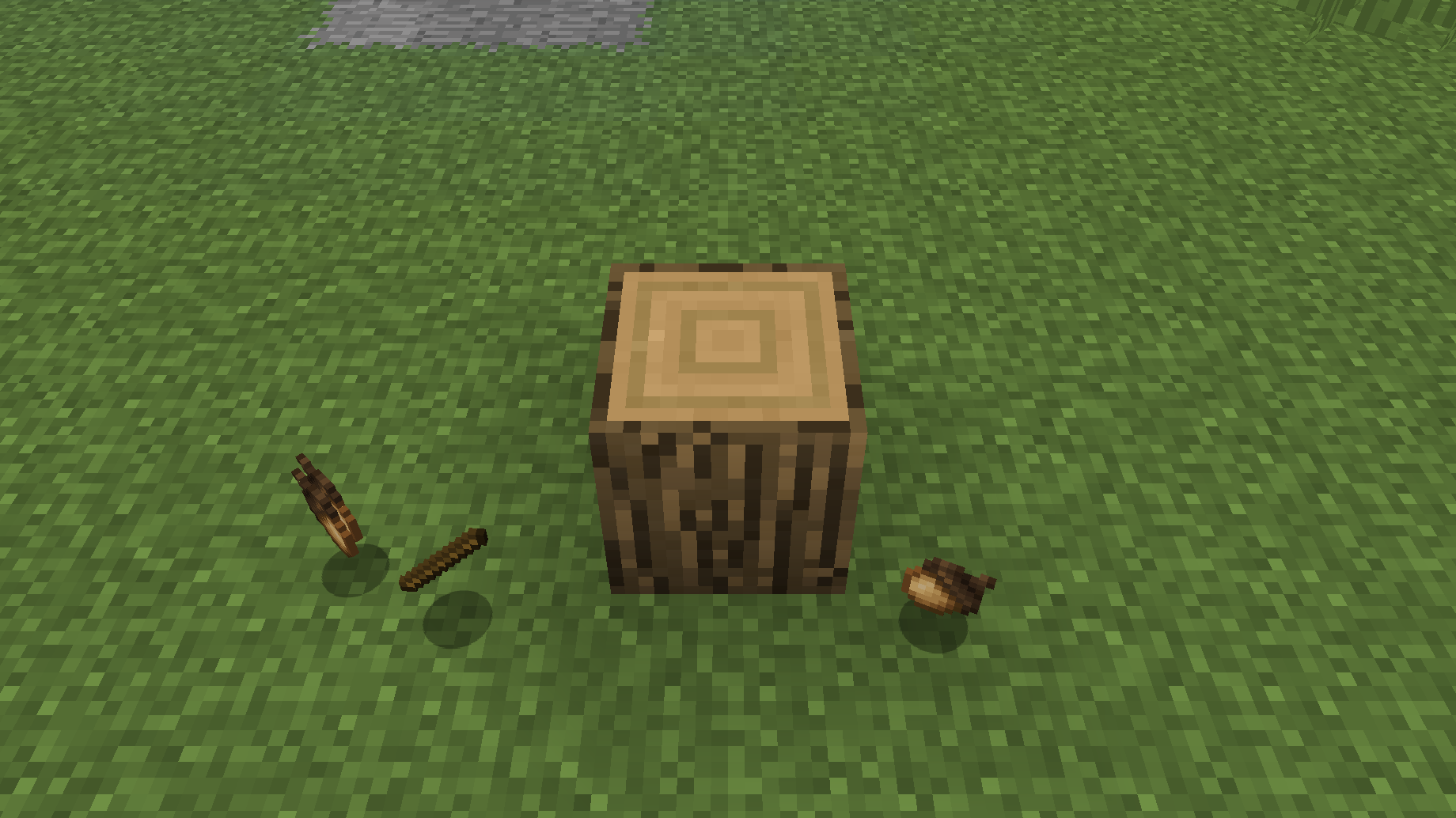
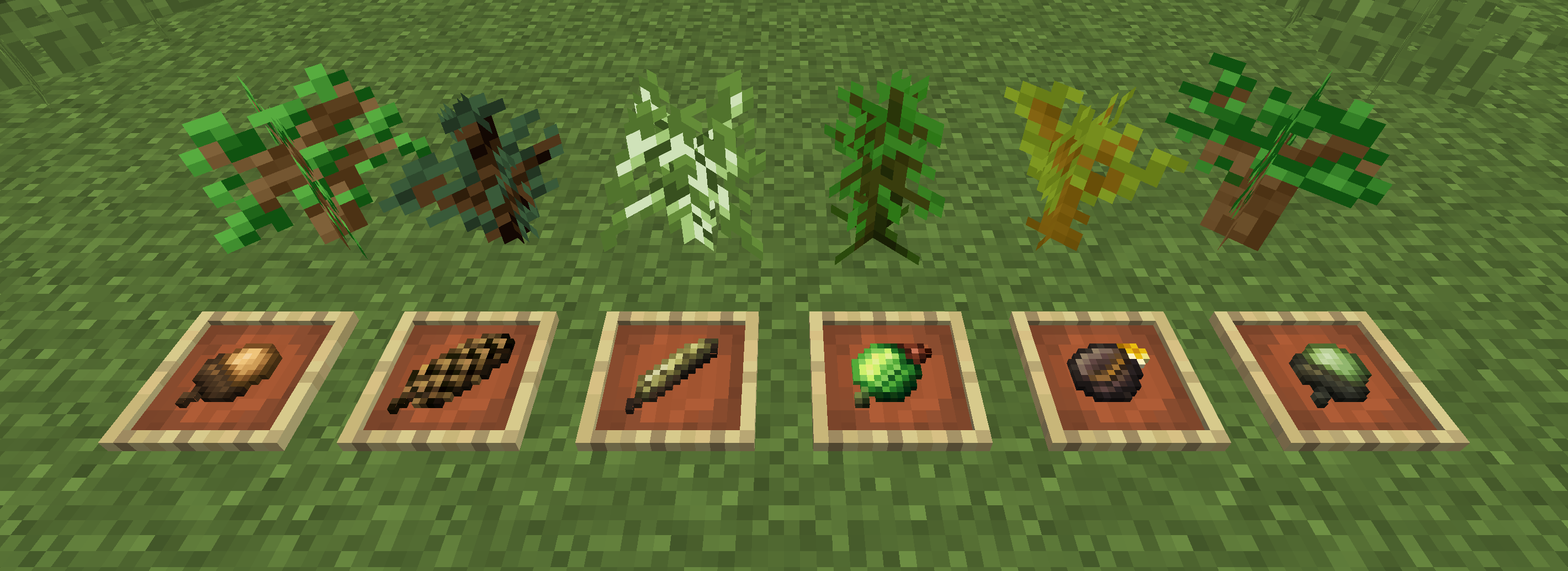
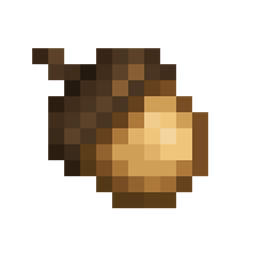
Have you ever wondered why saplings fall from trees at once? My resource pack fixes this! With it, the seeds of trees will fall out of the trees, and they will become seedlings only after planting.

Resourcepack can be run on any version from 1.8 to 1.16.4
Seed textures are taken from the Dynamic Trees mod (https://www.curseforge.com/minecraft/mc-mods/dynamictrees)! I am not the author of them!


RU:
Вы когда нибудь задумывались, почему с деревьев выпадают сразу саженцы? Мой ресурспак это исправляет! С ним из деревьев будут выпадать семена деревьев, а саженцами они станут только после посадки.

Ресурспак можно запустить на любой версии от 1.8 до 1.16.4
Текстуры семян взяты из мода Dynamic Trees (https://www.curseforge.com/minecraft/mc-mods/dynamictrees)! Я не являюсь их автором!

NoSapling(New) AnyVersions
MC 1.9.1, 1.16.3, 1.13.1, 1.9.3, 1.8.7, 1.16.1, 1.9.4, 1.9.2, 1.8.4, 1.14.4, 1.14.1, 1.12.1, 1.12, 1.14.3, 1.15, 1.16, 1.13, 1.8.8, 1.10.2, 1.8.3, 1.11, 1.8.6, 1.15.2, 1.14
Release 2021-01-08 Get
NoSapling(Classic) AnyVersions
MC 1.9.1, 1.16.3, 1.13.1, 1.9.3, 1.8.7, 1.16.1, 1.9.4, 1.9.2, 1.8.4, 1.14.4, 1.14.1, 1.12.1, 1.12, 1.14.3, 1.15, 1.16, 1.13, 1.8.8, 1.10.2, 1.8.3, 1.11, 1.8.6, 1.15.2, 1.14
Release 2021-01-08 Get
1.16.X (classic texture)
MC 1.16.3, 1.16.1, 1.14.4, 1.14.1, 1.14.3, 1.15, 1.16, 1.15.2, 1.14, 1.16.4, 1.14.2, 1.16.2, 1.15.1
Release 2021-01-05 Get
1.16.X (New textures)
MC 1.16.3, 1.16.1, 1.14.4, 1.14.1, 1.14.3, 1.15, 1.16, 1.15.2, 1.14, 1.16.4, 1.14.2, 1.16.2, 1.15.1
Release 2021-01-05 Get

Requirements & install

How to use this resource pack in Minecraft
Resolution
16x
Minecraft
1.15 – 1.16.4
Install folder
.minecraft/resourcepacks

How to install resource packs

  1. Download the resource pack .zip file (do not extract it).
  2. In Minecraft open Options → Resource Packs → Open Pack Folder.
  3. Drop the .zip into the resourcepacks folder (.minecraft/resourcepacks).
  4. Move the pack to the Selected column and click Done.
Browse more: 16x resource packs 32x resource packs 64x resource packs 128x resource packs 256x resource packs 512x+ resource packs Resource Packs for 1.16.4 All resource packs
Advertisement Remove ads with Premium →

You Might Also Like