Mineuniverse
Resource Packs
North American Railroads - Immersive Railroading

North American Railroads - Immersive Railroading

RESOURCE PACK
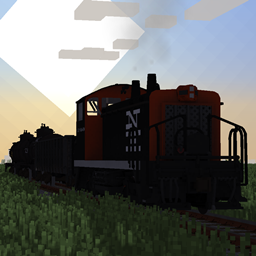
Trains from North America in Minecraft-style
by jpv_2603
Download Claim this project
Add a badge to your pageLink to North American Railroads - Immersive Railroading from a README, website or forum post.
Preview: Badge

Badges update automatically and link to the resource pack page on MineUniverse.

73,542 downloads
0 likes
0 followers
Updated Oct 14, 2026
0 hypes
Follow0
16x Animated Mod Support
Advertisement Remove ads with Premium →

You must have the Immersive Railroading mod INSTALLED AND ENABLED for this pack to work


ATTENTION: I am aware of the latest version of North American Railroads (v0.4) crashing on certain Minecraft versions such as 1.16 and 1.20. This issue is caused by the object file name on the 60' Flatcar preventing the game to load properly. Please refrain from using those Minecraft versions or this pack on those versions until I release a fix update either fixing or removing the model entirely, and please let me know if there are other Minecraft versions related to this issue. Thank you for your patience!


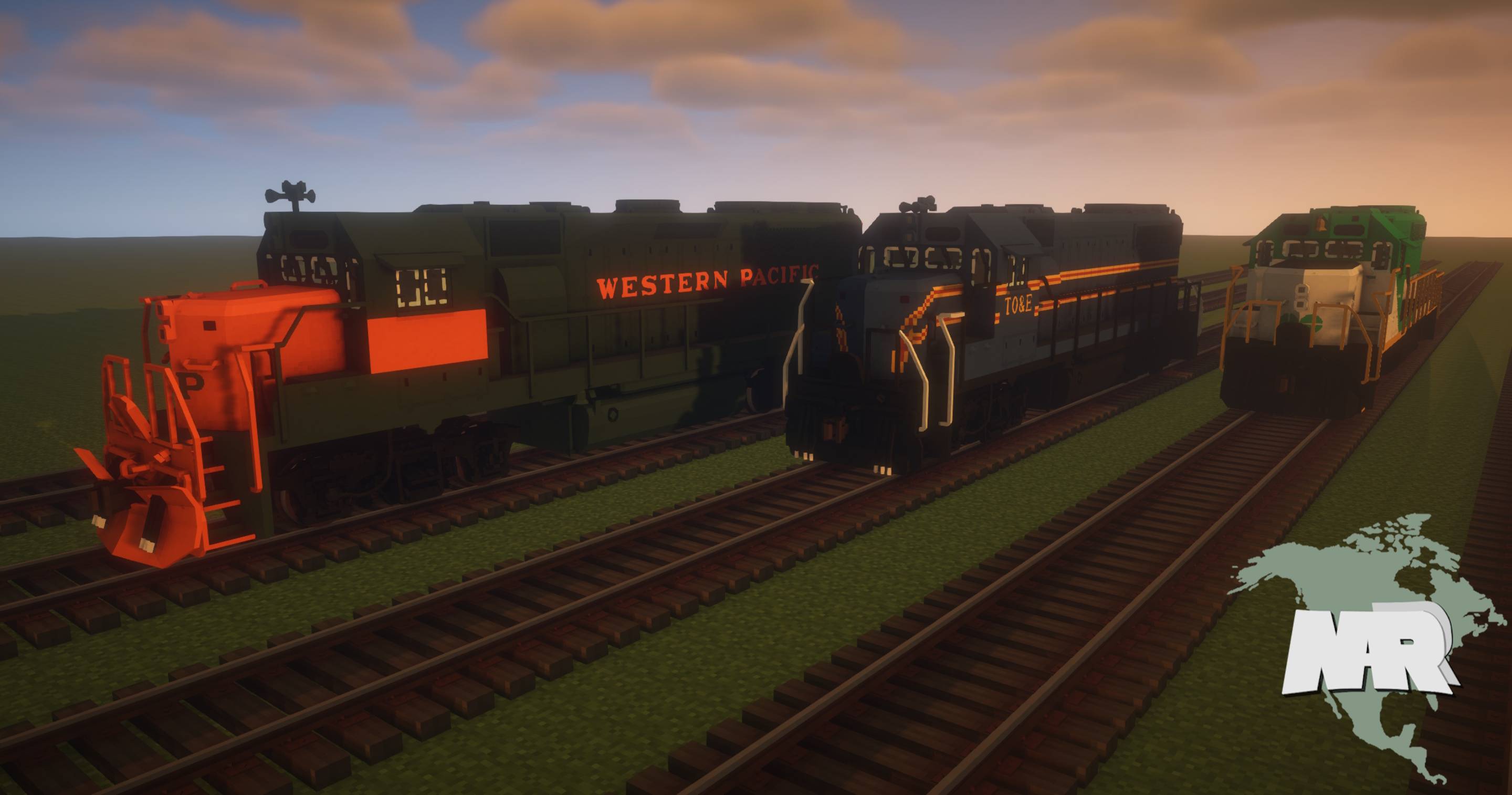
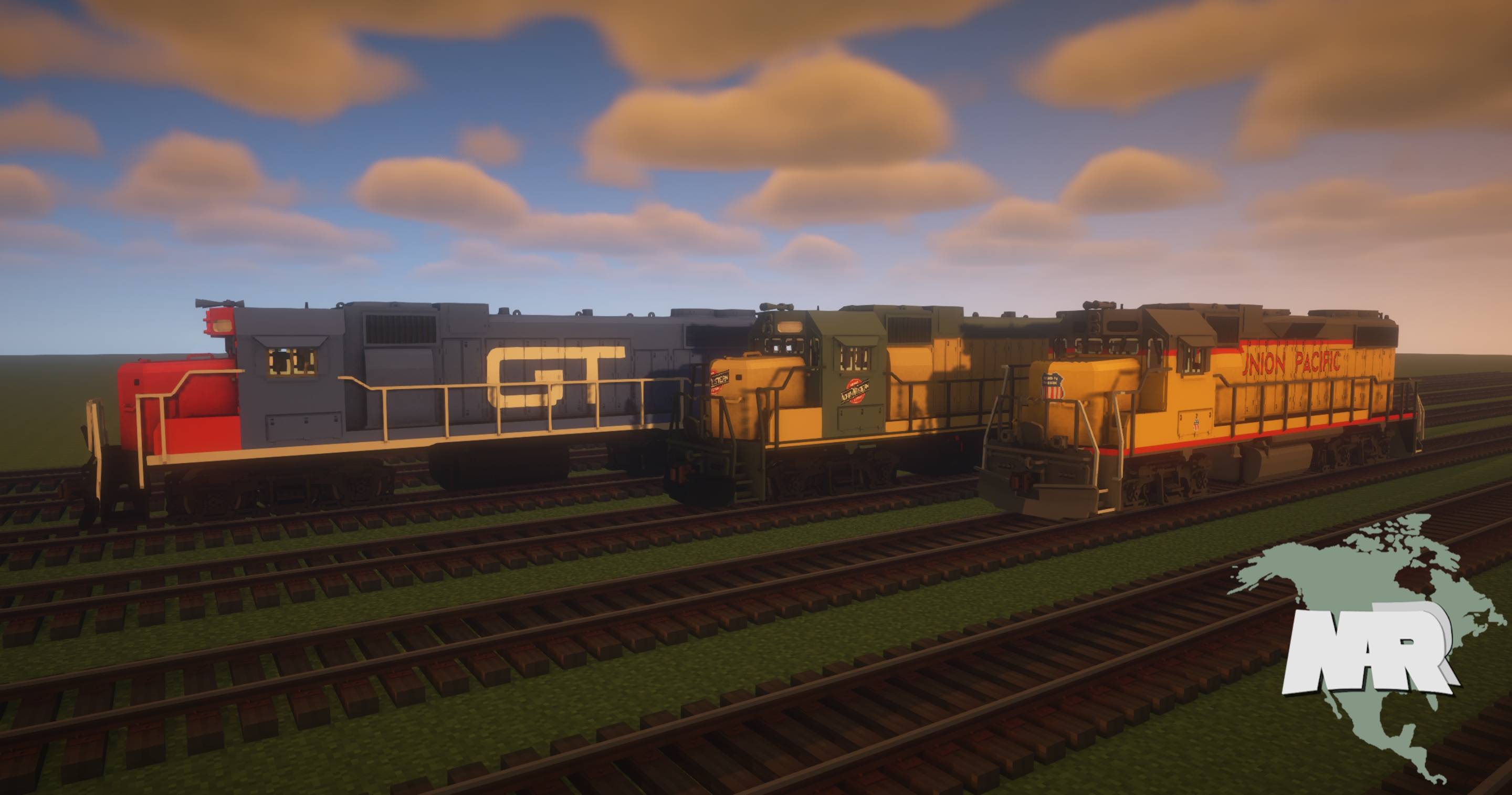
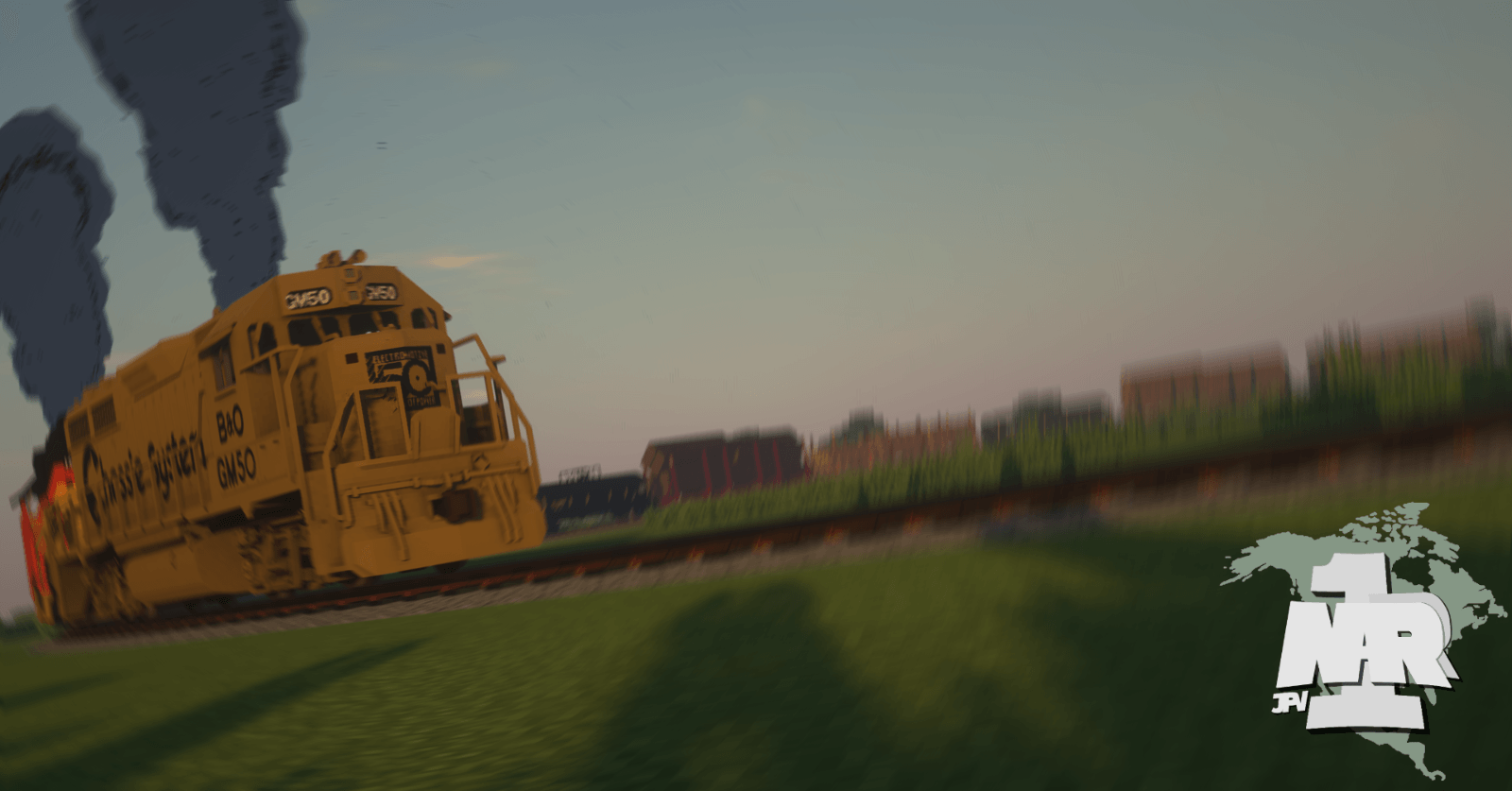
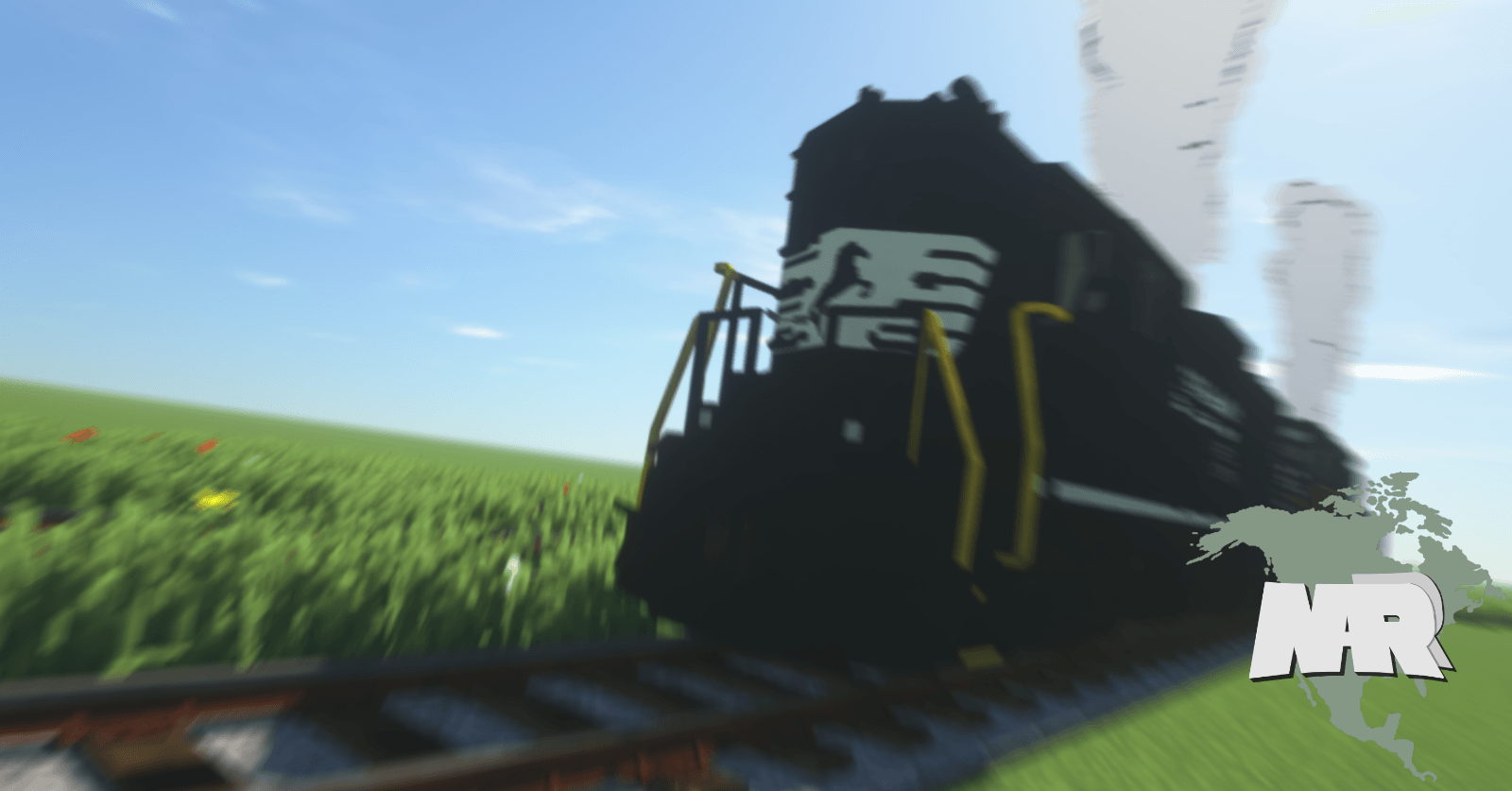
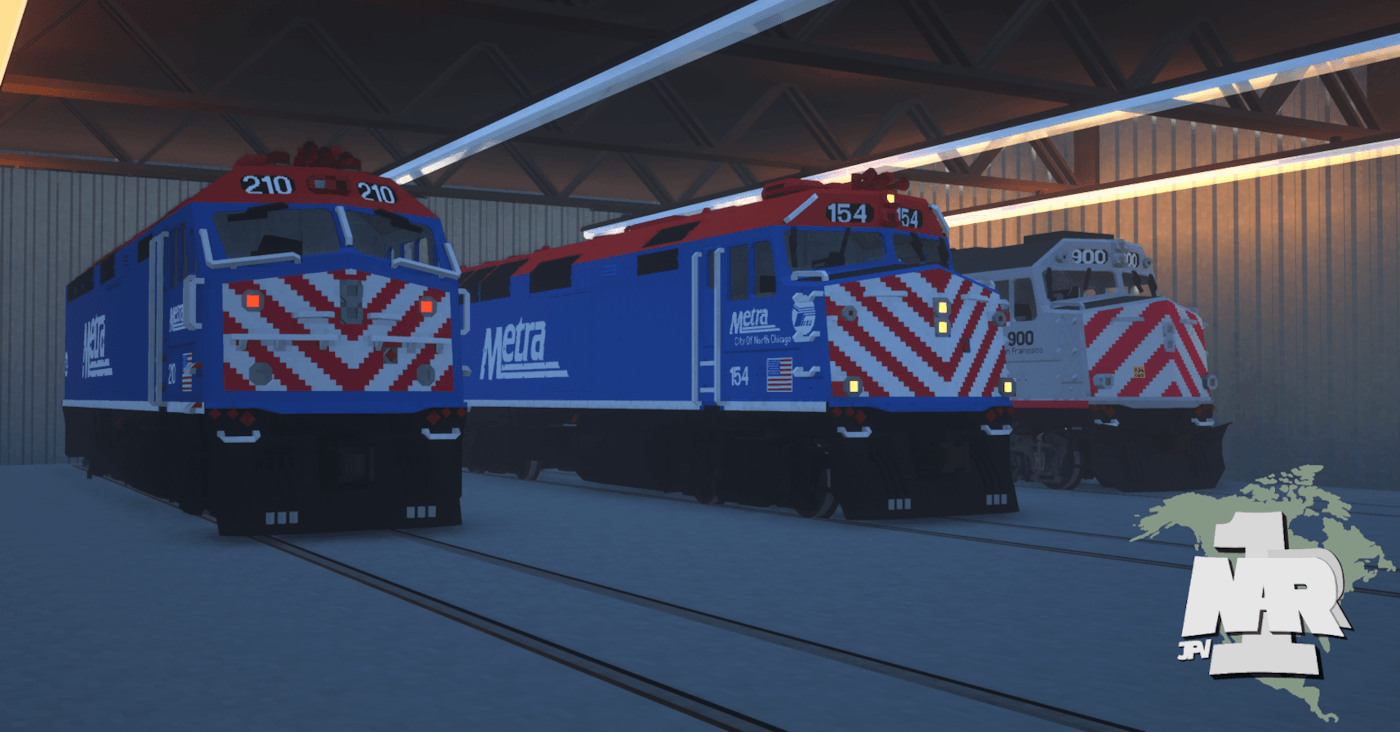
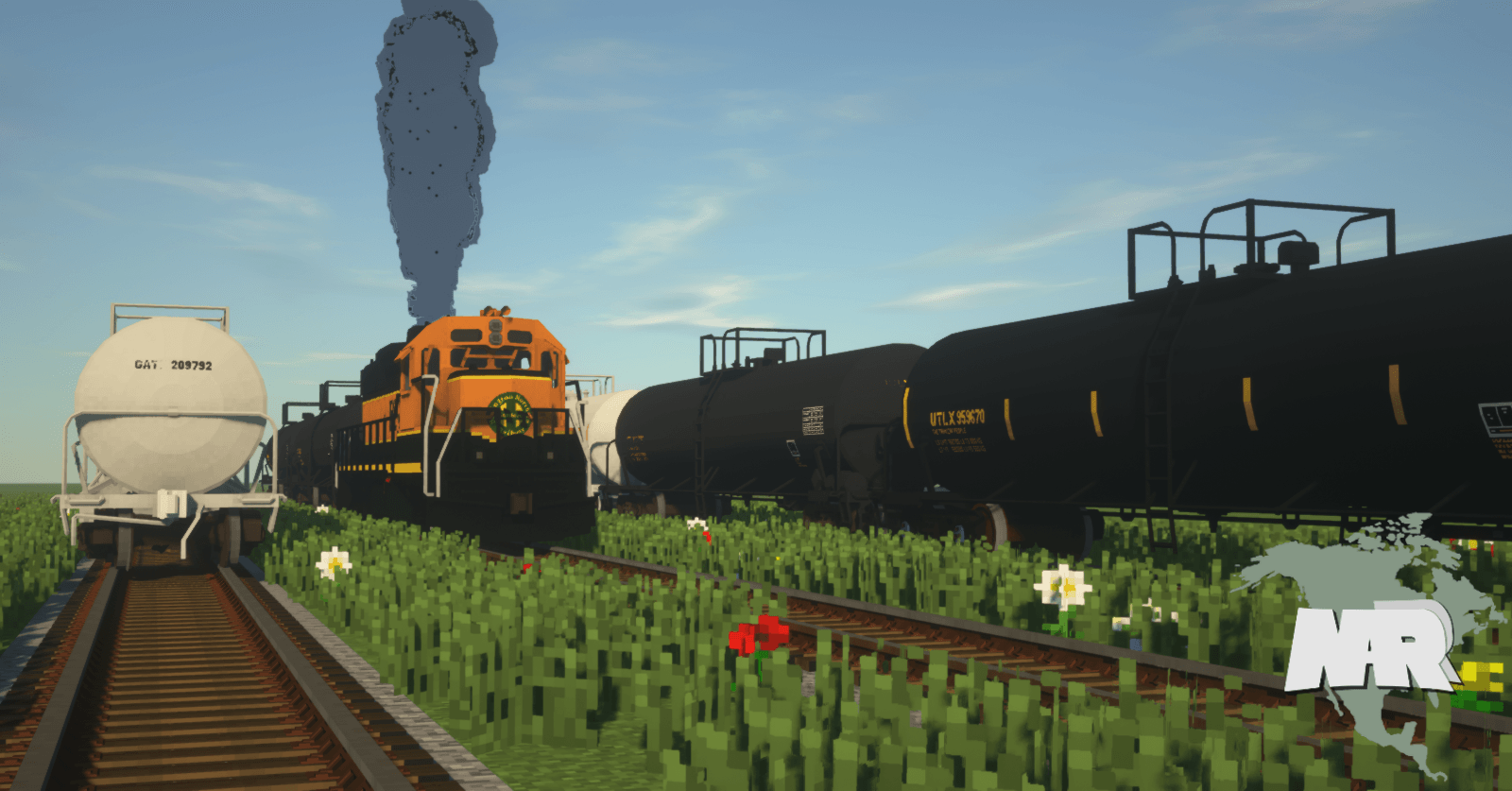
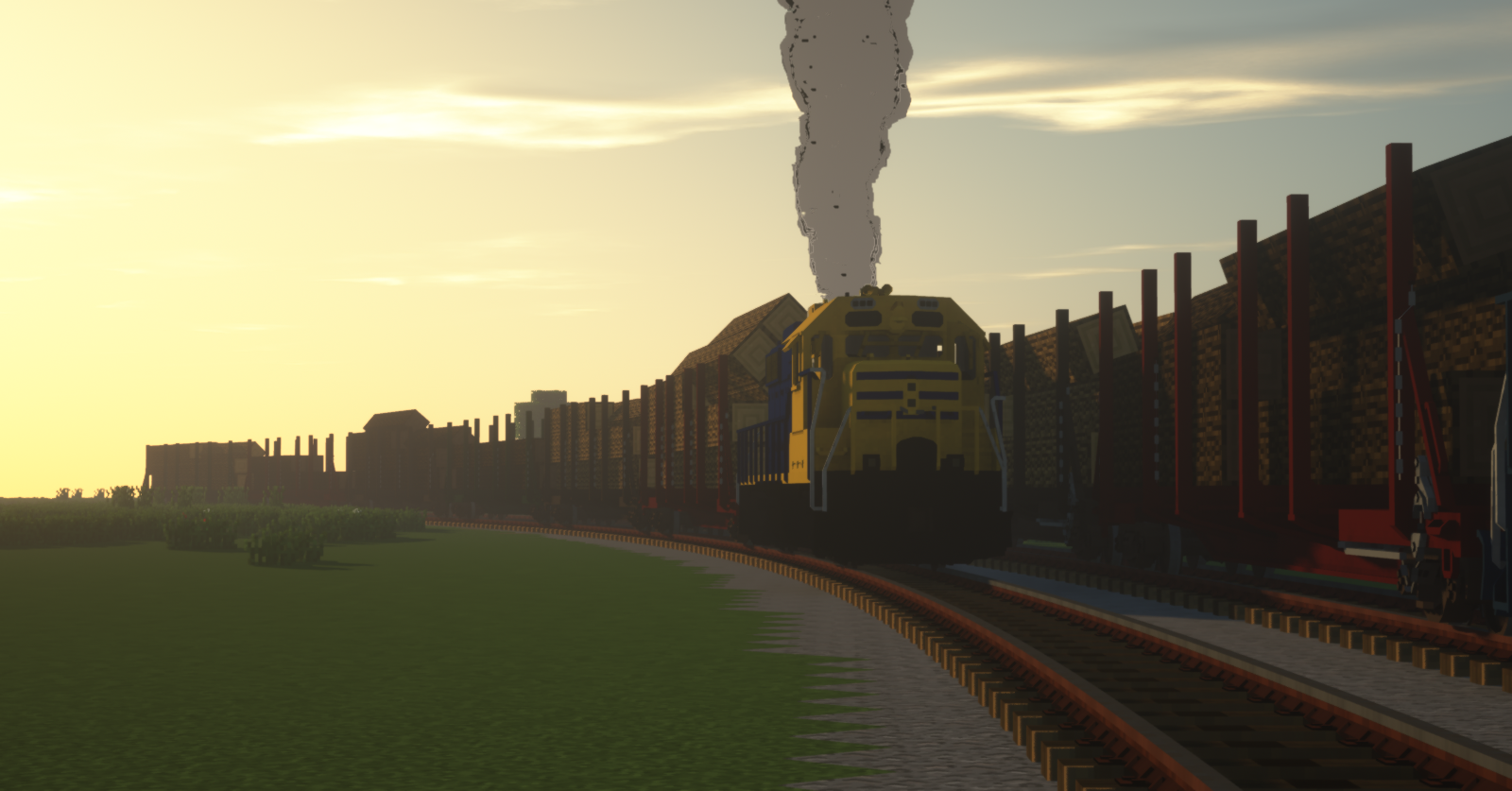
Unleash your North American world with North American Railroads, a Minecraft-Style pack containing a diversity of railroads, rolling stock, and from the earliest days of steam to modern time.


WHAT'S NEW

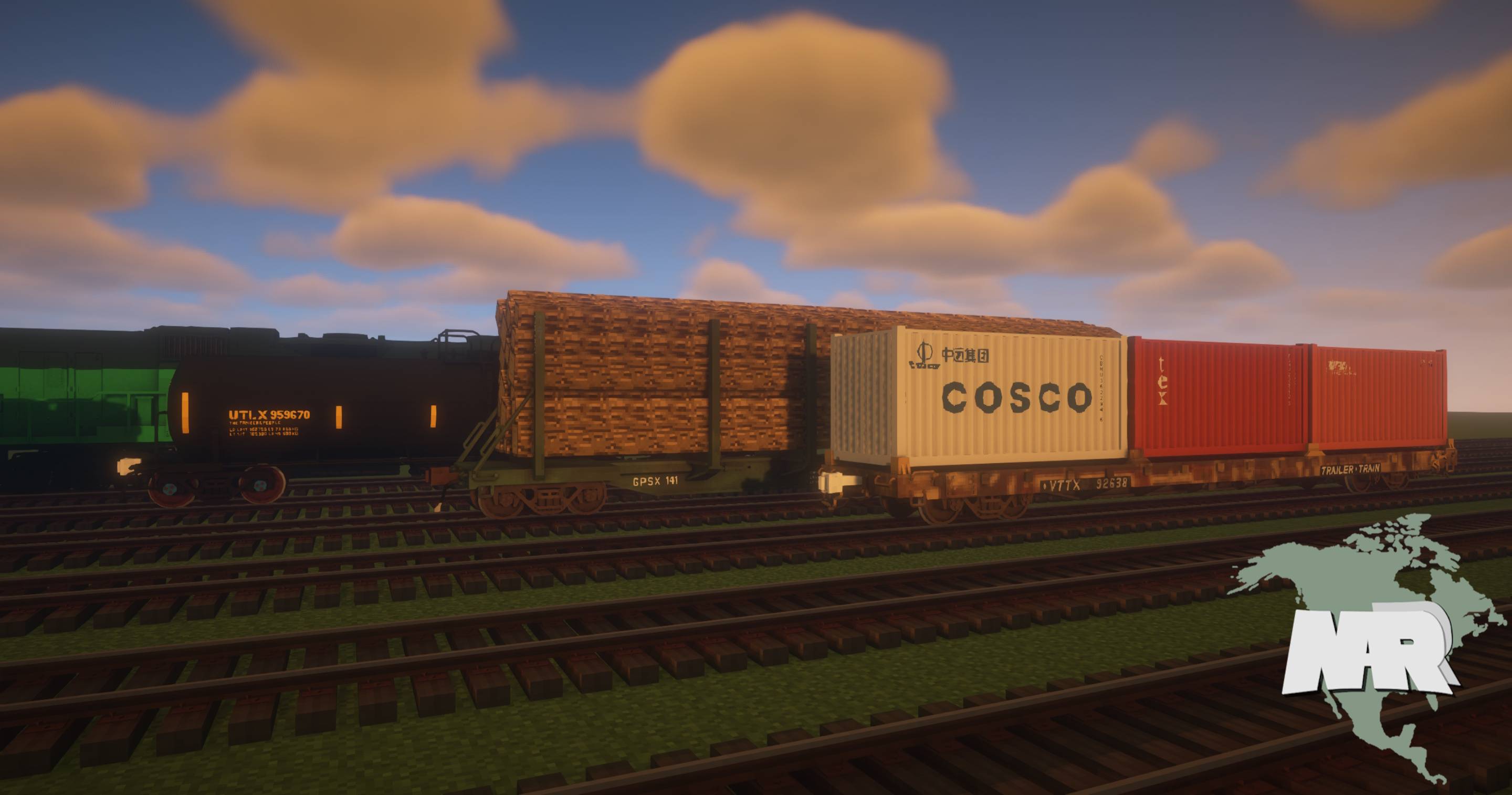
  • New Pullman-Standard 60' Flatcar (Unfinished)
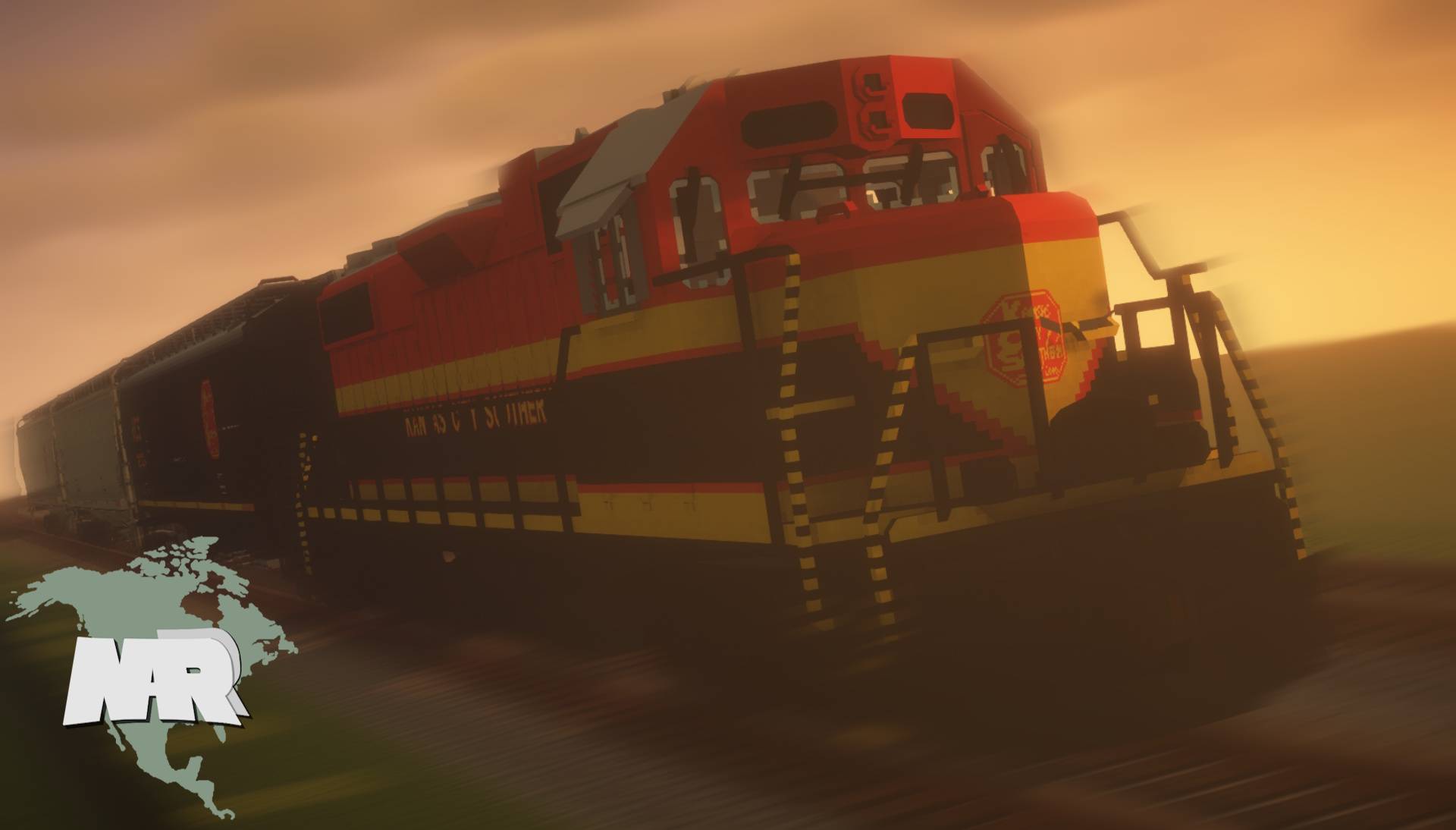
  • New Kansas City Southern livery for GP38-2 
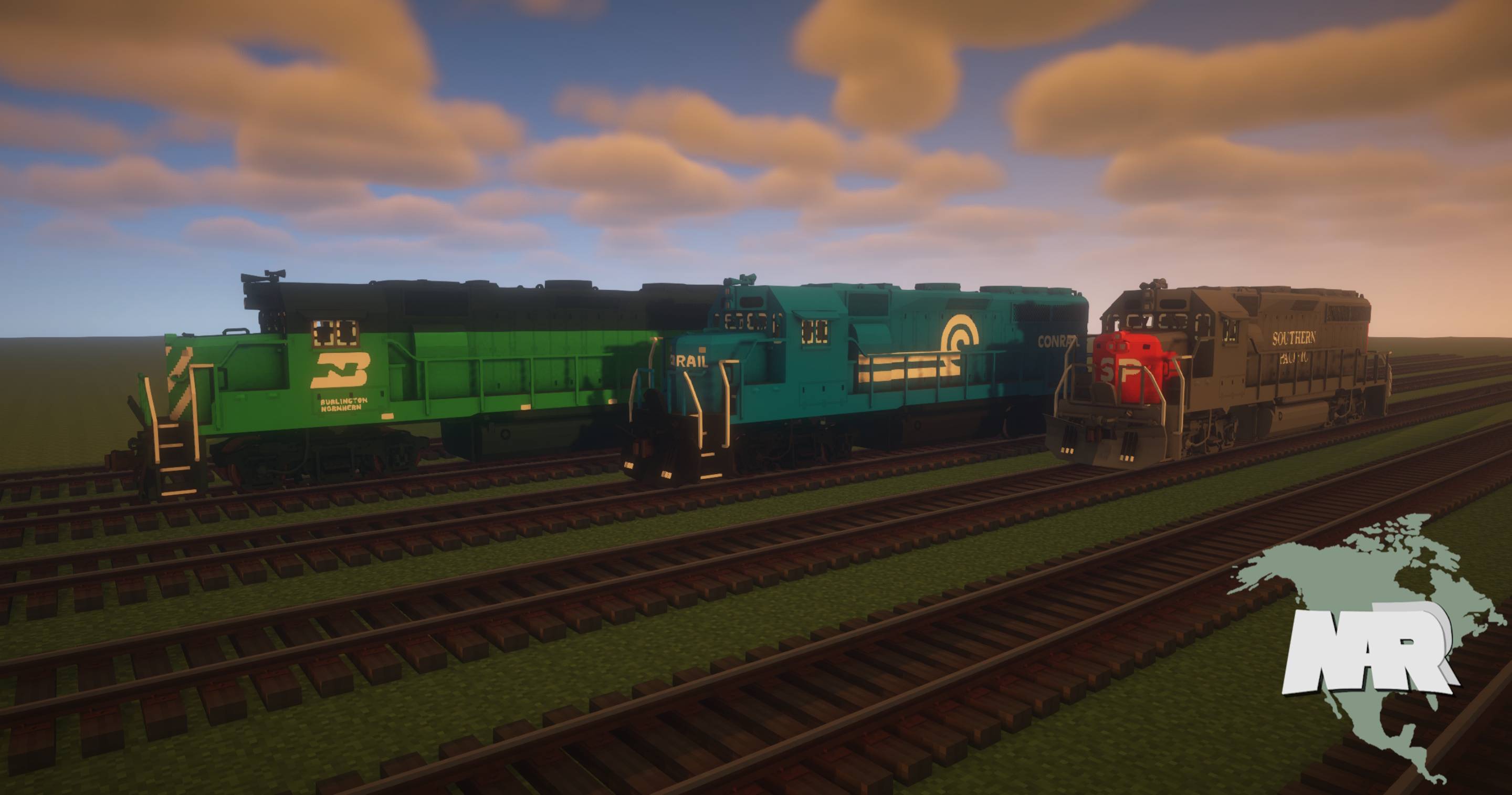
  • New Conrail, Burlington Northern, and Southern Pacific liveries for the GP40-2
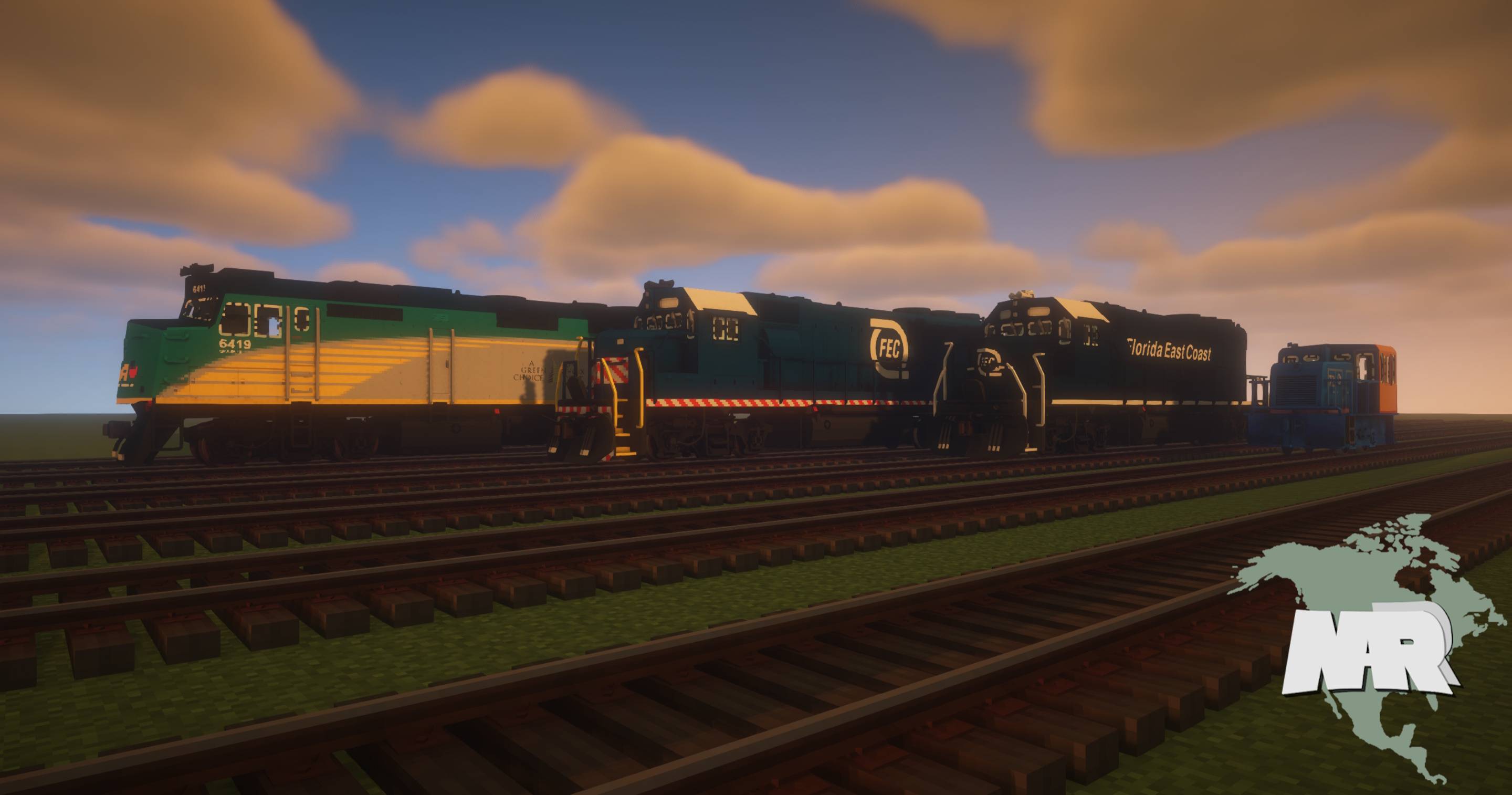
  • Added F40PH-2 Via Rail livery in 3 different road numbers by whatsapp_2
  • Added a "Blue and Yellow" livery for the GE 25 Tonner switcher by FoxMechanic
  • Added 2 Florida East Coast Liveries for the GP40-2 by DerGibster

CHANGES

  • Added window textures to all locomotives
  • Added lettering to some liveries for the GP38-2 and GP40-2 (See Media)
  • Fixed the "bright" look on the GP38-2B 
  • Some small fixes


This is a content dump update, meaning that old projects, liveries, and final changes that were once private have been dropped here. All content present in NARR v0.4 are outdated and do not match my current texel modeling style. They will no longer be updated and will soon be moved to a separate pack in the coming future.


CURRENT STOCK
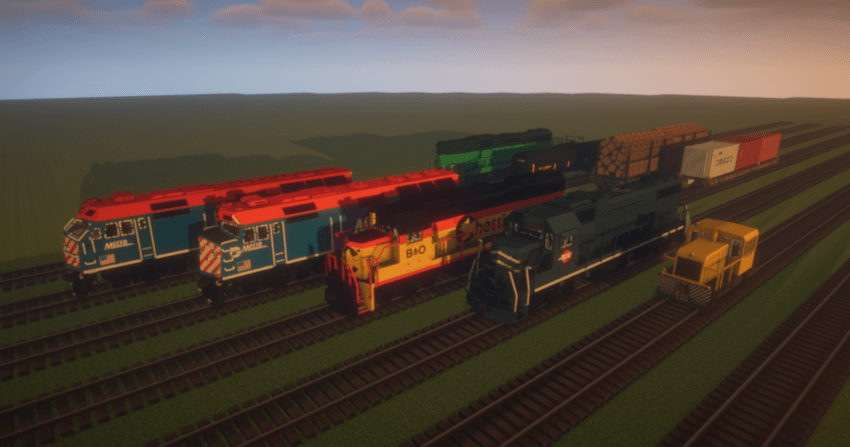
  • GE 25 Tonner 
  • 100-Ton Log Car
  • 20,000 Gallon Tank Car
  • Pullman-Standard 60' Flatcar (As is)
  • EMD GP38-2
  • EMD GP38-2B
  • EMD GP40-2
  • EMD F40PH-2
  • EMD F40PHM-2
  • North American Style Rail Buffer (To be moved to North American Tracks post v0.4)

Pre-Release Content

This resource pack has Pre-Release content exclusive to Discord server members and can be accessed by joining the Discord below. If you want to know what has been released, check out the Trello


Need more tracks? Check out North American Tracks here!


Join the Discord:

https://discord.gg/PrUxCWzWKm


Want more trains like this? Check out DerGibsters pack here!


Please read:

Any redistribution of this pack and claiming it as your own is prohibited. You may be allowed to modify the content in this pack to your liking and share this with friends and servers, as long as you credit me and my work, and if by any chance, please let me know.


North American Railroads v0.4.zip
MC 1.15, 1.16, 1.13, 1.10.2, 1.17, 1.12, 1.11, 1.10, 1.14, 1.11.2, 1.12.2
Release 2025-11-16 Get
North American Railroads v0.3.zip
MC 1.17.1, 1.15, 1.16, 1.13, 1.16.5, 1.17, 1.12, 1.11, 1.10, 1.14, 1.12.2
Release 2021-08-08 Get
North American Railroads v0.2.zip
MC 1.17, 1.12, 1.15, 1.16, 1.13, 1.16.5, 1.11, 1.14, 1.10, 1.17-Snapshot, 1.16.4, 1.12.2
Beta 2021-04-14 Get
North American Railroads v0.1.zip
MC 1.17, 1.12, 1.15, 1.16, 1.13, 1.11, 1.14, 1.10, 1.12.2
Beta 2021-02-06 Get
North American Railroads.zip
MC 1.12, 1.15, 1.16, 1.11, 1.14, 1.10
Beta 2020-08-09 Get

Requirements & install

How to use this resource pack in Minecraft
Resolution
16x
Minecraft
1.14 – 1.17.1
Install folder
.minecraft/resourcepacks

How to install resource packs

  1. Download the resource pack .zip file (do not extract it).
  2. In Minecraft open Options → Resource Packs → Open Pack Folder.
  3. Drop the .zip into the resourcepacks folder (.minecraft/resourcepacks).
  4. Move the pack to the Selected column and click Done.
Browse more: 16x resource packs 32x resource packs 64x resource packs 128x resource packs 256x resource packs 512x+ resource packs Resource Packs for 1.17.1 All resource packs

More from jpv_2603

Advertisement Remove ads with Premium →

You Might Also Like