Mineuniverse
Resource Packs
No Particles

No Particles

RESOURCE PACK
Remove all particles from the game
by nikinok
Download Claim this project
1,113 downloads
0 likes
0 followers
Updated Oct 14, 2026
0 hypes
Follow0
16x Miscellaneous Modern
Advertisement Remove ads with Premium →

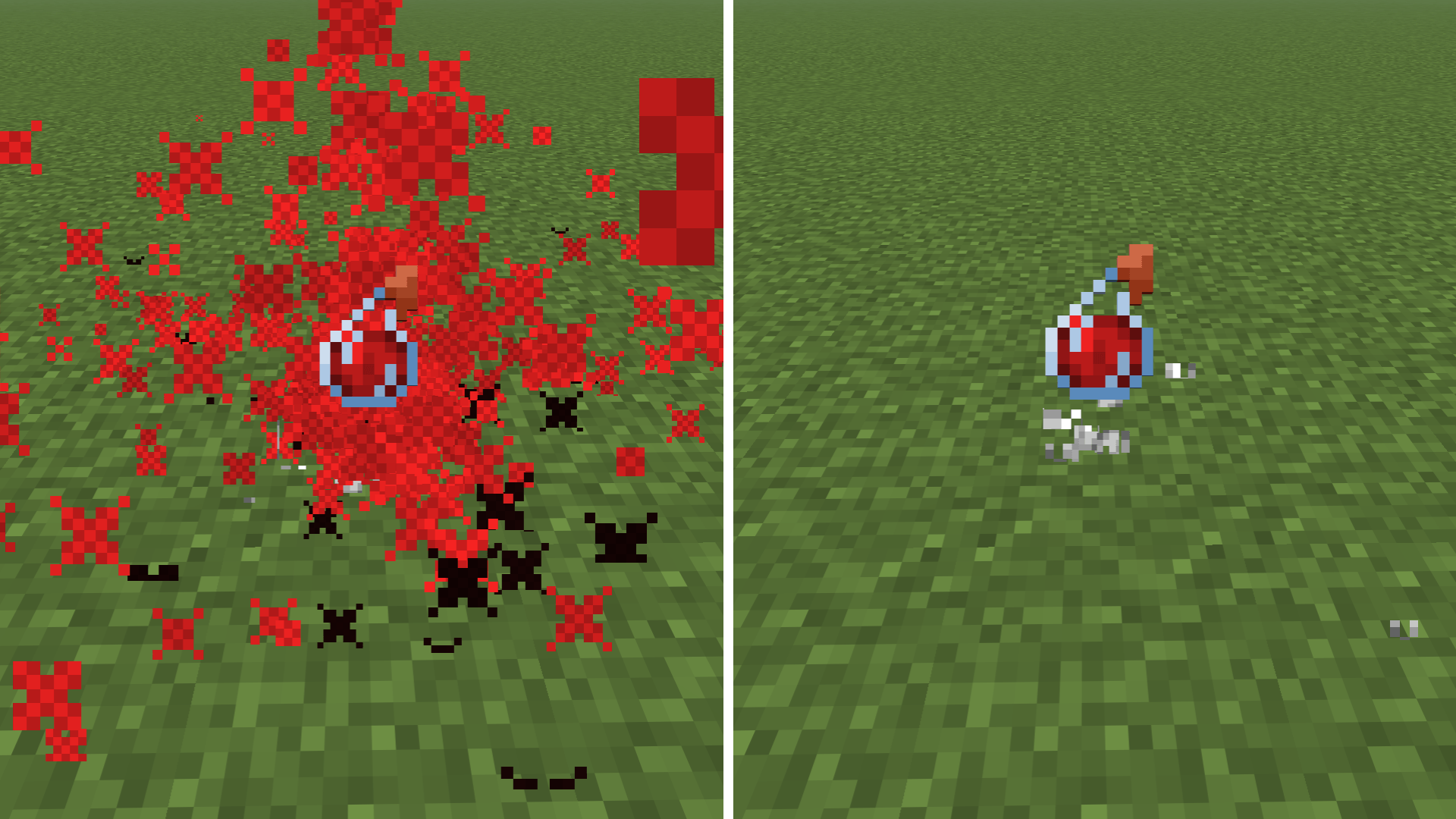
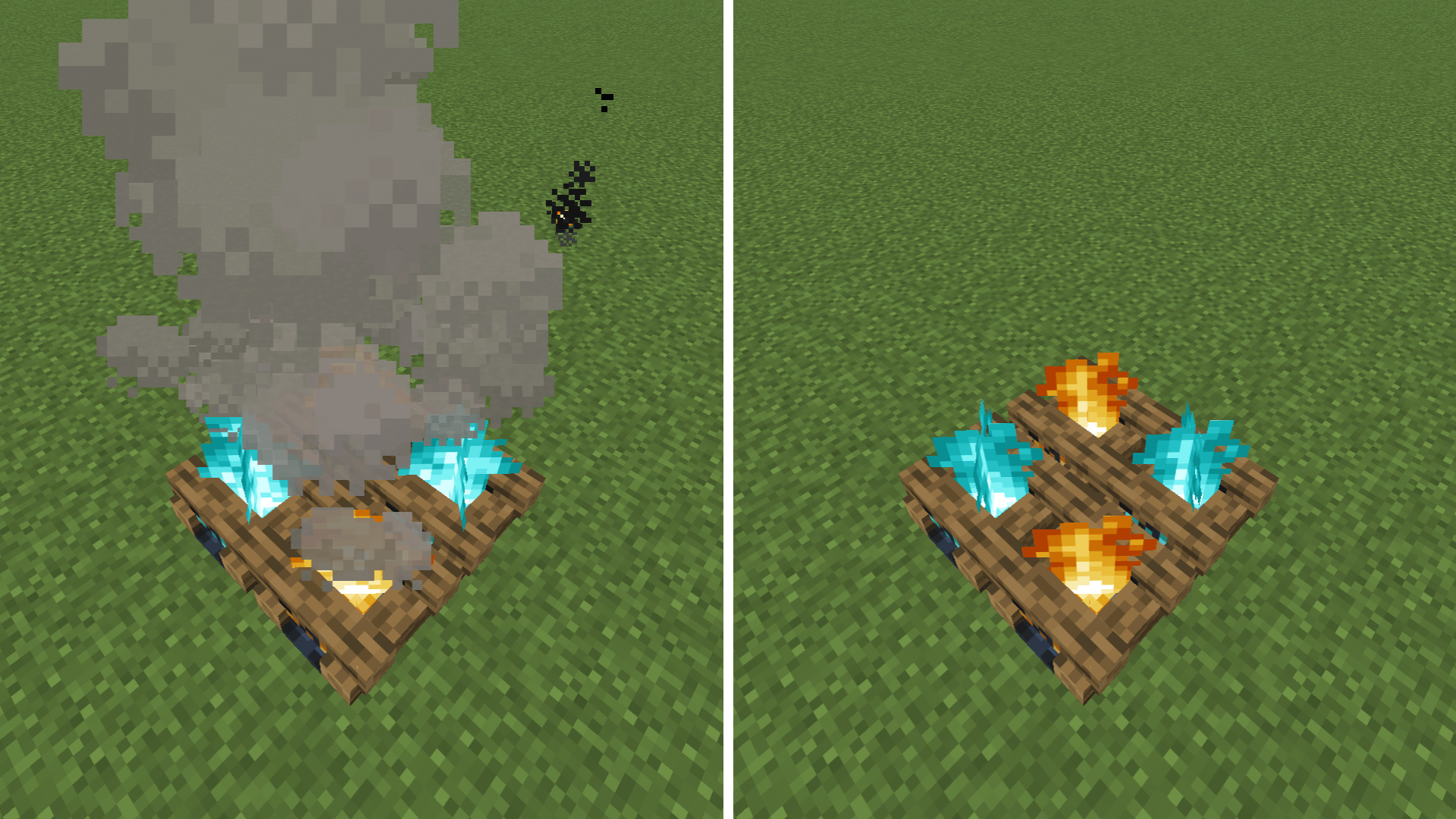
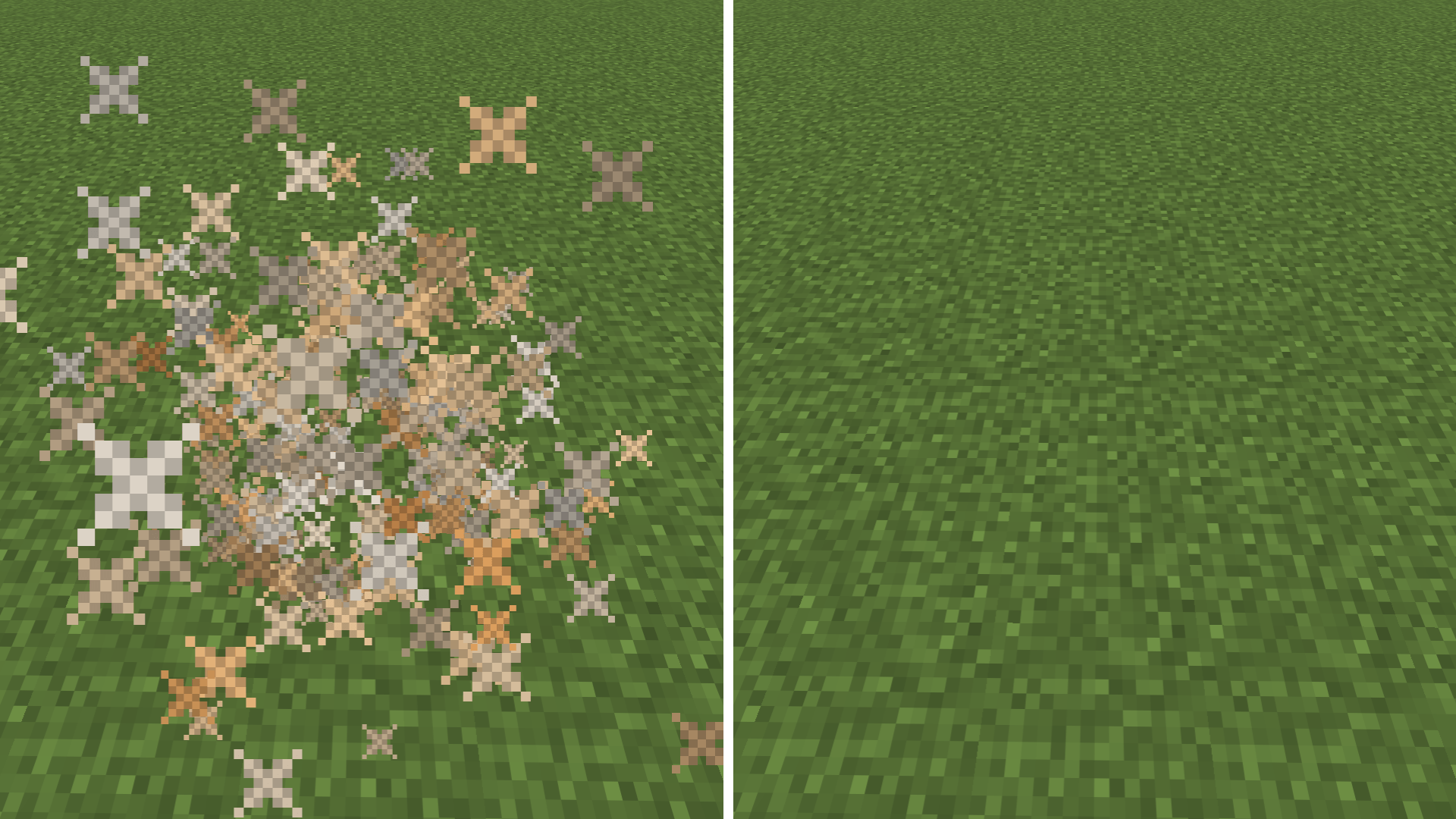
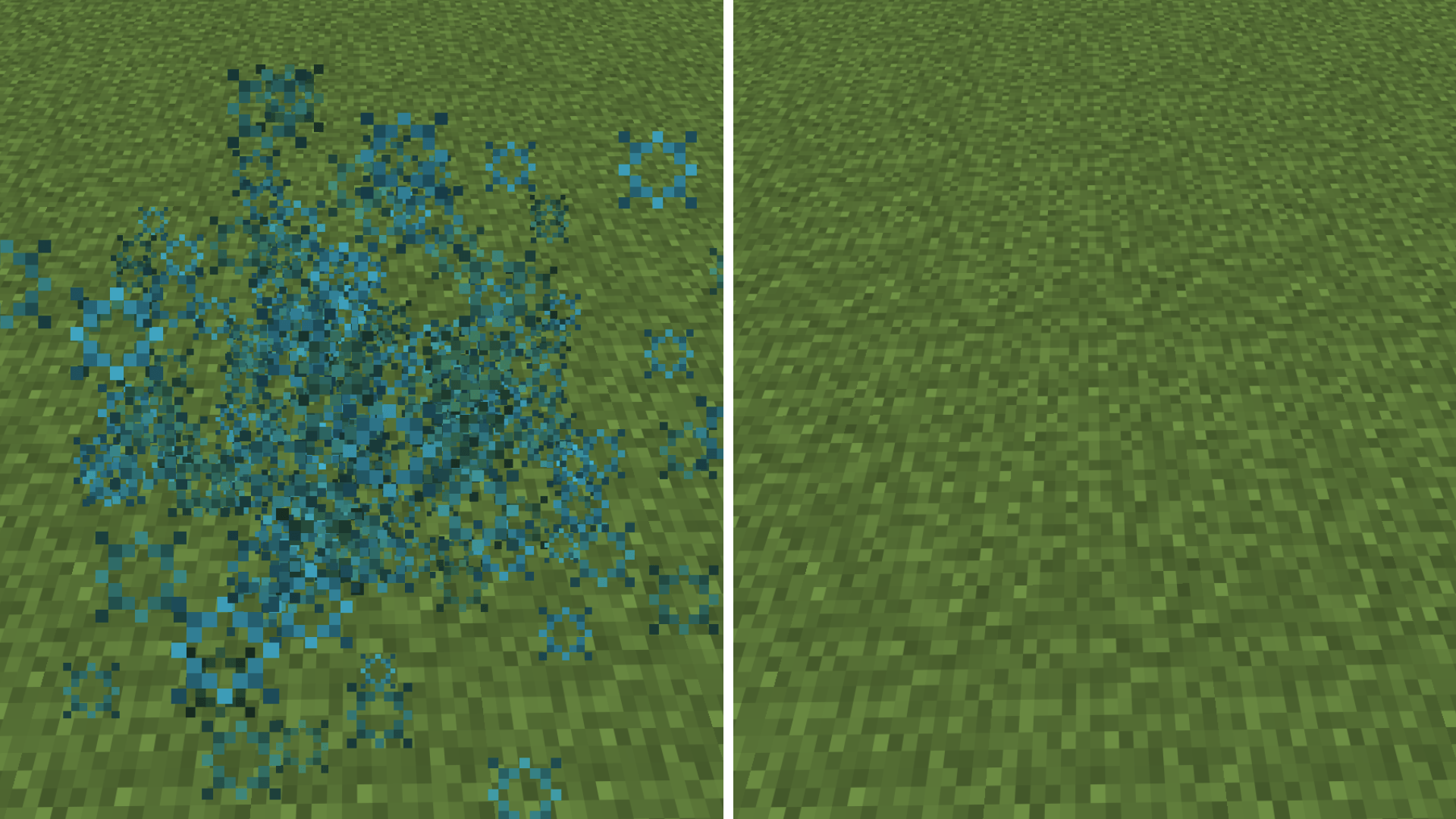
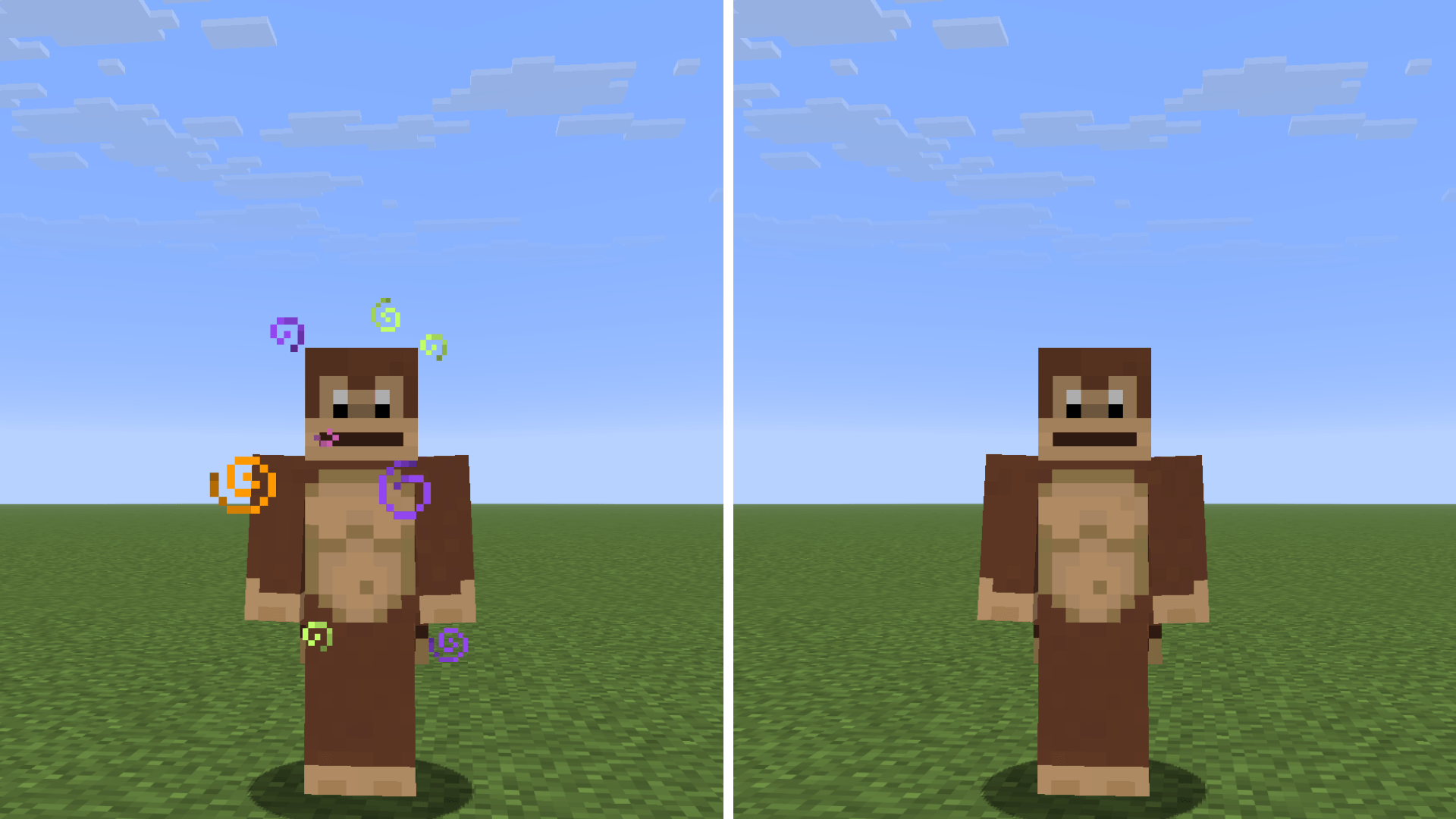
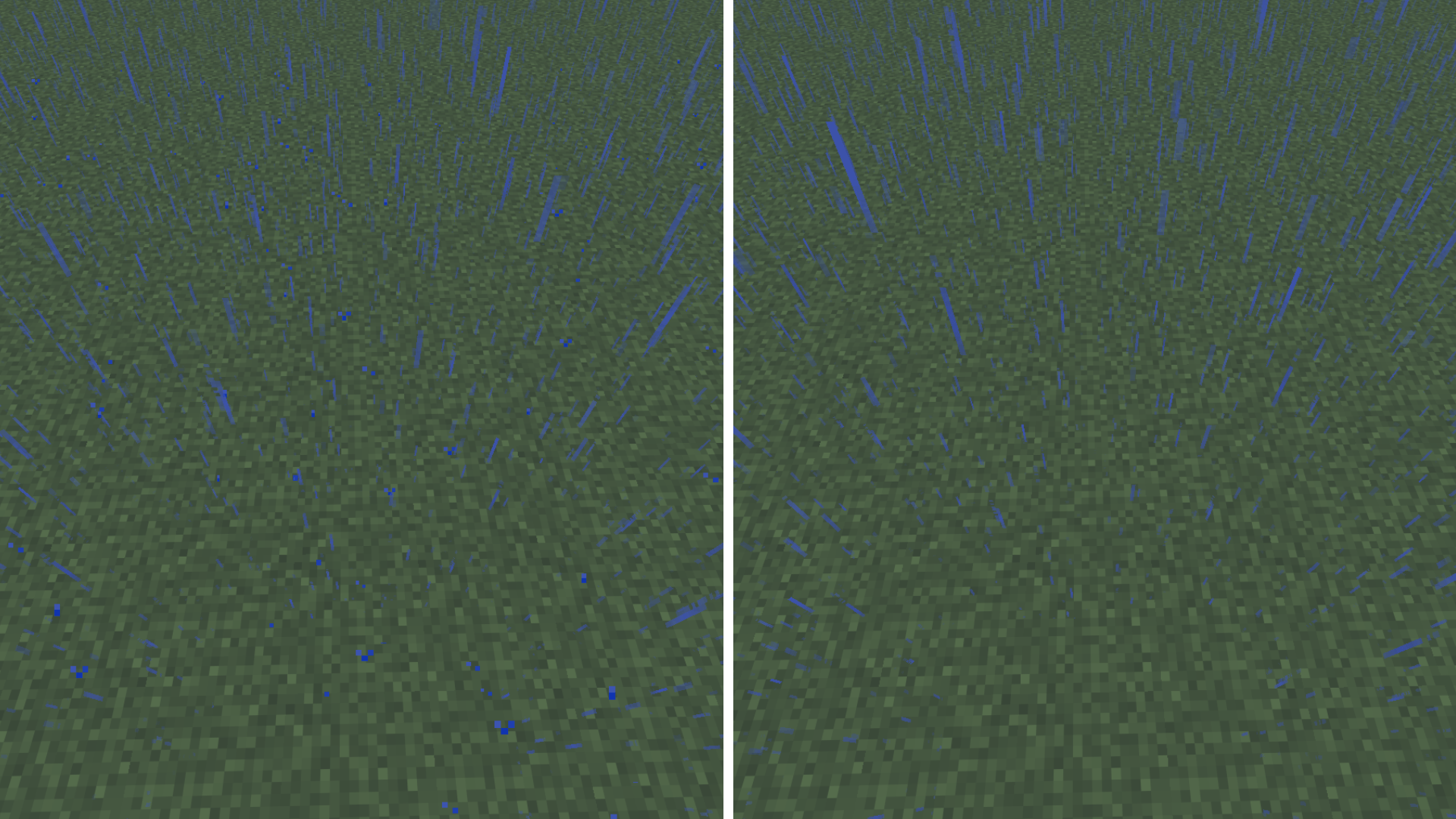
No Particles does exactly what the name says: it completely hides every single particle in the game. That means no potion swirls, no critical hit sparks, no annoying explosion smoke and no rain splashes.

I highly recommend it if you:

  • Play on a low-end PC and need a nice FPS boost.
  • Play a lot of PvP and want to see your screen without distractions.

  • Just prefer a cleaner, minimalist look.

alt text

No Particles - 1.0.1
MC 26.3
Release 2026-09-15 Get
No Particles - 1.0.0
MC 26.2
Release 2026-08-26 Get

Requirements & install

How to use this resource pack in Minecraft
Resolution
16x
Minecraft
26.2 – 26.3
Install folder
.minecraft/resourcepacks

How to install resource packs

  1. Download the resource pack .zip file (do not extract it).
  2. In Minecraft open Options → Resource Packs → Open Pack Folder.
  3. Drop the .zip into the resourcepacks folder (.minecraft/resourcepacks).
  4. Move the pack to the Selected column and click Done.
Browse more: 16x resource packs 32x resource packs 64x resource packs 128x resource packs 256x resource packs 512x+ resource packs Resource Packs for 26.3 All resource packs

More from nikinok

Advertisement Remove ads with Premium →

You Might Also Like