Mineuniverse
Resource Packs
No more LEAK

No more LEAK

RESOURCE PACK
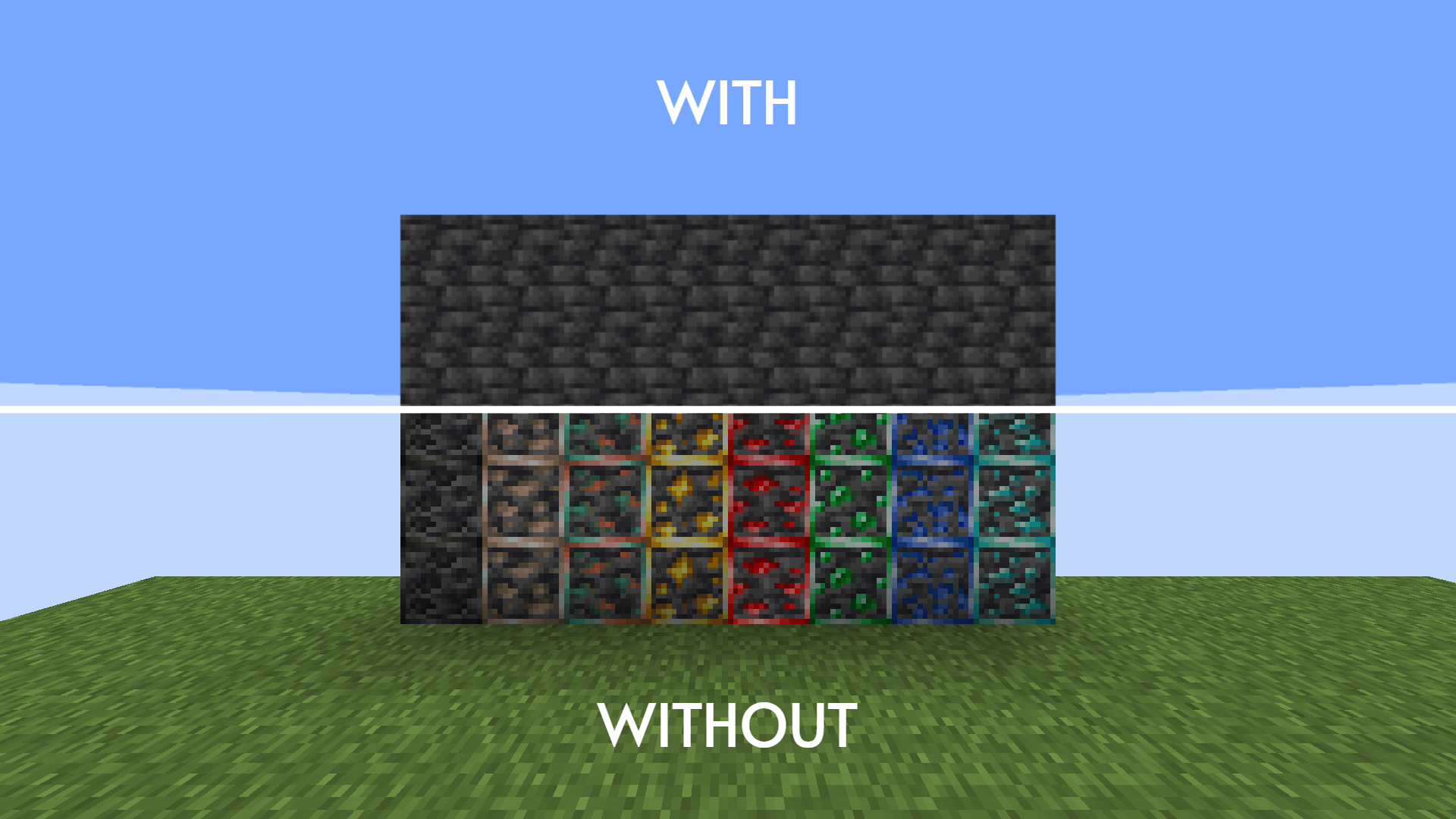
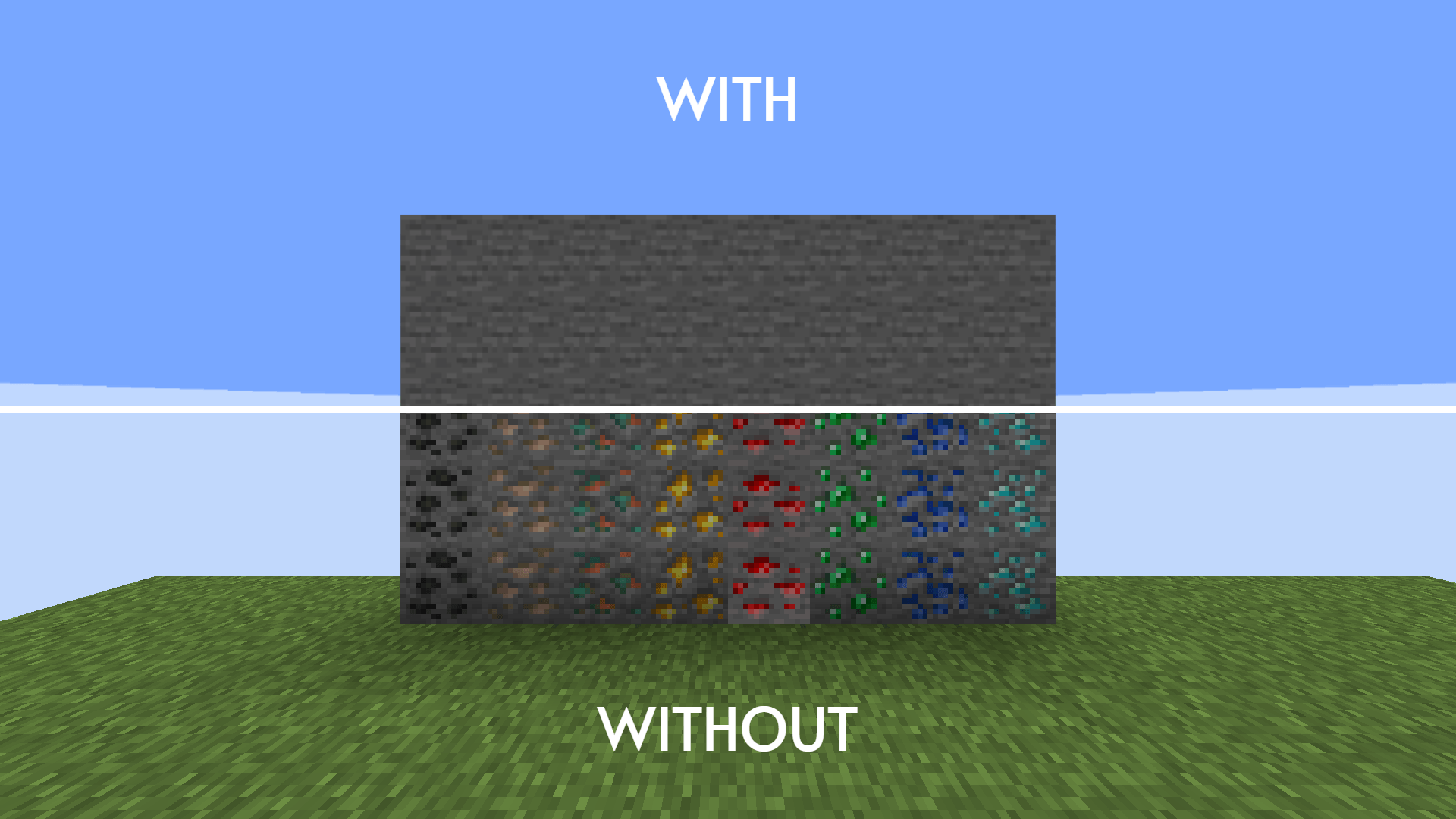
This resource pack changes the ores and bedrock texture to stone/deepslate texture to prevent you from leaking your coordinate
by NotJettism
Download Claim this project
542 downloads
0 likes
Updated Oct 14, 2026
0 hypes
16x
Advertisement Remove ads with Premium →

No more LEAK

This resource pack blends the ores, deepslate ores and bedrock texture to the regular stone and deepslate texture to prevent other players from calculating and finding your exact coordinate on multiplayer server

NOTE: this resource pack will not prevent you from pressing F3 and leaking your coordinate.

 

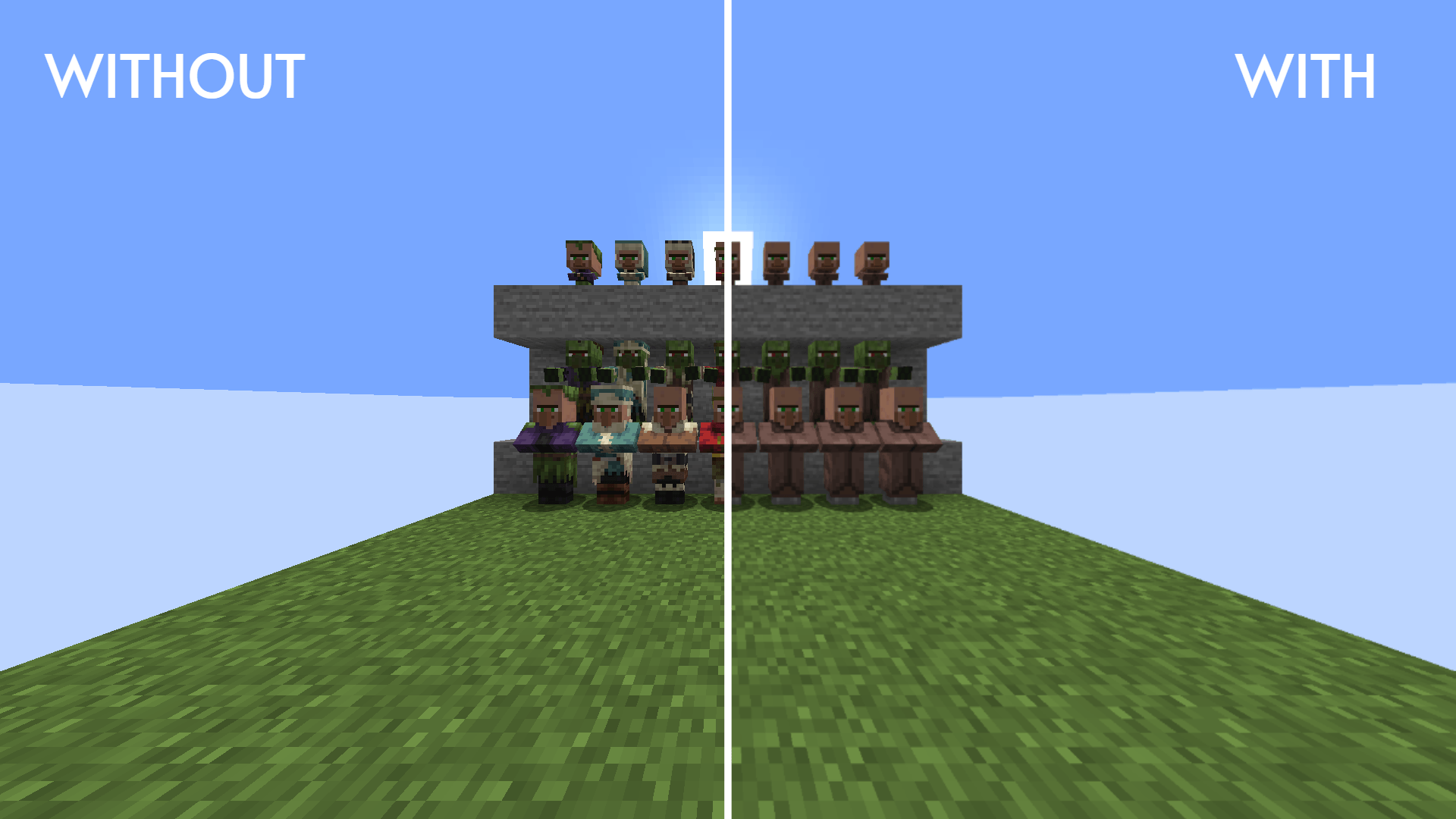
This pack has multiple variants so make sure to check the file's description before you download it

No more LEAK v3
MC 1.17.1, 1.21, 1.18.1, 1.19.3, 1.20.2, 1.19.4, 1.21.8, 1.17, 1.20.5, 1.21.5, 1.18, 1.21.4, 1.20.1, 1.20, 1.20.6, 1.21.1, 1.21.6, 1.21.3, 1.21.7, 1.20.4, 1.18.2, 1.19.2, 1.20.3
Release 2026-10-11 Get
No more LEAK v2
MC 1.17.1, 1.21, 1.18.1, 1.19.3, 1.20.2, 1.19.4, 1.21.8, 1.17, 1.20.5, 1.21.5, 1.18, 1.21.4, 1.20.1, 1.20, 1.20.6, 1.21.1, 1.21.6, 1.21.3, 1.21.7, 1.19.1, 1.20.4, 1.18.2, 1.19.2
Release 2026-10-03 Get
Nether Variant v1
MC 26.1, 26.1.1, 26.1.2, 26.2
Release 2026-09-29 Get
No more LEAK
MC 26.1, 26.1.1, 26.1.2, 26.2
Release 2026-09-15 Get

Requirements & install

How to use this resource pack in Minecraft
Resolution
16x
Minecraft
1.21.5 – 26.2
Install folder
.minecraft/resourcepacks

How to install resource packs

  1. Download the resource pack .zip file (do not extract it).
  2. In Minecraft open Options → Resource Packs → Open Pack Folder.
  3. Drop the .zip into the resourcepacks folder (.minecraft/resourcepacks).
  4. Move the pack to the Selected column and click Done.
Browse more: 16x resource packs 32x resource packs 64x resource packs 128x resource packs 256x resource packs 512x+ resource packs Resource Packs for 26.2 All resource packs
Advertisement Remove ads with Premium →

You Might Also Like