Mineuniverse
Resource Packs
No Armor by Pwissh

No Armor by Pwissh

RESOURCE PACK
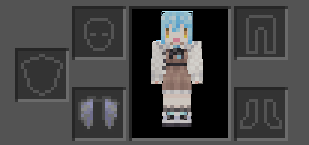
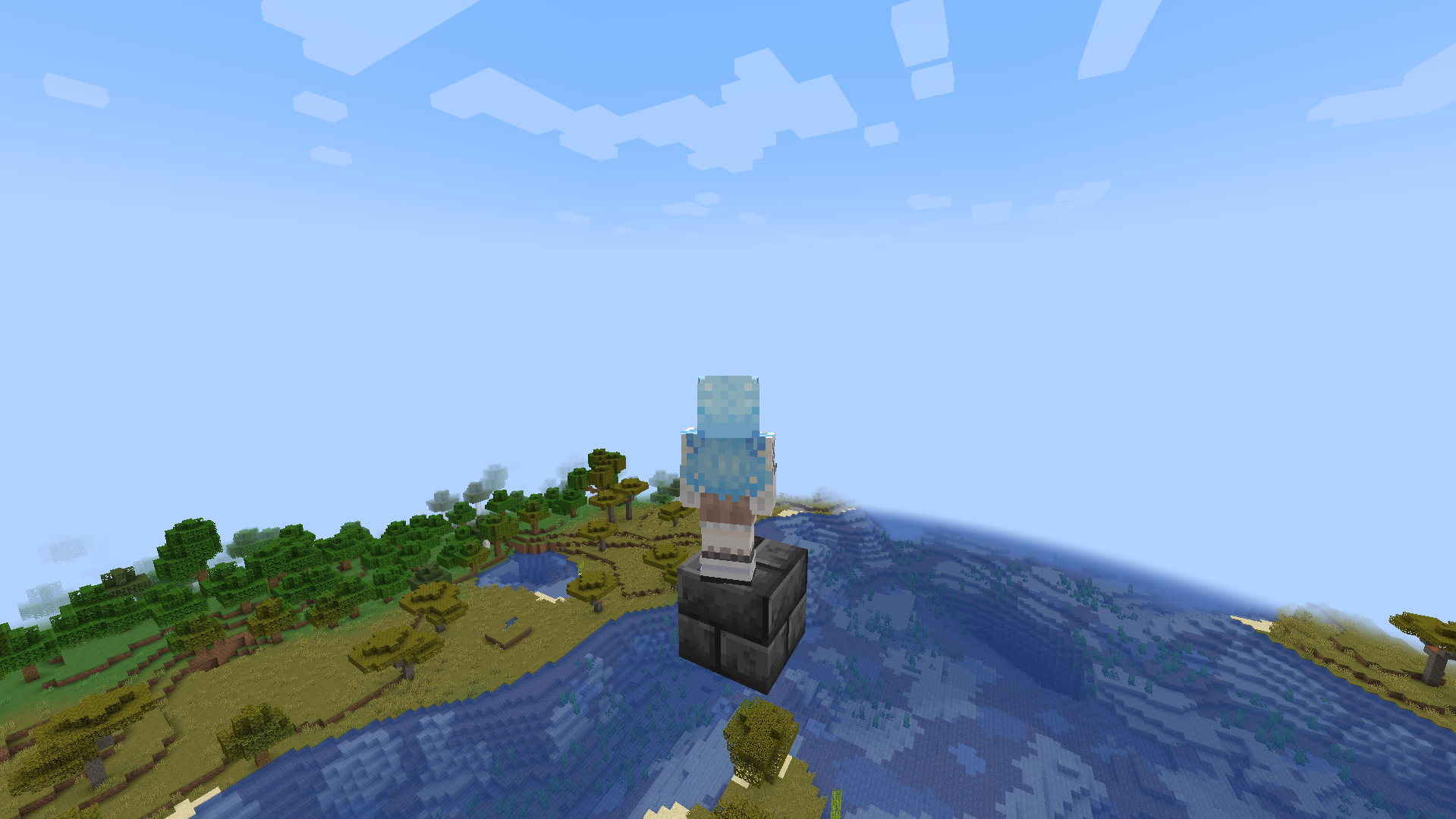
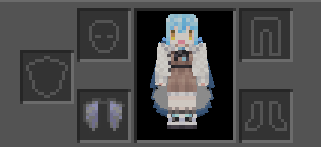
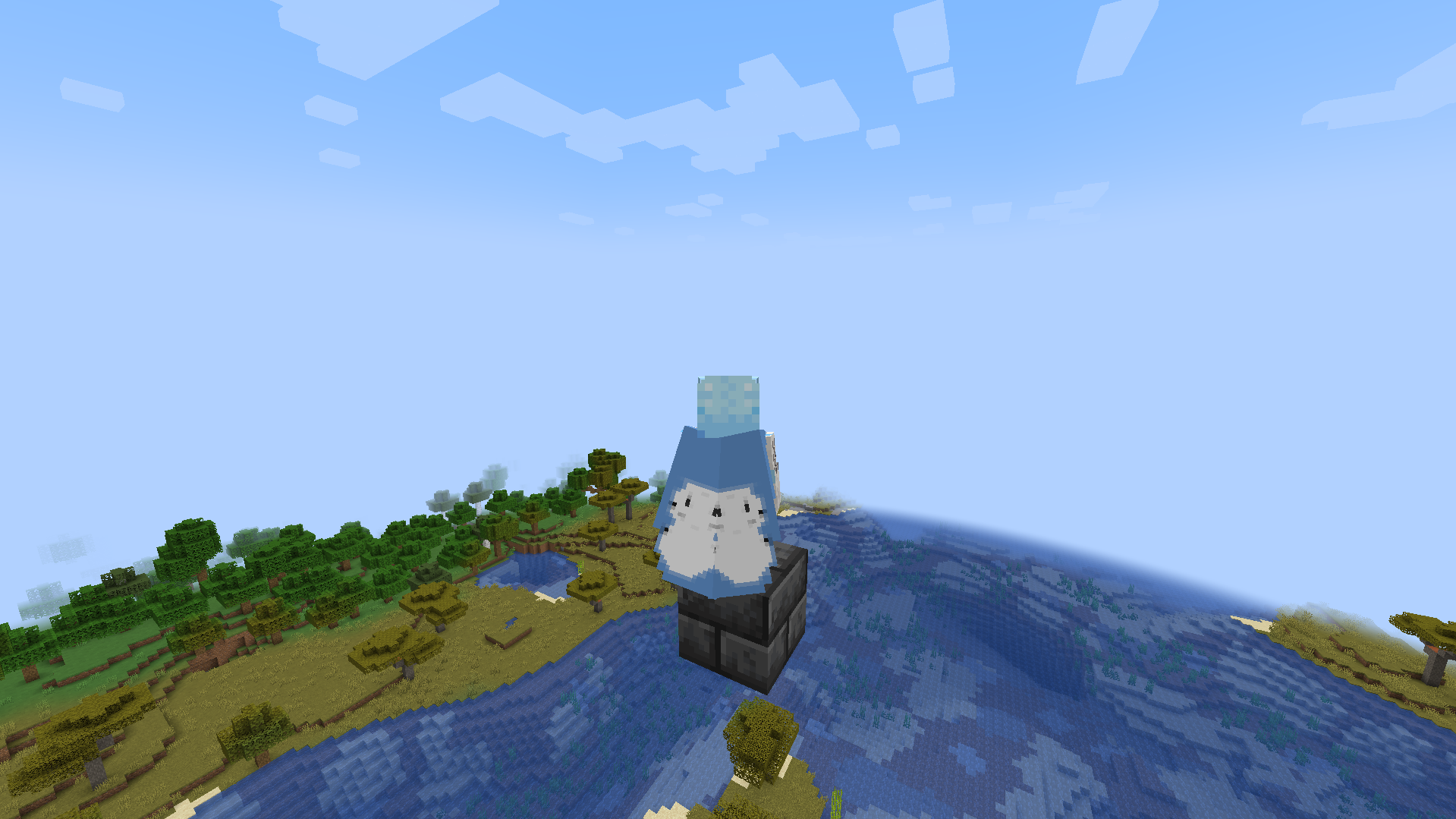
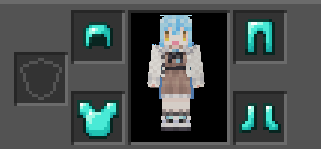
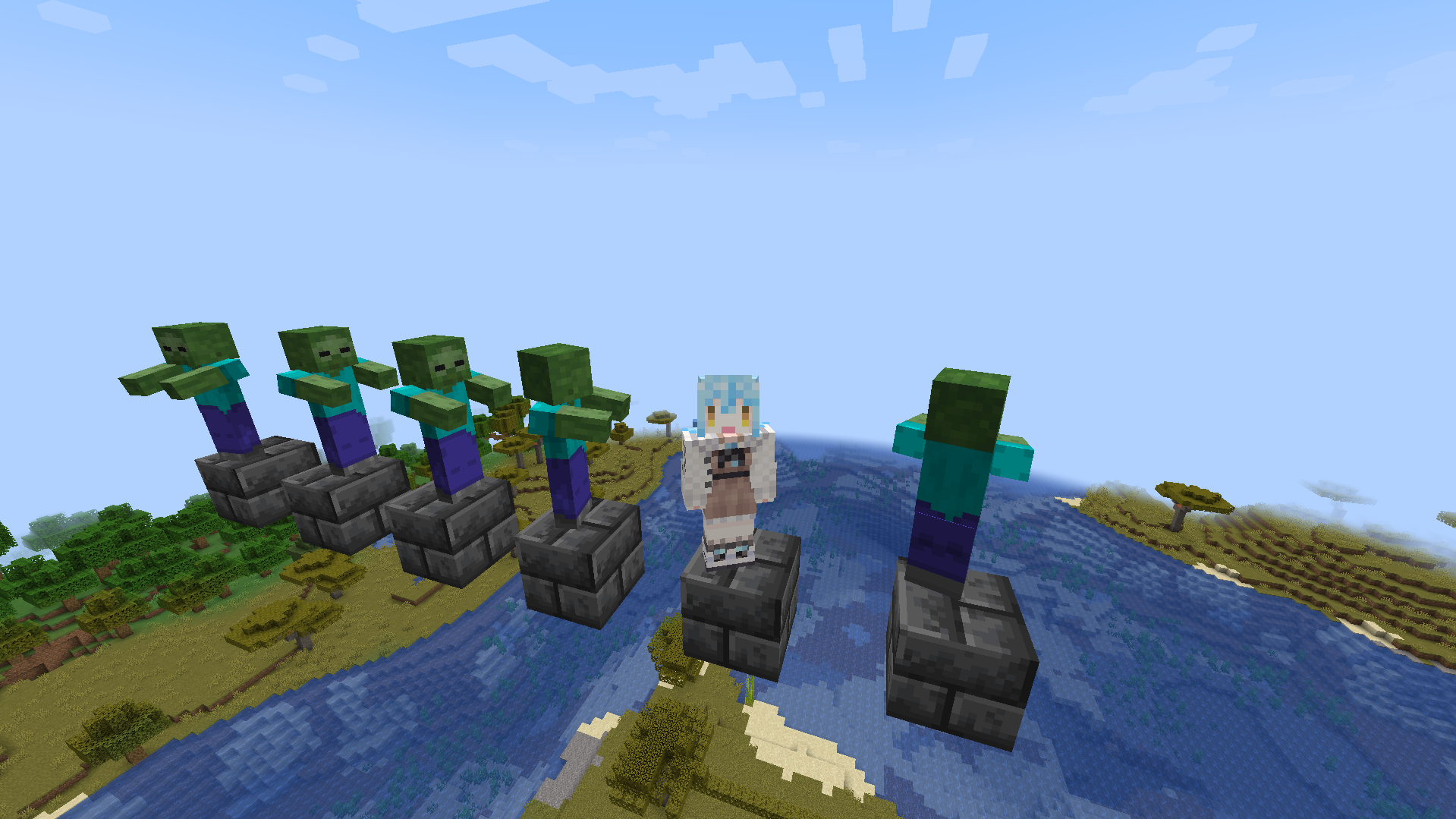
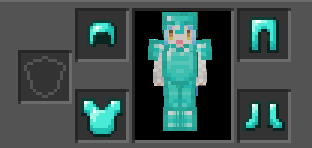
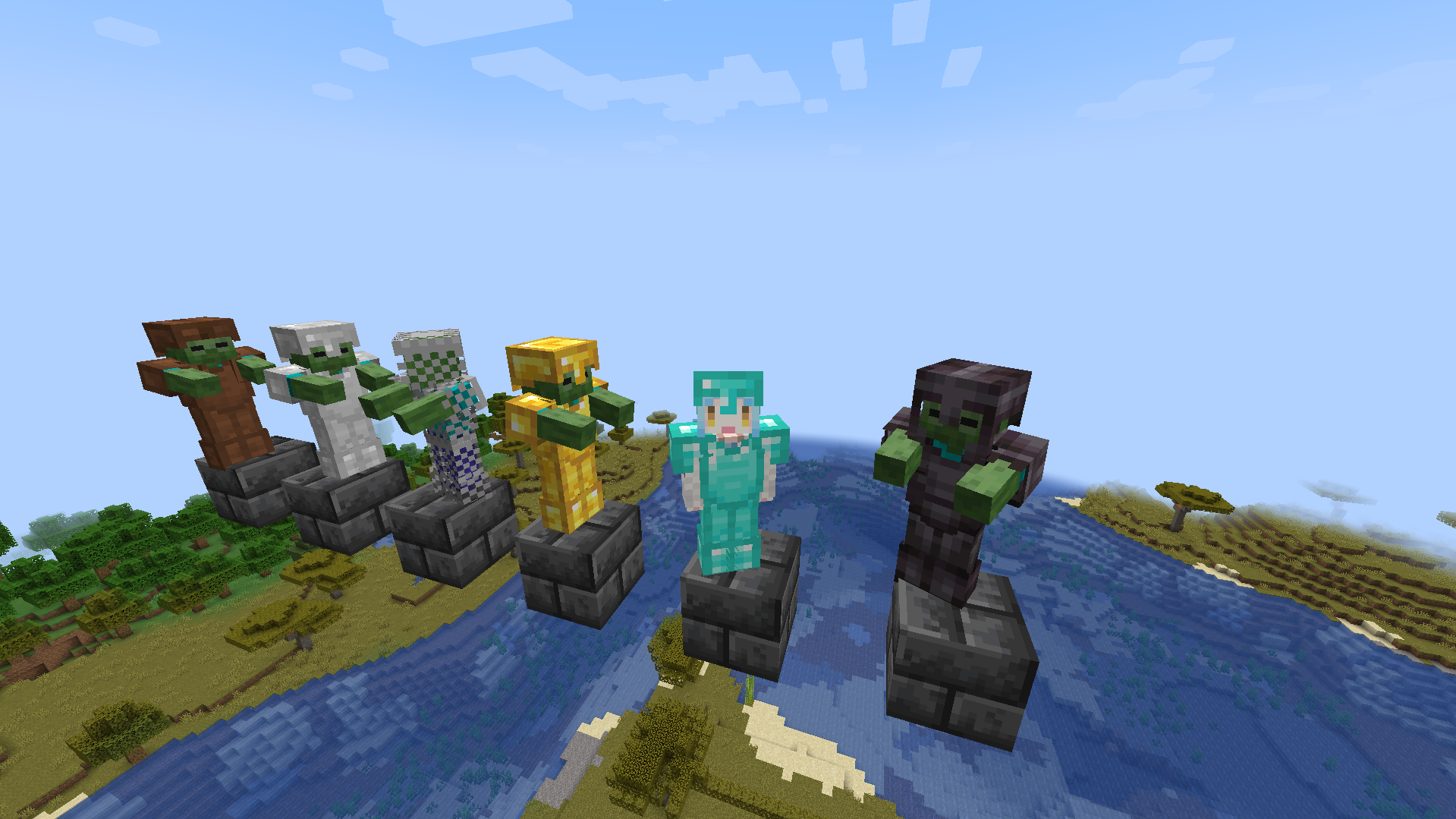
A resource pack that hides all types of armor on player.
by pwissh
Download Claim this project
Add a badge to your pageLink to No Armor by Pwissh from a README, website or forum post.
Preview: Badge

Badges update automatically and link to the resource pack page on MineUniverse.

2,235 downloads
0 likes
0 followers
Updated Oct 14, 2026
0 hypes
Follow0
16x
Advertisement Remove ads with Premium →

A resource pack I created because one of my friends asked me to. It hides all sorts of armor on player both in inventory gui and in third person mode making every entity look like they don't wear any armor (mobs included). You can use this resource pack for relaxed times like when you want to take your armor off to chill with your pet but hesitate because protection decreases. Or don't want to look like you are wearing armor. If you aren't familiar with this type of stuff this is purely client side and won't be affecting other player visions. So it is %100 safe to use under any circumstances. This resource pack is currently only tried on 1.19 but I'm sure it should be okay to use in newer versions. Not so sure for the lower versions though. Other than that have fun with the resource pack. The pack.png file (the pack icon) is made by the talented artist "六華Forever9Nine". Go follow them since they are insanely talented and a very kind individual.

Also this pack has an overlay called "elytra overlay" which removes elytra from the player. You can still fly with it but it won't be shown in the third person mod or inventory gui. It also works with Optifine capes or Fabric's cape mods and compatible with all performance mods. But if you'll use it with optifine capes, you'll need the "CIT Resewn" mod since it replicates Optifine's "Custom Item Texture" feature and I used that to remove the elytra model. The pack.png file (the pack icon) is again made by "六華Forever9Nine" so enjoy.


(Even though I called it an "overlay", which one is on top or bottom doesn't change anything)

elytra overlay (there is a hotfix)
MC 1.17.1, 1.16.3, 1.19.3, 1.20.2, 1.21, 1.18.1, 1.20.5, 1.17, 1.19.4, 1.16.5, 1.18.2, 1.19.2, 1.20.3, 1.20.1, 1.20, 1.20.6, 1.19.1, 1.20.4, 1.21.1, 1.18, 1.16.4, 1.16.2, 1.19
Release 2024-08-26 Get
no armor (there is a hotfix)
MC 1.17.1, 1.16.3, 1.19.3, 1.20.2, 1.21, 1.18.1, 1.20.5, 1.17, 1.19.4, 1.16.5, 1.18.2, 1.19.2, 1.20.3, 1.20.1, 1.20, 1.20.6, 1.19.1, 1.20.4, 1.21.1, 1.18, 1.16.4, 1.16.2, 1.19
Release 2024-08-26 Get
elytra overlay (compatible)
MC 1.17.1, 1.16.3, 1.19.3, 1.20.2, 1.21, 1.18.1, 1.20.5, 1.17, 1.19.4, 1.16.5, 1.18.2, 1.19.2, 1.20.3, 1.20.1, 1.20, 1.20.6, 1.19.1, 1.20.4, 1.21.1, 1.18, 1.16.4, 1.16.2, 1.19
Release 2024-08-26 Get
no armor (compatible)
MC 1.17.1, 1.16.3, 1.19.3, 1.20.2, 1.21, 1.18.1, 1.20.5, 1.17, 1.19.4, 1.16.5, 1.18.2, 1.19.2, 1.20.3, 1.20.1, 1.20, 1.20.6, 1.19.1, 1.20.4, 1.21.1, 1.18, 1.16.4, 1.16.2, 1.19
Release 2024-08-26 Get
elytra overlay
MC 1.20
Release 2023-06-08 Get
no armor
MC 1.20
Release 2023-06-08 Get
no armor
MC 1.19
Release 2023-05-01 Get
elytra overlay
MC 1.19
Release 2023-04-30 Get

Requirements & install

How to use this resource pack in Minecraft
Resolution
16x
Minecraft
1.20.1 – 1.21.1
Install folder
.minecraft/resourcepacks

How to install resource packs

  1. Download the resource pack .zip file (do not extract it).
  2. In Minecraft open Options → Resource Packs → Open Pack Folder.
  3. Drop the .zip into the resourcepacks folder (.minecraft/resourcepacks).
  4. Move the pack to the Selected column and click Done.
Browse more: 16x resource packs 32x resource packs 64x resource packs 128x resource packs 256x resource packs 512x+ resource packs Resource Packs for 1.21.1 All resource packs

More from pwissh

Advertisement Remove ads with Premium →

You Might Also Like