Mineuniverse
Resource Packs
Night Vision - OFC

Night Vision - OFC

RESOURCE PACK
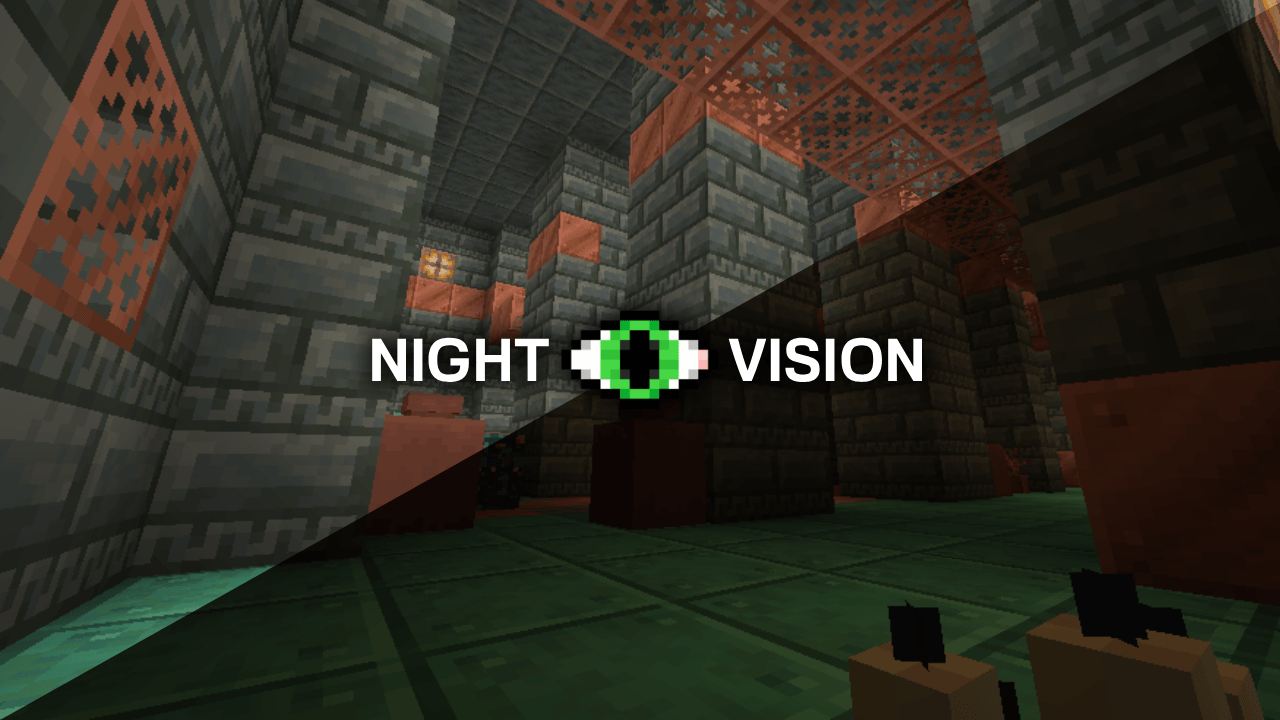
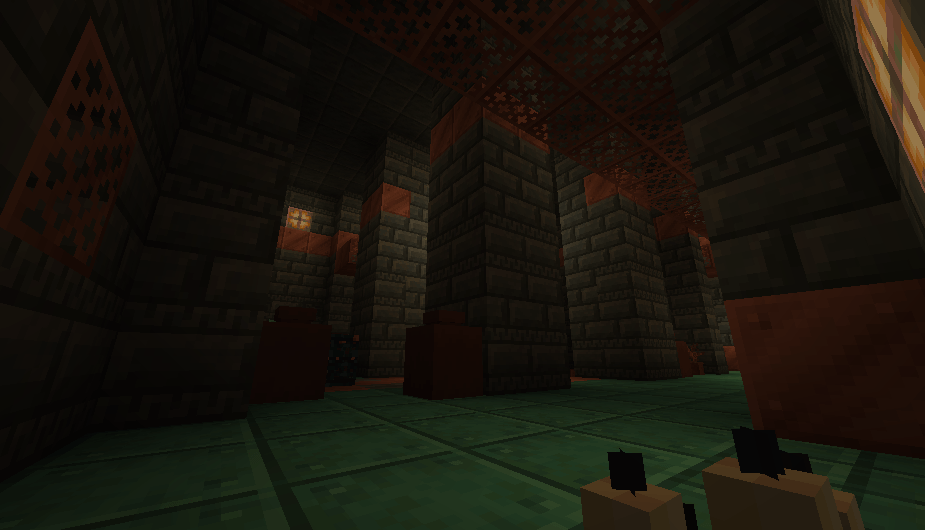
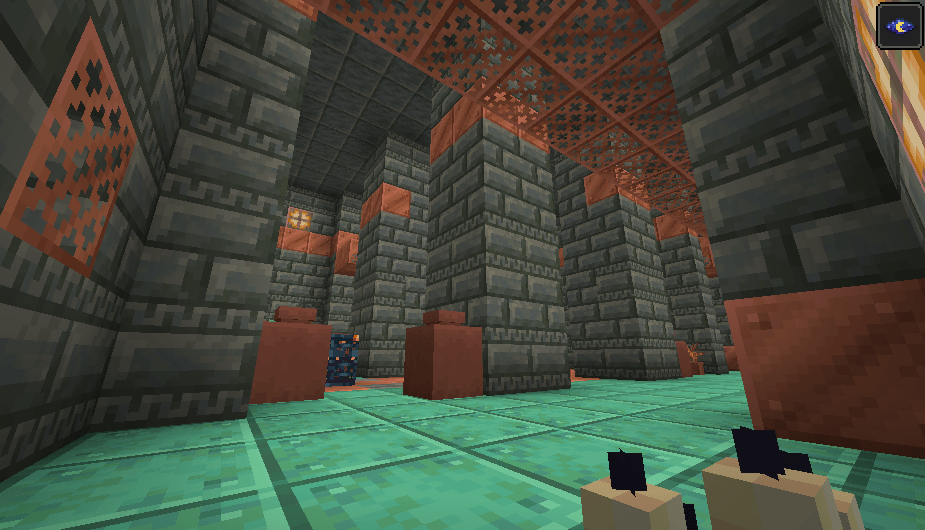
This texture makes your Minecraft look brighter.
by devheycronus
Download Claim this project
14,579 downloads
0 likes
Updated Oct 14, 2026
0 hypes
16x Data Packs Miscellaneous Traditional
Advertisement Remove ads with Premium →

NEED OPTIFINE


Night Vision is a texture pack that keeps your entire Minecraft world bright 🌟—just like having a permanent Night Vision potion effect. No commands, mods, or items needed! It’s great for exploring caves, building, recording videos, or simply playing with clearer visibility.


How to Install 📥

  • Download the .zip file (do not unzip it).
  • Open your resourcepacks folder:
  • Press Windows + R
  • Type %AppData% and press Enter
  • Go to .minecraft > resourcepacks
  • Place the .zip file inside the folder.
  • Launch Minecraft and go to:
    Options > Resource Packs
  • Enable the pack and move it to the top of the list.

Required Settings ⚙️ (Important!)

Options > Video Settings > Quality > Custom Colors: ON 

Night Vision
MC 1.16.3, 1.13.1, 1.16-Snapshot, 1.17.1, 1.21.2-Snapshot, 1.21, 1.21.6-snapshot, 1.15-Snapshot, 1.16.1, 1.18.1, 1.20.2-Snapshot, 1.20.5-Snapshot, 1.14.3, 1.15, 1.16, 1.13
Release 2026-02-07 Get

Requirements & install

How to use this resource pack in Minecraft
Resolution
16x
Minecraft
1.16.3 – 1.21.6-snapshot
Install folder
.minecraft/resourcepacks

How to install resource packs

  1. Download the resource pack .zip file (do not extract it).
  2. In Minecraft open Options → Resource Packs → Open Pack Folder.
  3. Drop the .zip into the resourcepacks folder (.minecraft/resourcepacks).
  4. Move the pack to the Selected column and click Done.
Browse more: 16x resource packs 32x resource packs 64x resource packs 128x resource packs 256x resource packs 512x+ resource packs Resource Packs for 1.21.6-snapshot All resource packs

More from devheycronus

Advertisement Remove ads with Premium →

You Might Also Like