Mineuniverse
Resource Packs
Night vision

Night vision

RESOURCE PACK
Night vision for solo and multiplayer ! 1.7.2 to 1.20.7+
by cartenavigom
Download Claim this project
6,103,122 downloads
0 likes
Updated Oct 14, 2026
0 hypes
16x Miscellaneous Mod Support Modern Traditional
Advertisement Remove ads with Premium →

Night Vision Texture Pack

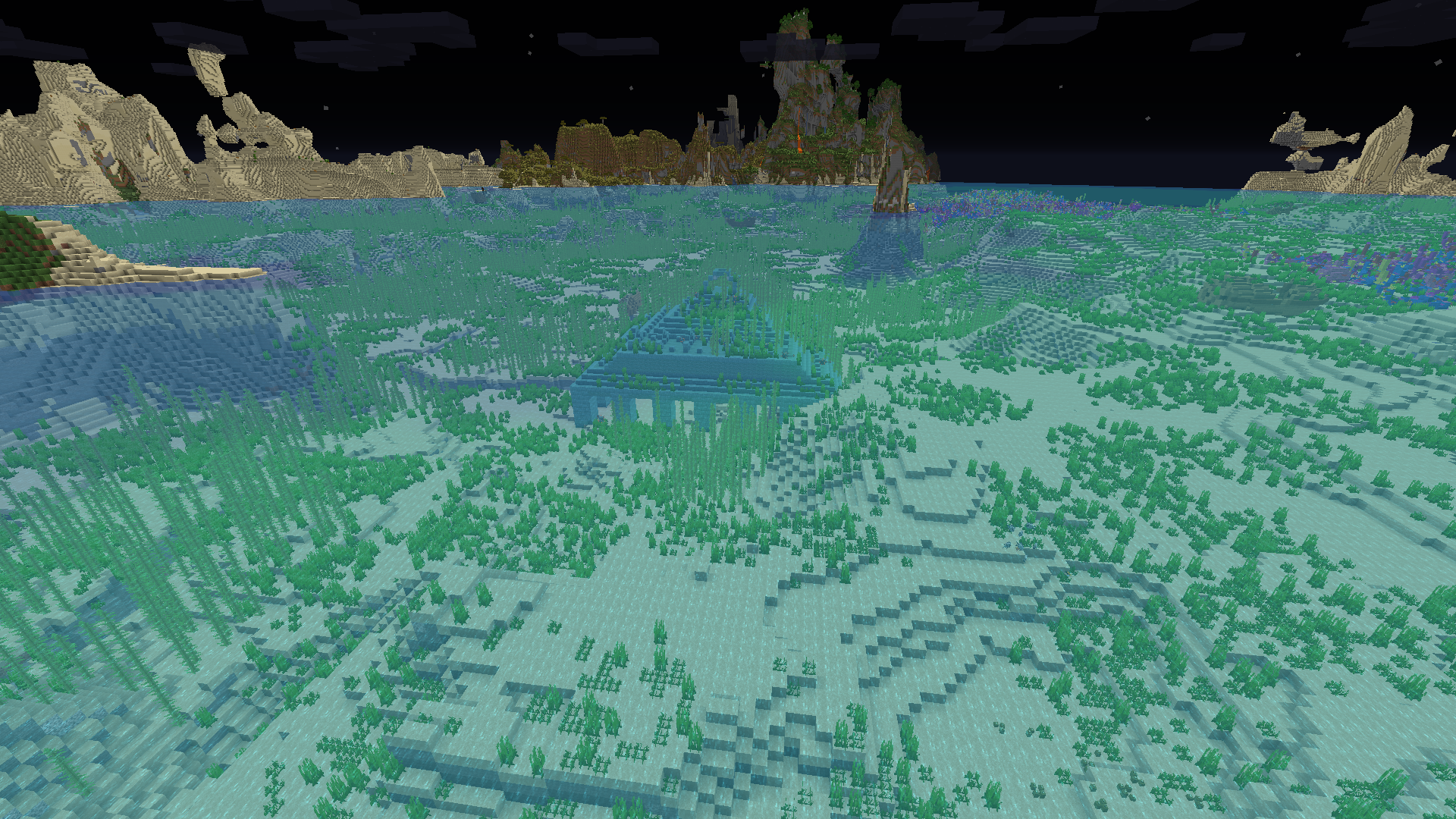
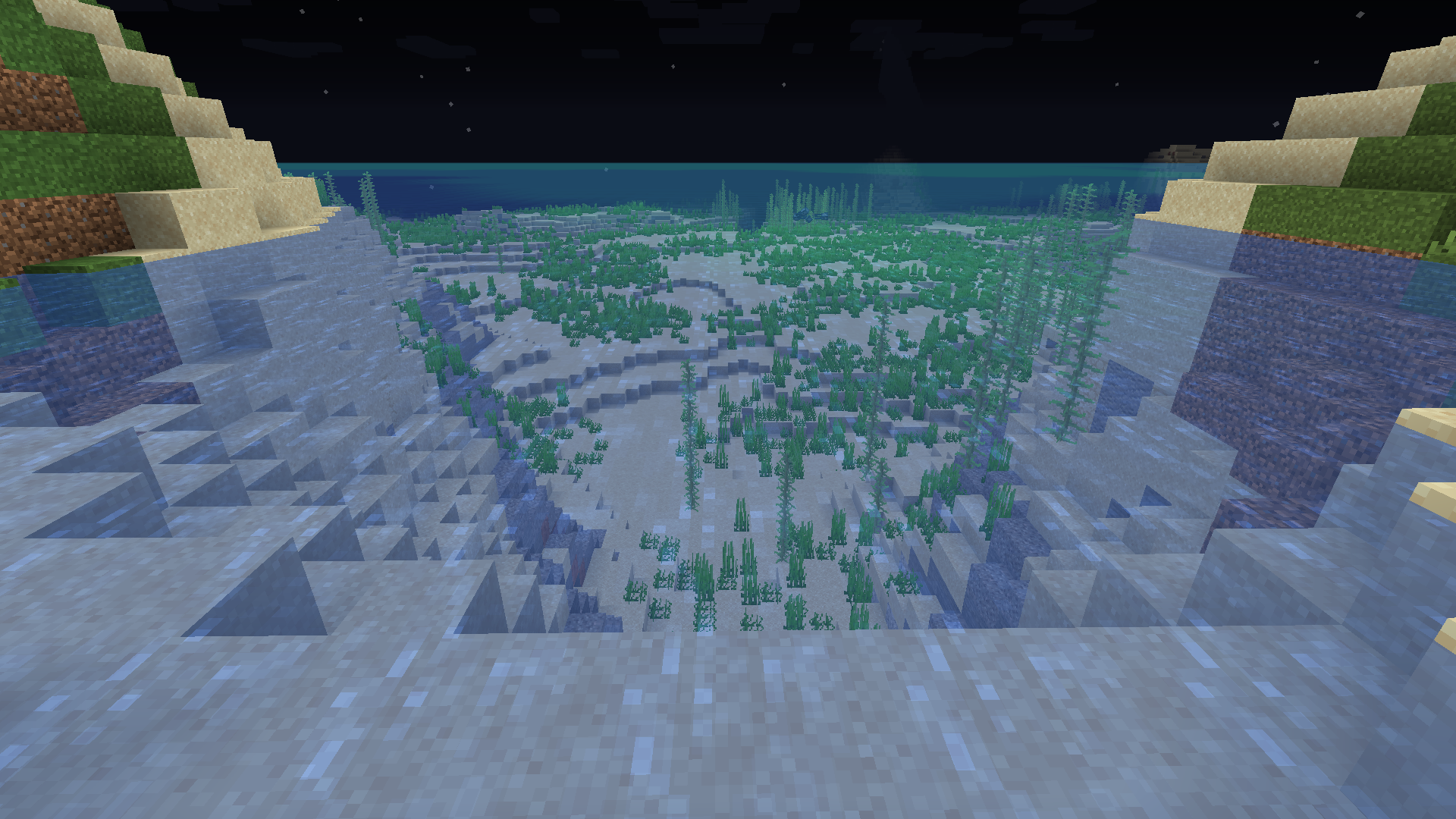
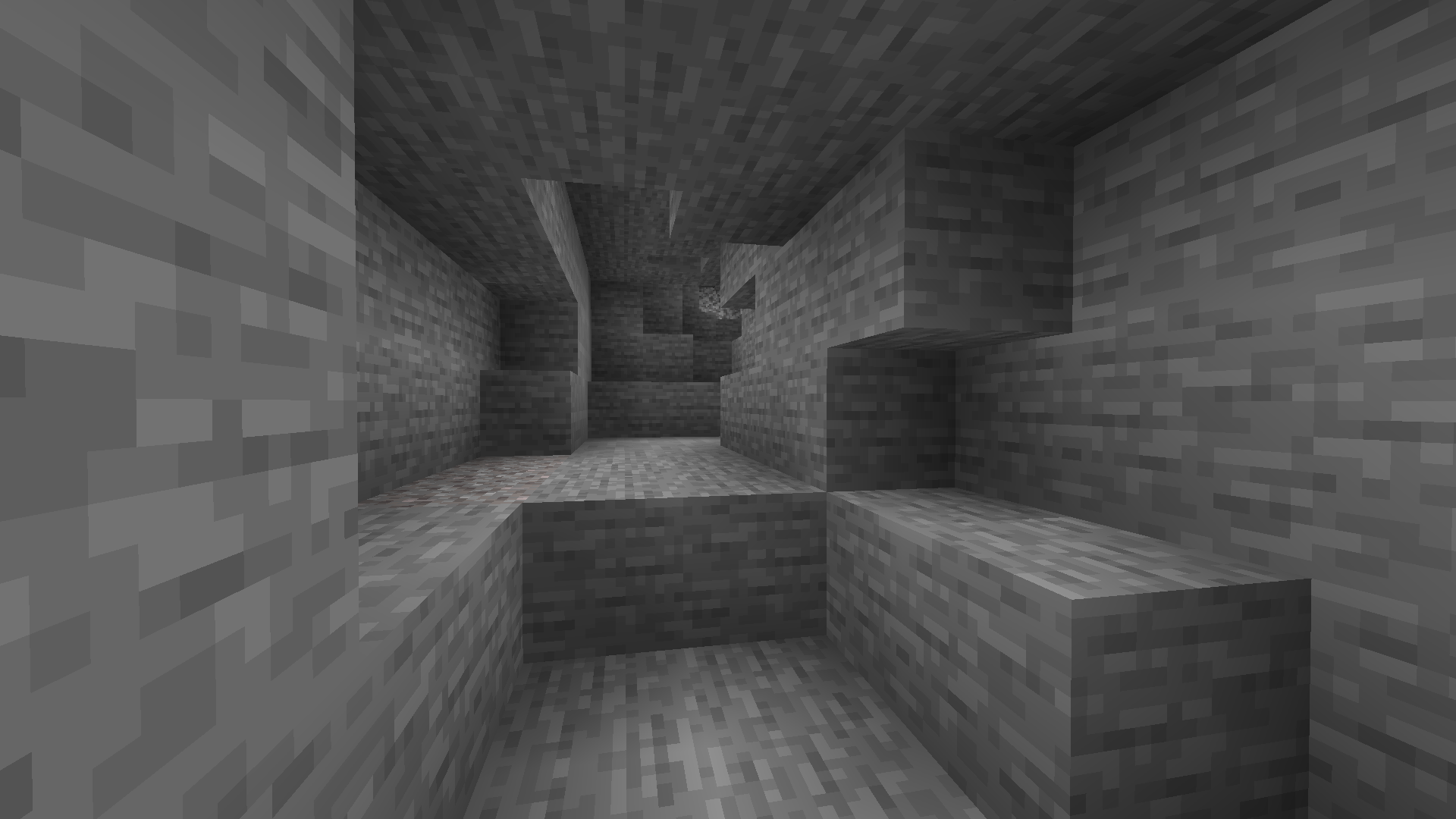
See in the dark without potions! Requires OptiFine mod. Not compatible with shaders.


ℹ️ Description

Night Vision is a texture pack that makes dark areas fully bright, as if you always had a Night Vision potion. It works with Minecraft 1.7.2 to 1.21.7+ and requires the OptiFine mod. Not compatible with shaders, since they override the lighting system.


📦 Supported Versions

There is a version for 1.7 to 1.12 and a version for 1.13+, make sure to download the right version. Ignore version warnings in Minecraft – it still works. Only compatible with Minecraft versions supported by OptiFine.


✅ Requirements

Everything you download must be for the same Minecraft version.

If you use Forge:

If you use Fabric:

You may need to install Java in order to install OptiFine profile or Forge profile:


📥 How to Install

  • Download the .zip (don’t unzip it)
  • Open the resource packs folder:
    • Press Windows + R
    • Type %AppData% → go to .minecraft > resourcepacks
  • Put the .zip inside
  • Launch Minecraft → Options > Resource Packs → Activate it and place it at the top of the list


⚠️ Troubleshooting Checklist

  • Minecraft is launched with OptiFine (OptiFine profile, Forge profile + Optifine mod, or Fabric profile + OptiFabric mod + Optifine Mod)
  • Everything is for the same Minecraft version (Minecraft Launcher Profile, mods, and texture pack)
  • Your mods are up to date
  • The NightVision_1.XX.zip is in the resourcepacks folder
  • The texture pack is activated in-game
  • The texture pack is at the top of the list of activated texture packs
  • Shaders are turned off (if you use shaders)


🙏 Thank You!

Over 4 million downloads – you're amazing! Enjoy Minecraft with full brightness 💚

NightVision_1.13+.zip
MC 1.17.1, 1.16.3, 1.13.1, 1.19.3, 1.20.2, 1.21, 1.16.1, 1.18.1, 1.20.5, 1.21.5, 1.14.4, 1.14.1, 1.17, 1.14.3, 1.15, 1.16, 1.13, 1.19.4, 1.16.5, 1.21.4, 1.18.2, 1.19.2, 1.20.3
Release 2025-05-04 Get
NightVision_1.13+.zip
MC 1.17.1, 1.16.3, 1.13.1, 1.19.3, 1.20.2, 1.21, 1.16.1, 1.18.1, 1.20.5, 1.14.4, 1.14.1, 1.17, 1.14.3, 1.15, 1.16, 1.13, 1.19.4, 1.16.5, 1.21.4, 1.18.2, 1.19.2, 1.20.3, 1.15.2
Release 2021-12-05 Get
NightVision_1.7-1.12.zip
MC 1.9.4, 1.9.2, 1.12.1, 1.12, 1.8.8, 1.7.2, 1.10.2, 1.11, 1.10, 1.7.10, 1.8, 1.11.2, 1.9, 1.12.2, 1.8.9
Release 2021-09-26 Get

Requirements & install

How to use this resource pack in Minecraft
Resolution
16x
Minecraft
1.19.3 – 1.21.5
Install folder
.minecraft/resourcepacks

How to install resource packs

  1. Download the resource pack .zip file (do not extract it).
  2. In Minecraft open Options → Resource Packs → Open Pack Folder.
  3. Drop the .zip into the resourcepacks folder (.minecraft/resourcepacks).
  4. Move the pack to the Selected column and click Done.
Browse more: 16x resource packs 32x resource packs 64x resource packs 128x resource packs 256x resource packs 512x+ resource packs Resource Packs for 1.21.5 All resource packs

More from cartenavigom

Advertisement Remove ads with Premium →

You Might Also Like