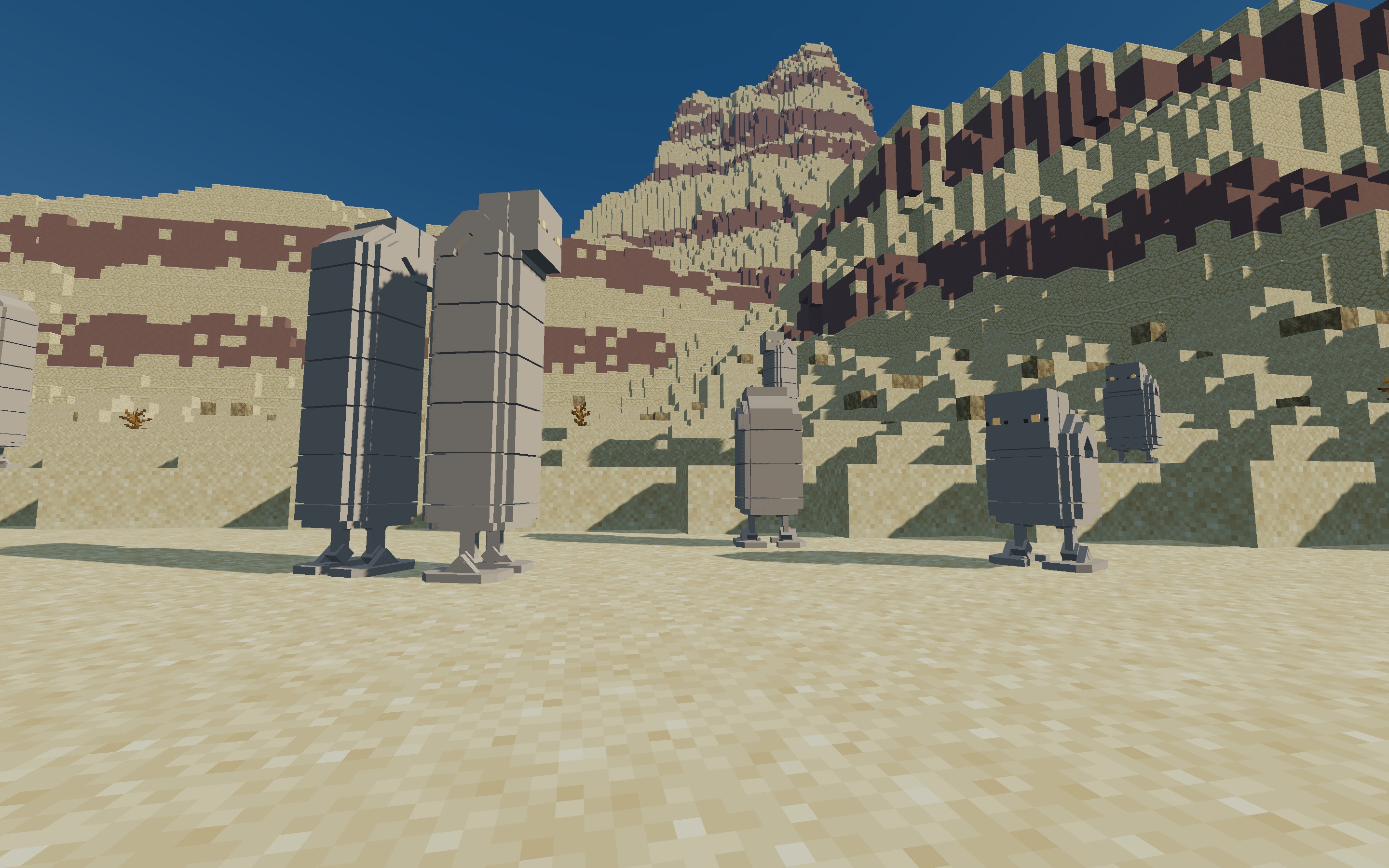
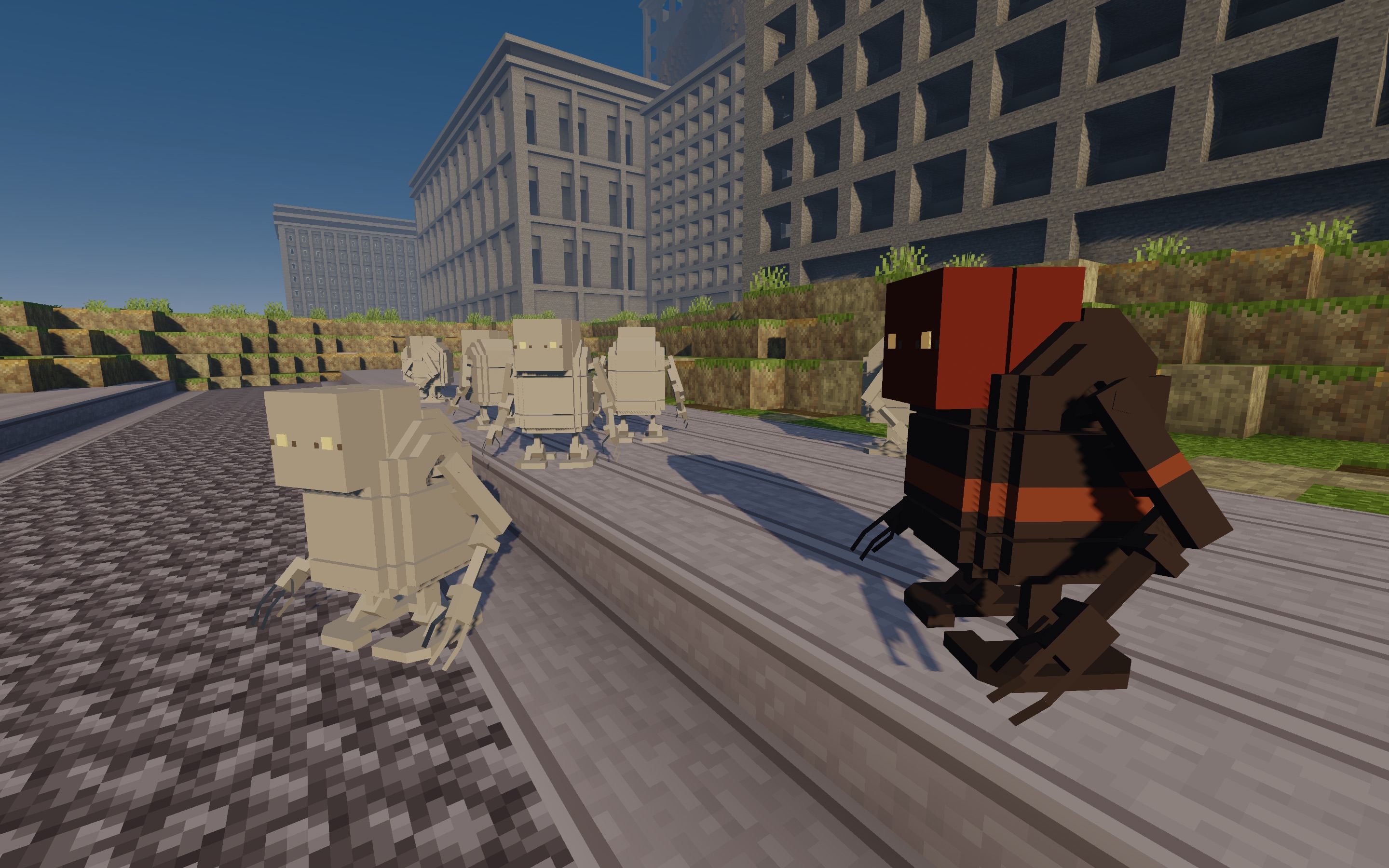
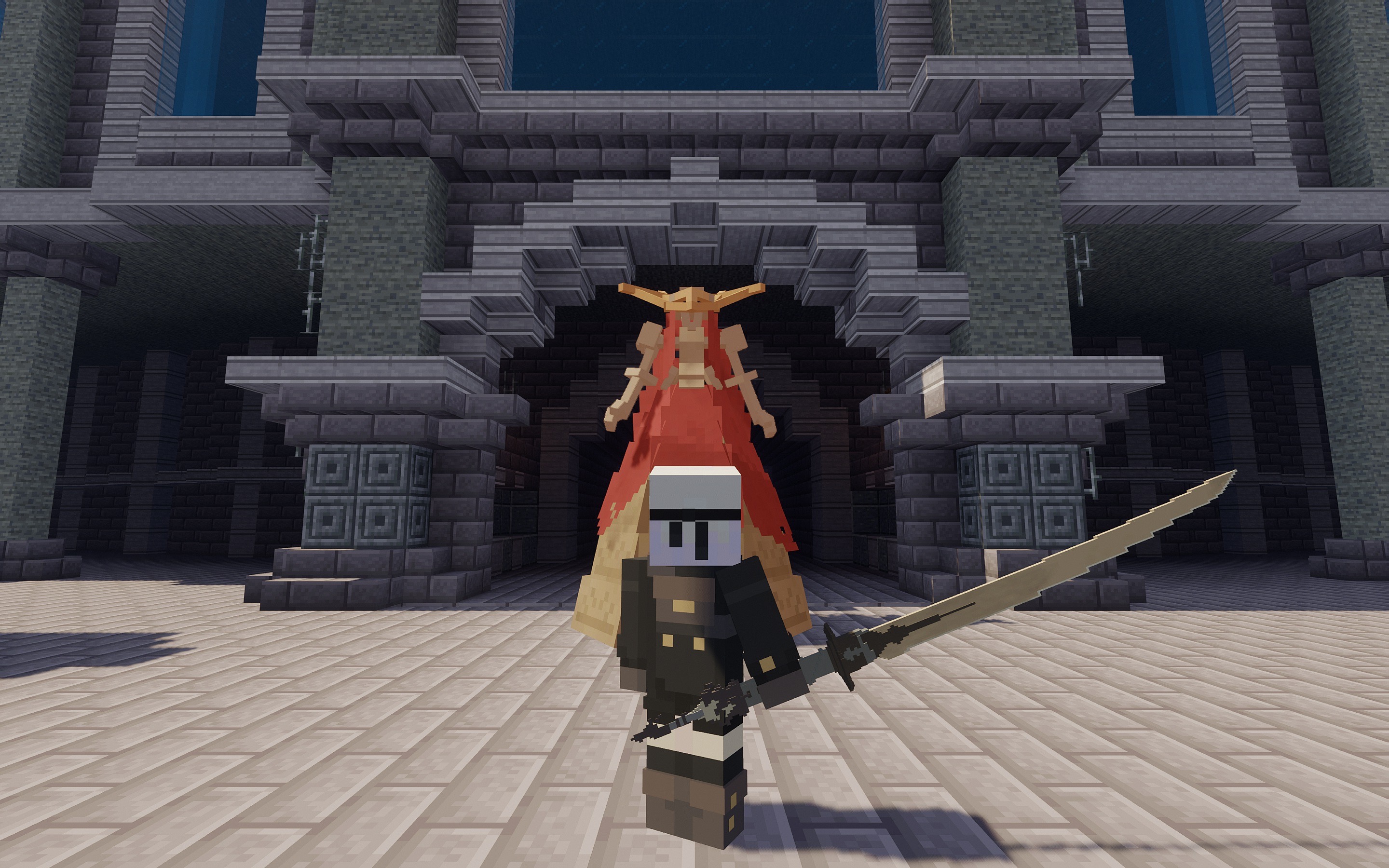
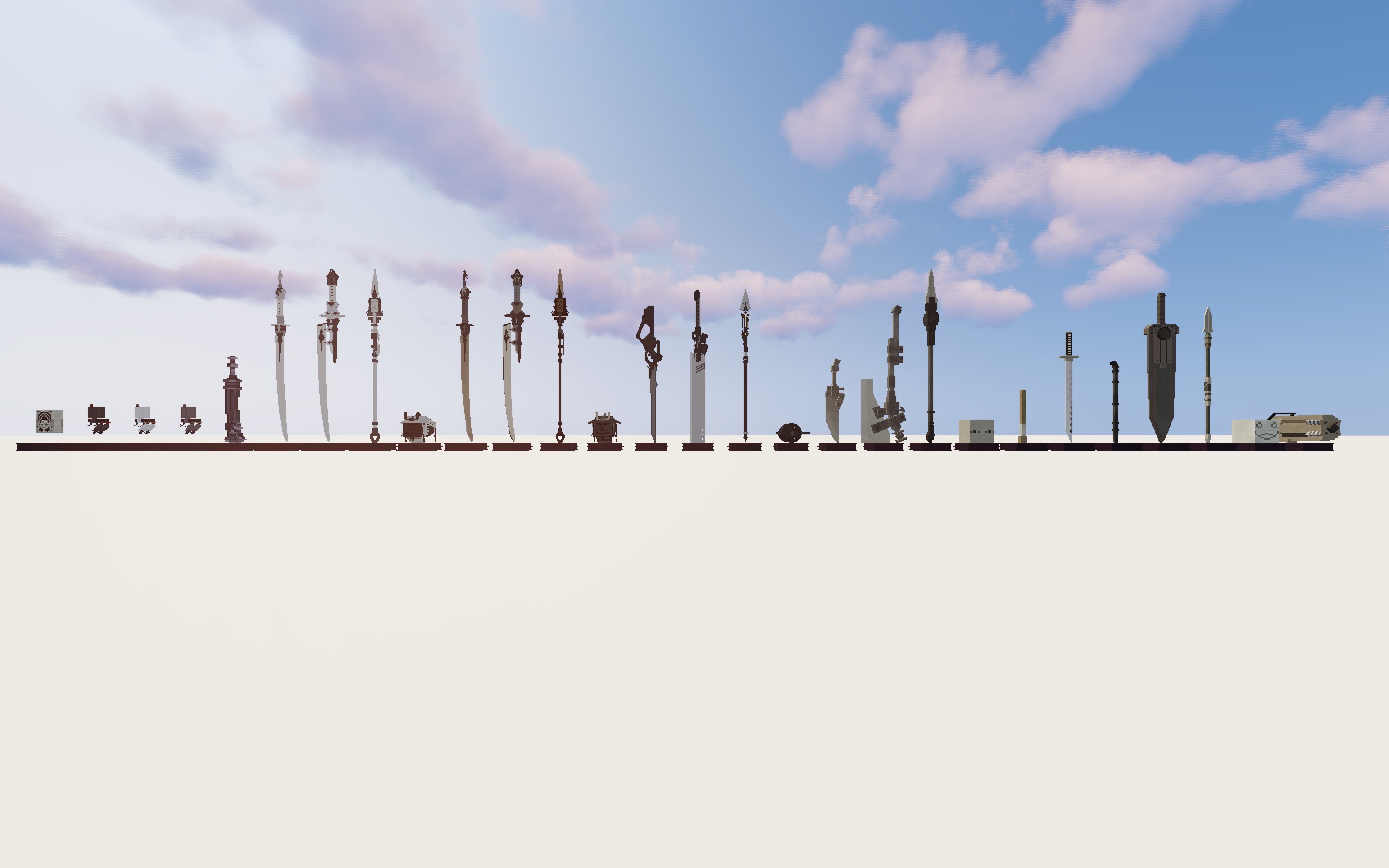
Also available on Modrinth for management with third-party launchers.
Voluntary: Photosensitive Epilepsy Warning
This project features flashing elements and colours that may incite an epileptic seizure for a small number of people. Play in a well-lit room. Do not play while drowsy. For more information about epilepsy, click here.
Voluntary: General Usage Warning
This project uses designs copyrighted under a Square Enix IP and provides derived resources as governed by Fair Use Law. Re-listings of this project and any reuse of the exact distributed file are advised against except by copyright holders and known content authors.
ニーア オートマタ リソースパック




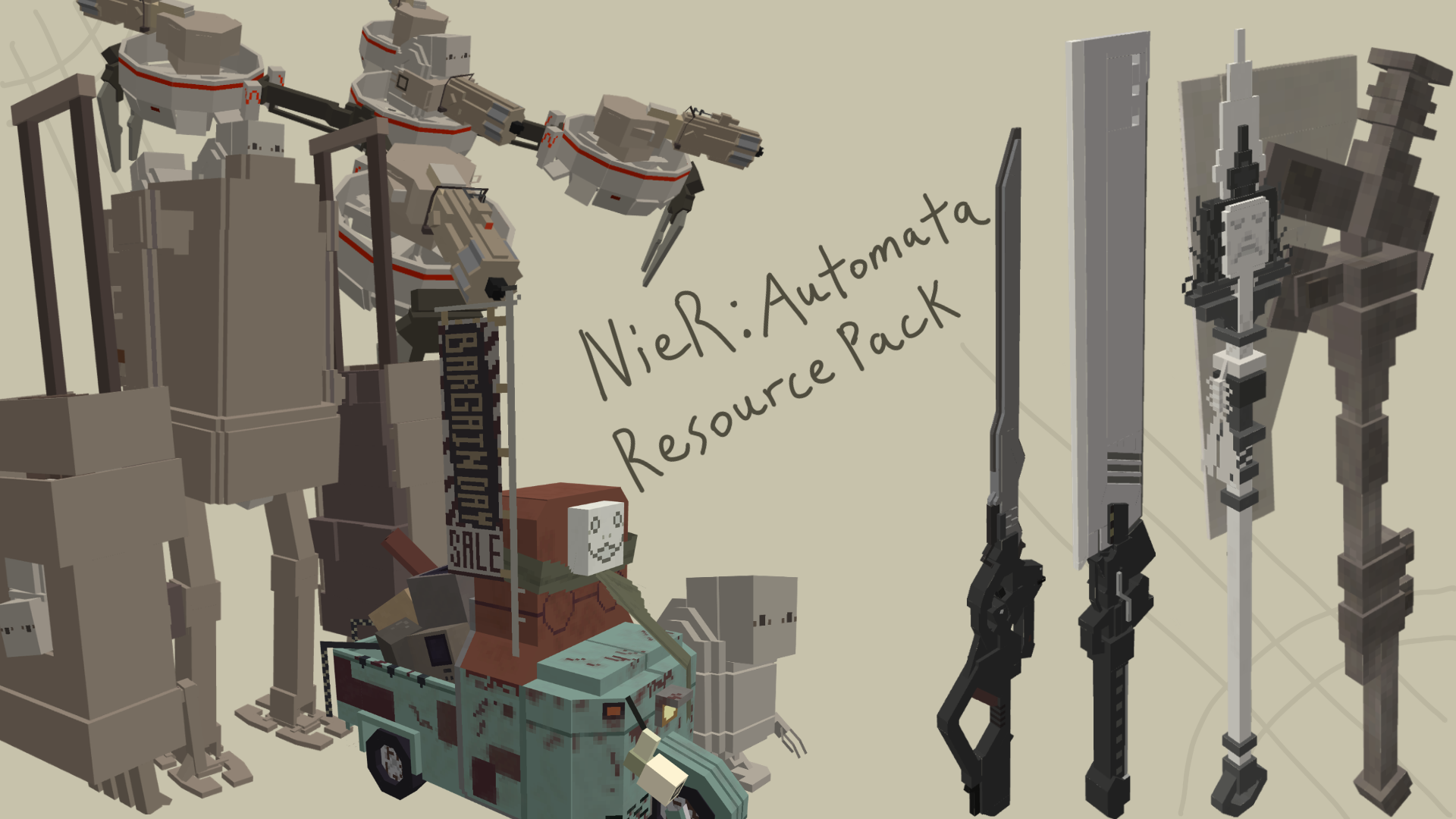
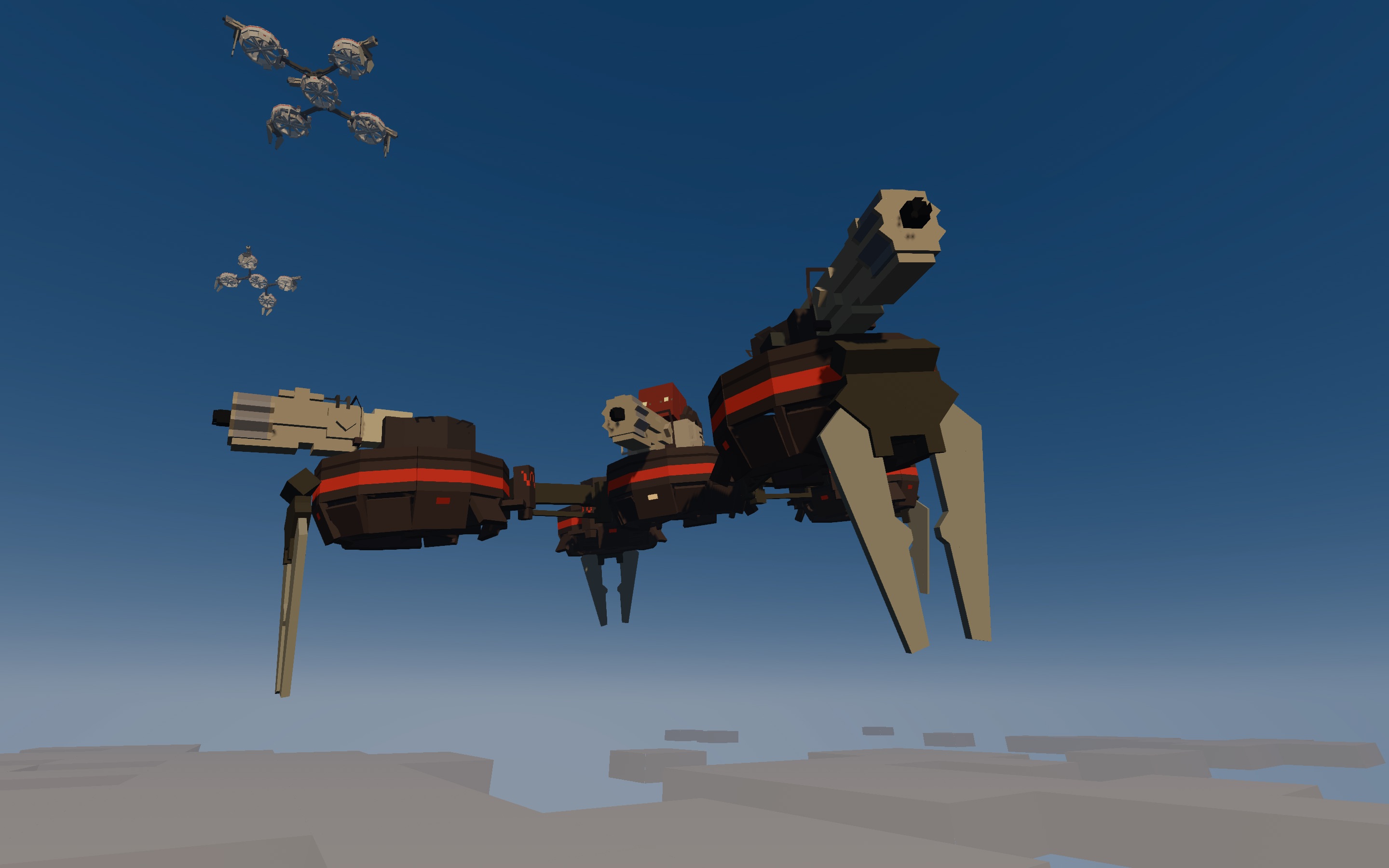
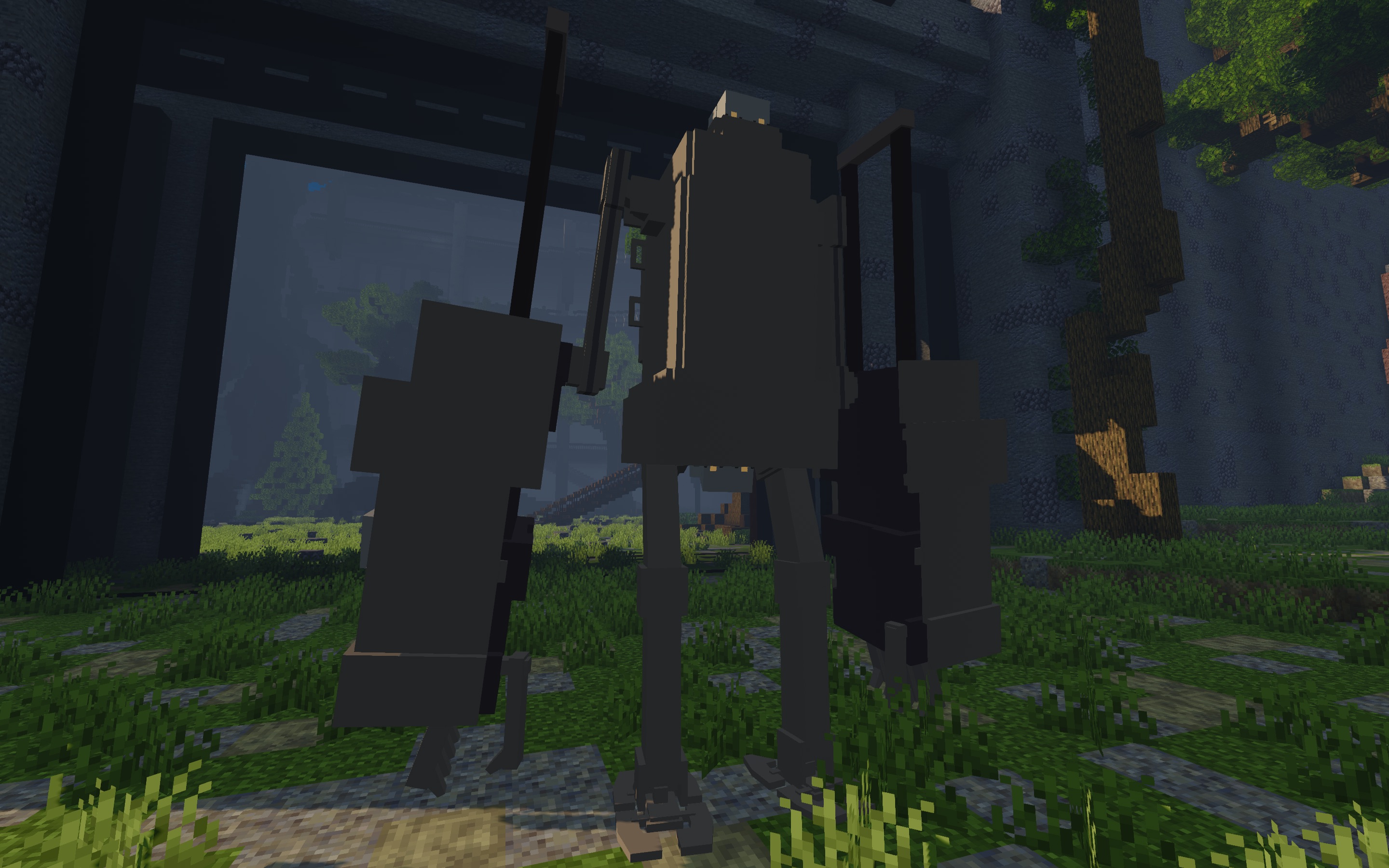
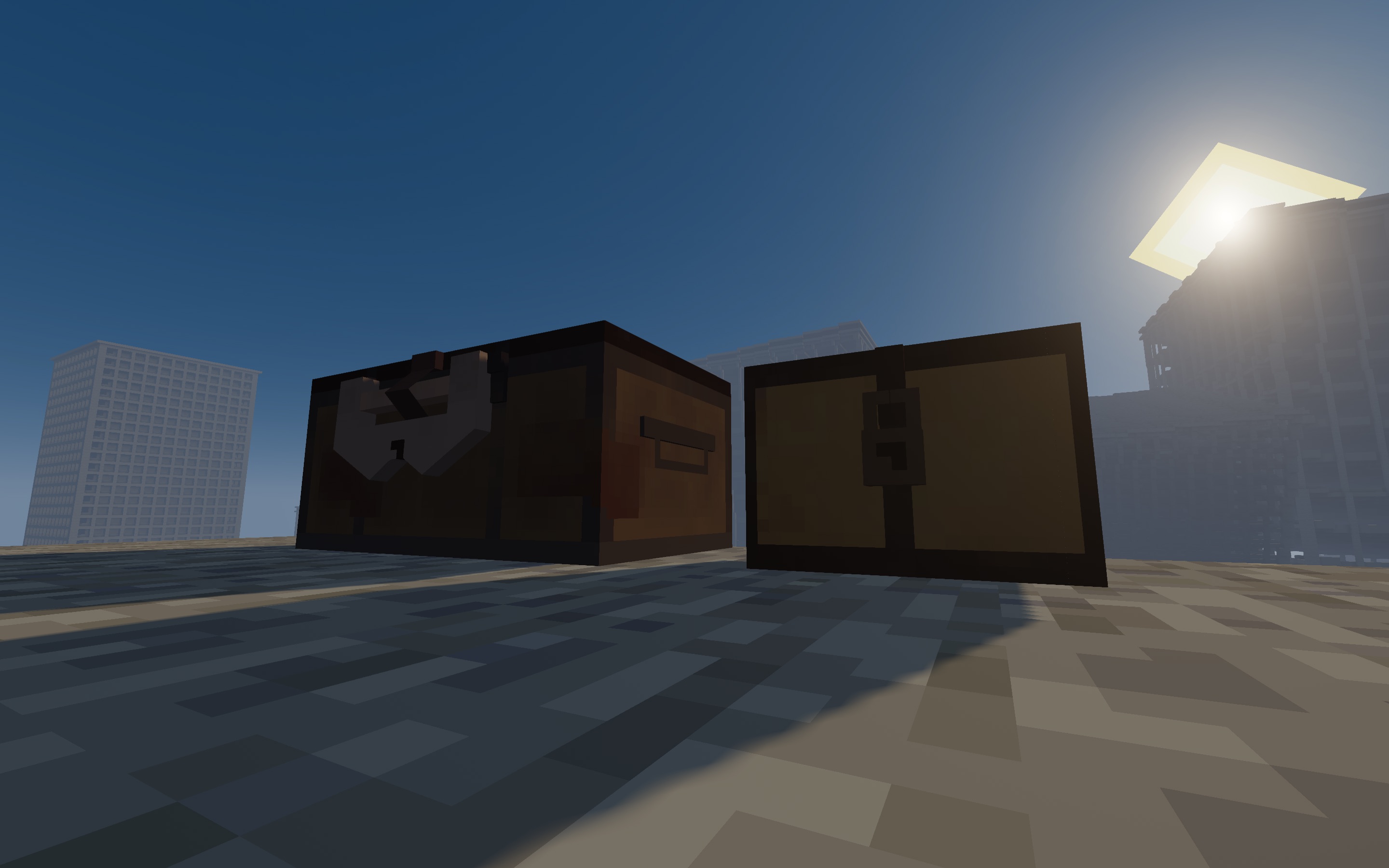
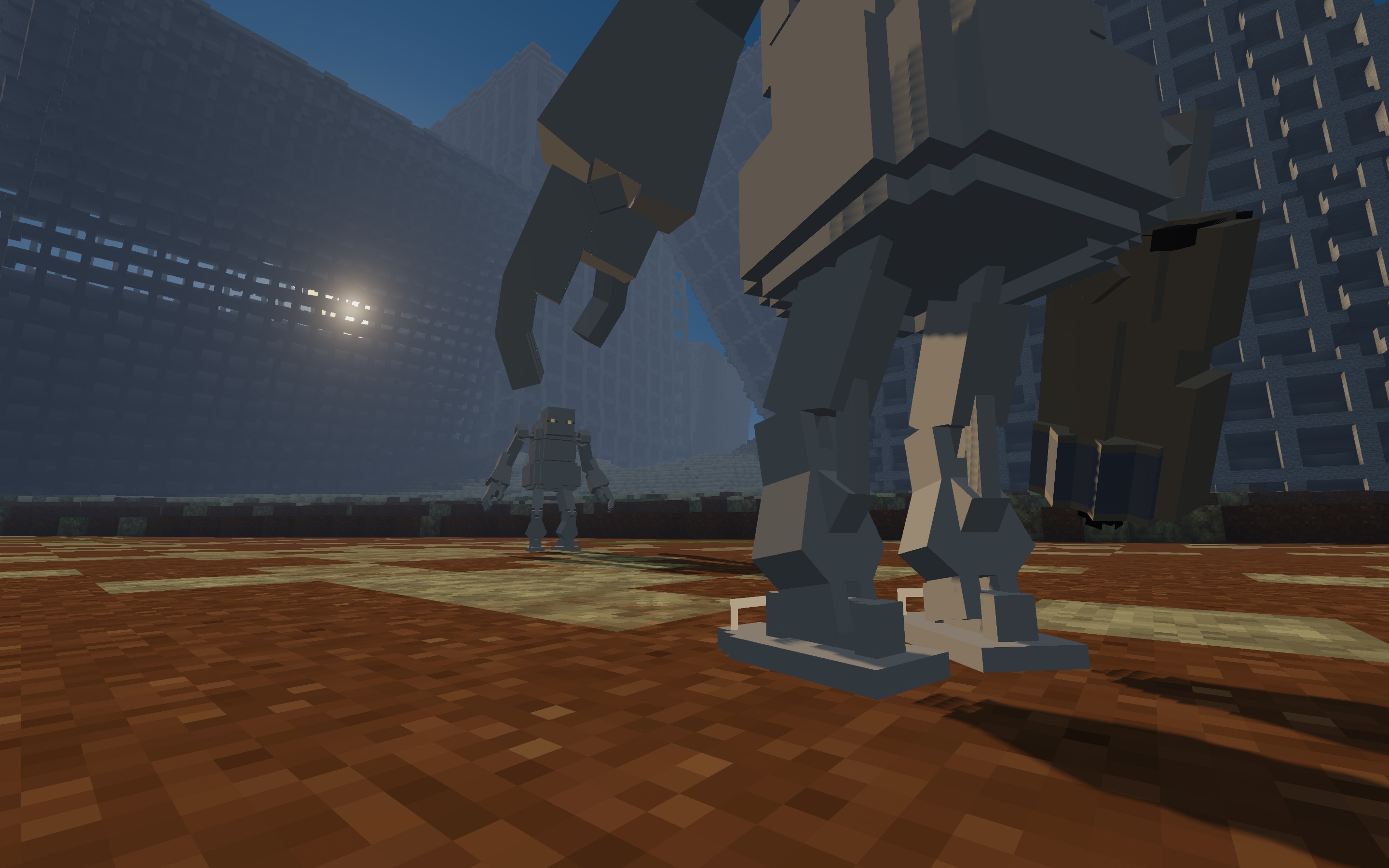
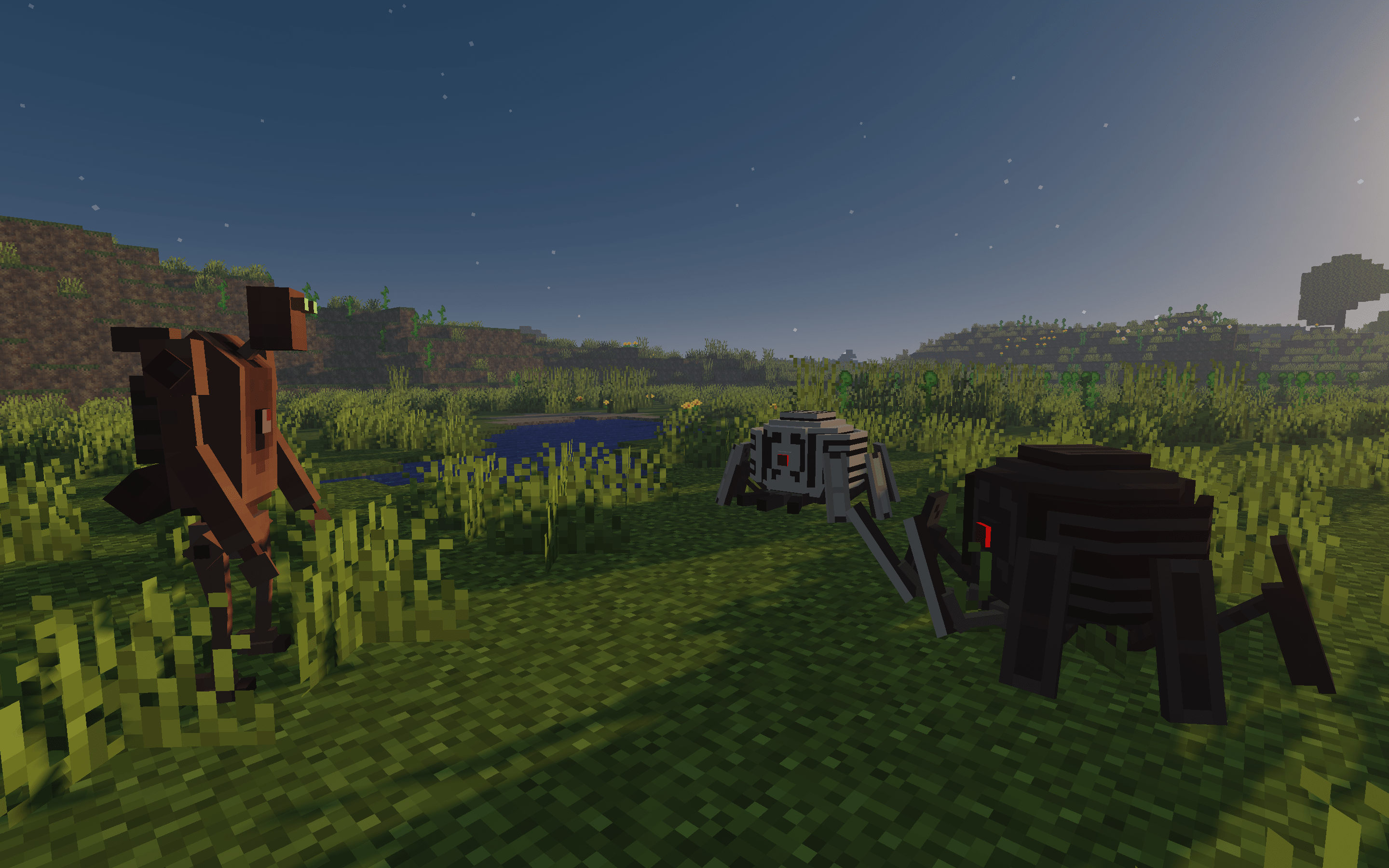
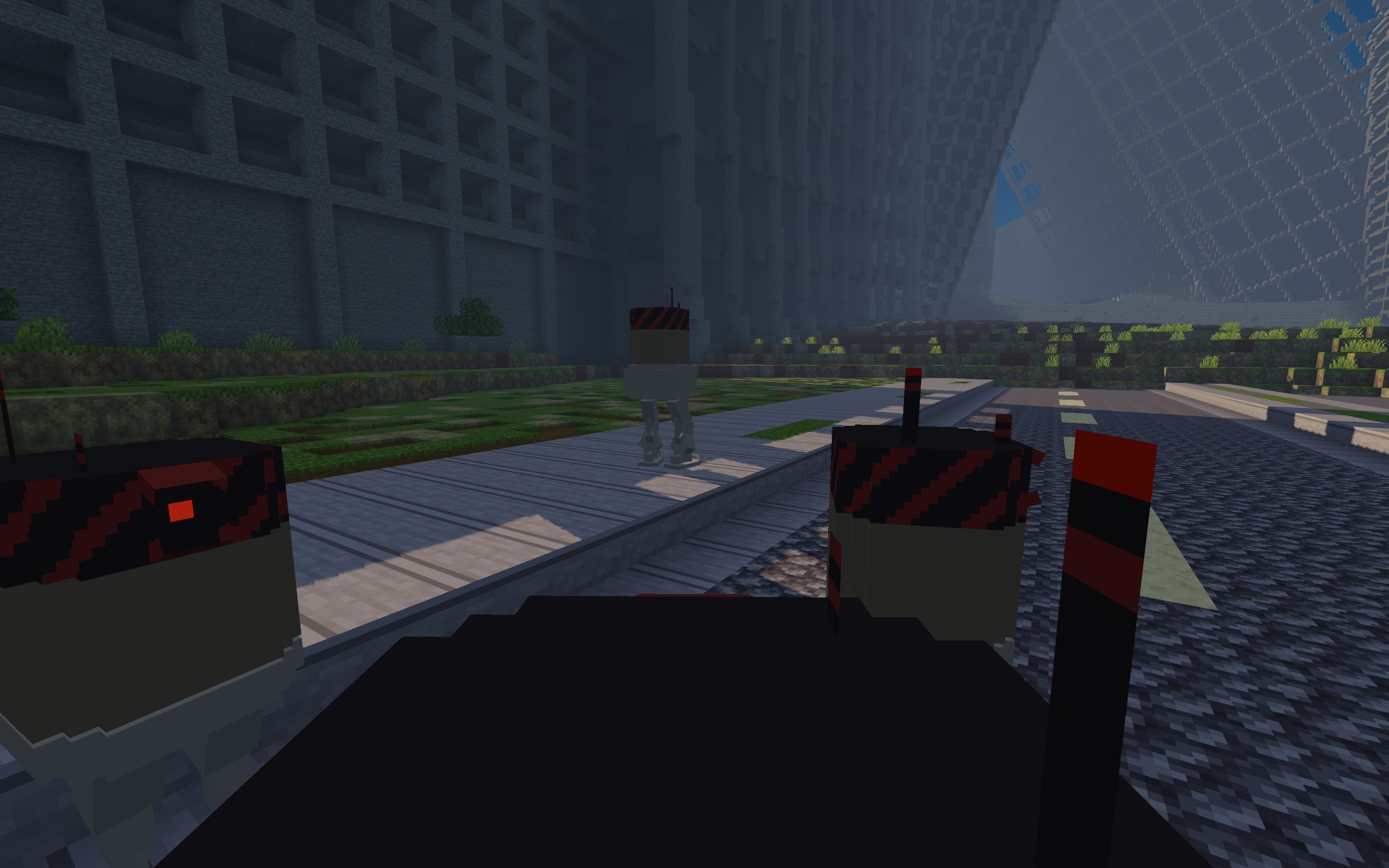
Passionately-created Minecraft interpretations of weapons, entities, and other items from NieR:Automata. Certain aspects including block textures, GUI, and sounds are modified where appropriate.
o(≧▽≦)o NieR:Automata-ify your world! o(≧▽≦)o
Choose [Main] if you would like the AIO pack. This is the main project file. Choose [Lite] if you are more interested in my weapon models. Item Frame display properties are customized for pedestal display; if necessary, delete this Item Frame model replacer for more compatibility with other resource packs.
[Lite] runs on a slower and more stable update track when compared to [Main] given the former's assets come from the latter. Go here to view listing details specific to [Lite] on PMC.
4.2.15
This is a minor update that replaces the Goliath Biped's sound effects for consistency.
For more details, view changelog.txt. For support, view support.txt. For item identification, view your language's identifiers.txt.
Technical Details and Permissions
English (US) – Full
日本語 (日本) – 部分的
Minecraft game versions: 1.20.1–1.20.2
Development Focus: OptiFine (as either a game loader, Forge mod, or Fabric mod with OptiFabric)
Alternate Fabric Implementations: Entity Model Features, Entity Texture Features, CIT Resewn
Daylight Mobs Reborn (unaffiliated Fabric mod)
Protect Mobs From Daylight (unaffiliated Forge/Fabric mod)
Planet Minecraft - [Main]
Planet Minecraft - [Lite]
Planet Minecraft - [Language Patch]
Modrinth
MCJF(日本語)
Ko-fi
Permissions:
If you're using this resource pack for anything public (like photos) that doesn't involve sharing the file itself, a link is enough. Just the usual stuff. Otherwise, view the included license.txt document and refer to the Header Warning. As far as end-users are concerned, you are not permitted to use these files without attribution. You are responsible for repercussions dealt by third-parties as a result of using files belonging to this project. See license.txt.
Project Credits:
Godlander, Nongko, Nuanulla et al. See credits.txt