Mineuniverse
Resource Packs
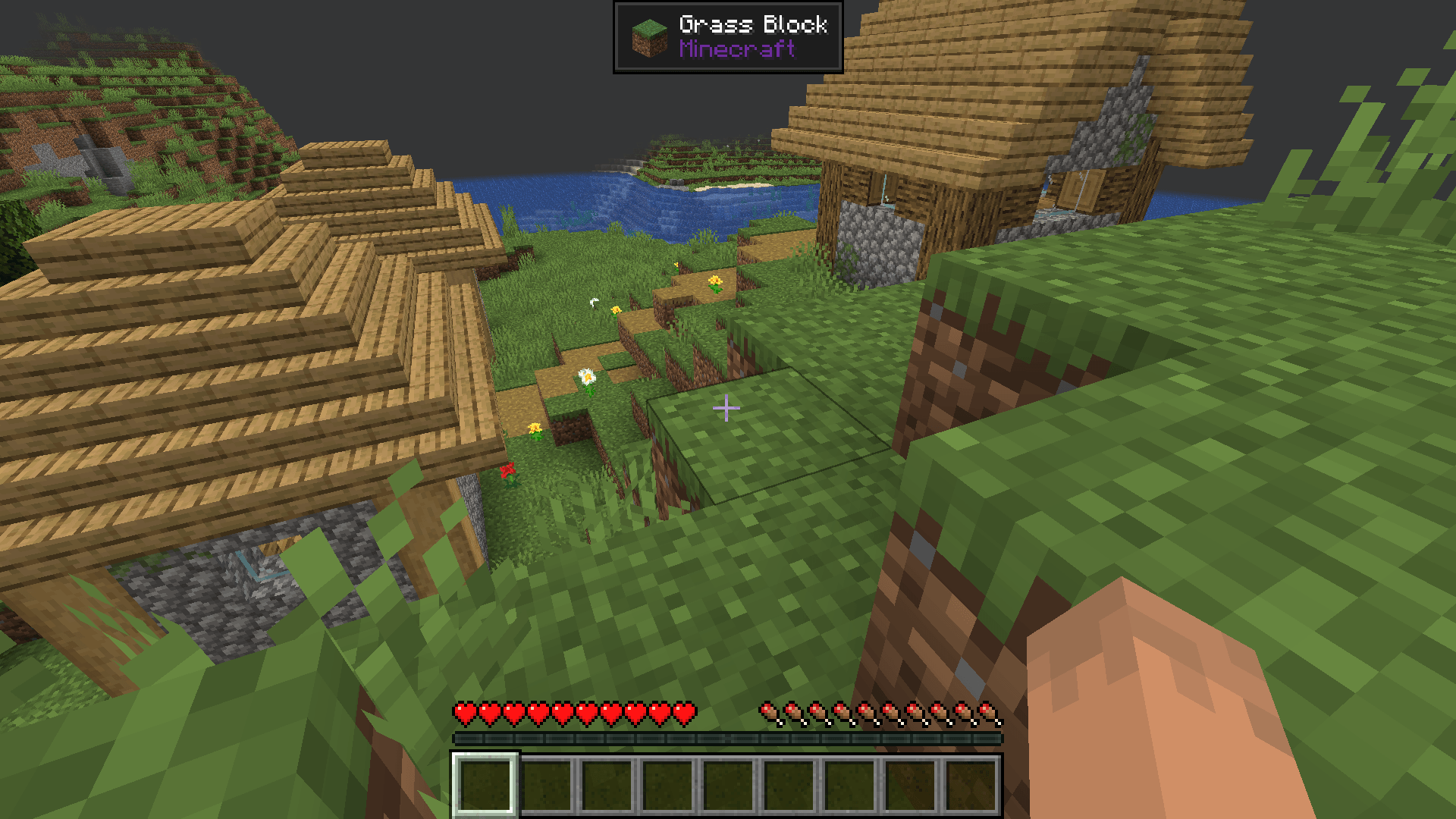
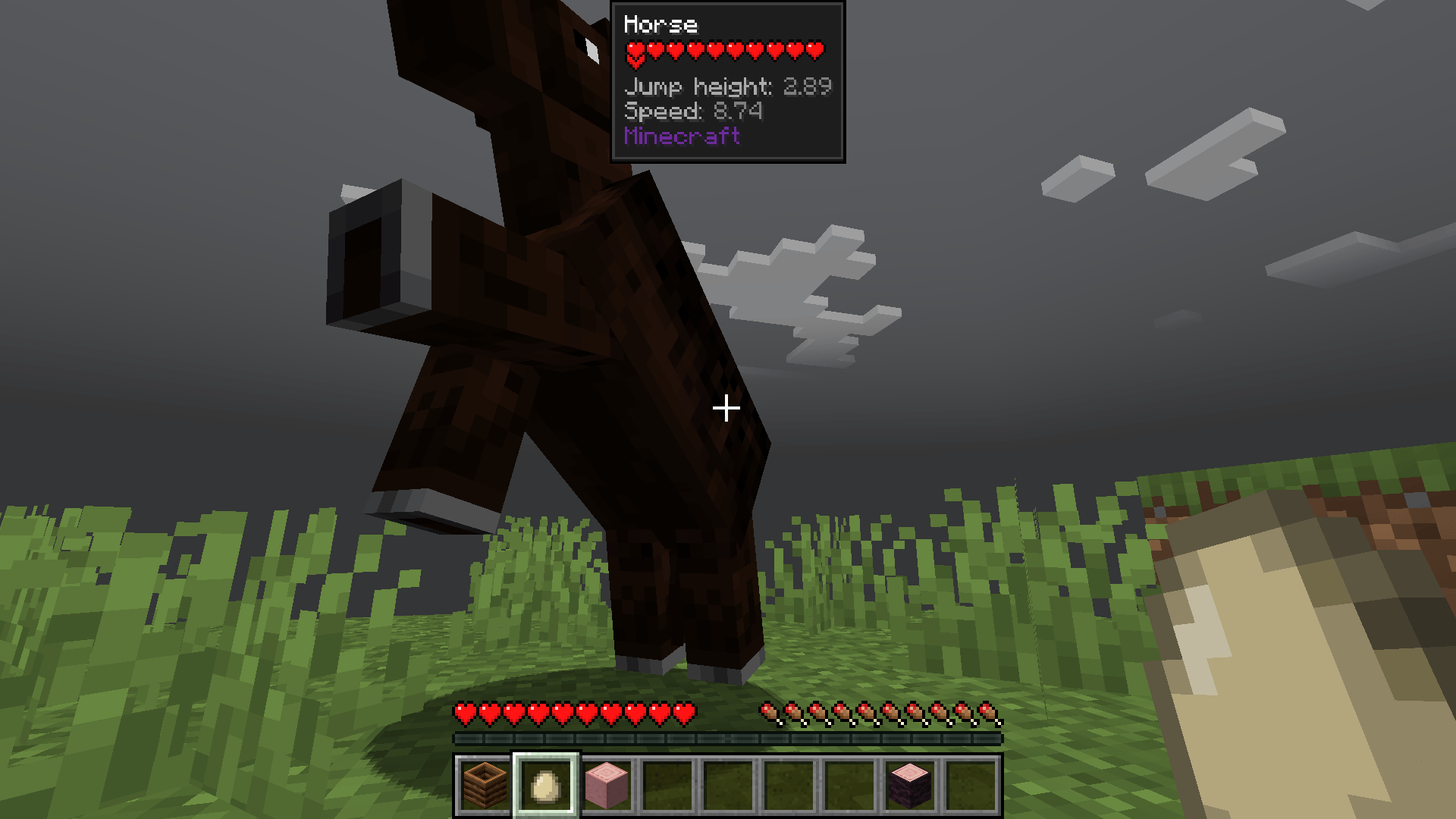
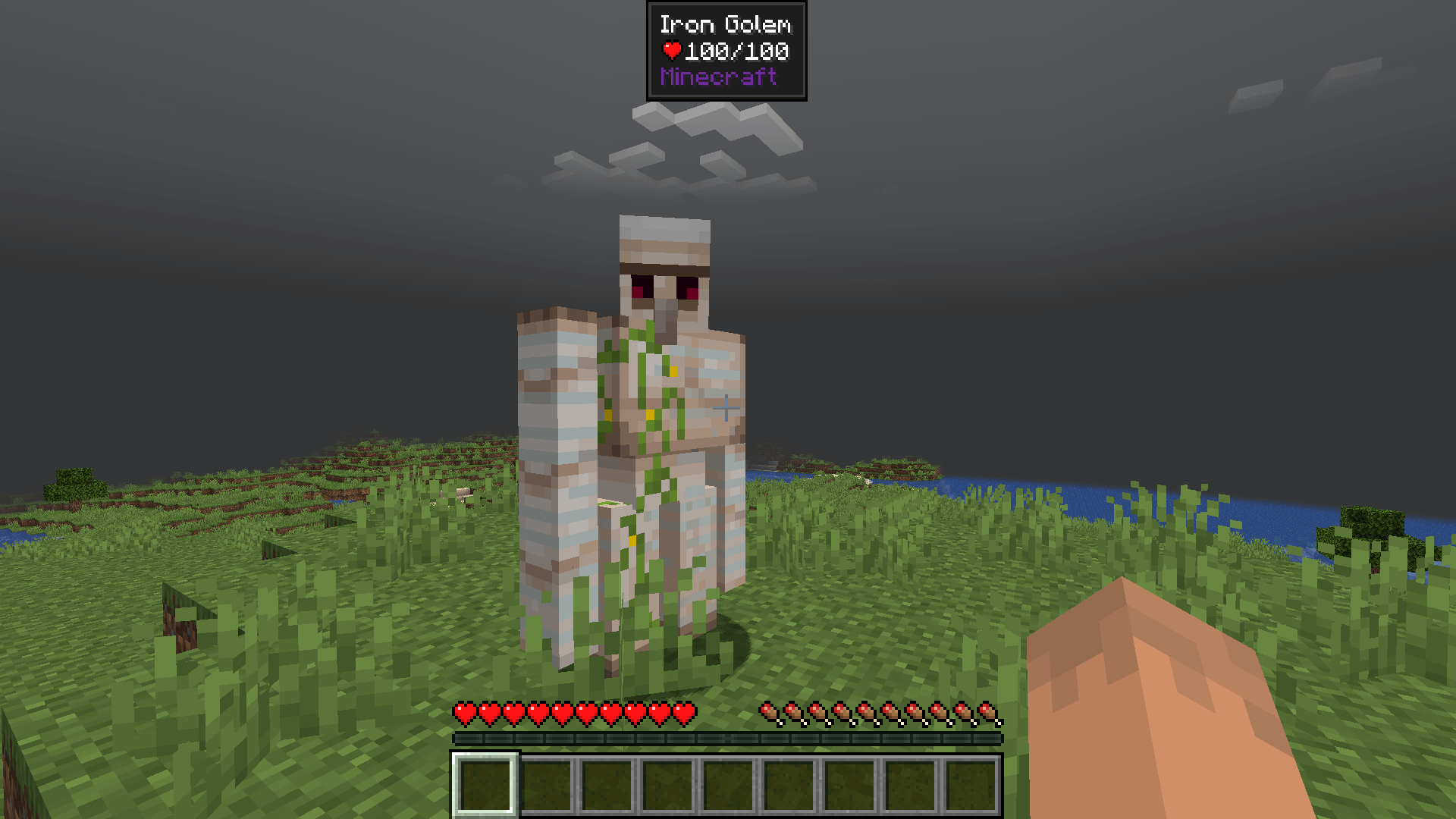
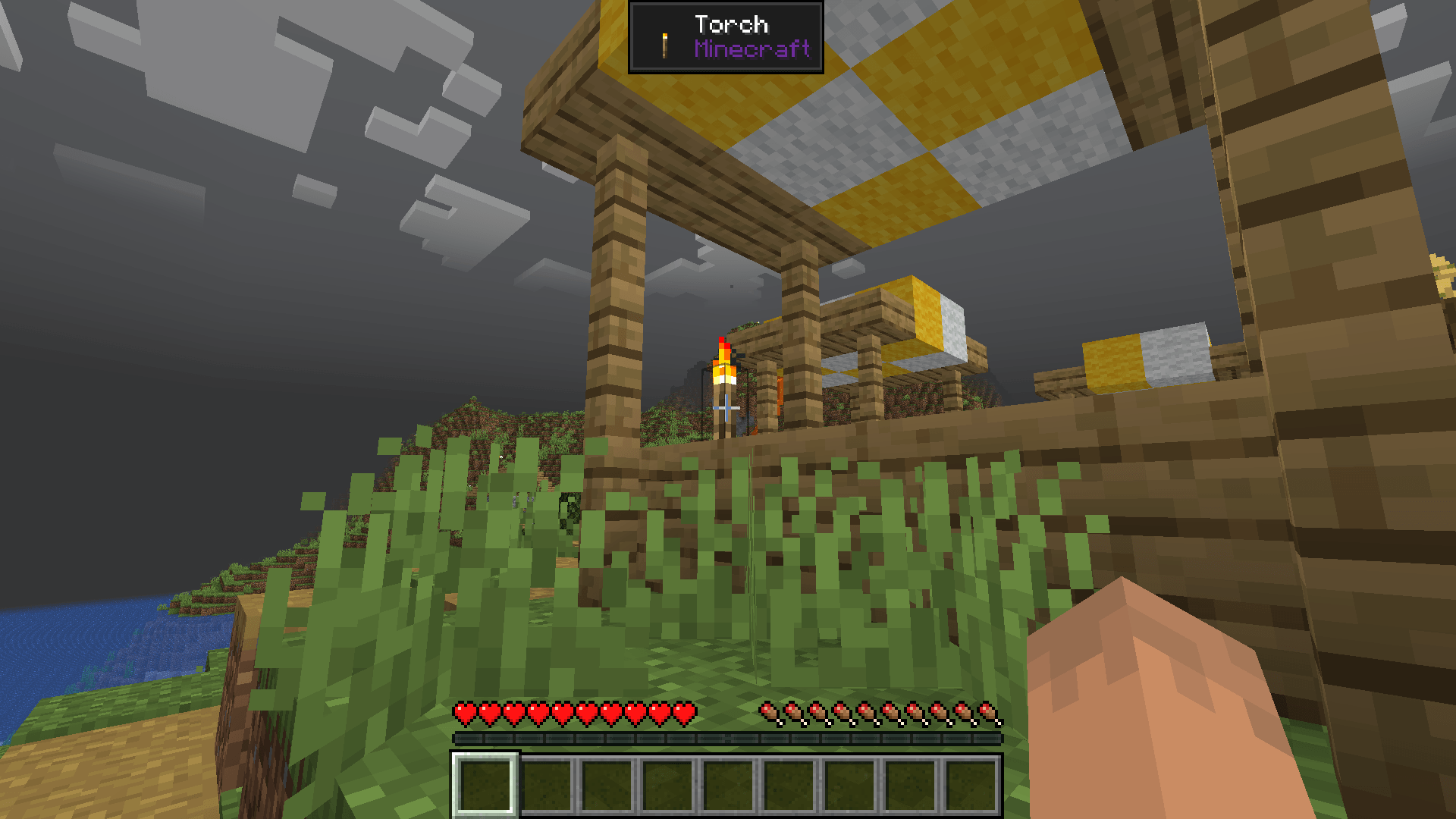
New Solid Dark Theme for Jade

New Solid Dark Theme for Jade

RESOURCE PACK
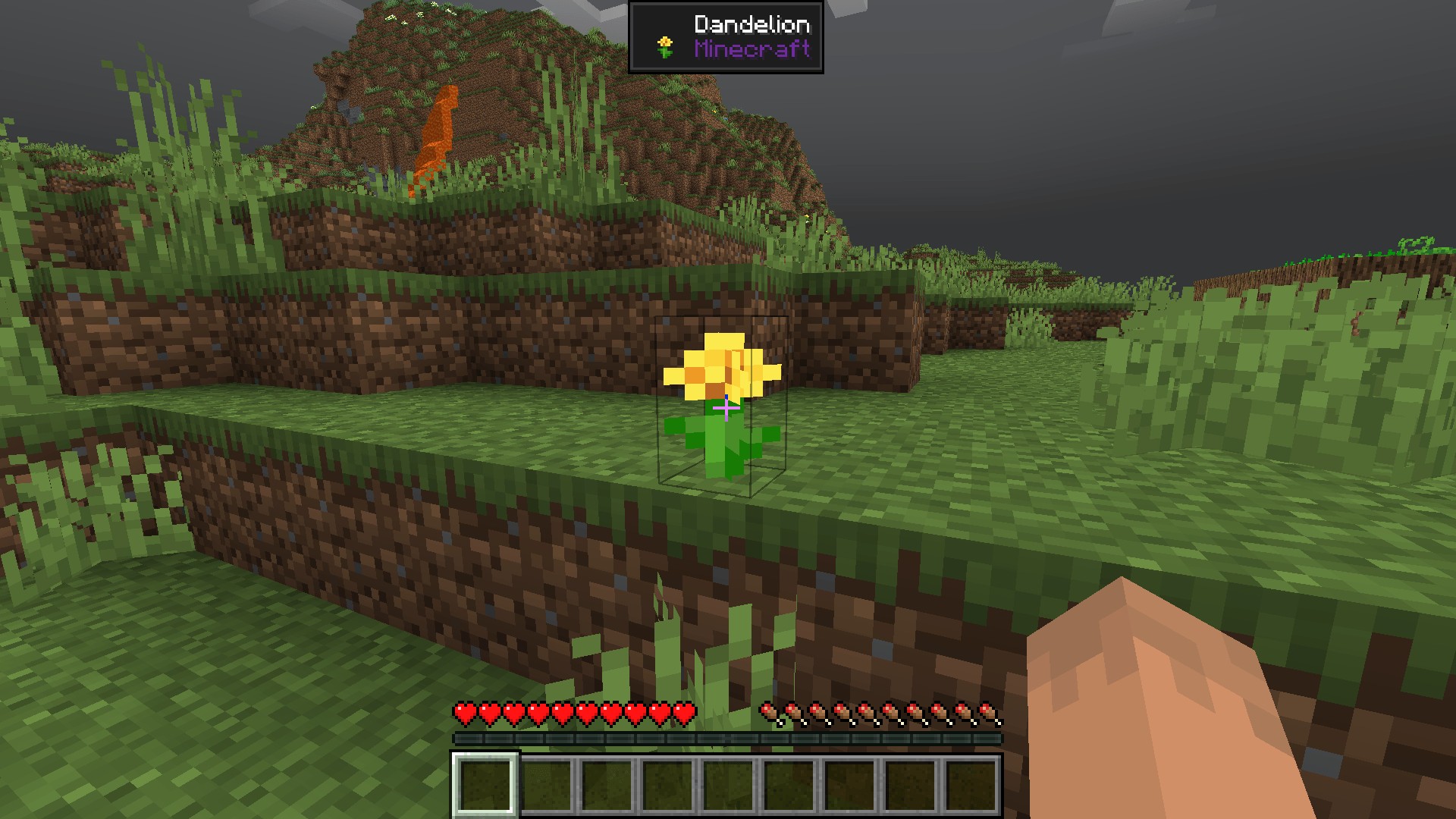
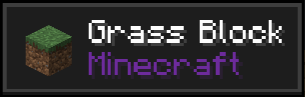
Modern darker style UI for Jade.
by SourAlien
Download Claim this project
1,864 downloads
0 likes
Updated Oct 14, 2026
0 hypes
16x
Advertisement Remove ads with Premium →

Jade is a mod by Snownee, this small pack only changes the Jade GUI to give it a more modern, smooth and minimalistic look. If you'd like the light and grey versions, you can find them on my profile.


HOW TO INSTALL

Download the correct version for you. Copy the file into the Minecraft installation folder inside "resourcepacks". Enable it by selecting it from the resource packs menu on the game sttings. It should activate when you do this. However, if it does not, open Jade settings (maybe through a Mod Menu mod) and enable it there manually in: Mod Settings/Appearance/Theme.

 

MY OTHER PACKS

New Solid Dark Theme for Jade v1.2.1
MC 1.21, 1.21.5, 1.21.4, 1.21.3, 1.21.7, 1.21.1, 1.21.6, 1.21.2
Release 2025-07-03 Get
New Solid Dark Theme for Jade vAP-1.2
MC 1.21, 1.21.5, 1.21.4, 1.21.3, 1.21.1, 1.21.6, 1.21.2
Release 2025-06-19 Get
New Solid Dark Theme for Jade v1.1
MC 1.21, 1.21.5, 1.21.4, 1.21.3, 1.21.1, 1.21.2
Release 2025-03-27 Get
New Solid Dark Theme for Jade v1.0
MC 1.21, 1.21.4, 1.21.3, 1.21.1, 1.21.2
Release 2025-03-12 Get

Requirements & install

How to use this resource pack in Minecraft
Resolution
16x
Minecraft
1.21 – 1.21.7
Install folder
.minecraft/resourcepacks

How to install resource packs

  1. Download the resource pack .zip file (do not extract it).
  2. In Minecraft open Options → Resource Packs → Open Pack Folder.
  3. Drop the .zip into the resourcepacks folder (.minecraft/resourcepacks).
  4. Move the pack to the Selected column and click Done.
Browse more: 16x resource packs 32x resource packs 64x resource packs 128x resource packs 256x resource packs 512x+ resource packs Resource Packs for 1.21.7 All resource packs

More from SourAlien

Advertisement Remove ads with Premium →

You Might Also Like