Mineuniverse
Resource Packs
New Custom Paintings - Resource Pack

New Custom Paintings - Resource Pack

RESOURCE PACK
A resource pack, that with a companion datapack adds new paintings to minecraft using the painting variants feature introduced in version 1.21
by fuegon_
Download Claim this project
1,948 downloads
0 likes
0 followers
Updated Oct 14, 2026
0 hypes
Follow0
16x Data Packs
Advertisement Remove ads with Premium →

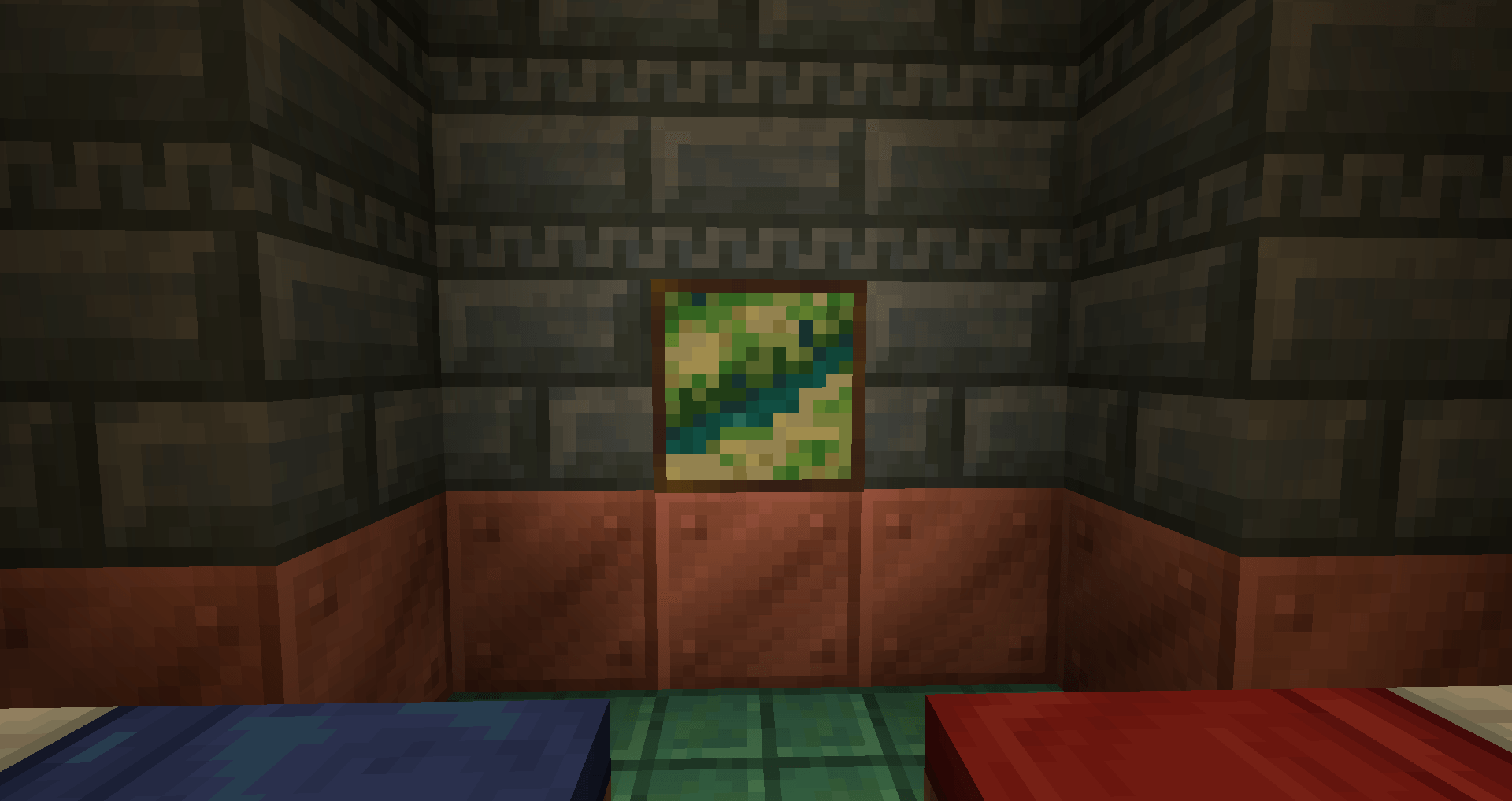
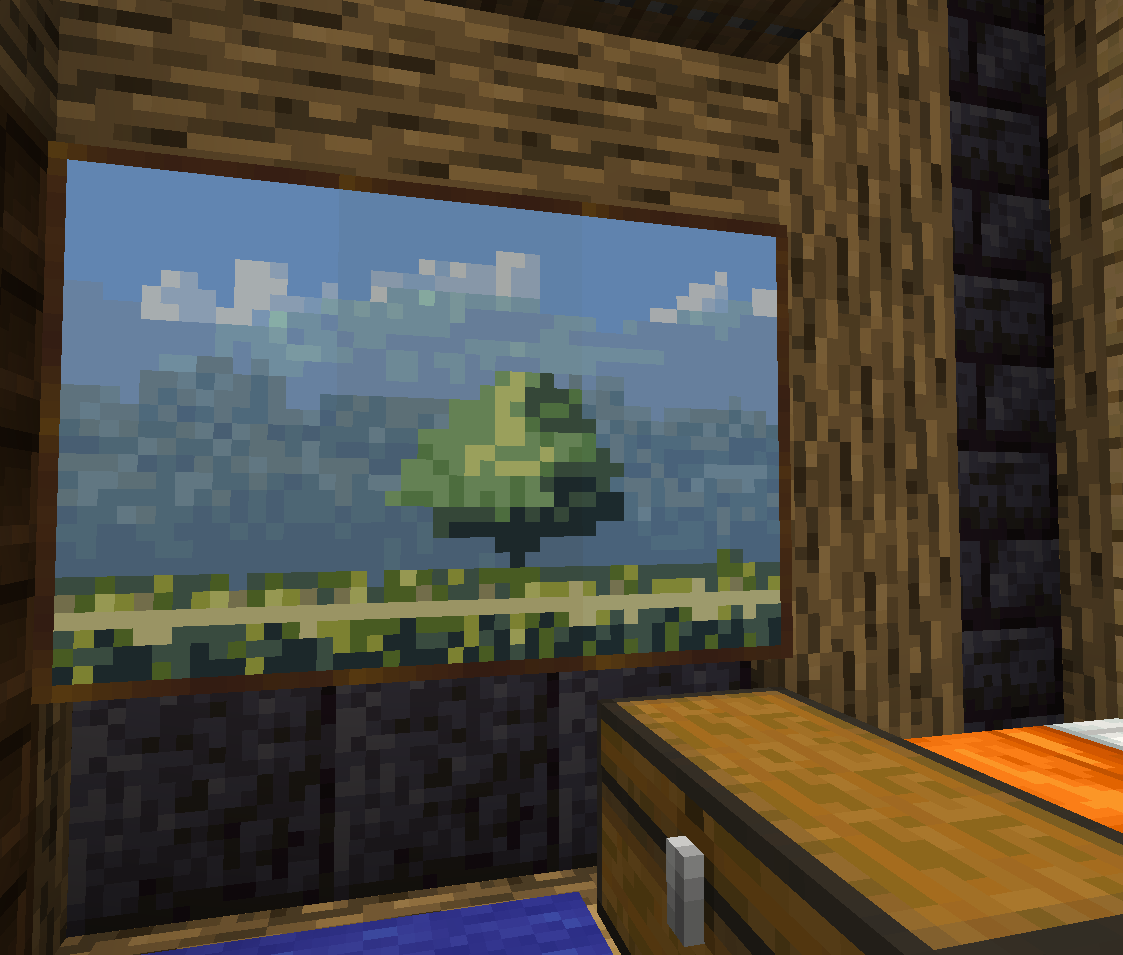
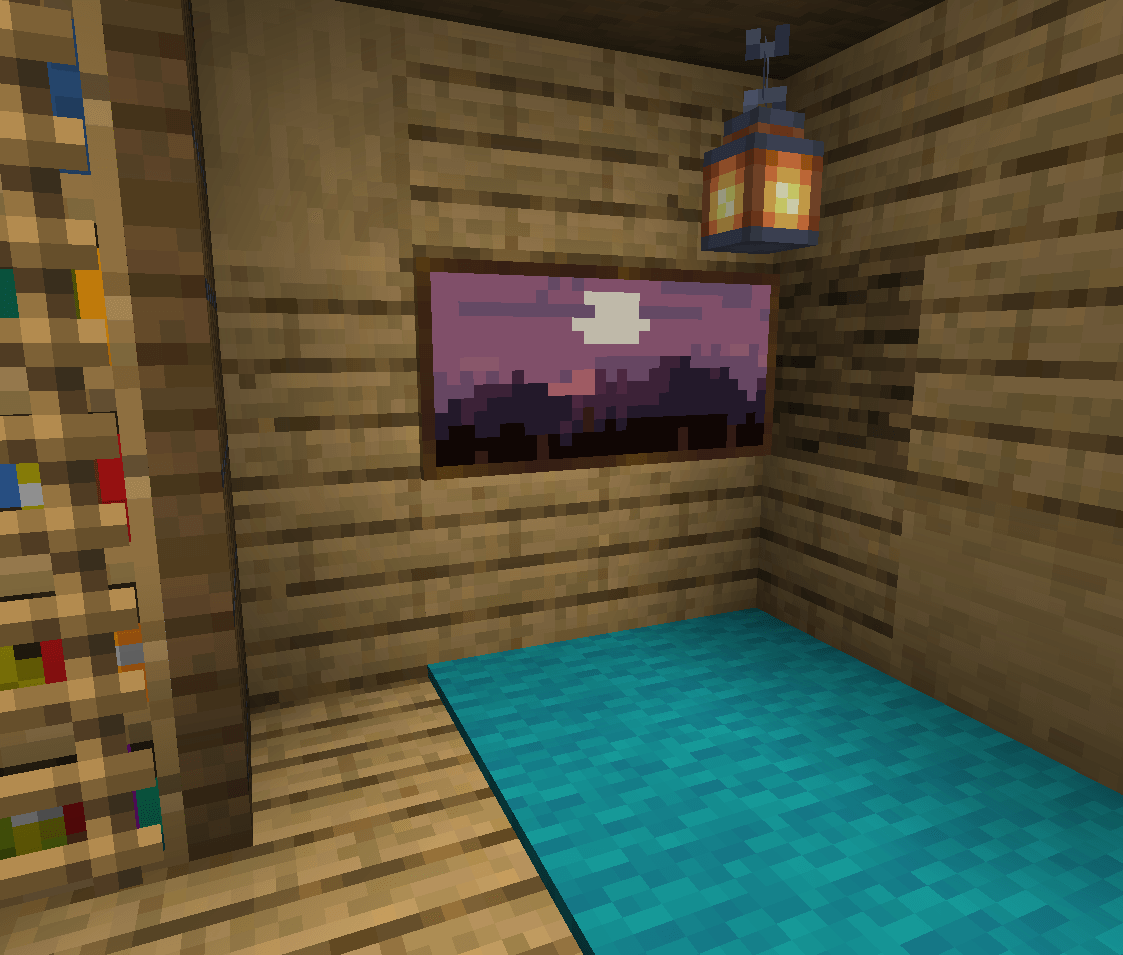
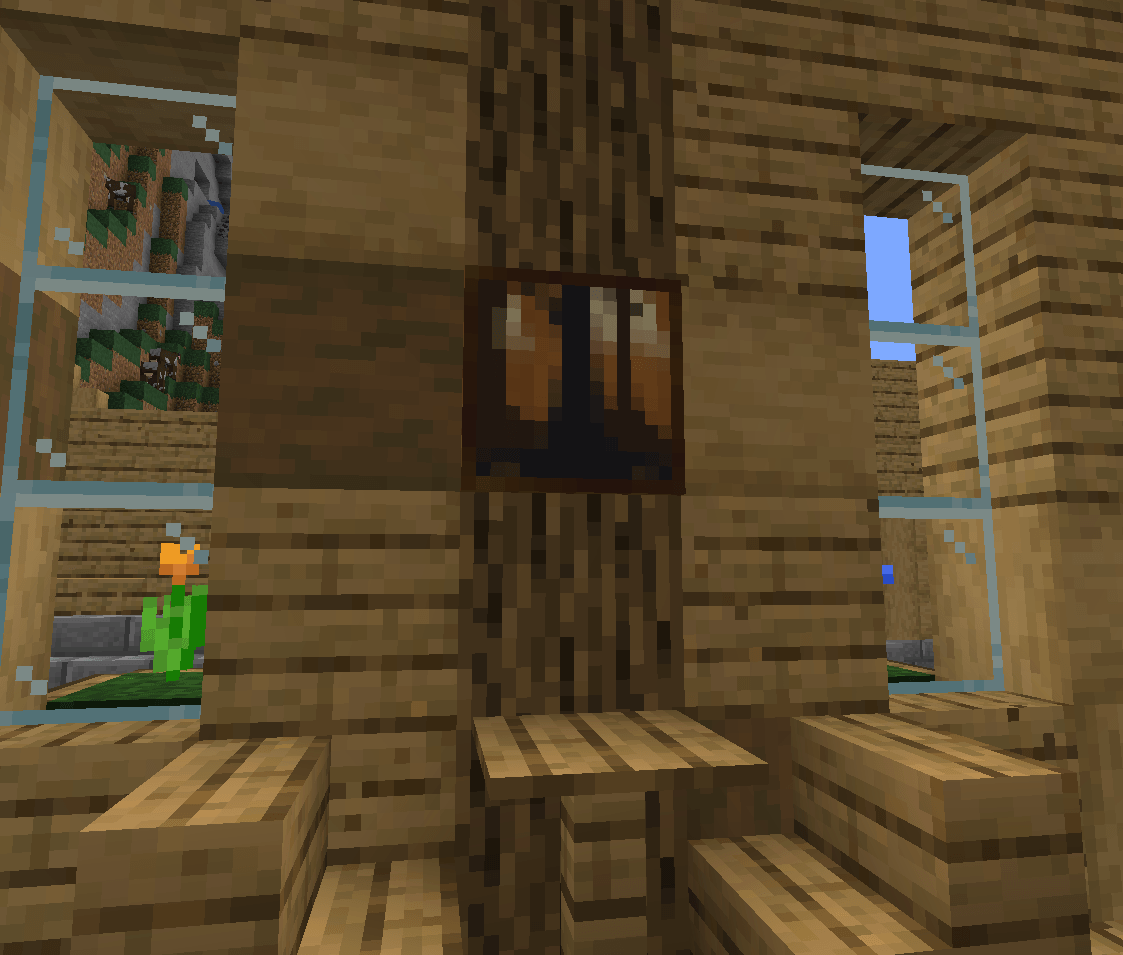
This Minecraft resourcepack adds some new paintings by using the Painting variants feature added in 1.21.

This is an update of my Custom Paintings resource pack for Minecraft versions 1.14 to 1.20. You can find it here. This project only works for 1.21+ versions of Minecraft.

Installation

The new painting variants features requires both a resource pack and a datapack.

Important: This resource pack also requires a datapack You can find the companion datapack here.

Copy the resource pack in your Minecraft installation resourcepacks folder and the datapack in your world datapacks folder. You have to add the resource pack to the selected packs.

For more information see datapack usage and resource pack behavior in the Minecraft wiki.

Note: This datapack will mark your world as using experimental settings.

Usage

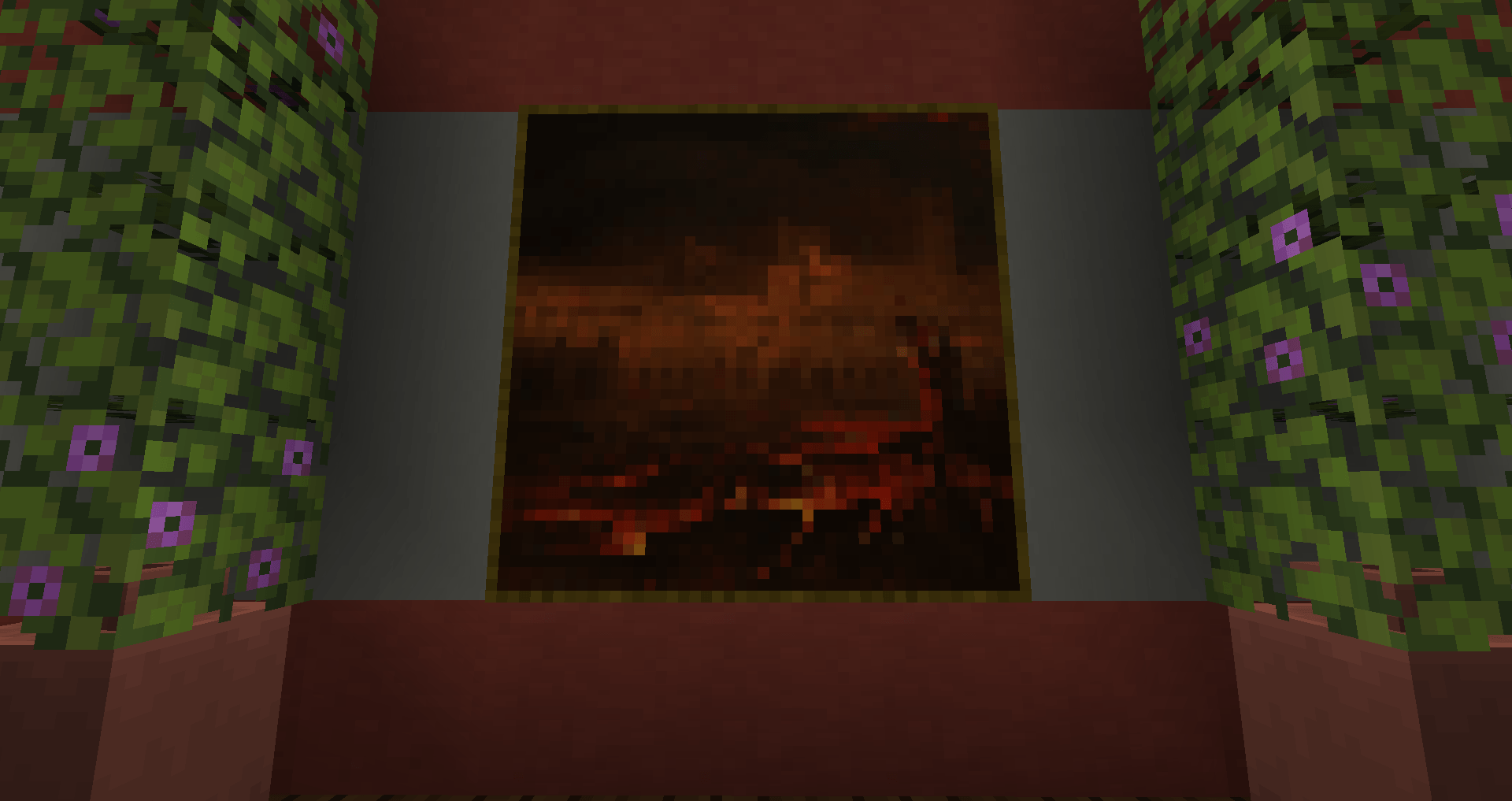
The paintings are available as any other Minecraft painting. Either randomly selected when placing a painting in the world or with the predetermined painting from the creative inventory.

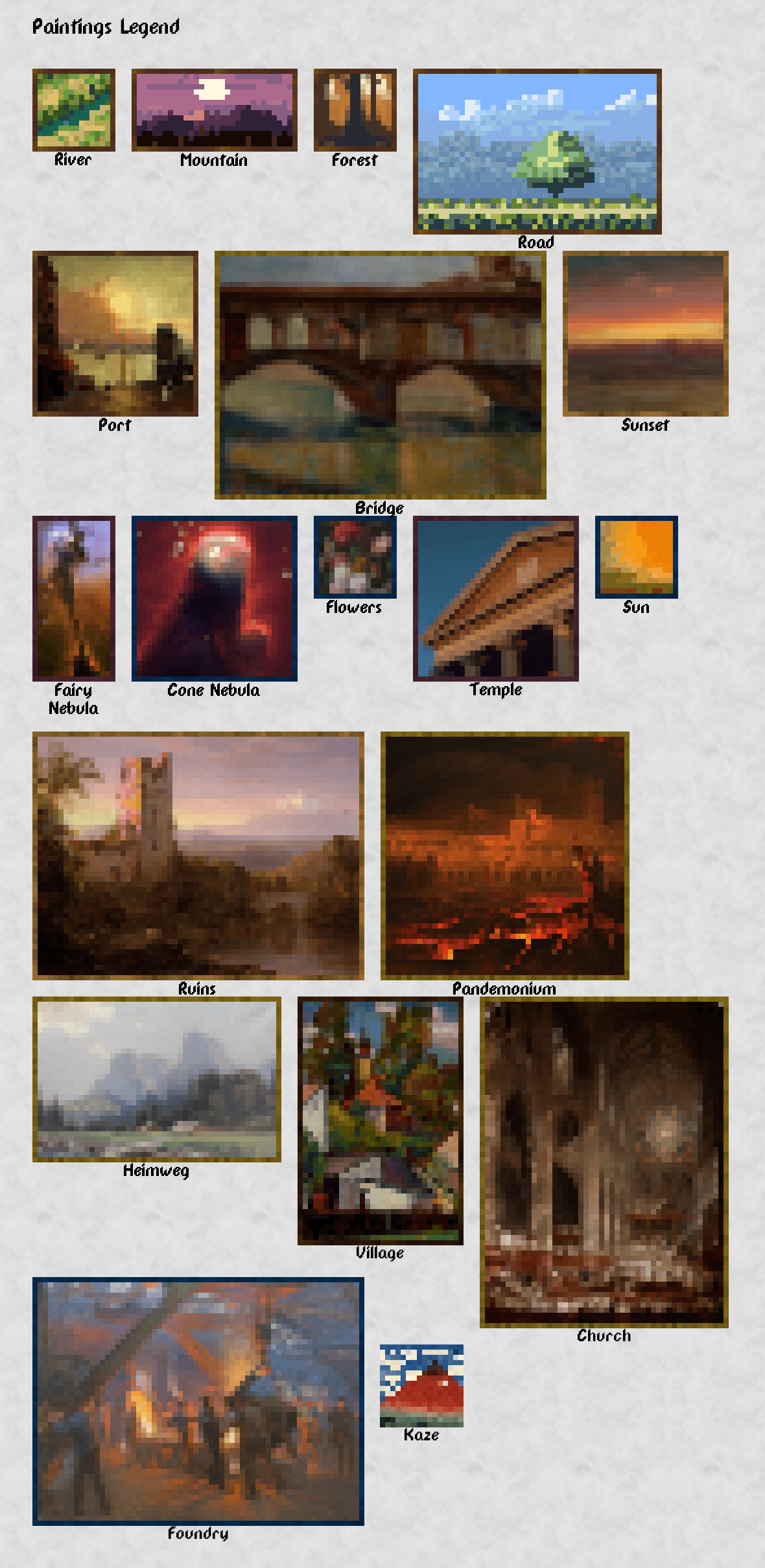
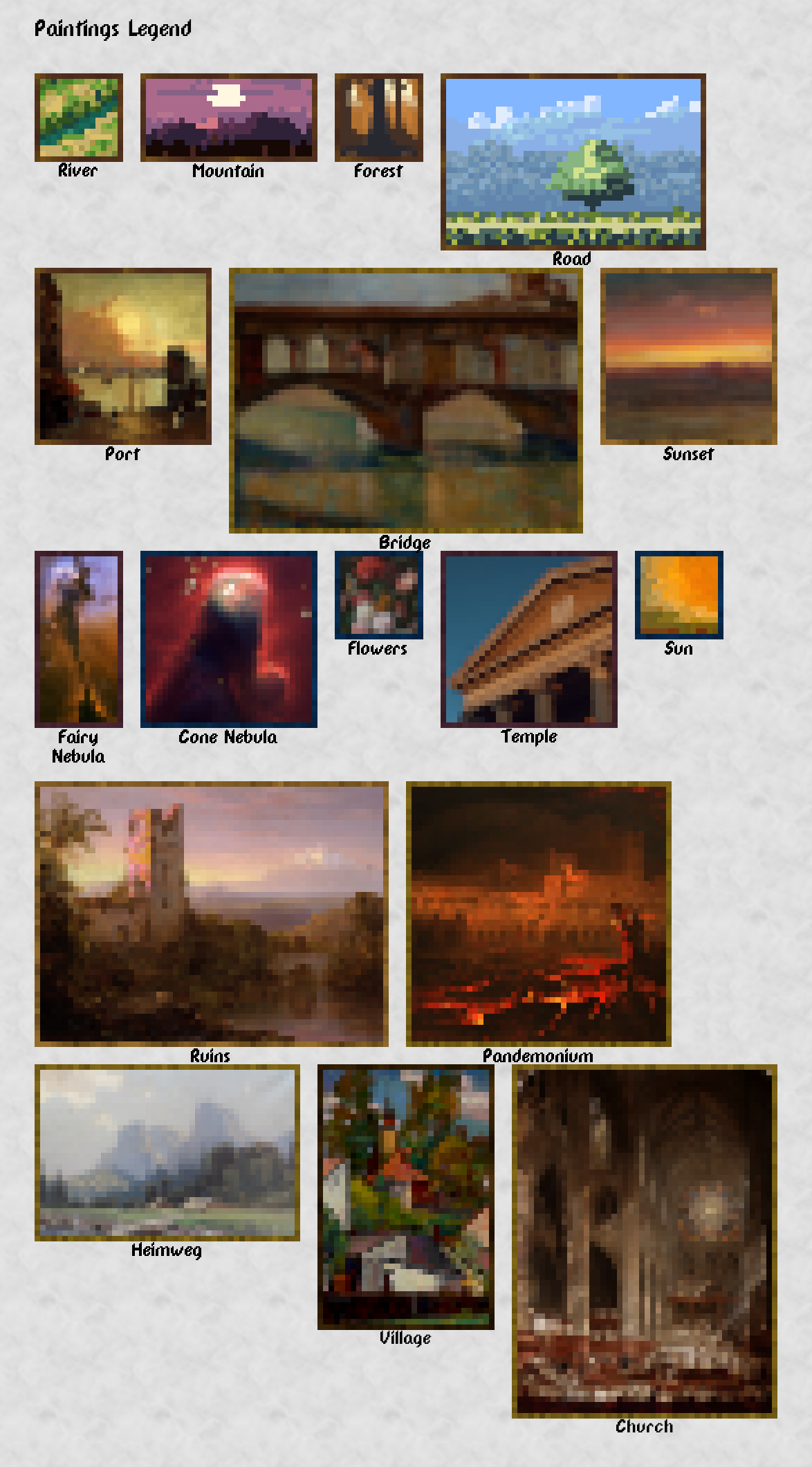
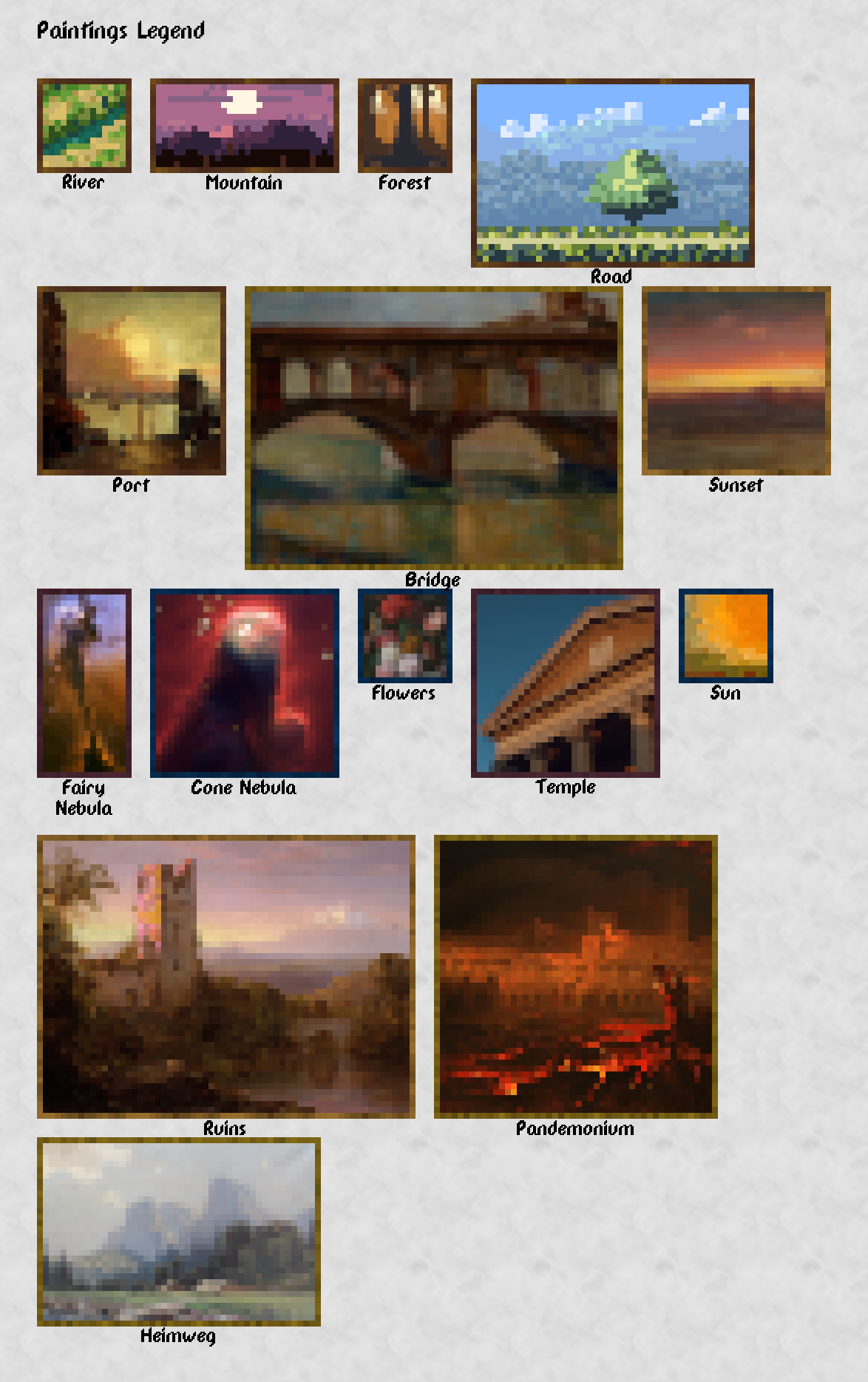
The next image shows all the available paintings:
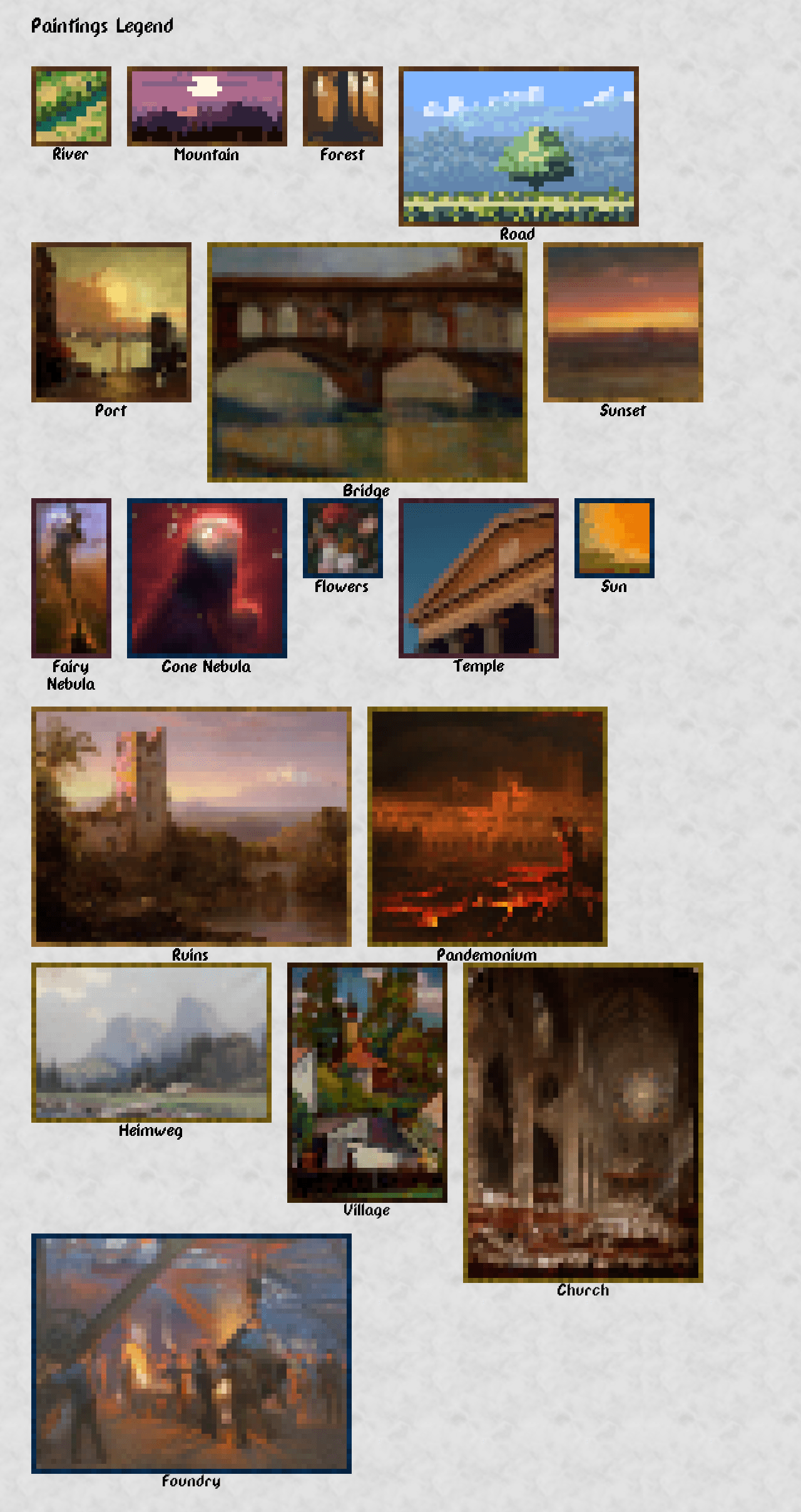
Available paintings

Credits

First 4 sample paintings in the resource pack are created from art released under CC0 license by ansimuz. You can find the original images at the next links:

The rest of the paintings are created based on public domain images. You can find the originals in the next links:

Acknowledgements


New Custom Paintings © 2024 by Fuegon is licensed under Creative Commons Attribution-ShareAlike 4.0 International

[1.2.0]NewCustomPaintings-ResourcePack
MC 1.21.2-Snapshot, 1.21, 1.21.6-snapshot, 1.21.1-Snapshot, 1.21.8, 1.21.5, 1.21.4, 1.21.5-Snapshot, 1.21.1, 1.21.6, 1.21.3, 1.21.7, 1.21.4-Snapshot, 1.21.2
Release 2025-07-24 Get
[1.1.0]NewCustomPaintings-ResourcePack
MC 1.21.2-Snapshot, 1.21, 1.21.1-Snapshot, 1.21.4, 1.21.3, 1.21.1, 1.21.4-Snapshot, 1.21.2
Release 2025-01-06 Get
[1.0.0]NewCustomPaintings-ResourcePack
MC 1.21, 1.21-Snapshot
Release 2024-06-12 Get

Requirements & install

How to use this resource pack in Minecraft
Resolution
16x
Minecraft
1.21.4-Snapshot – 1.21.8
Install folder
.minecraft/resourcepacks

How to install resource packs

  1. Download the resource pack .zip file (do not extract it).
  2. In Minecraft open Options → Resource Packs → Open Pack Folder.
  3. Drop the .zip into the resourcepacks folder (.minecraft/resourcepacks).
  4. Move the pack to the Selected column and click Done.
Browse more: 16x resource packs 32x resource packs 64x resource packs 128x resource packs 256x resource packs 512x+ resource packs Resource Packs for 1.21.8 All resource packs

More from fuegon_

Advertisement Remove ads with Premium →

You Might Also Like