Mineuniverse
Resource Packs
Nevvi's PVP pack (All in 1)

Nevvi's PVP pack (All in 1)

RESOURCE PACK
A simple, ALL in ONE, pvp pack with countless features! by NevviHERE
by NevviHERE
Download Claim this project
Add a badge to your pageLink to Nevvi's PVP pack (All in 1) from a README, website or forum post.
Preview: Badge

Badges update automatically and link to the resource pack page on MineUniverse.

80 downloads
0 likes
0 followers
Updated Oct 14, 2026
0 hypes
Follow0
16x Animated Miscellaneous Modern
Advertisement Remove ads with Premium →

PLEASE IGNORE THE COMPATIBILITY WARNING WHILE EQUIPPING THE PACK. It will work fine in any versions between 1.21.11 - 26.3

===================================================================

This pack is a ALL IN ONE PvP texture pack with alot of features, that will help you get better in PVP, whether that is spear mace, mace or any gamemodes this would give you a Legitimate and Fair advantage over others.

Another incredible feat you get while using the pack, is that you can almost get rid of 60% of resource packs that you use for example, Low shield and Low fire, smalller items etc. This pack has it all covered!


✨ Features:


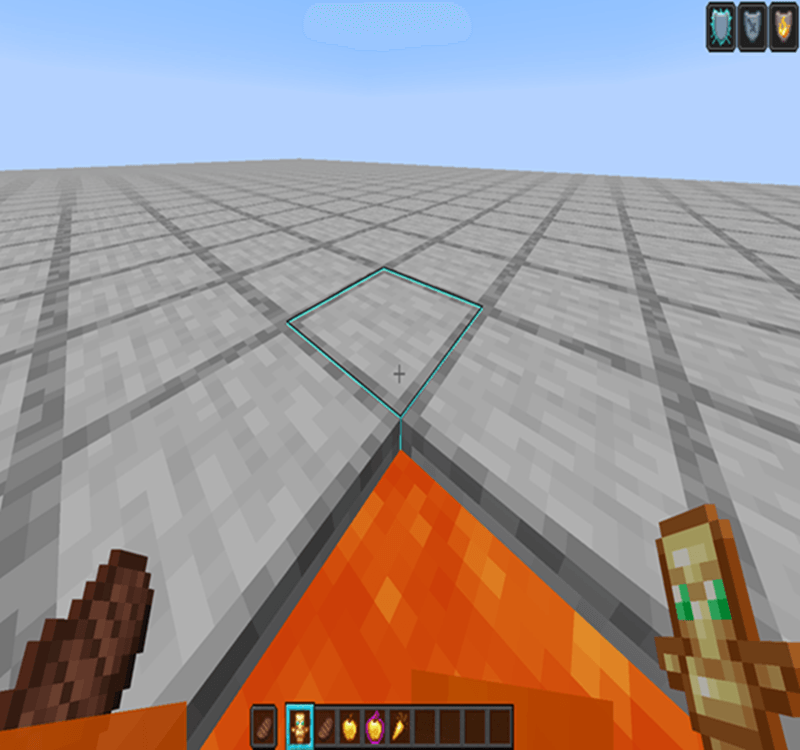
  • Low profile shield, fire, totems, and food
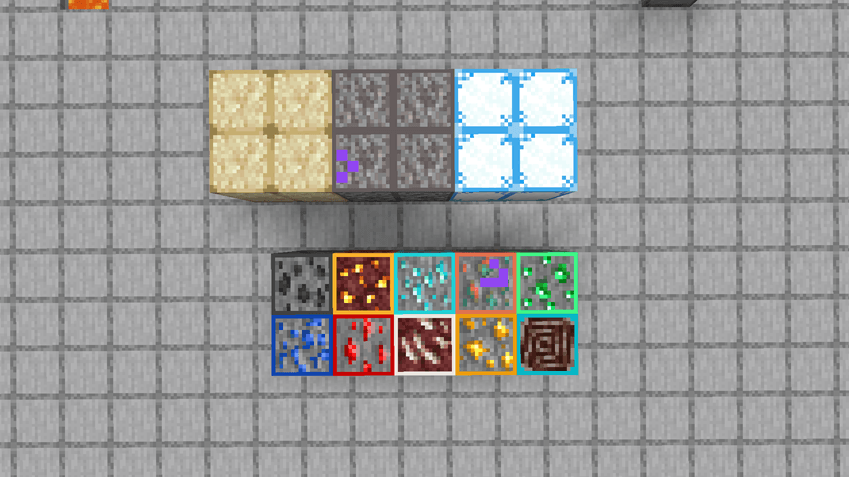
  • Highlighted ores and suspicious sand/gravel and powdered snow
  • Smaller, less intrusive hit particles
  • No crystal, tnt and windcharge explosions
  • Bow & crossbow pull indicators
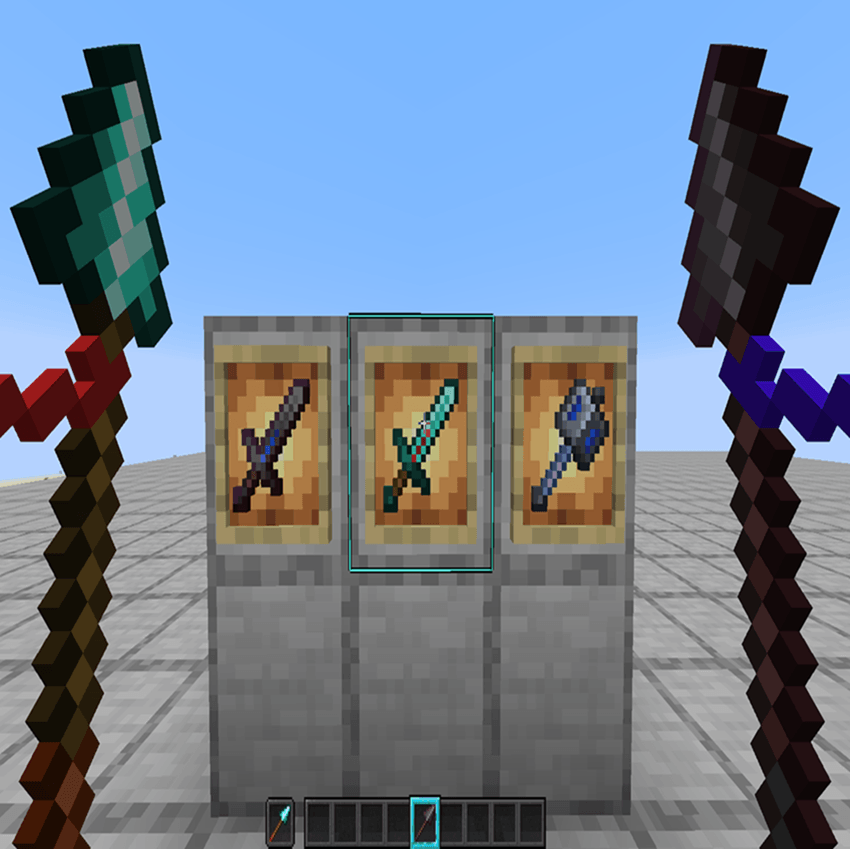
  • Animated Netherite & Diamond swords, spears, and maces
  • Separate golden apple & enchanted golden apple textures
  • 10% minimal pumpkin blur

✨ AI DISCLOSURES:


NO AI HAS BEEN USED IN THE MAKING OF THIS PACK :D

✨ GALLERY:


Curseforge limitations makes the images scuffed, so bare with me please.
Nevvi's PVP pack 1.5.zip
MC 1.21.11, 26.1, 26.1.1, 26.1.2, 26.2, 26.3
Release 2026-09-22 Get

Requirements & install

How to use this resource pack in Minecraft
Resolution
16x
Minecraft
1.21.11 – 26.3
Install folder
.minecraft/resourcepacks

How to install resource packs

  1. Download the resource pack .zip file (do not extract it).
  2. In Minecraft open Options → Resource Packs → Open Pack Folder.
  3. Drop the .zip into the resourcepacks folder (.minecraft/resourcepacks).
  4. Move the pack to the Selected column and click Done.
Browse more: 16x resource packs 32x resource packs 64x resource packs 128x resource packs 256x resource packs 512x+ resource packs Resource Packs for 26.3 All resource packs
Advertisement Remove ads with Premium →

You Might Also Like