Badges update automatically and link to the resource pack page on MineUniverse.
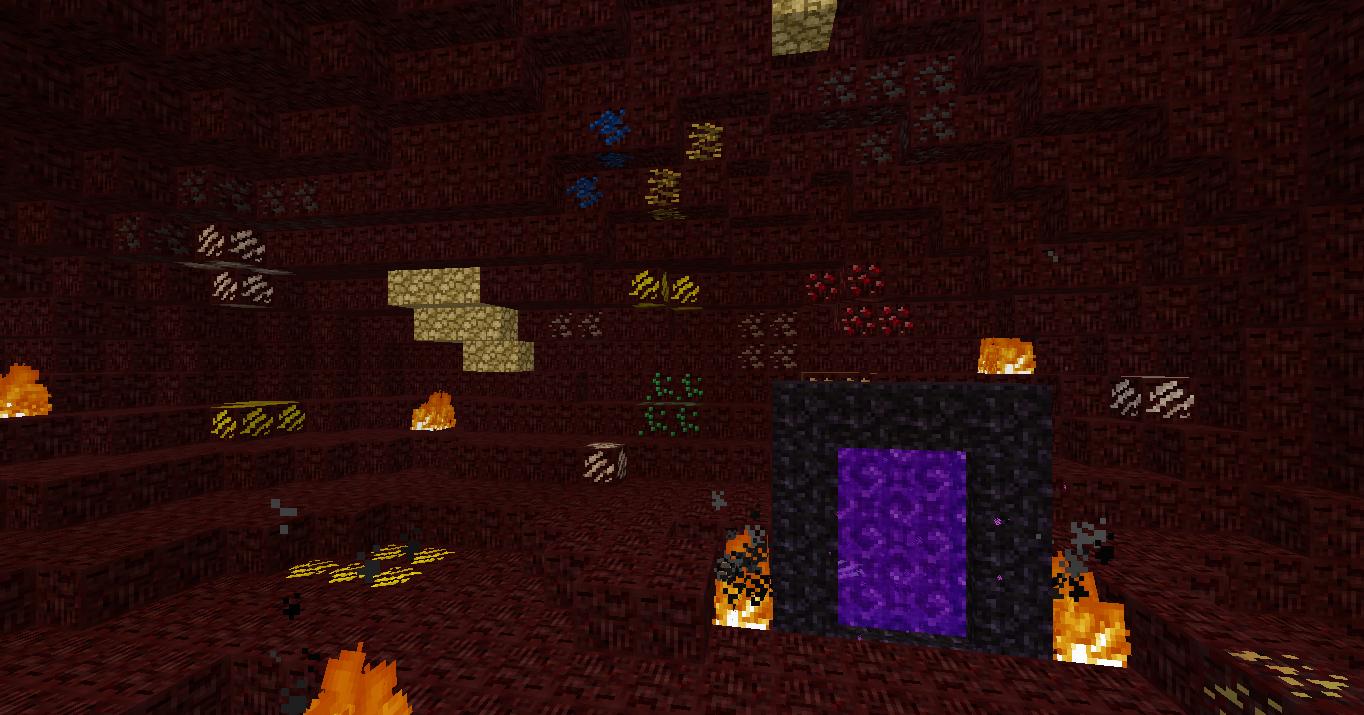
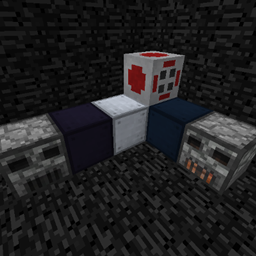
I don't know about you, but I always find the nether horrible on my eyes. Bright reds and mixed ugly red fog. With modded support it makes it very difficult to navigate your ores. I didn't want to just make nether a vanilla stone recolor (even if it is an interesting idea..) so I decided to try making my own nether rock! It's a lot darker than normal nether blocks and I only touched up a few modded ores to make them blend in a bit more. So you get a similar feel like mining in the overworld! Now the nether isnt so hard on your eyes (hopefully) and the ores are a lot easier to deal with.
Note: this isnt a cheating pack! The purpose of this is just to blend well like mining in the overworld. This is in no way intended to cheat your way in the nether. (I may or may not change up the nether rock texture if it's too cheat-y or dull. I never tried texturing nether stuff before so let me know how i'm doing please!)
Note 2: I will try to add more modded support for nether ores but I would need your help, please leave a comment below telling me some mods I missed that you would like to see!