Mineuniverse
Resource Packs
Nether Ceiling Nerf

Nether Ceiling Nerf

RESOURCE PACK
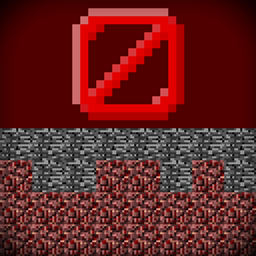
Prevents players from building on top of the nether roof
by Finxd
Download Claim this project
Add a badge to your pageLink to Nether Ceiling Nerf from a README, website or forum post.
Preview: Badge

Badges update automatically and link to the resource pack page on MineUniverse.

288 downloads
0 likes
0 followers
Updated Oct 14, 2026
0 hypes
Follow0
Data Packs
Advertisement Remove ads with Premium →

Nether Ceiling Nerf

Summary:

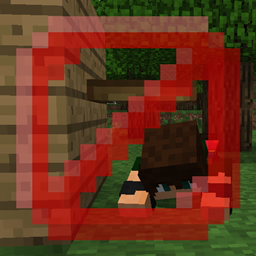
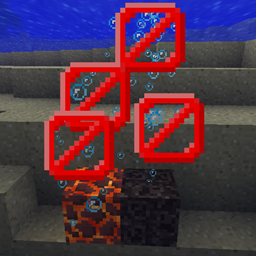
This datapack changes the nether's build limit to 128 and makes the bedrock ceiling few blocks thicker (in an attemp to prevent players using ender pearl exploits and building on top of it)


Fun fact:

The nether actually was 128 blocks high before release 1.2.1, but for some reason it was extended to 256 in that update

Because it makes no sense, and was probably a bug introduced by the level format change from mcregion to anvil, which increased the overworld height to 256, this datapack can also be counted as a bugfix


The nether ceiling always has 3 solid layers of bedrock (vanilla had only 1)

Build limit has been changed as well:

Should work on any version from 1.19 to 1.21.8 (and newer unless mojank decides to make changes for no reason again)

This datapack overrides:

data/minecraft/dimension_type/the_nether.json
data/minecraft/worldgen/noise_settings/nether.json

Could cause incompatibilites with other nether-related worldgen datapacks/mods

netherceilingpatch-1-20-x.zip
MC 1.21, 1.19.3, 1.20.2, 1.19.4, 1.21.8, 1.20.5, 1.21.5, 1.21.4, 1.20.1, 1.20, 1.20.6, 1.21.1, 1.21.6, 1.21.3, 1.21.7, 1.20.4, 1.19.2, 1.20.3, 1.21.2
Release 2025-05-23 Get

Requirements & install

How to use this resource pack in Minecraft
Resolution
Not specified
Minecraft
1.21.1 – 1.21.8
Install folder
.minecraft/resourcepacks

How to install resource packs

  1. Download the resource pack .zip file (do not extract it).
  2. In Minecraft open Options → Resource Packs → Open Pack Folder.
  3. Drop the .zip into the resourcepacks folder (.minecraft/resourcepacks).
  4. Move the pack to the Selected column and click Done.
Browse more: 16x resource packs 32x resource packs 64x resource packs 128x resource packs 256x resource packs 512x+ resource packs Resource Packs for 1.21.8 All resource packs

More from Finxd

Advertisement Remove ads with Premium →

You Might Also Like