Mineuniverse
Resource Packs
Nentonde's Emeraldswap (+custom language)

Nentonde's Emeraldswap (+custom language)

RESOURCE PACK
Resourcepack, that swaps emeralds and diamonds
by Nentonde
Download Claim this project
Add a badge to your pageLink to Nentonde's Emeraldswap (+custom language) from a README, website or forum post.
Preview: Badge

Badges update automatically and link to the resource pack page on MineUniverse.

588 downloads
0 likes
0 followers
Updated Oct 14, 2026
0 hypes
Follow0
16x Miscellaneous Traditional
Advertisement Remove ads with Premium →

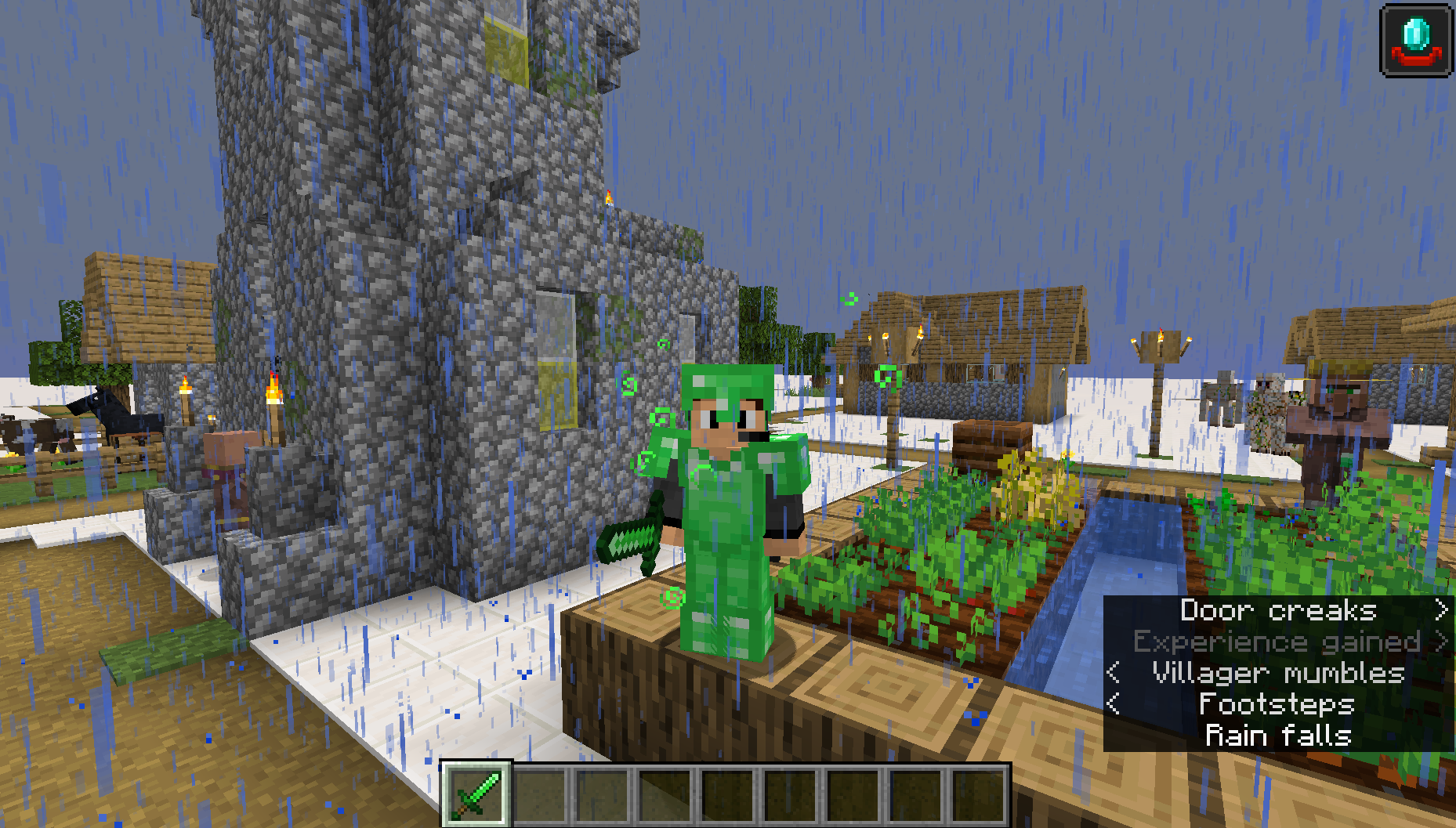
My first ever Curseforge pack.

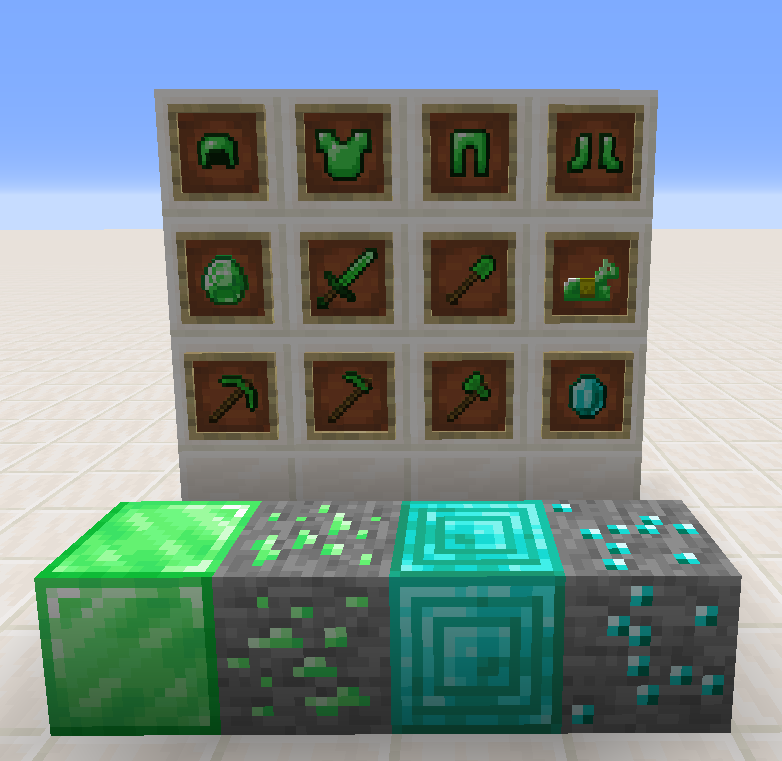
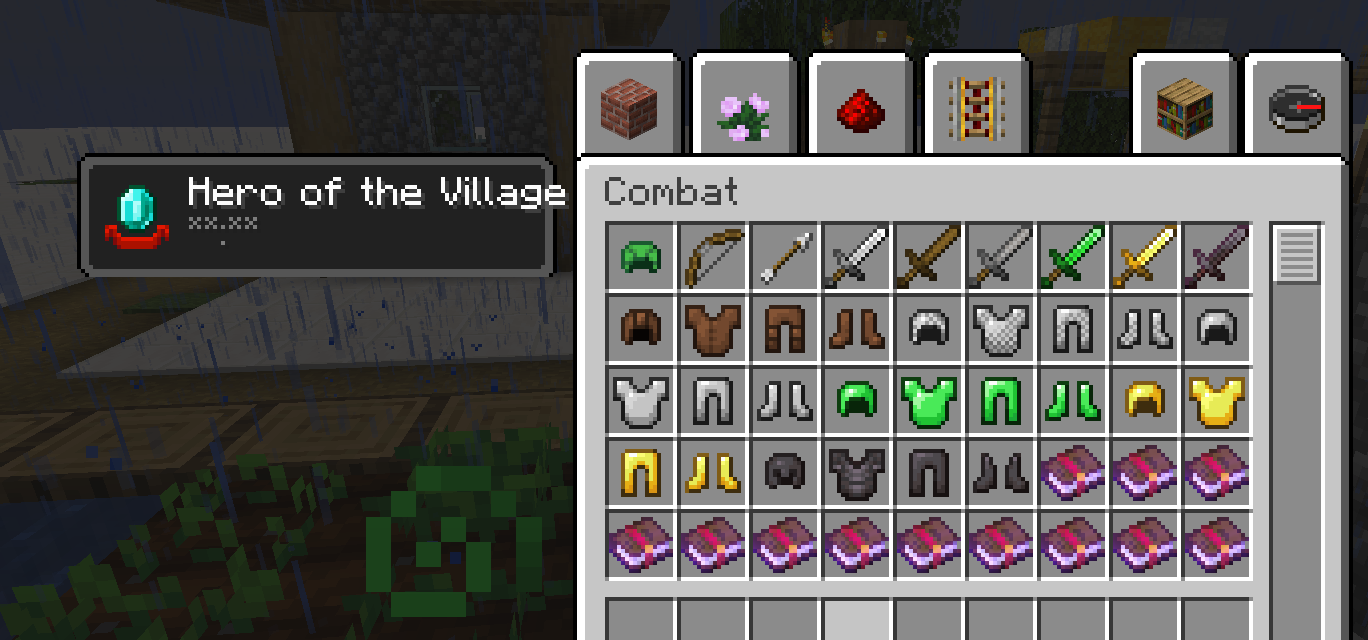
It contains retextured textures for

- diamondtools

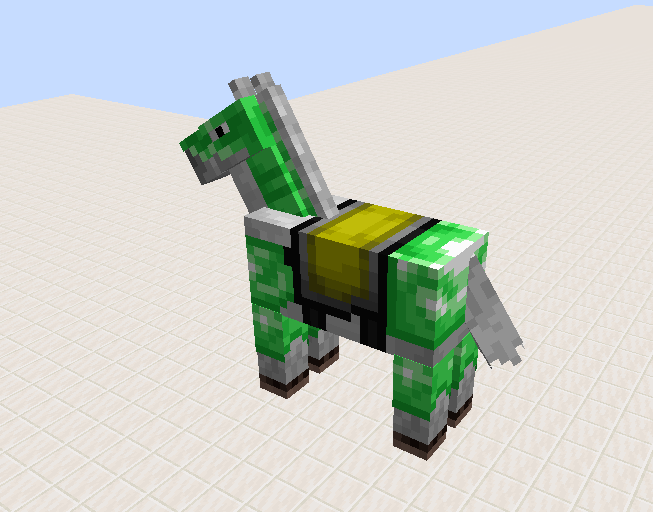
- armor

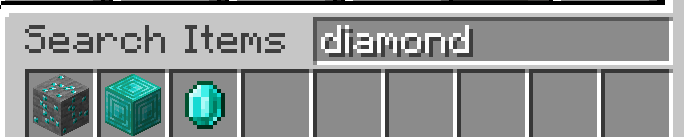
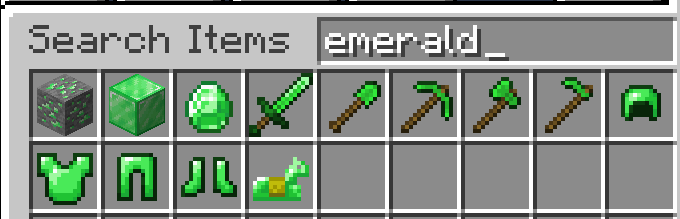
- diamond and the Emerald

- ores

- their blocks

- the eyes of the Totem of Undying

- the corners of the enchantment table

- the icon for the "Hero of the Village" effect

It includes a custom English US language to swap the diamond and the emerald and i am also working on a german version.

The pack is currently only available for minecraft java 1.15 to 1.16.4 but i will test and optimize it for other versions.

If you want to help, then just ask me.


Leaks for version 2.0:

- German language

- Optifine custom item textures for every Diamond/Emerald item

-> If for example a tool is in the custom language called "Emerald Axe" you can name it "Diamond Axe" for the normal Diamond texture

Maybe more soon...

Nentonde's Emeraldswap v.1.0 (1.8.9)
MC 1.8.9
Release 2020-11-25 Get
Nentonde's Emeraldswap v.1.1 (1.8.9)
MC 1.8.9
Release 2020-11-25 Get
Nentonde's Emeraldswap v.1.1 (1.15-1.16.1)
MC 1.16.1, 1.15, 1.16, 1.15.2, 1.15.1
Release 2020-11-18 Get
Nentonde's Emeraldswap v1.1 (1.16.2-1.16.4)
MC 1.16.3, 1.16.4, 1.16.2
Release 2020-11-18 Get
Nentonde's Emeraldswap v.1.0 (1.15-1.16.1)
MC 1.16.1, 1.15, 1.16, 1.15.2, 1.15.1
Release 2020-11-15 Get
Nentonde's Emeralsswap v1.0 (1.16.2-1.16.4)
MC 1.16.3, 1.16.4, 1.16.2
Release 2020-11-15 Get

Requirements & install

How to use this resource pack in Minecraft
Resolution
16x
Minecraft
1.15 – 1.16.4
Install folder
.minecraft/resourcepacks

How to install resource packs

  1. Download the resource pack .zip file (do not extract it).
  2. In Minecraft open Options → Resource Packs → Open Pack Folder.
  3. Drop the .zip into the resourcepacks folder (.minecraft/resourcepacks).
  4. Move the pack to the Selected column and click Done.
Browse more: 16x resource packs 32x resource packs 64x resource packs 128x resource packs 256x resource packs 512x+ resource packs Resource Packs for 1.16.4 All resource packs

More from Nentonde

Advertisement Remove ads with Premium →

You Might Also Like