Mineuniverse
Resource Packs
NeighborCraftResources

NeighborCraftResources

RESOURCE PACK
Resource Pack for Neighbor Craft modpack (can be used in vanilla)
by couxel
Download Claim this project
232 downloads
0 likes
Updated Oct 14, 2026
0 hypes
Font Packs Miscellaneous Mod Support
Advertisement Remove ads with Premium →

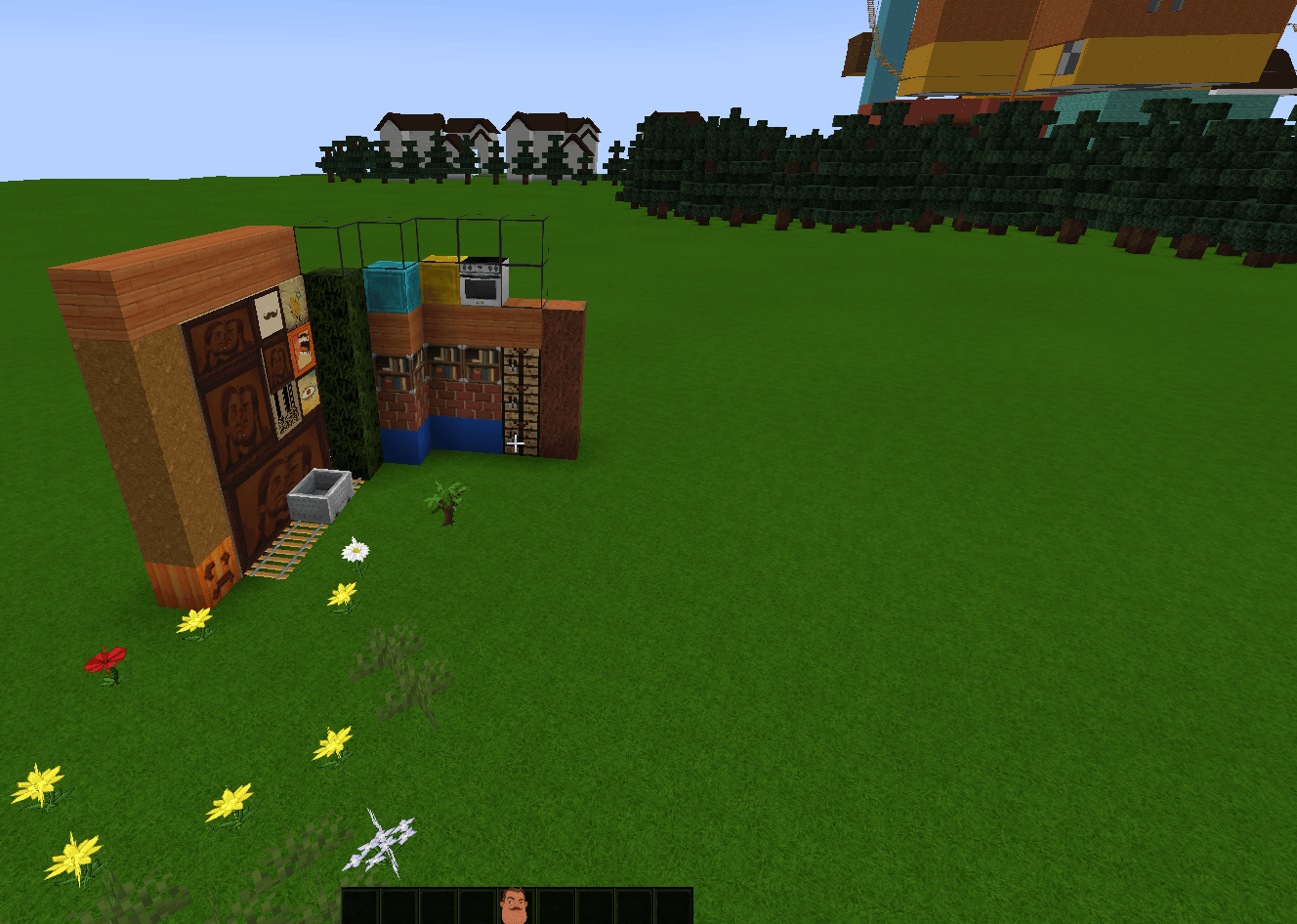
Hello Neighbor Resource Pack reskins vanilla Minecraft into the unsettling look and sound of Hello Neighbor. Built for the Neighbor Craft modpack, but works standalone in plain vanilla Minecraft too.

Features:

  • 149 block + 58 item textures reskinned — terrain, wood, ores, food, tools all match the theme.
  • Reskinned player (Steve) and sign textures, plus custom GUI widgets and title screen.
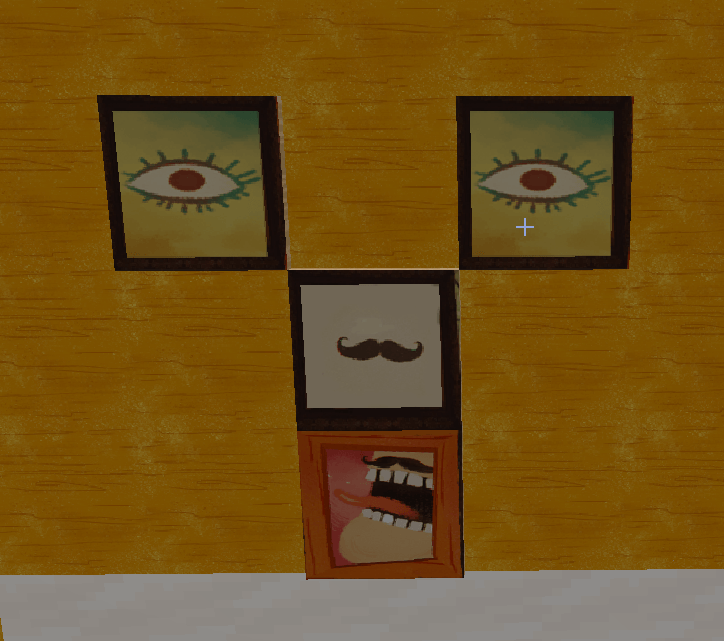
  • All 26 paintings replaced with custom artwork.
  • Custom sky, sun, moon, rain/snow, and grass/foliage colors for a different overall mood.
  • 60+ custom sound effects — distinct footsteps/break sounds per material (grass, wood, sand, snow, gravel, wool, ladder), plus ambient rain/thunder, doors, chests, anvils, glass, and player pain.
  • Optional OptiFine/Iris extras — animated blended sky and randomized texture rotation for less repetitive terrain.

NeighborCraftResources.zip
MC 1.21.1
Release 2026-06-23 Get

Requirements & install

How to use this resource pack in Minecraft
Resolution
Not specified
Minecraft
1.21.1
Install folder
.minecraft/resourcepacks

How to install resource packs

  1. Download the resource pack .zip file (do not extract it).
  2. In Minecraft open Options → Resource Packs → Open Pack Folder.
  3. Drop the .zip into the resourcepacks folder (.minecraft/resourcepacks).
  4. Move the pack to the Selected column and click Done.
Browse more: 16x resource packs 32x resource packs 64x resource packs 128x resource packs 256x resource packs 512x+ resource packs Resource Packs for 1.21.1 All resource packs

More from couxel

Advertisement Remove ads with Premium →

You Might Also Like