Mineuniverse
Resource Packs
Nature's ZooVentures GUI

Nature's ZooVentures GUI

RESOURCE PACK
A cute, themed GUI overhaul made for content creator NatureOfGaming.
by Mnesikos
Download Claim this project
Add a badge to your pageLink to Nature's ZooVentures GUI from a README, website or forum post.
Preview: Badge

Badges update automatically and link to the resource pack page on MineUniverse.

11,345 downloads
0 likes
0 followers
Updated Oct 14, 2026
0 hypes
Follow0
16x Miscellaneous Mod Support
Advertisement Remove ads with Premium →

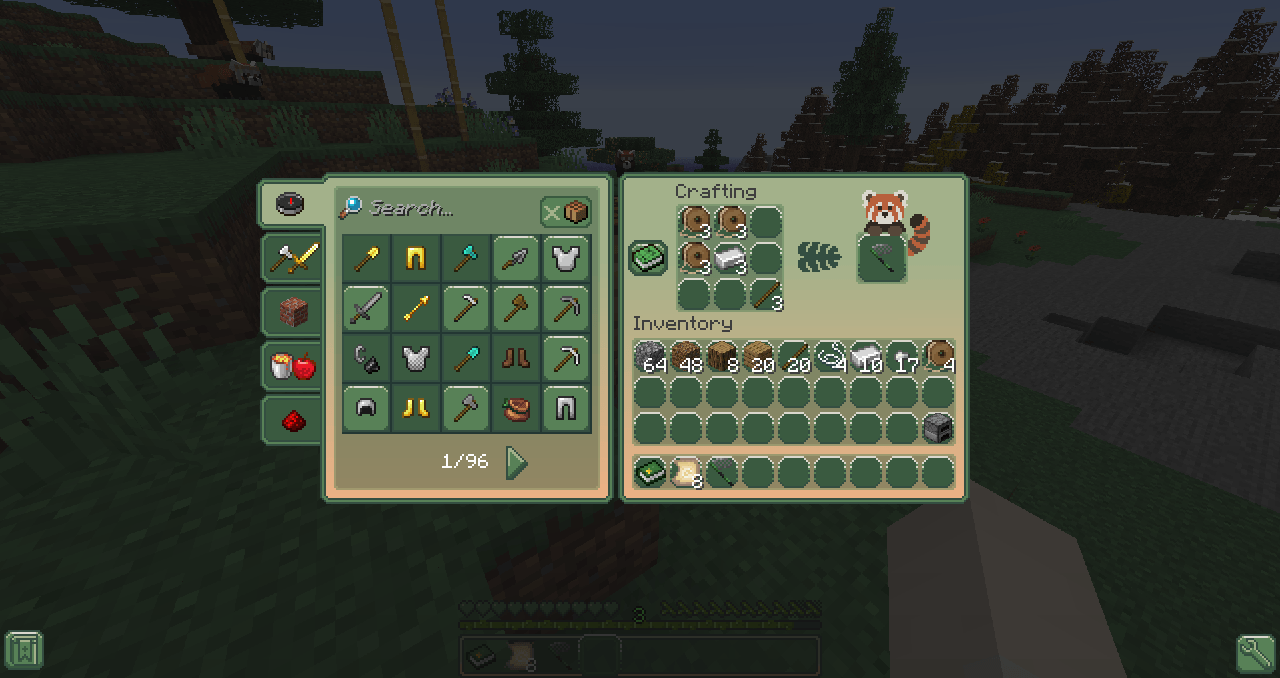
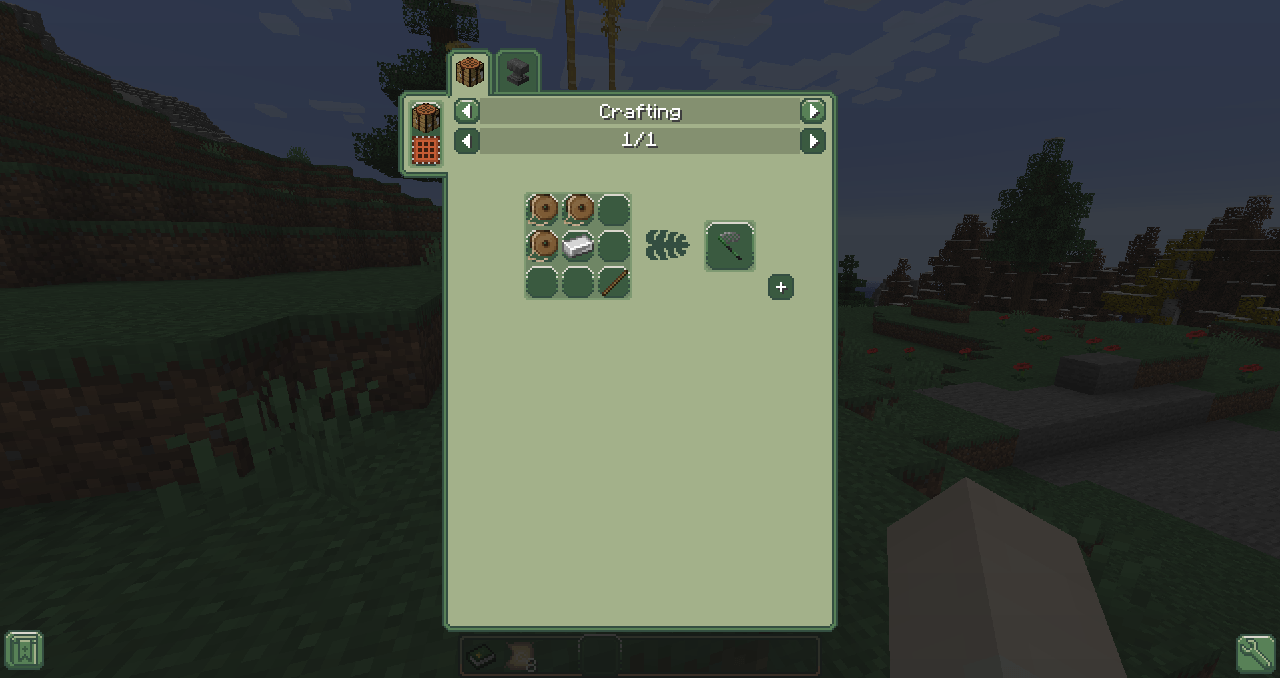
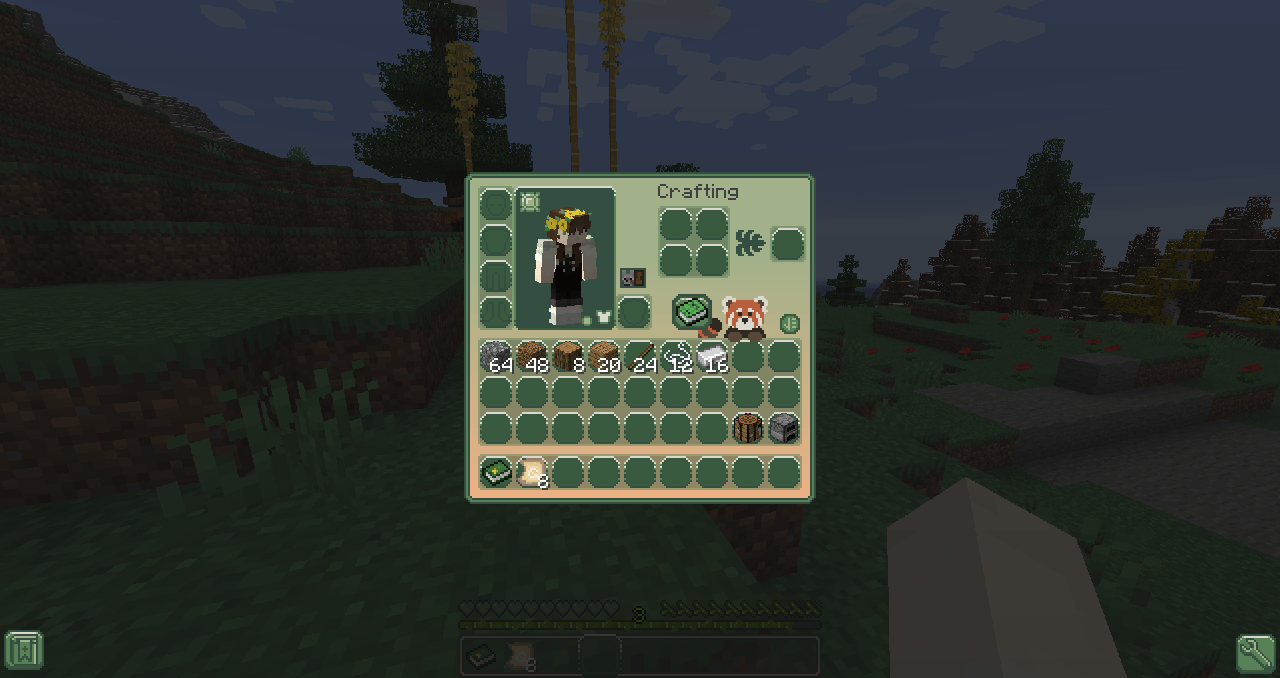
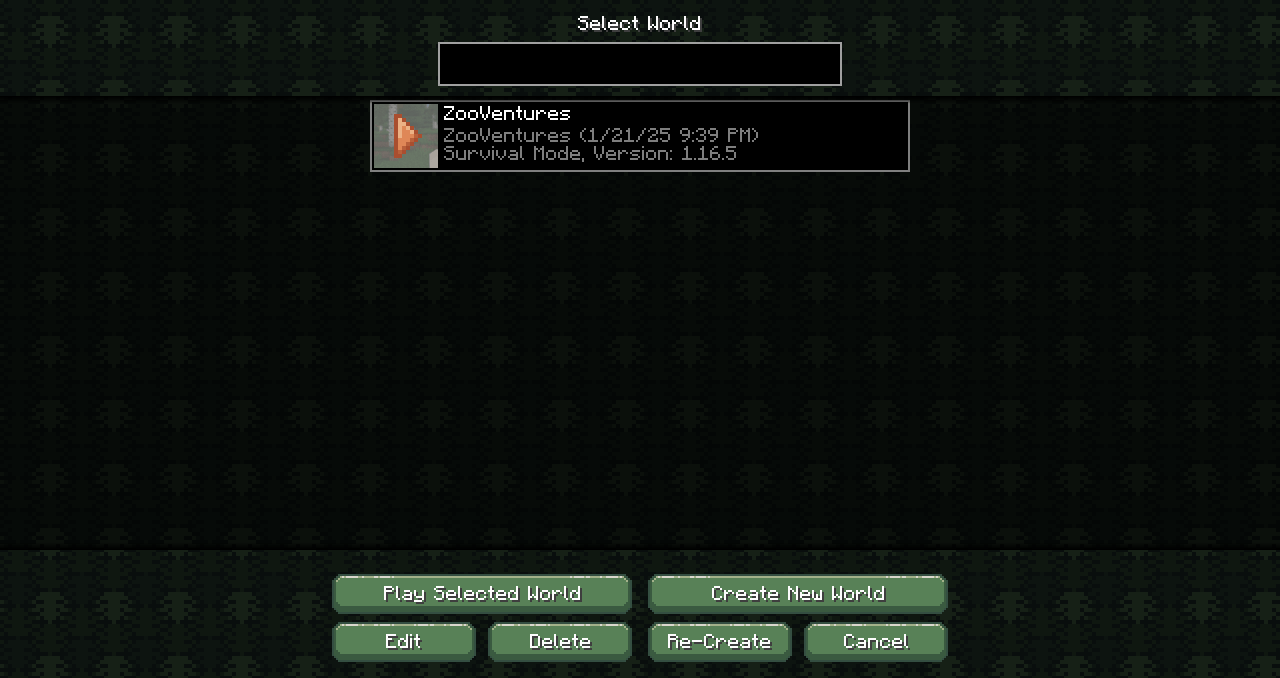
A cute, monstera and red panda themed GUI overhaul resource pack created for the content creator NatureOfGaming!
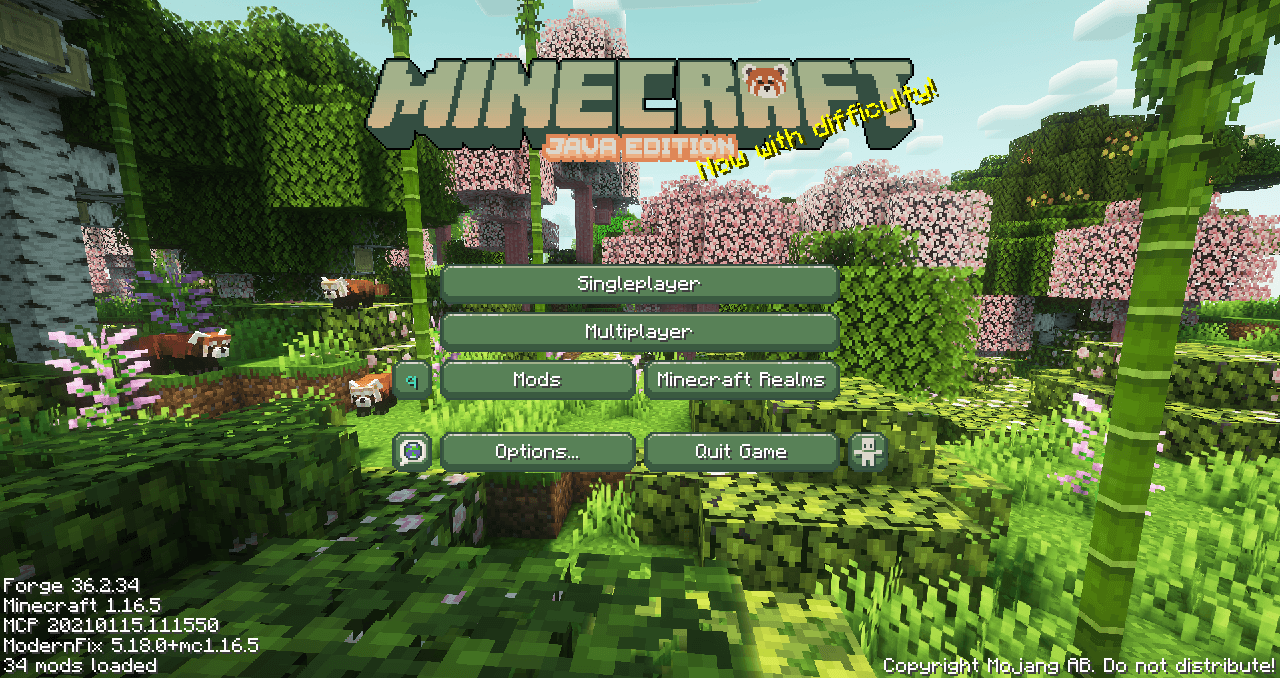
 

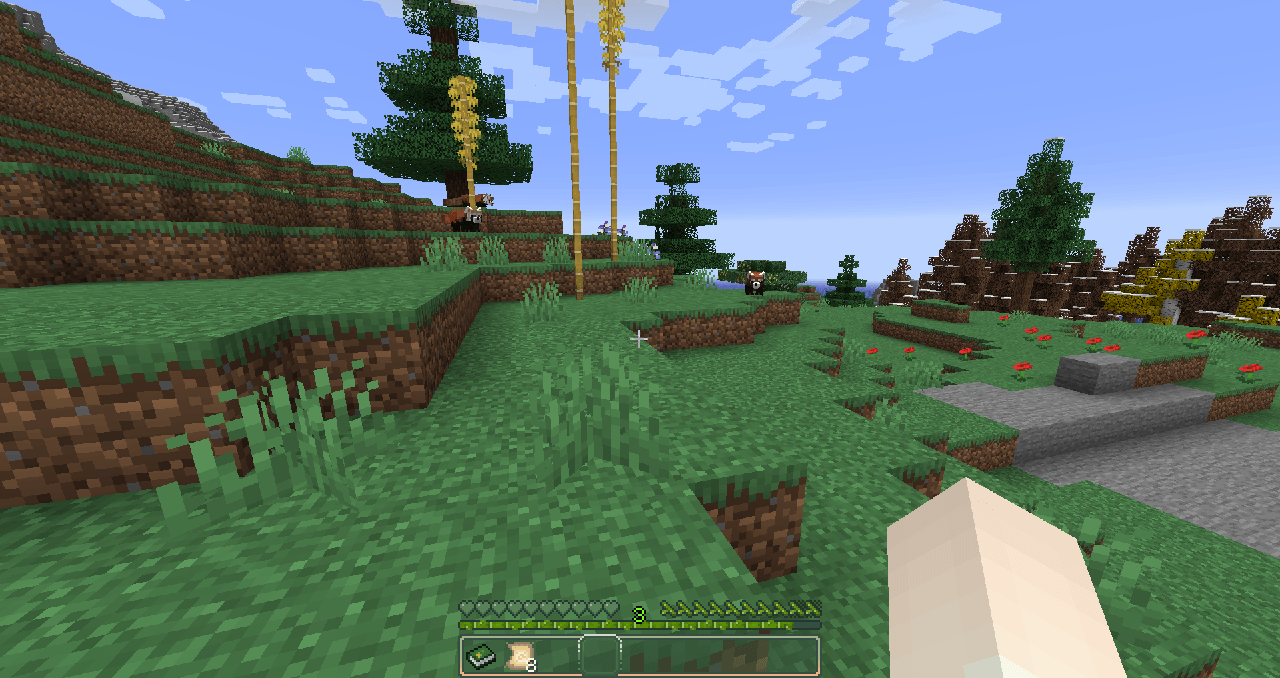
In-game screenshot credits include mods Mystic's Biomes, ZAWA: Evolved, and Click for Hot Chicks, and Complementary shaders.


Created for a 1.16.5 modpack, however, future versions of minecraft will be supported eventually.


Currently supported mods:

- Appleskin

- Click for hot chicks

- Cosmetic armor

- Curios

- Doggy talents

- Easy villagers

- Iron chest

- Just enough items

- Just enough professions

- Just enough resources

- Polymorph

- Quark

- Realistic horse genetics

- Relics

- Simple voice chat

- Simply cats

- Sophisticated backpacks

- Travelers backpack

- Truly custom horse tack

- Waystones

- Xaero's minimap

- Xaero's world map

- ZAWA: evolved

Nature's ZooVentures GUI 1.0 (1.17-1.19.2)
MC 1.17.1, 1.18.1, 1.17, 1.18.2, 1.19.2, 1.19.1, 1.18, 1.19
Release 2025-01-27 Get
Nature's ZooVentures GUI 1.0 (1.19.3)
MC 1.19.3
Release 2025-01-27 Get
Nature's ZooVentures GUI 1.0 (1.19.4)
MC 1.19.4
Release 2025-01-27 Get
Nature's ZooVentures GUI 1.0 (1.20-1.20.6)
MC 1.20.2, 1.20.5, 1.20.3, 1.20.1, 1.20, 1.20.6, 1.20.4
Release 2025-01-27 Get
Nature's ZooVentures GUI 1.0 (1.16.2-1.16.5)
MC 1.16.3, 1.16.5, 1.16.4, 1.16.2
Release 2025-01-22 Get

Requirements & install

How to use this resource pack in Minecraft
Resolution
16x
Minecraft
1.19.4 – 1.20.6
Install folder
.minecraft/resourcepacks

How to install resource packs

  1. Download the resource pack .zip file (do not extract it).
  2. In Minecraft open Options → Resource Packs → Open Pack Folder.
  3. Drop the .zip into the resourcepacks folder (.minecraft/resourcepacks).
  4. Move the pack to the Selected column and click Done.
Browse more: 16x resource packs 32x resource packs 64x resource packs 128x resource packs 256x resource packs 512x+ resource packs Resource Packs for 1.20.6 All resource packs

More from Mnesikos

Advertisement Remove ads with Premium →

You Might Also Like