Mineuniverse
Resource Packs
Natalshee_ Pack [1.8x] v3

Natalshee_ Pack [1.8x] v3

RESOURCE PACK
PvP Texture Pack for Minecraft 1.8x :)
by Natalshee_
Download Claim this project
331 downloads
0 likes
0 followers
Updated Oct 14, 2026
0 hypes
Follow0
32x Animated
Advertisement Remove ads with Premium →

Hello there! :)

I'm just releasing the third version of my 1.8x PvP Texture Pack.


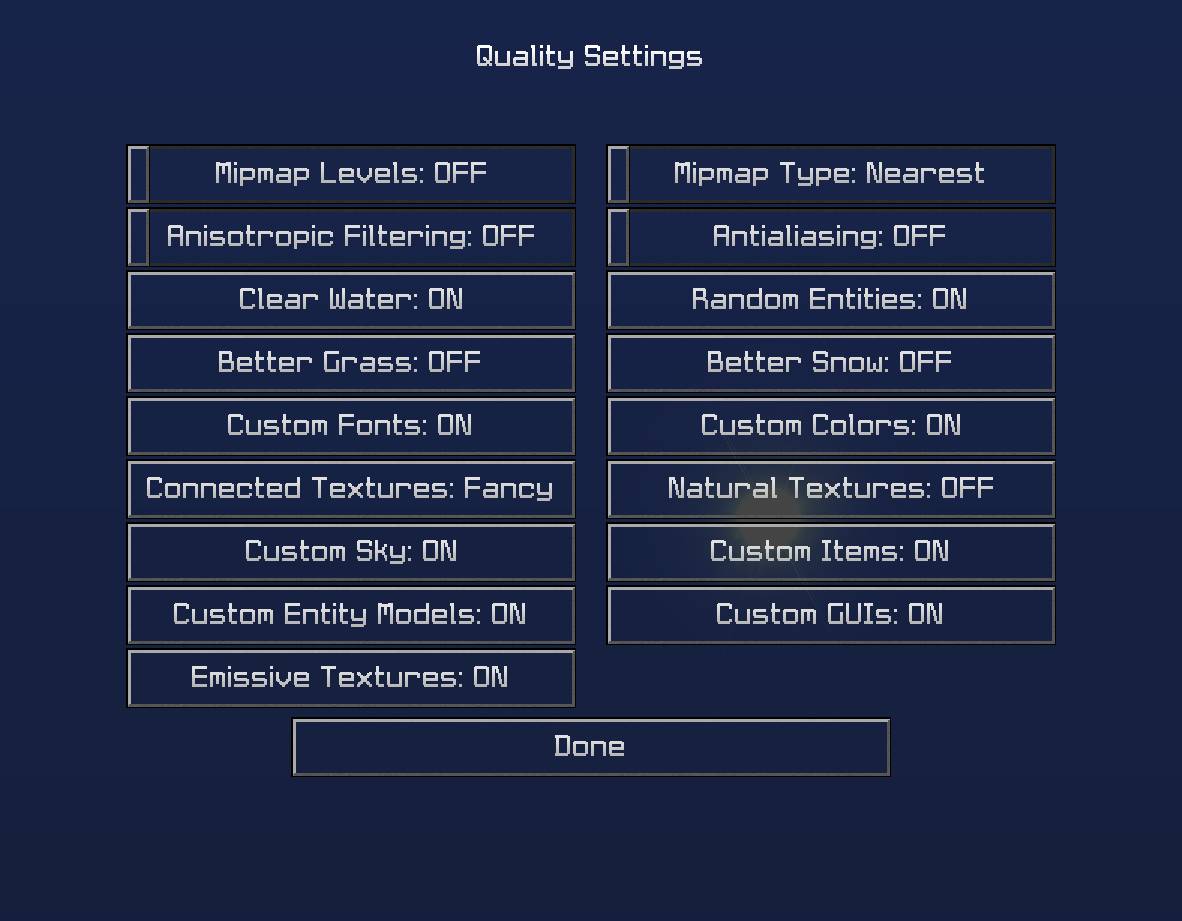
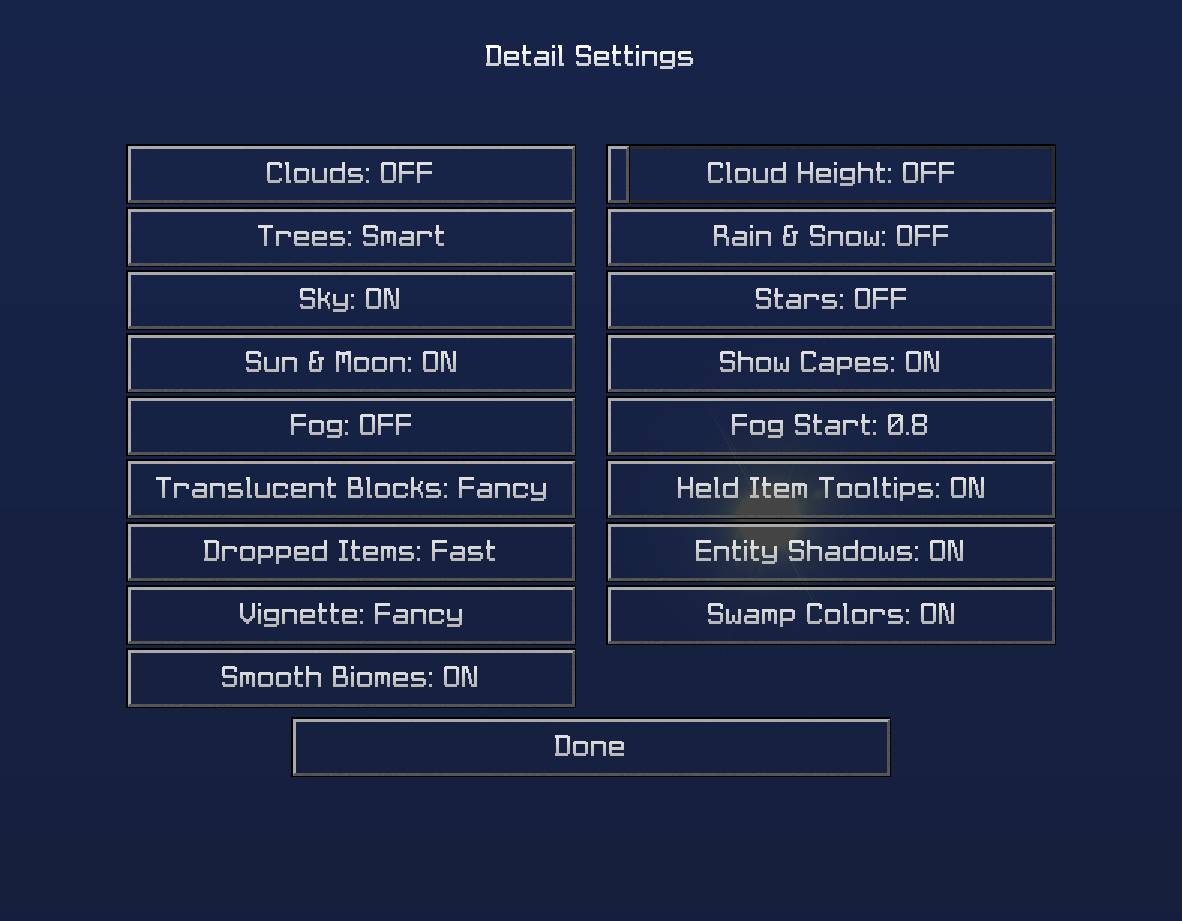
Use OptiFine to get the most out of my Texture Pack.

Use the Detail and Quality options from the last 2 screenshots.


Here's a list of things included in the Texture Pack:


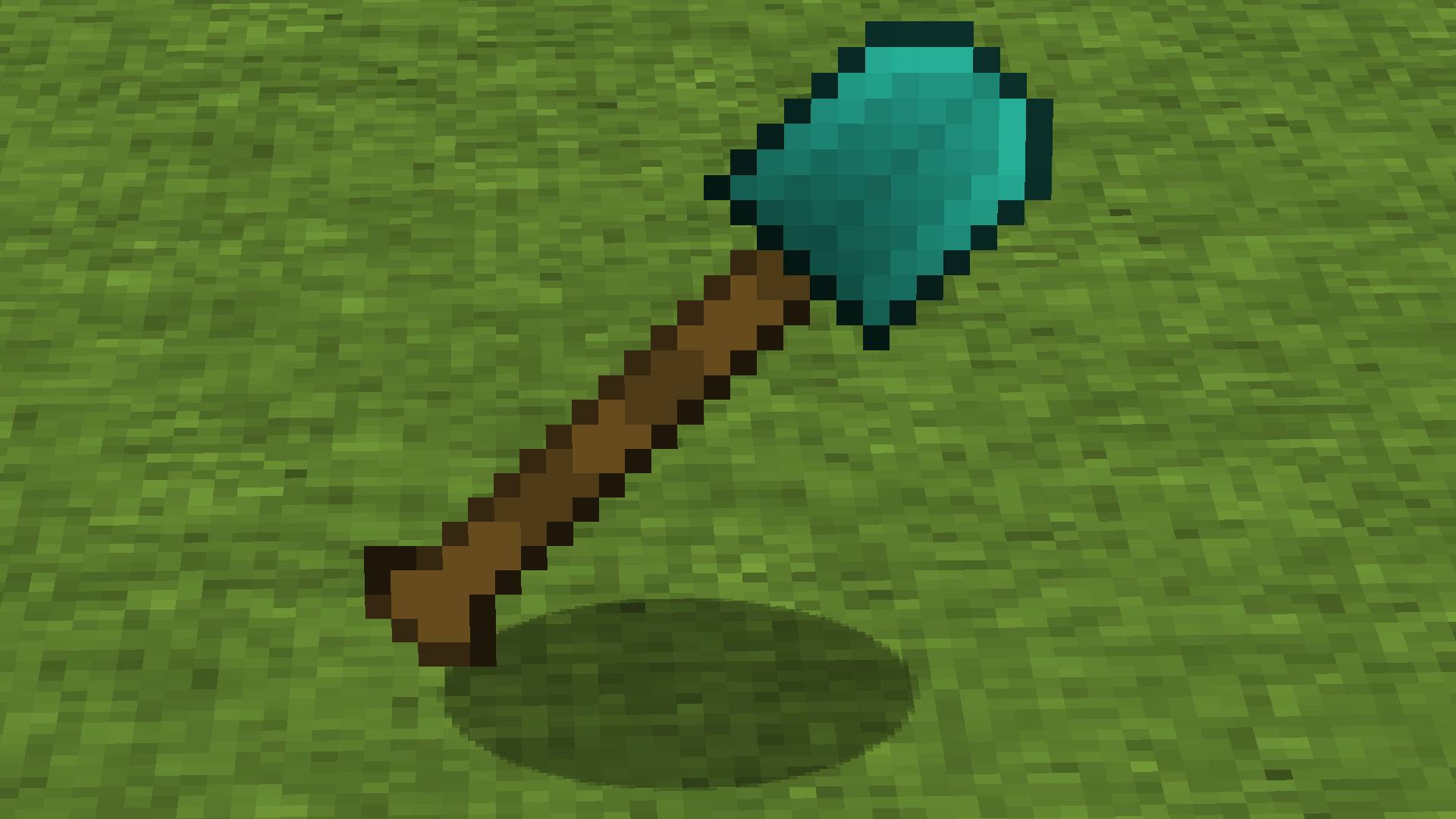
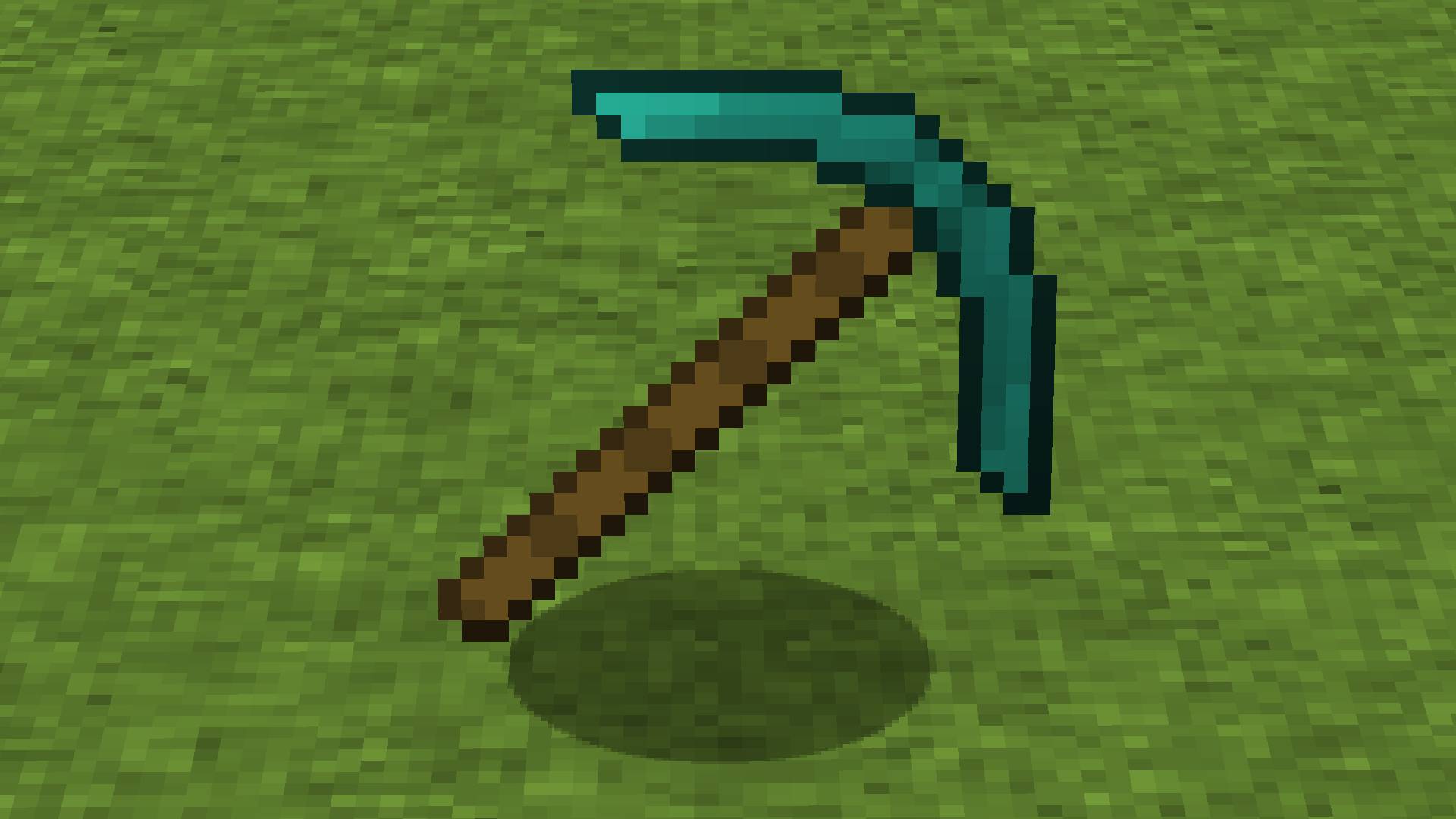
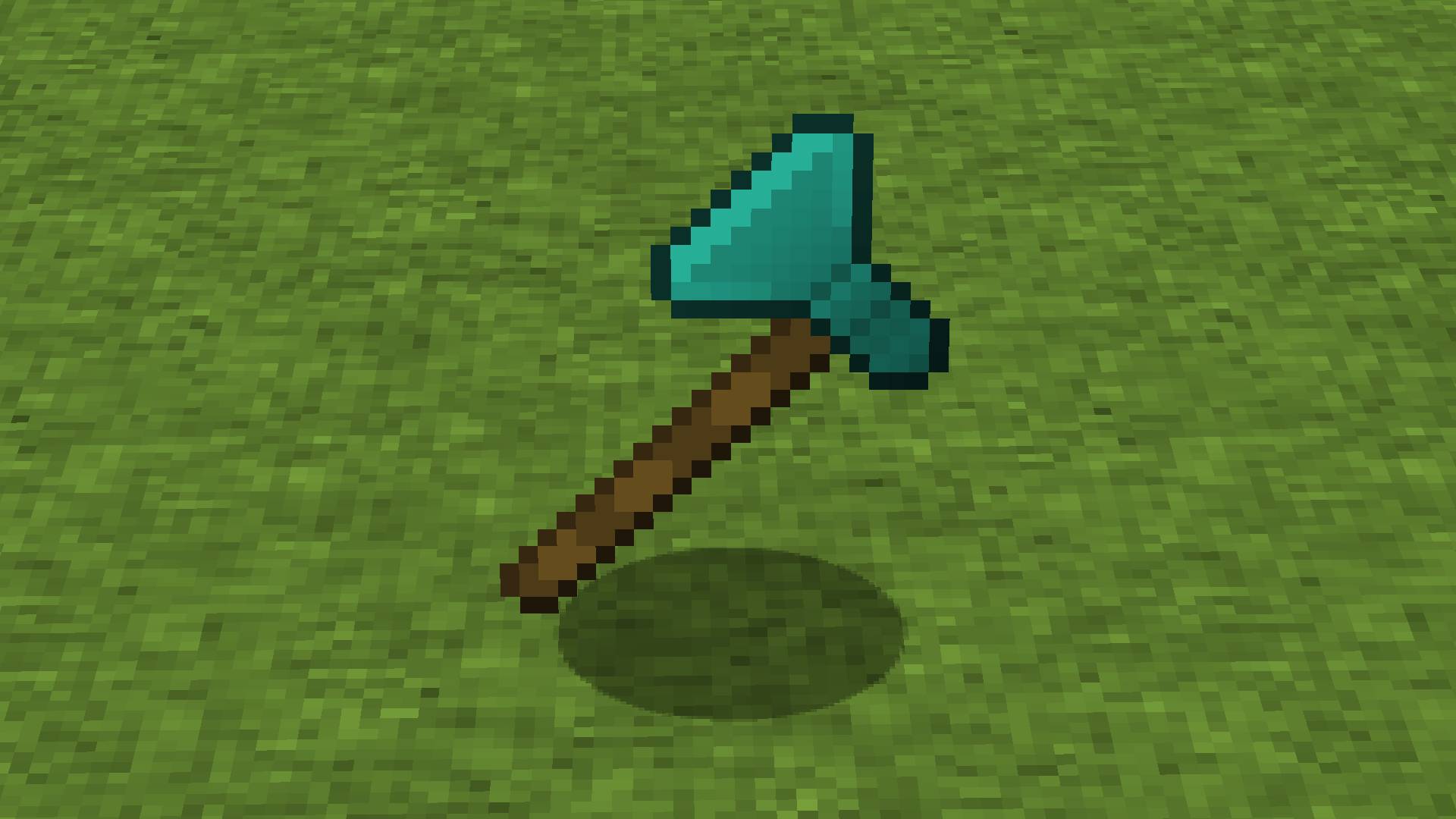
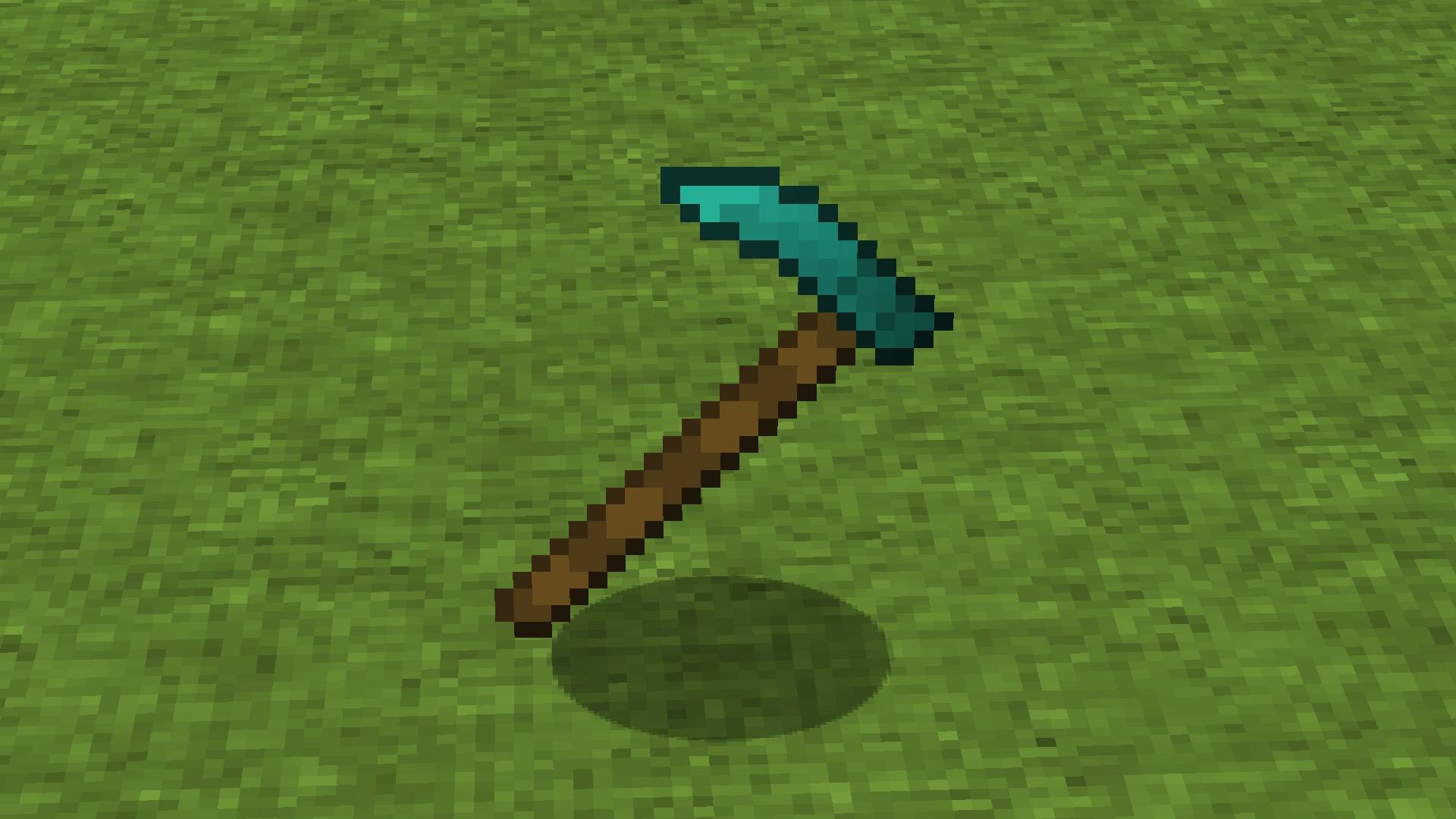
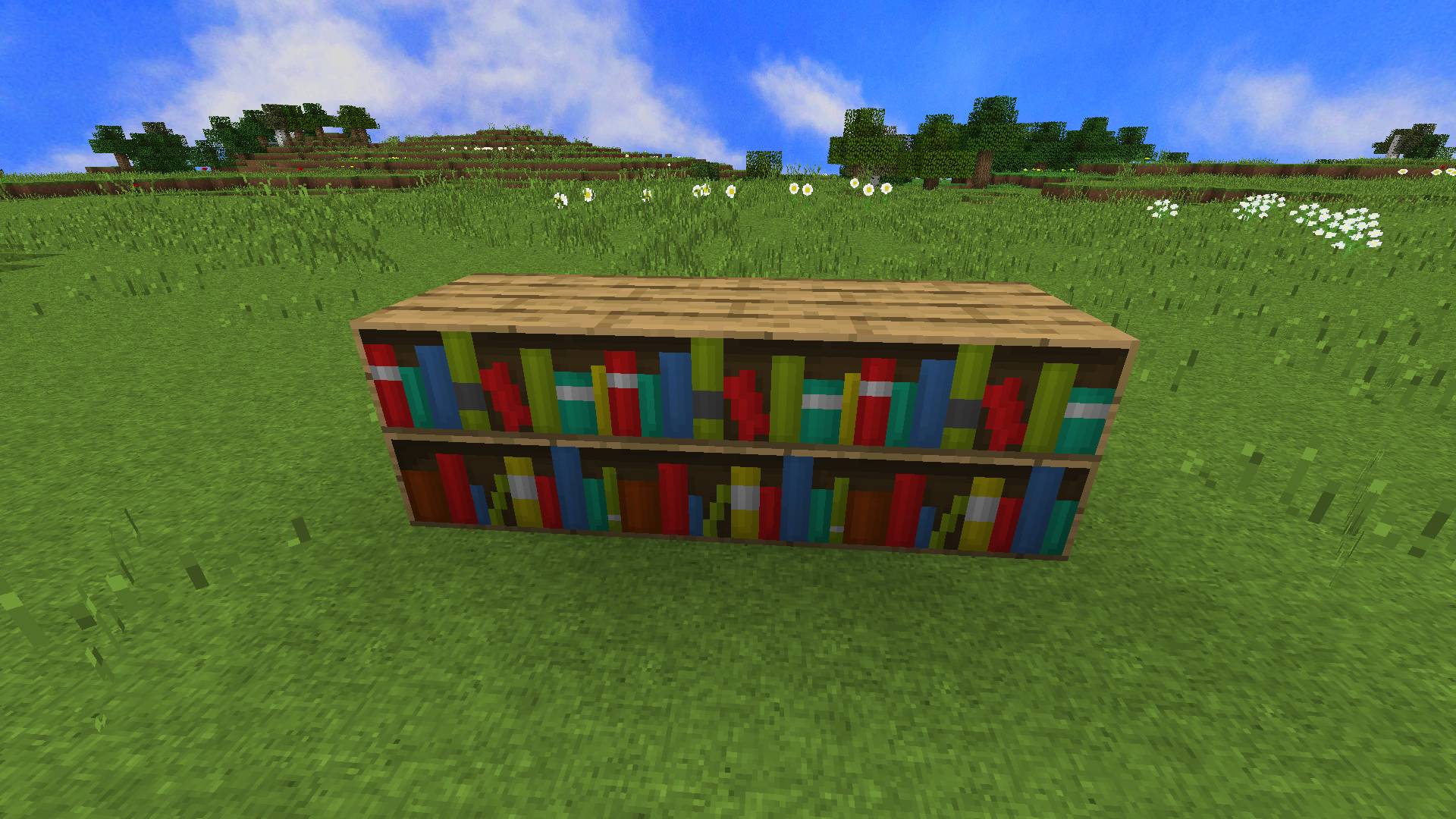
  • Blocks & Items

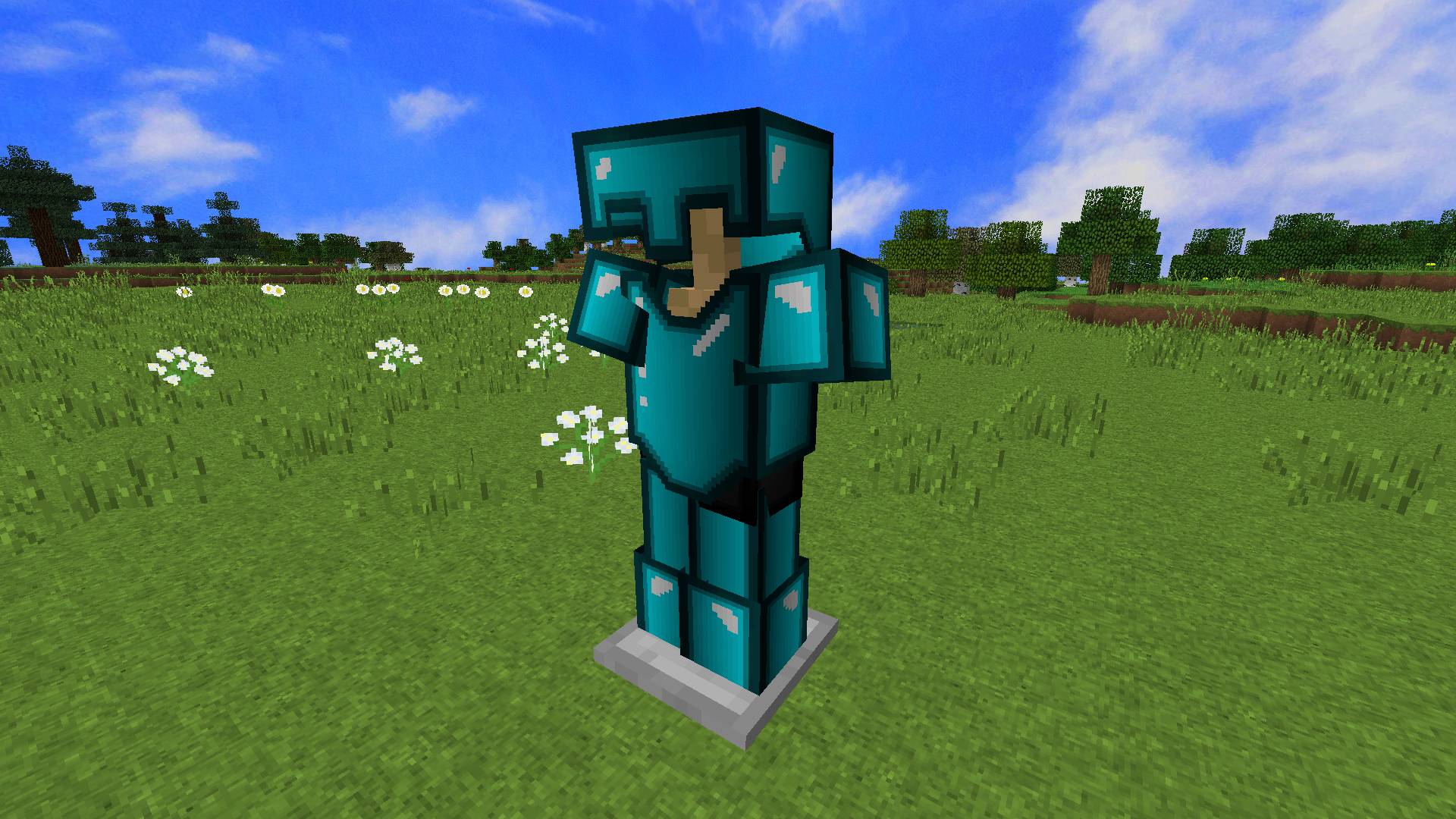
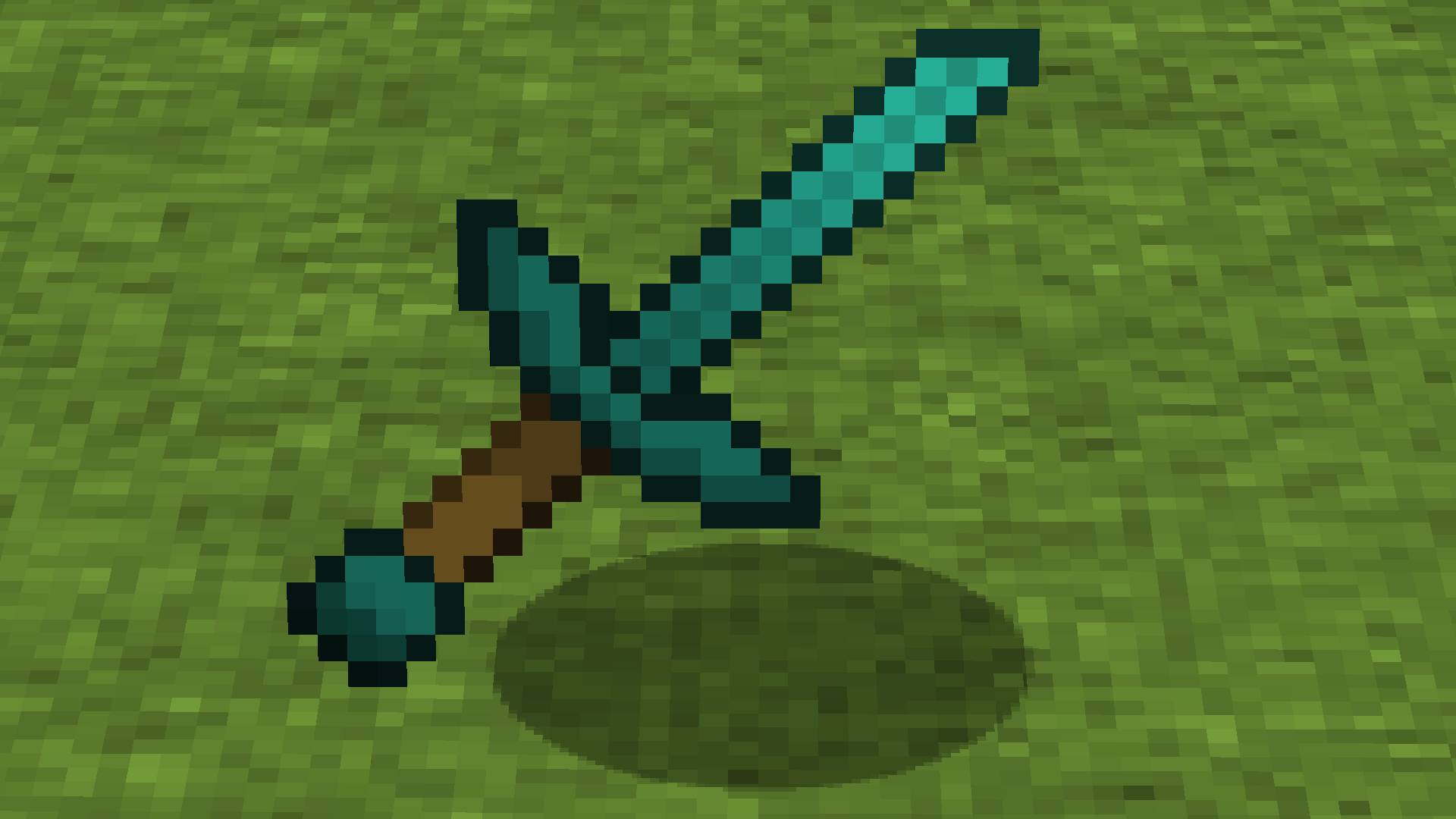
Some Items and Blocks are animated here! Old school looking and easy to distinguish. :)


  • Custom Colors

Custom Colors for Colormap & Enchant Names.


  • HD Font

Pleasing to the eye and very readable Font in HD quality.


  • Lightmap

This custom Lightmap makes you see a lot in the dark.


  • HD Custom Sky

Vibrant and saturated Custom Sky in HD quality.


  • Custom sounds

From now, glass, splash potions and broken tools have own unique sounds.


  • Clear Water

You can see so much more through the Clear, turquoise Water.


  • Wheat

When the Wheat is ready to be harvested, it will change to a warm color.


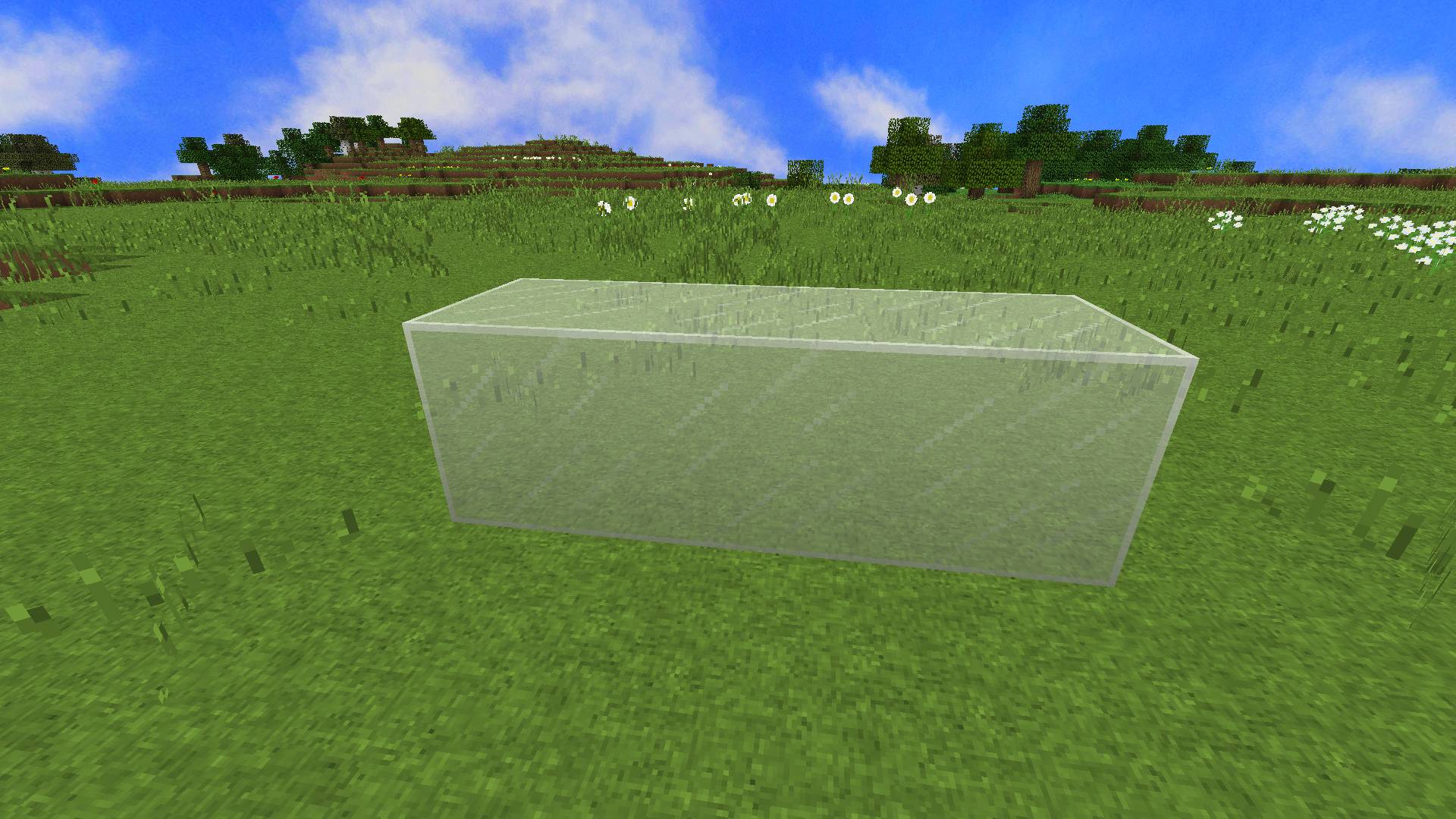
  • Connected Glass

Glass without ugly lines in between another one.


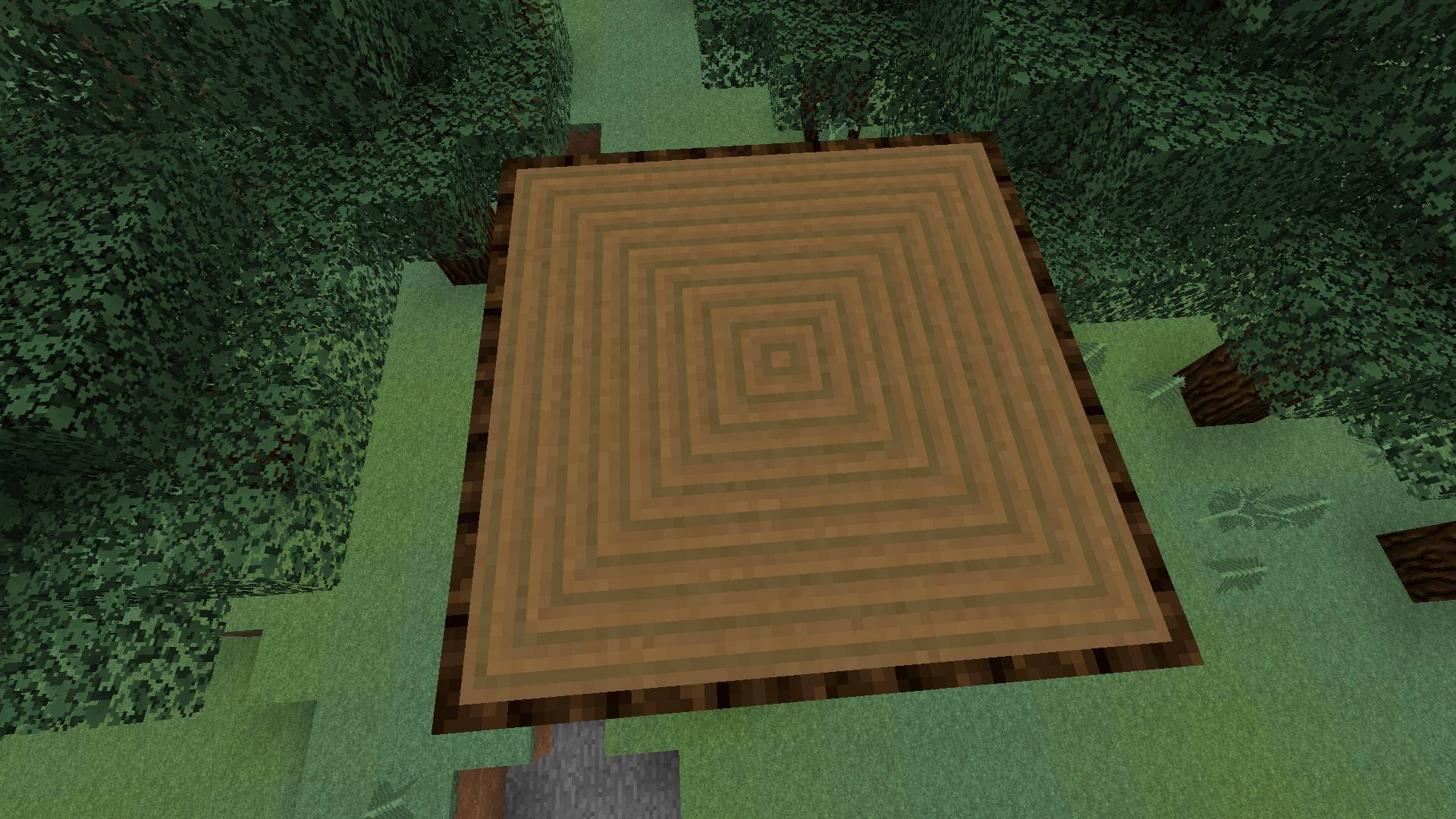
  • Connected Wooden Logs

From now, the upper part of the Wooden Logs is Connected.


  • Transparent GUI

Transparent GUI with circle-like crosshair.


  • Custom Enchant Glint

Custom glinty glint. Sounds glinty!


  • HD Particles

Vibrant and saturated Particles in HD quality.

Natalshee_ Pack [1.8x] v3
MC 1.8.7, 1.8.4, 1.8.8, 1.8.3, 1.8.6, 1.8, 1.8.2, 1.8.5, 1.8.9, 1.8.1
Release 2025-03-27 Get

Requirements & install

How to use this resource pack in Minecraft
Resolution
32x
Minecraft
1.8.2 – 1.8.9
Install folder
.minecraft/resourcepacks

How to install resource packs

  1. Download the resource pack .zip file (do not extract it).
  2. In Minecraft open Options → Resource Packs → Open Pack Folder.
  3. Drop the .zip into the resourcepacks folder (.minecraft/resourcepacks).
  4. Move the pack to the Selected column and click Done.
Browse more: 16x resource packs 32x resource packs 64x resource packs 128x resource packs 256x resource packs 512x+ resource packs Resource Packs for 1.8.9 All resource packs
Advertisement Remove ads with Premium →

You Might Also Like