Mineuniverse
Resource Packs
Mythic Atlas — JourneyMap custom Icons

Mythic Atlas — JourneyMap custom Icons

RESOURCE PACK
JourneyMap custom Icons for fantasy mods (Minecraft 1.20.1)
by Michelle_Mist
Download Claim this project
Add a badge to your pageLink to Mythic Atlas — JourneyMap custom Icons from a README, website or forum post.
Preview: Badge

Badges update automatically and link to the resource pack page on MineUniverse.

82 downloads
0 likes
0 followers
Updated Oct 14, 2026
0 hypes
Follow0
16x Mod Support Traditional
Advertisement Remove ads with Premium →

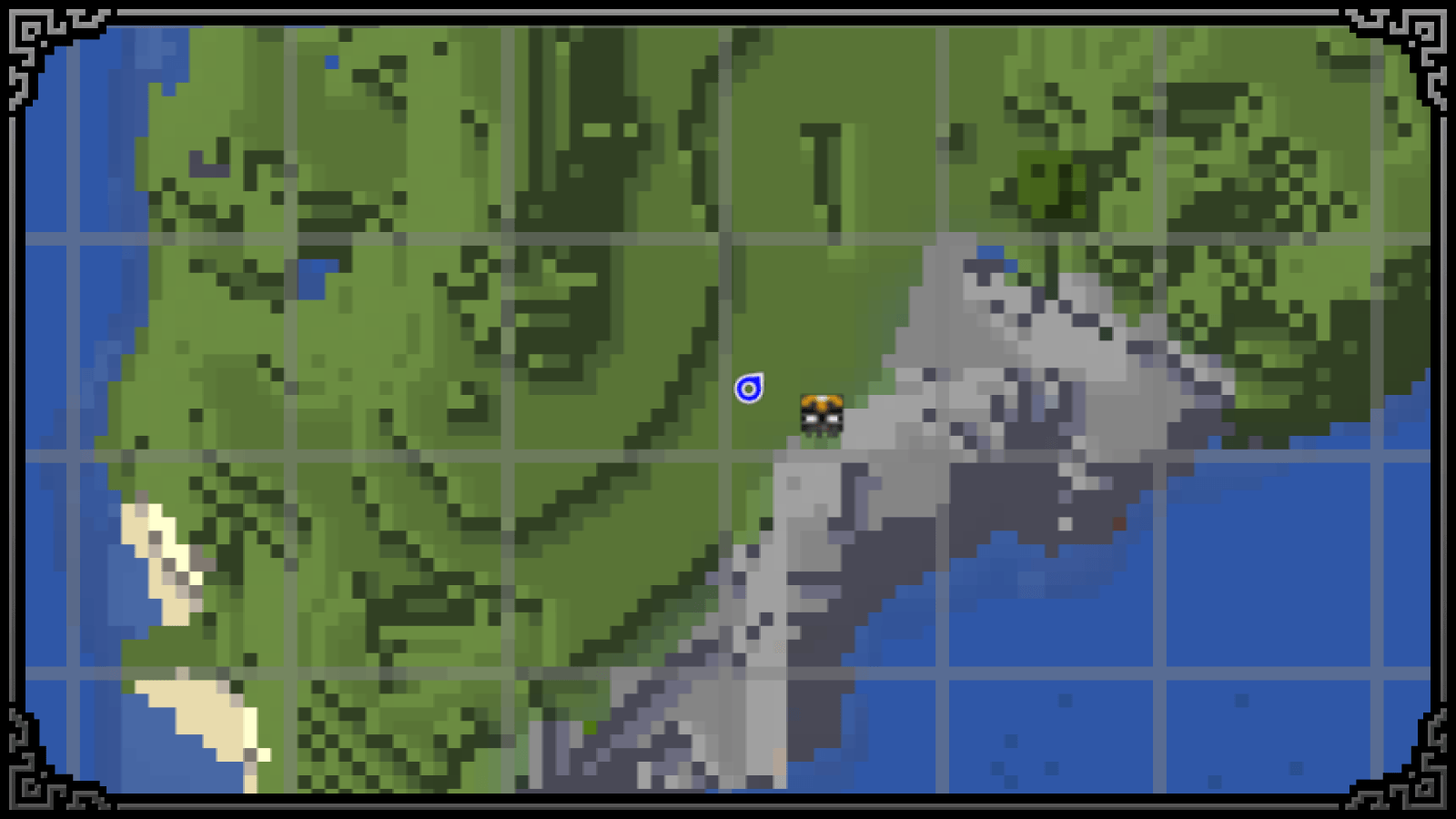
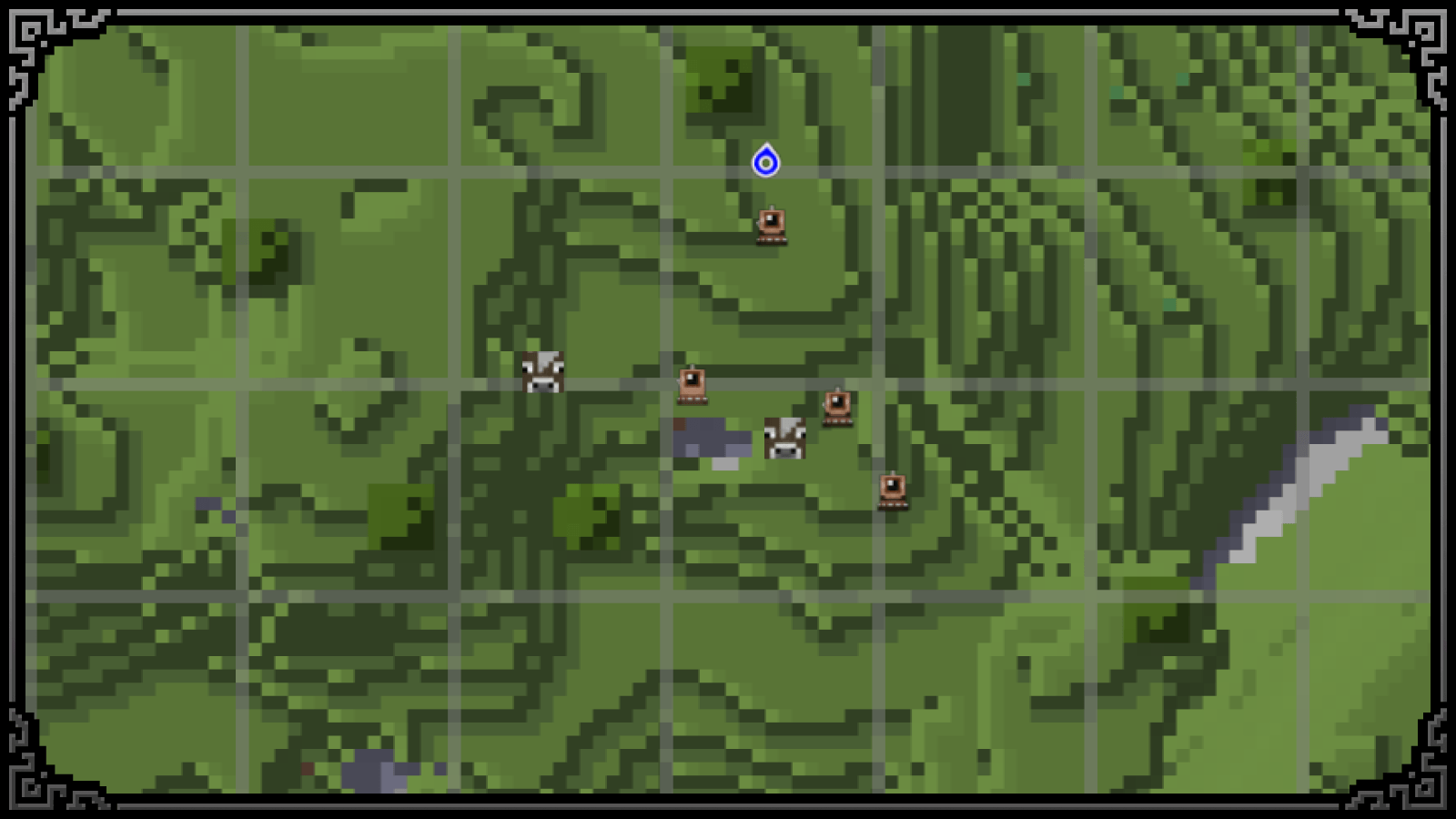
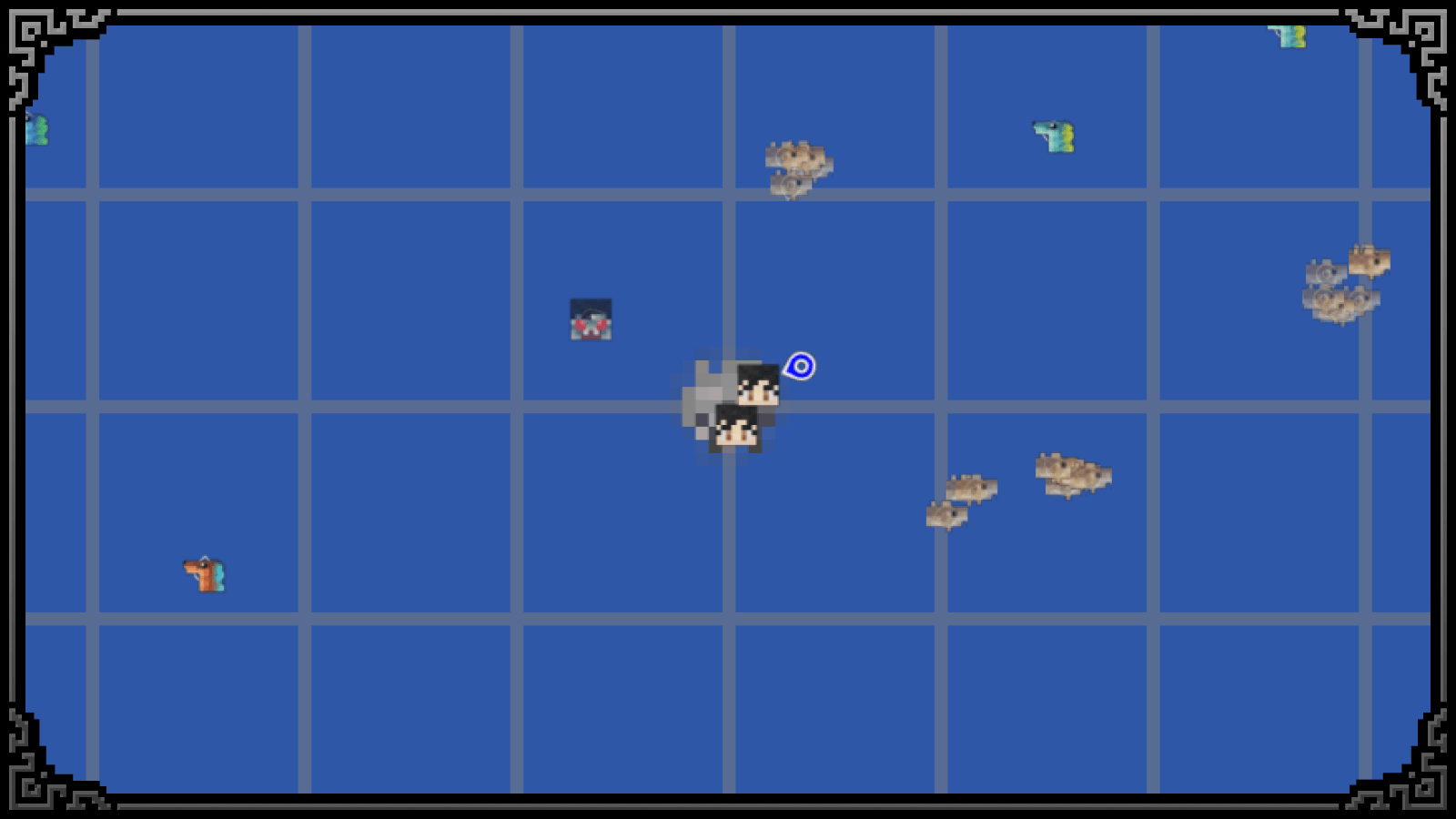
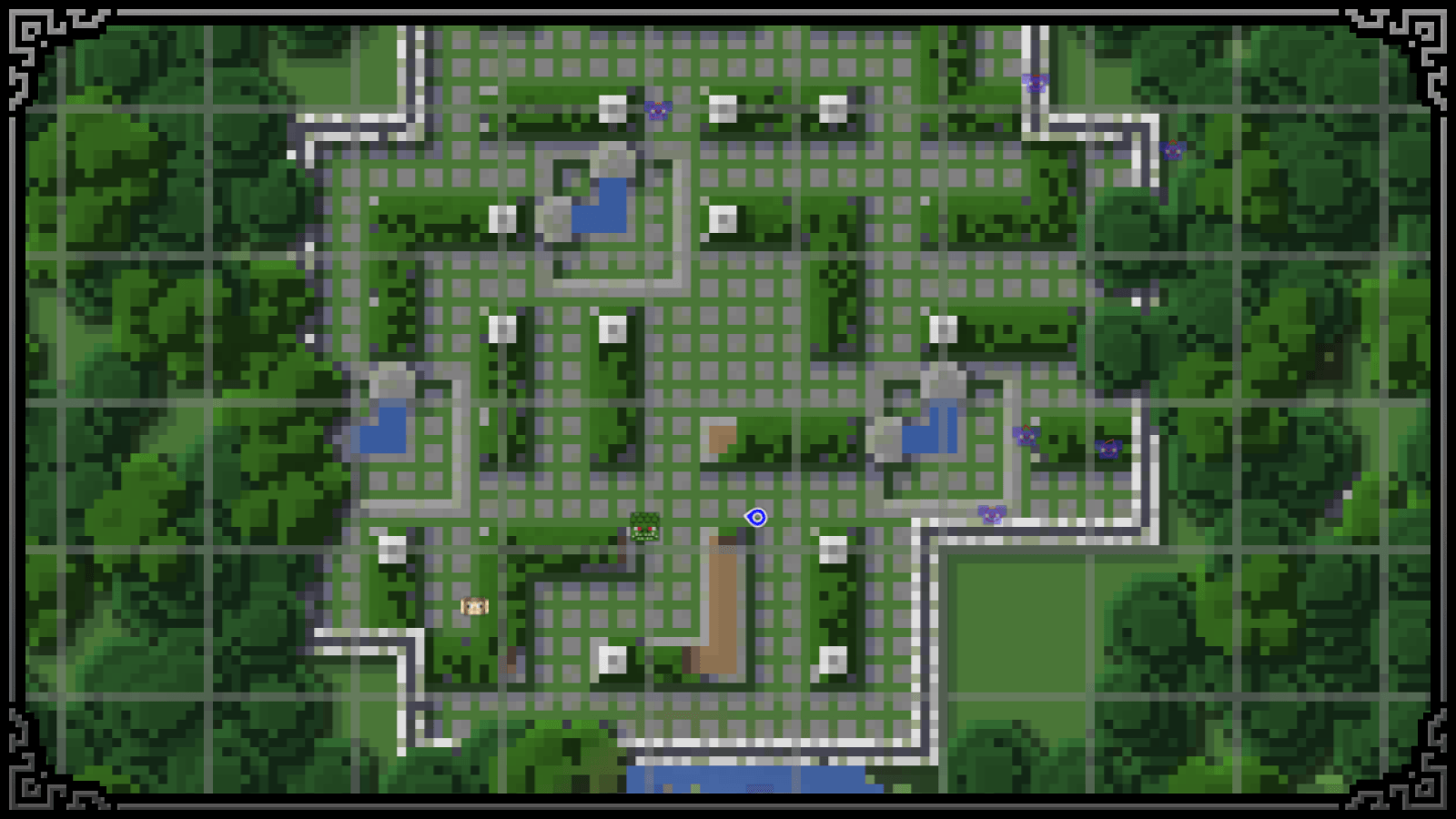
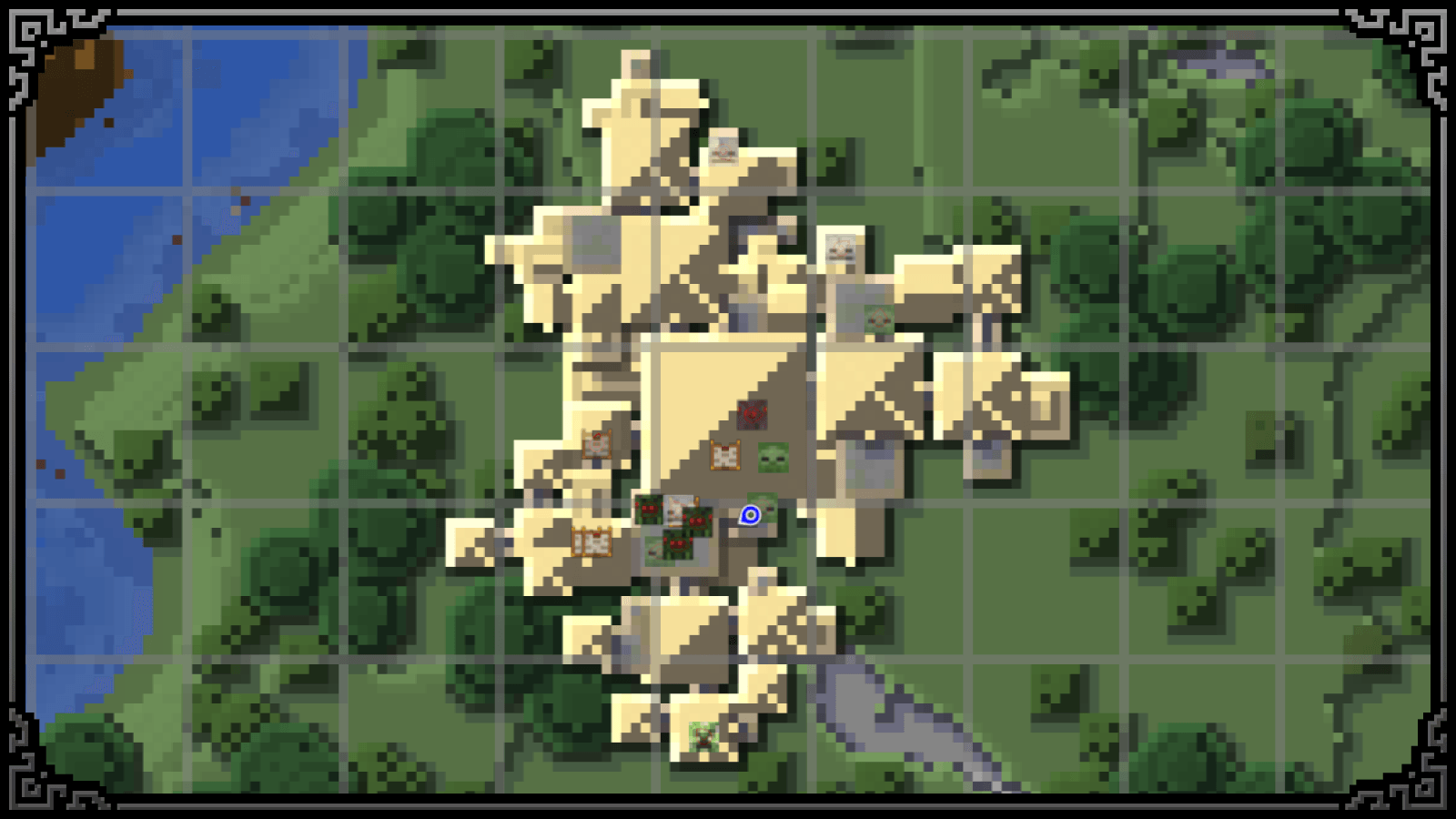
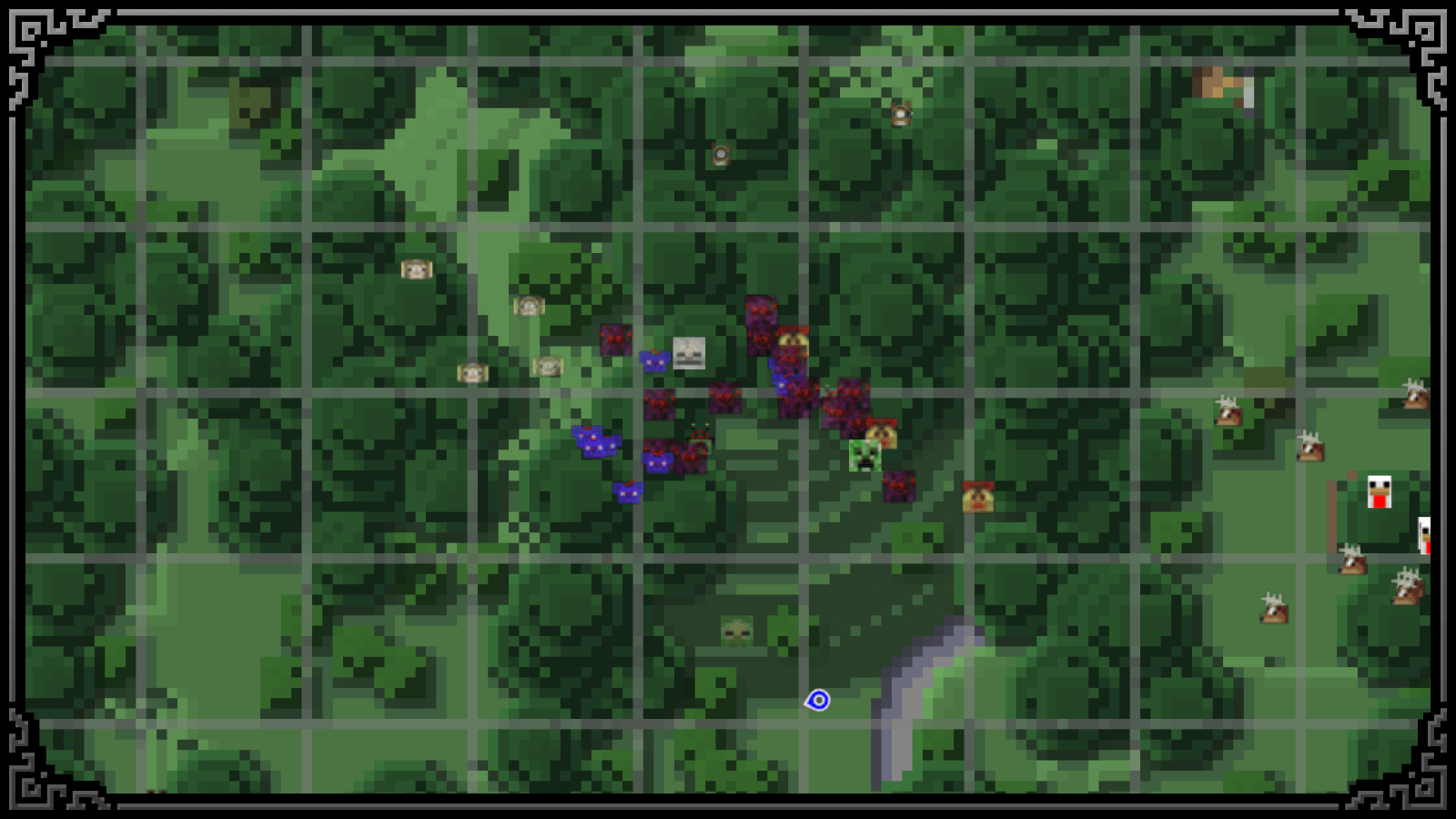
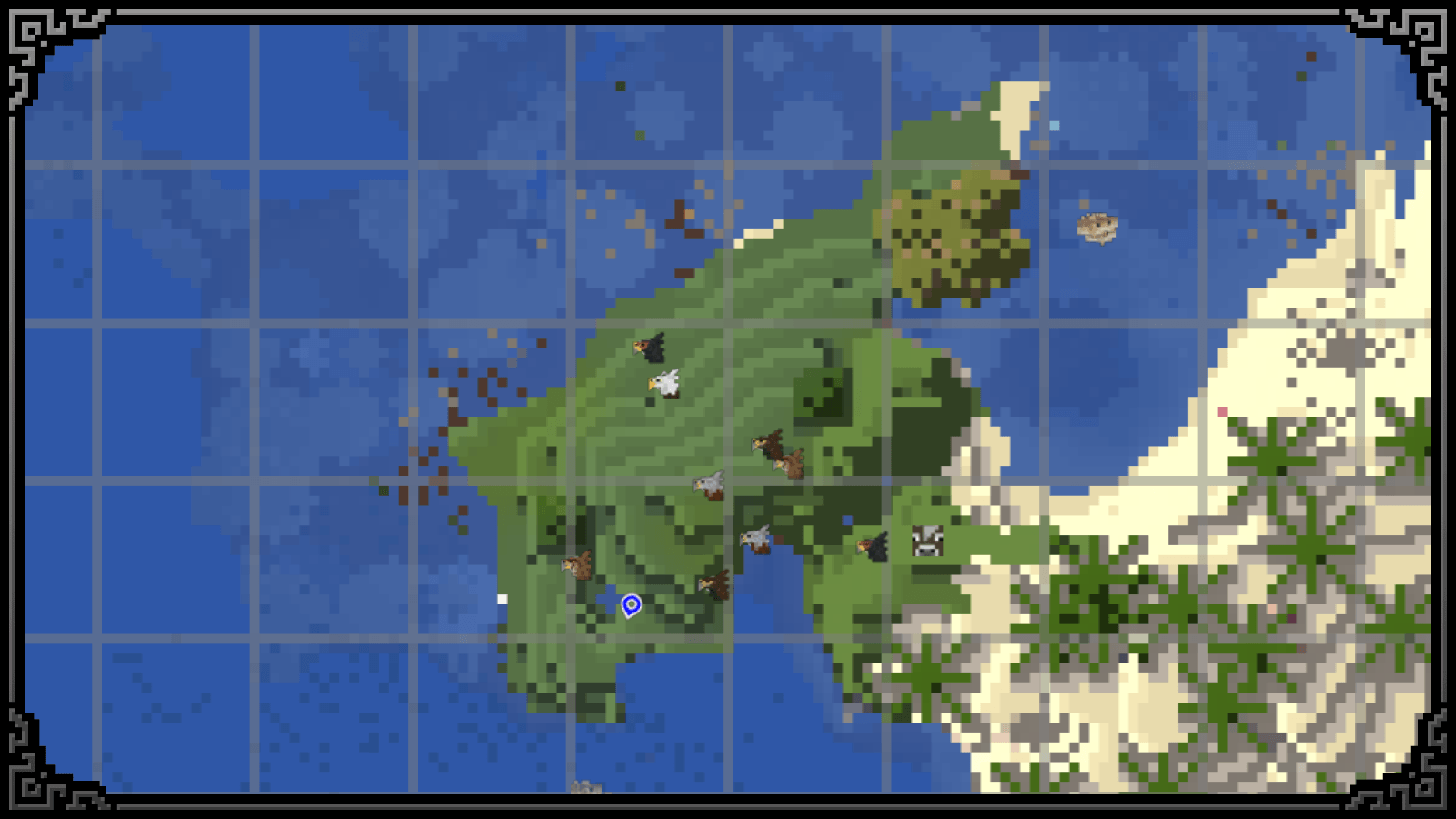
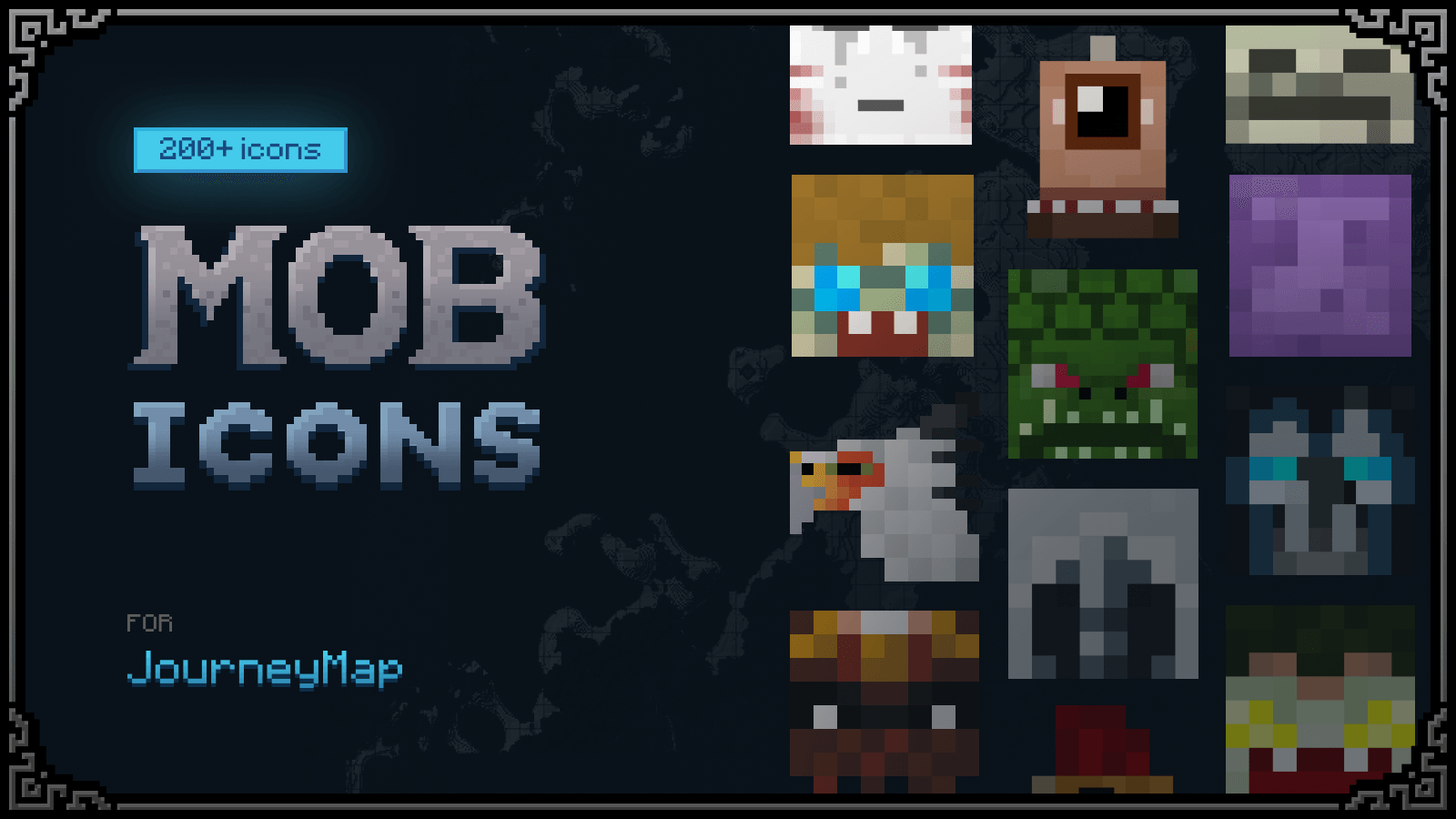
A small resource pack that adds custom icons for JourneyMap.

I originally created this pack for my own playthrough to make the map more informative and easier to navigate. After using it for a while, I decided to share it with the community in case others find it useful as well.

Supported Mods:

  • Artifacts
  • Ice and Fire* (dragon icons are currently unavailable due to technical limitations)
  • Iron's Spells 'n Spellbooks
  • Tinkers' Construct
  • The Twilight Forest
  • [Let's Do] Vinery

Compatibility

You don't need to have every supported mod installed. The resource pack works perfectly fine with any combination of the listed mods. If you only use one or two of them, only the corresponding icons will be used.

Important Note

Unfortunately, due to technical limitations, it is currently not possible to add custom icons for dragons from Ice and Fire. All other supported entities are displayed correctly.

If support for dragon icons becomes possible in the future, they will be included in a future update.

Feedback

If you find any issues, have suggestions, or would like support for another mod, feel free to contact me at [email protected]

I hope this resource pack makes exploring your world a little more enjoyable and convenient. Have fun!

Mythic Atlas ME 1.20.1
MC 1.20.1
Release 2026-06-27 Get

Requirements & install

How to use this resource pack in Minecraft
Resolution
16x
Minecraft
1.20.1
Install folder
.minecraft/resourcepacks

How to install resource packs

  1. Download the resource pack .zip file (do not extract it).
  2. In Minecraft open Options → Resource Packs → Open Pack Folder.
  3. Drop the .zip into the resourcepacks folder (.minecraft/resourcepacks).
  4. Move the pack to the Selected column and click Done.
Browse more: 16x resource packs 32x resource packs 64x resource packs 128x resource packs 256x resource packs 512x+ resource packs Resource Packs for 1.20.1 All resource packs
Advertisement Remove ads with Premium →

You Might Also Like