Mineuniverse
Resource Packs
MYTHIC - A Pixel Art Journey

MYTHIC - A Pixel Art Journey

RESOURCE PACK
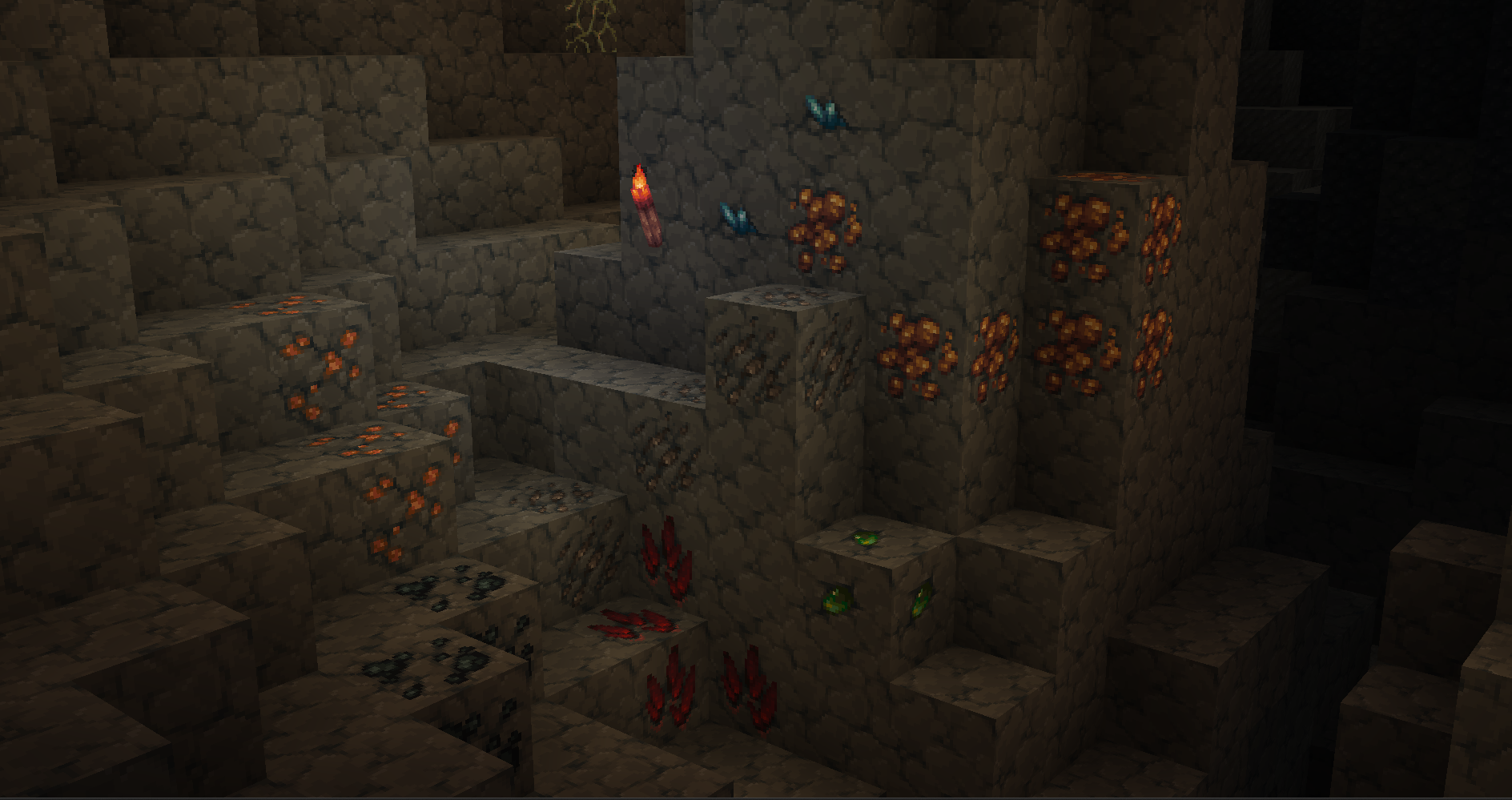
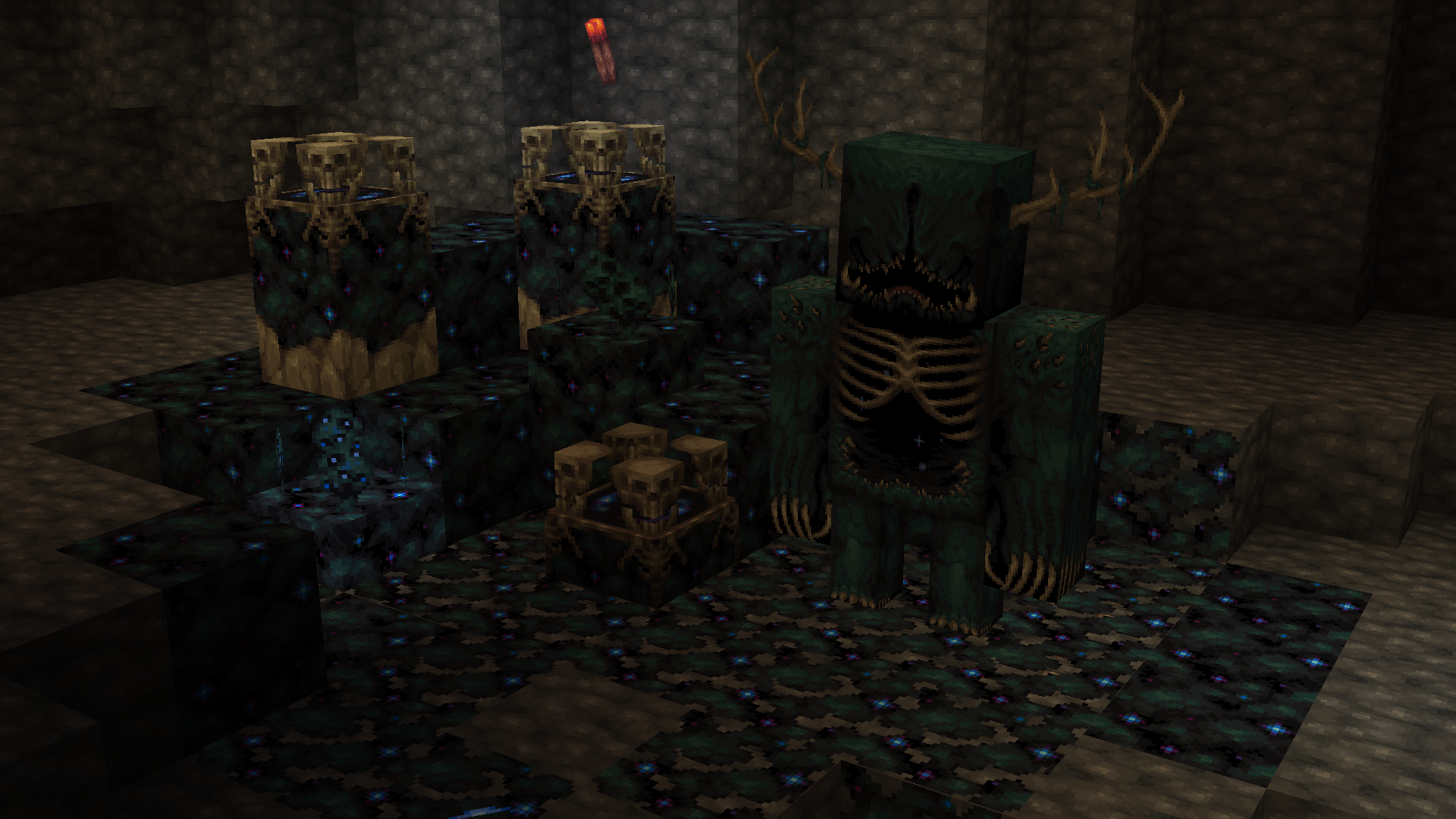
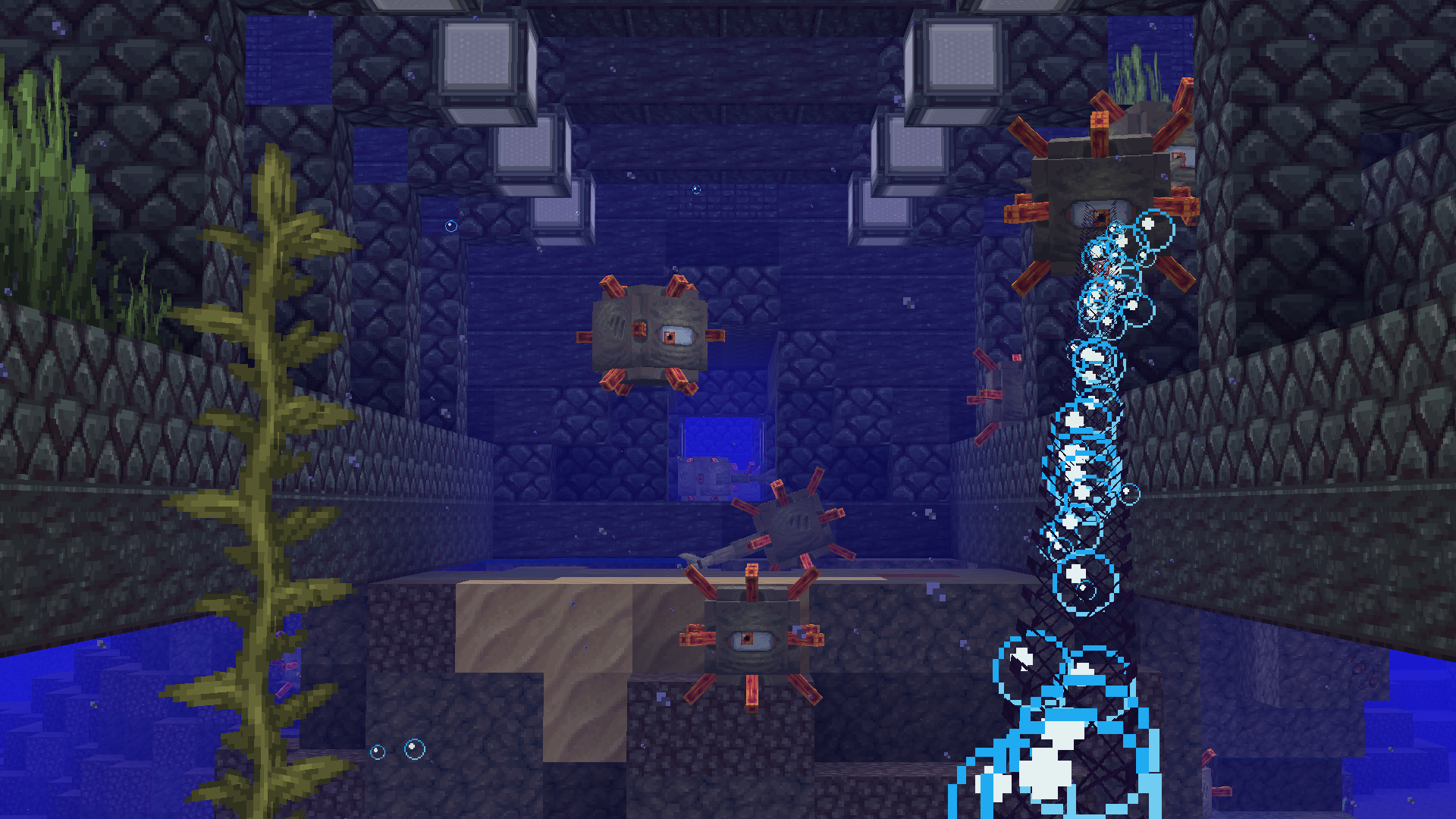
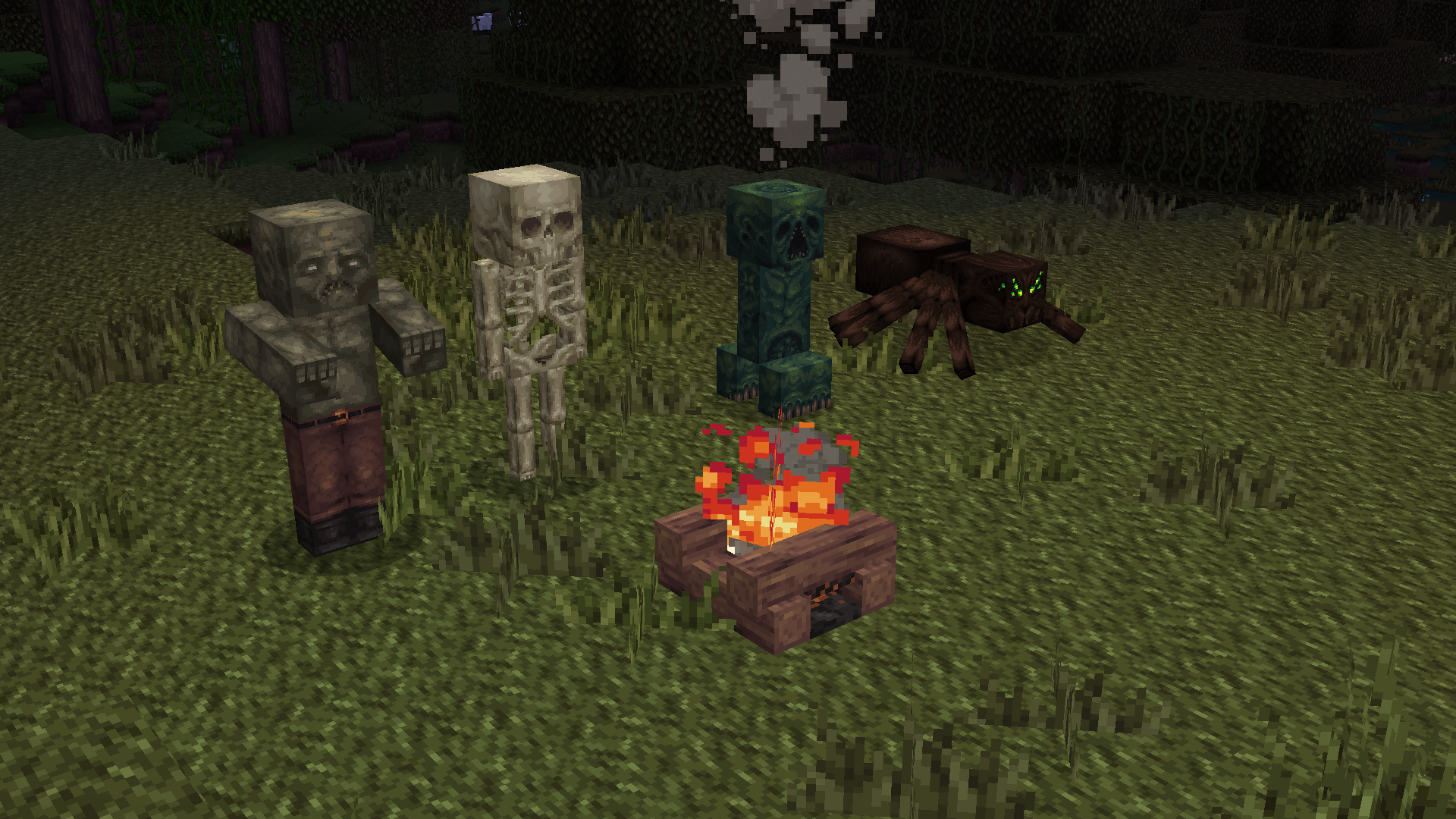
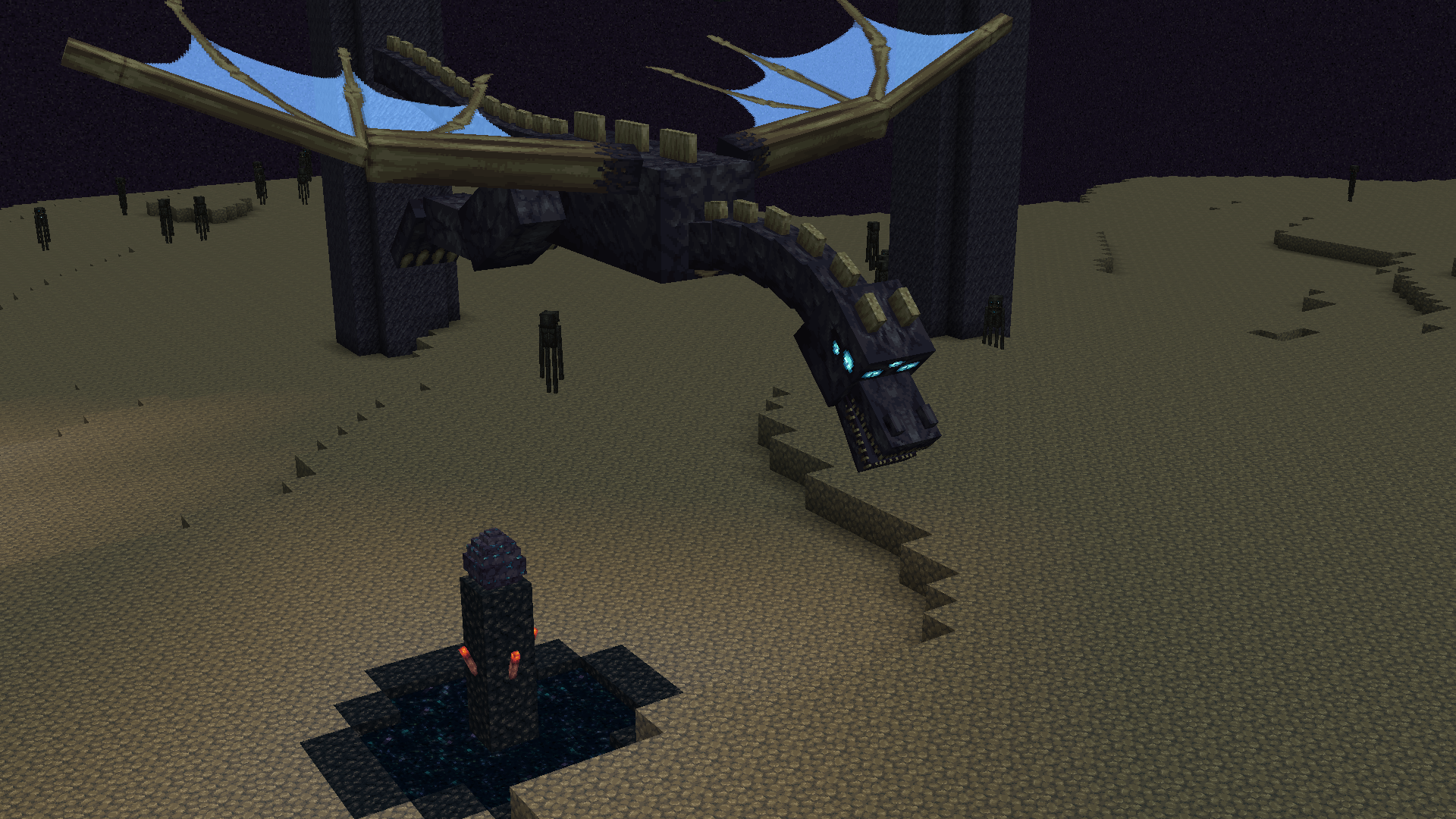
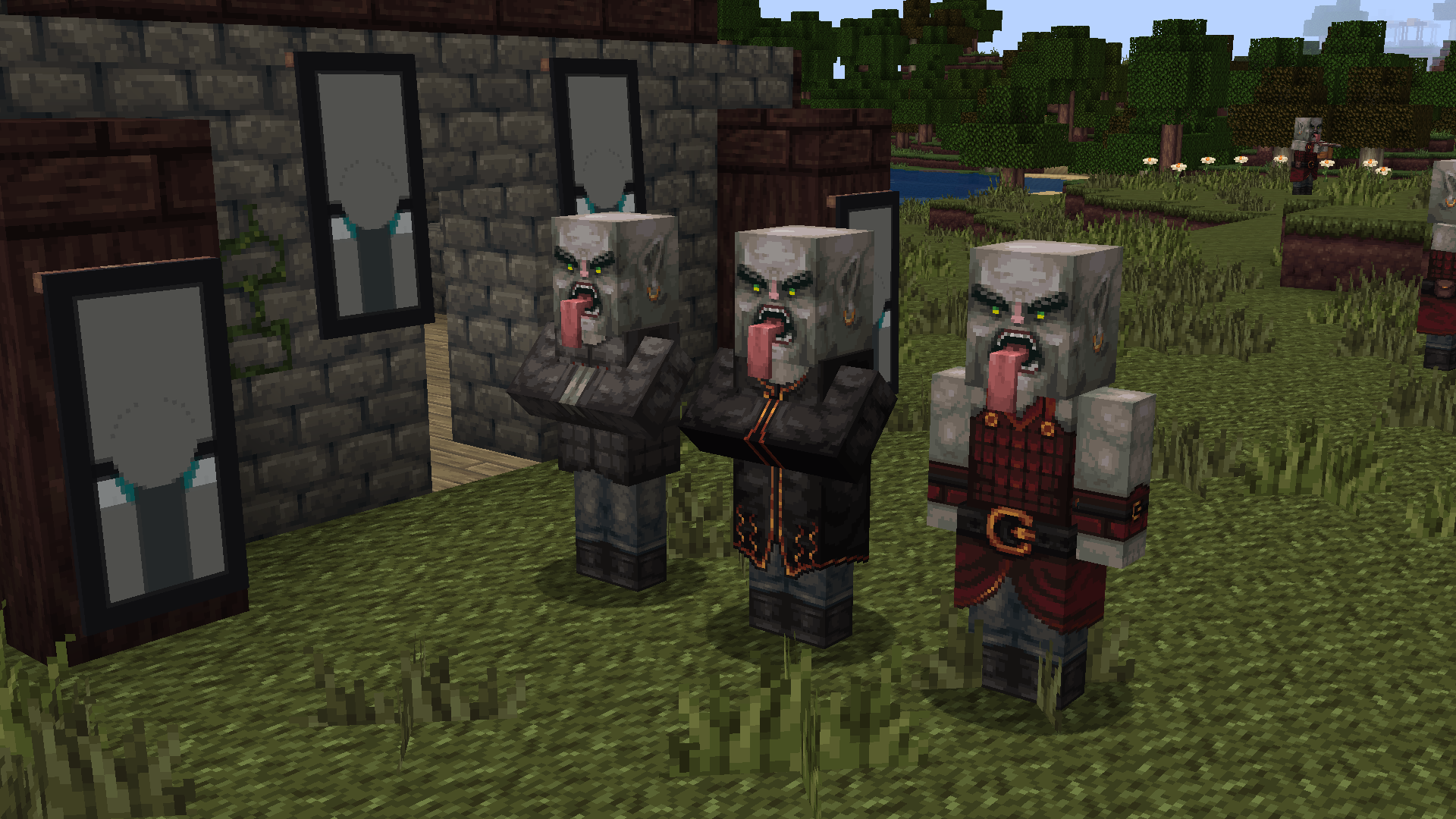
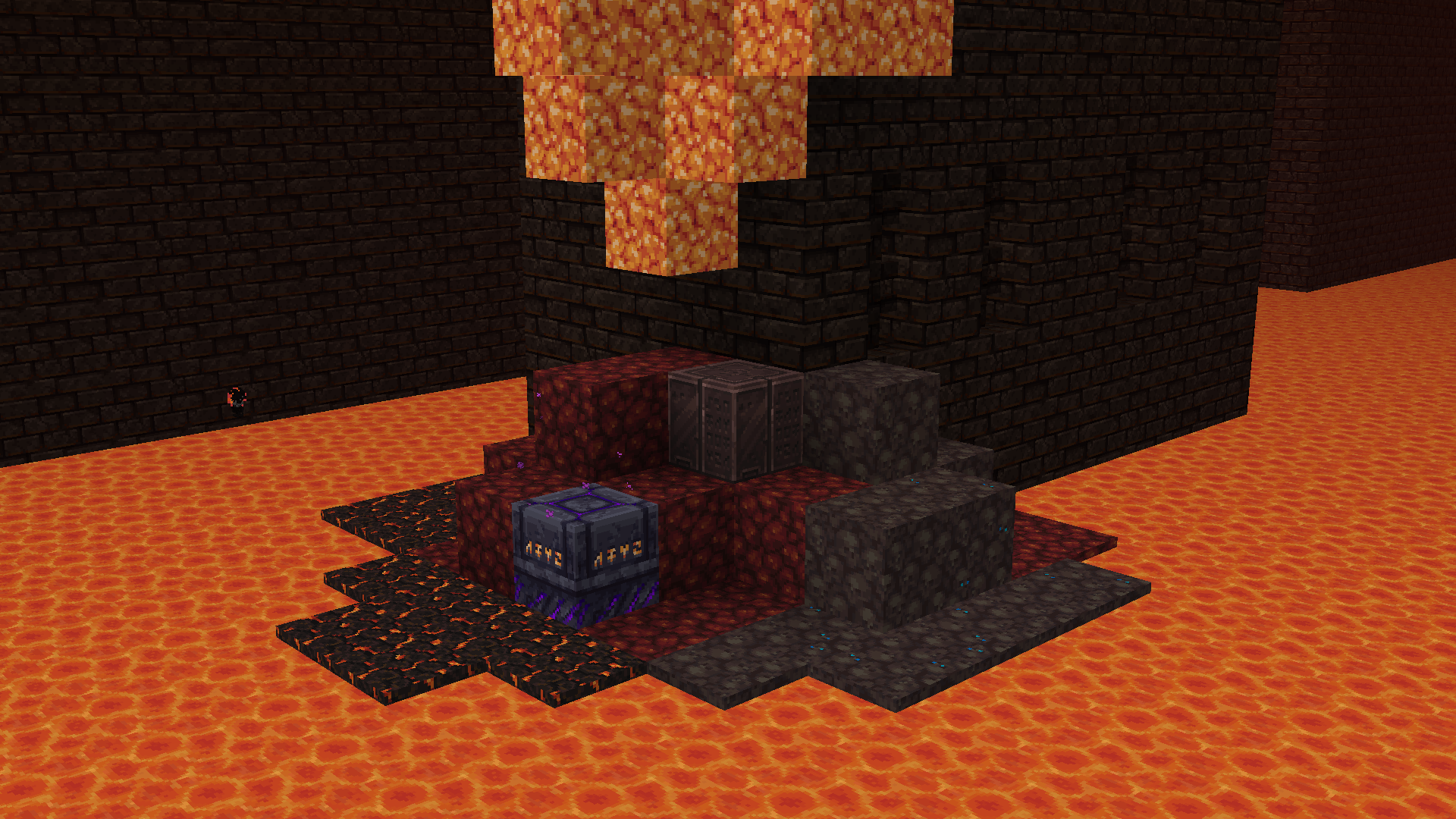
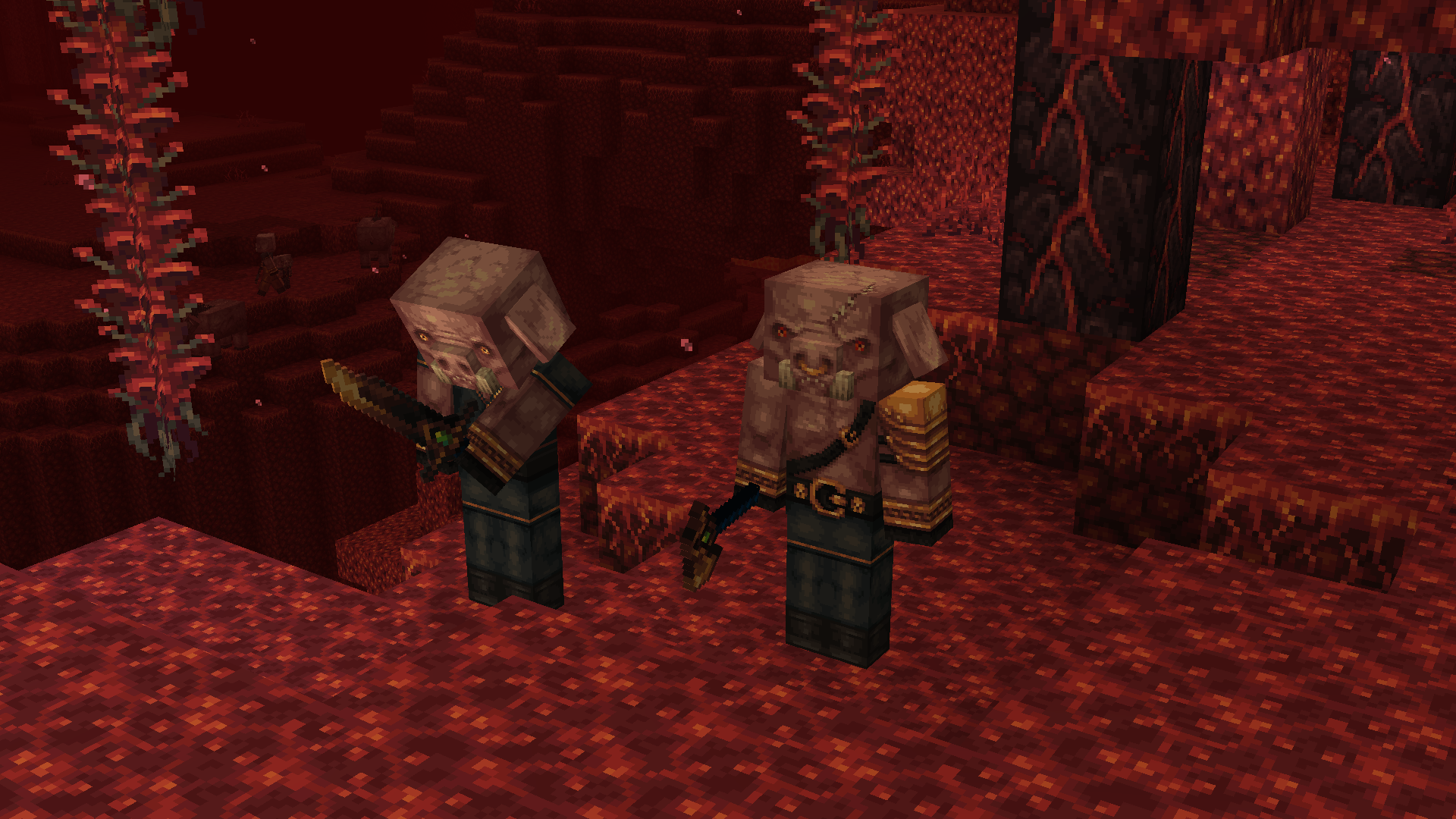
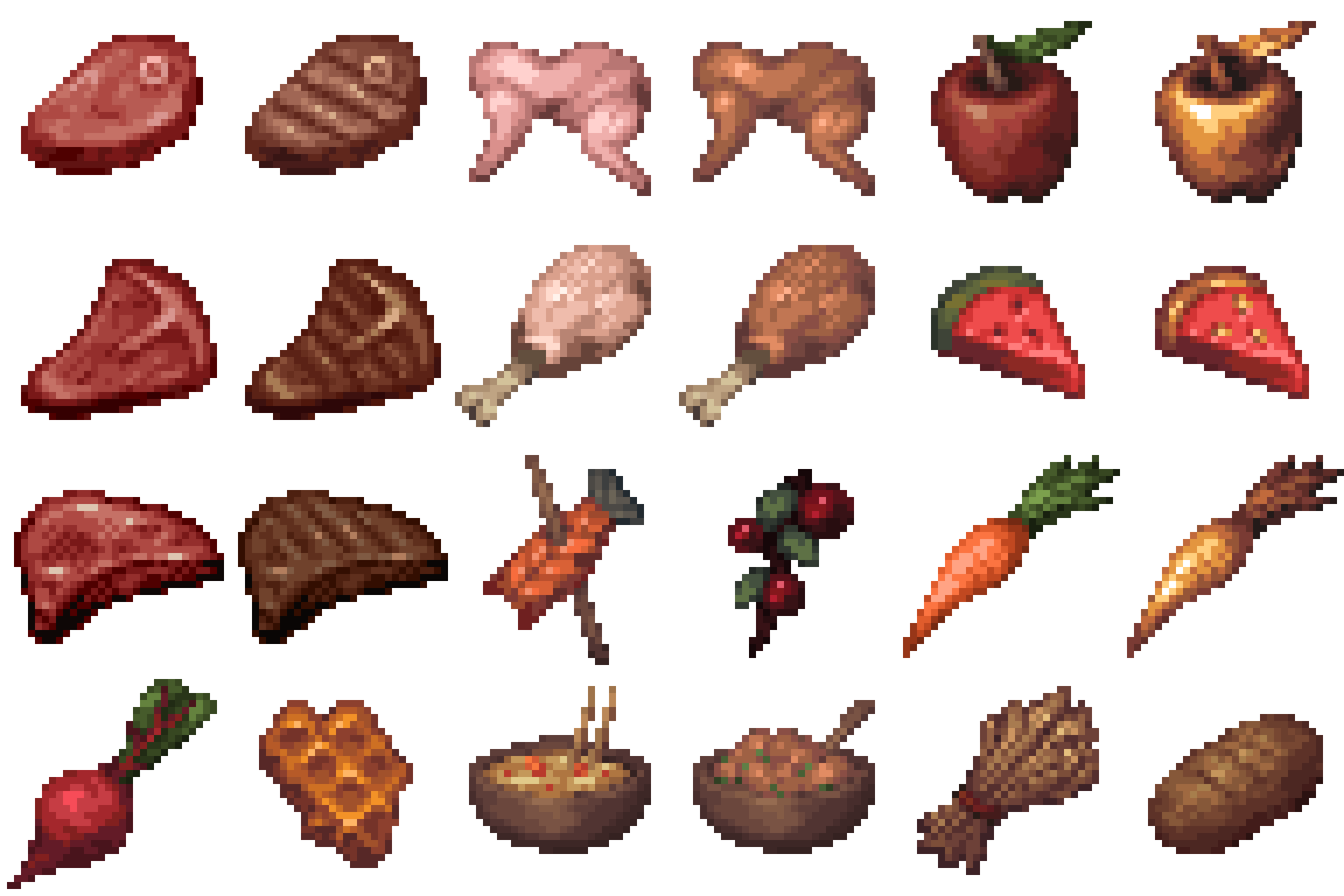
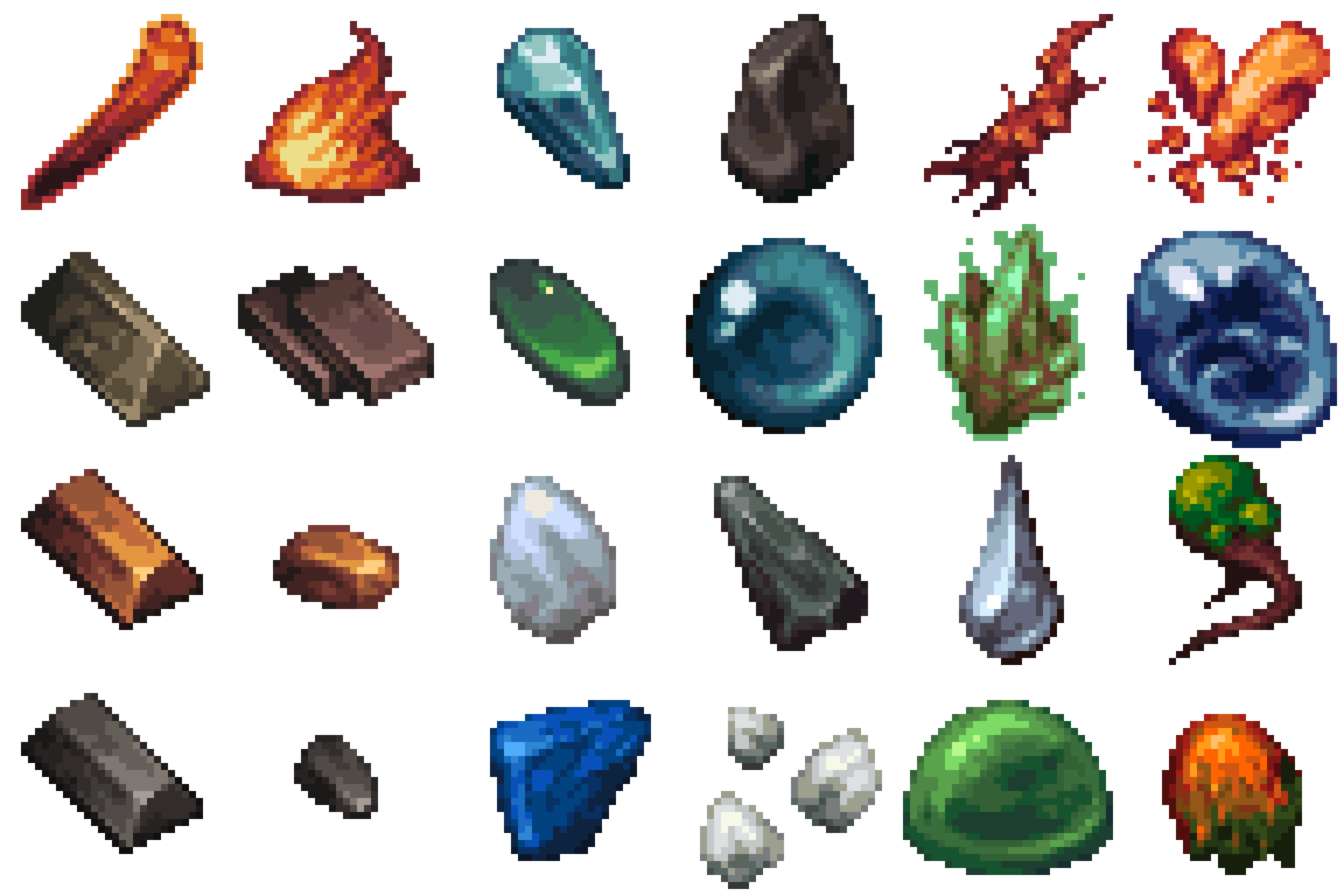
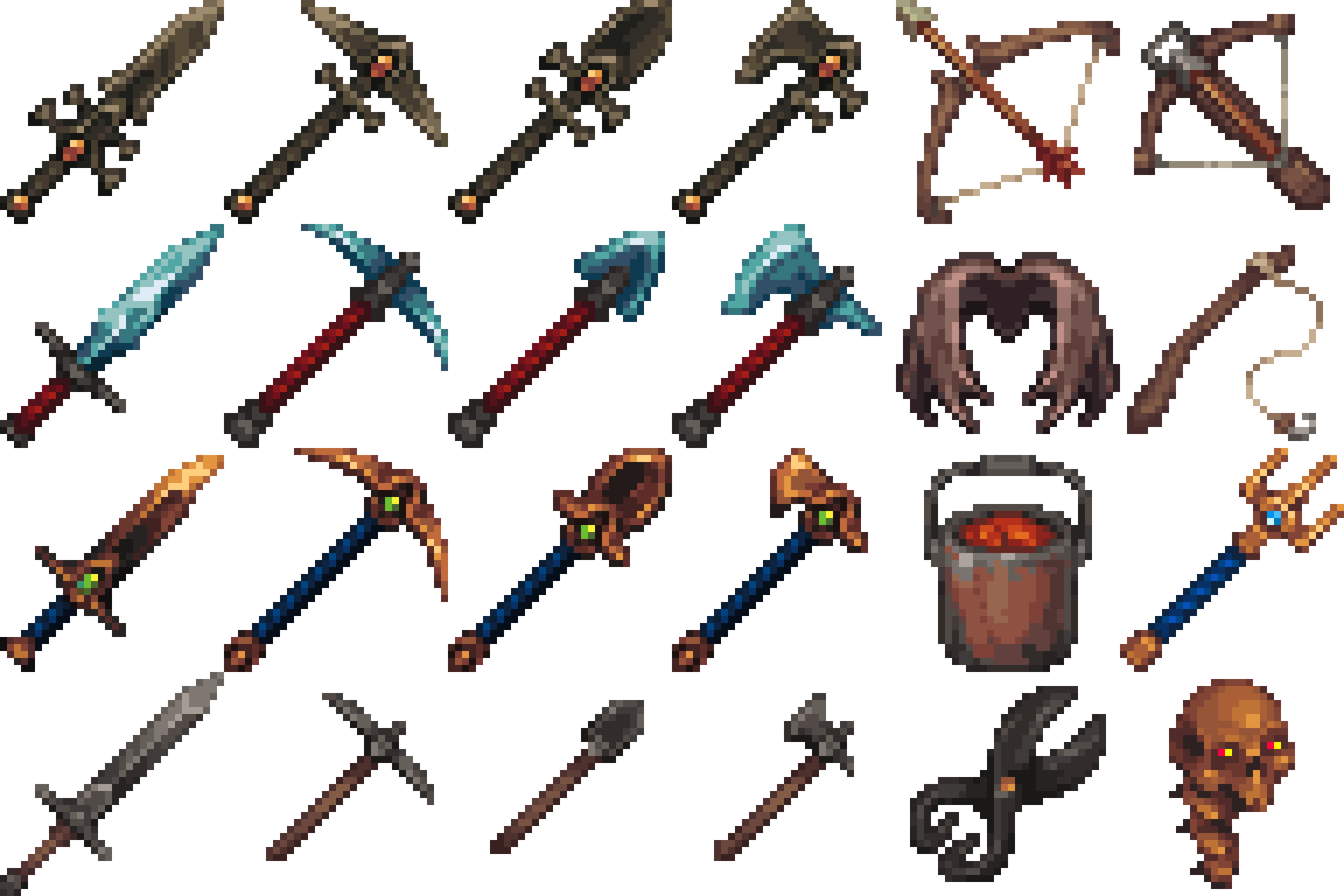
A pure pixel art pack with an adventurous feel.
by FishyMint
Download Claim this project
Add a badge to your pageLink to MYTHIC - A Pixel Art Journey from a README, website or forum post.
Preview: Badge

Badges update automatically and link to the resource pack page on MineUniverse.

872,570 downloads
0 likes
0 followers
Updated Oct 14, 2026
0 hypes
Follow0
32x Medieval Miscellaneous Traditional
Advertisement Remove ads with Premium →

 
A pure pixel art pack with an adventurous feel.

Don't hesitate to leave feedback or ideas.

Hope you like it.
 
BEDROCK VERSION
https://www.minecraft.net/en-us/marketplace/pdp?id=b7602344-b395-4077-a0bd-5097fa10f419


TO FIX THE GREEN LINE IN THE LEAVES, TURN ON FANCY GRAPHICS


___________________________________________________________________________________________
 
Copyright © 2019-2026 J. Bergelin. All rights reserved. No redistribution, alteration or derivative works are allowed.
___________________________________________________________________________________________
 
 You may:
-Use the pack in videos, please post a link to it in the description.
 
You may not:
- Redistribute this pack or any of its assets. EVEN WITH CREDITS.
- Commercially use this pack or any of its assets.
- Create remixes/edits using using this pack or any of it's assets.
- Upload this pack or any of it's assets to any other websites.


MYTHIC - 1.21.3
MC 1.21.3
Release 2024-11-09 Get
MYTHIC - 1.21
MC 1.21
Release 2024-07-05 Get
MYTHIC - 1.20.6
MC 1.20.6
Release 2024-05-30 Get
MYTHIC - 1.19.4
MC 1.19.4
Release 2023-03-16 Get
MYTHIC - 1.18.2
MC 1.18.2
Release 2022-05-24 Get
MYTHIC - 1.17.1
MC 1.17.1, 1.17
Release 2021-10-26 Get
MYTHIC - 1.16.5
MC 1.16.3, 1.16.1, 1.16, 1.16.5, 1.16.4, 1.16.2
Release 2021-06-08 Get
MYTHIC - 1.15.2
MC 1.15, 1.15.2, 1.15.1
Release 2020-06-21 Get
MYTHIC - 1.14.4
MC 1.14.4, 1.14.1, 1.14.3, 1.14, 1.14.2
Release 2020-04-24 Get

Requirements & install

How to use this resource pack in Minecraft
Resolution
32x
Minecraft
1.16.5 – 1.21.3
Install folder
.minecraft/resourcepacks

How to install resource packs

  1. Download the resource pack .zip file (do not extract it).
  2. In Minecraft open Options → Resource Packs → Open Pack Folder.
  3. Drop the .zip into the resourcepacks folder (.minecraft/resourcepacks).
  4. Move the pack to the Selected column and click Done.
Browse more: 16x resource packs 32x resource packs 64x resource packs 128x resource packs 256x resource packs 512x+ resource packs Resource Packs for 1.21.3 All resource packs

More from FishyMint

Advertisement Remove ads with Premium →

You Might Also Like