Mineuniverse
Resource Packs
MysticMosTexure

MysticMosTexure

RESOURCE PACK
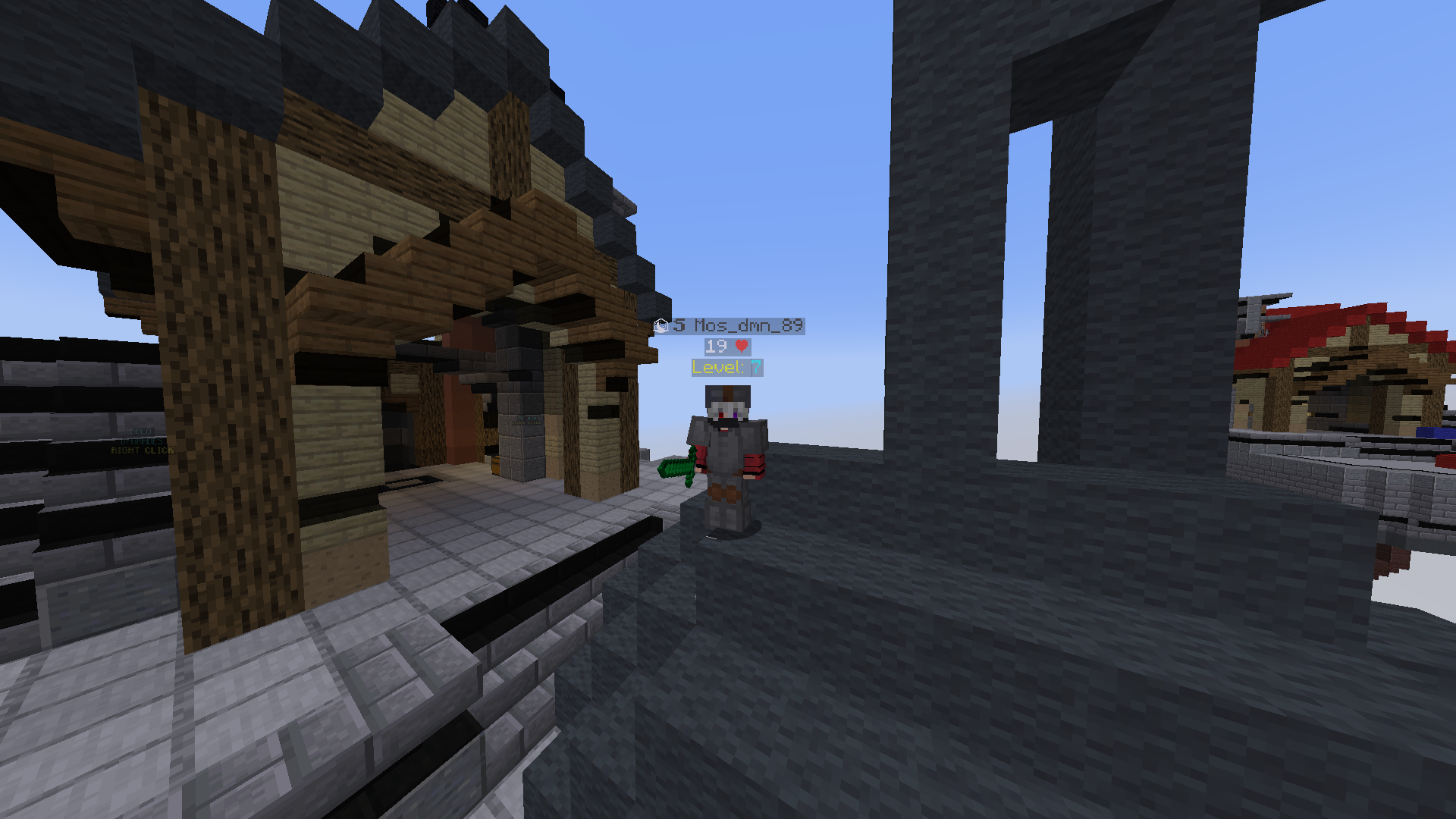
A Meme/Mystic Texure Pack For Minecraft Good For pvp And Vanilla
by Mus
Download Claim this project
905 downloads
0 likes
Updated Oct 14, 2026
0 hypes
16x Miscellaneous Modern
Advertisement Remove ads with Premium →

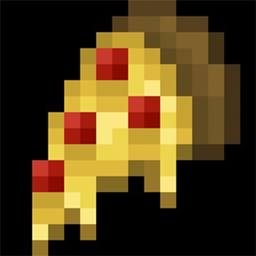
Hello This Is A texure pack that i created for my servers and i want to share it with everyone

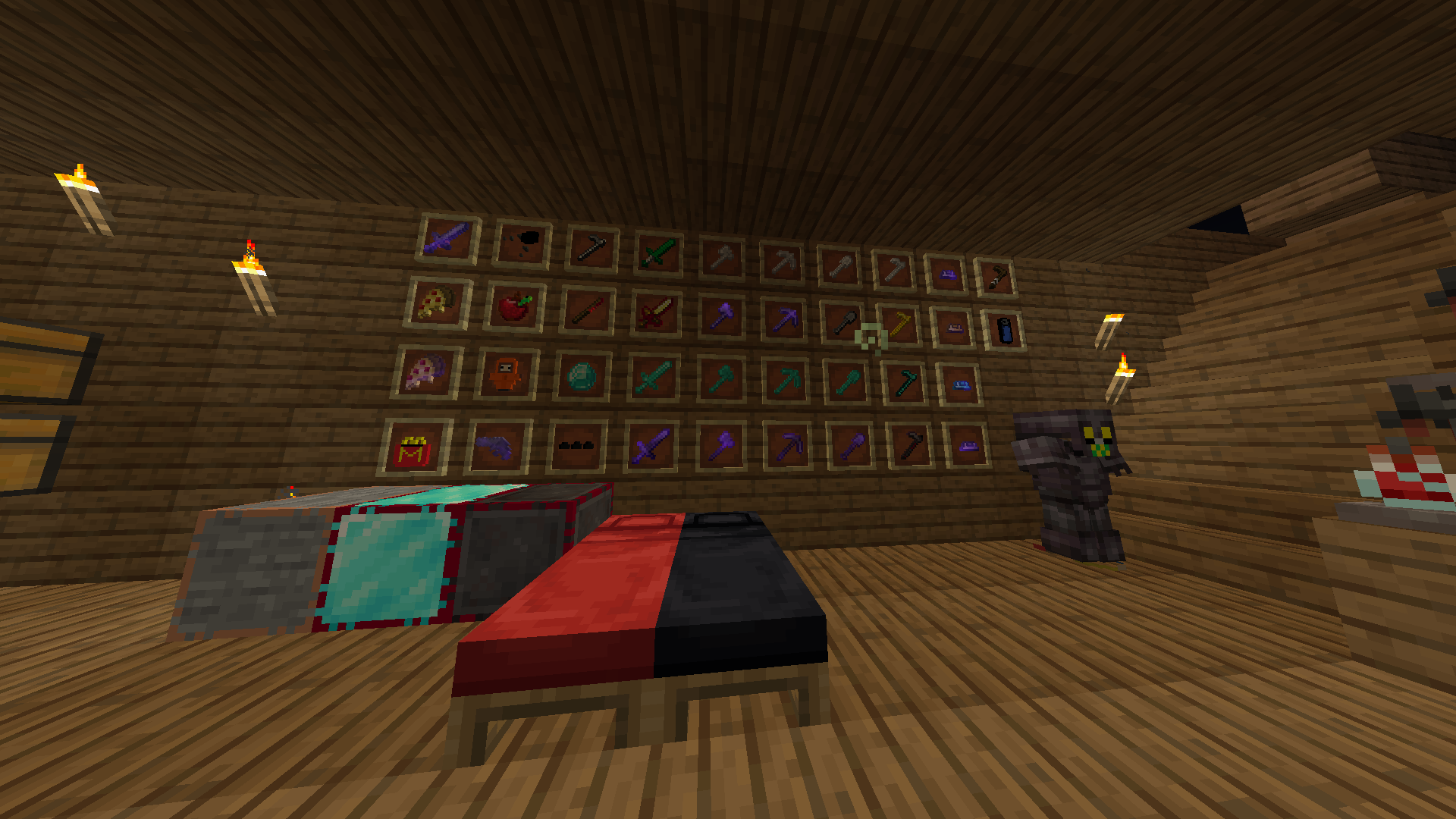
Its Full of "easter eggs" and secrets

I will update the texure More Frequentely 

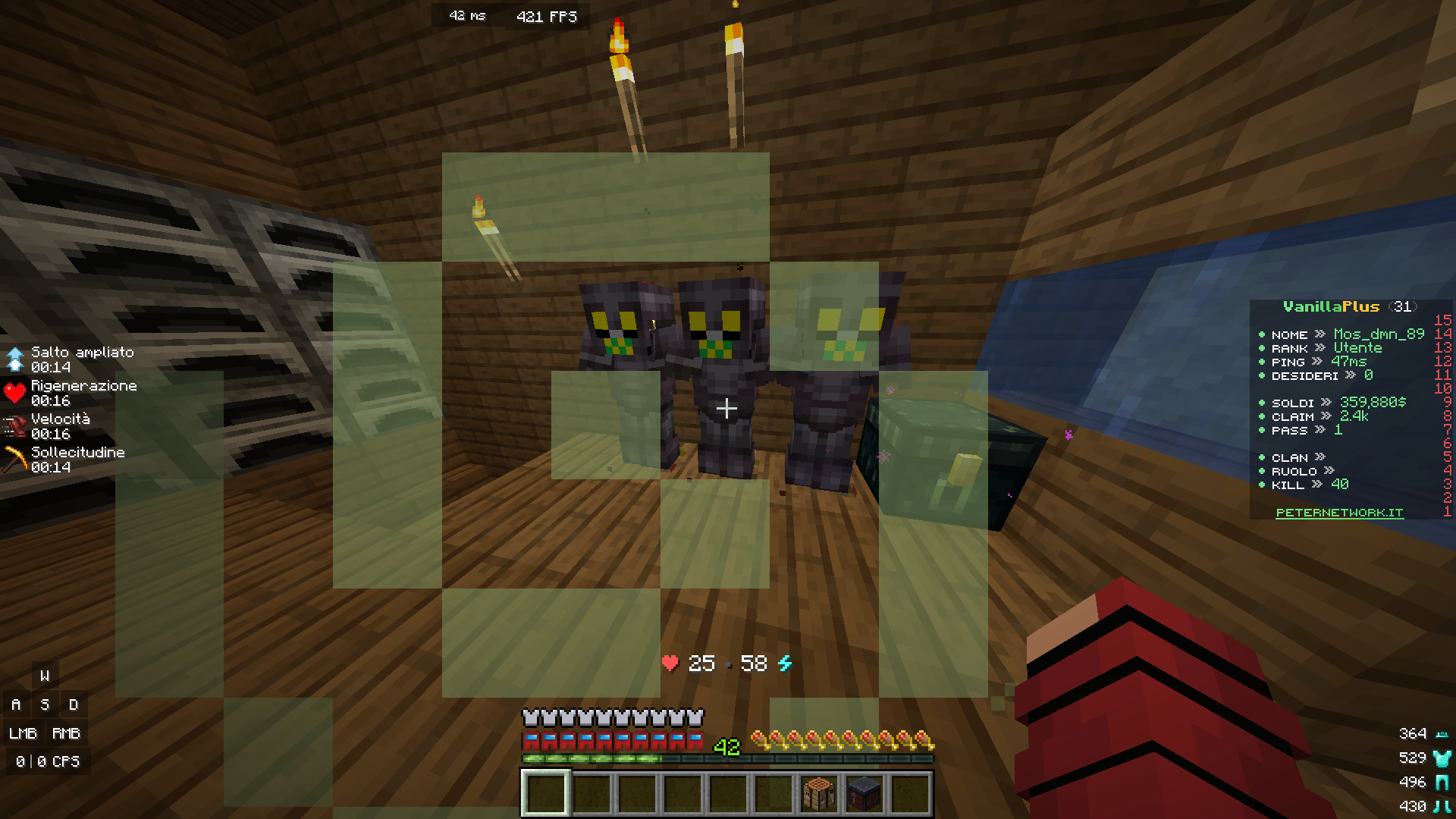
It adds custom Many things and customized Gui i

give Credit To BetterVanillaTexure i Picked Some of Their texure and the optifine thing

I recommend Optifine but you can use it without too

---------------------------------------------------------------------------------------------------------------------------------------------------------

Ciao Questa e A texure pack che ho creato per i miei server e voglio condividerlo con tutti

È pieno di "easter eggs" segreti

Aggiornerò la trama più frequentemente

Aggiunge Tante cose e Gui personalizzati

Do credito a BetterVanillaTexure, ho scelto alcune delle loro texture e la cosa optifine

Raccomando Optifine ma puoi usarlo anche senza

1.6Newer
MC 1.19.3, 1.20.2, 1.19.4-Snapshot, 1.20.5, 1.20.2-Snapshot, 1.20.5-Snapshot, 1.19.4, 1.19-Snapshot, 1.19.2, 1.20.3-Snapshot, 1.20.3, 1.20.1, 1.20, 1.20.6, 1.19.1, 1.20.4
Release 2024-06-12 Get
1.6 (BACK)
MC 1.20.4
Beta 2024-02-02 Get
Mystic1.5
MC 1.20.1, 1.20, 1.20-Snapshot
Release 2023-07-13 Get
Mystic1.5Fixed
MC 1.20.1, 1.20, 1.20-Snapshot
Release 2023-07-13 Get
§L§4MosVanilla §1Texure§4 1.3 §7 TESTERMODE.zip
MC 1.19.3, 1.19.4-Snapshot, 1.19.4, 1.19-Snapshot, 1.19.2, 1.20.1, 1.20, 1.19.1, 1.20-Snapshot, 1.19, 1.19.3-Snapshot
Release 2023-07-12 Get

Requirements & install

How to use this resource pack in Minecraft
Resolution
16x
Minecraft
1.20.2-Snapshot – 1.20.6
Install folder
.minecraft/resourcepacks

How to install resource packs

  1. Download the resource pack .zip file (do not extract it).
  2. In Minecraft open Options → Resource Packs → Open Pack Folder.
  3. Drop the .zip into the resourcepacks folder (.minecraft/resourcepacks).
  4. Move the pack to the Selected column and click Done.
Browse more: 16x resource packs 32x resource packs 64x resource packs 128x resource packs 256x resource packs 512x+ resource packs Resource Packs for 1.20.6 All resource packs
Advertisement Remove ads with Premium →

You Might Also Like